Powerpresent AI
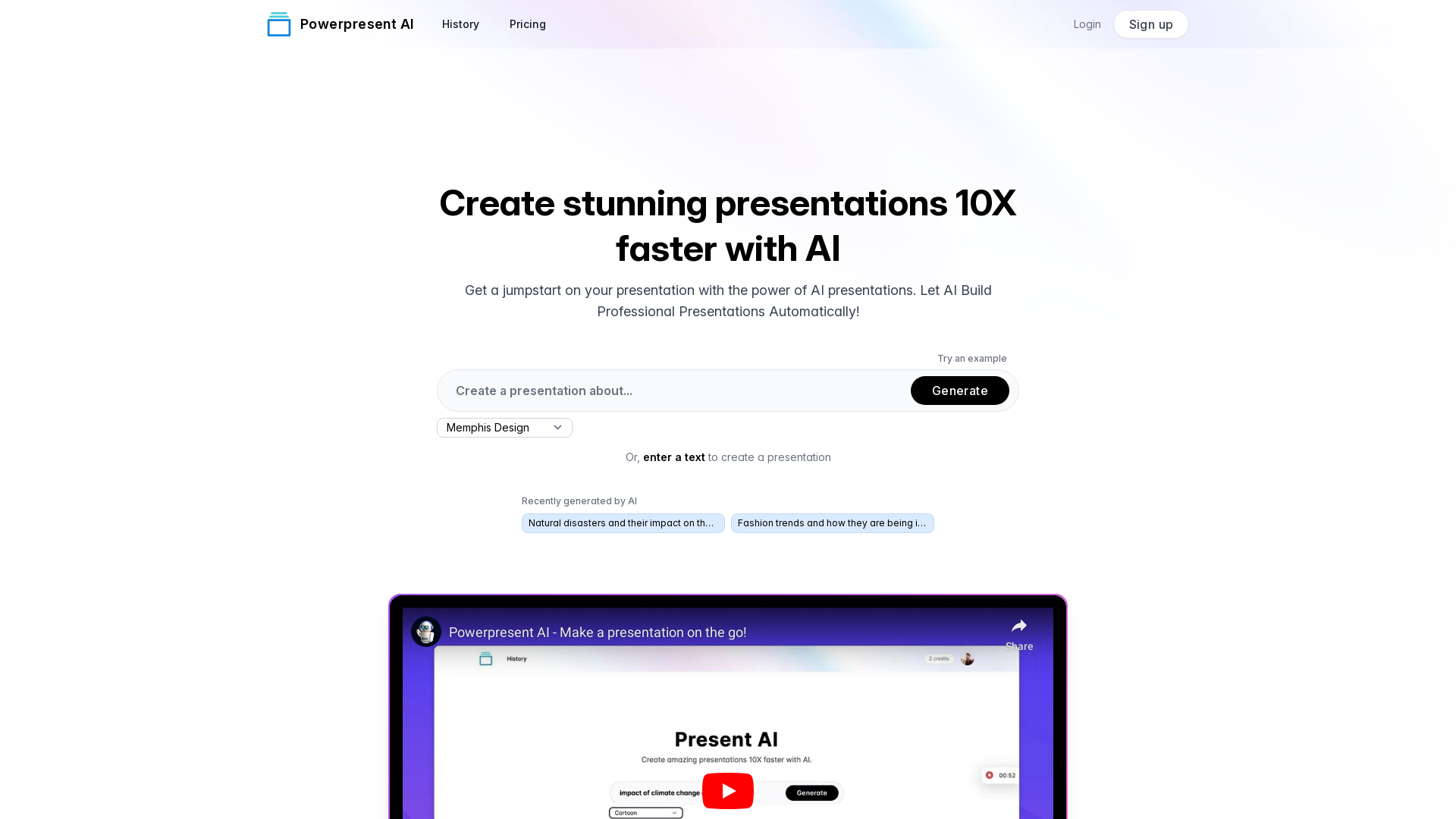
Create amazing presentations 10x faster with AI. Just enter a topic or some text and let Present AI do the rest.
What is Powerpresent AI?
Powerpresent AI is an innovative platform that harnesses the power of artificial intelligence to streamline the presentation creation process. This cutting-edge tool enables users to create visually stunning presentations up to 10 times faster than traditional methods, making it perfect for professionals, educators, and students alike. By simply inputting a topic or text, the AI automatically designs a polished presentation that is ready for export to Google Slides or download as a PPTX file.
What are the main features of Powerpresent AI?
- Quick and Easy Creation
- Generate professional presentations in a fraction of the time without the need for design expertise.
- Customizable Designs
- Choose from various art styles, including Low Poly, Cyberpunk, Surrealism, Anime, and more to enhance the visual appeal of your presentations.
- Seamless Editing
- Export your AI-generated presentations to Google Slides or download them in PPTX format for further customization.
- AI-Powered Insights
- Benefit from AI that not only designs but also suggests content based on input topics, ensuring relevant and impactful presentations.
How to use Powerpresent AI?
Using Powerpresent AI is straightforward:
- Sign up for an account on the platform.
- Enter the topic or text for your desired presentation.
- Select from various artistic styles to give your presentation a unique touch.
- Let the AI generate your presentation automatically.
- Review and make any necessary edits before exporting to Google Slides or downloading the final PPTX file.
Pricing
Powerpresent AI offers a flexible pricing model that caters to different users’ needs. Users can purchase credits for generating presentations or explore subscription options for more frequent use. Check the website for the most current pricing details and options.
Helpful Tips
- Start with a Clear Idea
- Instead of a broad topic, input specific themes or key points to help the AI create a focused presentation.
- Experiment with Styles
- Don’t hesitate to try various art styles to see which one resonates best with your intended audience.
- Use the Export Feature
- Always export your presentation to review the formatting and make any adjustments as needed before presenting.
- Utilize AI Insights
- Take advantage of the AI’s suggestions to enrich your presentation content.
Frequently Asked Questions
Can anyone use Powerpresent AI?
Yes, Powerpresent AI is designed for anyone—students, professionals, and educators—who wants to create impactful presentations quickly.
Do I need design skills to use Powerpresent AI?
No, you don’t need any design skills. The platform automates the design process, allowing users to focus solely on content.
How many presentations can I create with the free version?
The number of presentations you can create may vary based on the pricing model. Check the website for specific limits and options available.
Is my data safe with Powerpresent AI?
Yes, Powerpresent AI prioritizes user privacy and data security. All user data is protected and not shared without consent.
When should I consider purchasing credits?
If you find yourself needing to create presentations frequently or if you have specific requirements that surpass the free tier, purchasing credits can be beneficial.
Powerpresent AI
Create amazing presentations 10x faster with AI. Just enter a topic or some text and let Present AI do the rest.
 Cloudflare
 Google Analytics
 Google Font API
 Google Hosted Libraries
 Google Tag Manager
 HTTP/3
 Webflow
 jQuery:3.5.1
Free AI anime and manga generator. Turn text into anime episodes, manga, comics, webtoons and comic shorts in any art style — no drawing or animation skills needed.
Translate image text across 70+ languages with our advanced AI Image Translator to help you better expand your products globally to various countries
Advertised Here
Reach thousands of visitors daily. Get your spot now!
Tools similar to Powerpresent AI
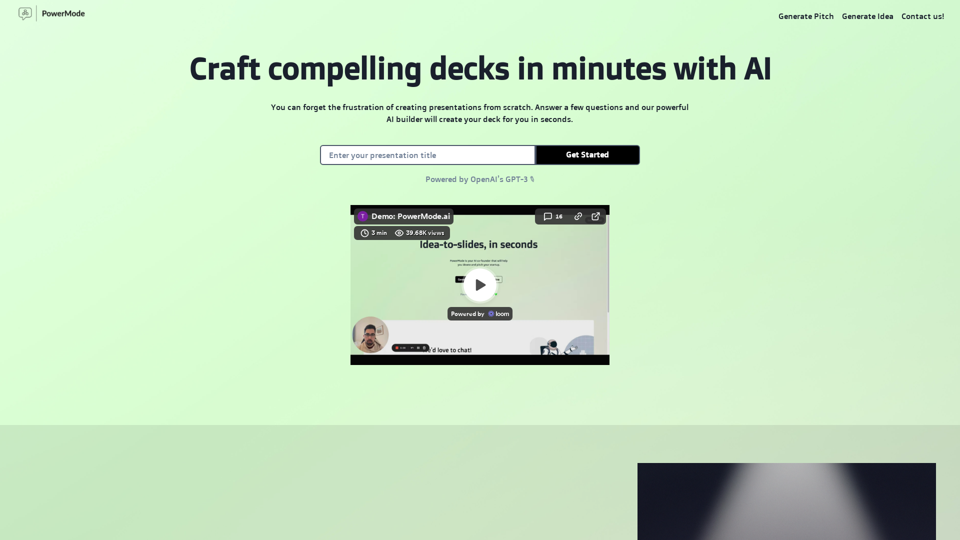
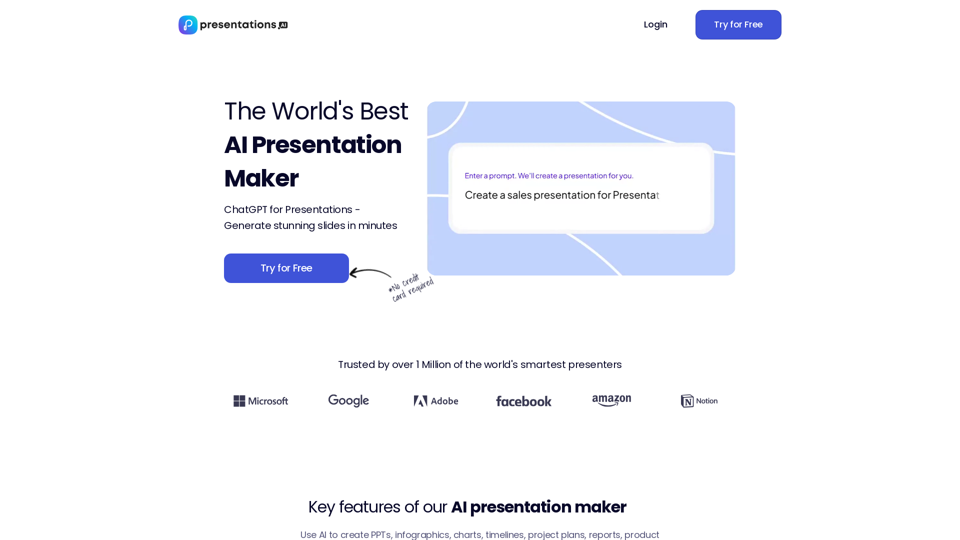
Use AI to transform ideas into captivating presentations in seconds. Ideal for businesses, educators, and personal projects. Start now - it's free!
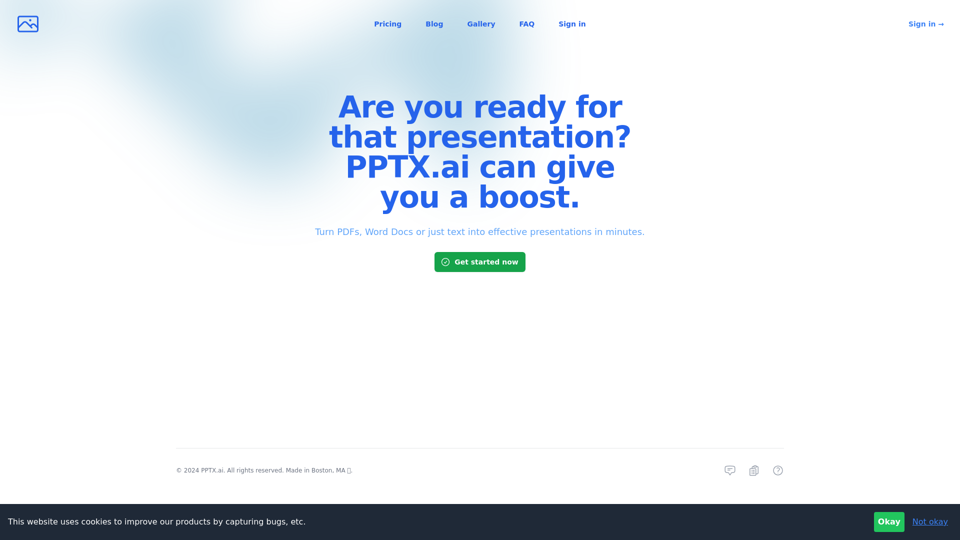
Get a running headstart with AI-powered presentations
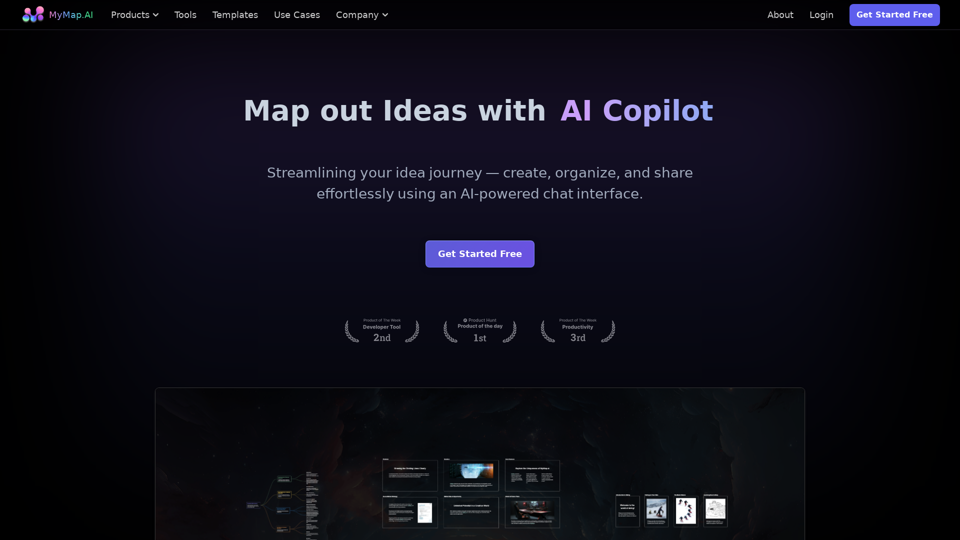
MyMap turns your text ideas into visuals like mind maps and presentations through a simple chat interface. Ideal for students, teachers, and professionals with no design skills required. It’s your time-saving tool for easy, collaborative visual creation
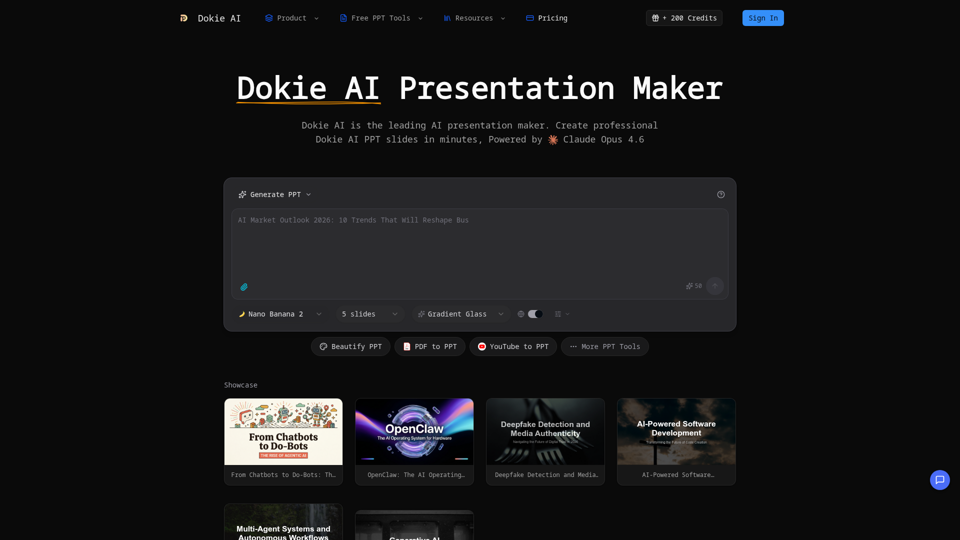
Create professional Dokie AI presentations in minutes. Dokie AI PPT generator transforms your ideas into polished slides with intelligent automation.
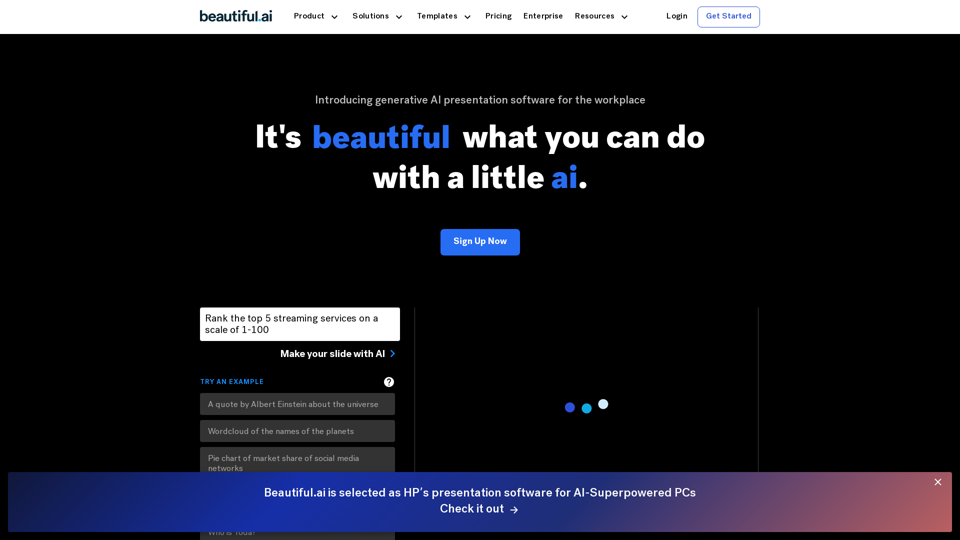
Beautiful.ai is the best AI-powered presentation software for teams. Stay on brand, level up and automate presentation design, and collaborate from anywhere.
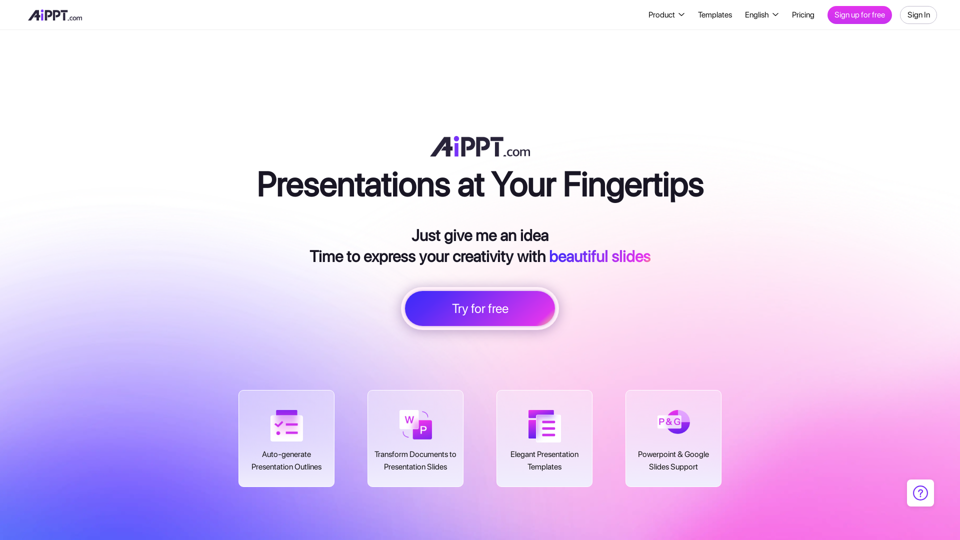
With our Design AI , every one of your PowerPoint & Slides will look professionally designed instantly. Start Your Free Trial !
Fabrie: Designer's ultimate hub. Whiteboard, notes, mind maps, tables - collaborate effortlessly. AI-backed, from concept to archive.