Process Street
Process Street is the Compliance Operations Platform that turns your policies into automated, AI-enforced workflows. Prove every step, pass every audit, and scale without chaos.
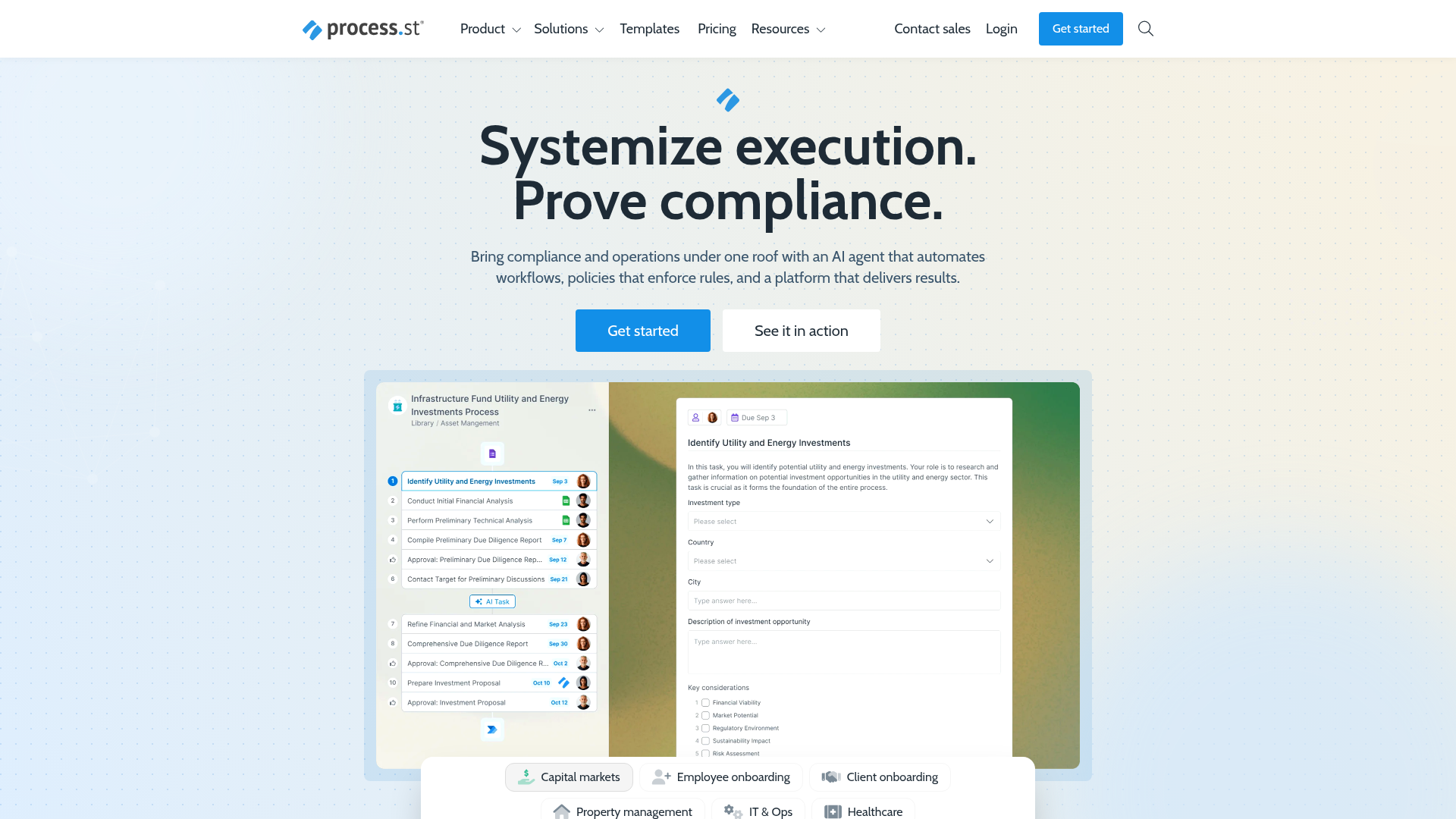
What is Process Street?
Process Street is a comprehensive, AI-powered compliance operations platform designed to help businesses systemize execution and prove compliance. It serves as a centralized hub for automating business processes, enforcing company policies, and generating audit-ready proof. The platform combines workflow automation with policy management to bring consistency, efficiency, and accountability to any repeatable process, particularly in regulated environments like financial services, healthcare, manufacturing, and real estate.
What are the Main Features of Process Street?
The platform's power lies in its integrated suite of features designed to conquer operational complexity:
- AI-Enforced Workflow Automation (Ops)
- Transform static policies and SOPs into dynamic, AI-powered checklists and workflows. This ensures every step of a process is followed correctly, from simple recurring tasks to complex business-critical operations, eliminating errors and inconsistency.
- Centralized Policy Management (Docs)
- Gain full governance over compliance documentation. Centralize and manage policies for standards like ISO 9001, SOC 2, SOX, and FDA requirements in one searchable, living system instead of scattered static documents.
- AI Compliance Agent (Cora)
- This is a standout feature where AI actively monitors regulations, automates compliance work, and surfaces risks 24/7. Cora works proactively to flag gaps before they become costly audit findings.
- Operational Visibility & Accountability
- Gain real-time visibility into task statuses and workflow performance across your organization. Assign responsibility, track progress live, and quickly resolve bottlenecks.
- Extensive Integration & Templates
- The platform connects with tools like Salesforce, Slack, and others. It also offers a vast library of pre-built templates for common processes like Employee Onboarding, Client Onboarding, IT Operations, and Asset Management, allowing for rapid deployment.
- Audit-Ready Proof Generation
- Every action taken within a Process Street workflow is automatically logged and documented, creating an immutable record that simplifies compliance audits and proves procedures were followed.
How to Use Process Street?
Using Process Street involves a structured approach to digitizing and automating your operations:
- Centralize Your Documentation: Begin by uploading or creating your company policies, SOPs, and control frameworks into the ### Docs module. This creates your single source of truth.
- Build or Generate Workflows: Turn those documented procedures into executable workflows in the ### Ops module. You can build them manually using a drag-and-drop editor or use the AI workflow generator to create a draft in seconds from a simple prompt.
- Assign and Run Processes: Launch workflows for specific instances (e.g., "Q3 Security Audit" or "Onboarding for Jane Doe"). Assign tasks to team members, set deadlines, and add approval steps.
- Monitor and Manage in Real-Time: Use the dashboard to track all running workflows. See which tasks are completed, pending, or overdue, and drill down into details for full accountability.
- Enforce Compliance with Cora: Activate the ### Cora AI agent to continuously scan your workflows and data against regulatory requirements. Let it automate evidence collection and alert you to any deviations or emerging risks.
- Generate Audit Reports: When an audit occurs, use the platform's reporting tools to instantly pull proof of compliance, showing completed checklists, signed approvals, and timestamps for every process step.
What is the Price of Process Street?
Process Street typically operates on a subscription-based pricing model, though specific current plans and prices should be checked directly on their website as they can change. Plans are usually tiered based on the number of users (seats), the volume of workflow runs, and access to advanced features like the Cora AI agent, advanced integrations, and premium support. They offer a free trial for new users to explore the platform's core capabilities, and enterprise-level pricing is available for large organizations with complex needs.
Helpful Tips for Using Process Street
- Start with a Pain Point
- Don't try to automate everything at once. Begin with one notoriously messy, high-error, or audit-critical process (like employee offboarding or a monthly financial checklist) to demonstrate quick value.
- Leverage the Template Library
- Before building from scratch, explore the extensive template library. You can find industry-specific and function-specific templates that can be customized to fit your exact needs, saving significant setup time.
- Utilize Conditional Logic
- Make your workflows smart. Use conditional logic to show or hide certain tasks based on previous answers (e.g., if an employee is remote, show tasks about shipping equipment; if not, hide them).
- Integrate Your Tech Stack
- Connect Process Street with your existing CRM (like Salesforce), communication tools (like Slack), and other software. This creates seamless data flow and eliminates manual copy-pasting between systems.
- Train Your Team on the "Why"
- Adoption is key. Ensure your team understands why using the platform is important—for reducing their repetitive work, preventing errors, and protecting the company—not just that it's another tool to log into.
Frequently Asked Questions about Process Street
What kind of companies use Process Street?
Process Street is trusted by over 3,000 companies of all sizes, including large enterprises like Salesforce, Cisco, Colliers, and the Government of Canada, as well as SMBs across various highly-regulated industries.
Can Process Street handle complex, multi-departmental workflows?
Absolutely. The platform is designed for cross-functional collaboration. You can create workflows that span multiple departments, with tasks, approvals, and handoffs clearly defined and tracked in one place.
How does the AI feature (Cora) actually work?
Cora acts as an intelligent monitoring system. It can be configured to understand your specific compliance requirements, then it scans workflow data, checks for completion of mandatory steps, verifies approvals, and can even analyze text in uploaded documents to flag potential non-conformities.
Is my data secure on Process Street?
Yes. Process Street is built with security and compliance in mind, adhering to standards like SOC 2. They employ enterprise-grade security practices to protect your data. You retain ownership of all your data uploaded into the platform.
Does Process Street replace my document storage (like Google Drive or SharePoint)?
Not exactly. It complements them. While you can store policy documents in Docs, its strength is turning those static documents into executable, trackable, and enforceable processes. It brings your documents to life rather than simply archiving them.
What if we need help setting up our processes?
Process Street offers various levels of support, including detailed help documentation, webinars, and email support. They also have premium support tiers and professional services for organizations needing hands-on implementation guidance.
Process Street
Process Street is the Compliance Operations Platform that turns your policies into automated, AI-enforced workflows. Prove every step, pass every audit, and scale without chaos.
 All in One SEO:pro 4.9.5.2
 Cloudflare
 Font Awesome
 Google Tag Manager
 HTTP/3
 MySQL
MySQL PHP
PHP Swiper
 WP Rocket
 WordPress
 jQuery
Free AI anime and manga generator. Turn text into anime episodes, manga, comics, webtoons and comic shorts in any art style — no drawing or animation skills needed.
Translate image text across 70+ languages with our advanced AI Image Translator to help you better expand your products globally to various countries
Advertised Here
Reach thousands of visitors daily. Get your spot now!
Tools similar to Process Street
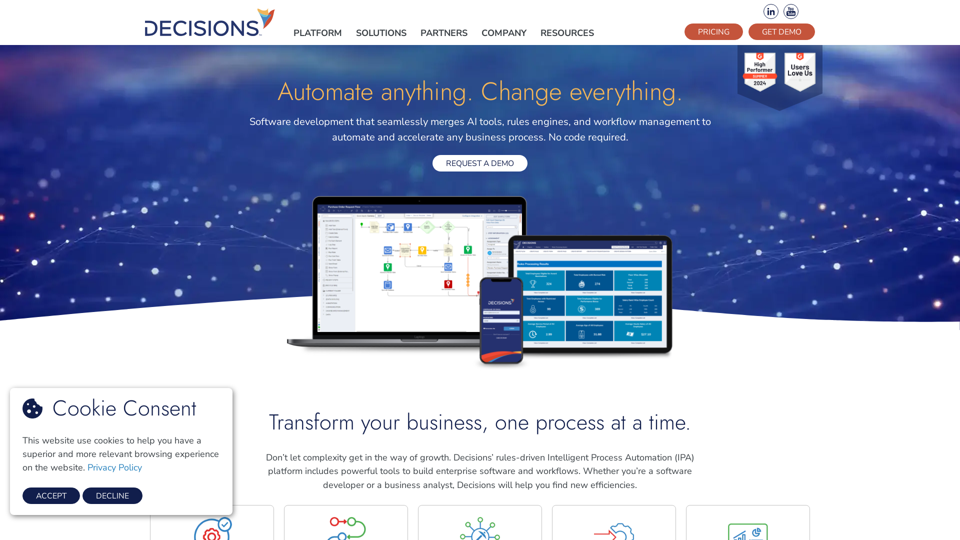
Build software that moves beyond rules engines and workflow management to improve and accelerate any business process. No code required.
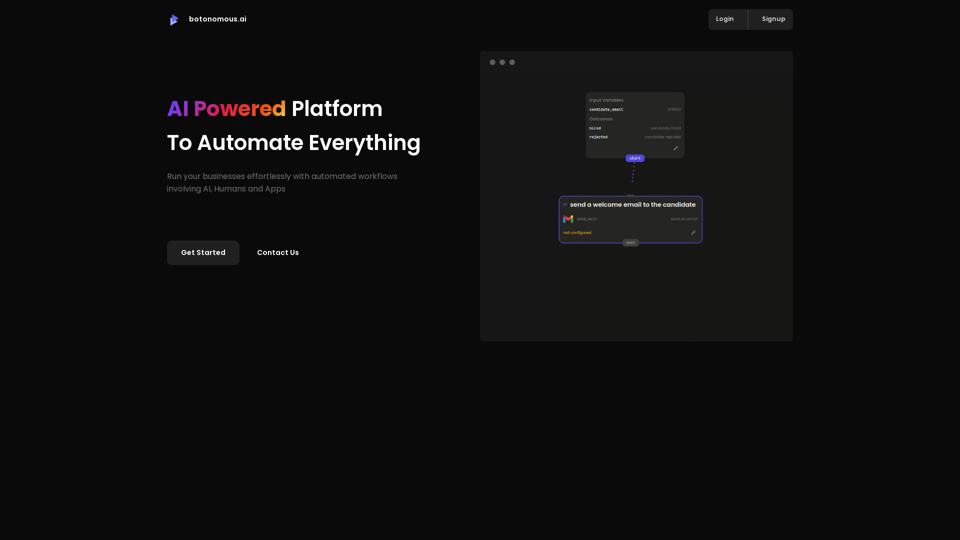
Next-Gen platform to build autonomous flows with AI, apps and humans
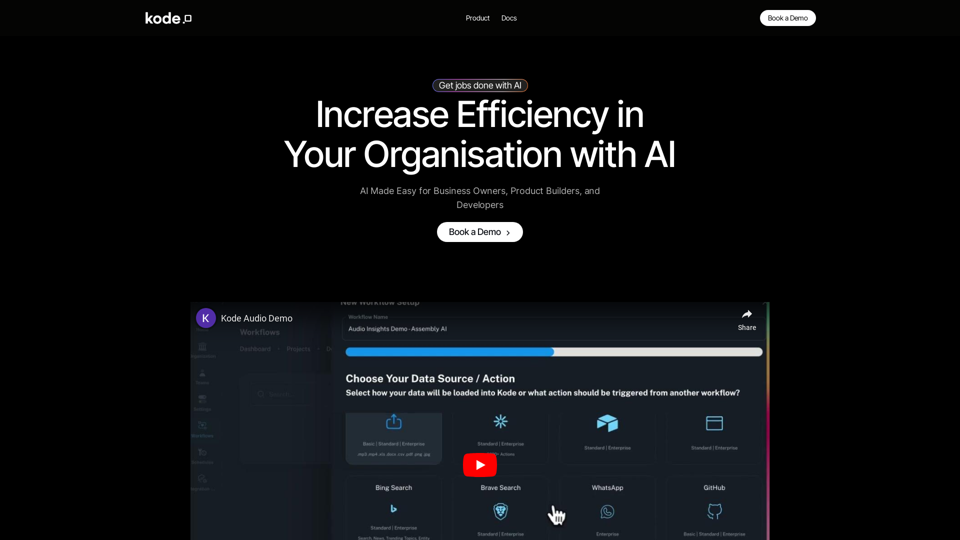
Kode AI revolutionises business workflows with a no-code AI automation platform. Streamline operations, boost productivity, and seamlessly integrate AI with over 200 tools, all without coding skills. Elevate efficiency and innovation effortlessly with Kode AI.
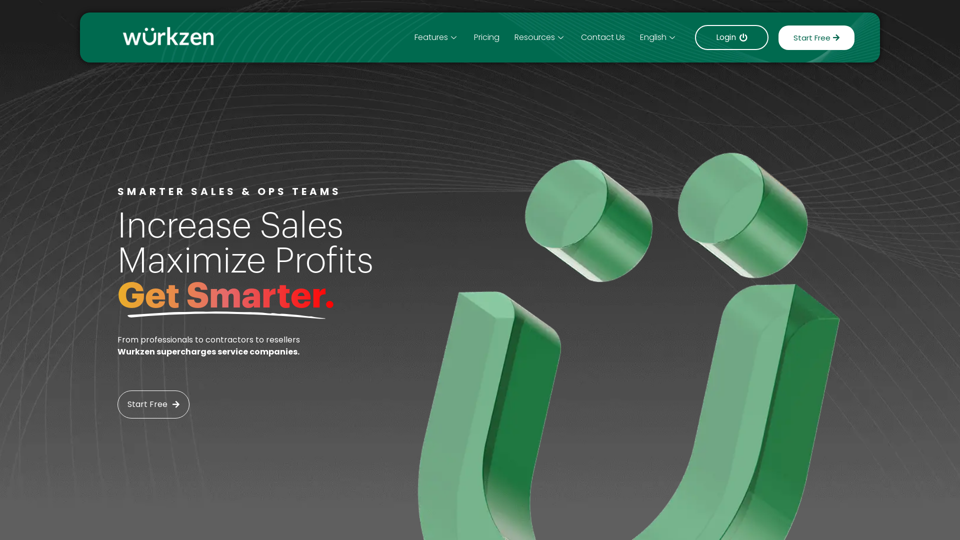
Improve sales, maximize profits and get smarter with AI-powered Revenue Performance CRM & Project Software. Experience the difference today.
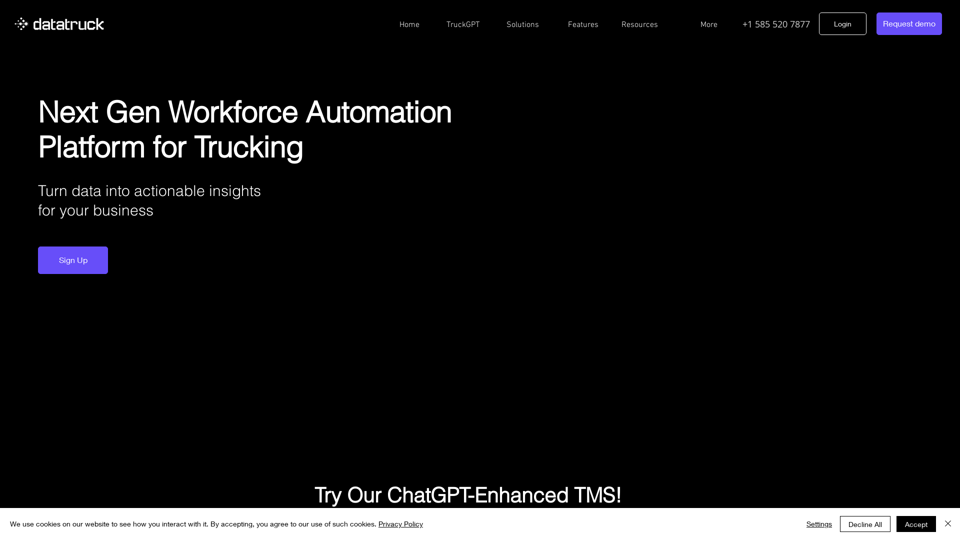
DataTruck is workforce automation platform for trucking companies with a focus on actionable data insights for business owners
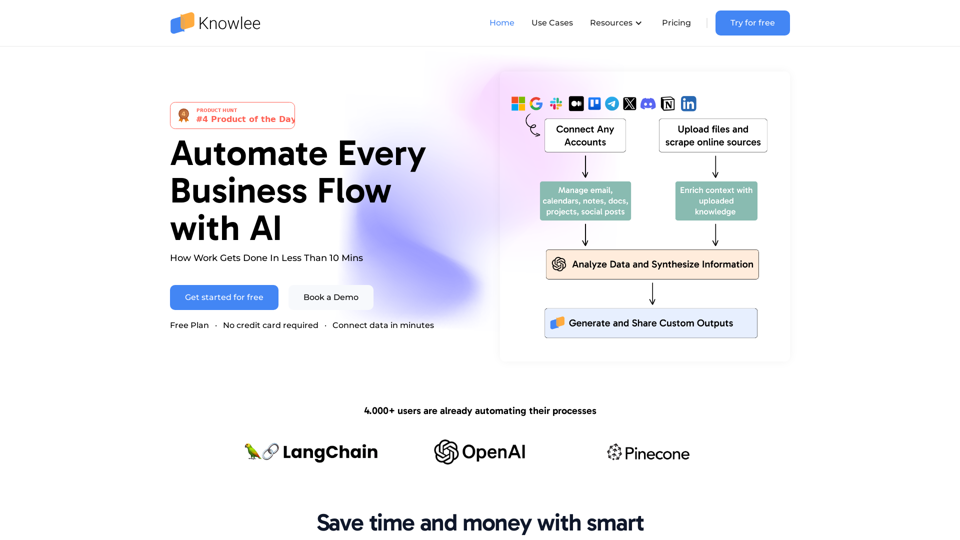
Transform your business data into intelligent AI assistants with Knowlee. Build custom AI teams to automate processes and streamline operations.