Ritto
Show a real workflow once. Ritto learns the path and saves a reviewable Task you can Run again—for recruiting, outreach, and repeated work. Join beta updates.
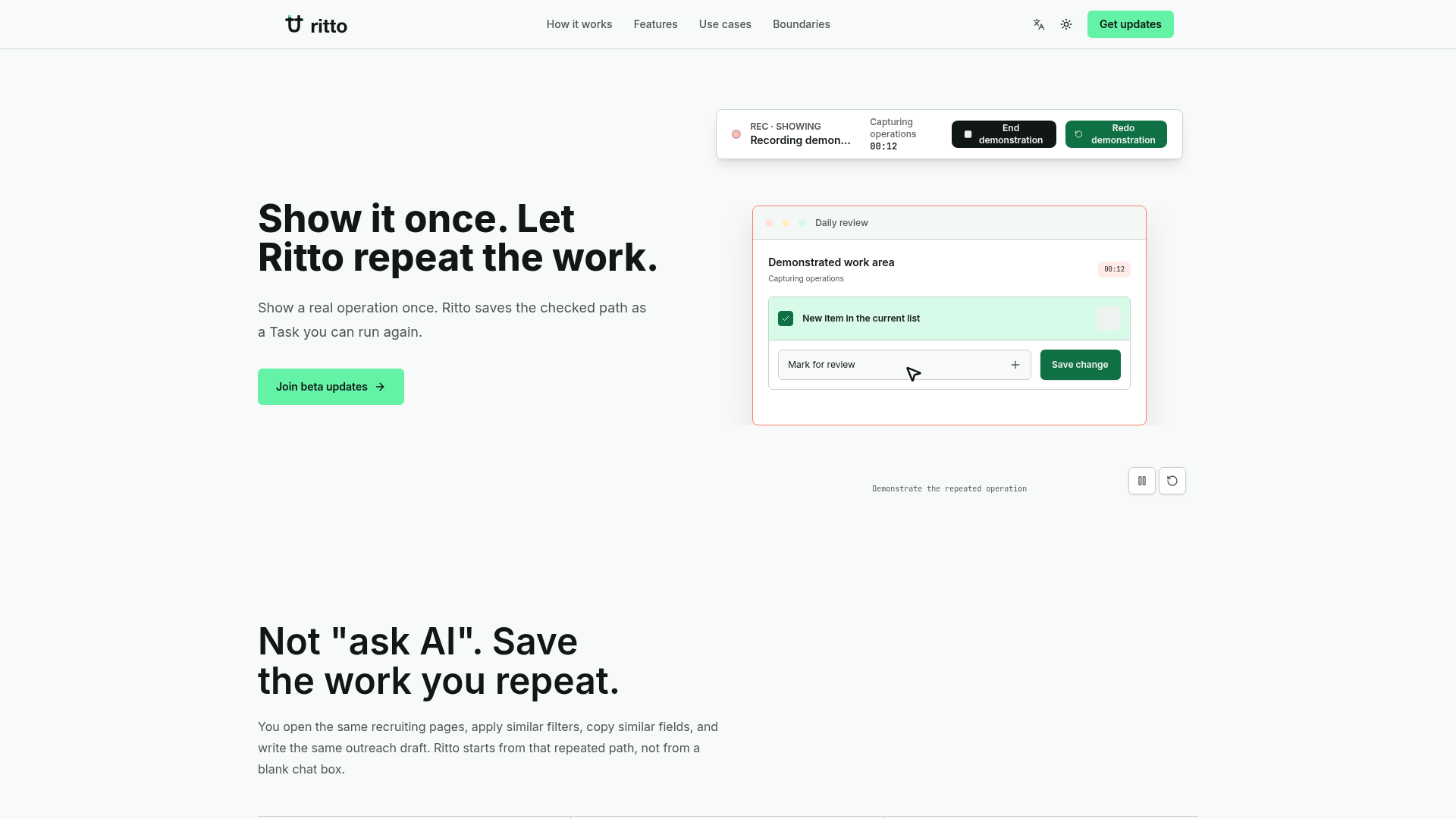
What is Ritto.ai?
Ritto.ai is an intelligent workflow automation platform designed to capture and replicate your repetitive digital tasks through a single demonstration. Instead of relying on complex programming or AI chatbots that require constant prompting, Ritto learns by watching you perform a task once. It saves the sequence of actions—the path you take through web pages, applications, and data—as a reusable "Task." This approach is ideal for structured, repetitive work in areas like recruiting, sales outreach, and data management, where you perform the same steps daily but need human judgment for key decisions.
What are the main features of Ritto.ai?
Ritto.ai is built on a principle of trust through clarity and control, not just automation. Its core features include:
- Show-Once Learning
- Demonstrate your workflow naturally one time. Ritto captures the page navigation, clicks, and data interactions to learn the repeatable path.
- Preflight Review & Trust
- Before every automated run, Ritto presents a clear "preflight check." You review the exact scope (which pages it will touch), identified risks, and the readiness of required "Skill packs" (its pre-built action modules).
- Reusable Task Library
- Every captured demonstration is saved as a named Task in "My Tasks." You can run, review, and re-run these tasks anytime without re-teaching the process.
- Human-in-the-Loop Automation
- Ritto is designed to pause for your judgment. It flags uncertainties, missing information, or high-risk steps (like sending a message) and waits for your confirmation, ensuring you remain in control.
- Clear Scenario-Based Fit
- The platform is tailored for specific, high-volume repeat-work scenarios—such as candidate screening, personalized outreach, and order audits—rather than being an open-ended "do anything" AI agent.
How to use Ritto.ai?
Using Ritto involves a simple cycle of demonstration, clarification, and execution:
- Demonstrate: Perform your task as you normally would. For example, open your recruiting dashboard, apply filters, review candidate profiles, and copy data into your spreadsheet. Ritto records this path.
- Clarify: Ritto will ask a few questions to clarify any ambiguous steps or rules it learned from your demo, such as "What defines a role mismatch?"
- Review & Setup: For the first run, you conduct a "Daily Review." You confirm the Task's scope, set pause rules for risks (e.g., "pause if contact email is missing"), and verify that the necessary Skill packs are ready.
- Save & Run: Save this configured workflow as a Task (e.g., "Daily Candidate Scan"). The next time you need to perform this work, you simply open the Task, review any changes or differences, and click "Run." Ritto will execute the steps, pausing only where you've instructed it to wait for your input.
Price of Ritto.ai
Ritto.ai is currently in a beta phase. The provided website material does not list specific subscription plans or pricing details. It focuses on gathering users for its beta program. Interested users can join the beta waitlist to receive updates on product progress and, presumably, future pricing information upon broader release. You can subscribe for updates via the form on their website.
Helpful Tips for Using Ritto.ai
- Start with a Clear, Repetitive Task
- Ritto works best for well-defined processes you do frequently. Ideal first tasks include screening new job applications daily or compiling a sales lead list from a specific source.
- Demonstrate a Clean Example
- When showing your workflow, use a typical, unambiguous case. This helps Ritto learn the ideal path more accurately.
- Define Clear Pause Rules
- During setup, be specific about what should trigger a review. For example, "Pause if the candidate's location is not in the approved list" or "Pause before sending any email."
- Leverage the Preflight Check
- Always review the scope and risk assessment before running a Task. This is your safety net to ensure Ritto operates within expected boundaries.
- Use Scenarios as a Guide
- The described scenarios (Recruiting, Outreach, Commerce Admin) are the sweet spots for the platform. If your work closely matches these, Ritto is likely a great fit.
Frequently Asked Questions (FAQs)
What kind of work is Ritto.ai best for?
Ritto excels at automating repetitive, GUI-based tasks with a clear goal and reviewable output. Perfect examples are reviewing 20-60 resumes daily, performing consistent outreach to new leads, or auditing e-commerce order exceptions. It is not designed for creative, one-off tasks or strategic decision-making.
How is Ritto different from other automation tools or AI chatbots?
Unlike traditional RPA or macro tools, you don't need to build workflows on a canvas or write code. Unlike AI chatbots (e.g., "ask AI"), you don't have to describe the task in words for every session. Ritto learns by observing your direct actions once and saves that specific path for reuse, with built-in checkpoints for your oversight.
Can Ritto make decisions or send messages on its own?
No. A core boundary of Ritto is that it does not make final judgments. It is designed to automate the repetitive path and data collection, but high-risk or uncertain actions—like deciding who to hire, evaluating a candidate, or sending a communication—will always pause for your confirmation.
What are "Skill packs"?
Skill packs are Ritto's pre-built, reliable modules for common actions like reading data from a web page, writing to a Google Sheet, or drafting a message. You don't configure these; you simply confirm they are ready for use in your Task during the preflight check.
Is my data safe? Will Ritto use my demonstrations for training?
The website emphasizes earning user trust. While a specific privacy policy is not detailed in the provided text, the focus on user control and the ability to review every action suggests a privacy-conscious design. For precise data usage details, contacting the beta team would be recommended.
How do I get access to Ritto.ai?
Ritto is in beta. You cannot download or sign up instantly. The primary call-to-action on the site is to join the beta updates list by submitting your email. This will notify you of beta progress and potential future access opportunities.
Ritto
Show a real workflow once. Ritto learns the path and saves a reviewable Task you can Run again—for recruiting, outreach, and repeated work. Join beta updates.
 Cloudflare
 HTTP/3
Free AI anime and manga generator. Turn text into anime episodes, manga, comics, webtoons and comic shorts in any art style — no drawing or animation skills needed.
Translate image text across 70+ languages with our advanced AI Image Translator to help you better expand your products globally to various countries
Advertised Here
Reach thousands of visitors daily. Get your spot now!
Tools similar to Ritto
Got a manual task? Record yourself doing it ONCE, and never do it again.
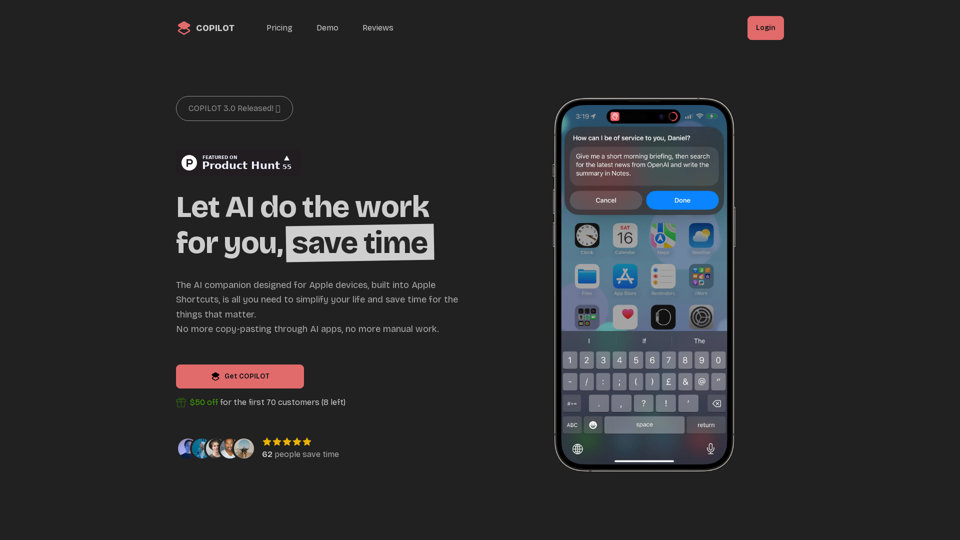
Automate your life with AI, and save time to focus on what matters to you
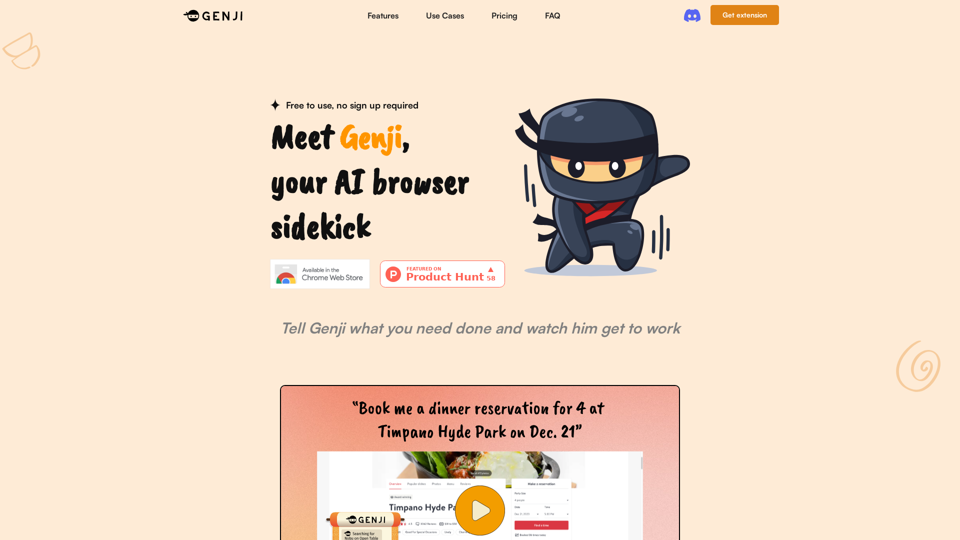

Aphid is an automation workforce economy that eliminates manual labor utilizing AI agents to work for you.
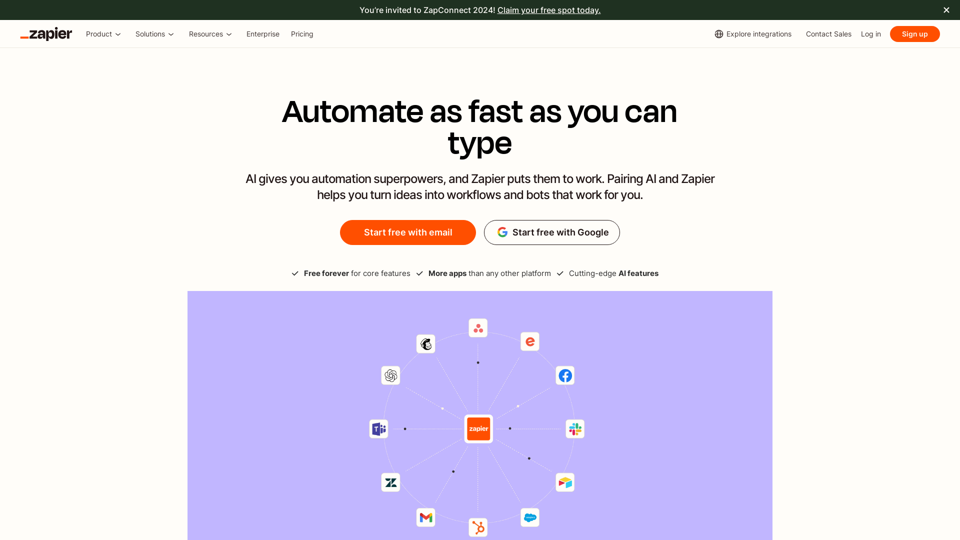
Workflow automation software for everyone. Zapier automates your work across 7,000+ app integrations, so you can focus on what matters.
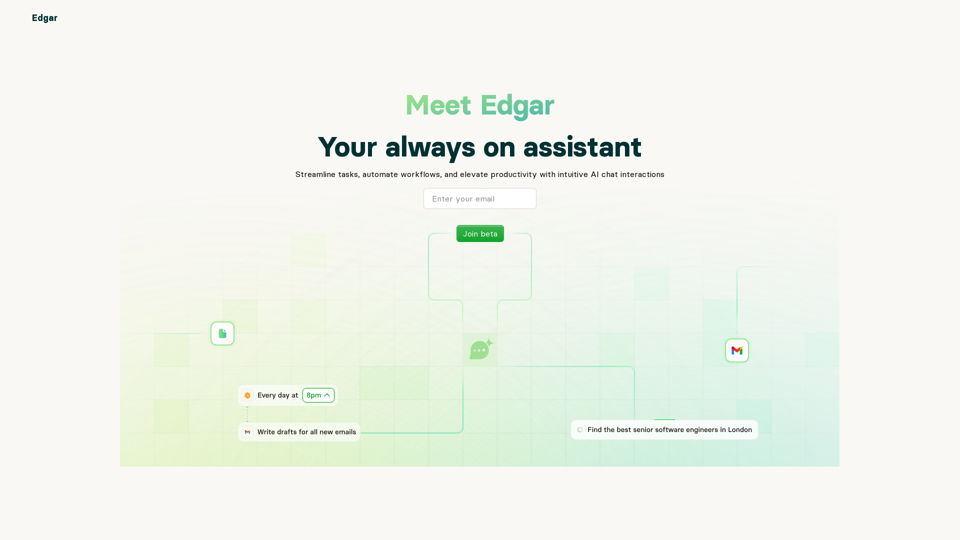
Edgar is your AI personal assistant that helps you manage your tasks, meetings, and more.
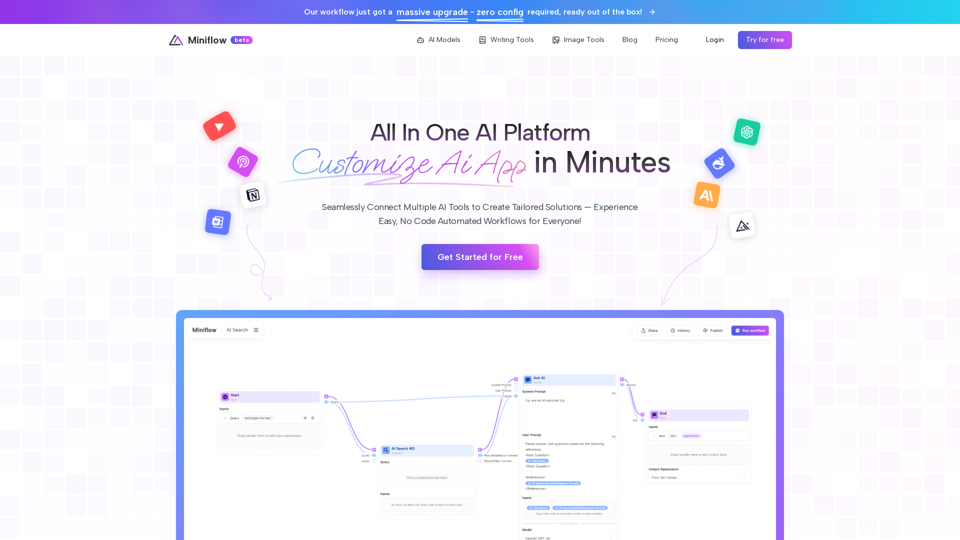
Seamlessly Connect Multiple AI Tools to Create Tailored Solutions—Experience Easy, No Code Automated Workflows for Everyone!
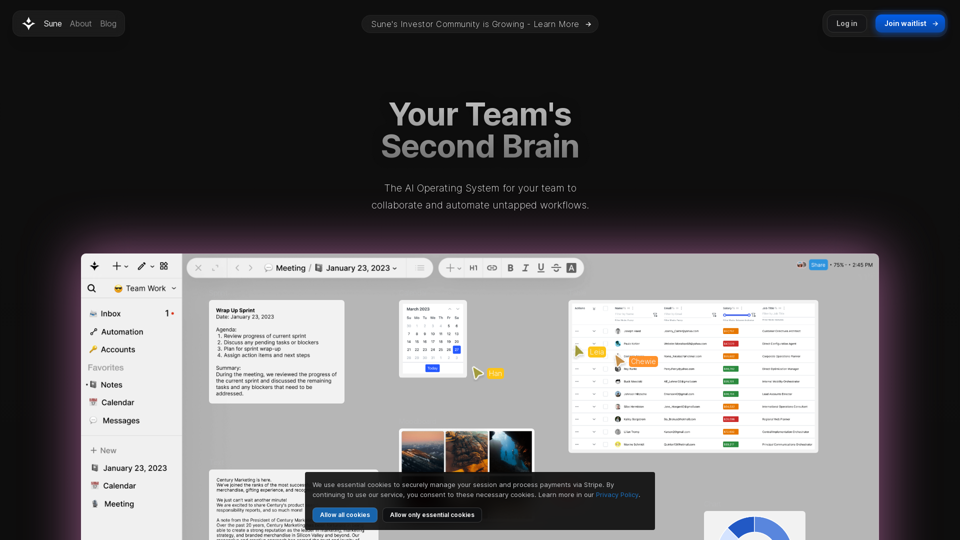
The AI OS for your team to collaborate and automate untapped workflows. Bring your docs, sheets, projects, and tasks to life in the the productivity AI OS. Bring your data and automations into the same space.