AI Exporter Official
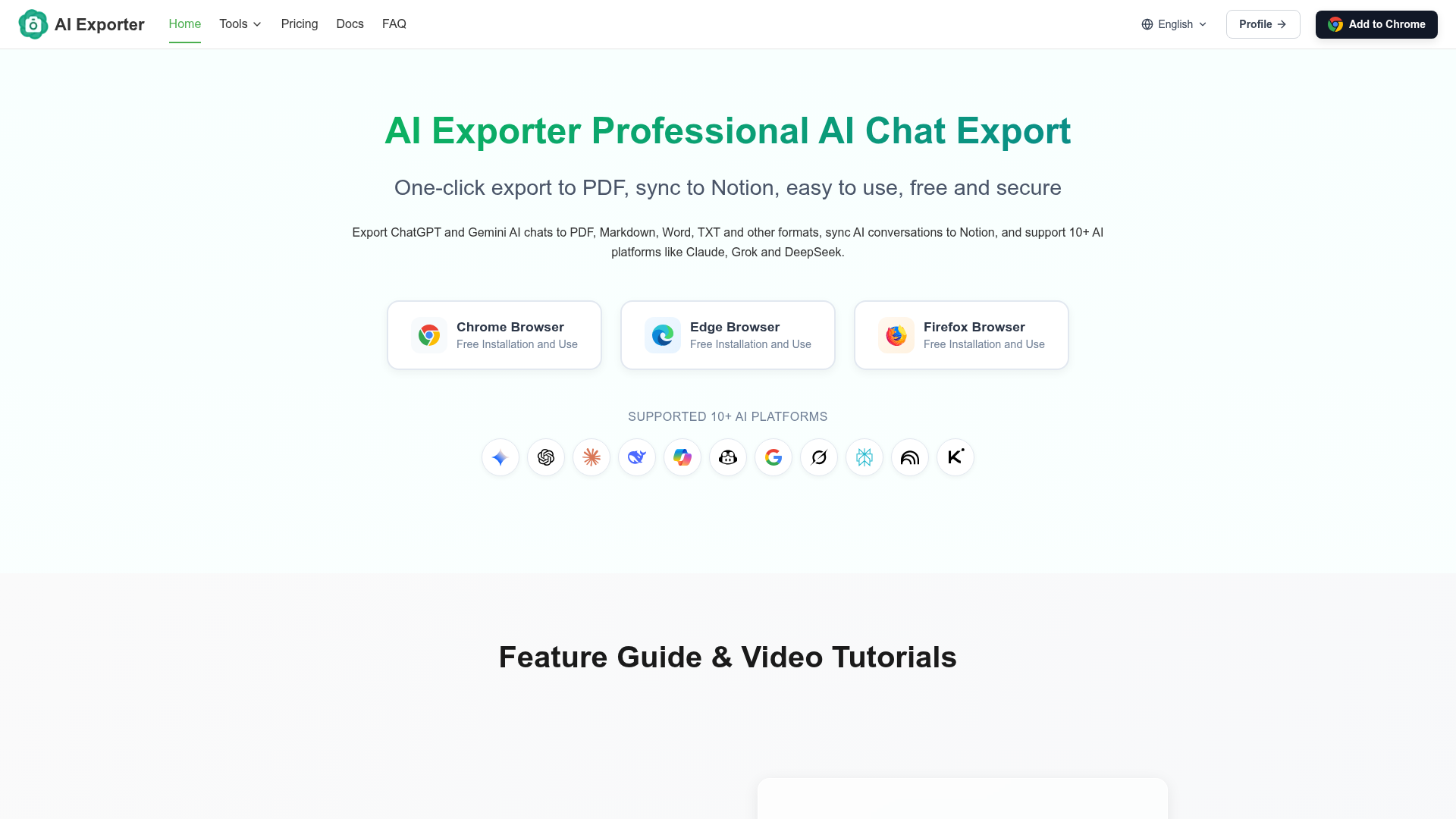
AI Exporter is a professional browser extension for exporting AI chats to PDF, Markdown, images, TXT, and Notion. Simple, secure, and built for daily AI workflows.
What is AI Exporter?
AI Exporter is a professional and free browser extension designed to seamlessly save and manage your AI conversation history. It allows users to export chat logs from over 10 major AI platforms—including ChatGPT, Gemini, Claude, Grok, and DeepSeek—into multiple formats such as PDF, Markdown, Word, TXT, and JSON. A standout feature is its one-click sync capability to Notion, enabling effortless organization of your AI-generated knowledge. The tool prioritizes data privacy, with most processes running locally in your browser to ensure security.
What is the main feature of AI Exporter?
The core strength of AI Exporter lies in its versatility and ease of use for preserving AI interactions.
- Multi-Format Export
- One-click export to PDF, Markdown, Word, TXT, JSON, and images, perfectly preserving complex formatting like code blocks, tables, and mathematical formulas.
- Notion Integration
- Directly sync entire conversations or selected messages to your Notion workspace, creating a streamlined knowledge management system.
- Broad Platform Support
- Works seamlessly with 10+ leading AI platforms such as ChatGPT, Gemini, Claude, Grok, DeepSeek, Copilot, and Perplexity.
- Selective Export
- Offers flexible selection tools, allowing users to export entire conversations or only specific, relevant parts.
- Google Search Export
- Extends functionality to save valuable Google search results and AI overviews for research purposes.
How to use AI Exporter?
Using AI Exporter is a simple, three-step process that works directly in your browser:
- Install the Extension: Visit the Chrome Web Store, Microsoft Edge Add-ons, or Firefox Add-ons page and click "Add to Browser" to install the free AI Exporter extension.
- Navigate to an AI Chat: Open a supported AI platform like ChatGPT or Gemini and start or continue a conversation as you normally would.
- Export or Sync: Look for the AI Exporter icon or menu within the chat interface. Click it to choose your desired export format (PDF, Markdown, Word, etc.) or select the "Sync to Notion" option to send the conversation directly to your linked Notion account.
Can I export chats as PDF?
Absolutely. Exporting chats to PDF is one of AI Exporter's primary and most popular functions. It generates clean, well-formatted PDF documents that maintain the original chat layout, including all visual elements like code syntax highlighting, tables, and formulas. This makes it ideal for creating archival records, generating shareable reports, or compiling research materials from your AI discussions.
How many AI platforms are supported?
AI Exporter currently supports over 10 major AI platforms and is continuously expanding its compatibility. The confirmed list includes ChatGPT, Gemini, Claude, Grok, DeepSeek, Copilot, GitHub Copilot, Google AI Studio, Perplexity, NotebookLM, and Kimi. This extensive support ensures you can manage conversations from virtually all the popular AI tools you use in one unified workflow.
How can I maximize my use of AI Exporter's services?
To get the most out of AI Exporter, leverage its full suite of organization and sharing features:
- Build a Knowledge Base
- Regularly sync important conversations to Notion to create a personal, searchable repository of AI insights and solutions.
- Use Selective Export
- For long chats, use the checkbox selection to export only the most valuable messages, saving time and creating focused documents.
- Experiment with Formats
- Try exporting the same conversation in different formats (e.g., Markdown for editing, PDF for sharing) to see which best suits your needs for each task.
- Utilize Free Features
- The core features, including Markdown, TXT, JSON, and image export, are completely free. Use these for most of your archiving needs.
Will my information be used for training data?
User privacy is a fundamental principle for AI Exporter. Your conversation data is not used for any training purposes. The extension is designed with privacy in mind: most export functions (Markdown, TXT, JSON, image, Notion sync) process data locally in your browser. For server-assisted functions like PDF generation, data is processed transiently and immediately deleted after the file is created, with no permanent storage.
When would I need an AI Exporter subscription?
AI Exporter's core functionality is free. A subscription is primarily beneficial for users with high-volume PDF, Word, or Notion export needs that exceed the generous daily free trial quotas. If you frequently need to generate formal PDF reports from AI chats or sync large volumes of conversations to Notion daily, the subscription offers unlimited access to these premium formats for a low cost, providing greater flexibility and value.
AI Exporter Official
AI Exporter is a professional browser extension for exporting AI chats to PDF, Markdown, images, TXT, and Notion. Simple, secure, and built for daily AI workflows.
 Cloudflare
 HTTP/3
 Next.js
 Node.js
 React
React Webpack
Free AI anime and manga generator. Turn text into anime episodes, manga, comics, webtoons and comic shorts in any art style — no drawing or animation skills needed.
Translate image text across 70+ languages with our advanced AI Image Translator to help you better expand your products globally to various countries
Advertised Here
Reach thousands of visitors daily. Get your spot now!
Tools similar to AI Exporter Official
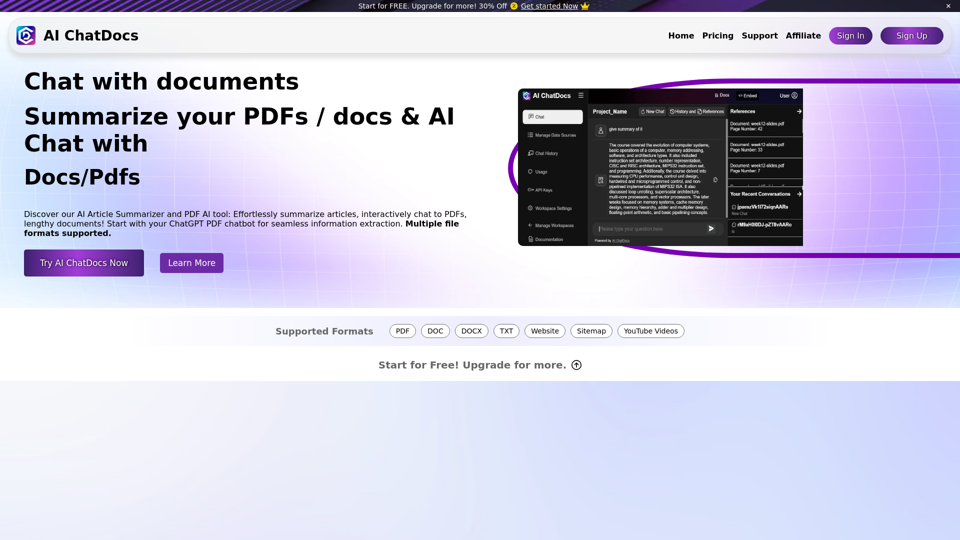
Chat with PDF, Word, TXT, Websites, Sitemaps and YouTube Videos. Chat Pdf easily and summarize lengthy documents with our Pdf chatGPT AI Summarizer in seconds.
The ultimate chat with documents app that allows you chat with any and multiple pdf, markdown and other formats; search, chat or ask questions, get results instantly
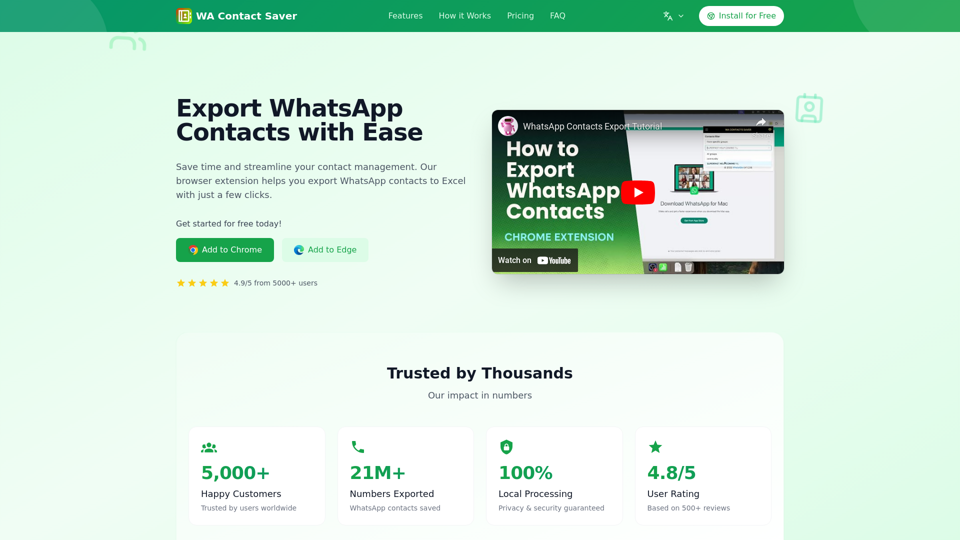
Save & export WhatsApp contacts easily with our free Chrome extension. Export from groups, chats & labels to CSV/Excel/vCard. Try now for Free!
The Grok App is an AI powered web app and chrome extension to help you read documents faster.
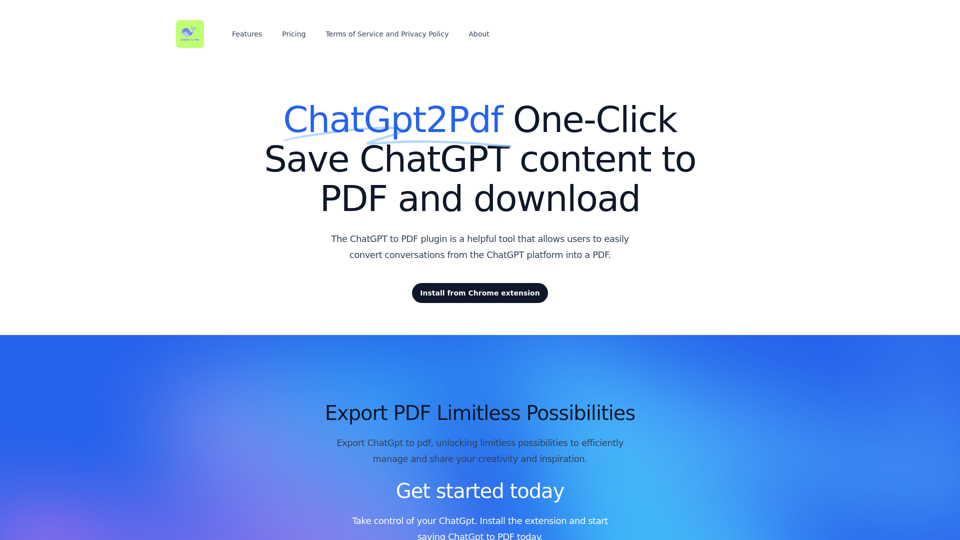
ChatPDF,ChatGPT to PDF,Save ChatGPT content to PDF file and download with one click.
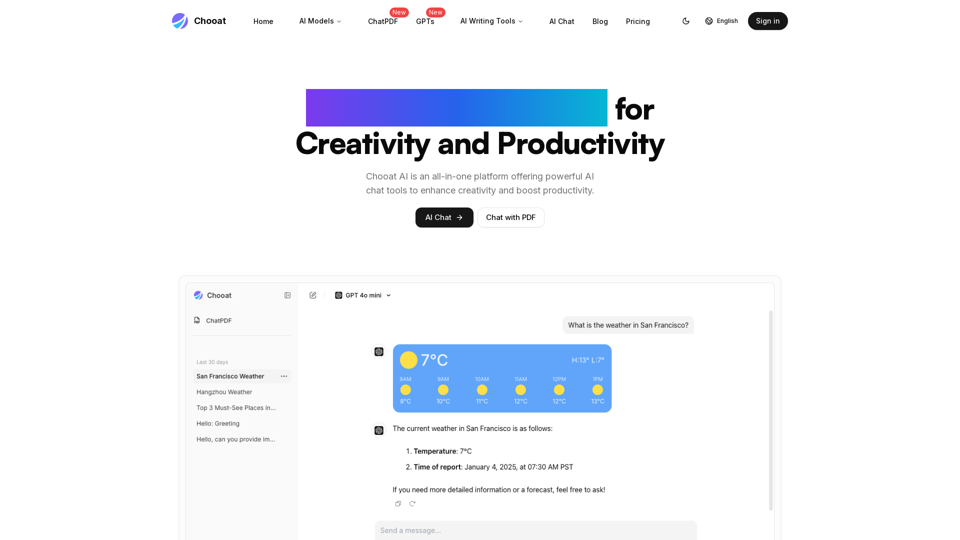
Discover Chooat, the all-in-one AI chat platform powered by ChatGPT, Claude, and Gemini. Experience seamless AI conversations with top models.
chat with a pdf except the AI is my 15 year old cousin who kinda sucks
We built the ultimate ChatPDF app that allows you to chat with any PDF: ask questions, get summaries, find anything you need!