SciDraw Introduction
What is SciDraw?
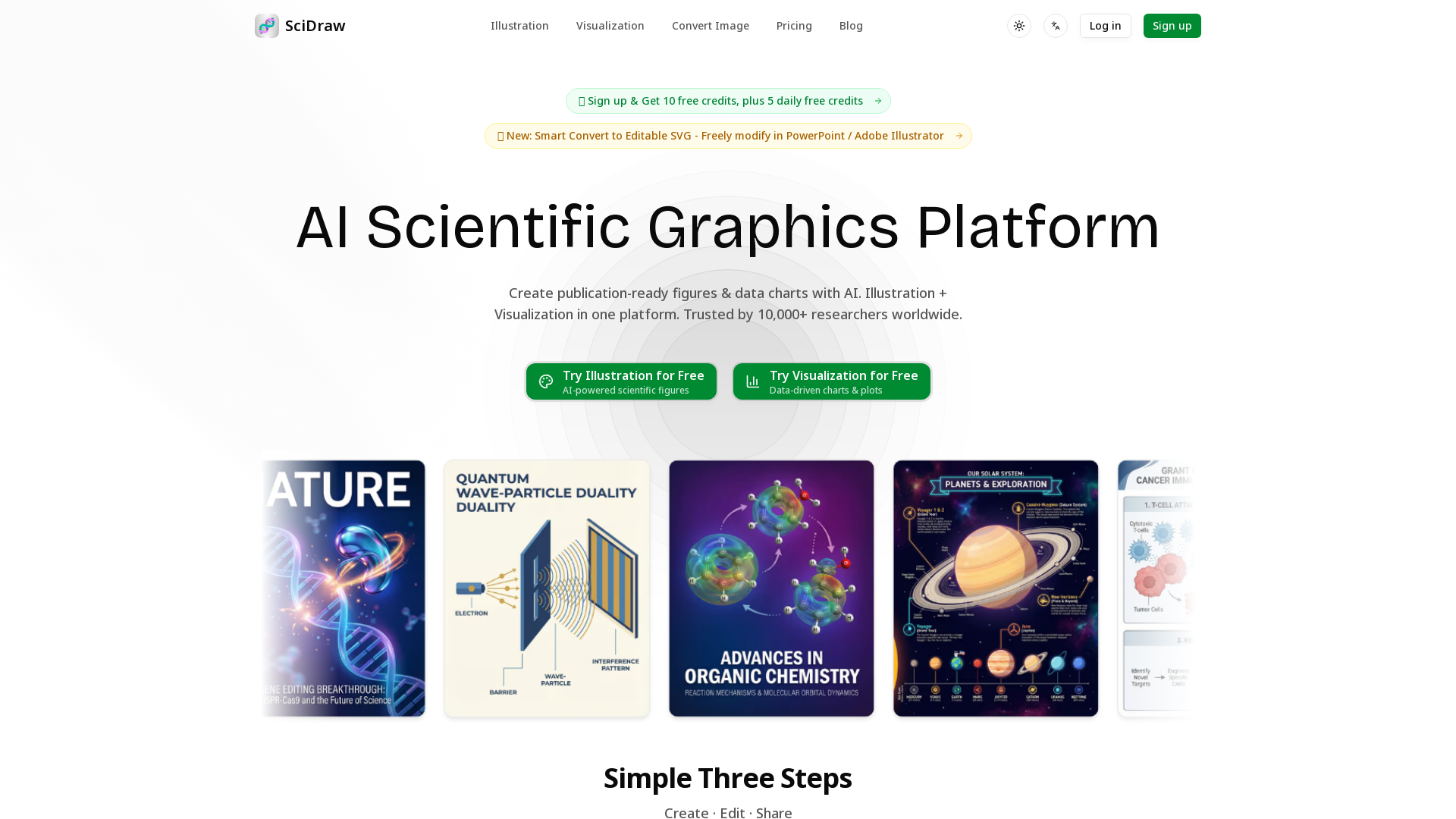
SciDraw is an AI-powered scientific graphics platform designed to assist researchers and PhD students in creating publication-ready figures and data visualizations in a matter of minutes. Whether you need illustrations for journal covers, conference posters, or detailed research figures, SciDraw streamlines the process by offering advanced AI capabilities for both illustration and visualization.
What are the main features of SciDraw?
-
AI Drawing + Data Visualization: Create both illustrations and charts tailored for scientific purposes.
-
Text to Image: Simply describe your concept, and the AI generates professional illustrations.
-
Sketch/Image Editing: Upload hand-drawn sketches for transformation into polished visuals.
-
Smart Data Charts: Easily convert your CSV or Excel data into high-quality publication-ready charts.
-
Journal Style Presets: Automatically adapt visuals to meet the standards of renowned journals like Nature and Science.
How to use SciDraw?
Using SciDraw is straightforward:
-
Create: Start with a template or articulate your idea to the AI.
-
Edit: Utilize multi-round AI optimization to refine your visuals.
-
Share: Download your visuals in various formats, ready for research or publication.
What is the pricing structure for SciDraw?
SciDraw offers a flexible, credit-based pricing system:
-
Free Plan: 10 credits upon registration, plus 5 additional daily credits.
-
Basic Plan: $9.9/month for 200 credits (~40 images).
-
Standard Plan: $29.9/month for 800 credits (~160 images).
-
Premium Plan: $69.9/month for 2,000 credits (~400 images).
Helpful Tips for Using SciDraw
-
Take advantage of the free credits: Utilize your initial 10 free credits and 5 daily free credits to explore the platform fully.
-
Experiment with different styles: With access to over 6 visual styles, you can find the perfect look for your figures.
-
Use journal presets: Save time with one-click formatting to meet specific journal requirements.
-
Leverage the auto-generated code: For those inclined towards programming, you can export Python code for further customization of your charts.
Frequently Asked Questions
How long does it take to generate an image?
Usually, images are generated within minutes, with additional adjustments taking place in real-time through the platform's user-friendly interface.
Who owns the copyright of generated images?
Users retain full ownership of all images they generate with SciDraw, allowing for unlimited use in publications.
What's the difference between the three AI modes?
SciDraw offers three AI generation modes tailored for different types of illustrations; each mode focuses on either textual input, hand-drawn sketches, or data visuals.
How does the credit system work?
Credits can be purchased or earned through free promotions, with each credit allowing for the generation of one image. Unused credits roll over into subsequent months, ensuring they don’t go to waste.
Join the growing community of over 10,000 researchers who are leveraging SciDraw to save time and enhance the quality of their scientific illustrations.
 Next.js
 Node.js
 React
React Vercel
 Webpack
Free AI Anime & Manga Generator
Free AI anime and manga generator. Turn text into anime episodes, manga, comics, webtoons and comic shorts in any art style — no drawing or animation skills needed.
LiftOff
LiftOff is the product launch platform for makers to launch products, earn upvotes, get discovered, and build momentum with a community that loves what is next.
AI Image Translator
Translate image text across 70+ languages with our advanced AI Image Translator to help you better expand your products globally to various countries
Featured
Advertised Here
Reach thousands of visitors daily. Get your spot now!