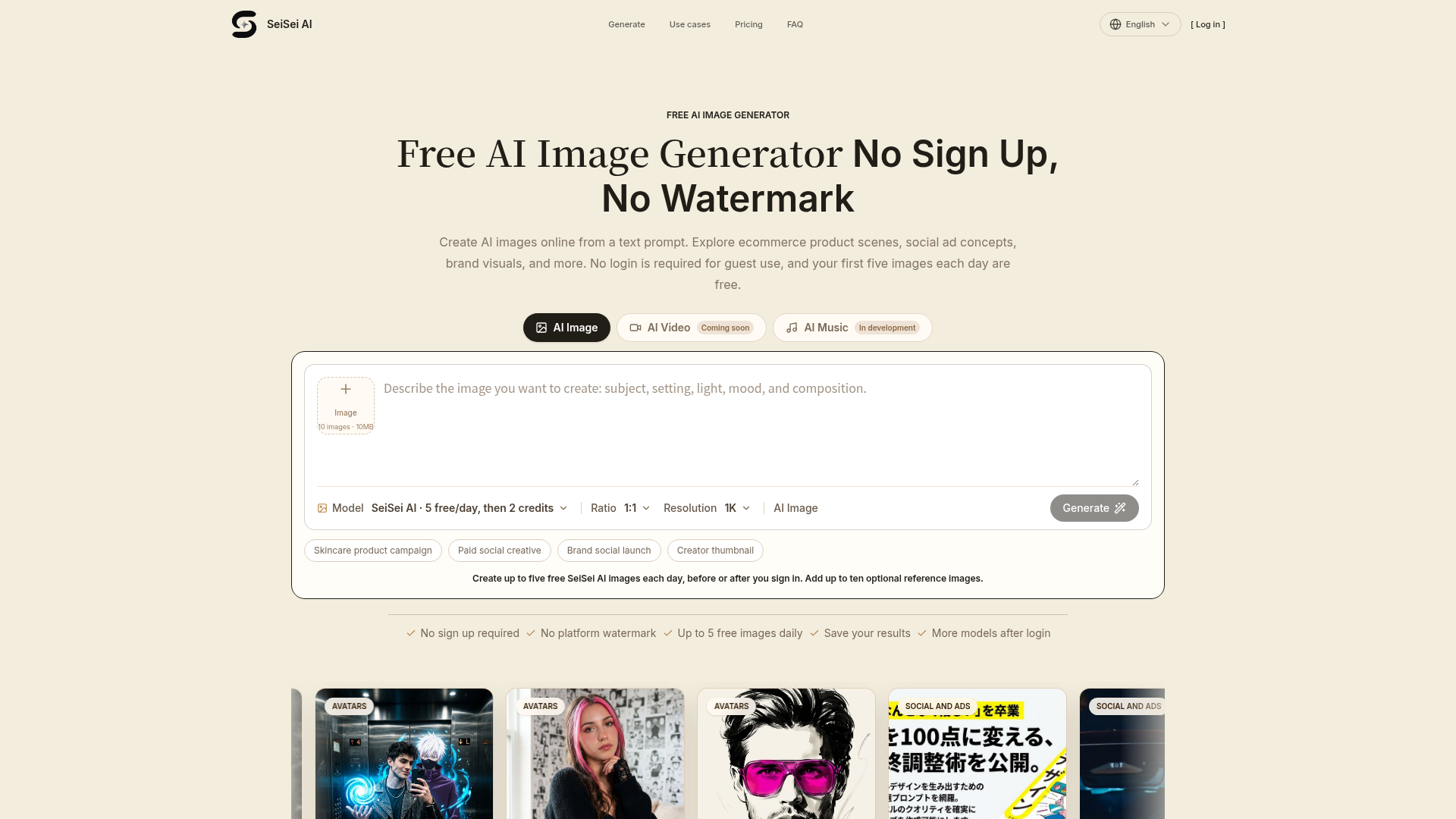
What is SeiSei AI?
SeiSei AI is a free AI image generator that allows you to create high-quality images from a simple text description (prompt). Operating as a web-based platform, it enables users—from marketers to creators—to visualize scenes, concepts, and ideas without needing any design skills, camera equipment, or even an account to get started. It's designed to be a fast, accessible tool for generating visual concepts for ecommerce, social media, branding, and content creation.
Key Features of SeiSei AI
- Completely Free & No Sign-Up Required
- You can generate up to five AI images per day without creating an account, logging in, or providing a credit card. There is also no watermark on the images you download.
- High-Quality Output
- Images are generated at 1K resolution with a 1:1 aspect ratio by default, providing clear, detailed visuals suitable for digital concepts.
- User-Friendly Interface
- The platform features a simple prompt box where you describe your scene. You can also add up to ten optional reference images to guide the AI's style or composition.
- Versatile Use Cases
- Tailored for practical applications like generating product campaign concepts, social ad mockups, brand launch visuals, and YouTube thumbnail ideas.
- Creative Exploration
- It’s an ideal tool for iterating and refining visual ideas. You can adjust one element of your prompt at a time to gradually steer the AI toward your desired result.
How to Use the SeiSei AI Image Generator
- Visit the Platform: Navigate to the SeiSei AI website. No login is required for initial use.
- Craft Your Prompt: In the text box, describe the image you want. Be as descriptive as possible, including details like subject, setting, lighting, colors, composition, and mood (e.g., "A minimalist skincare bottle on a marble surface with soft morning light, pastel pink background, top-down shot").
- (Optional) Add Reference Images: You can upload up to 10 images to give the AI a visual reference for style or elements.
- Generate: Click the "Generate" button. The AI will process your prompt and create an image.
- Review and Iterate: Examine the result. If it's not quite right, tweak your prompt description and generate again to refine the concept.
- Download: Save your final image directly to your device. As a guest, you can do this up to 5 times per day.
Is SeiSei AI Really Free? Understanding the Pricing
Yes, SeiSei AI offers a genuinely free tier. Guest users can generate up to ### five images per day at no cost and without any sign-up. The generated images are free from watermarks. For users who need more, logging in or subscribing likely unlocks additional daily credits, access to more AI models, and higher resolutions. The core free offering is designed to let anyone experiment with AI image generation for personal or light professional use.
Helpful Tips for Better AI Images
- Be Specific and Detailed
- The more detail you provide in your prompt, the better the result. Instead of "a dog," try "a fluffy golden retriever puppy sitting in a sunlit meadow, looking at the camera with a curious expression, shallow depth of field."
- Use Keywords for Style
- Incorporate terms like "cinematic," "editorial," "minimalist," "vintage," "cyberpunk," or "watercolor illustration" to define the artistic style.
- Mention Composition and Lighting
- Specify angles ("top-down," "close-up"), lighting ("softbox lighting," "dramatic sidelight"), and framing to control the image's feel.
- Iterate
- Treat your first generation as a draft. Use subsequent prompts to adjust specific elements like color balance, object placement, or background details.
- Leverage Reference Images
- When you have a specific aesthetic in mind, use the reference image upload feature to guide the AI's output more closely.
- Plan for Text
- If creating ad concepts or thumbnails, describe "negative space" or "clear area on the left" in your prompt to leave room for headlines or titles.
Frequently Asked Questions (FAQs)
Do I need to create an account to use SeiSei AI?
No, you can use it as a guest. Guest access provides 5 free image generations per day without any sign-up.
Are the images watermarked?
No. Images generated on SeiSei AI, even in the free tier, are delivered without any platform watermark.
What can I use the generated images for?
The images are perfect for creating visual concepts, mood boards, mockups for internal reviews, social media ideas, and content thumbnail drafts. They are intended for conceptual use to aid planning and discussion before final asset production.
How many images can I create for free?
Guest users can generate 5 images per day for free. This limit resets every 24 hours.
What is the image resolution?
The default output for the free SeiSei AI model is 1K resolution (1024x1024 pixels) in a 1:1 aspect ratio.
Can I use it for commercial projects?
You can use the generated images to develop concepts and ideas for commercial projects (like ad mockups or product scene ideas). However, always check the platform's current Terms of Service for the latest guidelines on commercial usage of the final AI-generated assets.
What's the difference between guest use and signing up?
Signing in or subscribing typically provides more daily credits, access to a wider variety of AI models beyond the default one, and potentially higher resolution outputs, which is beneficial for heavier users.
Free AI Image Generator, No Sign Up or Watermark
Free AI image generator with no sign up or platform watermark. Turn a text prompt into an image online, then save, refine, and explore new creative directions.
 Cloudflare
 Google Analytics
 HTTP/3
Free AI anime and manga generator. Turn text into anime episodes, manga, comics, webtoons and comic shorts in any art style — no drawing or animation skills needed.
Translate image text across 70+ languages with our advanced AI Image Translator to help you better expand your products globally to various countries
Advertised Here
Reach thousands of visitors daily. Get your spot now!
Tools similar to Free AI Image Generator, No Sign Up or Watermark
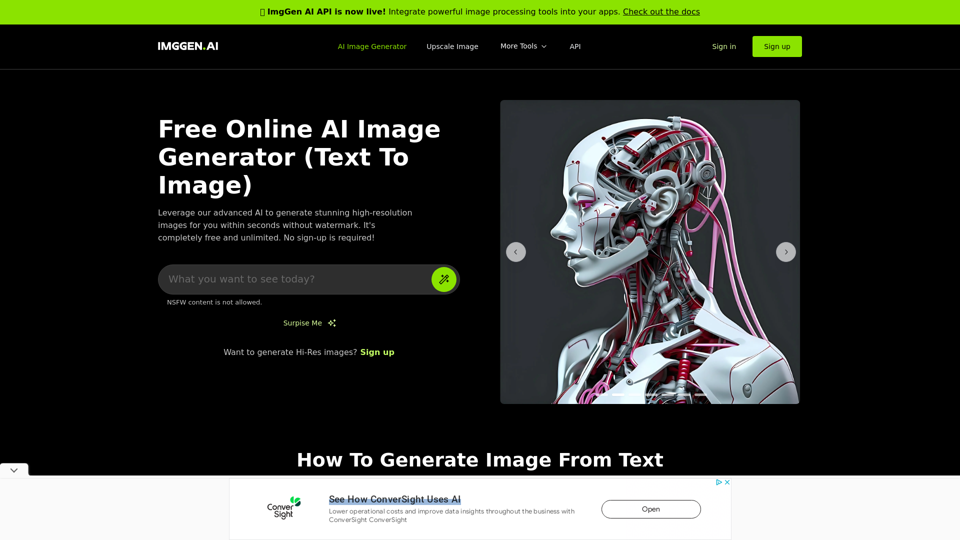
Create stunning images with a text prompt using ImgGen's AI Image Generator (Text to Image) for free with no watermark. No sign up required.
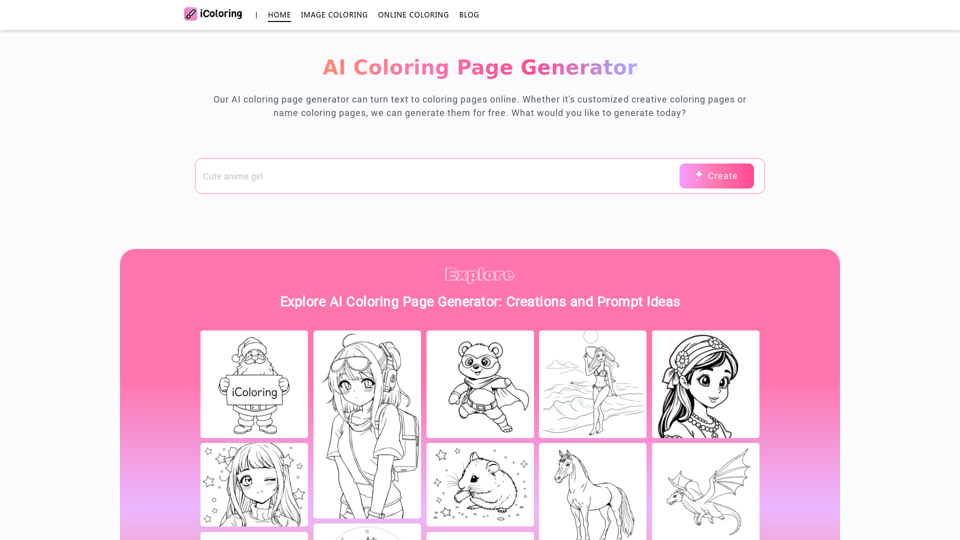
Explore iColoringAI, the #1 Free AI Coloring Page Generator! Turn text into printable, unique coloring pages and easily create and download personalized designs.
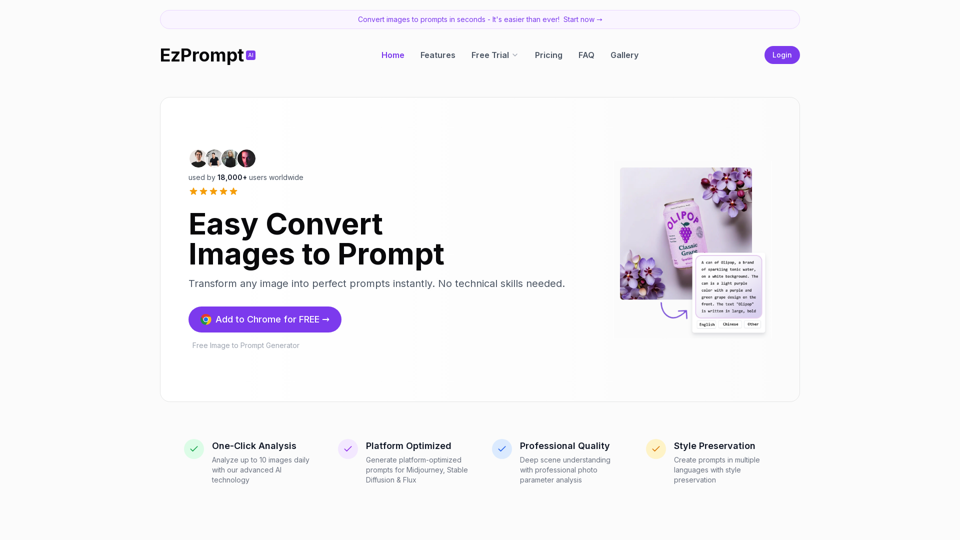
Convert images into perfect AI prompts instantly. Free tool supports Midjourney blending, text-in-image prompts, and more. Create AI prompts with ease and precision. Try it now!
MidGen AI - Text-To-Image Best AI Image Generator 100% Free to use, with best 5 trained Models.
Cover Image Generator is an AI-powered tool to create beautiful, professional cover images for blogs, social media, and products in seconds. No design skills required. Try for free!
Hi! Dr. Watermark is a free online tool to remove watermarks and intelligently remove backgrounds from images, including text, logos, people, objects or any defects. No prior editing skills required. Remove watermark and background in 5 seconds at high resolution.
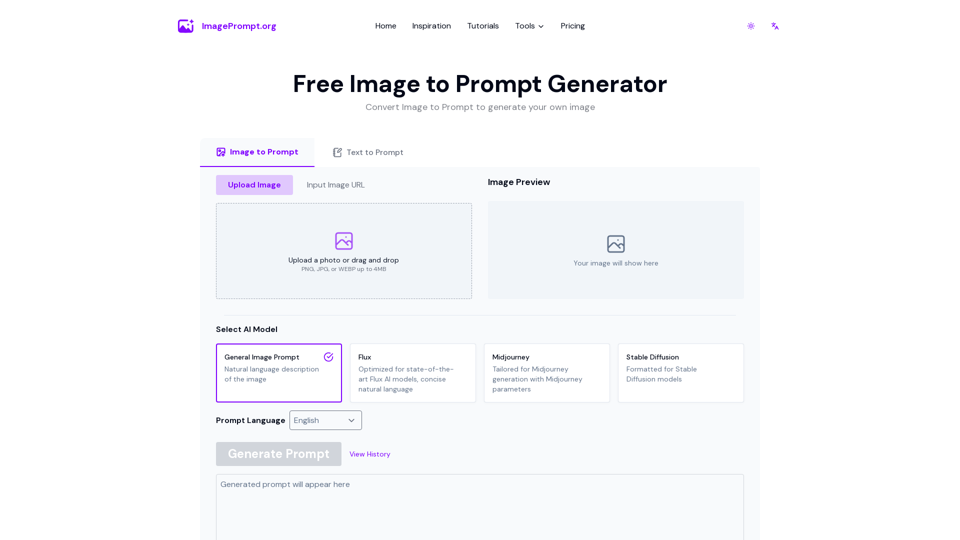
Easily generate prompt from image using our Image to Prompt Generator. Create detailed image prompt for Midjourney, Flux, Stable Diffusion and other models.