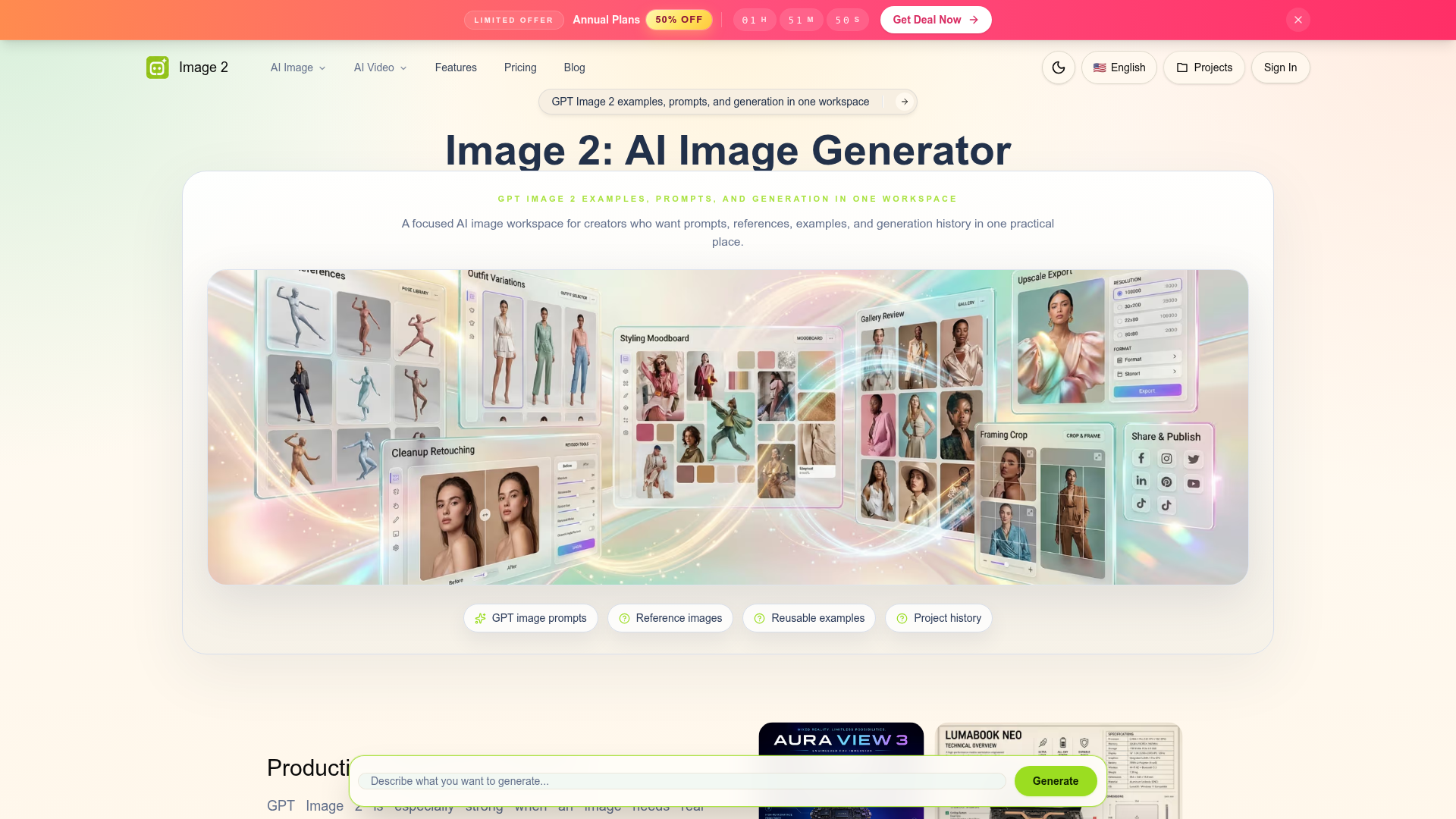
What is Image 2?
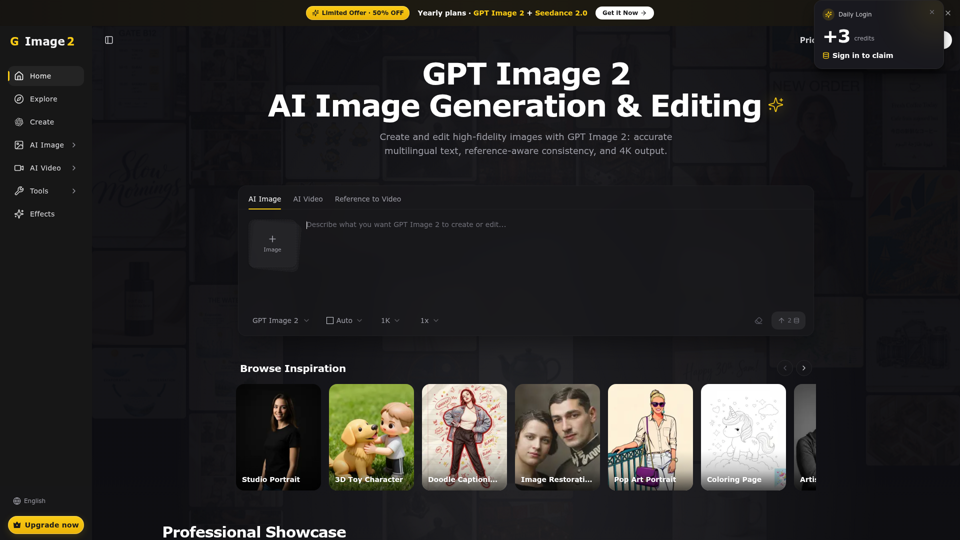
Image 2 is an advanced AI image generation platform and focused workspace built around cutting-edge models like GPT Image 2. It provides a unified environment for creative professionals to manage their entire AI image workflow—from crafting prompts and using references to generating, organizing, and saving high-quality images. It's designed to be more than just a generator; it's a practical workspace that integrates examples, history, and projects to streamline the creation of production-ready visuals for marketing, design, e-commerce, and more.
What are the Key Features of Image 2?
A Consolidated Creative Workspace: Unlike fragmented tools, Image 2 brings prompts, reference images, reusable examples, and your entire project history into one practical, organized place. This eliminates context switching and helps maintain creative flow.
Advanced GPT Image 2 Model: At its core is a state-of-the-art image generation model excelling in several key areas:
- Production-Ready Text Rendering
- Uniquely capable of integrating real, readable typography into images. It creates posters, product sheets, labels, and multilingual layouts with clean, reliable text placement, ideal for ads, print, and screen materials.
- State-of-the-Art Photorealism
- Generates finished-looking images with believable materials, natural lighting, and detailed environments. It moves beyond rough concepts to deliver coherent, grounded visuals ready for professional use.
- Brand-Consistent Asset Creation
- Excels at generating product photography, UI mockups, and marketing assets that maintain visual consistency. It helps teams iterate on packaging shots, app screens, social graphics, and campaign visuals while adhering to brand guidelines.
Efficient Prompt and Asset Management: The platform allows you to save and reuse successful prompts and example images, building a personal library of effective styles and concepts to speed up future projects.
Structured Project History: All your generations are saved within projects, making it easy to track iterations, compare variations, and revisit past work without losing valuable context.
How to Use Image 2?
Using Image 2 is a straightforward, four-step workflow designed for both beginners and seasoned creators:
- Write Your Prompt: Describe your subject, scene, desired style, lighting, and the intended use for the image. Detailed prompts yield more accurate results.
- Add a Reference (Optional): Upload an image to give the AI a visual anchor for style, composition, or specific details when text alone isn't sufficient.
- Generate and Compare: Create multiple image variations with a single click. Use the workspace to easily compare details, composition, and fidelity to your prompt.
- Save or Iterate: Save your best outputs directly into organized projects for later use, or continue refining your prompt and generating new variations until you achieve the perfect result.
What is the Pricing for Image 2?
Image 2 operates on a credit-based system. Generation consumes credits, which can be purchased via various subscription plans. The platform frequently offers promotional deals, such as ### 50% OFF Annual Plans, providing significant savings for committed users. For the most current pricing and subscription details, visit the official Image 2 pricing page.
Helpful Tips for Maximizing Image 2
- Leverage References
- For complex or brand-specific tasks, always use a reference image. This dramatically improves the AI's understanding of your desired style, color palette, and layout.
- Be Specific in Prompts
- Include details about style (e.g., "vintage editorial illustration," "minimalist UI"), lighting ("soft studio lighting," "dramatic sunset"), and composition.
- Utilize the Example Library
- Start your generation from a saved example that matches your desired aesthetic to guide the AI more effectively.
- Iterate and Compare
- Don't settle for the first result. Use the workspace to generate several options and compare them side-by-side to select the best one.
- Organize with Projects
- Use projects to group images by client, campaign, or concept. This keeps your workspace tidy and makes past work easily retrievable.
Frequently Asked Questions about Image 2
Is Image 2 the same as GPT Image 2?
Image 2 is the name of the overall platform and workspace. GPT Image 2 refers specifically to the advanced AI image generation model that powers the core creation feature within the Image 2 platform.
Why does GPT Image 2 need a focused workspace?
A dedicated workspace consolidates the entire creative process—prompting, referencing, generating, and organizing—into one efficient flow. It saves time, reduces clutter, and helps professionals manage complex projects by keeping all assets and iterations in context.
Can I start generation from an example?
Yes. You can browse and select from a library of reusable example images within the workspace to use as a starting point or style guide for your new generation.
What kind of prompts work best with GPT Image 2?
Detailed, descriptive prompts that specify subject, style, lighting, composition, and end-use work best. The model excels with prompts for text-heavy graphics, photorealistic scenes, product shots, and structured layouts.
How do credits work?
Generating images consumes credits. You purchase credits through subscription plans. Different plans offer varying amounts of credits, often with discounts for annual commitments.
Can my outputs be saved for later use?
Absolutely. All generated images can be saved directly into your projects within the Image 2 workspace, allowing you to build a personal portfolio and access past work anytime.
Image 2
Create, edit, and refine AI images with Image 2, a focused GPT Image 2 workspace for prompts, references, examples, credits, and projects.
 Next.js
 Node.js
 React
React Vercel
 Webpack
Free AI anime and manga generator. Turn text into anime episodes, manga, comics, webtoons and comic shorts in any art style — no drawing or animation skills needed.
Translate image text across 70+ languages with our advanced AI Image Translator to help you better expand your products globally to various countries
Advertised Here
Reach thousands of visitors daily. Get your spot now!
Tools similar to Image 2
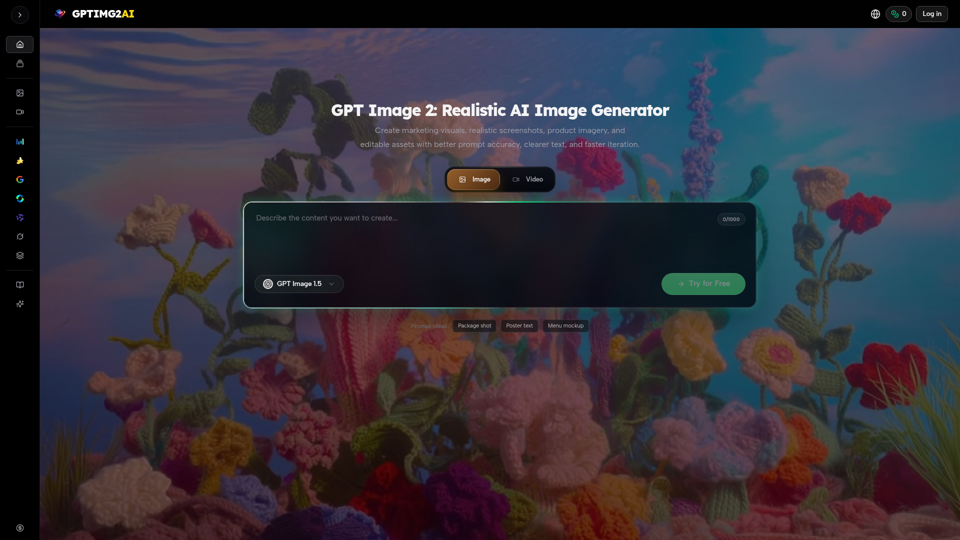
Create product shots, posters, brand assets, and prompt-led image edits with clearer text and reference-aware refinement.
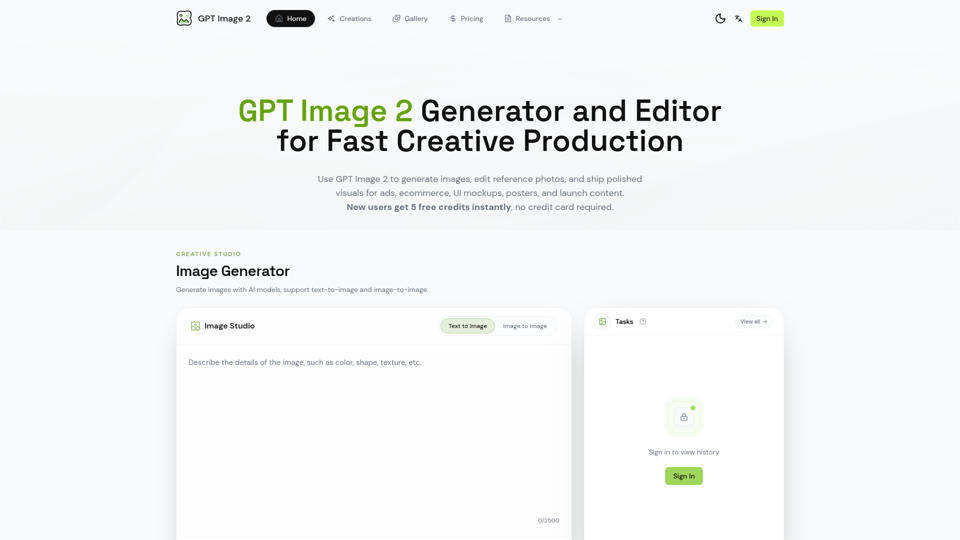
Generate and edit images with GPT Image 2 — AI image generation, reference-image editing, and asset creation for ads, ecommerce, UI mockups, posters, and production-ready visuals. Try free.
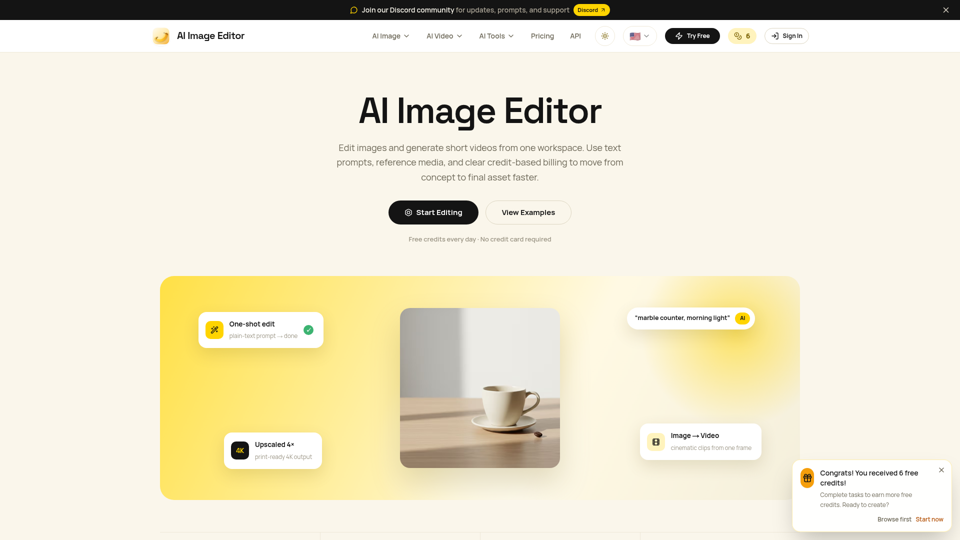
Edit photos with natural language using our free AI image editor. Transform, retouch, and enhance any photo with simple text prompts—fast and easy.
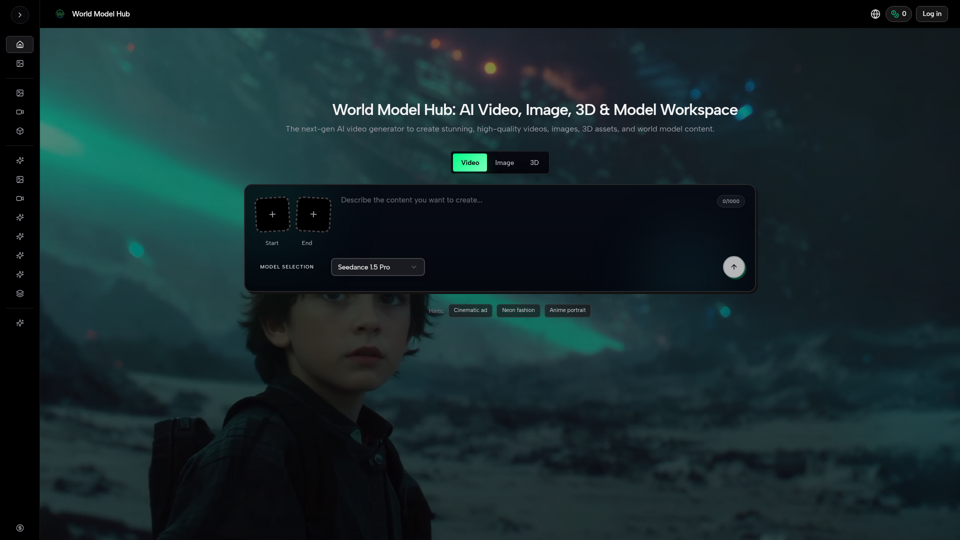
Create AI videos, AI images, and 3D assets in one platform. Compare models, control outputs, and move from prompt to production faster with WMHub.
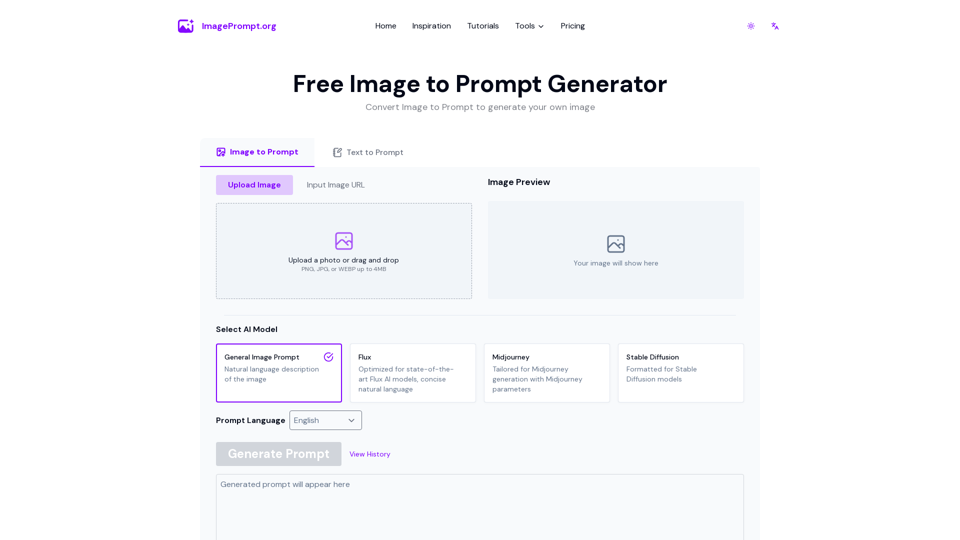
Easily generate prompt from image using our Image to Prompt Generator. Create detailed image prompt for Midjourney, Flux, Stable Diffusion and other models.
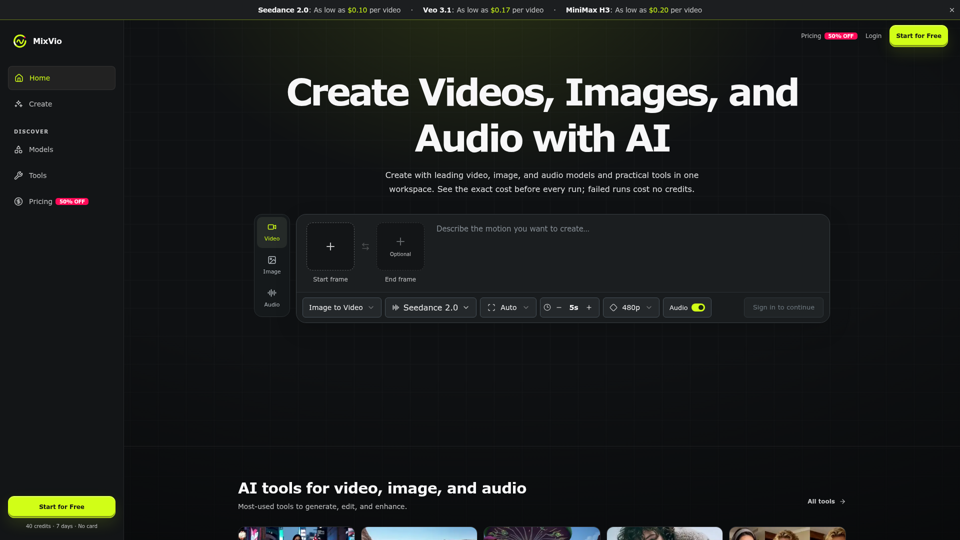
Create AI videos, images, and audio with Seedance, Kling, Veo, GPT Image, and practical creative tools. See exact costs upfront; failed runs cost no credits.
Create stunning AI images from text prompts. Free text to image generator with professional results in seconds.