Smallppt
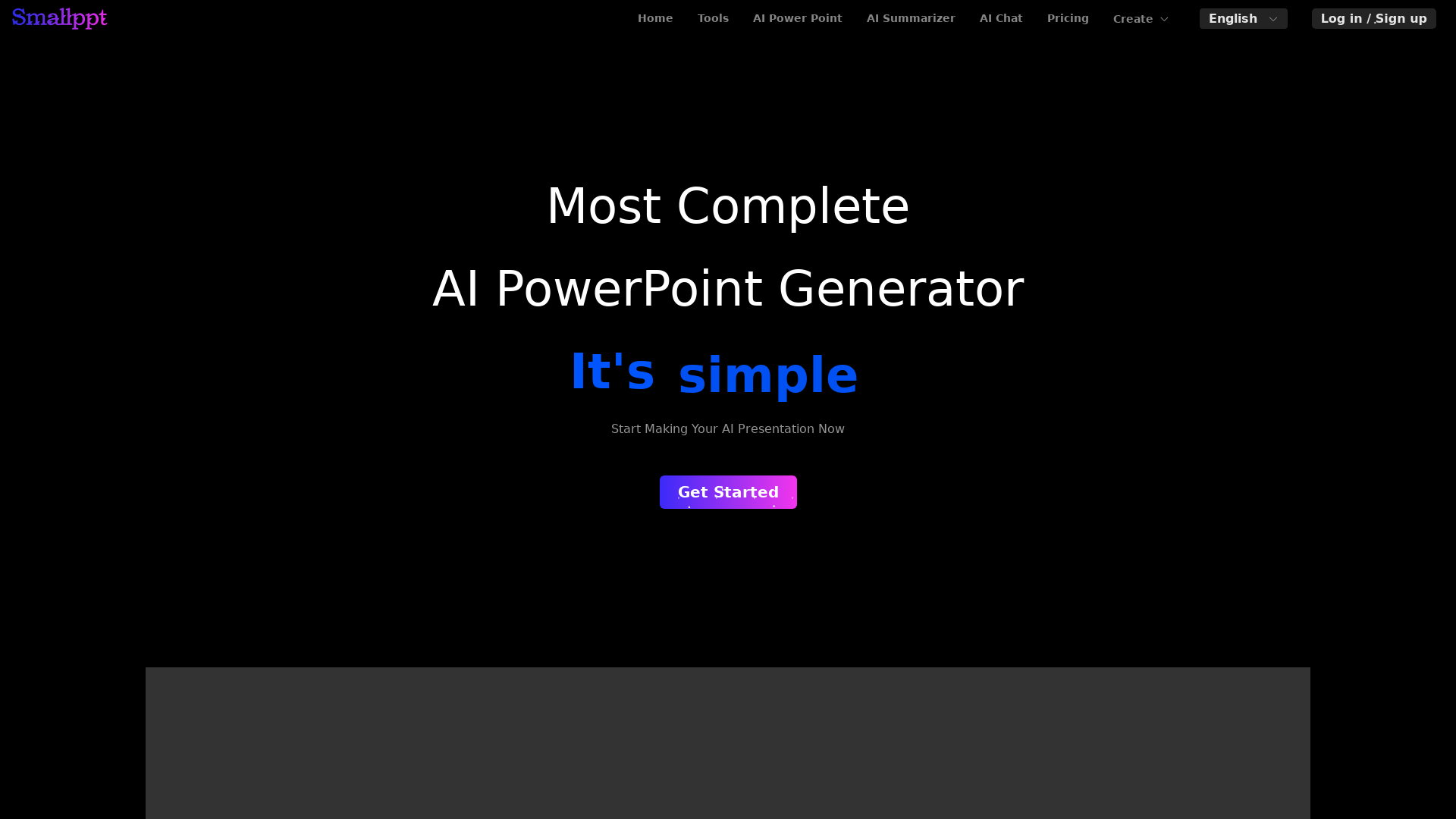
Smallppt's AI tool revolutionizes the way you create visually captivating presentations&mind maps. Effortlessly design stunning PowerPoint slides with AI
What is Smallppt?
Smallppt is an innovative AI-driven platform designed to create stunning presentations and mind maps quickly and efficiently. It offers users the ability to turn their ideas into visually appealing slides in a matter of minutes, making presentation creation seamless and stress-free.
What are the main features of Smallppt?
- Fast Slide Generation
- Create slides in seconds and complete presentations in under a minute using advanced AI technology.
- AI Summarizer
- Automatically generate summaries from online links, local documents, and PDFs with just one click, simplifying content management.
- Enhanced Collaboration
- Share your presentations online using the publish and analyze function, engaging users on any device.
- Templates
- Access a variety of templates tailored for different industries and topics, ensuring you start with a strong foundation for your presentations.
How to use Smallppt?
Getting started with Smallppt is easy. Simply sign up for an account, choose a template that fits your topic, and start adding your content. The AI will assist you in generating visually appealing slides based on your input. The user-friendly interface allows for streamlined editing and real-time collaboration with team members.
What is the pricing for Smallppt?
Smallppt offers several pricing plans to suit different needs:
- Pro Month Plan
- $19.99/month (billed at $29.99)
- Unlimited Month Plan
- $39.99/month (billed at $49.99)
- Unlimited Year Plan
- Save $180 at $24.99/month (billed at $479.88)
- Pro Year Plan
- $12.49/month (billed at $239.88)
These flexible plans enable individuals and teams to access all the features of Smallppt, promoting collaboration and creativity.
Helpful Tips for Using Smallppt
- Experiment with Templates
- Use various templates to find the best design that suits your content and audience.
- Utilize the AI Summarizer
- Take advantage of the AI summarizer for quick content digestion before creating your presentations.
- Engage with the Audience
- Use the presentation mode to enhance viewer engagement, allowing you to express your ideas effectively.
Frequently Asked Questions
Can Smallppt create presentations in multiple languages?
Yes, Smallppt supports multiple languages, allowing you to create presentations that cater to diverse audiences.
Is there a limit to how many slides I can generate?
No, Smallppt allows you to generate as many slides as needed within your chosen plan.
Can I collaborate with others using Smallppt?
Absolutely! Smallppt includes features that facilitate collaboration, making it easy to work with team members in real-time.
What happens if I exceed my plan's usage limits?
If you exceed the usage limits of your plan, you can either upgrade to a higher plan or wait until the next billing cycle for your limits to reset.
Is my information safe with Smallppt?
Yes, Smallppt prioritizes user privacy and data security. You can use the platform confidently, knowing your information is protected.
Smallppt
Smallppt's AI tool revolutionizes the way you create visually captivating presentations&mind maps. Effortlessly design stunning PowerPoint slides with AI
 Cloudflare
 HTTP/3
 Node.js
 Nuxt.js
 Vue.js
Free AI anime and manga generator. Turn text into anime episodes, manga, comics, webtoons and comic shorts in any art style — no drawing or animation skills needed.
Translate image text across 70+ languages with our advanced AI Image Translator to help you better expand your products globally to various countries
Advertised Here
Reach thousands of visitors daily. Get your spot now!
Tools similar to Smallppt
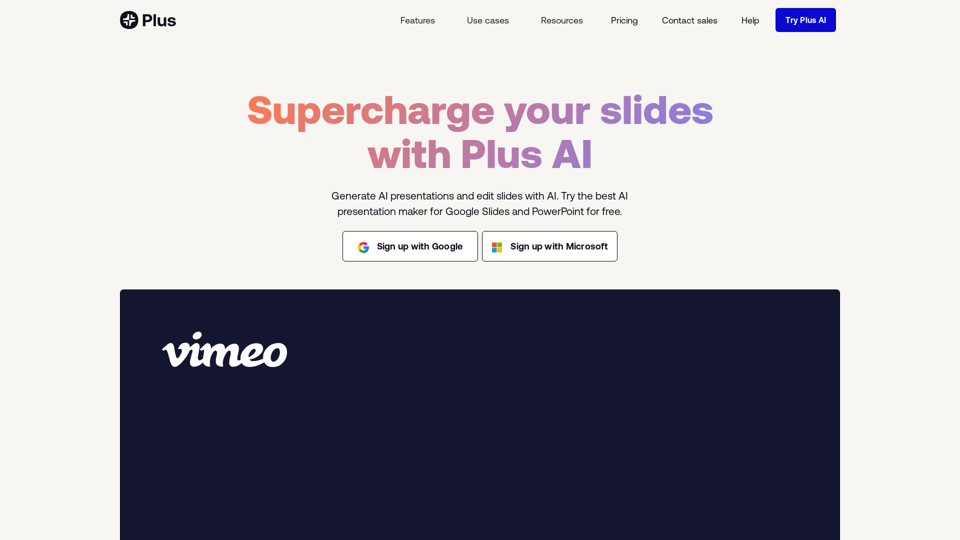
Stop making presentations the old way. Try Plus AI presentation maker for free to make PowerPoint and Google Slides presentations in minutes.
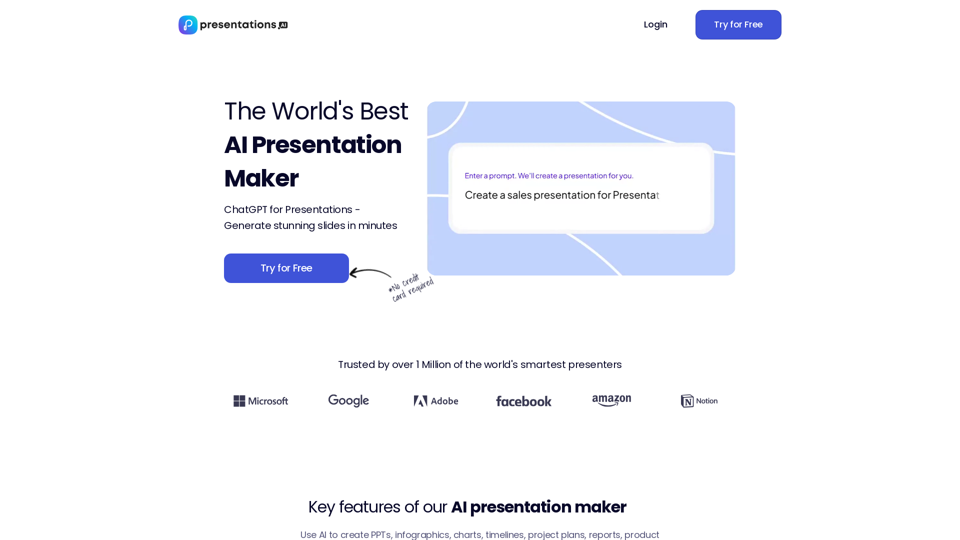
Use AI to transform ideas into captivating presentations in seconds. Ideal for businesses, educators, and personal projects. Start now - it's free!
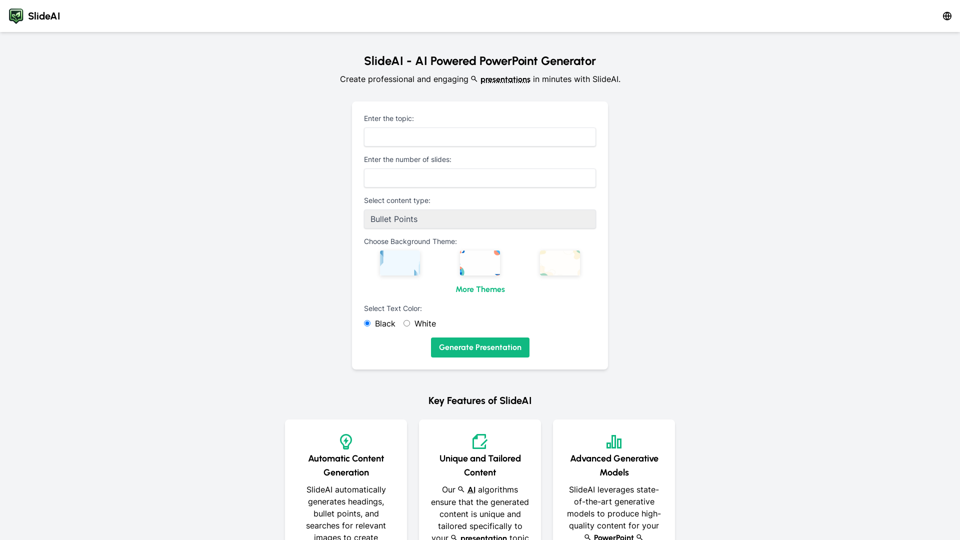
Create professional presentations effortlessly with Slides AI, the AI Presentation Generator. Tailored content, stunning designs, and it's all free. Try our AI PowerPoint Maker today!
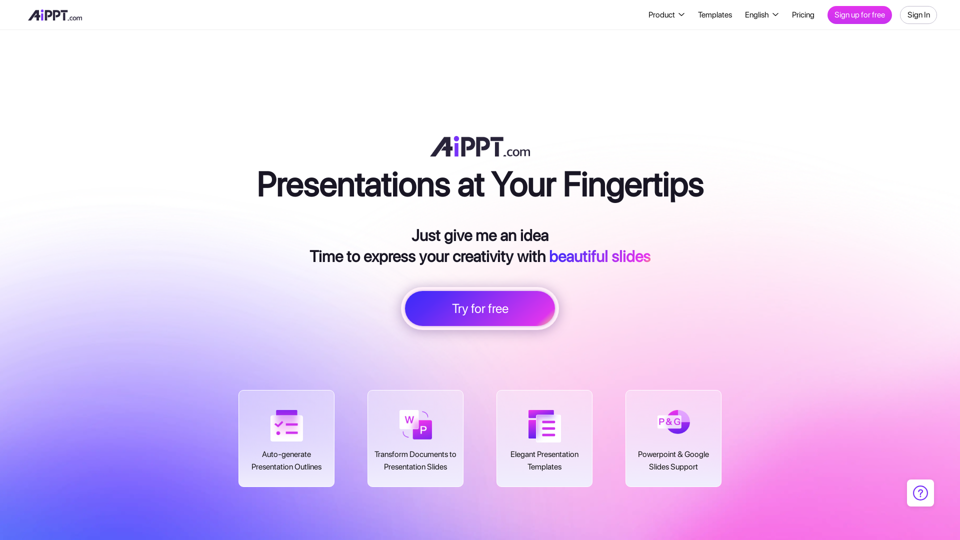
With our Design AI , every one of your PowerPoint & Slides will look professionally designed instantly. Start Your Free Trial !
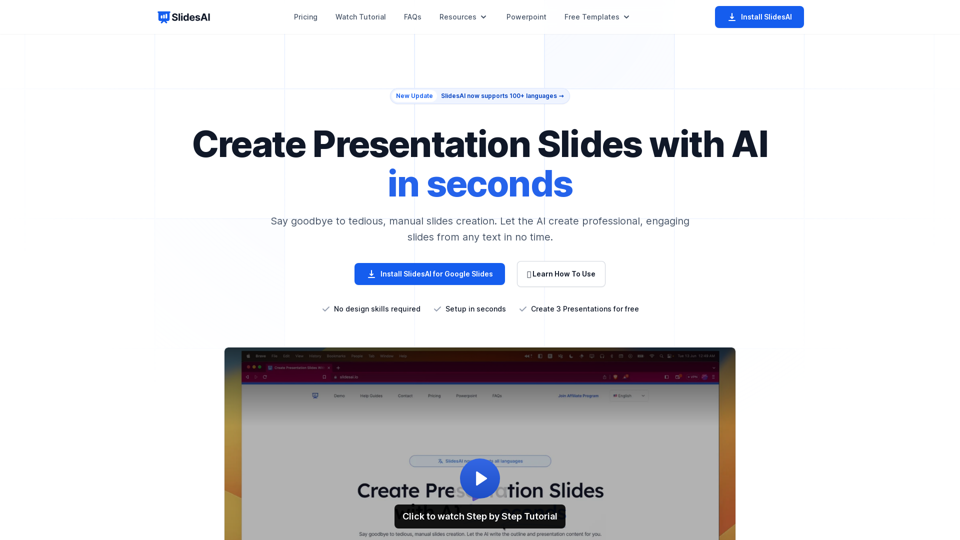
SlidesAI is an AI-Powered Text To Presentation Tool that summarizes and creates presentation slides from any piece of text.
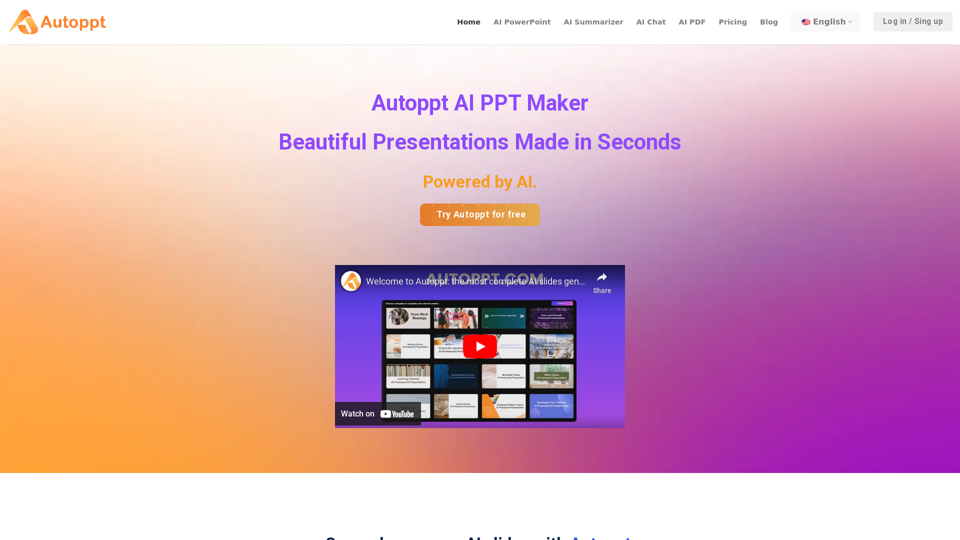
Autoppt: AI PowerPoint Generator with powerful Slides AI ensures seamless and fast presentation creation. The Best Free AI PPT Maker.
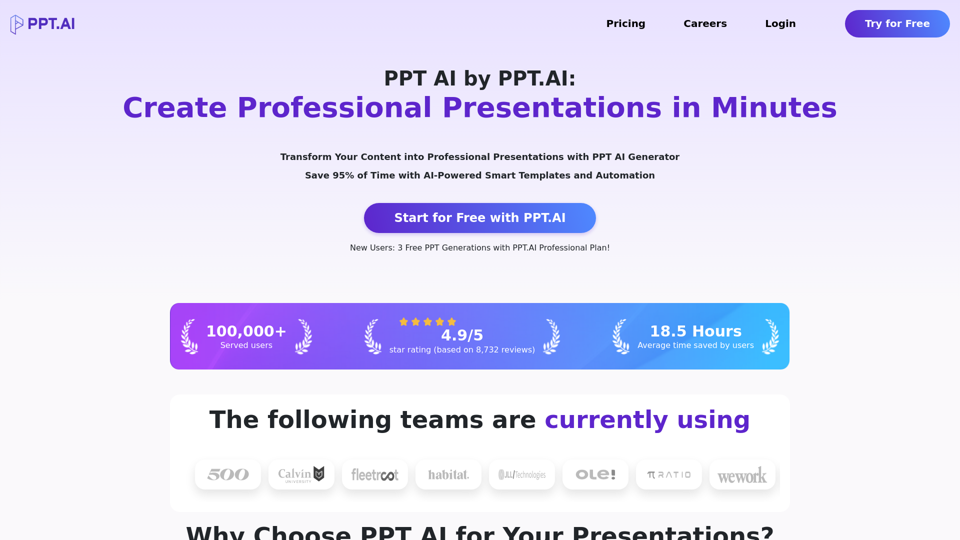
Transform your ideas into stunning presentations with PPT AI. Save 95% time using smart automation and premium templates. Try PPT.AI today for free.