AI Music Video Generator
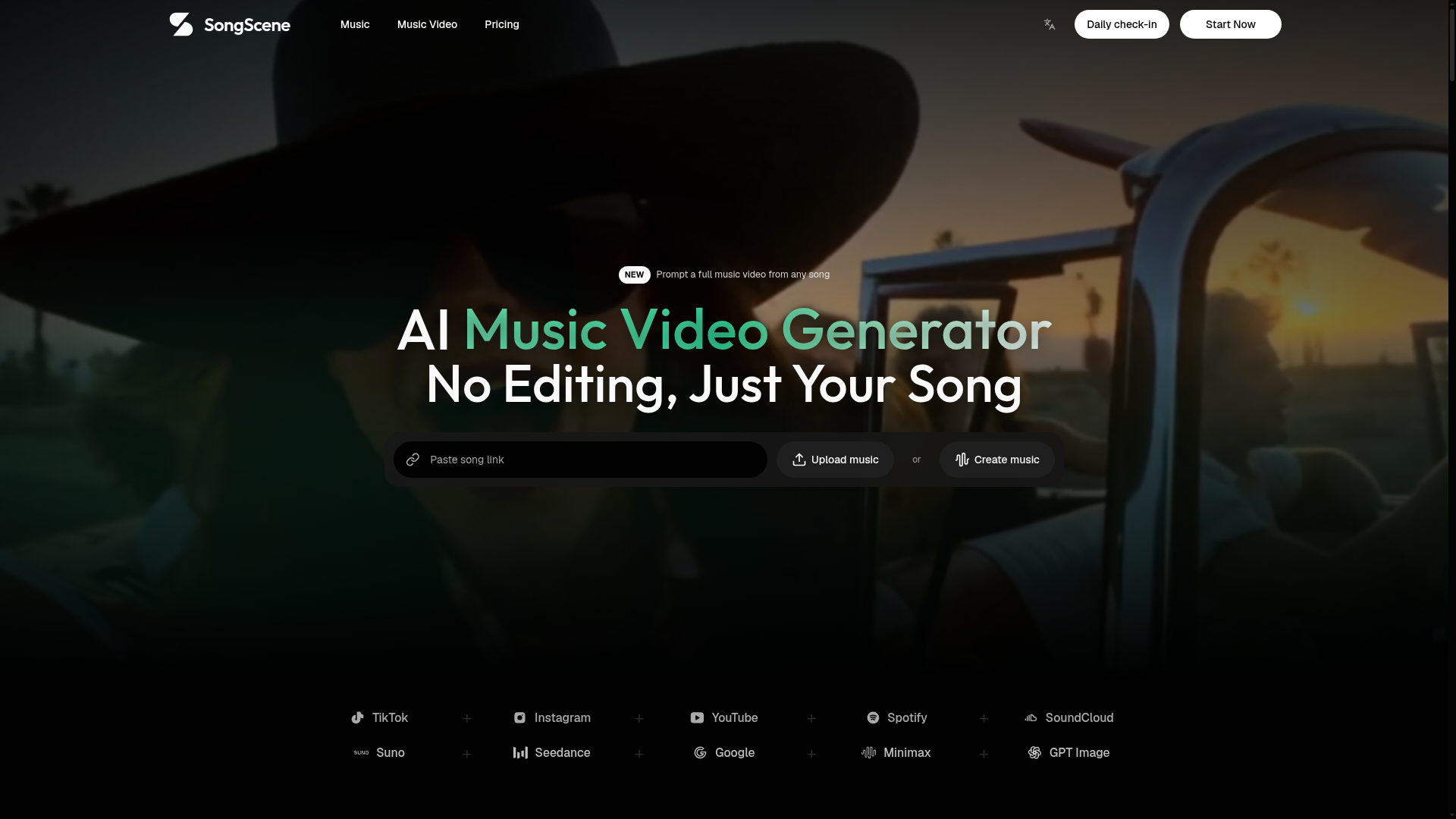
Upload an MP3 or paste a song link and let SongScene turn it into a smart AI music video with beat-synced cuts, lyric captions, and 9:16, 16:9, or 1:1 export.
What is SongScene?
SongScene is a specialized AI music video generator. It transforms any audio track—whether you generate it on the platform or bring your own from sources like Suno, Udio, YouTube, Spotify, SoundCloud, or TikTok—into a complete, polished video. Unlike general AI video tools, SongScene is built specifically for music, ensuring every cut, transition, and scene change is perfectly synchronized with the song's beat, rhythm, and structure. It handles everything from generating lyric captions in over 15 languages to matching visual styles with musical genres, delivering a post-ready video without requiring any manual editing, timeline work, or sourcing of stock footage.
Feature
SongScene’s core feature is its fully automated, music-first video generation pipeline. Key capabilities include:
- Automated Beat-Synced Editing
- The AI analyzes the track's BPM and structure, placing cuts, transitions, and scene swaps precisely on the beat. There is no timeline or manual keyframing required.
- Diverse Video Styles
- Generate seven distinct video types from a single song, including lyric videos, beat visualizers, performance music videos, abstract VJ loops, storytelling MVs, dance videos, and viral shorts. Custom prompts are also supported for unique looks.
- Intelligent Lyric Captioning
- Automatic Speech Recognition (ASR) technology extracts lyrics directly from the audio and generates timed, burned-in captions in multiple languages, enhancing accessibility and engagement.
- Multi-Platform Export
- Create videos tailored for any social platform by selecting from three aspect ratios: 9:16 (for TikTok, Instagram Reels), 16:9 (for YouTube), and 1:1 (for Instagram posts). HD export is available, with 4K support planned for paid tiers.
- Broad Music Source Compatibility
- Seamlessly integrate with popular AI music generators like Suno and Udio, or use your own uploaded MP3/WAV files or links from major streaming services.
How to Use SongScene
Creating a music video with SongScene is a straightforward, three-step process designed for users of all skill levels:
- Add Your Song: You can generate an original song directly within SongScene using its AI music tools, upload an audio file (MP3/WAV), or simply paste a link from supported platforms like Suno, Udio, YouTube, Spotify, or SoundCloud.
- Customize Style & Format: Choose your desired video style from the available presets (e.g., lo-fi visualizer, EDM performance) and select the aspect ratio suited for your target platform (9:16, 16:9, or 1:1). You can also apply genre filters or write a custom prompt for more precise control over the visuals.
- Generate & Export: Click the generate button. SongScene automatically processes the audio, syncs the visuals, adds timed lyric captions, and renders a finished video. You can then download the clean video file and post it directly to social media. The platform also saves your generation history, allowing you to re-render the same song with different styles or ratios instantly.
Price
SongScene offers a flexible pricing model with a free tier and several subscription plans to suit different creator needs:
- Free Plan
- Includes 50 starting credits plus 10 free credits daily. Users can generate one watermarked 15-second preview video (540p resolution) and access community support.
- Starter Plan ($19.9/month billed yearly, $29.9/monthly)
- Designed for solo creators, offering 1,200 video credits per month, 1080p HD exports without watermarks, commercial use rights, and email support.
- Pro Plan ($39.9/month billed yearly for 2,200 credits, $49.9/monthly)
- The most popular plan for regular creators. It offers tiered credit packages (2,200/4,200/6,400), access to all AI video models including cinematic, priority rendering queue, and priority support.
- Creator Plan ($99.9/month billed yearly for 7,500 credits, $129.9/monthly)
- For high-volume and professional commercial work. Includes large credit tiers (7,500/11,800/15,800), 4K export capability, full-song video generation, highest priority processing, and dedicated customer support.
All paid plans are billed annually for maximum savings, offer secure payments via Stripe and PayPal, and can be canceled anytime.
Helpful Tips
To maximize your results with the SongScene AI music video generator, consider the following tips:
- For Best Beat Sync
- Use tracks with a clear, consistent tempo. The AI performs exceptionally well with genres like EDM, hip-hop, and pop where beats are prominent.
- Leverage Custom Prompts
- When the genre presets don't match your vision, use the custom prompt field to describe the specific mood, color palette, or narrative you want (e.g., "a cyberpunk cityscape at night with neon rain").
- Batch Production
- If you manage a music channel, you can process multiple tracks sequentially. Use similar style presets to maintain a consistent brand aesthetic across all your videos.
- Preview Before Final Export
- Utilize the free tier's preview feature to test different styles and ratios with your song before committing credits on a paid plan.
- Use for Multiple Formats
- Export the same song in different aspect ratios (e.g., a 9:16 short for TikTok and a 16:9 video for YouTube) from a single generation to efficiently cross-post content.
Frequently Asked Questions
What is an AI music video generator and how does it work?
An AI music video generator like SongScene is a tool that automatically creates a finished video from an audio track. You provide the song, choose a visual style, and the AI handles everything else—analyzing the music, generating synchronized visuals, adding timed captions, and rendering a video file ready for publishing, all without manual editing.
How do I turn a Suno or Udio song into a music video?
Simply copy the shareable link from your Suno or Udio track and paste it directly into SongScene's input field. The platform will fetch the audio, allowing you to proceed with selecting your video style and generating the music video.
How is SongScene different from a general text-to-video tool?
General tools (like invideo or CapCut) often require you to write scripts, manually time scenes, and source assets. SongScene is purpose-built for music. It uses the audio track itself as the primary input to drive the entire visual narrative, ensuring perfect audiovisual synchronization without any manual editing work.
What aspect ratios and export resolutions does the music video generator support?
SongScene supports 9:16 (vertical), 16:9 (widescreen), and 1:1 (square) aspect ratios. Exports are currently available in HD (1080p). 4K export resolution is a planned feature for the Pro and Creator subscription plans.
Can I use the music videos commercially, and who owns the song copyright?
Yes, videos generated on the Starter plan and above come with commercial use rights. However, it is your responsibility to ensure you hold the necessary copyrights or licenses for the audio track you use. SongScene owns the rights to the generated visual output.
Is there a free version, and does it cost anything to start?
Yes, you can start completely for free. The free plan provides credits to generate a watermarked preview video, allowing you to test the platform's capabilities before choosing a paid subscription for more features and higher-quality exports.
AI Music Video Generator
Upload an MP3 or paste a song link and let SongScene turn it into a smart AI music video with beat-synced cuts, lyric captions, and 9:16, 16:9, or 1:1 export.
 Cloudflare
 HTTP/3
 PayPal
 React
ReactFree AI anime and manga generator. Turn text into anime episodes, manga, comics, webtoons and comic shorts in any art style — no drawing or animation skills needed.
Translate image text across 70+ languages with our advanced AI Image Translator to help you better expand your products globally to various countries
Advertised Here
Reach thousands of visitors daily. Get your spot now!
Tools similar to AI Music Video Generator
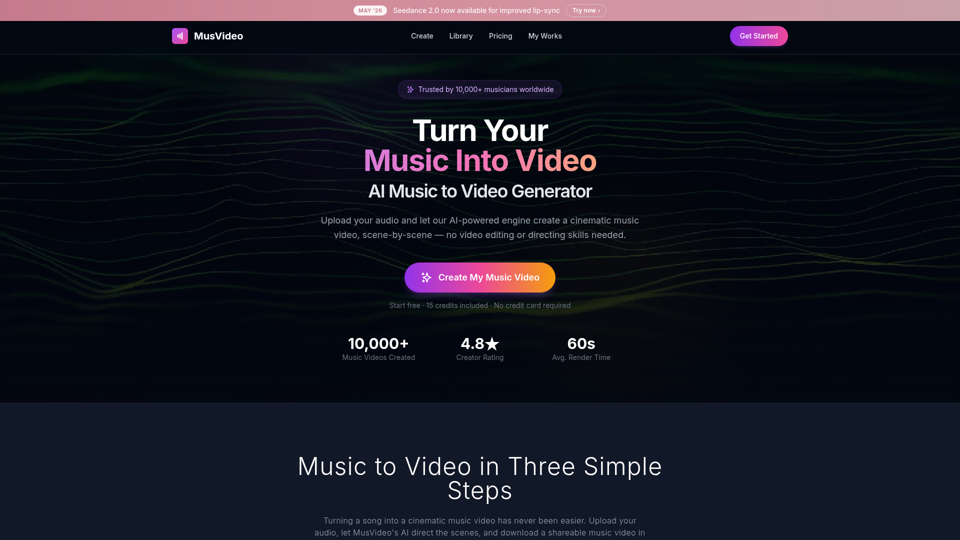
MusVideo is the AI music to video generator that turns your audio tracks into cinematic music videos. Upload your music and let AI create stunning, scene-by-scene visuals. The fastest way to convert music to video online.
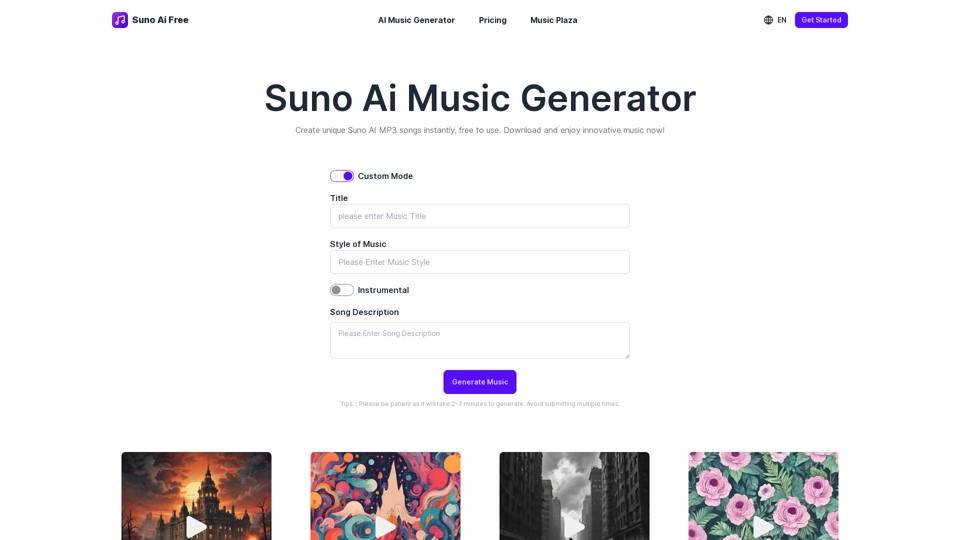
Suno AI Free is an AI music generator that allows you to create music with just a click in seconds, completely free of charge.
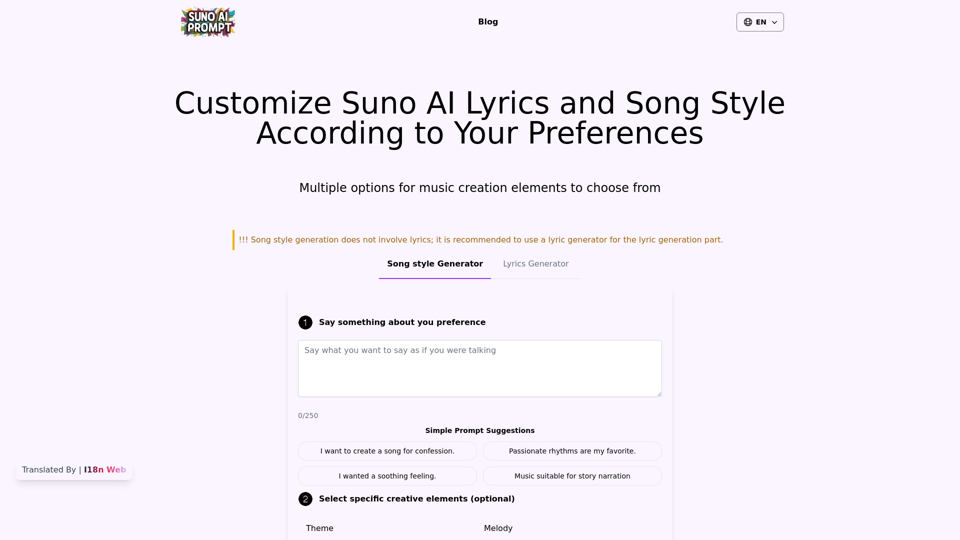
Generate song and lyrics with suno metatags and music style: rock lyrics, pop lyrics, etc. suno ai prompts, lyrics and udio lyrics
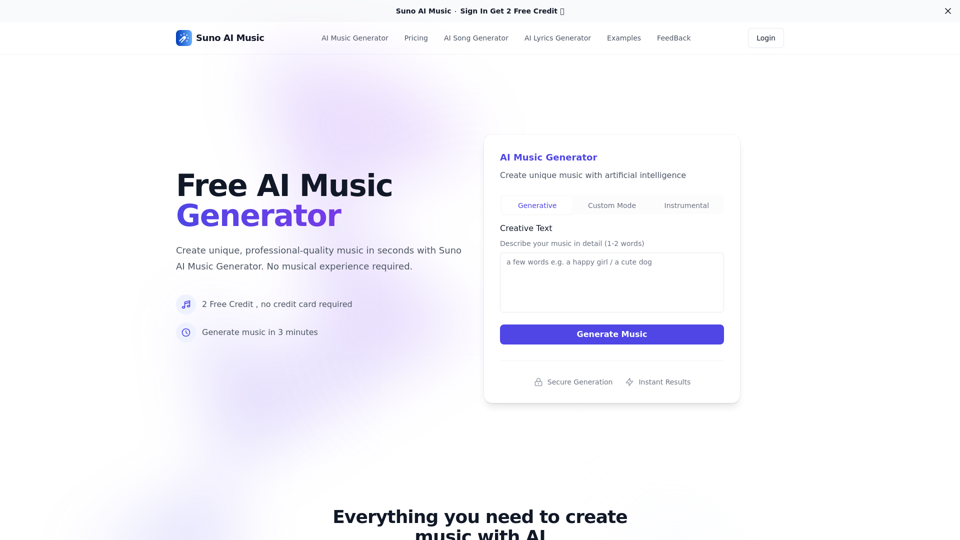
Suno AI Music is a free AI music generator that allows you to create songs with AI. Transform your ideas into professional music for free.
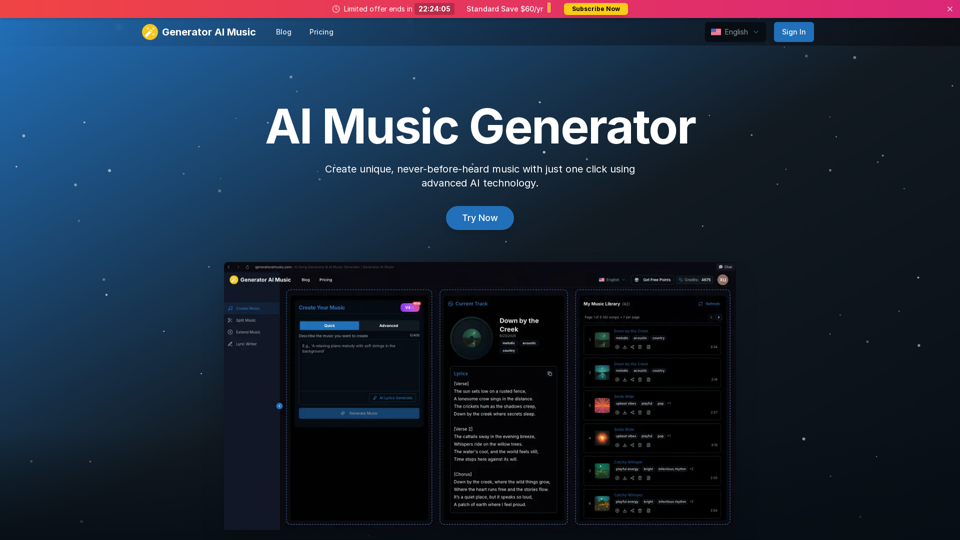
Easily create songs with AI, convert text to song, lyrics to song, vocal remover, music stems and remix. Generate music from text, explore AI music maker, and make music effortlessly.

Get access to free MP3 downloads, music streaming, and more on Suno Download. Find the latest songs, albums, and music videos for download.
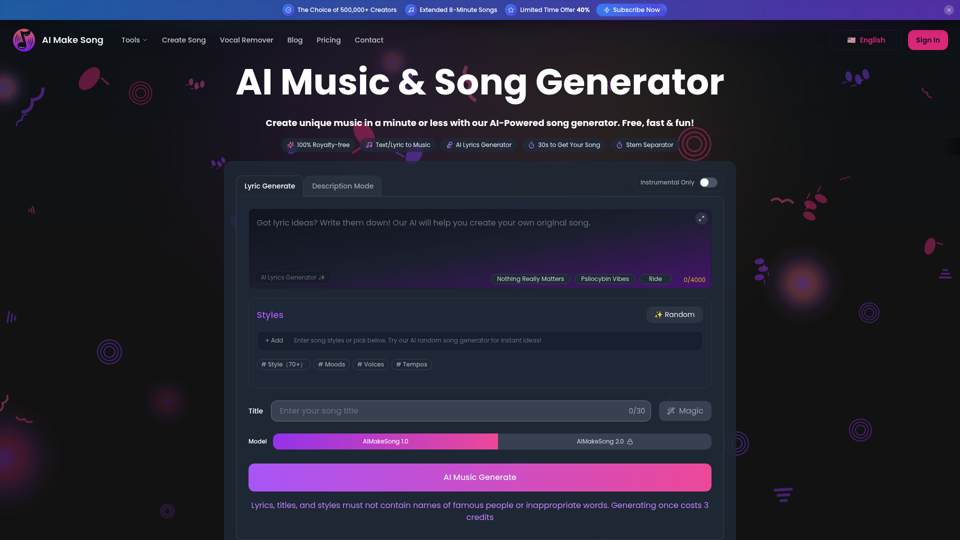
AiMakeSong: Your free ai song generator for royalty-free music. Turn text to music or bring lyrics to song. Includes vocal remover, ai stem splitter & a rap lyrics generator.
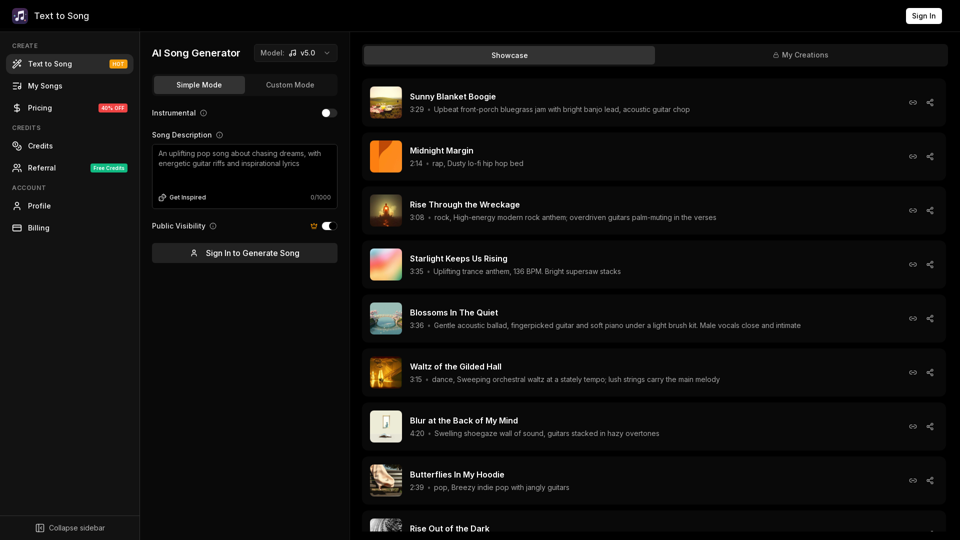
Create songs with AI in seconds. Turn text or lyrics into music online. Generate original songs fast, no downloads required, no musical experience required.