MusVideo
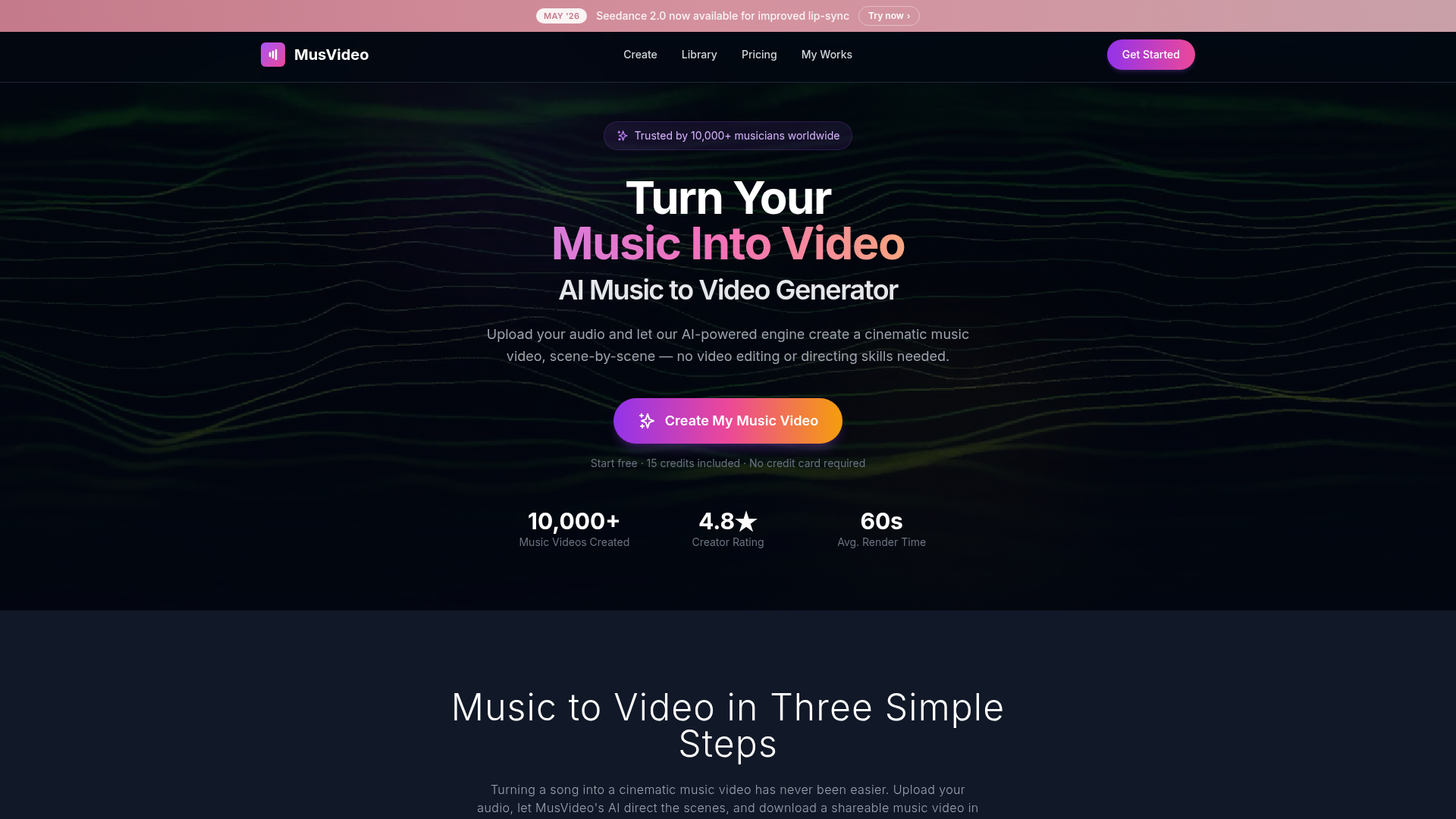
MusVideo is the AI music to video generator that turns your audio tracks into cinematic music videos. Upload your music and let AI create stunning, scene-by-scene visuals. The fastest way to convert music to video online.
What is MusVideo?
MusVideo is an AI-powered music video generator platform that transforms audio tracks into cinematic music videos. By analyzing the tempo, mood, and energy of uploaded music, it automatically creates scene-by-scene visual stories, eliminating the need for video editing skills, film crews, or extensive production budgets. Trusted by over 10,000 musicians worldwide, it offers a fast, accessible way for artists and creators to produce professional-looking videos for platforms like YouTube, TikTok, and Spotify Canvas.
Feature of MusVideo
1. AI-Powered Music Video Generation
MusVideo's core engine uses advanced AI to analyze audio files (MP3, WAV, etc.) and generate complete, cinematic music videos. It interprets musical elements like beats, energy, and mood to direct scenes, create visuals, and sync everything seamlessly.
2. Support for Any Music Genre or Language
The platform is designed to work with any musical style—from lo-fi hip hop and EDM to metal, ballads, K-pop, or spoken word. It also processes tracks in any language, ensuring the generated visuals align with the song's tone and content.
3. Cinematic Scene Direction and Styling
Acting as an AI director, MusVideo crafts detailed storyboards, composes shots, and applies color grading for professional-grade visuals. Users can select a visual style or let the AI recommend one based on the track's characteristics.
4. Fast Rendering and Multiple Export Formats
Videos are rendered quickly, with an average time of 60 seconds. The tool supports various aspect ratios (vertical, square, widescreen) optimized for TikTok, Instagram Reels, YouTube, and Spotify Canvas, enabling creators to publish content rapidly.
5. User-Friendly Library and Management
Every generated music video is saved to a personal library, allowing users to revisit, re-render, swap styles, or download HD versions anytime. This keeps all projects organized and accessible for future edits or campaigns.
6. Affordable, Credit-Based System with Free Trial
MusVideo operates on a credit system, offering 15 free credits upon signup (no credit card required). Users can purchase additional credits via one-time packs (e.g., Starter at $39.99, Pro at $99), avoiding subscription locks and providing flexibility based on usage needs.
How to use MusVideo?
Using MusVideo is a straightforward, three-step process designed for efficiency:
- Upload Your Music: Log in to the platform and upload an audio file (MP3, WAV, etc.). The AI will analyze the track's tempo, mood, and structure to plan the video.
- AI Generates Scenes: Choose a visual style or let the AI select one. The system then automatically creates a storyboard, generates each scene, and syncs visuals to the music's beats, producing a cohesive music video.
- Download and Share: Preview the video, make any fine-tuning adjustments if desired, and export it in high definition. The final video is ready to be shared on social media, streaming platforms, or stored in your personal library for future use.
Price of MusVideo
MusVideo offers a flexible, credit-based pricing model with no mandatory subscriptions:
- Free Tier
- New users receive 15 credits upon signing up, allowing them to generate initial music videos at no cost and without a credit card.
- One-Time Purchase Packs
- Starter Pack: $39.99 for additional credits, suitable for occasional users or small projects.
- Pro Pack: $99 for more extensive credit bundles, ideal for frequent creators or labels needing multiple videos.
- Credit Usage
- Credits are consumed based on video length and complexity (e.g., scenes up to 30 seconds). This pay-as-you-go approach ensures users only pay for what they need, making it cost-effective compared to traditional video production or subscription-based alternatives.
Helpful tips
- Optimize Audio Quality
- Upload high-quality audio files (e.g., WAV for better clarity) to help the AI accurately detect tempo and mood, leading to more precise visual matching.
- Experiment with Styles
- Try different visual styles (cinematic, abstract, vibrant) to see which best complements your music genre—the AI's suggestions are a great starting point.
- Use for Multiple Formats
- Leverage the export options to create videos tailored for specific platforms (e.g., vertical for TikTok, widescreen for YouTube), maximizing reach and engagement.
- Manage Credits Wisely
- Start with the free 15 credits to test the platform, then purchase credit packs based on your production frequency to avoid interruptions.
- Explore the Library
- Save all generated videos in your personal library; you can easily re-edit or reuse them for future projects, saving time on repeat uploads.
Frequently Asked Questions
Can I use MusVideo for any type of music?
Yes, MusVideo supports all music genres and languages. Whether it's an instrumental, vocal track, or mixed genre, the AI adapts visuals to match the song's energy and style.
How long does it take to generate a music video?
On average, rendering takes about 60 seconds, but it can vary based on video length and complexity. The process from upload to download is designed to be completed in minutes.
Do I need video editing skills to use MusVideo?
No, MusVideo requires no editing or directing skills. The AI handles all aspects of scene creation, syncing, and styling, making it accessible for beginners and professionals alike.
What formats are supported for export?
Videos can be exported in high-definition (1080p) and optimized for various platforms, including vertical (9:16) for TikTok/Reels, square (1:1), and widescreen (16:9) for YouTube.
Is there a free trial available?
Yes, new users get 15 free credits upon signup, allowing them to create music videos without any payment or credit card information.
How does MusVideo compare to other AI music video generators?
MusVideo stands out with deep AI audio analysis (lyrics, BPM, mood), user prompt control, multiple video models (Grok, Kling, etc.), and a one-time purchase option, unlike some competitors that offer only subscriptions or limited features.
Can I delete or modify videos after generation?
Yes, all videos are stored in your personal library, where you can delete, re-render with new styles, or download different versions as needed.
Will my data be used for training?
MusVideo prioritizes user privacy; your audio files and generated videos are not used for AI training. You can delete your account at any time to remove all associated data.
MusVideo
MusVideo is the AI music to video generator that turns your audio tracks into cinematic music videos. Upload your music and let AI create stunning, scene-by-scene visuals. The fastest way to convert music to video online.
 Cloudflare
 Google Tag Manager
 HTTP/3
 Next.js
 Node.js
 React
React Webpack
Free AI anime and manga generator. Turn text into anime episodes, manga, comics, webtoons and comic shorts in any art style — no drawing or animation skills needed.
Translate image text across 70+ languages with our advanced AI Image Translator to help you better expand your products globally to various countries
Advertised Here
Reach thousands of visitors daily. Get your spot now!
Tools similar to MusVideo
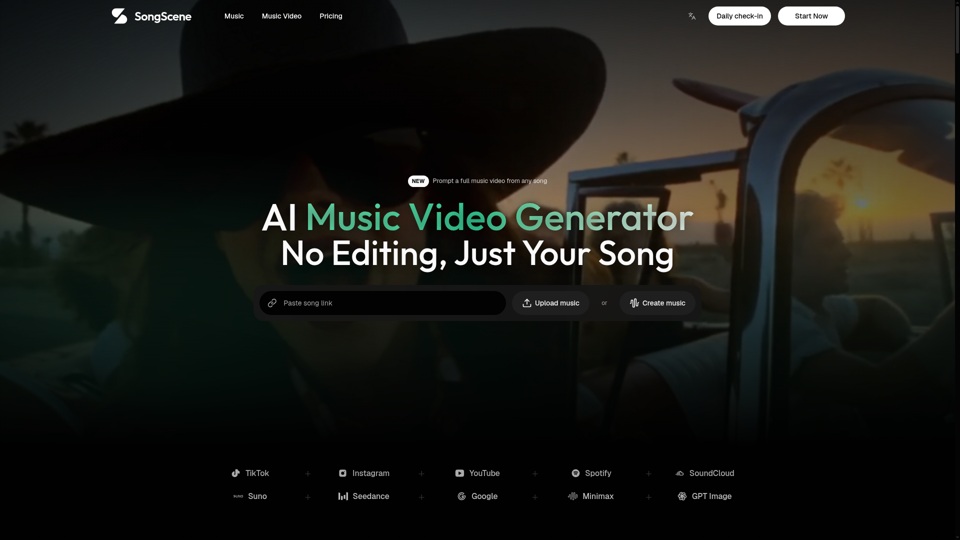
Upload an MP3 or paste a song link and let SongScene turn it into a smart AI music video with beat-synced cuts, lyric captions, and 9:16, 16:9, or 1:1 export.
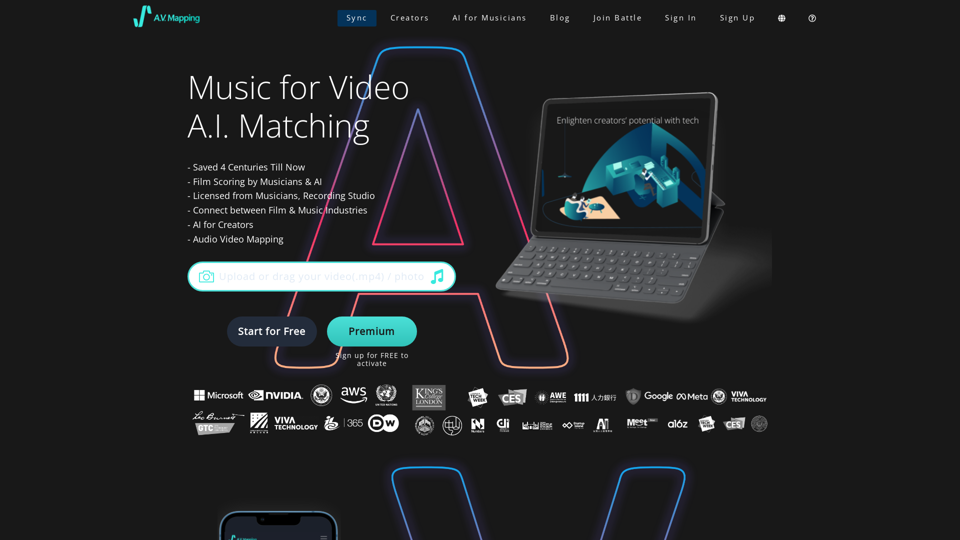
Get access to copyright free music, free sound effects, royalty free music. AI finds the perfect soundtrack for video today. Text to Music, all free to download and easy to use.
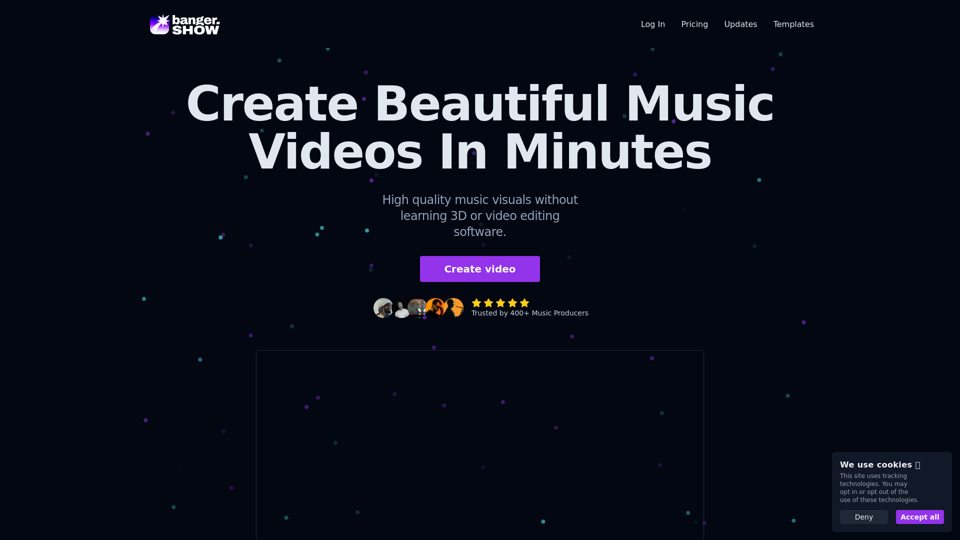
Video maker app designed for musicians, DJs, and music producers. Create high-quality visual content for your music in minutes. No video editing skills required. Use variety of visualizers and templates to create music videos online.
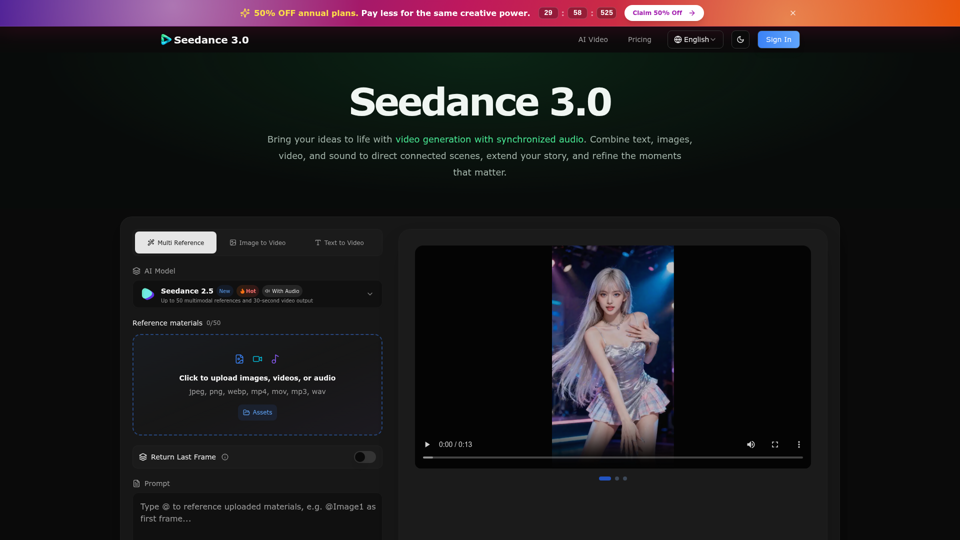
Create cinematic stories with Seedance 3.0. Turn text, images, video, and audio references into videos with synchronized sound and precise creative control.
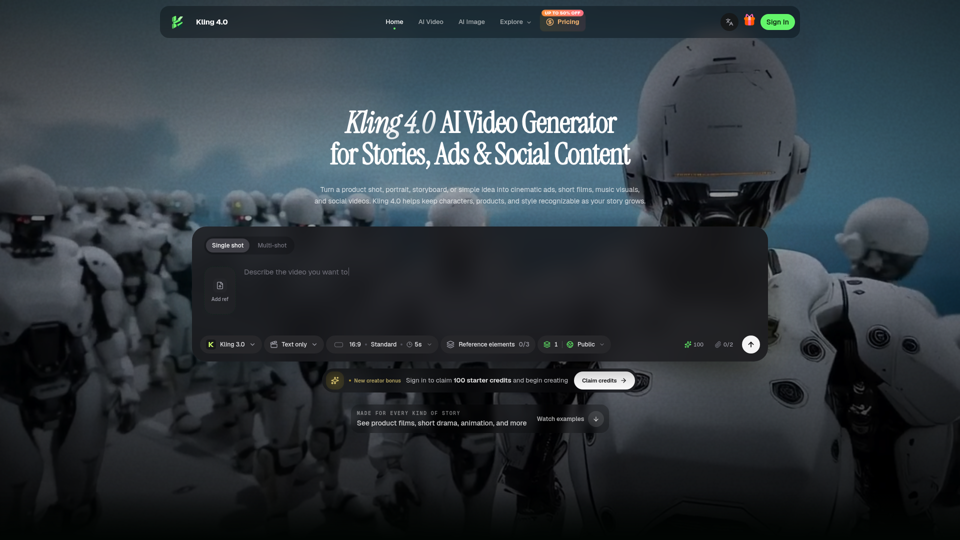
Create cinematic ads, character stories, animation, and social videos with Kling 4.0. Explore real examples and shape every scene with visual references.

Explore the revolutionary AI Music Generator. Create unique AI MP3 Music instantly, free to use.
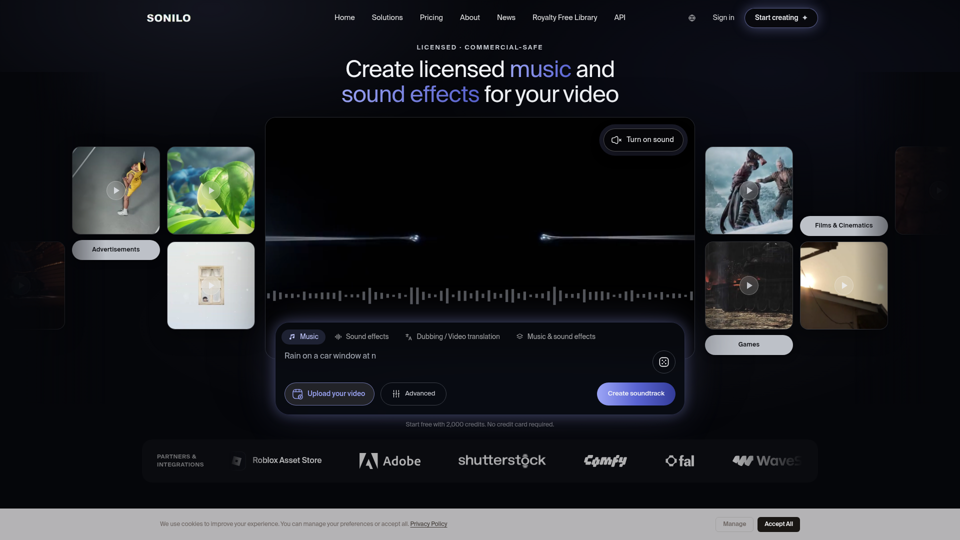
Music and sound effects that fit your story. Sonilo's AI understands your video, matches its length, and delivers custom audio in seconds.