Create and share beautiful screenshots in seconds
Create, annotate and share screenshots instantly. No design skills necessary. Supademo is an all-in-one tool for interactive demos and screenshots.
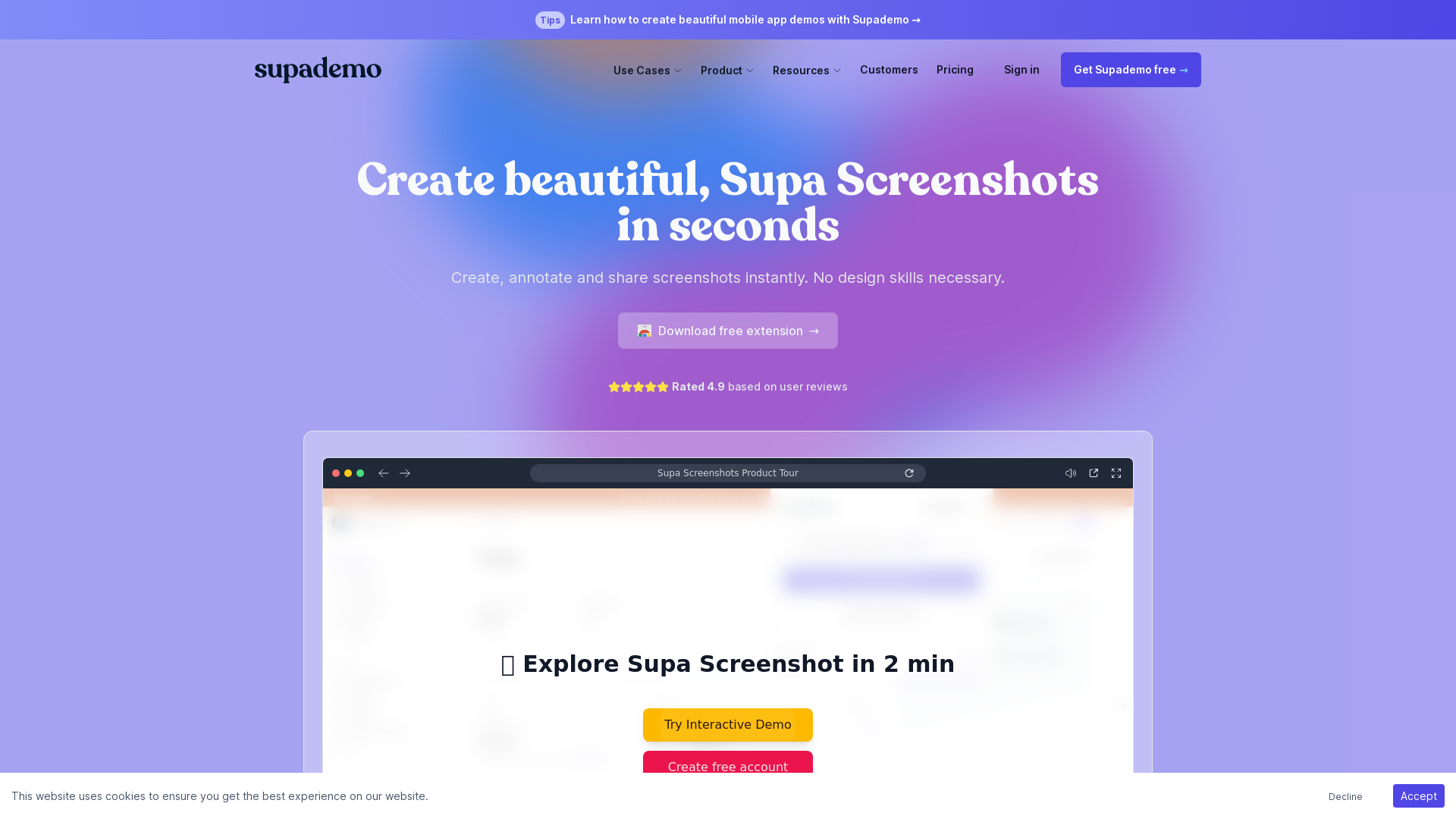
What is Supademo?
Supademo is a powerful tool designed for creating, annotating, and sharing beautiful screenshots effortlessly. It allows users to capture high-quality images of their screens while incorporating essential features that make annotations and edits quick and easy. Ideal for professionals, it empowers users with no design skills to produce stunning mobile app demos and interactive product showcases in mere seconds.
What are the main features of Supademo?
- Instant Screen Capture
- Capture unlimited screenshots for free, with options for full-screen or selected areas to choose exactly what you want to show.
- Built-in Editor
- Utilize the editor to crop, blur, annotate, and beautify your screenshots in just a few clicks.
- Quick Sharing
- Easily copy to clipboard, download, or share your creations as a URL.
- Delayed Screenshot Capture
- Set a delay for capturing screenshots of modals, menus, or other time-sensitive content.
- Integration with Supademo Demos
- Seamlessly add screenshots to existing Supademo interactive demos for enhanced presentations.
- Dynamic Variables
- Personalize experiences with dynamic variables to scale your demo outreach.
- AI Voiceovers
- Add AI-generated voice narration to your demos for a more engaging user experience.
- Auto-Translation
- Translate product demos instantly into over 15 languages leveraging AI technology.
How to use Supademo?
Using Supademo is incredibly straightforward:
- Capture a Screenshot: Open the extension or use the shortcut ⌘ + shift + 9 to capture a browser window.
- Edit Your Screenshot: Use the built-in editing tools to annotate, crop, and beautify your screenshot.
- Share Your Creation: Copy the screenshot to your clipboard, download it, or share it as a URL link.
Pricing
Supademo offers a free extension that allows users to create and share unlimited screenshots. For advanced features, companies may explore premium options that provide expansive capabilities for sales enablement, customer success, and internal training.
Helpful Tips
- Utilize Shortcuts
- Familiarize yourself with keyboard shortcuts to speed up your screenshot and editing process.
- Regular Updates
- Keep an eye on Supademo updates and new features through their blog or newsletter for the latest enhancements.
- Combine Screenshots and Demos
- Make the most of Supademo by combining beautifully created screenshots with interactive demos for a polished presentation.
Frequently Asked Questions
Can I use Supademo without design skills?
Absolutely! Supademo is designed for users with no design background, enabling anyone to create professional-looking screenshots and demos effortlessly.
Is there a limit on how many screenshots I can capture?
No, Supademo allows for unlimited screenshot captures for free, making it easy to produce as many visuals as you need.
Is my data safe with Supademo?
Yes, Supademo prioritizes user privacy and employs robust security measures to safeguard your information.
Does Supademo support team collaboration?
Yes, Supademo is designed to be intuitive for teams, allowing multiple members to create, annotate, and share screenshots easily.
How can I get started with Supademo?
Simply download the free extension, and you’re ready to start capturing and creating stunning screenshots right away!
Create and share beautiful screenshots in seconds
Create, annotate and share screenshots instantly. No design skills necessary. Supademo is an all-in-one tool for interactive demos and screenshots.
 Cloudflare
 Vercel
Free AI anime and manga generator. Turn text into anime episodes, manga, comics, webtoons and comic shorts in any art style — no drawing or animation skills needed.
Translate image text across 70+ languages with our advanced AI Image Translator to help you better expand your products globally to various countries
Advertised Here
Reach thousands of visitors daily. Get your spot now!
Tools similar to Create and share beautiful screenshots in seconds
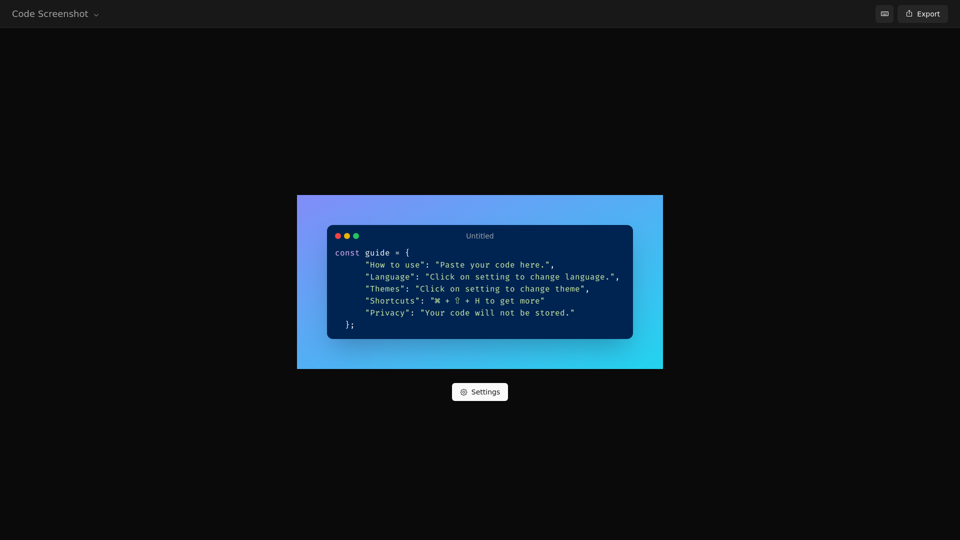
Create amazing images of your code with our secure code screenshot tool. Enjoy simplicity and privacy while creating your code snapshot.
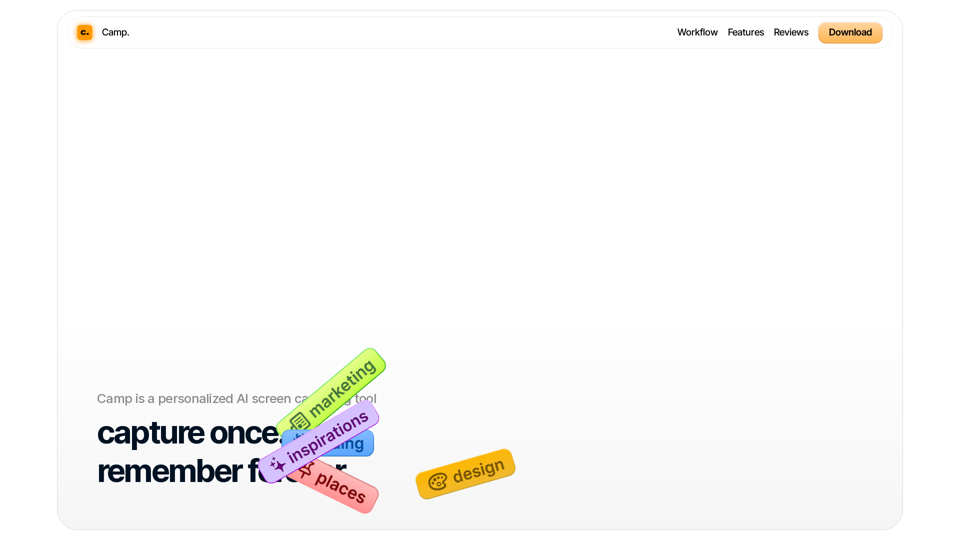
Organize your thoughts and inspirations with Camp on iOS and macOS. With AI, Camp automatically titles, tags, and extracts information you care about the most.
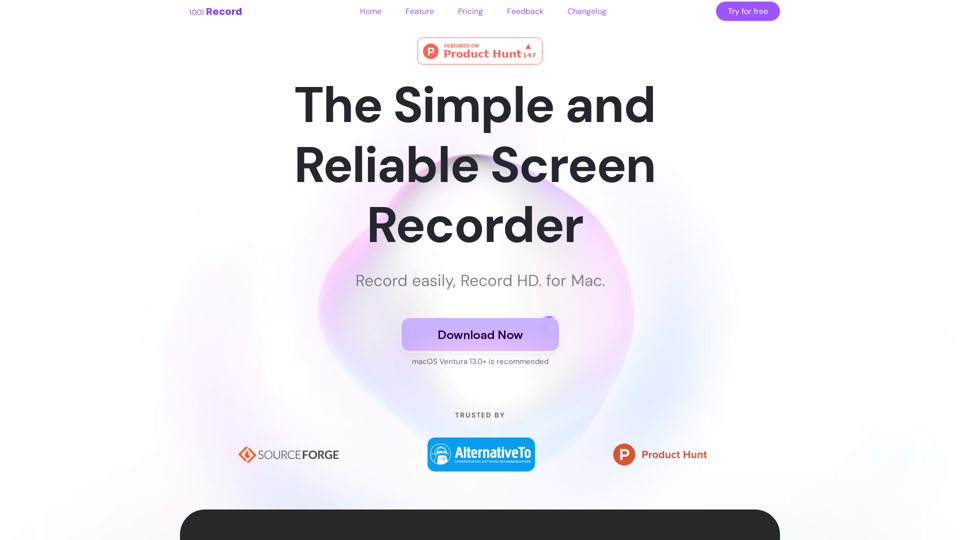
1001 Record is the best screen recording app for Mac with a built-in annotation tool and more. Built by 1001 TVs. Free to record with audio now.
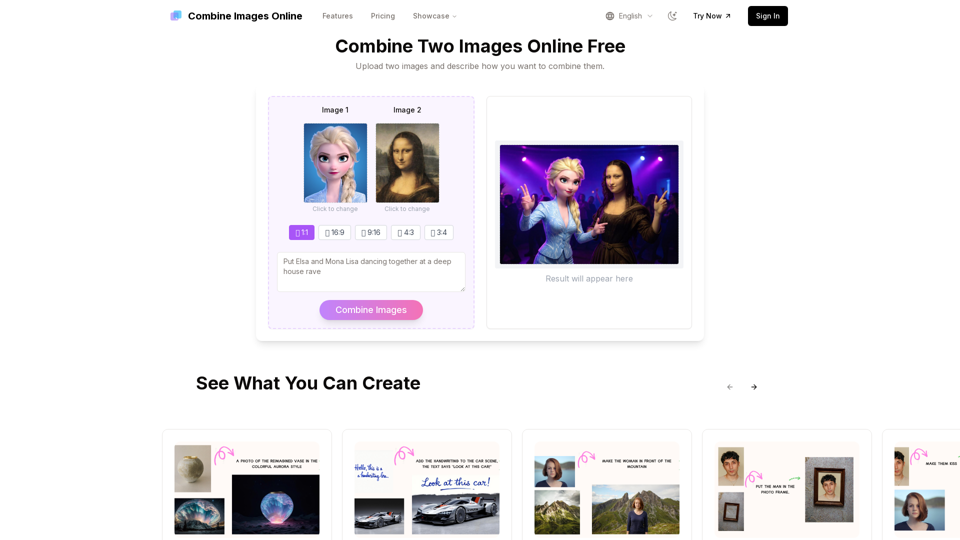
Combine Images Online is the easiest way to merge two images with your own effect. Upload, describe, and get your new image in seconds.
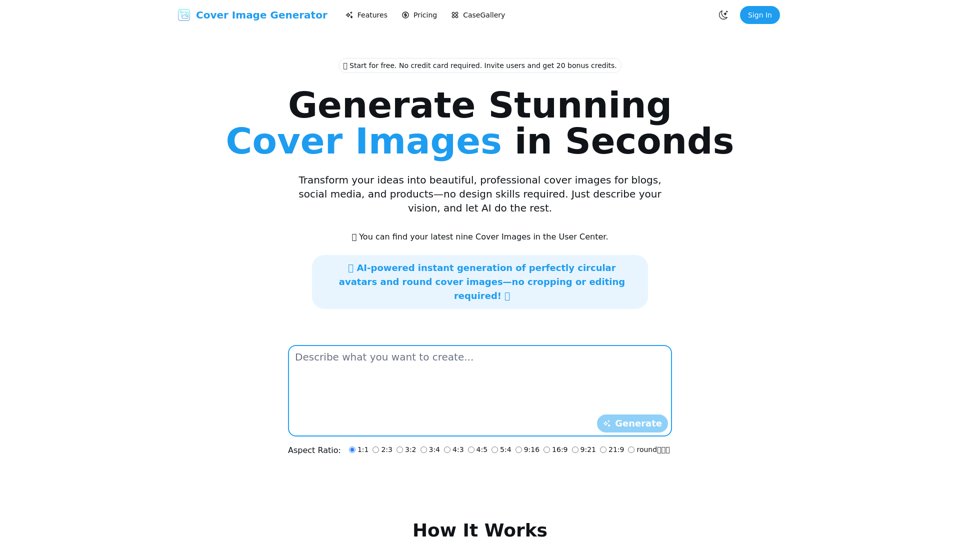
Cover Image Generator is an AI-powered tool to create beautiful, professional cover images for blogs, social media, and products in seconds. No design skills required. Try for free!
Revolutionize Your Workflow with the Ultimate AI-Powered Screenshot Manager for macOS.