AI Cost Management & Spend Intelligence
Track, attribute, and forecast AI spend across OpenAI, Anthropic, Gemini, Bedrock, and 14+ providers. Tie Cursor spend to PRs. Start free in 5 min.
What is SuperPenguin?
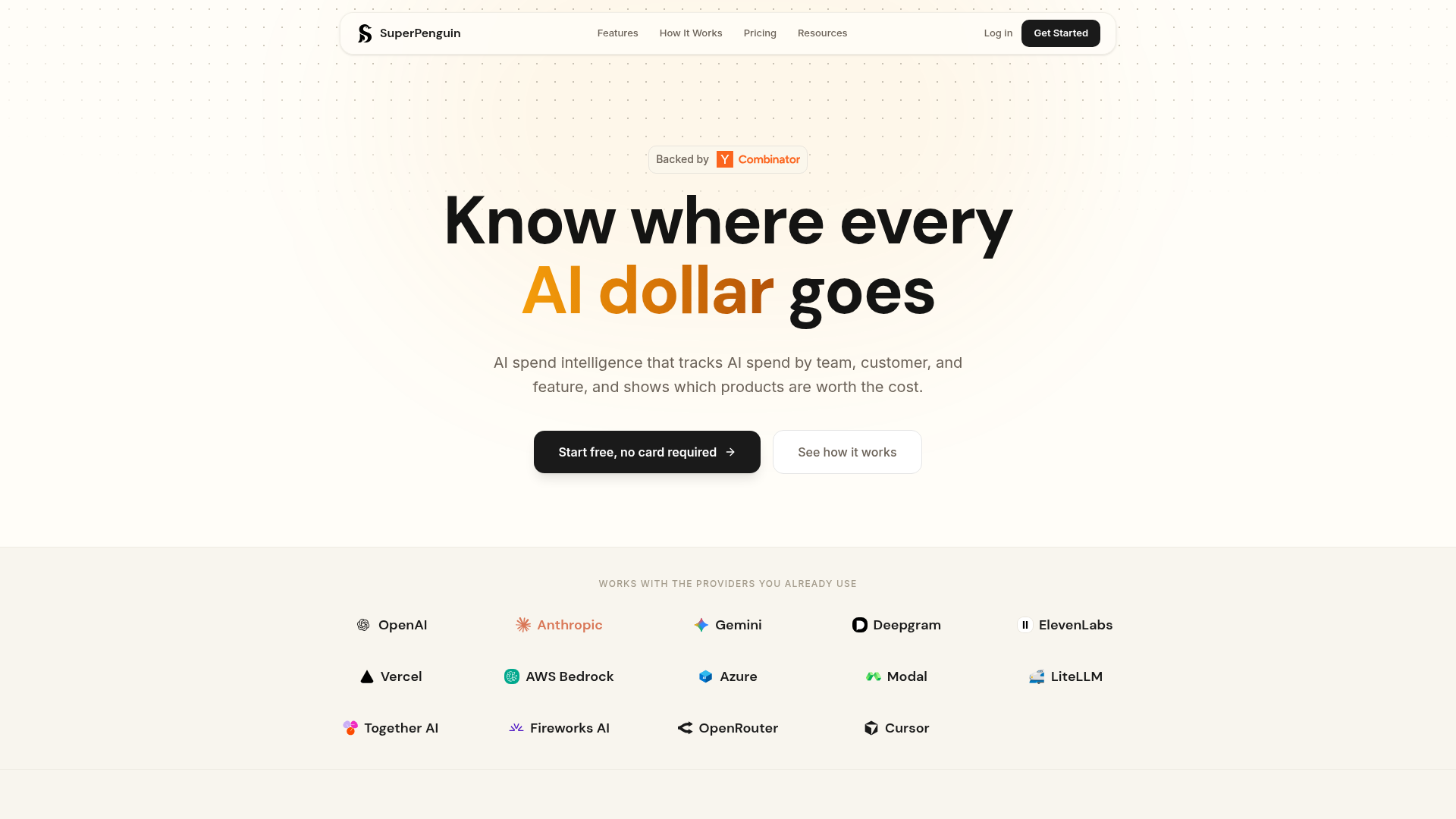
SuperPenguin is a Y Combinator-backed AI spend intelligence platform designed to provide complete visibility and granular control over your organization's artificial intelligence expenditures. Its core purpose is to help finance, engineering, and leadership teams track, attribute, and optimize every dollar spent on AI services. In an era where AI costs can quickly spiral out of control across multiple providers, SuperPenguin acts as a unified command center. It answers the critical question: is your AI investment driving real product value, or is it just burning budget? By connecting to the providers you already use—like OpenAI, Anthropic, and Google Gemini—it transforms raw billing data into actionable insights, showing you precisely where money is going, which features or customers are driving costs, and whether those costs are justified.
Key Features of SuperPenguin
SuperPenguin delivers a comprehensive suite of features through three primary access points, catering to different team needs without requiring a one-size-fits-all approach.
1. Unified Multi-Provider Spend Dashboard: This is the foundational feature, requiring no code changes. Simply connect your provider admin API keys, and SuperPenguin automatically syncs billing data into a single, live dashboard. You get a holistic view of total spend across all connected services, complete with month-over-month trends, detailed breakdowns by model and project, and an AI spend forecast (on Pro plans). It automatically reconciles your tracked spend against actual provider invoices, helping you catch billing errors and hidden charges.
2. Granular Per-Request Attribution (SDK):
For engineering teams needing deeper insight, the SuperPenguin SDK (available for Python and TypeScript) adds a powerful layer of observability. With just two lines of code to wrap your existing provider client, you can attribute every single AI API request to specific metadata like customer_id, feature, team, and prompt_version. This allows you to drill down and see the exact cost of, for example, the "support_agent" feature for "customer_acme," providing unparalleled clarity into which products and features are truly worth their AI cost.
3. Engineering ROI & PR Cost Attribution (Pro Feature): A unique offering for engineering leaders, this feature connects tools like Cursor (an AI-powered code editor) to your GitHub repository. It automatically ties every dollar of AI spend generated during development to the specific pull requests (PRs) that were merged. This reveals the real-dollar cost of each PR, broken down by engineer and project, helping identify efficient development practices and spotlighting "ghost" spend that didn't ship any code.
4. Proactive Spend Alerts: Avoid bill shock by setting custom alerts for daily spend thresholds, spike detectors (e.g., 200% of yesterday's spend), and monthly budget caps. Notifications are delivered in real-time to Slack, Email, or Discord, allowing teams to act before costs escalate.
5. Security & Performance Designed for Production: SuperPenguin is built with a zero-lock-in, zero-data-exposure philosophy. Your API calls go directly to the provider; SuperPenguin never sees, stores, or touches your keys. The SDK adds minimal overhead (sub-10ms for non-streaming, <5ms TTFT impact on streaming) and logs only cost metadata by default, ensuring your prompts and responses remain private unless you explicitly opt-in for debugging.
How to Use SuperPenguin
Getting started with SuperPenguin is straightforward and scales with your needs. You can begin immediately with no credit card required.
For Finance & Business Teams (No Code):
- Sign up for a free account on the SuperPenguin website.
- Navigate to the "Spend Dashboard" and connect the admin API keys from your AI providers (e.g., OpenAI, Anthropic).
- Instantly view your unified spend dashboard, set up invoice reconciliation, and configure budget alerts—all without involving the engineering team.
For Engineering Teams (Granular Tracking):
- Sign up and create an organization.
- Install the SuperPenguin SDK into your application:
pip install superpenguinornpm install superpenguin. - Initialize the SDK with your API key and wrap your existing provider client (OpenAI, Anthropic, etc.), adding metadata tags for customer, feature, and team.
- Your application's calls will now be automatically tracked. View real-time, per-request cost attribution in the SuperPenguin dashboard to understand cost drivers at the most granular level.
For Engineering Leaders (Measuring ROI):
- Subscribe to a Pro plan.
- In the "Engineering ROI" section, connect your Cursor API key and GitHub repository.
- SuperPenguin will automatically begin attributing Cursor's AI usage to merged pull requests, providing a dashboard that shows cost per PR, per engineer, and per project.
SuperPenguin Pricing Plans
SuperPenguin offers simple, usage-based pricing tiers that scale with the amount of AI spend you manage through the platform.
- Free Plan ($0/month)
- Ideal for individuals or small projects just starting with AI. It includes all core dashboard features, per-request attribution via the SDK, invoice reconciliation, and email support for up to ### $2,000 in managed AI spend per month.
- Growth Plan ($30/month)
- Designed for small teams actively shipping AI features. It includes everything in Free, raises the managed spend limit to ### $5,000/month, adds support for 3 team members, enables cost alerts (Slack, Email, Discord), and provides priority support.
- Pro Plan ($200/month - Most Popular)
- Built for teams scaling AI in production. It includes everything in Growth, supports up to ### $20,000 in managed spend and 10 team members, and unlocks advanced features like ### AI spend forecasting and ### Cursor PR cost attribution to measure engineering ROI.
- Enterprise Plan (Custom Pricing)
- Tailored for large organizations with high-volume AI spend (over $20K/month). It offers all Pro features, unlimited team members, SAML SSO (coming soon), and dedicated support.
Helpful Tips for Maximizing SuperPenguin
- Start with the Dashboard
- Even if you're not ready to integrate the SDK, connecting your provider keys to the Spend Dashboard immediately gives you visibility and helps with invoice reconciliation. It's the fastest way to understand your total AI spend footprint.
- Tag Proactively with the SDK
- When implementing the SDK, work with your product and engineering teams to define a consistent taxonomy for
customer_id,feature, andteammetadata. This consistency is key to generating reliable, actionable reports. - Use Alerts Proactively
- Don't wait for a huge bill. Set conservative daily and monthly alerts early on. The spike detector is particularly useful for catching abnormal usage patterns that could indicate bugs or inefficiencies in your AI integrations.
- Leverage Reconciliation
- Regularly check the reconciliation feature. It can help you identify untracked spend (e.g., from projects using different API keys) and catch discrepancies in provider billing.
- Evaluate Feature ROI
- Use the per-request attribution data to periodically review the cost versus business value of each AI-powered feature. This data is invaluable for making product decisions about where to invest further or where to optimize.
Frequently Asked Questions (FAQ)
Is SuperPenguin really free to start?
Yes, the Free plan includes all core dashboard and SDK features for managing up to $2,000 of AI spend per month. There's no credit card required to sign up and start using it.
Does SuperPenguin store my prompts or AI responses?
By default, ### no. The SDK only logs cost metadata (tokens, model, latency, and your tags). Prompt and response text are not captured unless your organization explicitly opts in from the Settings (available on Pro/Enterprise plans). Even then, capture is text-only, sampled, redacted by default, and encrypted at rest.
Will integrating the SDK slow down my application's API calls?
The impact is minimal. The SDK adds less than 10ms of overhead on non-streaming requests and has less than a 5ms impact on time-to-first-token for streaming requests, as telemetry is logged asynchronously.
Which AI providers does SuperPenguin support?
SuperPenguin supports a wide range, including OpenAI, Anthropic, Google Gemini, Deepgram, ElevenLabs, AWS Bedrock, Azure OpenAI, Vercel AI Gateway, and over 100 more via LiteLLM. Billing sync is available for providers that offer the necessary admin APIs.
Can I use SuperPenguin without installing the SDK?
Absolutely. You can use the Spend Dashboard and all its features (trends, reconciliation, alerts) by simply connecting provider admin keys. The SDK is optional and is for teams that want per-request granularity.
How is this different from the native OpenAI or Anthropic dashboards?
Provider dashboards only show your spend with them. SuperPenguin unifies spend across ### all your providers into one view and adds critical features they lack: per-request cost attribution to customers/features, prompt version tracking, cost forecasting, invoice reconciliation, and engineering ROI tracking (e.g., cost per PR).
How can I track my OpenAI spend by customer?
You need to use the SuperPenguin SDK. Wrap your OpenAI client and pass a customer_id in the metadata for each request. The dashboard will then break down all costs attributed to that specific customer.
Can I really see the AI cost of each pull request?
Yes, with the Pro plan's Engineering ROI feature. By connecting Cursor and GitHub, SuperPenguin attributes AI spend from Cursor directly to the merged pull requests it helped create, showing you the cost broken down by engineer and project.
AI Cost Management & Spend Intelligence
Track, attribute, and forecast AI spend across OpenAI, Anthropic, Gemini, Bedrock, and 14+ providers. Tie Cursor spend to PRs. Start free in 5 min.
 Cloudflare
 HTTP/3
 Vercel
Free AI anime and manga generator. Turn text into anime episodes, manga, comics, webtoons and comic shorts in any art style — no drawing or animation skills needed.
Translate image text across 70+ languages with our advanced AI Image Translator to help you better expand your products globally to various countries
Advertised Here
Reach thousands of visitors daily. Get your spot now!
Tools similar to AI Cost Management & Spend Intelligence
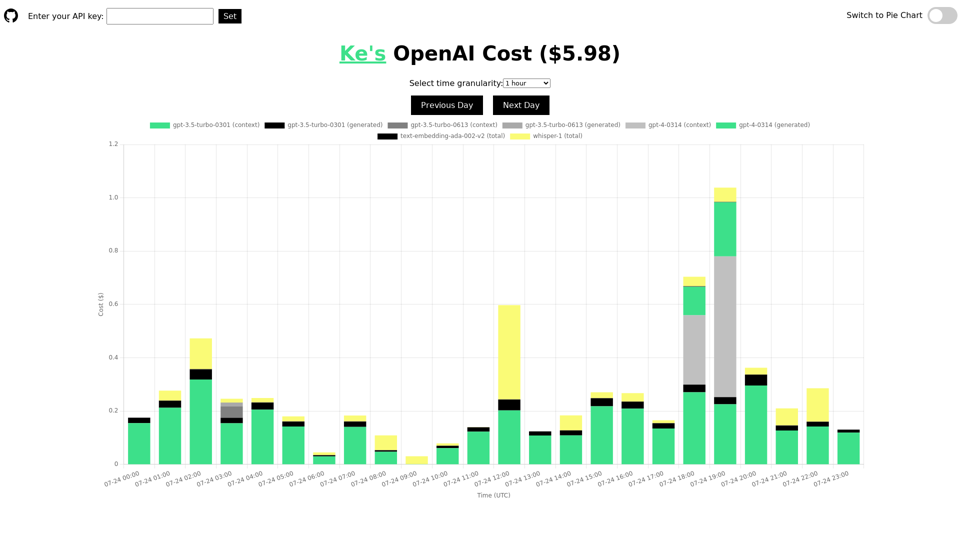
Track and analyze your daily usage and cost of the OpenAI API. Understand the costs for different models, including ChatGPT, GPT-4, Whisper, and text-embedding models. Display the information by time or using a pie chart. This tool is open-source and will not leak your API key.
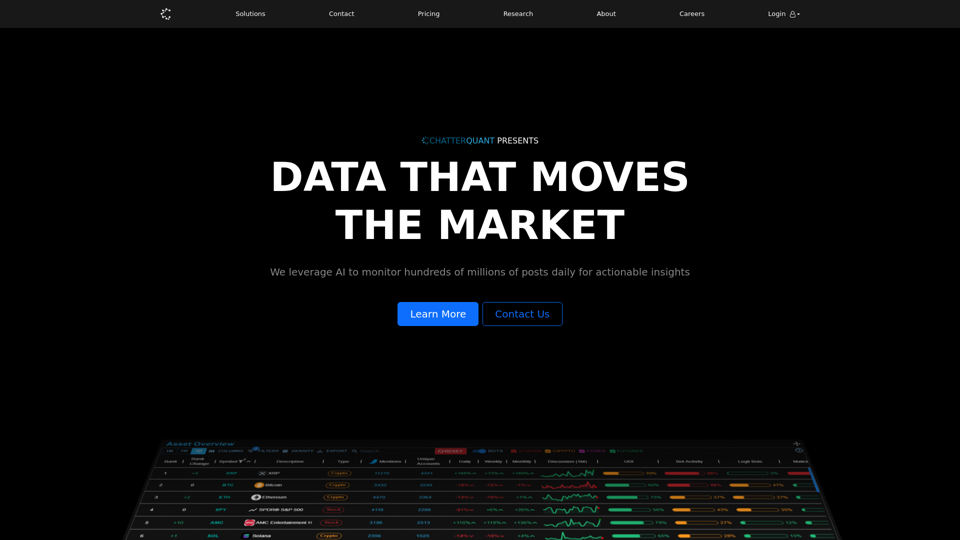
ChatterQuant is a leading innovator with a proven track record in social sentiment and discussion monitoring within the financial industry. Our award-winning platform offers real-time access to trends across multiple social media platforms and harnesses collective intelligence to provide traders and institutions with actionable insights.
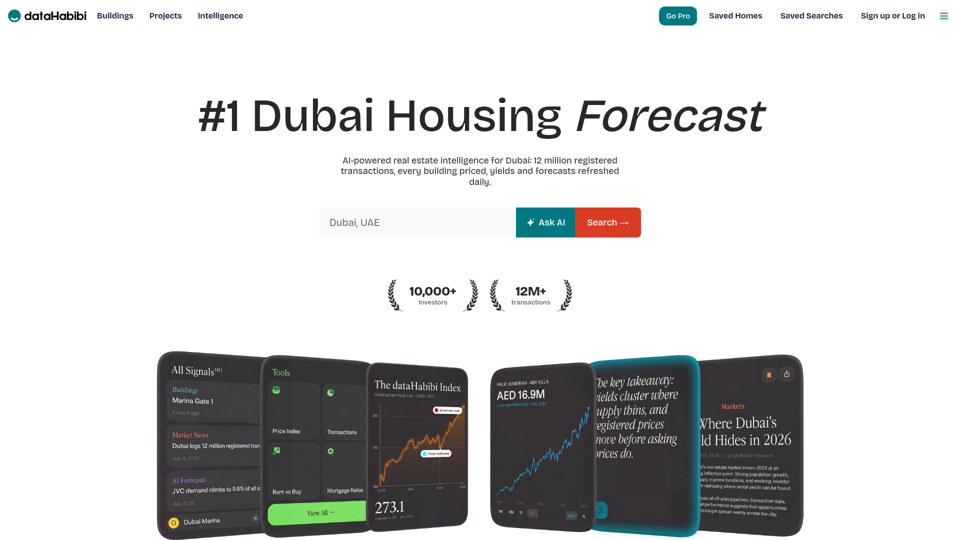
Dubai real estate data: building-by-building prices, rental yields, DLD transactions and off-plan pipeline. Pure intelligence, zero listings.
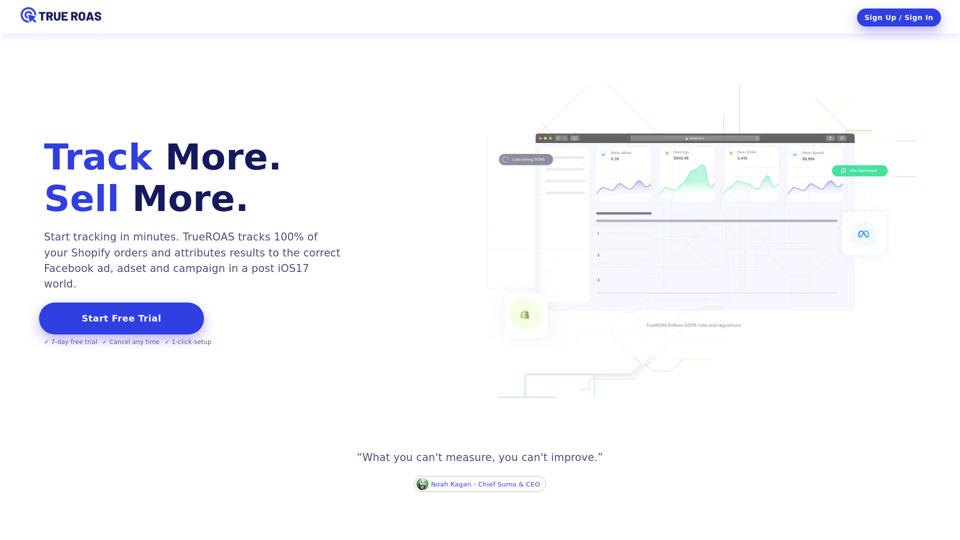
Optimize your eCommerce ad spend with True ROAS. Track all Shopify and WooCommerce orders accurately in a post-iOS17 world. Start your True Roas free trial now!
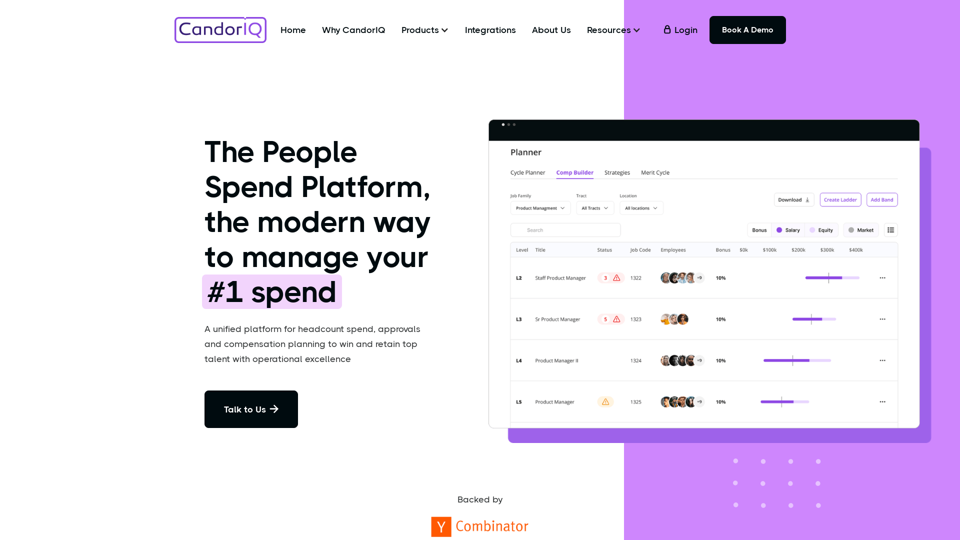
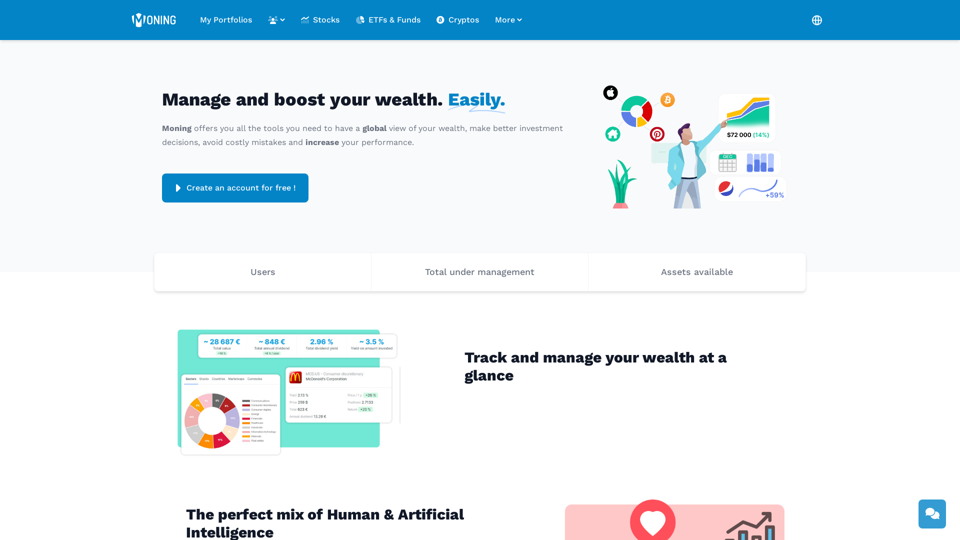
The all-in-one platform to find and track your investments