Visual Programming
From first-time founders to experienced engineers, Bubble allows users to build, design, and launch apps in record speed – no code required.
What is Bubble?
Bubble is a powerful visual programming platform that enables users to create web applications without the need for traditional coding. It utilizes drag-and-drop functionality and a visual interface to simplify the app development process, making it accessible to users with varying levels of technical expertise.
What are the main features of Bubble?
- No-code Development
- Users can build fully functional applications using a visual editor without writing any code.
- Responsive Design
- Bubble applications are inherently responsive, allowing developers to design for various devices effortlessly.
- Custom Workflows
- Create complex logic and workflows by simply setting up triggers and actions within the app.
- Database Management
- Bubble includes a built-in database, enabling users to create, read, update, and delete data easily.
- User Authentication
- Implement user login and registration features with ease.
- Plugin Ecosystem
- Enhance your application with a wide range of plugins available in the Bubble marketplace.
How to use Bubble?
To start using Bubble, simply sign up for an account on the Bubble website. Once you're logged in, you can begin creating your app using the intuitive visual editor. Bubble provides templates and tutorials to help you get started, allowing you to create a prototype or fully functional application quickly.
What is the cost structure of Bubble?
Bubble offers a variety of pricing plans to accommodate different needs. The pricing structure usually includes:
- Free Plan
- Ideal for testing and prototypes but limits features such as custom domains.
- Personal and Professional Plans
- Paid tiers that offer advanced features, increased capacity, and performance.
- Custom Plans
- Businesses requiring specific features can consult Bubble's sales team for tailored solutions.
Helpful Tips for Using Bubble
- Start Small
- Begin with a simple project to familiarize yourself with the platform's features.
- Utilize Templates
- Bubble offers templates that can save time and provide inspiration for your app's design and functionality.
- Join the Community
- Engage with other Bubble users through forums and community support channels to share ideas and troubleshoot problems.
- Learn Through Tutorials
- Take advantage of the learning resources available in the Bubble Academy for in-depth knowledge and best practices.
- Iterate Often
- Regularly test your application as you build, ensuring each feature works as intended.
Frequently Asked Questions
Can I use my own domain with Bubble?
Yes, but you need to upgrade to a plan that supports custom domains to connect your own domain name to your Bubble application.
Do I need coding skills to use Bubble?
No, Bubble is designed for users with or without coding backgrounds. Its visual programming interface simplifies app development.
Is Bubble suitable for large-scale applications?
Yes, many businesses have successfully built scalable applications on Bubble. However, consider performance and scalability needs when choosing a subscription plan.
Can I collaborate with others on Bubble?
Absolutely! Bubble allows users to invite others to collaboratively build and manage applications within the platform.
What happens if I exceed my plan's usage limits?
If you exceed your plan's limits, you may experience limitations such as degraded performance or additional costs. Consider upgrading your plan if you regularly hit those limits.
Is there customer support available?
Yes, Bubble offers customer support, including a knowledge base and community forums. Paid plans may also include dedicated support.
Visual Programming
From first-time founders to experienced engineers, Bubble allows users to build, design, and launch apps in record speed – no code required.
Free AI anime and manga generator. Turn text into anime episodes, manga, comics, webtoons and comic shorts in any art style — no drawing or animation skills needed.
Translate image text across 70+ languages with our advanced AI Image Translator to help you better expand your products globally to various countries
Advertised Here
Reach thousands of visitors daily. Get your spot now!
Tools similar to Visual Programming
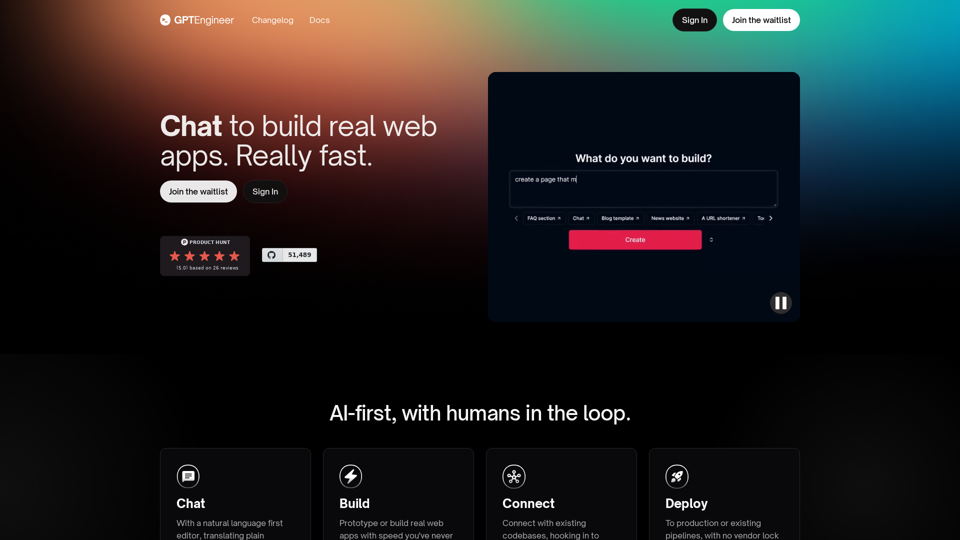
Build a web app in 1 minute with gptengineer.app - rapid prototyping using natural language. Deploy, Host, Version control, open-core.
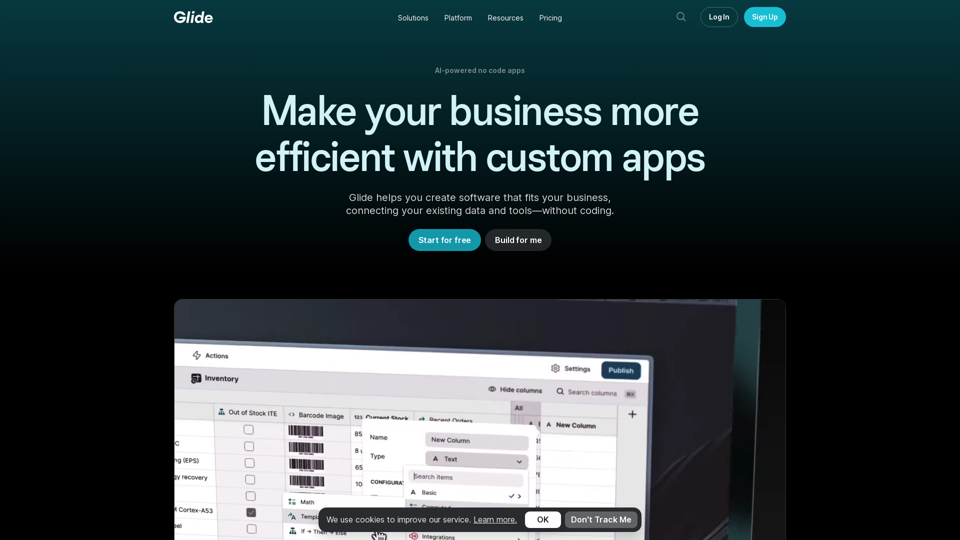
Glide makes it easy to build and deploy powerful custom apps powered by AI with no code. Create your first app by trying Glide for free.
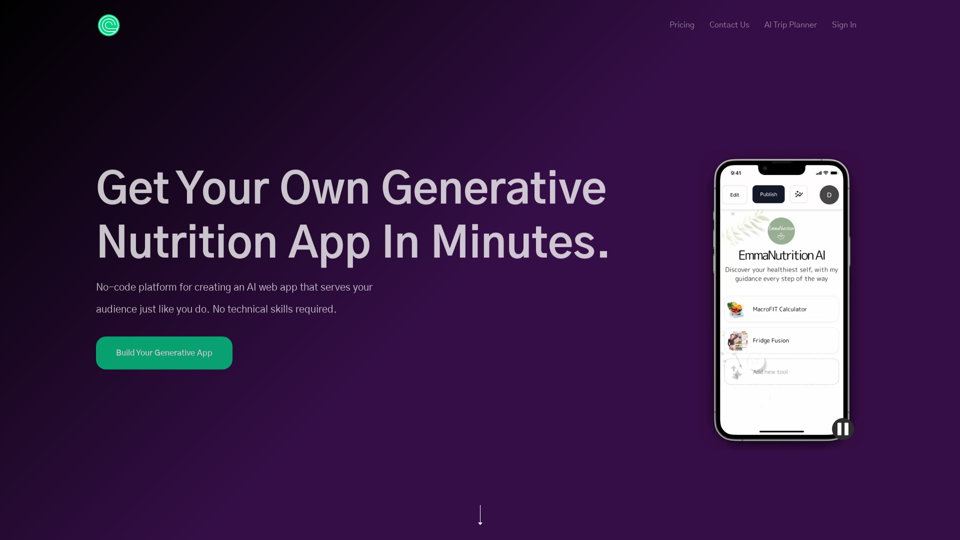
No-code platform for creating an AI web app that serves your audience just like you do. No technical skills required.
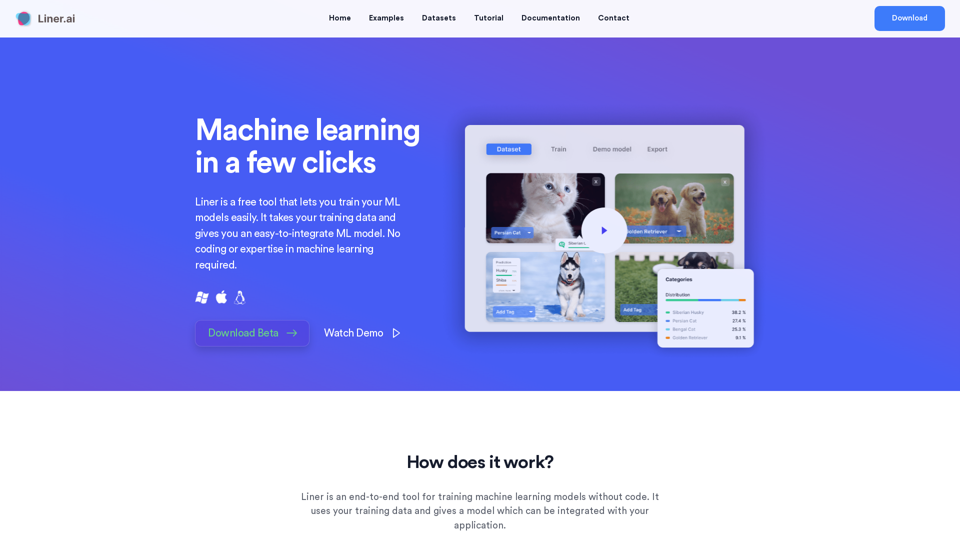
Liner is a free tool which lets you build and deploy machine learning applications within minutes. No coding or expertise in machine learning required.
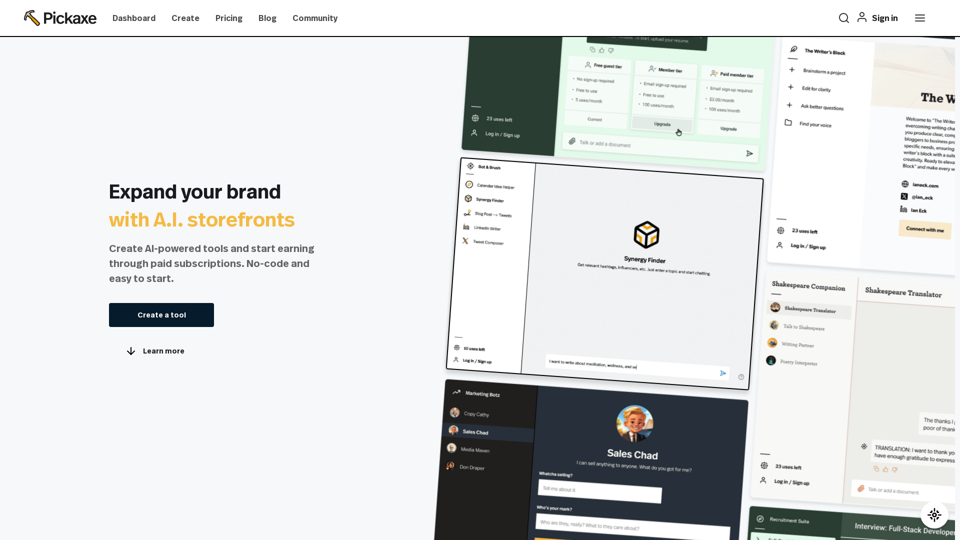
Launch an AI storefront with your GPTs, your brand, and your unique knowledge.
No-Code Agency That Builds AI-Based Products in Two Months. Build efficient operations and drive revenue with artificial intelligent tailored to your needs.
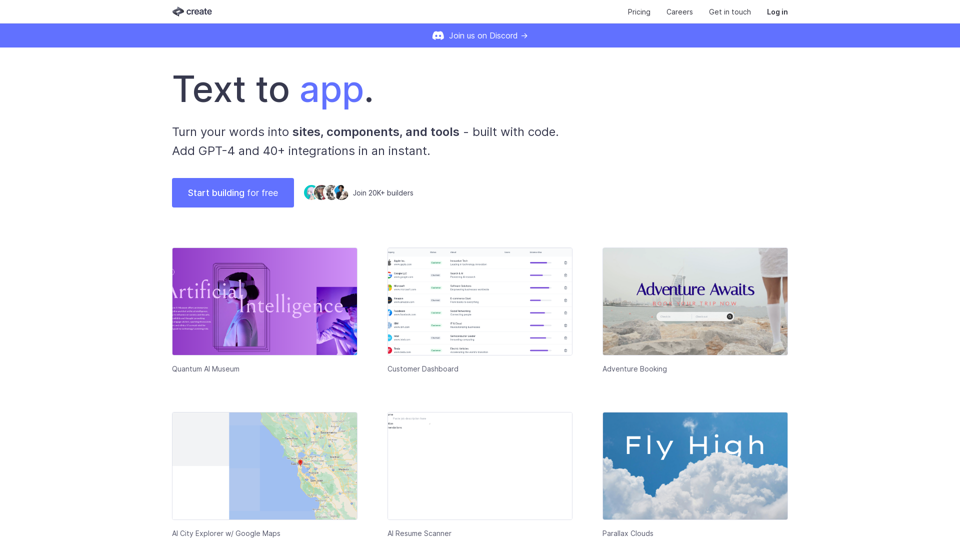
Create lets you code using plain text and images. Use it to build components, sites, designs, prototypes, products, tools and more.
Get your device featured in the Only AI Smarthome in the world, Devath For free and No-code.