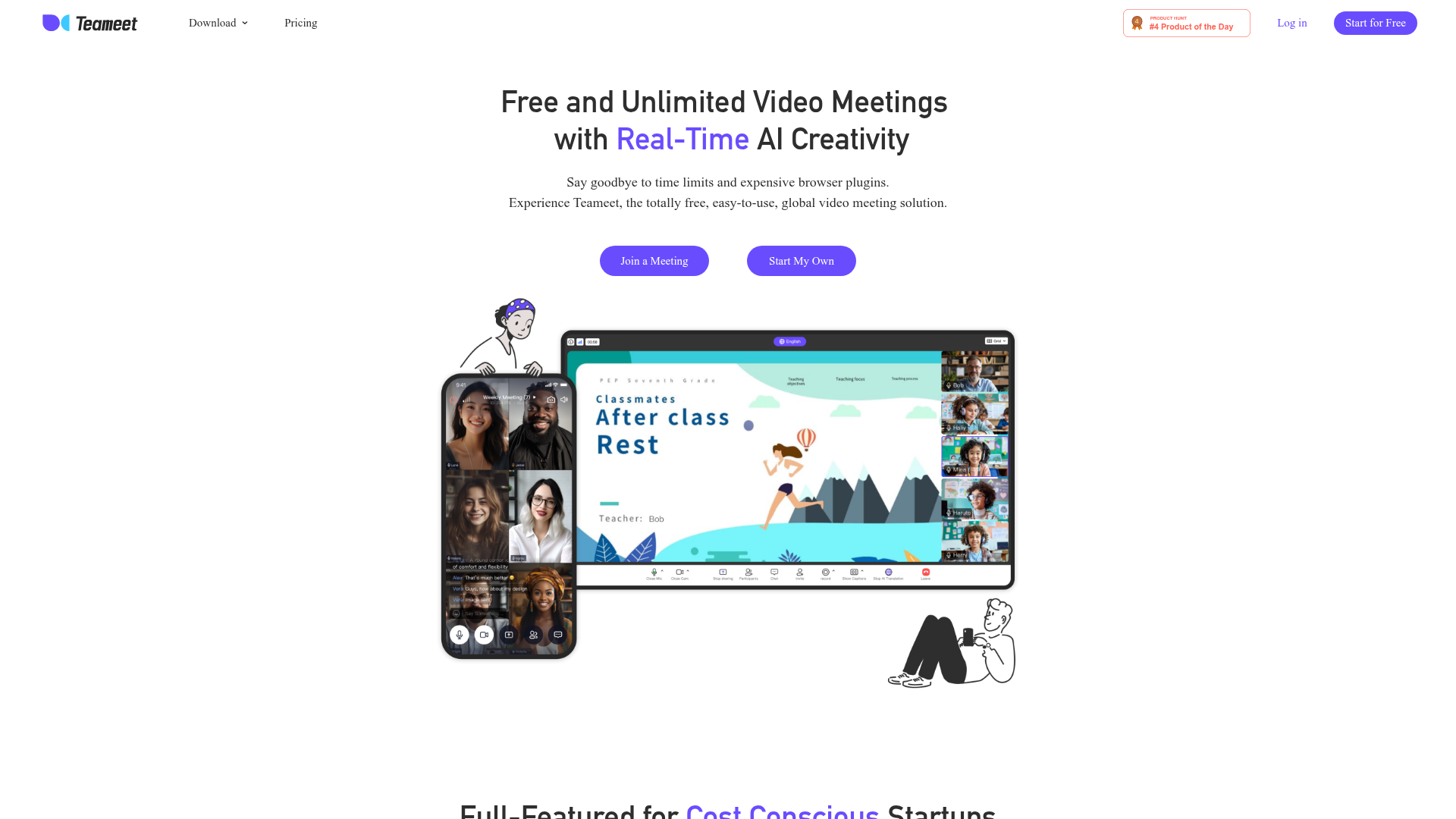
What is Teameet?
Teameet is a revolutionary, AI-enhanced video conferencing platform designed to provide free and unlimited high-quality meetings. It is an easy-to-use, global solution that eliminates the common frustrations of time limits and costly browser plugins associated with traditional video meeting tools. At its core, Teameet leverages artificial intelligence to offer features like real-time translation in the speaker's own voice, live captions, and AI-powered meeting transcription and summarization, making it an intelligent tool for modern collaboration.
Feature
Teameet's Basic Plan is completely free and packed with a comprehensive suite of features designed for cost-conscious startups, teams, and individuals:
- Free & Unlimited Meetings
- Host meetings with up to 25 participants without any time restrictions.
- High-Definition Audio & Video
- A global network ensures a consistently smooth, high-quality meeting experience.
- Seamless Cross-Platform Compatibility
- Works on all smartphones, tablets, and popular desktop browsers.
- One-Click Meeting Access
- Participants can join instantly via a shared link without needing to log in.
- Customizable Video Layouts
- Choose your preferred view and spotlight important participants.
- Screen Sharing
- Share your computer or phone screen safely and effortlessly for seamless collaboration.
- In-Meeting Chat and Reactions
- Communicate with text, images, and emojis.
- Robust Host Controls
- Manage meetings effectively with mute, room lock, and participant removal tools.
- Enhanced Video Effects
- Present your best self with virtual backgrounds and beauty filters.
- Live Captions with Multilingual Support
- Keep everyone engaged with real-time subtitles in multiple languages.
- Cloud Recording with 1GB Storage
- Easily save and share important meeting recordings.
- AI-Powered Transcription & Summarization
- Automatically transcribe, summarize, and search your meeting recordings for key insights.
- Real-Time AI Translation
- A standout feature that provides interpretation in the speaker's own voice, breaking down language barriers.
How
Using Teameet is straightforward:
- Start a Meeting
- Simply click "Start My Own" on the website to instantly create a new meeting room.
- Join a Meeting
- Participants can "Join a Meeting" by using a link shared by the host; no login or download is required for guests.
- Utilize Features
- During the meeting, access controls, screen sharing, chat, and AI features like live captions or translation from the intuitive interface.
- Record and Summarize
- Use the cloud recording feature, and afterwards, leverage the AI tools to generate transcripts and summaries of the discussion.
Price
Teameet operates on a freemium model. Its ### Basic Plan is completely free forever, offering all the core features listed above, including unlimited meetings for up to 25 participants. For teams or organizations requiring advanced features, larger meeting capacities, or more cloud storage, Teameet offers paid subscription plans. Details for these upgraded plans can be found on the official Teameet Pricing page.
Helpful tips
- For International Teams
- Maximize the ### Real-Time AI Translation feature for meetings with multilingual participants to ensure clear communication.
- For Record-Keeping
- Utilize the ### AI-Powered Transcription after your meetings. It can help you quickly create meeting minutes, extract action items, and share summaries with absent team members.
- For Engagement
- Use ### Customizable Layouts to spotlight speakers or key presentations, and employ ### In-Meeting Reactions to keep feedback lively without interrupting audio.
- For Hosts
- Familiarize yourself with the ### Host Controls before a large or public meeting to manage participants and maintain a focused environment smoothly.
Frequently Asked Questions
Is Teameet really free?
Yes. Teameet's Basic Plan, which includes unlimited meetings with up to 25 participants, HD quality, screen sharing, and AI features like live captions, is completely free with no time limits.
How does the AI translation work?
Teameet's AI provides real-time speech translation during the meeting. It interprets the speaker's words into another language and delivers the translation using a voice that mimics the original speaker's tone, making cross-language conversations more natural.
Do I need to download software to use Teameet?
No. Teameet is a browser-based solution. Participants can join directly from their web browser on any device without any downloads. Hosts can also start meetings directly from the website.
What is the participant limit for the free plan?
The free Basic Plan supports meetings with up to 25 participants simultaneously.
Can I record my meetings on Teameet?
Yes. The free plan includes cloud recording functionality with 1GB of storage to save and share your meetings.
Is my data and privacy protected?
Teameet values user privacy. According to its policies, your meeting data is not used for training its AI models. You can refer to its Privacy Policy and Terms of Service for detailed information.
Free Video Meetings
Teameet provides free and unlimited video calls and meetings for teams and families, with the best realtime translation and easy collaborative AI tools including audio & video optimization, screen sharing, live captions, cloud recording and transcription.
 Nginx
Nginx Node.js
 Nuxt.js
 OpenResty:1.21.4.1
 Vue.js
Free AI anime and manga generator. Turn text into anime episodes, manga, comics, webtoons and comic shorts in any art style — no drawing or animation skills needed.
Translate image text across 70+ languages with our advanced AI Image Translator to help you better expand your products globally to various countries
Advertised Here
Reach thousands of visitors daily. Get your spot now!
Tools similar to Free Video Meetings
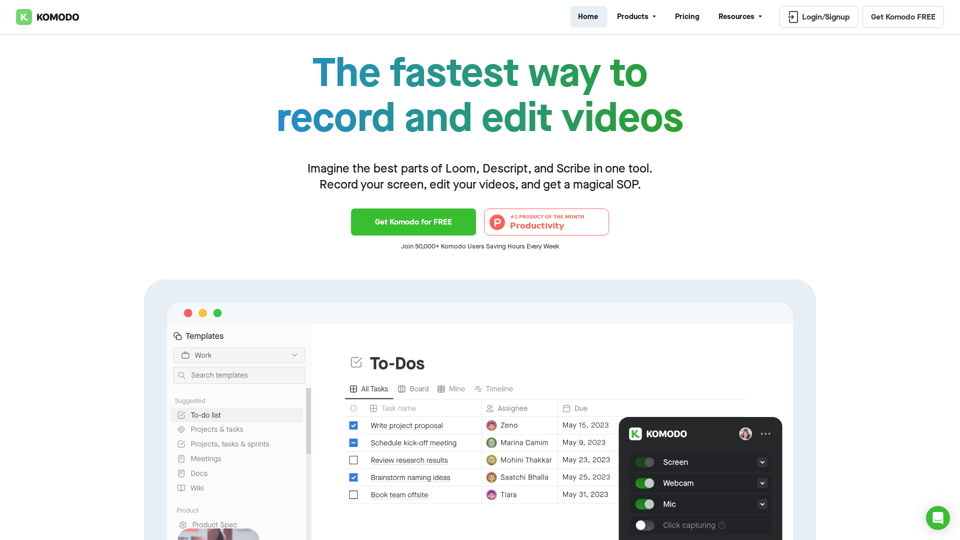
Komodo is a screencasting solution that helps you collaborate faster and share your ideas with people without the need to type lots of text, and scheduling online meetings.
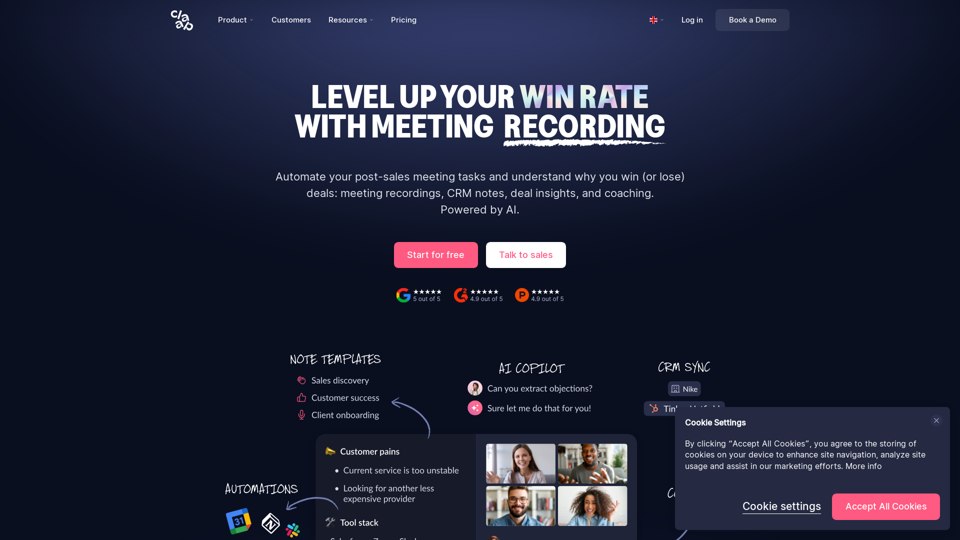
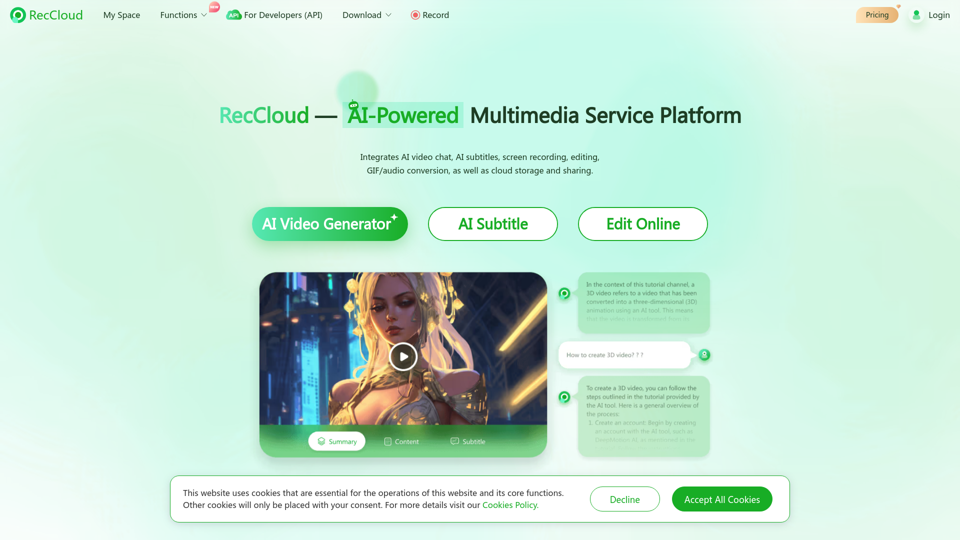
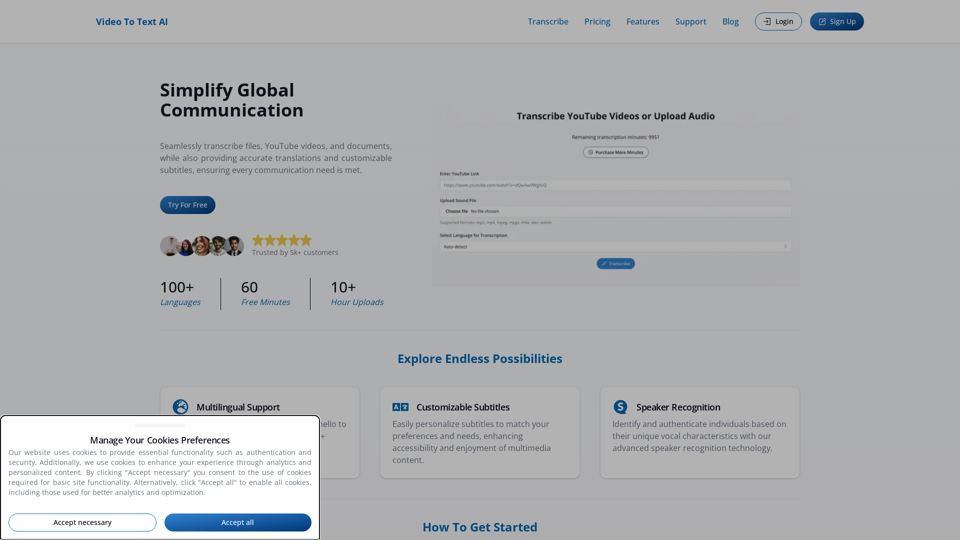
Experience state-of-the-art AI Transcription that offers fast, accurate, and easy transcription of audio and video files. Ideal for content creators, professionals, and anyone in need of high-quality transcription services.
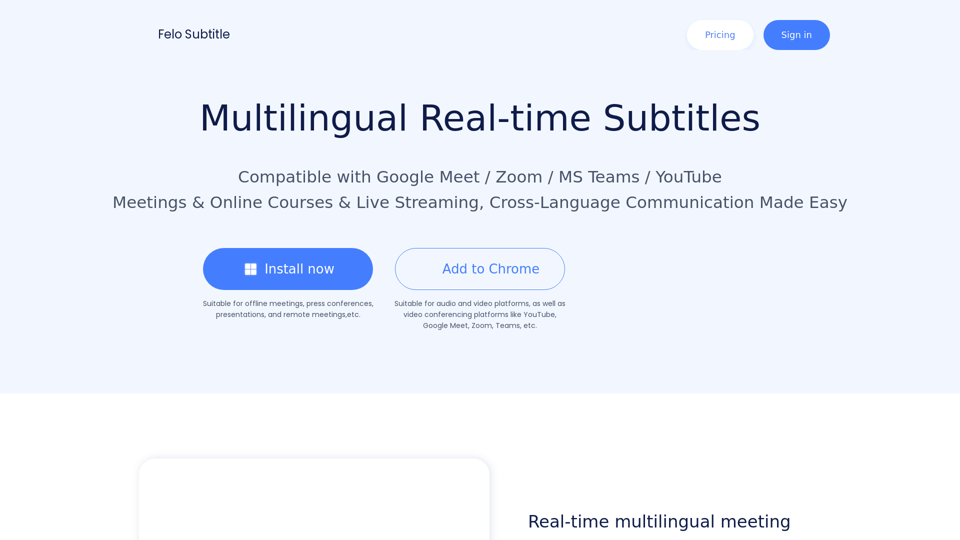
Felo Subtitles: Making Meetings, Webinars & Events More Accessible with AI-powered Live Captioning and Multilingual Subtitles.
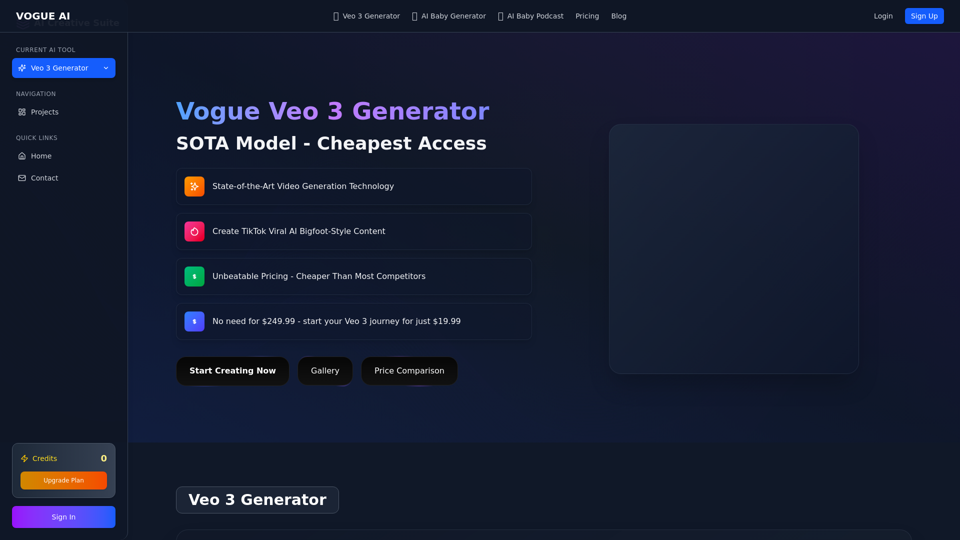
Cheapest Veo 3 AI video generator with no monthly limits. Unlike Google's official restrictions, create unlimited professional videos with credits.
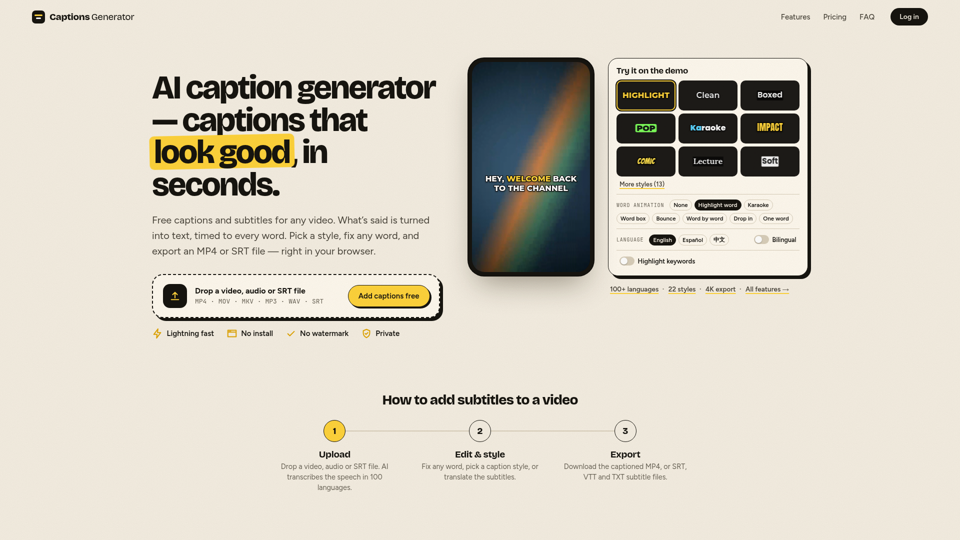
Free AI caption generator with no watermark: add subtitles to any video in seconds. Auto captions in 100 languages, free translation and SRT/VTT downloads.