Komodo
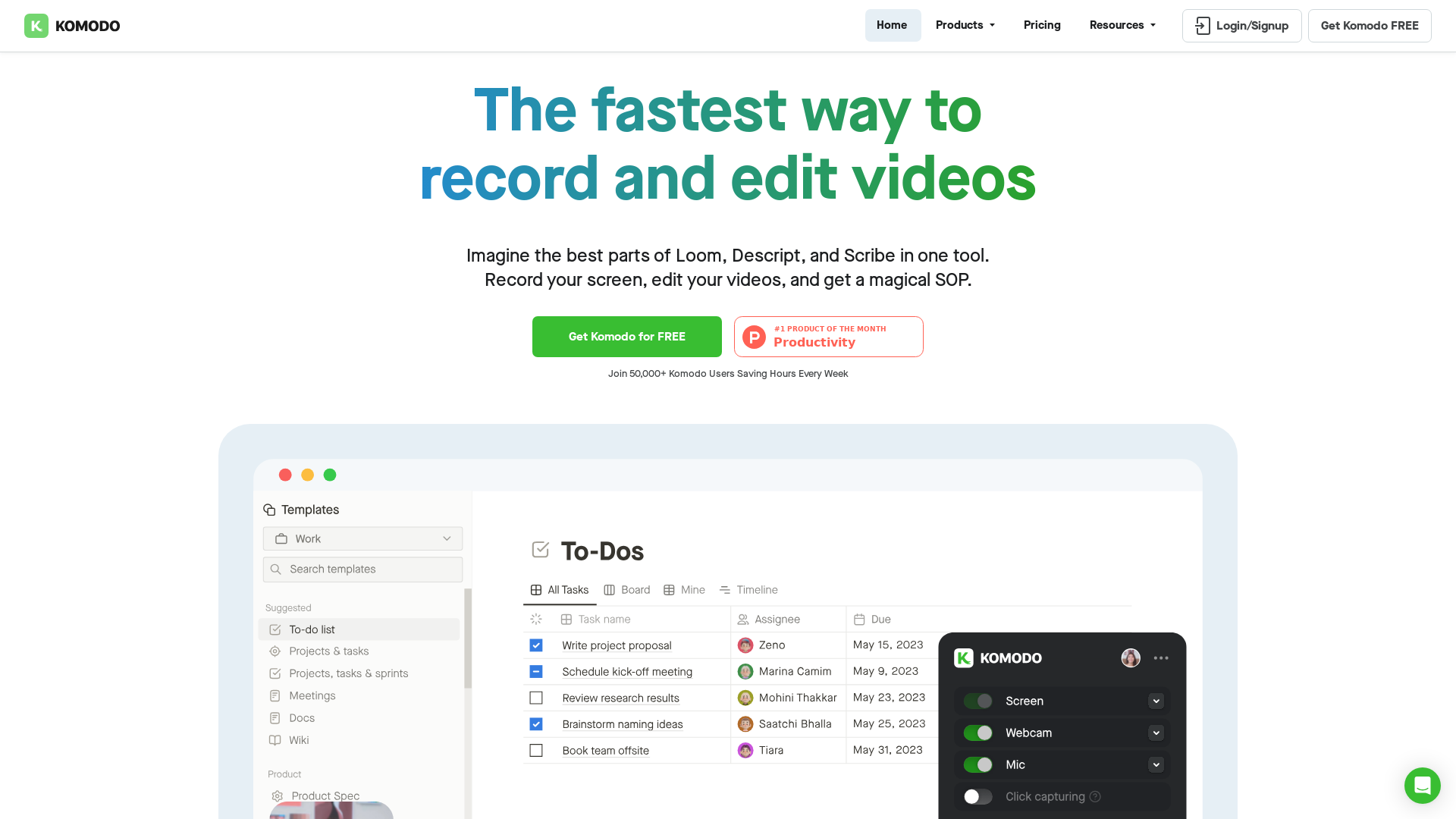
Komodo is a screencasting solution that helps you collaborate faster and share your ideas with people without the need to type lots of text, and scheduling online meetings.
What is Komodo?
Komodo is an all-in-one solution for unlimited screen recording and sharing, designed to streamline the process of creating high-quality videos. This powerful tool combines the best features of screen recording, video editing, and automated Standard Operating Procedures (SOPs) into one user-friendly platform.
Main Features of Komodo
- Unlimited Free Screen Recording
- Enjoy more recording time than on any other platform.
- Unlimited Video Length
- No restrictions on your recordings; capture as much content as needed.
- Lightweight & Fast
- Designed to be efficient and user-friendly without unnecessary bloat.
- Instant Sharing
- Experience lightning-fast processing for sharing your videos with others.
- Real Human Customer Support
- Get assistance directly from the founder for personalized help.
- AI Features Included
- Utilize automatic transcripts and summaries at no additional cost.
- Video Analytics
- Track engagement metrics, like average watch time, to optimize your content.
- Custom Branding
- Fully control how your videos appear with custom logos and color schemes.
How to Use Komodo
Using Komodo is straightforward. After signing up for free, you can instantly start recording your screen. The platform allows unlimited recordings, even for free users. You can easily edit your videos with the integrated browser-based editor, create detailed SOPs, and share your content with a single click.
Pricing
Komodo offers a free version with impressive features, allowing unlimited video recording and editing. Users who require advanced features such as custom branding or enhanced storage options can opt for affordable subscription plans, designed to meet various professional needs.
Helpful Tips
- Utilize AI Transcripts and Summaries
- These features can save time by summarizing long recordings effectively.
- Engage with Video Analytics
- Understanding viewer engagement can help refine your content for better impact.
- Take Advantage of Custom Branding
- This not only enhances professionalism but also strengthens brand identity.
Frequently Asked Questions
Can I record videos longer than 5 minutes with Komodo?
Yes, Komodo allows for unlimited video length, so you can record as much content as you need.
Does Komodo support both Windows and Mac?
Absolutely! Komodo is compatible with both platforms, ensuring a smooth user experience for everyone.
Is there a mobile app for Komodo?
While Windows and Mac desktop applications are available, Komodo also offers a Chrome extension for easy access across devices.
What if I need additional storage for my videos?
Komodo provides options for enhanced storage within its subscription plans, catering to larger projects and teams.
Is there a limit to the number of free recordings I can make?
No, you can record an unlimited number of videos at no cost.
Komodo
Komodo is a screencasting solution that helps you collaborate faster and share your ideas with people without the need to type lots of text, and scheduling online meetings.
Free AI anime and manga generator. Turn text into anime episodes, manga, comics, webtoons and comic shorts in any art style — no drawing or animation skills needed.
Translate image text across 70+ languages with our advanced AI Image Translator to help you better expand your products globally to various countries
Advertised Here
Reach thousands of visitors daily. Get your spot now!
Tools similar to Komodo
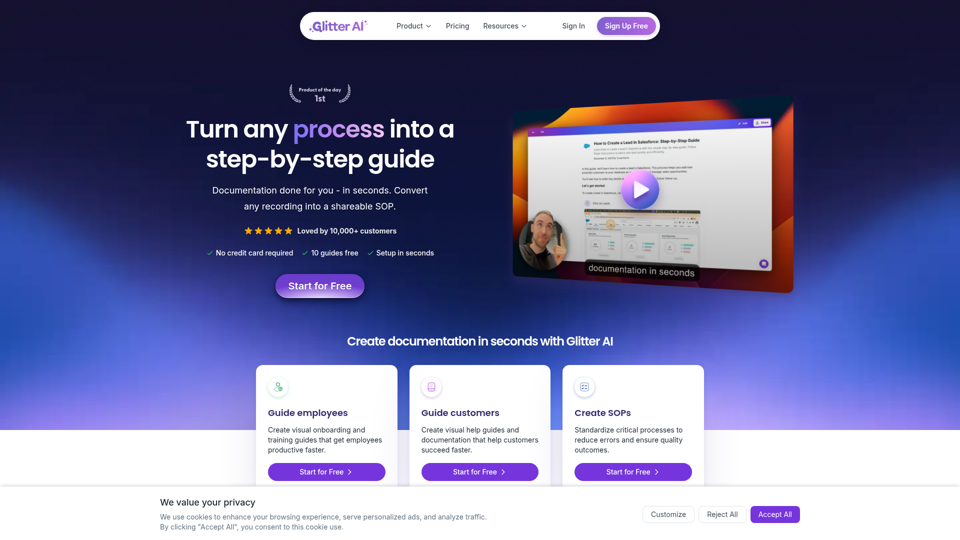
Turn any process, video, meeting, or recording into a step-by-step guide with Glitter AI. Documentation done for you in seconds.
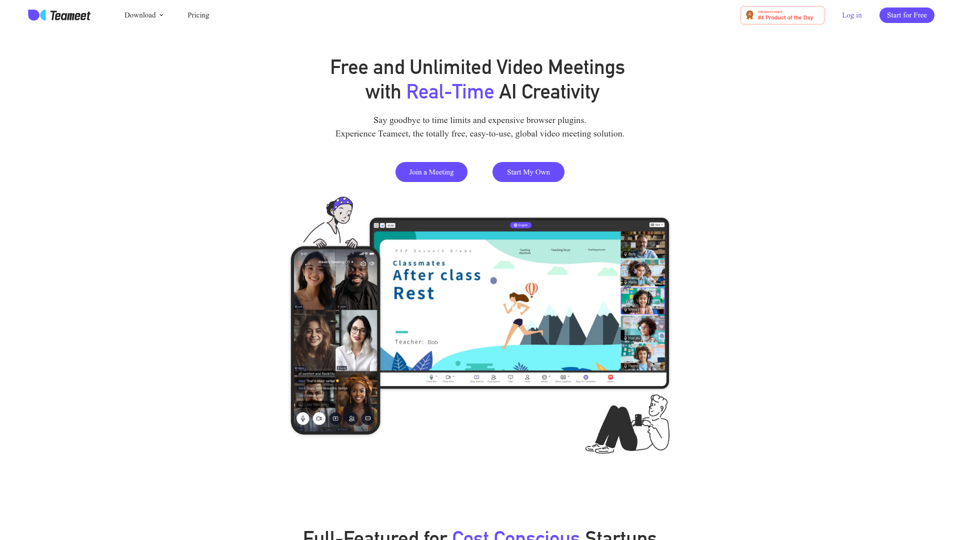
Teameet provides free and unlimited video calls and meetings for teams and families, with the best realtime translation and easy collaborative AI tools including audio & video optimization, screen sharing, live captions, cloud recording and transcription.
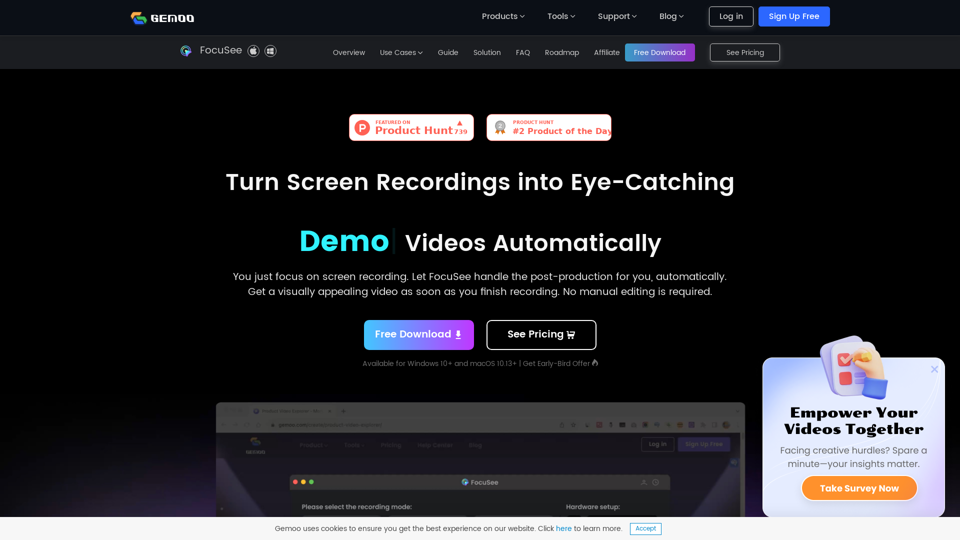
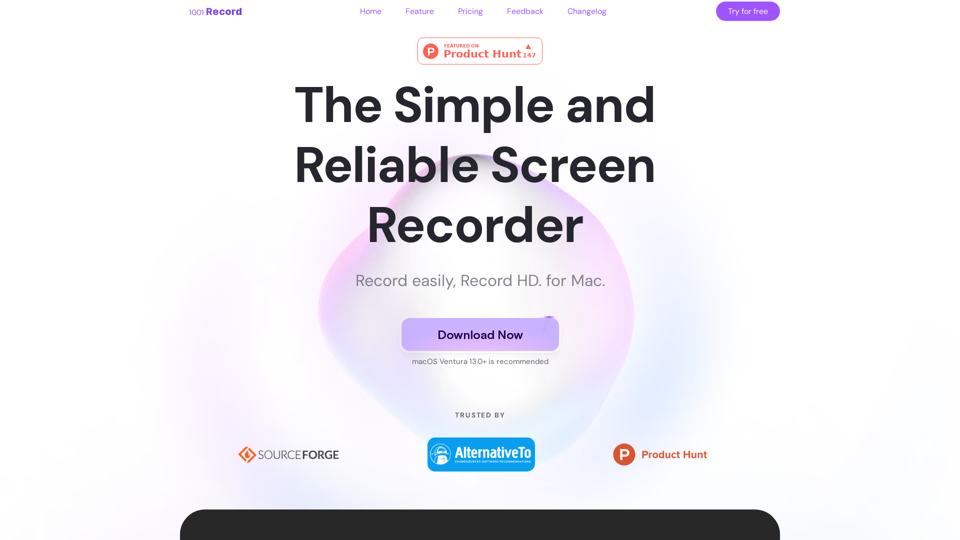
1001 Record is the best screen recording app for Mac with a built-in annotation tool and more. Built by 1001 TVs. Free to record with audio now.
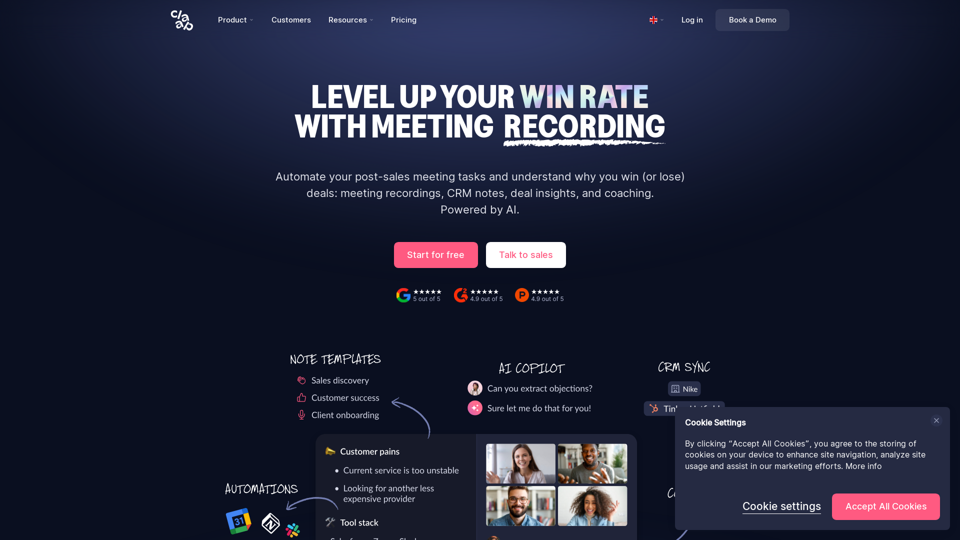
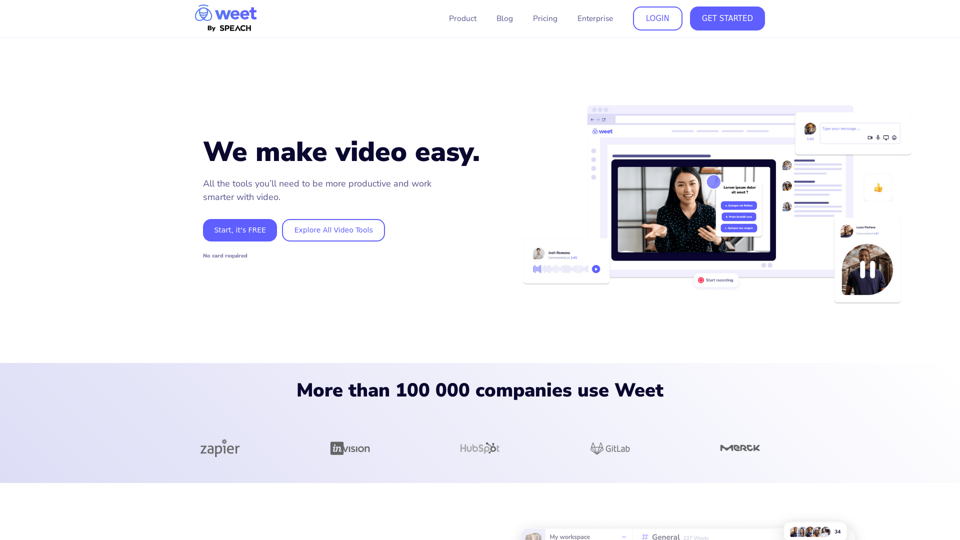
Use Weet to instantly record, create and edit interactive training videos. Build your organization’s knowledge videos library for clients & employees!