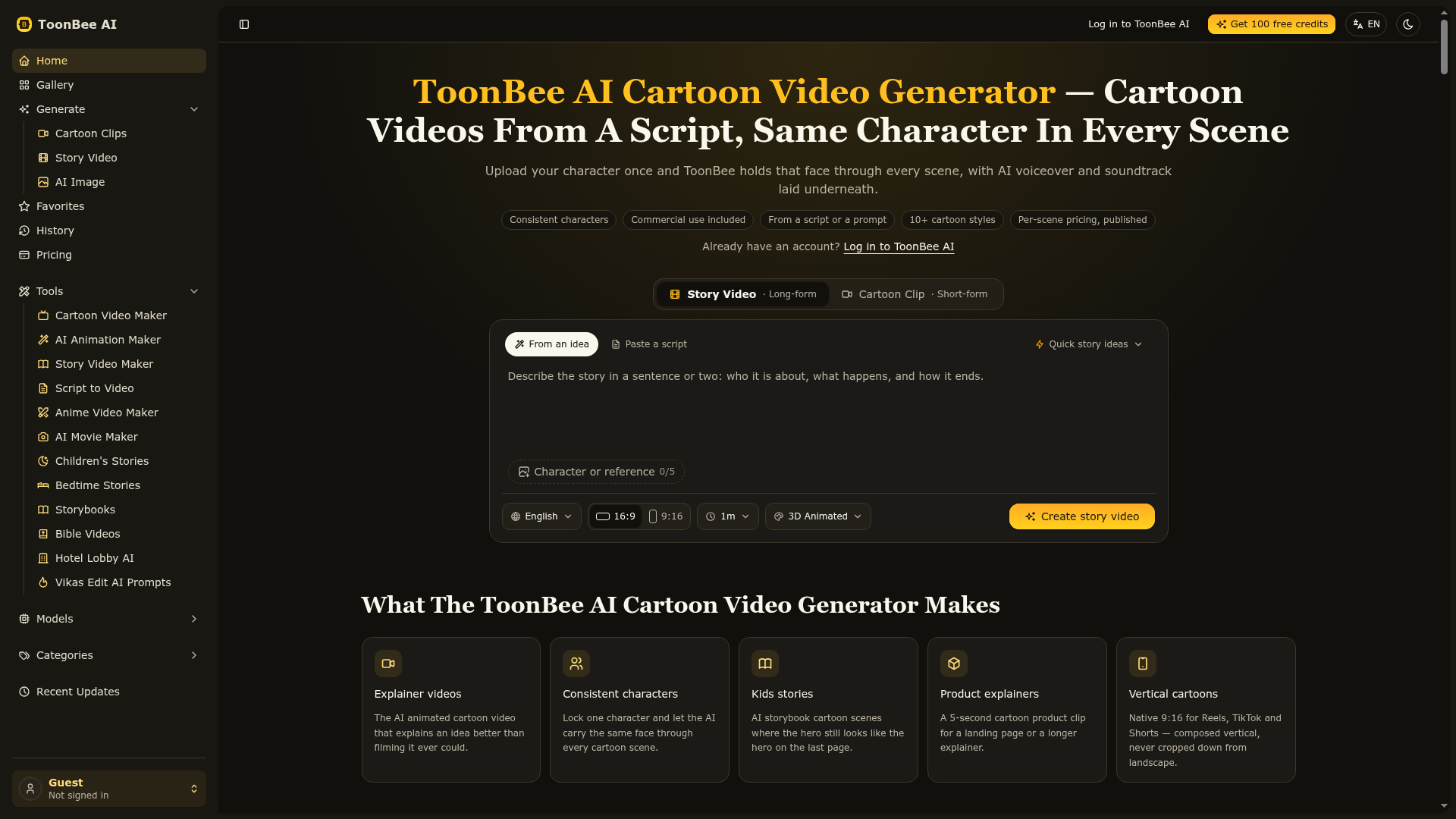
What is ToonBee AI?
ToonBee AI is an online AI-powered platform that specializes in generating cartoon and animated videos directly from text scripts or prompts. It allows users to create narrative-driven videos with consistent characters, AI-generated voiceovers, and soundtracks, without requiring any animation skills or software.
What is the main feature of ToonBee AI?
The defining feature of ToonBee AI is its ability to maintain ### character consistency across multiple scenes in a video. By uploading or generating a reference image of a character, the platform ensures the same face, outfit, and proportions appear throughout the entire cartoon video, solving a common problem in AI animation where characters change appearance between shots.
How to use ToonBee AI?
Using ToonBee AI is a straightforward, script-driven process:
- Write or Paste a Script: Enter your story idea or full script in plain English.
- Lock Your Character: Upload a reference image of your character or generate one using the platform and "pin" it to ensure consistency.
- Choose Style & Render: Select from over 10 cartoon styles (e.g., 2D, 3D, anime, storybook) and render your scenes. The platform breaks down the script and animates each scene in parallel.
- Download: Once rendering is complete, download the finished HD video file ready for commercial use.
Can I generate images using ToonBee AI?
Yes, ToonBee AI includes an ### AI Image Generator function. While its primary focus is video, you can use models like Nano Banana 2, Nano Banana Pro, and GPT Image 2 to create still images, which can then be used as character references or within your video projects.
How many AI models are available on ToonBee AI?
ToonBee AI provides access to a curated selection of advanced AI video and image models. Key models include ### ToonBee 1.0 (for unlimited length videos), ### H3 Max Turbo, ### Seedance 2.5, ### Wan 3.0, and several image-generation models. These models offer different styles, durations (from 4 to 30 seconds, or unlimited), and output qualities.
How can I maximize my use of ToonBee AI's services?
To get the most out of ToonBee AI:
- Start with Free Credits
- New accounts receive free credits to generate a character and render a short scene, allowing you to test quality.
- Use the Gallery
- Browse the gallery of sample clips to find and reuse effective prompts.
- Plan Your Scenes
- Since pricing is per scene, plan your storyboard to use credits efficiently. You can choose to animate only key scenes.
- Explore Specialized Tools
- Utilize the platform's dedicated generators for specific needs like ### AI Story Video, ### AI Children's Story, ### Script to Video, or trend-based tools like ### Hotel Lobby AI.
Will my information be used for your training data?
ToonBee AI values user privacy. According to its policies, your data and generated content are ### not used for training the AI models. You maintain ownership of your creations, and you can delete your account and associated data at any time.
When would I need a ToonBee AI subscription?
You would need a paid subscription if the free trial credits are insufficient and you plan to produce videos regularly. Subscriptions (Basic, Pro, Max) offer monthly credit packages (5,000 to 20,000 credits) for rendering scenes, generating voiceovers, and creating music tracks, making them cost-effective for creators, marketers, educators, and businesses.
Helpful Tips for Using ToonBee AI
- For Best Consistency
- Use a clear, well-lit reference image of your character facing the camera. Describe the character consistently in every scene prompt.
- Control Costs
- Credits are consumed per scene. The cost depends on the AI model, video duration, and resolution. Each scene's cost is displayed before rendering, so you can adjust accordingly.
- Vertical Format
- For social media (Reels, TikTok, Shorts), use the native ### 9:16 aspect ratio option during generation instead of cropping a landscape video.
- Fix Single Scenes
- If one scene doesn't match, you can regenerate just that scene without affecting the others.
- Commercial Use
- All generated videos come with a commercial license, so they can be used in client projects, ads, and monetized content without additional fees.
Frequently Asked Questions (FAQs)
Can I upload my own character and keep it consistent across scenes?
Yes. Uploading a reference image anchors that character's appearance. The AI uses this reference to maintain the same face, outfit, and proportions throughout every scene of your cartoon video.
How much does one cartoon video actually cost?
Cost is calculated per scene. A 5-second scene typically costs between 65 and 200 credits, depending on the model and resolution. Therefore, a 3-scene video may cost 200-600 credits, and a 5-scene video 325-1,000 credits. The exact cost is shown before each render.
How much does a story video cost?
Story video costs are broken down: AI voiceover (~0.11 credits/sec), scene images (15 credits each), and animation (~20 credits/sec of video per scene). AI music costs 30 credits (pre-made tracks are free). For example, an 8-scene, 30-second story with all scenes animated might cost around 924 credits.
Can I use the cartoon videos commercially?
Yes. Commercial rights are included on every plan. You can use the videos for client work, monetized YouTube channels, paid advertisements, and products you sell.
What if a character still drifts between scenes?
You can regenerate that specific scene. The consistency is anchored per scene. Using a high-quality reference image and consistent descriptive prompts minimizes this issue.
Is ToonBee AI free?
Yes, there is a free trial. New accounts get free credits to generate a character and render a short scene, allowing you to evaluate the platform's output quality before purchasing a subscription.
What cartoon styles can I choose from?
Dozens of styles are available, including classic 2D, modern flat, 3D animation, anime, comic book, watercolor, storybook illustration, pixel art, and realistic cinematic styles.
How long can a cartoon video be?
Most base models render clips between 4 and 30 seconds. The proprietary ### ToonBee 1.0 model can generate videos of any length you request.
Does it add voiceover and music?
Yes. ToonBee AI automatically adds AI-generated voiceover narration in multiple languages and provides a soundtrack. You can use pre-made music tracks for free or generate custom AI music for additional credits.
ToonBee AI Cartoon Video Generator
An AI cartoon video generator that turns scripts into animated cartoon videos in minutes — same character in every scene, commercial rights included.
 Cloudflare
 HTTP/3
Free AI anime and manga generator. Turn text into anime episodes, manga, comics, webtoons and comic shorts in any art style — no drawing or animation skills needed.
Translate image text across 70+ languages with our advanced AI Image Translator to help you better expand your products globally to various countries
Advertised Here
Reach thousands of visitors daily. Get your spot now!
Tools similar to ToonBee AI Cartoon Video Generator
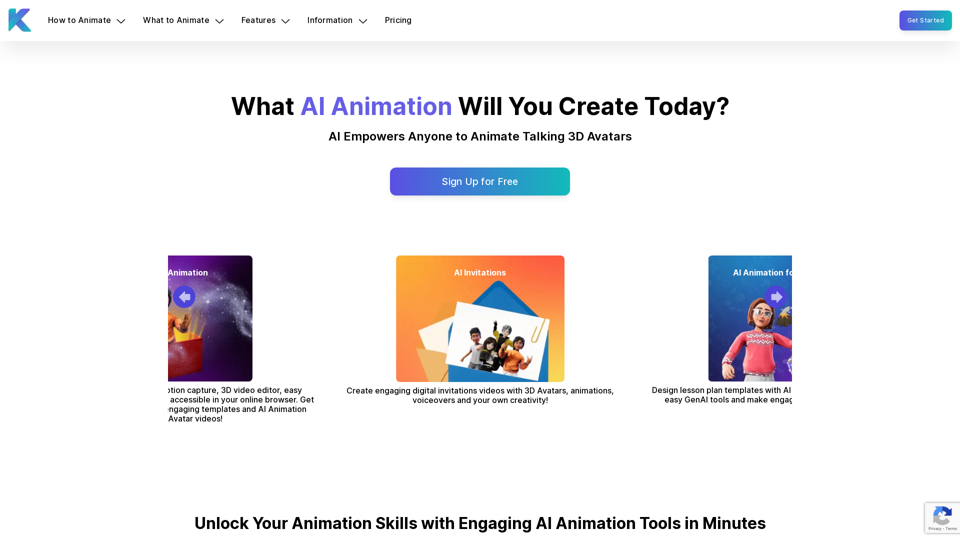
Krikey AI Animation Maker empowers anyone to create engaging AI-powered animated avatar videos in minutes. Get started with GenAI 3D Animation tools for free!
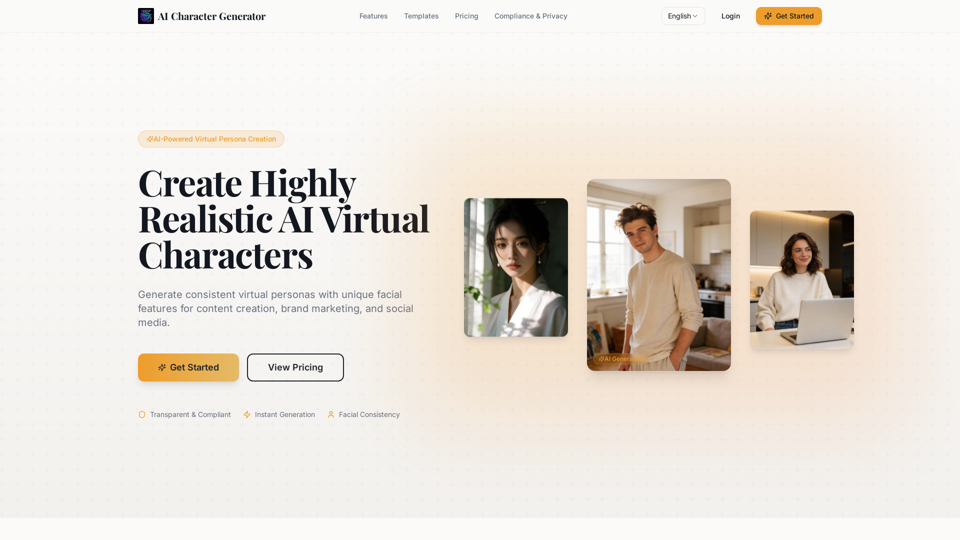
AI Character Generator to create realistic virtual characters from reference images.Generate consistent photos and videos of the same character across different scenes.Perfect for creators, brands, and digital storytelling.
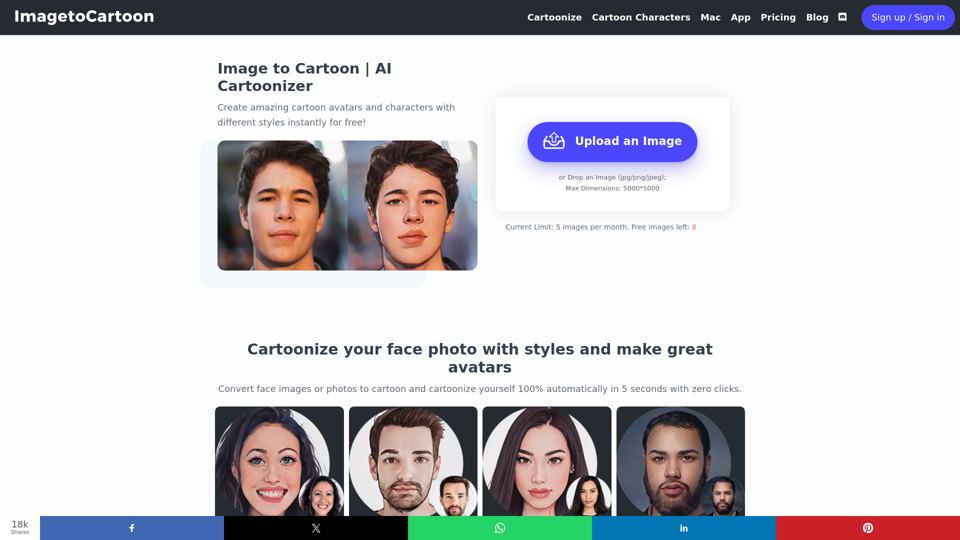
Transform your photos into incredible cartoon avatars with our powerful 2D and 3D cartoon character maker. Bring your imagination to life!
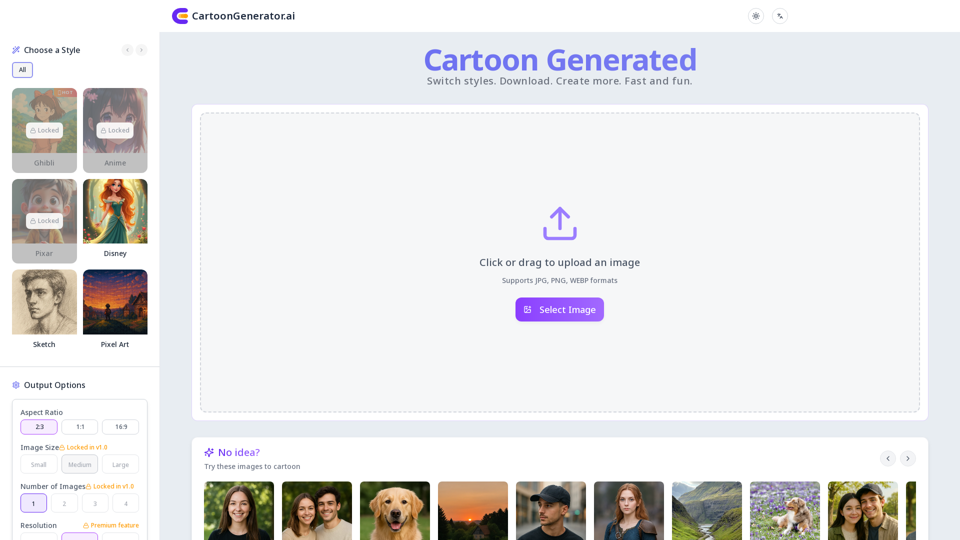
Unleash your creativity with our AI cartoon generator! Easily transform photos into unique, high-quality cartoon images and avatars in various styles. Try it now!
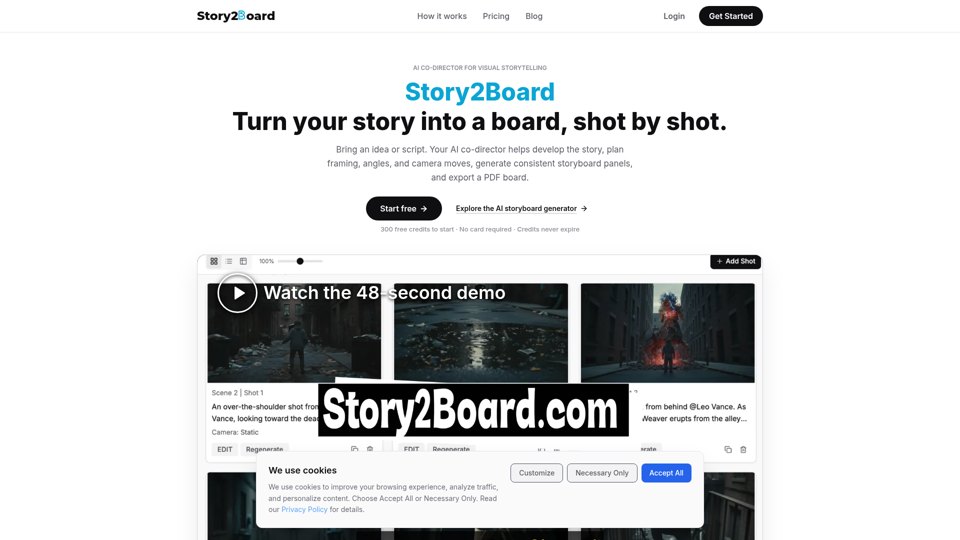
Story2Board is an AI co-director that turns an idea or script into professional shot plans, consistent storyboard panels, revisions, and a detailed PDF board.
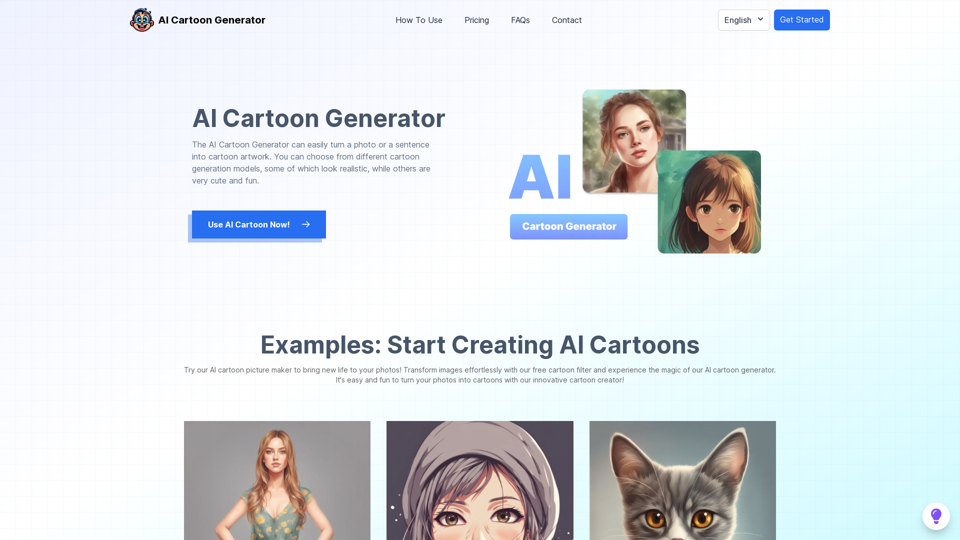
Turn text or photos into fun cartoons instantly with the AI Cartoon Generator. It's fast, easy, and enjoyable!
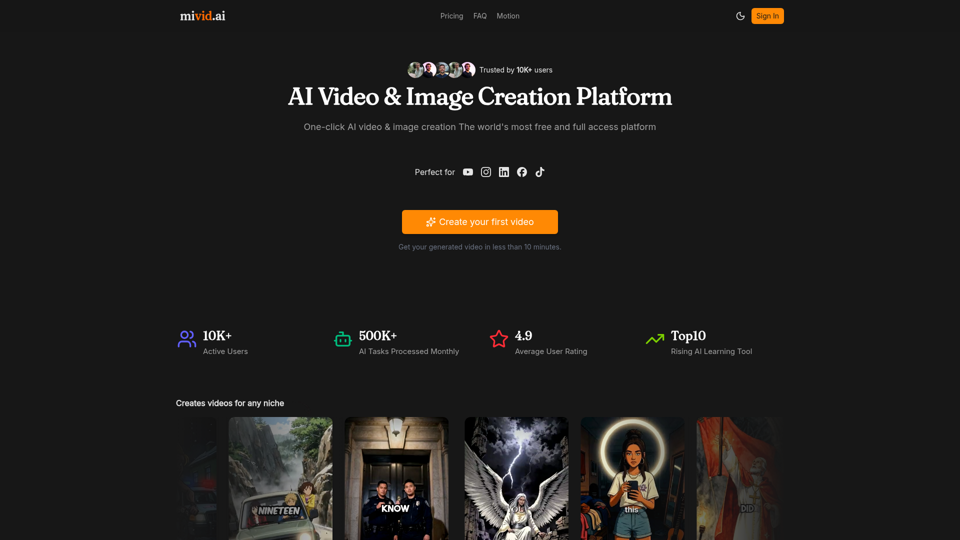
Convert scripts, blog posts, prompts, and ideas into professional AI videos. Generate videos with AI avatars, voiceovers, subtitles, and music in minutes.
Transform photos into stunning memoji characters instantly with our premium AI memoji generator. Perfect for TikTok, Instagram & social media. Fast, HD quality, private.