Video2PPT
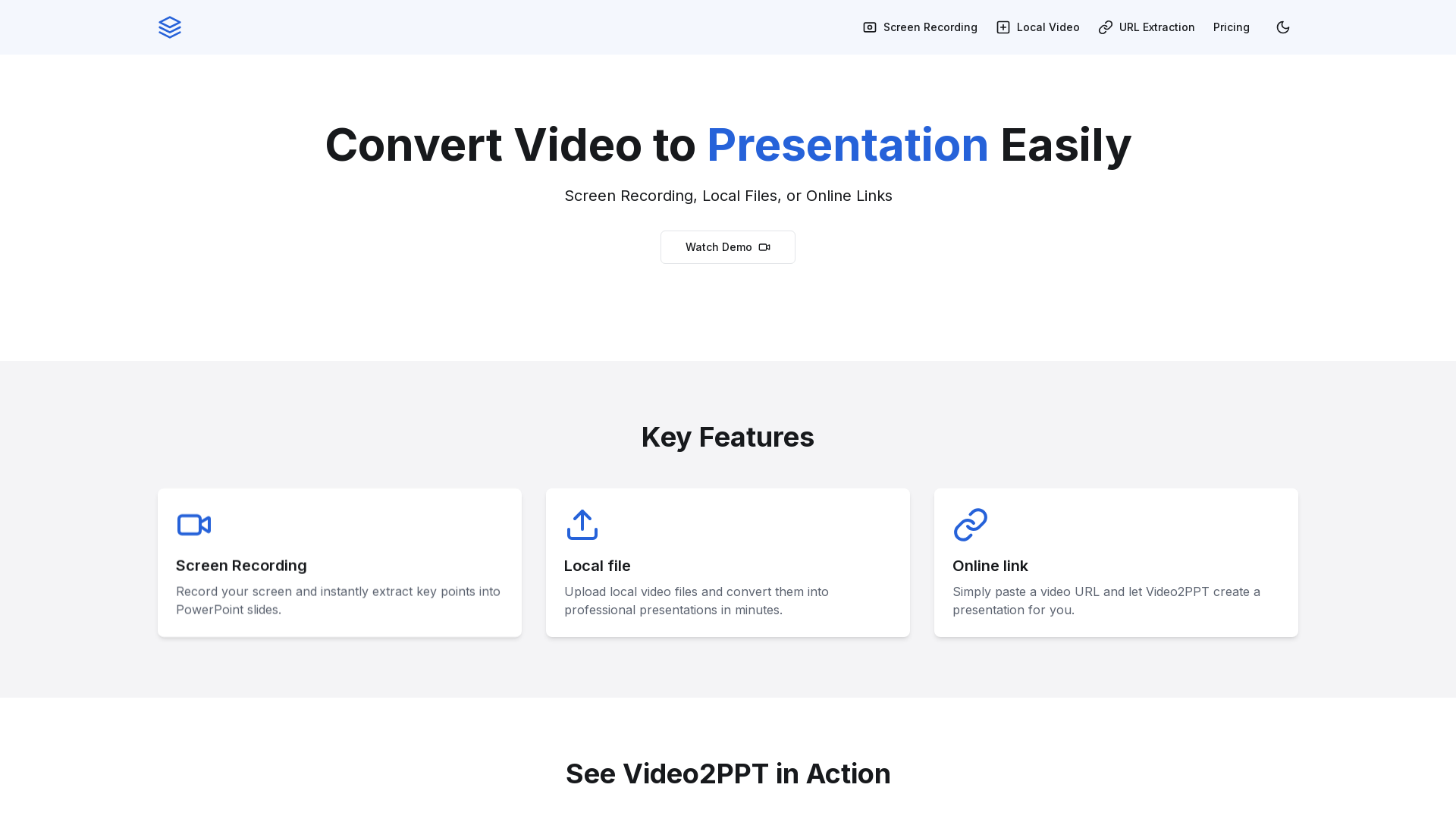
Transform your videos into professional PowerPoint presentations with ease using Video2PPT.
What is Video2PPT?
Video2PPT is an innovative tool that allows users to effortlessly convert various video formats into professional PowerPoint presentations. Whether you want to transform a recorded lecture, a training video, or an online webinar, Video2PPT provides a simple and efficient solution for creating engaging slides.
Key Features of Video2PPT
- Screen Recording
- Quickly record your screen and extract vital information into PowerPoint slides, making it perfect for tutorials and presentations.
- Local File Upload
- Easily upload local video files and convert them into polished presentations within minutes.
- Online Link Support
- Simply paste the URL of an online video, and Video2PPT will generate a presentation tailored to your needs.
How to Use Video2PPT
Using Video2PPT is straightforward:
- For screen recording, choose the recording option and capture your screen activities.
- To upload a local video, select the file from your device and let Video2PPT do the work.
- For online videos, copy and paste the URL in the designated area. In just a few moments, you'll have a presentation ready to go.
Pricing
Video2PPT offers competitive pricing to ensure that users can access its features without breaking the bank. There are different subscription tiers depending on usage and added features.
Helpful Tips
- Utilize the screen recording feature to create tutorial presentations effectively.
- Always ensure your videos are in supported formats for seamless conversions.
- Take advantage of the demo video available on the platform to see the tool in action before getting started.
Frequently Asked Questions
How accurate is the video-to-PowerPoint conversion?
The conversion accuracy is high, capturing key points and essential details from the video effectively.
Can I edit the generated PowerPoint presentations?
Yes, you can edit the presentations after conversion to customize them as per your requirements.
What video formats are supported?
Video2PPT supports a wide range of video formats, including MP4, AVI, MOV, and more.
Is there a limit on video length or file size?
The platform has specified limits depending on the tier you choose, with options available for larger uploads in higher tiers.
How long does it take to convert a video to PowerPoint?
Conversion times can vary based on video length and complexity, but most videos are converted in just a few minutes.
Transform your videos into engaging PowerPoint presentations with Video2PPT today!
Video2PPT
Transform your videos into professional PowerPoint presentations with ease using Video2PPT.
 Next.js
 Node.js
 React
React Tally
Tally Vercel
 Webpack
 YouTube
Free AI anime and manga generator. Turn text into anime episodes, manga, comics, webtoons and comic shorts in any art style — no drawing or animation skills needed.
Translate image text across 70+ languages with our advanced AI Image Translator to help you better expand your products globally to various countries
Advertised Here
Reach thousands of visitors daily. Get your spot now!
Tools similar to Video2PPT
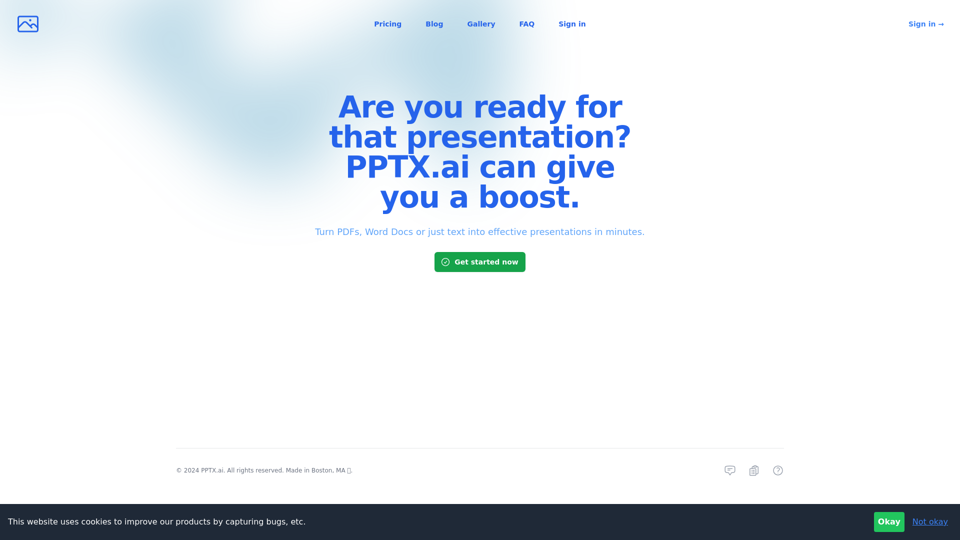
Get a running headstart with AI-powered presentations

Stop making presentations the old way. Try Plus AI presentation maker for free to make PowerPoint and Google Slides presentations in minutes.
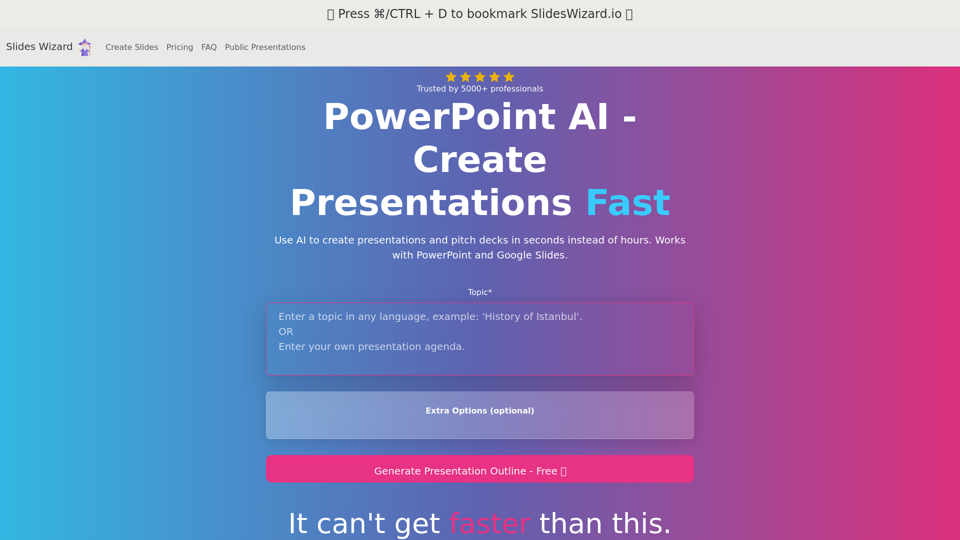
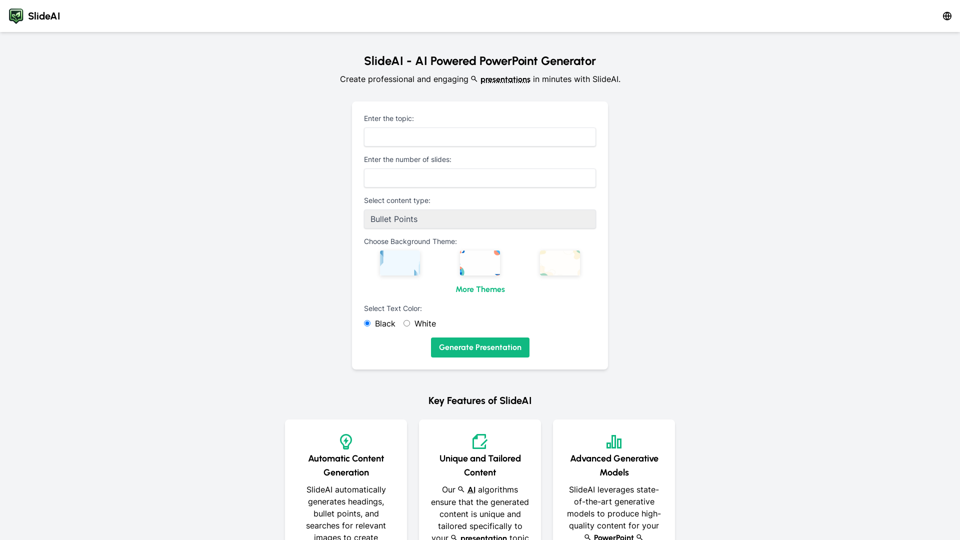
Create professional presentations effortlessly with Slides AI, the AI Presentation Generator. Tailored content, stunning designs, and it's all free. Try our AI PowerPoint Maker today!
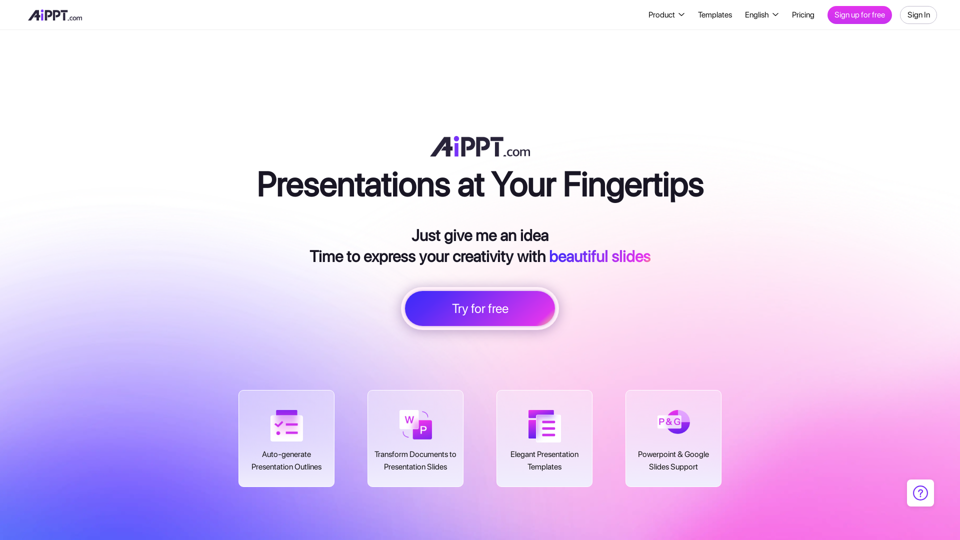
With our Design AI , every one of your PowerPoint & Slides will look professionally designed instantly. Start Your Free Trial !
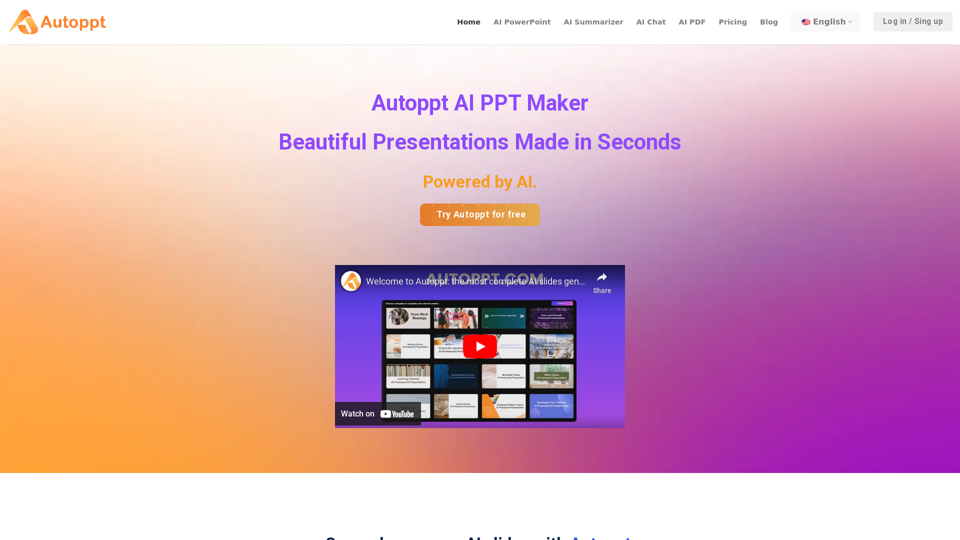
Autoppt: AI PowerPoint Generator with powerful Slides AI ensures seamless and fast presentation creation. The Best Free AI PPT Maker.
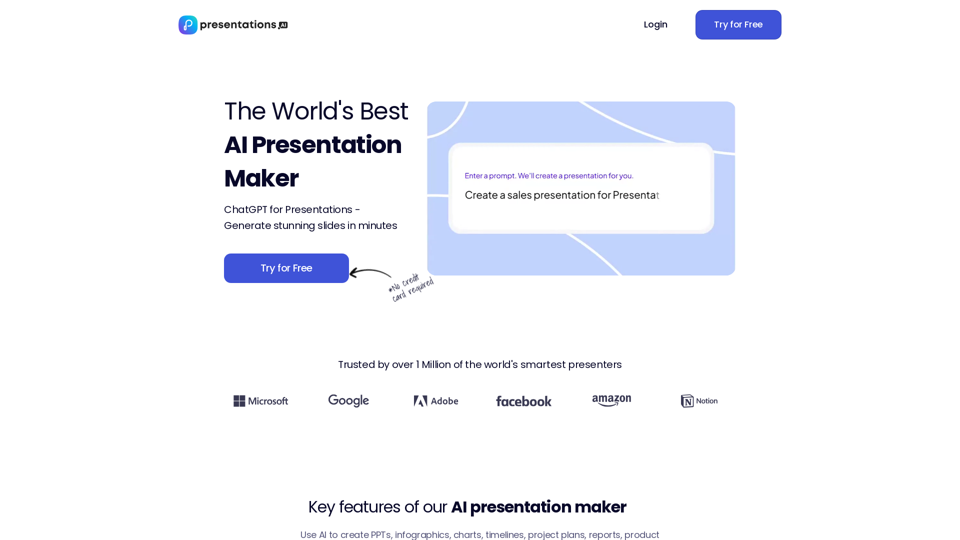
Use AI to transform ideas into captivating presentations in seconds. Ideal for businesses, educators, and personal projects. Start now - it's free!
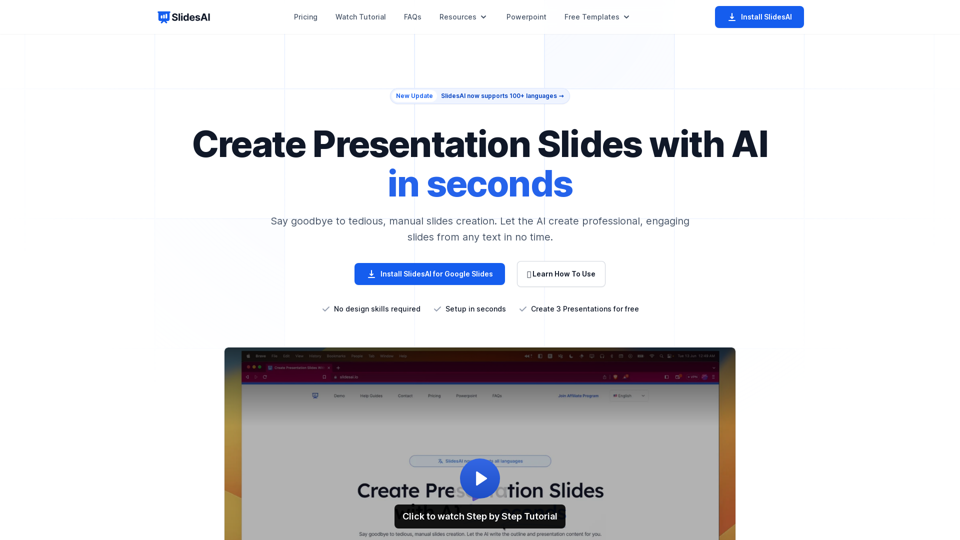
SlidesAI is an AI-Powered Text To Presentation Tool that summarizes and creates presentation slides from any piece of text.