Free Real Time Voice Changer for PC & Mac
Download now for FREE Voicemod a funny & scary voice changer app. A voice transformer and modifier with effects that makes you sound like a girl or a robot

What is Voicemod?
Voicemod is a revolutionary free real-time voice changer and soundboard available for both PC and Mac users. This innovative software allows you to express yourself like never before by transforming your voice into various characters and styles, making it perfect for gamers, content creators, and anyone looking to add a unique twist to their voice in real time. Voicemod integrates seamlessly with popular platforms like Discord, OBS, VRChat, and many games including Roblox, Fortnite, and League of Legends.
What are the main features of Voicemod?
- Real-Time Voice Changing
- Instantly modify your voice to sound like a robot, demon, chipmunk, and many more characters.
- Extensive Soundboard
- Access a vast library of sound effects and create your own custom clips.
- Voicelab
- Design unique voice filters with professional-grade audio effects.
- Full Integration
- Easily integrate with games and applications without sacrificing performance.
- Custom Keybinds
- Assign sound effects to specific keybinds for quick access during gameplay.
How to use Voicemod?
- Download and Install: Download Voicemod for free from the official website.
- Setup and Configuration: Open Voicemod, select your main microphone as the input device, and explore the various voice filters.
- Assign Keybinds: Customize your experience by assigning favorite voice effects to keybinds.
- Demo Your Voices: Use the 'Hear Myself' feature to preview your adjusted voice.
- Integrate: Select "Microphone (Voicemod Virtual Audio Device)" within any app you wish to use with Voicemod.
What is the price of Voicemod?
Voicemod is available for free with additional premium features that can be unlocked through a subscription. The free version offers ample voice effects and capabilities, while the subscription gives access to exclusive voices and advanced features.
Helpful Tips for Using Voicemod
- Experiment with Effects
- Spend some time trying different voice effects to find what fits your style.
- Use for Streams
- Engage your audience by adding humorous or entertaining voice changes to your streams.
- Sound Effects
- Take advantage of the soundboard to enhance in-game experiences or during communications.
- Community Contributions
- Share your own creations with the Voicemod community or explore others' designs in the Voicelab section.
Frequently Asked Questions
Can I use Voicemod with any game or app?
Yes, Voicemod is compatible with most popular gaming platforms and communication apps, enhancing your interaction through fun voice effects.
Is Voicemod easy to set up?
Absolutely! The setup process is user-friendly and can typically be completed in under 5 minutes.
Do I need a special microphone to use Voicemod?
No specific microphone is required, but using a good-quality microphone will enhance your overall experience and voice clarity.
How often does Voicemod update its voice and sound effects?
New themed sounds and voice effects are added regularly, so it's a good idea to check back often for fresh content.
Is my personal information safe while using Voicemod?
Yes, Voicemod prioritizes user privacy and security, ensuring that your data remains protected.
With Voicemod, unleash the full potential of your voice and elevate your gaming experience today!
Free Real Time Voice Changer for PC & Mac
Download now for FREE Voicemod a funny & scary voice changer app. A voice transformer and modifier with effects that makes you sound like a girl or a robot
 Apache HTTP Server
 Google Tag Manager
 MySQL
 OneTrust
 PHP
 Varnish
 WordPress
 jQuery
Free AI anime and manga generator. Turn text into anime episodes, manga, comics, webtoons and comic shorts in any art style — no drawing or animation skills needed.
Translate image text across 70+ languages with our advanced AI Image Translator to help you better expand your products globally to various countries
Advertised Here
Reach thousands of visitors daily. Get your spot now!
Tools similar to Free Real Time Voice Changer for PC & Mac

FliFlik Voice Changer is the best voice manipulator for games, live streaming, calls, meetings, and more. Just go get this amazing program on your PC and start to change your voice now!
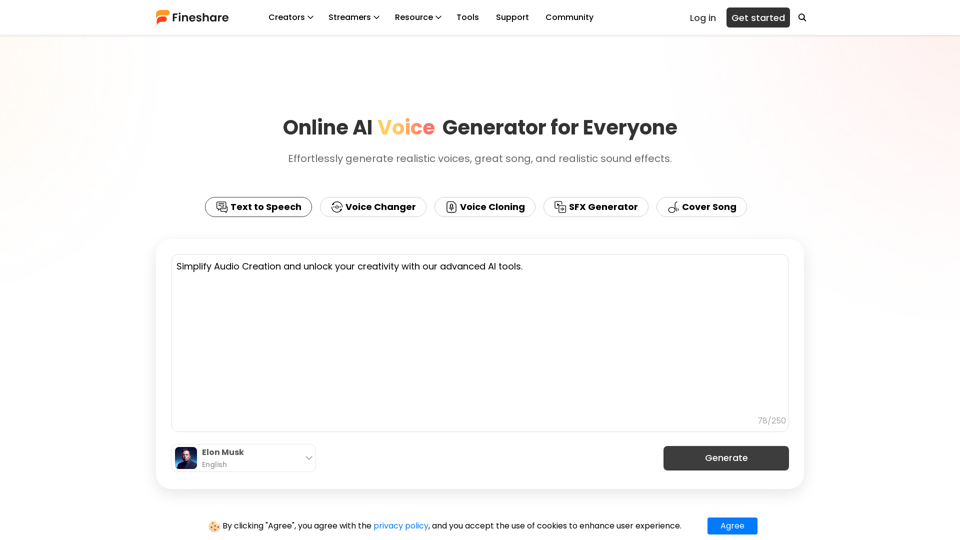
Use our AI audio generator to effortlessly generate realistic voices, great music, and realistic sound effects.

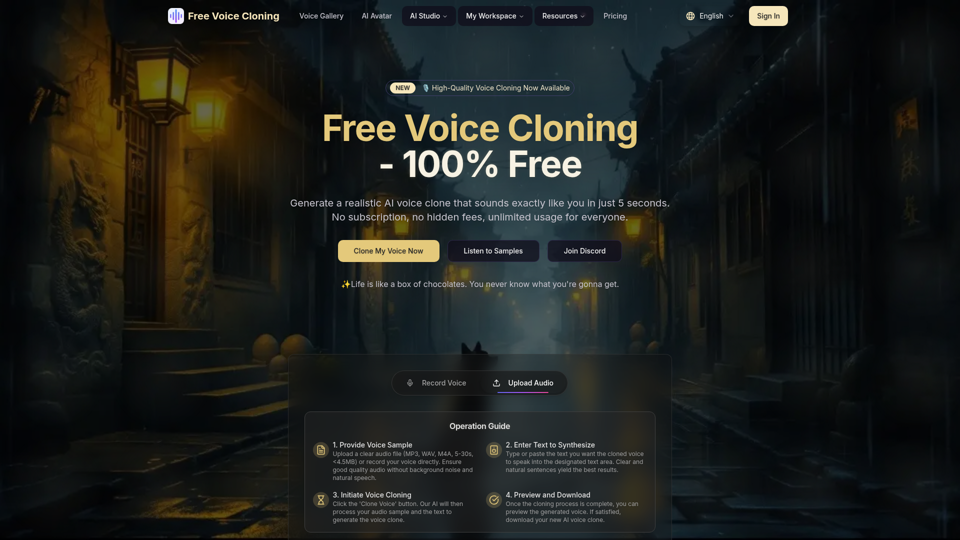
Generate a realistic AI voice clone that sounds exactly like you for free. No subscription required, unlimited usage.

Generate funny TikTok Voice Generator for free such as jessie voice, C3PO voice, ghostface voice, siri voice
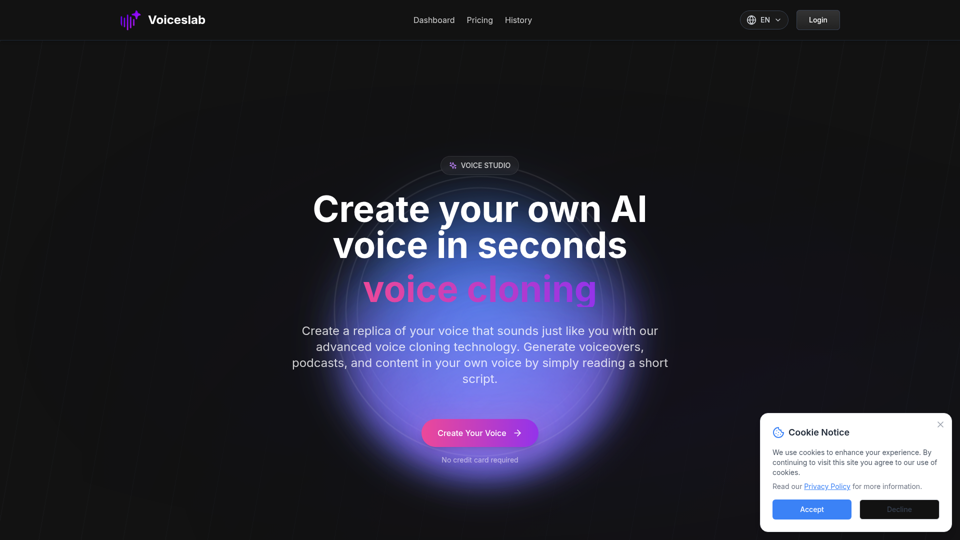
Make an AI copy of your voice that keeps your tone and accent. Our voice cloning tech lets you create natural-sounding speech for videos and podcasts by reading a short text.

Generate AI covers with thousands of voices from famous streamers, politicians, singers, cartoon characters and more! Perfect for adding a fun twist to your podcasts, videos, and social media content.
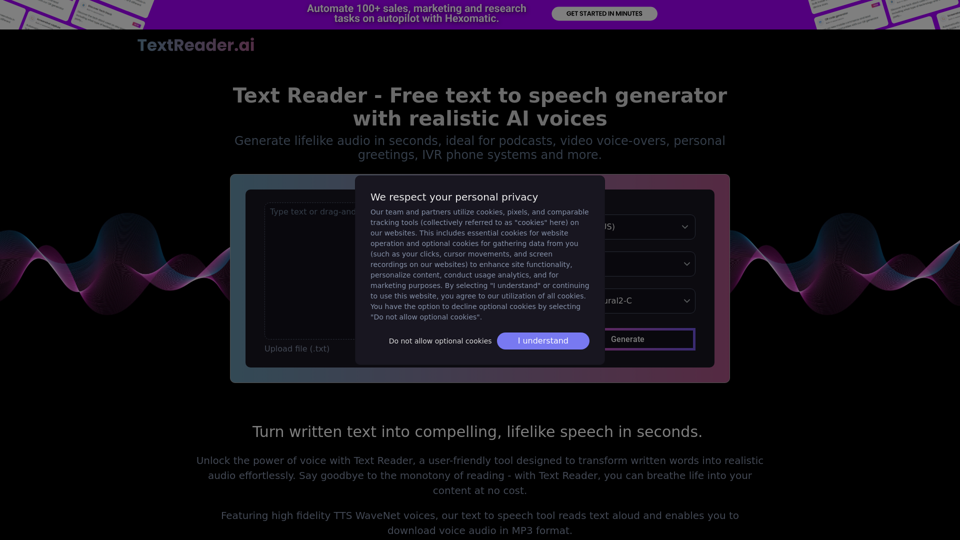
Generate lifelike audio in seconds, ideal for podcasts, video voice-overs, personal greetings, IVR phone systems and more.