Whimsical
Align on your next build faster with Whimsical docs, flowcharts, wireframes, & mind maps. Generate AI diagrams and access templates from product leaders.
What is Whimsical?
Whimsical is an innovative iterative workspace designed specifically for product teams. It combines powerful tools for flowchart creation, wireframing, and mind mapping, allowing teams to collaborate efficiently and effectively. By centralizing information and visuals, Whimsical helps teams tackle product challenges and cultivate clarity.
What are the main features of Whimsical?
- Flowcharts
- Build user flows and process diagrams with ease.
- Wireframes
- Create low-fidelity wireframes using simple drag-and-drop components.
- Mind Maps
- Organize and brainstorm ideas visually to foster creativity.
- Product Docs
- Format text, embed visuals, and connect project information seamlessly.
- Collaboration Tools
- Utilize sticky notes, comments, and annotations for clear communication among team members.
How to use Whimsical?
To get started with Whimsical, simply sign up for a free account. Once you're in, you can begin by selecting a tool that suits your project needs—whether it be a flowchart for visualizing processes, a wireframe for a new application, or a mind map for brainstorming sessions. Whimsical's intuitive interface and contextual toolbars make it easy to harness the platform’s full potential.
What is Whimsical AI?
Whimsical AI accelerates the creative process by allowing users to generate diagrams such as flowcharts and mind maps in seconds, enhancing productivity and collaboration. This feature helps teams to visualize complex ideas and maintain alignment more effectively.
What are the pricing options for Whimsical?
Whimsical offers a variety of pricing plans to cater to different team sizes and needs. A free tier is available, which includes basic functionalities, while subscription plans unlock advanced features and additional collaborative capabilities. Visit the pricing page for exact details.
Helpful Tips for Using Whimsical
- Leverage Templates
- Explore the extensive library of templates and examples provided to streamline your workflow.
- Utilize Real-Time Collaboration
- Take advantage of live updates and feedback channels to keep your team informed and aligned as you work on projects.
- Experiment with Features
- Familiarize yourself with all available tools—like sticky notes and diagrams—to maximize your productivity and creativity.
Frequently Asked Questions
Can I integrate Whimsical with other tools?
Yes, Whimsical can integrate with popular applications like Slack to enhance team communication and productivity.
What types of teams benefit most from Whimsical?
Whimsical is designed for product teams, designers, marketers, and any collaborative group that needs a visual workspace.
Is my data secure on Whimsical?
Whimsical prioritizes data security and privacy, ensuring that all user information is protected and complies with relevant guidelines.
Can I access Whimsical on mobile devices?
Whimsical can be accessed from any device with an internet connection, making it easy to collaborate on-the-go.
Embrace clarity and creativity in your product development process with Whimsical, the ideal workspace for modern product teams. Get started for free today!
Whimsical
Align on your next build faster with Whimsical docs, flowcharts, wireframes, & mind maps. Generate AI diagrams and access templates from product leaders.
 Cloudflare
 Plausible
Free AI anime and manga generator. Turn text into anime episodes, manga, comics, webtoons and comic shorts in any art style — no drawing or animation skills needed.
Translate image text across 70+ languages with our advanced AI Image Translator to help you better expand your products globally to various countries
Advertised Here
Reach thousands of visitors daily. Get your spot now!
Tools similar to Whimsical

MyMap turns your text ideas into visuals like mind maps and presentations through a simple chat interface. Ideal for students, teachers, and professionals with no design skills required. It’s your time-saving tool for easy, collaborative visual creation
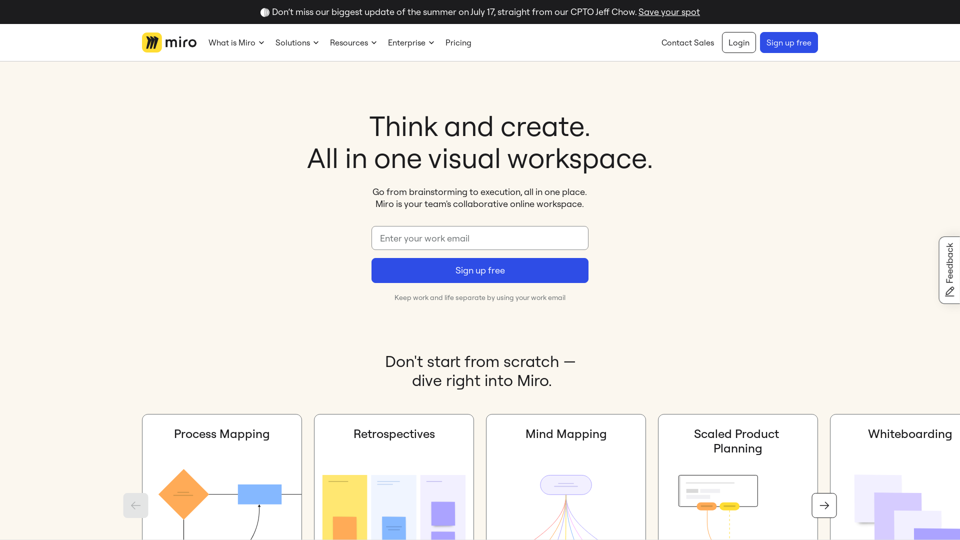
Miro is a visual workspace for innovation where teams manage projects, design products, and build the future together. Join 70M+ users from around the world.
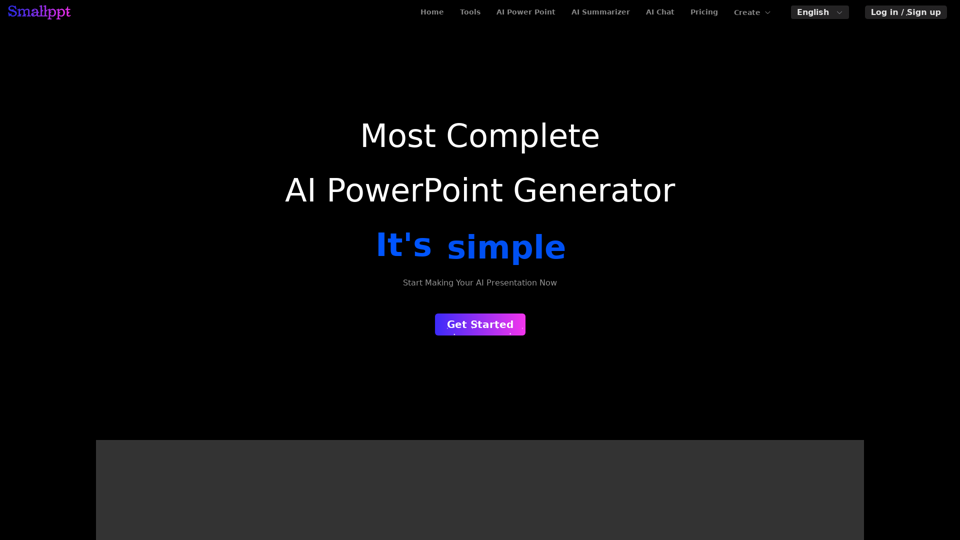
Smallppt's AI tool revolutionizes the way you create visually captivating presentations&mind maps. Effortlessly design stunning PowerPoint slides with AI
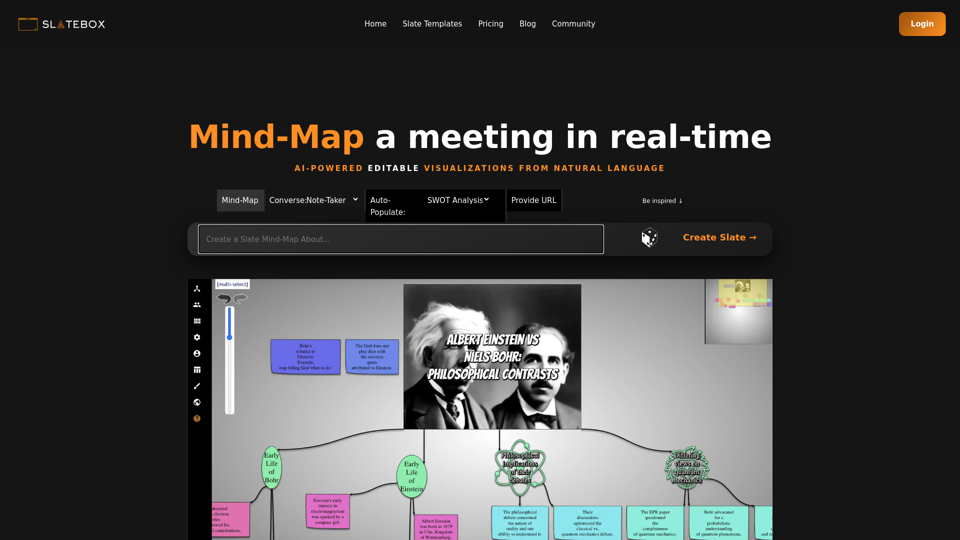
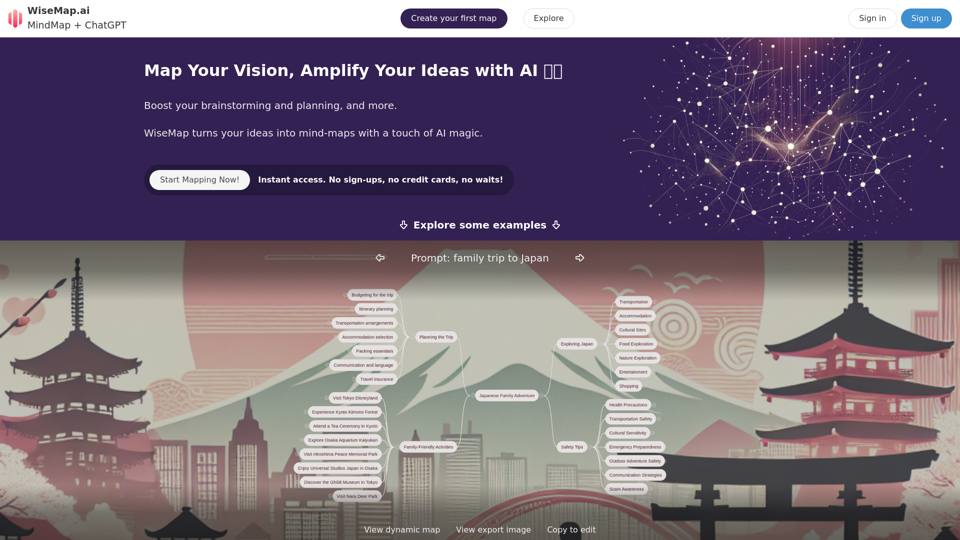
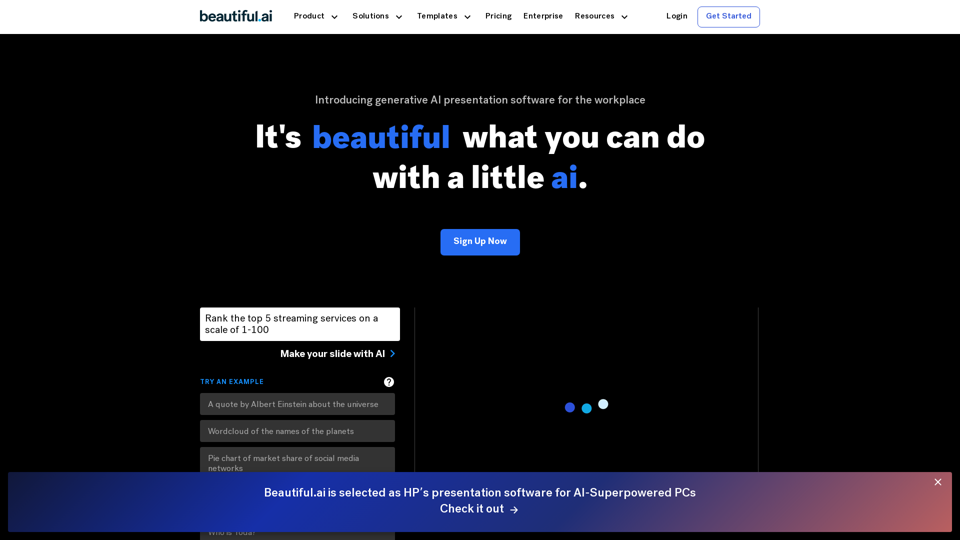
Beautiful.ai is the best AI-powered presentation software for teams. Stay on brand, level up and automate presentation design, and collaborate from anywhere.