YYLO
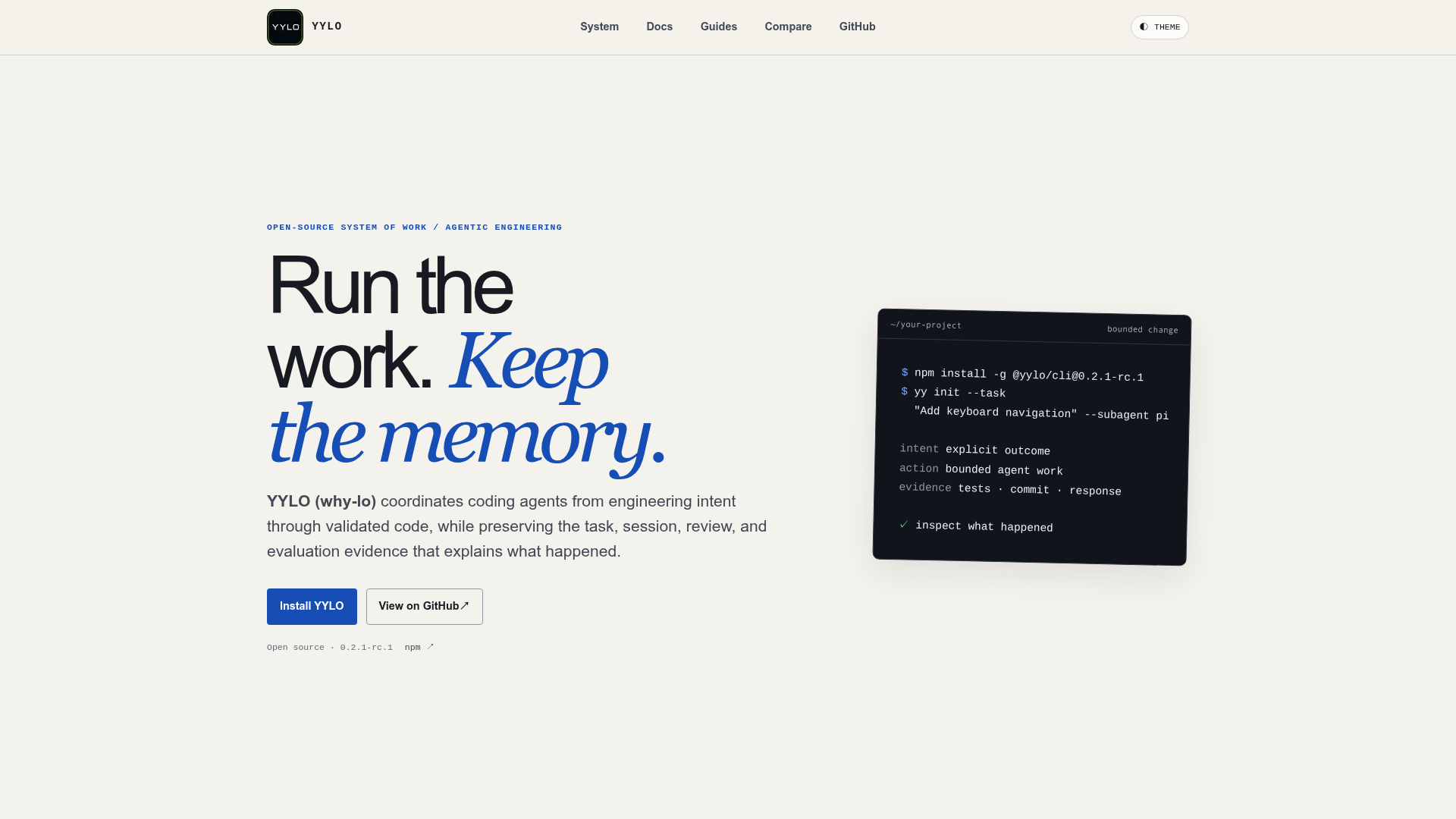
Coordinate coding agents from intent through validated code while preserving durable task, session, review, and evaluation evidence.
What is YYLO?
YYLO (pronounced "why-lo") is an open-source system of work for agentic engineering that coordinates coding agents from engineering intent through validated code. It routes bounded work to agents, executes it in isolated worktrees with session provenance, and keeps the task, session, review, and evaluation evidence that explains what happened. YYLO is built for developers and teams running coding agents who need the work that produces code to stay inspectable, and it does not replace Git or an existing repository workflow.
Key features
- Task truth in Git
- YYLO Ledger keeps intent, status, dependencies, responses, archives, and commit evidence durable in Git.
- Bounded delegation
- YYLO routes work to an agent and preserves its worktree, model, and session provenance.
- Isolated execution
- agent work runs in isolated worktrees, so each attempt has its own session provenance.
- Inspectable validation
- tests, evidence receipts, and policy-bound review make acceptance of a change checkable.
- Durable receipts
- accepted changes are validated, reviewed, and merged with receipts that remain available.
- Benchmark comparison
- YYLO Benchmark reviews cases, delegates independent attempts, and evaluates retained outputs with separate checks and judge assessments.
- Skills for agents
- seven independently versioned Skills help agents work with Records, understand projects, plan work, and deliver one bounded task, installed explicitly with YYLO or the open Skills CLI.
How to use YYLO
- Install the current stable release from npm:
npm install -g @yylo/[email protected]. - Define one bounded outcome as a task, including its constraints and dependencies, for example
yy init --task "Ship one verified change" --subagent pi. - Start the delegated session against that task, for example
yy start -s pi -i 1, so the agent works in an isolated worktree. - Keep the first outcome small enough to validate and review, then inspect the tests, commit, response, and evidence receipts for what happened.
Use cases
- Developers coordinating coding agents across several agents and models from a single task definition.
- Teams that need durable evidence of intent, sessions, reviews, and merge outcomes rather than only the final diff.
- Reviewers who must check whether a candidate change meets its stated constraints before it is accepted.
- Engineers comparing independent agent attempts on the same case with retained benchmark evidence.
- Projects that want engineering memory kept in Git alongside the repository workflow they already use.
Pricing
The official YYLO website does not list pricing plans or paid tiers. YYLO is described as an open-source system of work, distributed as @yylo/cli on npm, so check the official site and the npm package for the current release and terms.
FAQ
Is YYLO free to use?
The YYLO website does not list any pricing, plans, or paid tiers, and describes the project as an open-source system of work published on npm as @yylo/cli. Check the official site and the GitHub repository for licensing and current release details.
Does YYLO replace Git?
No. YYLO states that it does not replace Git or your repository workflow. It coordinates agent execution and makes the work that produces code inspectable, while YYLO Ledger keeps task truth and commit evidence durable in Git.
What is the difference between YYLO and YYLO Benchmark?
YYLO is the control plane that delegates bounded agent execution, preserves provenance, validates candidates, and integrates accepted changes. YYLO Benchmark is the evaluation layer: it reviews cases, delegates independent attempts, and evaluates retained outputs with separate checks and judge assessments, using frozen checklist criteria for evidence-based assessment and deterministic loss.
What are YYLO Skills?
YYLO Skills is an ecosystem package of seven independently versioned procedures that help agents work with Ledger Records, understand projects, plan work, and deliver one bounded task. They can be installed explicitly with YYLO or with the open Skills CLI.
What is an Engineering Change in YYLO?
YYLO describes the Engineering Change as the strategic record that links intent, decisions, attempts, validated code, and eventually real-world outcomes. The website states that this engineering memory is product direction, and that pull requests, deployment, production-outcome learning, and automatic workflow selection are not claims about the current release.
Which versions of YYLO are available?
The website lists YYLO stable at 0.2.11 and a prerelease at 0.2.3-rc.3. The companion layers have their own versions: YYLO Ledger at 0.4.0, YYLO Benchmark published stable at 0.2.1, and YYLO Skills at 2.1.1.
YYLO
Coordinate coding agents from intent through validated code while preserving durable task, session, review, and evaluation evidence.
 Vercel
Free AI anime and manga generator. Turn text into anime episodes, manga, comics, webtoons and comic shorts in any art style — no drawing or animation skills needed.
Translate image text across 70+ languages with our advanced AI Image Translator to help you better expand your products globally to various countries
Advertised Here
Reach thousands of visitors daily. Get your spot now!
Tools similar to YYLO
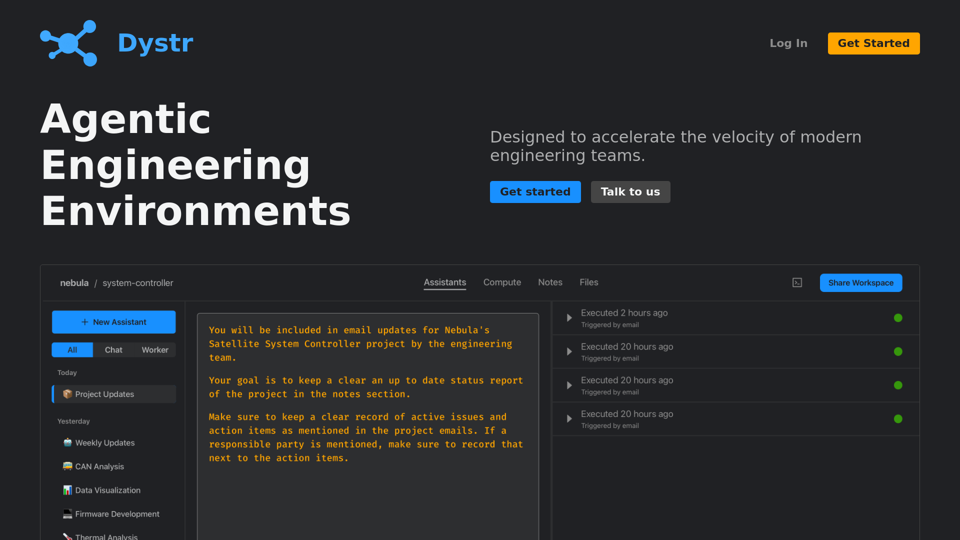
Designed to accelerate the velocity of modern engineering teams.
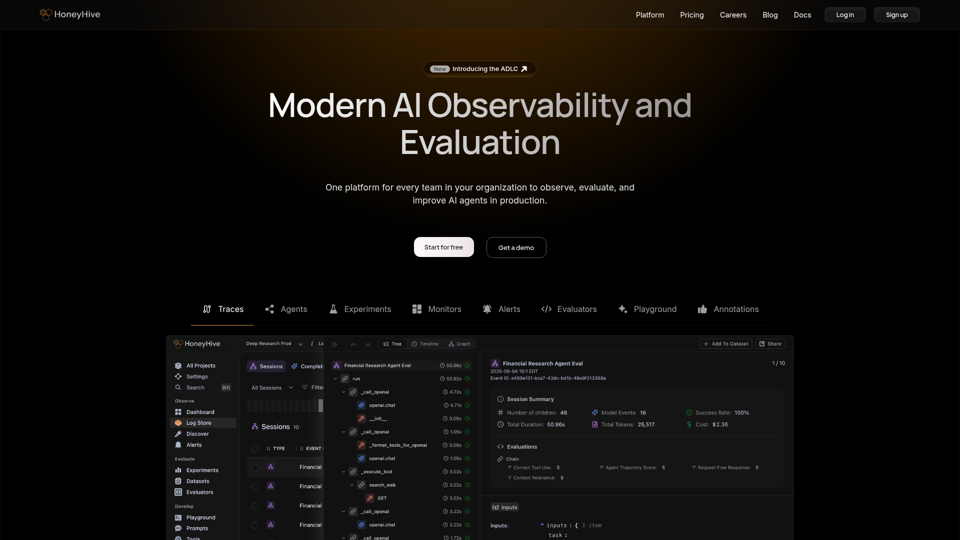
HoneyHive is the AI observability and evals platform trusted by the Fortune 500. We help the world’s largest enterprises confidently scale agents in production with continuous evaluation and observability throughout the entire agent development lifecycle (ADLC), ensuring agents are trustworthy and reliable by design.
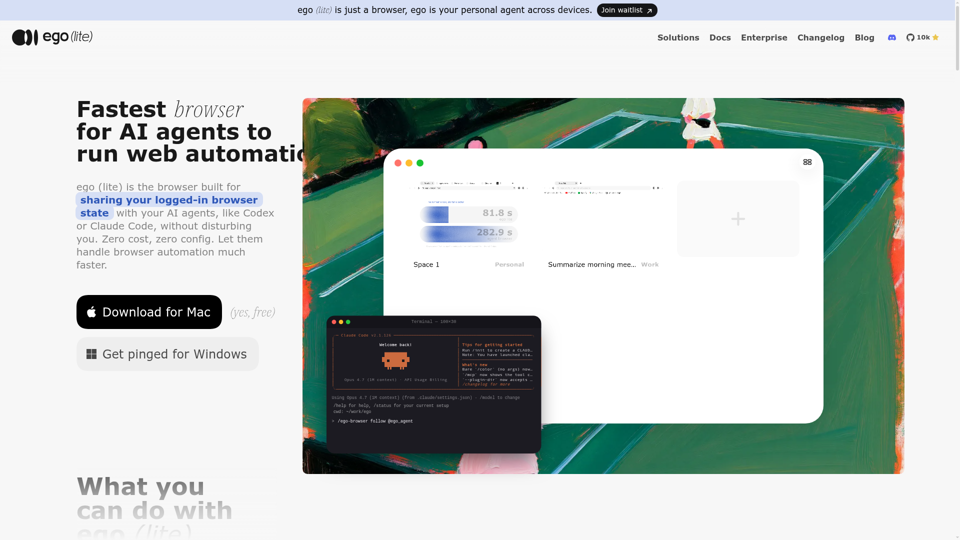
Always free, no set up. Claude Code or Codex runs 100+ browser automation tasks at the same time for you, 3.45x faster than agent-browser.
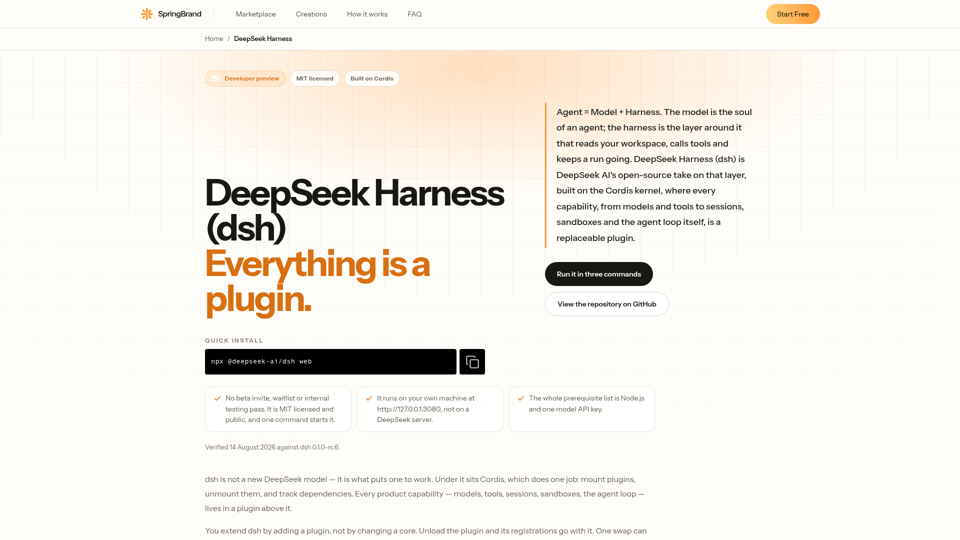
DeepSeek Harness (dsh) is DeepSeek AI's open-source agent harness. Agent = Model + Harness, and every capability inside it is a swappable plugin.
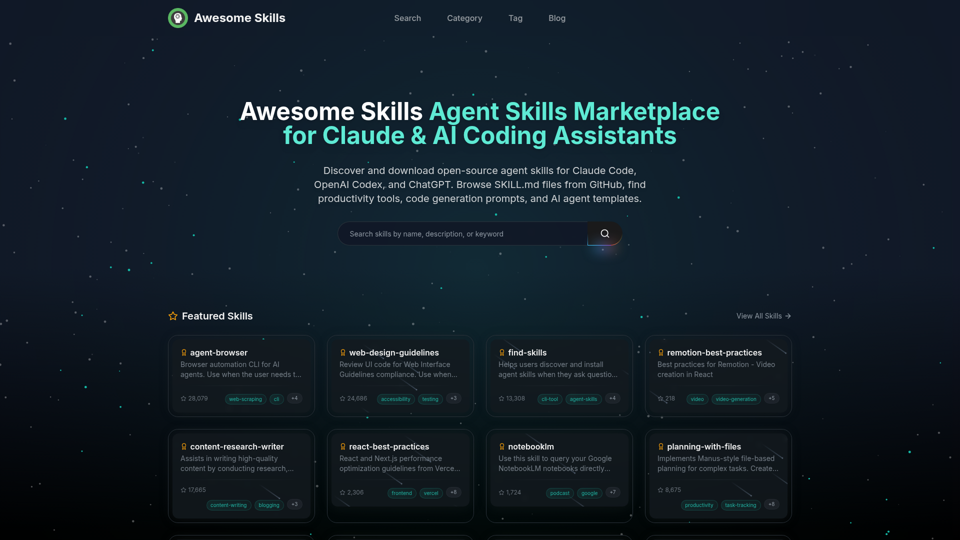
Browse and download open-source agent skills for Claude Code, OpenAI Codex, and ChatGPT. Curated collection of SKILL.md files from GitHub. Find productivity skills, code generation prompts, MCP tools, and AI agent templates. The best Claude skills marketplace with 50,000+ skills.
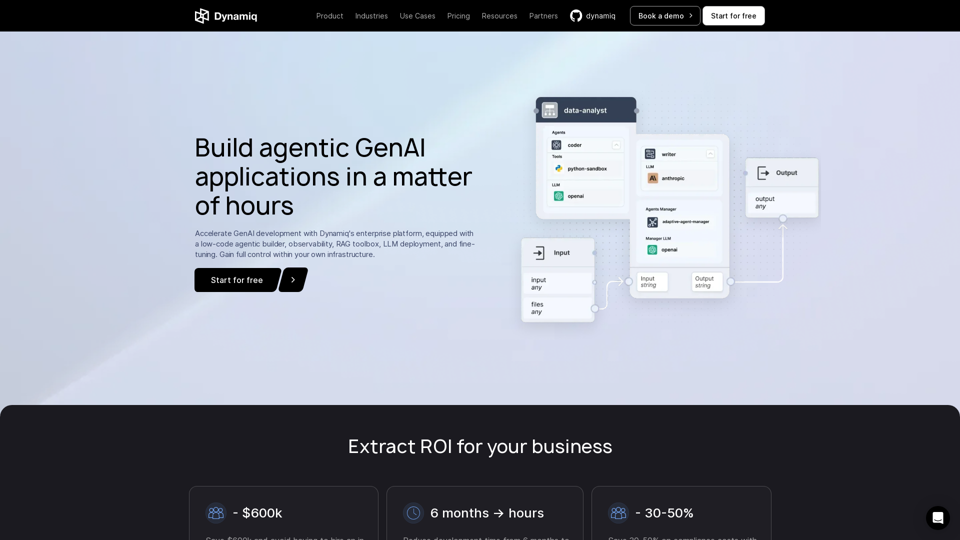
Build, deploy and monitor on-premise GenAI applications to solve specific business needs, reducing costs, driving revenue and boosting competitiveness - all in one platform
Kimi K2 is MoonshotAI's 1T parameter open-source AI model with agentic capabilities. Supports 128K context, excels in reasoning & coding.