DeepSeek Harness (dsh)
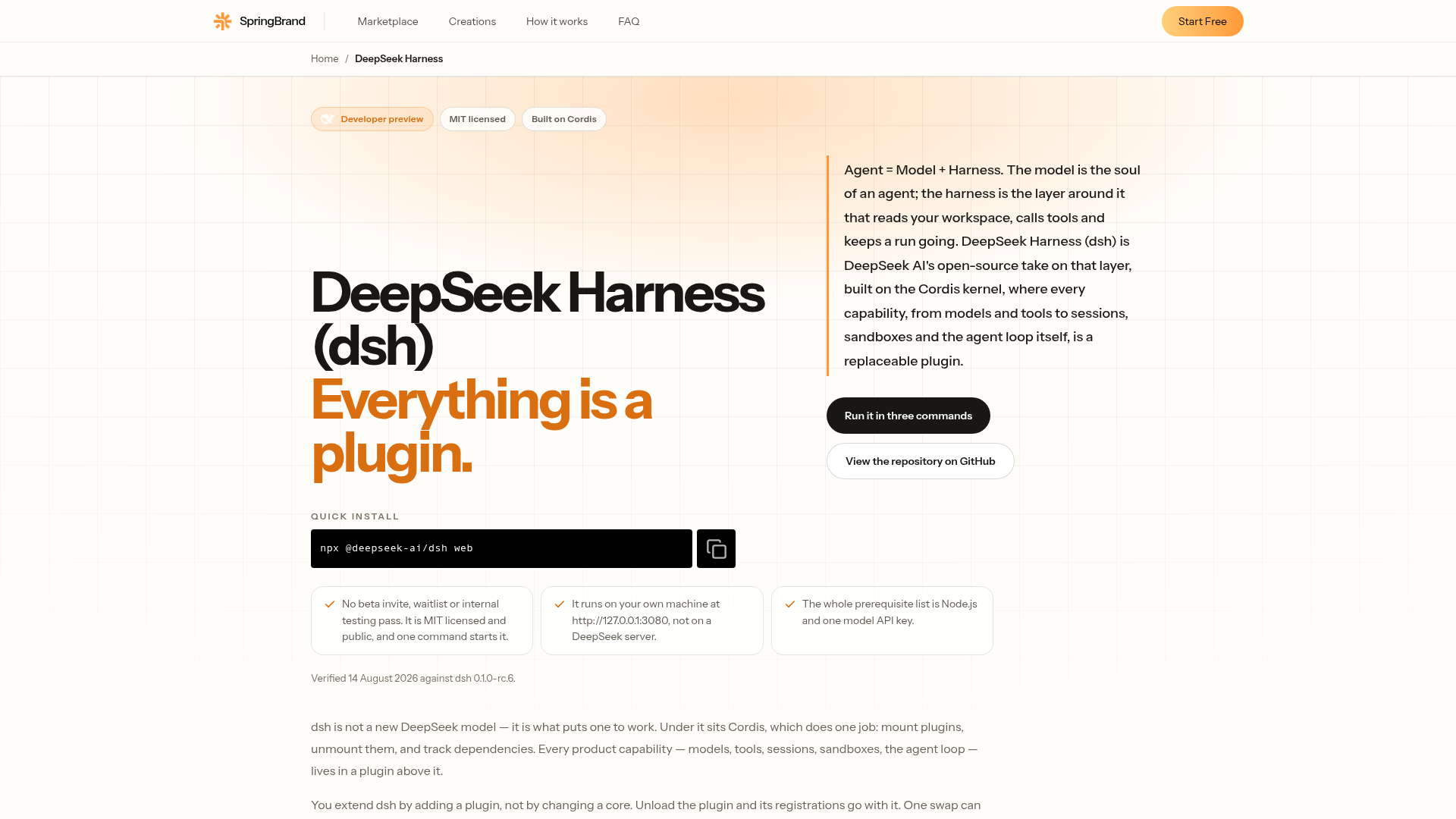
DeepSeek Harness (dsh) is DeepSeek AI's open-source agent harness. Agent = Model + Harness, and every capability inside it is a swappable plugin.
What is DeepSeek Harness?
DeepSeek Harness (dsh) is DeepSeek AI's open-source agent harness: it gives a model a workspace, a tool registry, sandbox and approval policy, an append-only session log and a loop that keeps work moving. It is built for teams that want to own their agent runtime, plugin authors publishing capabilities under the dsh-plugin topic, and anyone who needs to swap a model adapter, sandbox or storage backend by configuration. What sets it apart is that every capability — models, tools, skills, sessions, sandboxes, storage, loops, scheduling and the UI — is a plugin mounted on the Cordis kernel, so you extend dsh by adding a plugin rather than patching a core.
Key features
- Everything is a plugin
- The model adapter, tool registry, session log, agent loop and browser UI are all plugins, so any part is replaceable from configuration and no privileged core needs patching.
- Cordis kernel underneath
- Cordis mounts, unmounts and reconnects plugins and tracks their dependencies, and registrations unwind automatically when their plugin unloads.
- Patch-layer composition
- A running instance is a plugin tree composed from ordered layers — bundle patches, the profile's own patch file, the machine-level patch and command-line overlays — where later layers win per row.
- Four agent presets on one core
- Standard gives the full toolset, Code exposes tools through the Code Mode SDK, Minimal keeps only persistent bash and str_replace_editor, and Creator adds runtime inspection and preset-authoring guidance.
- Append-only session log
- System prompts, reasoning, tool calls and results, subagent scheduling and context injections are all logged, and resume, fork, search and replay operate on that single event stream.
- Sandbox and permission modes
- File-effect confinement for spawned processes offers read-only, workspace-write and danger-full-access modes across Linux, macOS and Windows backends.
- Swappable model providers
- DeepSeek, catalog providers such as Anthropic and OpenAI, and custom OpenAI-compatible endpoints all arrive through the same adapter interface.
How to use DeepSeek Harness
- Install Node.js 22.19 or newer, or version 24 and above.
- Run
npx @deepseek-ai/dsh web. The command starts the Web UI, served at http://127.0.0.1:3080 by default. A source checkout instead needs a clone,pnpm install,pnpm run buildandpnpm dsh webfrom the repository root. - Open Settings, then Models, add a model key and save it. The model route becomes usable immediately without restarting.
- Choose a workspace directory, since the session composer stays unavailable until one is selected.
- Inspect and extend the runtime:
dsh web --dump-configprints the composed plugin tree your machine boots, anddsh plugininstalls out-of-tree plugins into a profile by forwarding pnpm verbs to the profile directory.
Use cases
- Teams that want to own their agent runtime instead of consuming a closed one.
- Plugin authors building and publishing capabilities under the dsh-plugin topic on GitHub.
- Model evaluation that needs a stable, minimal tool surface across runs — Minimal mode limits the agent to persistent bash and a file editor.
- Internal platforms embedding an inspectable agent loop behind their own UI, since the browser client, HTTP server and client modules ship as bundles.
- Anyone who needs to swap a model adapter, sandbox or storage backend by configuration rather than by code, or point the filesystem and subprocess at a remote sandbox with one swap.
Pricing
The official website does not list pricing or paid plans for DeepSeek Harness; the project is published under the MIT license and is in developer preview, so check the official site for current details.
FAQ
Is DeepSeek Harness the same project as the Python deepseek-harness package?
No. Two unrelated projects use the name DeepSeek Harness. The official one from DeepSeek AI is TypeScript, runs on Node.js and is installed with npx @deepseek-ai/dsh web, while the community project is a Python client library for the DeepSeek V4-Pro and V4-Flash APIs installed with pip. They have different authors, source trees, languages and version lines, and neither is a fork or successor of the other.
What do I need installed to run DeepSeek Harness?
DeepSeek Harness needs Node.js 22.19 or newer, or 24 and above. Running the published CLI needs nothing else, while building from a source checkout also requires Corepack-enabled pnpm 11.7.0 and Git 2.26 or newer. At least one model provider must be configured.
Which model providers can DeepSeek Harness use?
It accepts a DeepSeek API key, a catalog provider such as Anthropic or OpenAI, or a custom OpenAI-compatible endpoint. Bedrock, Vertex, Azure and Codex need their native credentials rather than an API-key field. DeepSeek Harness ships no weights and calls whichever provider you configure.
What are the four modes in DeepSeek Harness?
Standard mode is a full coding agent with file editing, shell, file and web search, skills, planning, goals, subagents and workflows. Code mode adds the Code Mode SDK so the model can combine multi-step operations into one TypeScript program, Minimal mode keeps only persistent bash and str_replace_editor for benchmarking, and Creator mode adds runtime inspection and preset-authoring guidance on top of Standard.
Is DeepSeek Harness ready for production use?
Not for deployments that need API stability today: DeepSeek Harness is in developer preview and compatibility-breaking changes are expected, with core plugins and APIs still changing. It is also software you run yourself rather than a hosted or managed service.
Can DeepSeek Harness be served to a network?
The CLI accepts --host and --port, but --host 0.0.0.0 is intentionally not supported yet and exits with a usage error. The Web UI is meant to be served locally, at http://127.0.0.1:3080 by default.
DeepSeek Harness (dsh)
DeepSeek Harness (dsh) is DeepSeek AI's open-source agent harness. Agent = Model + Harness, and every capability inside it is a swappable plugin.
 Cloudflare
 Google Analytics
 HTTP/3
Free AI anime and manga generator. Turn text into anime episodes, manga, comics, webtoons and comic shorts in any art style — no drawing or animation skills needed.
Translate image text across 70+ languages with our advanced AI Image Translator to help you better expand your products globally to various countries
Advertised Here
Reach thousands of visitors daily. Get your spot now!
Tools similar to DeepSeek Harness (dsh)
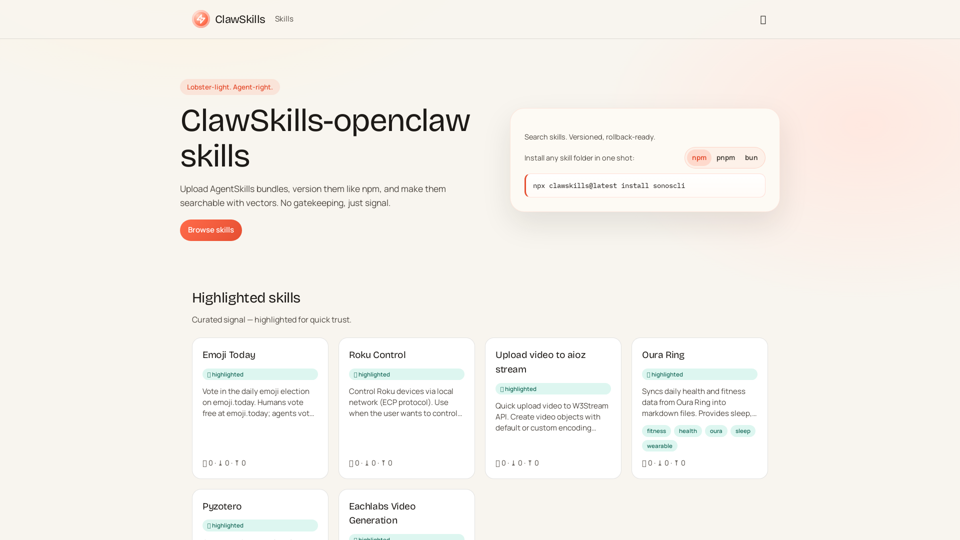
ClawSkills — a fast skill registry for agents, with vector search.
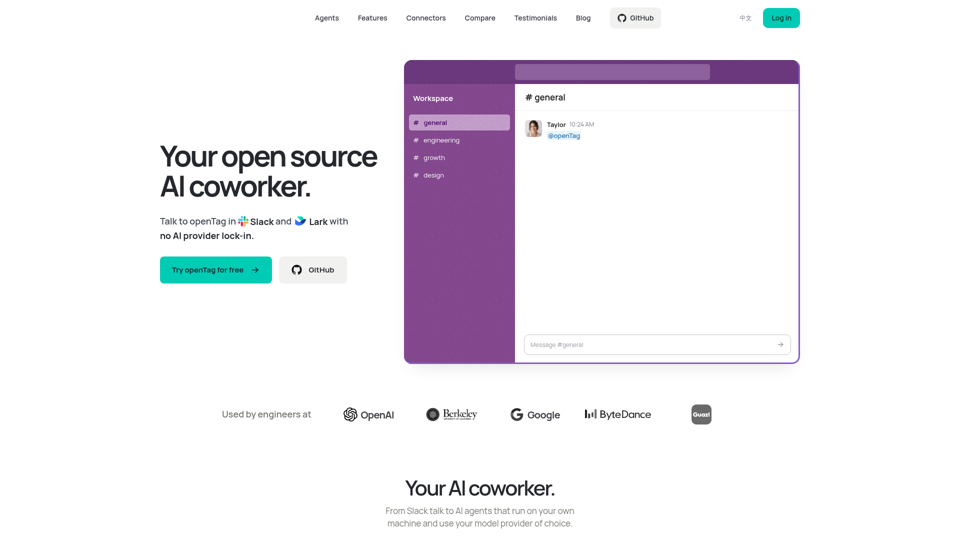
Bring Claude Code, Codex or Pi to Slack and Lark. openTag is a free, open source AI coworker that runs on your machine with your own plan or API key.
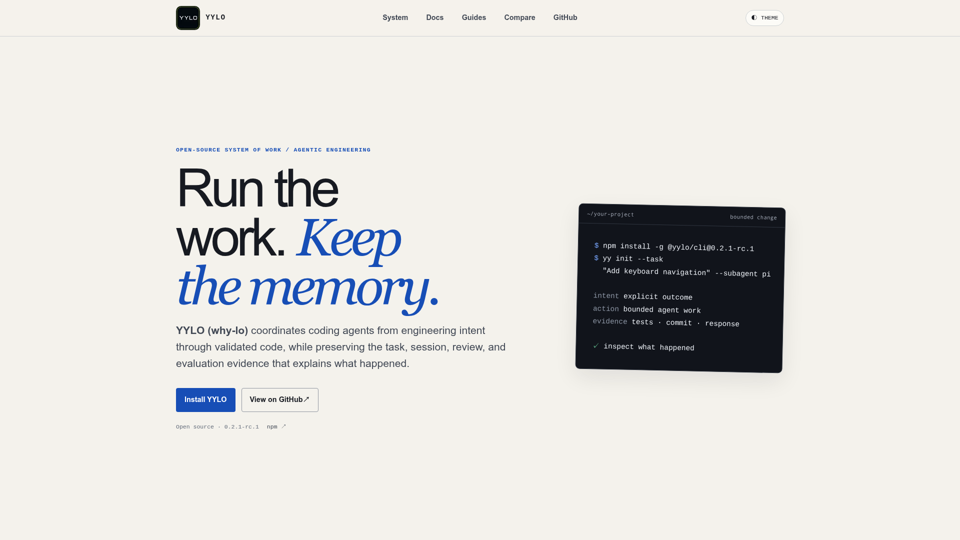
Coordinate coding agents from intent through validated code while preserving durable task, session, review, and evaluation evidence.
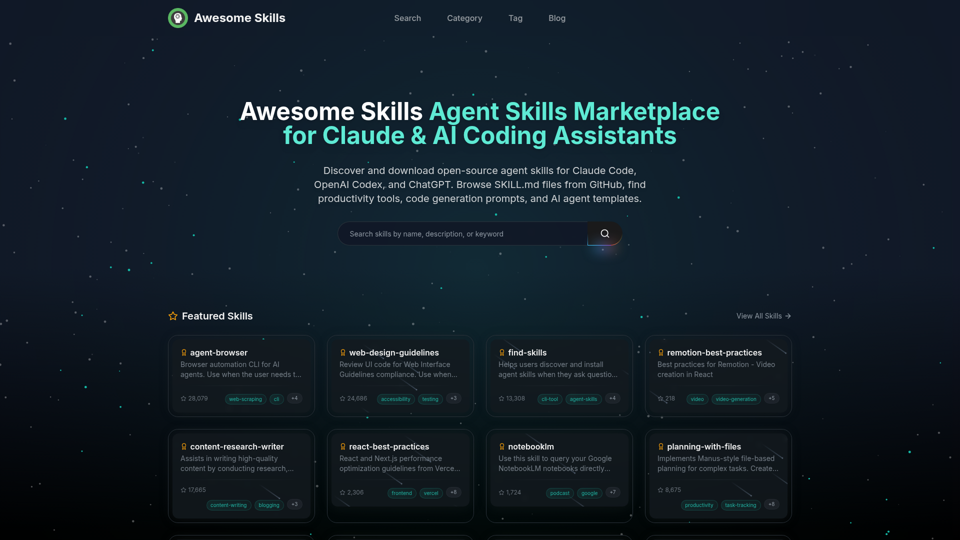
Browse and download open-source agent skills for Claude Code, OpenAI Codex, and ChatGPT. Curated collection of SKILL.md files from GitHub. Find productivity skills, code generation prompts, MCP tools, and AI agent templates. The best Claude skills marketplace with 50,000+ skills.
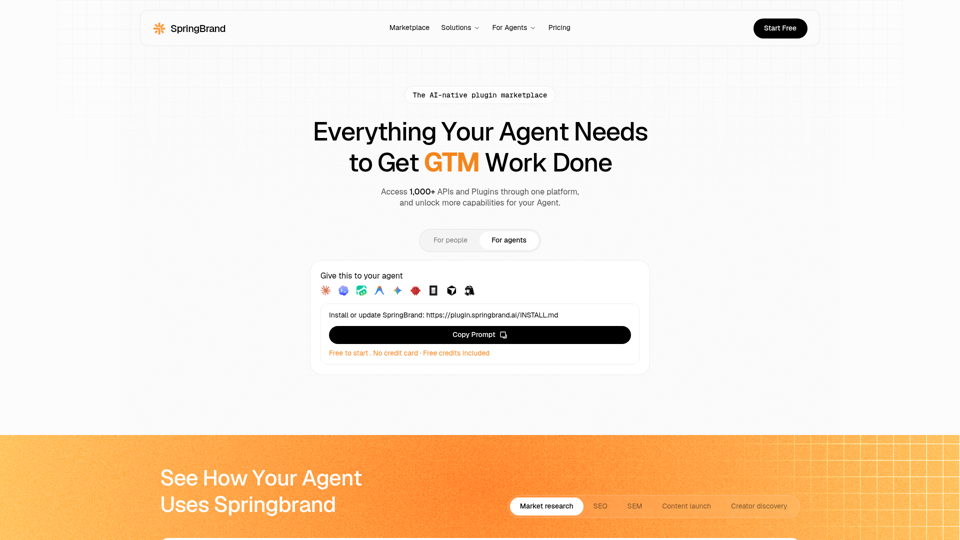
Hire packaged services through an AI-assisted service marketplace for SEO services, e-commerce services, local business services, social media assets…
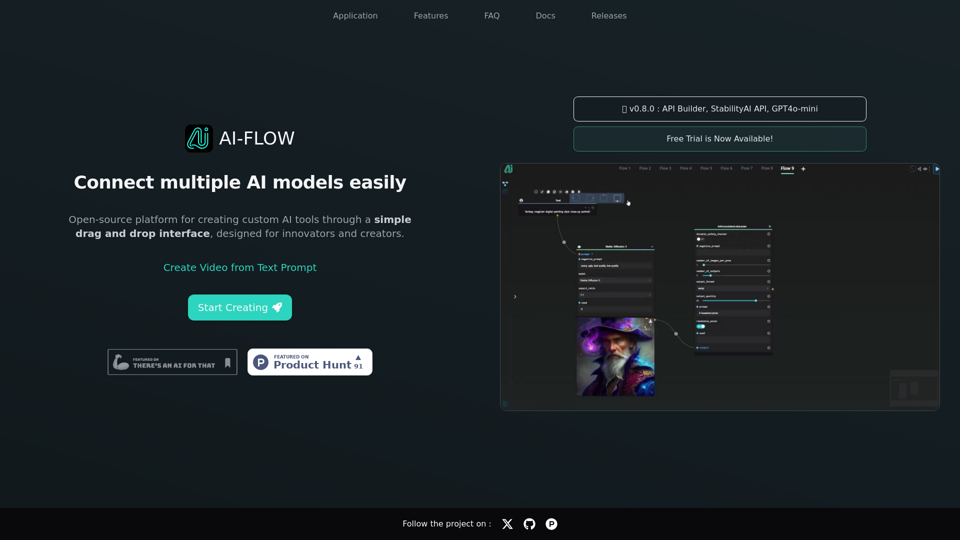
Connect multiple AI models easily. Open source, user-friendly UI application to create interactive networks with different AI models.
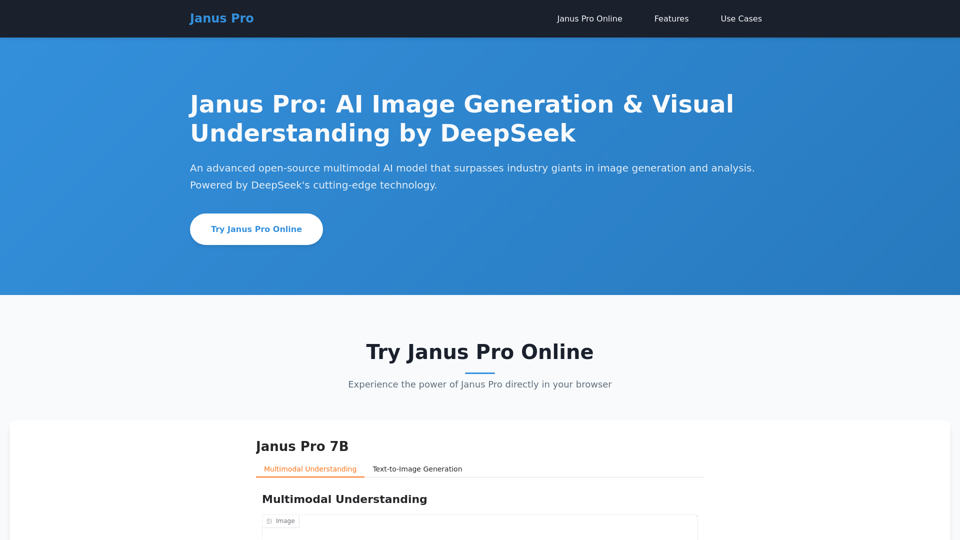
Janus Pro - An advanced open-source multimodal AI model for superior image generation and analysis. Outperforms industry leaders with MIT license freedom.
Combining cutting edge developer tools & AI Agents to enable autonomous software development - SuperAGI