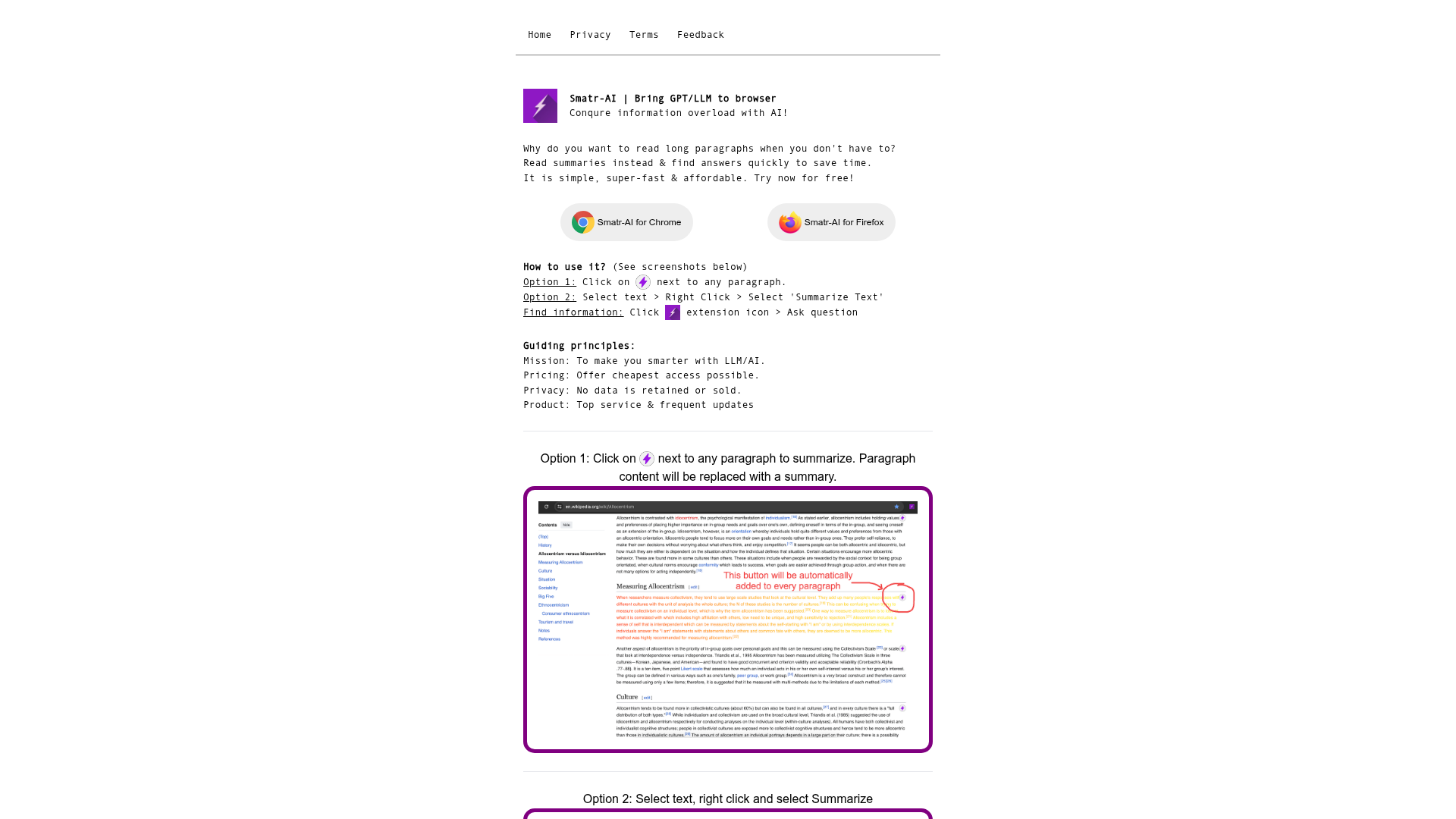
What is Smatr-AI?
Smatr-AI is a browser extension designed to conquer information overload by bringing GPT/LLM capabilities directly into your web browser. Its core mission is to make users smarter by providing AI-powered reading assistance. The tool allows you to generate summaries from long paragraphs of text and quickly find answers to your questions on any webpage, saving you significant time and effort. It's designed to be simple, super-fast, and affordable, operating on strong principles of privacy and user-centric value.
What are the key features of Smatr-AI?
Smatr-AI provides several powerful features specifically tailored for browser-based information processing:
- Instant Text Summarization
- At the click of an icon next to any paragraph or via a right-click menu, you can instantly condense long, verbose text into concise, easy-to-read summaries. This feature is central to combating information overload.
- In-Page Q&A
- You can ask questions directly about the content of the webpage you're browsing. The extension uses AI to analyze the page and provide precise answers, eliminating the need to manually scan through text.
- Browser Integration
- As a dedicated browser extension, Smatr-AI works seamlessly within your Chrome or Firefox browser, making AI assistance available on virtually any website without switching tabs or applications.
- Privacy-First Approach
- The company adheres to a strict privacy policy where no user data is retained or sold, ensuring your reading habits and queries remain confidential.
- Affordable Access
- Committed to offering the cheapest possible access to LLM/AI technology, Smatr-AI provides a free tier to try its core summarization and Q&A functionalities.
How to use the Smatr-AI browser extension?
Using Smatr-AI is straightforward and integrated into your natural browsing flow. There are three primary methods to leverage its AI capabilities for text summarization and finding information:
- For Summarization
- Option 1 (One-Click): Simply hover and click on the flash icon (
 ) that appears next to paragraphs on a webpage. The original paragraph content will be instantly replaced with a generated summary.
 - Option 2 (Context Menu): Select any block of text with your cursor, right-click to open the context menu, and choose the 'Summarize Text' option.
- Option 1 (One-Click): Simply hover and click on the flash icon (
- For Finding Information
- Click on the Smatr-AI extension icon (
 ) in your browser's toolbar. This opens a pop-up where you can type any question related to the current page's content to get an immediate AI-generated answer.
- Click on the Smatr-AI extension icon (
What is the price of Smatr-AI?
Smatr-AI is currently available to try for free. The company's guiding principle is to offer the most affordable access possible to GPT/LLM technology. While specific subscription tiers or premium feature details are not listed in the provided content, the emphasis is on providing top service at a low cost. Users are encouraged to try the free version to experience its core summarization and Q&A features directly in their browser.
Helpful tips for using Smatr-AI
To maximize your efficiency with the Smatr-AI browser extension, consider these tips:
- Start with the Flash Icon
- For quick, paragraph-level understanding, get used to looking for and clicking the flash icon next to dense text for the fastest summarization.
- Use Q&A for Research
- When reading articles or reports for research, use the "Ask a question" feature instead of just summarizing. You can query specific data points, definitions, or conclusions mentioned on the page.
- Combine Methods
- First, use summarization to get the gist of a long article, then use the Q&A feature to drill down into specific details that interest you.
- Check for Updates
- As the team promises frequent updates, keep your browser extension updated to benefit from new features, improved AI models, and enhanced accuracy in both summarization and question-answering.
Frequently Asked Questions about Smatr-AI
Can I use Smatr-AI on any website?
Yes, the Smatr-AI extension is designed to work on most websites you visit in your Chrome or Firefox browser, allowing for summarization and Q&A on news articles, blog posts, documentation, and more.
Is my data safe with Smatr-AI?
Absolutely. Privacy is a core principle. Smatr-AI states clearly that no user data is retained or sold. Your browsing data and the content you process are not stored.
Do I need a ChatGPT or GPT-4 subscription to use Smatr-AI?
No, you do not. Smatr-AI provides access to LLM/AI technology directly through its extension. You can use its features without any separate subscription to services like ChatGPT Plus.
How accurate are the summaries and answers?
The summaries and answers are generated by advanced AI language models (like GPT). They are designed to be highly accurate and context-aware, pulling key information from the text you provide or the page content. For critical decisions, it's always good practice to review important details.
What browsers are supported?
Currently, Smatr-AI offers dedicated extensions for Google Chrome and Mozilla Firefox, two of the most popular web browsers.
Smatr
Summarize & Find answers from text
 Next.js
 Node.js
 React
React Webpack
Free AI anime and manga generator. Turn text into anime episodes, manga, comics, webtoons and comic shorts in any art style — no drawing or animation skills needed.
Translate image text across 70+ languages with our advanced AI Image Translator to help you better expand your products globally to various countries
Advertised Here
Reach thousands of visitors daily. Get your spot now!
Tools similar to Smatr
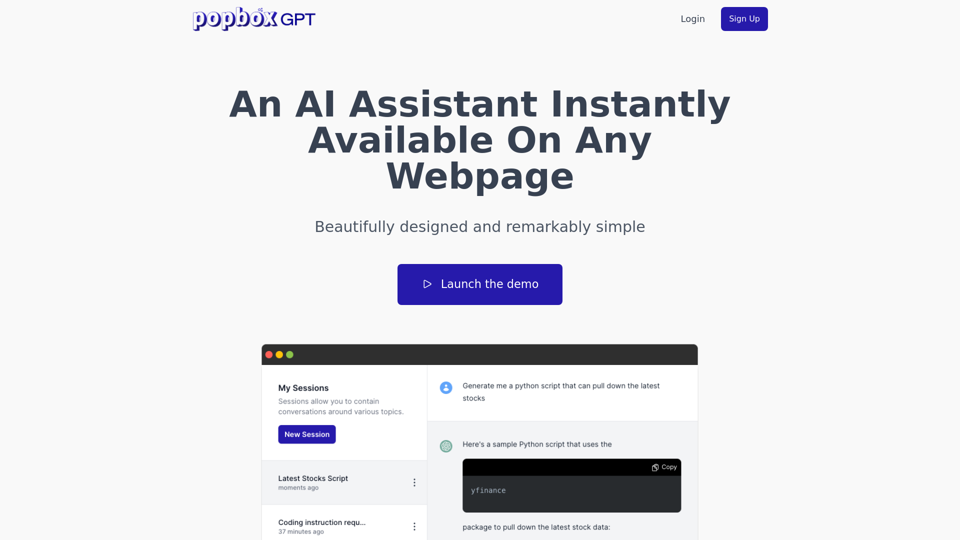
Discover PopboxGPT, the powerful GPT Chrome extension that brings AI-powered assistance right in your browser. Enhance productivity and simplify tasks with this intuitive browser-based AI helper.
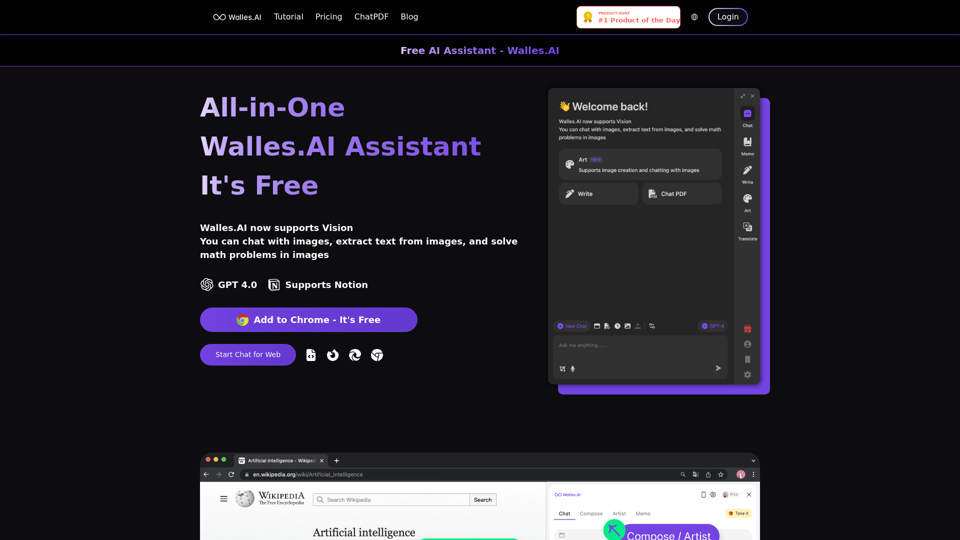
Your GPT-4 AI assistant ChatGPT Plugin. Answers complex questions.Comprehend long texts. Usable everywhere. Supports exporting to Notion. 🔥 Walles.AI as your co-pilot and can answer any complex questions in the sidebar. It can also help you write articles, read articles, summarize YouTube videos, and enhance Google search engines. Available on all websites.
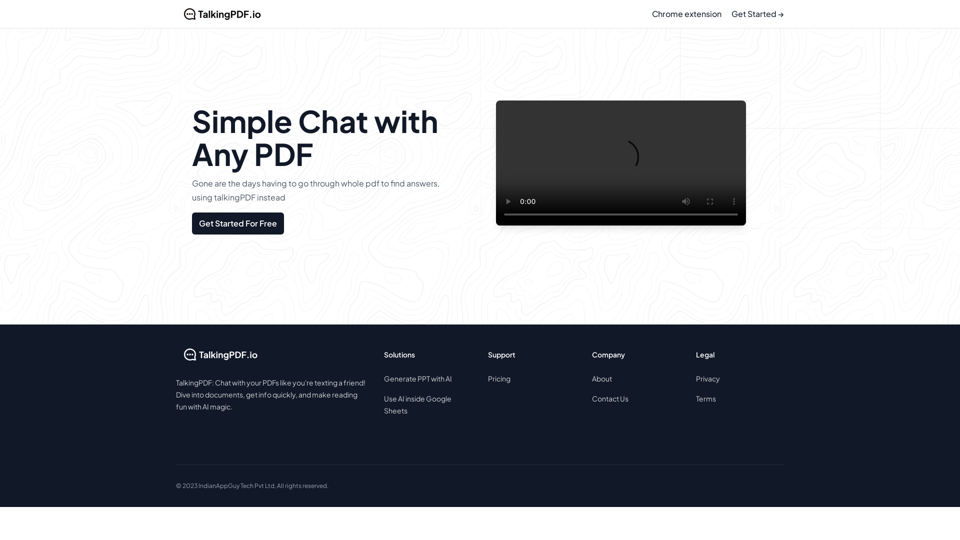
TalkingPDF.io is a free tool that allows you to chat with any PDF. ask questions, get summaries, find anything you need!
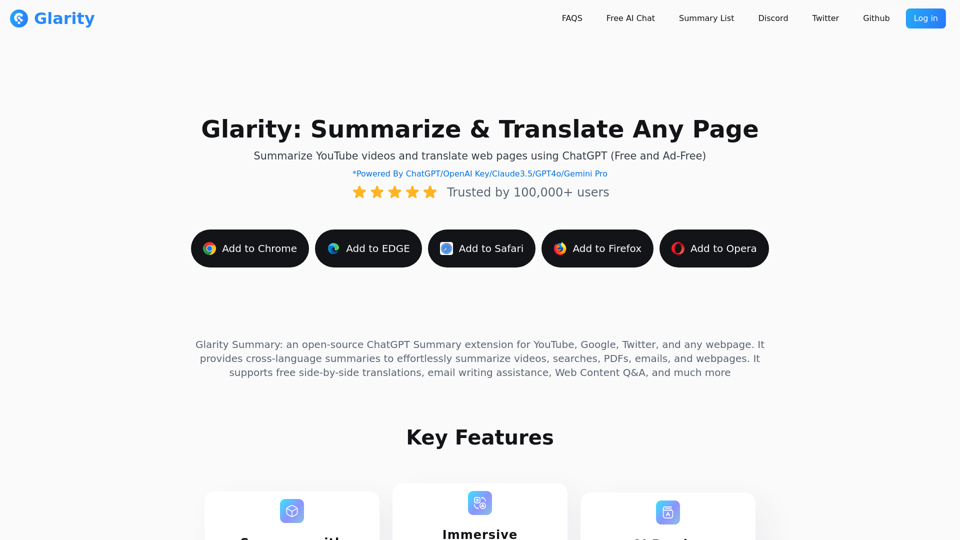
Glarity is a free ChatGPT extension that uses ChatGPT4o AI to summarize YouTube videos and translate web pages. It also supports GPT-4o, Claude 3.5, and Gemini for AI chat, video summaries, AI search, ChatPDF, and AI image generation.
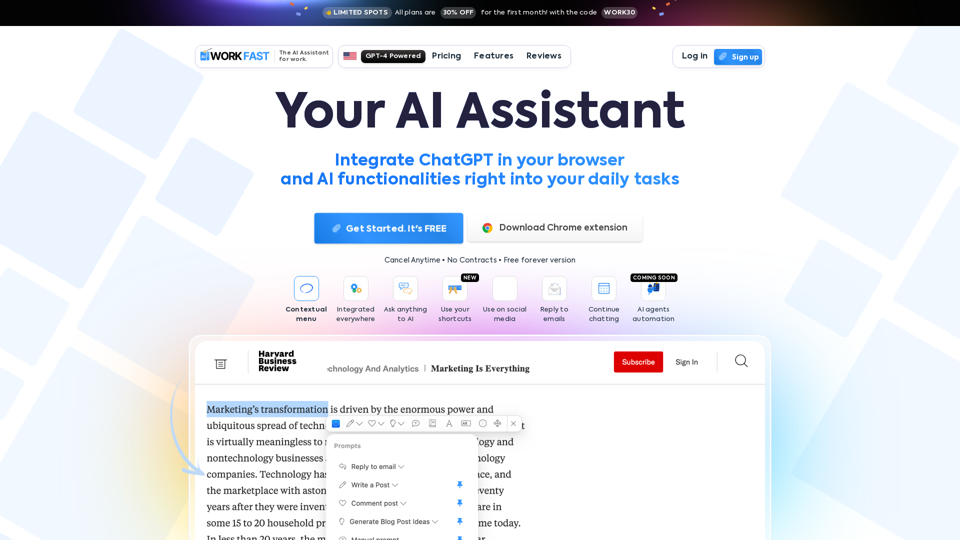
Work Fast is a AI Chrome extension assistant. Work Fast is powered by GPT-4 AI.
A browser extension summarize web pages with ChatGPT for easy sharing on social media.
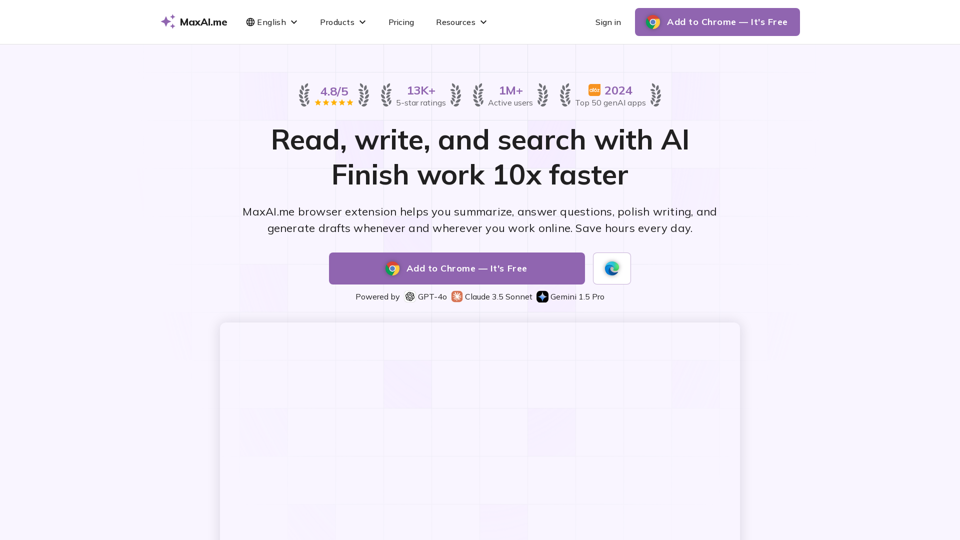
AI chat, rewriter, summary, instant reply, reading assistant, prompts, search, art, and translator. Powered by GPT-4o, Claude 3, Gemini 1.5.
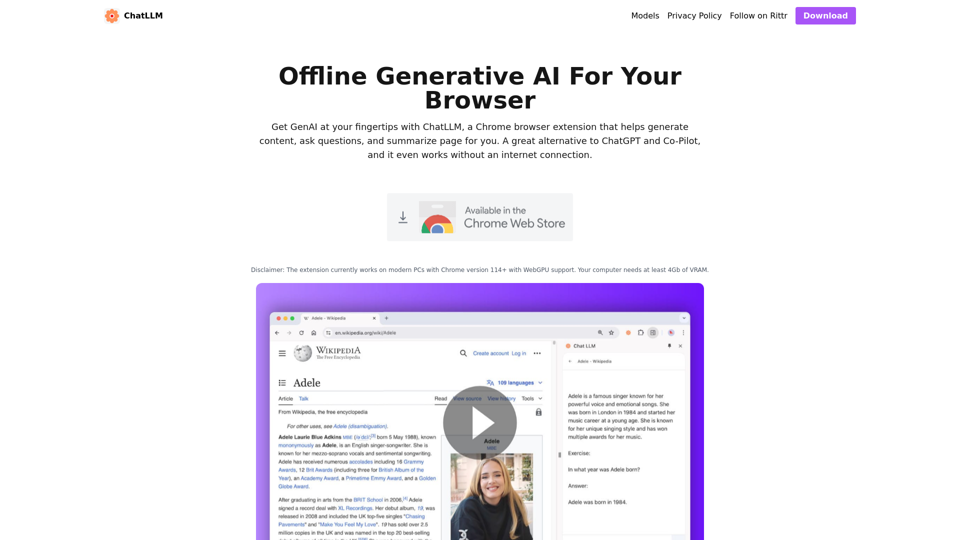
ChatLLM is a browser extension that enables generative AI to your browser. Let's you have private conversation with your page. ChatGPT and Co-Pilot alternative