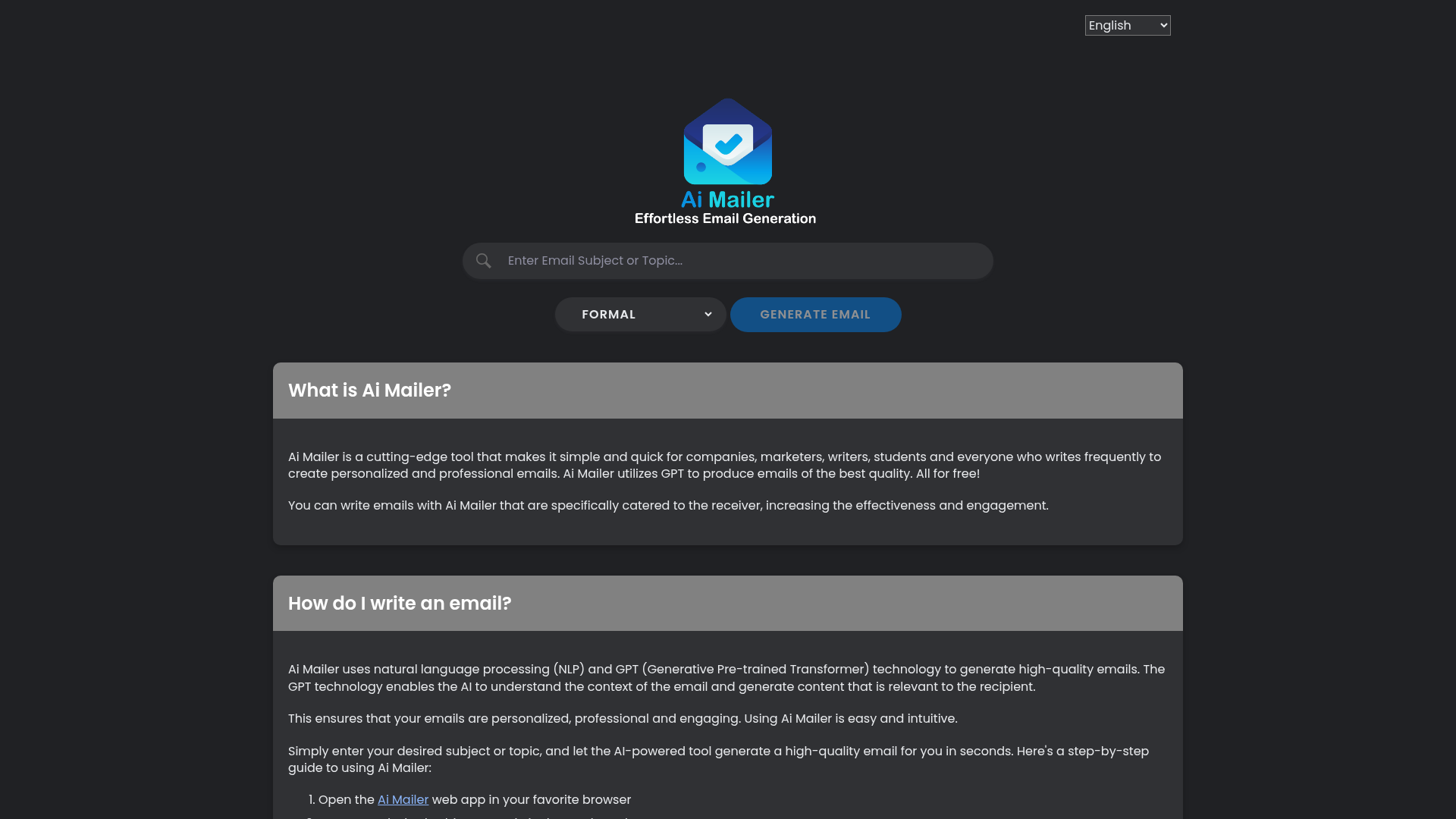
What is Ai Mailer?
Ai Mailer is a cutting-edge, AI-powered email generation tool designed to simplify and accelerate the process of creating personalized, professional emails for businesses, marketers, writers, students, and anyone who frequently engages in written communication. By leveraging advanced GPT (Generative Pre-trained Transformer) technology, Ai Mailer produces high-quality, contextually relevant email content tailored to your specific needs—all completely free of charge. This tool helps you craft emails that resonate with recipients, enhancing engagement and effectiveness in your communications.
Key Features of Ai Mailer
Ai Mailer stands out due to its robust set of features designed to make email writing effortless and efficient:
- AI-Powered Email Generation
- Utilizes state-of-the-art GPT and natural language processing (NLP) to understand context and generate coherent, personalized email content in seconds.
- User-Friendly Interface
- The web app is intuitive and easy to navigate, requiring no technical expertise. Simply input your topic or subject, and let the AI do the rest.
- Free to Use
- Offers unlimited access to high-quality email generation without any subscription fees or hidden costs.
- Customization Options
- Allows users to select from various tones (e.g., Neutral, Assertive, Friendly, Formal) to match the email’s purpose and recipient.
- Multi-Platform Accessibility
- A responsive web app compatible with all major browsers, featuring light/dark theme modes for comfortable use in any environment.
- Multilingual Support
- Capable of generating emails in multiple languages, catering to a global user base.
- Privacy-Focused
- Does not collect personal information and employs secure encryption to protect user data.
How to Use Ai Mailer
Using Ai Mailer is straightforward and requires no prior experience with AI tools. Follow these steps to generate professional emails quickly:
- Access the Web App: Open Ai Mailer in your preferred web browser.
- Input Your Topic: Enter the subject or key points of your email in the provided text box.
- Select a Tone (Optional): Choose from tone options like Neutral, Formal, Friendly, or others to align the email’s style with your intent.
- Generate the Email: Click the “Generate Email” button. Within seconds, Ai Mailer will produce a polished, natural-sounding email draft.
- Review and Copy: Read through the generated content, make any desired edits, then use the “Copy to Clipboard” button to copy the email for use in your email client.
- Reset if Needed: If you want to start over, simply click the “Reset” button to clear the input and generate a new email.
This process eliminates the time-consuming task of manual email drafting, making it ideal for busy professionals, students, or anyone looking to streamline their communication workflow.
Benefits of Using Ai Mailer
Adopting Ai Mailer into your email routine offers numerous advantages that enhance productivity and communication quality:
- Time and Cost Efficiency
- Automates email writing, saving hours of manual effort and reducing the need for hiring dedicated writers or marketers.
- Improved Communication Quality
- Ensures emails are consistently professional, well-structured, and tailored to the recipient, fostering better relationships and higher response rates.
- Enhanced Customer Service
- Enables quick, accurate responses to inquiries, helping businesses build trust and loyalty with clients or customers.
- Boosts Creativity
- Provides inspiration and varied phrasing options, helping users overcome writer’s block and craft more engaging content.
- Accessibility for All
- Whether you’re a student drafting an application, a marketer creating campaigns, or a professional managing daily correspondence, Ai Mailer adapts to your needs without a learning curve.
By leveraging AI technology, Ai Mailer empowers users to focus on strategic tasks while handling the repetitive aspects of email communication efficiently.
Pricing: Free for Everyone
Ai Mailer is completely free to use, with no subscription plans, usage limits, or premium tiers. This makes it an accessible tool for individuals, small businesses, and large organizations alike. You can generate unlimited emails without worrying about costs, making it an invaluable resource for anyone looking to enhance their email productivity without financial investment.
Helpful Tips for Maximizing Ai Mailer
To get the most out of Ai Mailer, consider these practical tips:
- Be Specific with Inputs
- Provide clear, concise topics or key points to help the AI generate more accurate and relevant email content.
- Experiment with Tones
- Use different tone settings to see how they affect the email’s style—for example, use “Formal” for business proposals or “Friendly” for casual updates.
- Edit and Personalize
- While Ai Mailer generates high-quality drafts, always review and tweak the content to add personal touches or specific details unique to your situation.
- Use for Various Scenarios
- Apply Ai Mailer to diverse email types, including thank-you notes, follow-ups, marketing campaigns, job applications, or internal communications.
- Combine with Other Tools
- Pair Ai Mailer with grammar checkers or email management platforms for a seamless workflow from creation to sending.
Frequently Asked Questions About Ai Mailer
What is the Ai Mailer web app?
Ai Mailer is a free web-based application that uses GPT AI technology to generate professional emails based on user-provided subjects or topics.
How do I use Ai Mailer?
Simply visit the Ai Mailer website, enter your email subject or key points, select an optional tone, and click “Generate Email.” The AI will create a draft you can copy and use immediately.
How does Ai Mailer ensure email quality?
Ai Mailer employs advanced machine learning algorithms, including ChatGPT, which continuously learn and improve from user feedback to produce high-quality, context-aware content.
Is Ai Mailer safe to use?
Yes. Ai Mailer does not collect personal information and uses secure encryption and hosting to protect user data, ensuring privacy and safety.
Can AI really write effective emails?
Absolutely. Ai Mailer transforms brief topic instructions into polished, ready-to-send emails that are personalized and professional, saving users significant time and effort.
Is there a free AI email writer available?
Yes, Ai Mailer is entirely free and utilizes ChatGPT to generate high-quality emails quickly without any cost.
What are some of the best AI content writing tools?
Top AI writing tools include:
- Ai Mailer – Best for email generation.
- Chaterd – Versatile chat and content AI.
- Word Spinner – Paraphrasing and content rewriting.
- QuillBot – Grammar and writing enhancement.
- Grammarly – Proofreading and style suggestions.
- Jasper.ai – Marketing and long-form content.
- Hemingway Editor – Readability improvement.
- ProWritingAid – Comprehensive writing analysis.
What is the best free AI email generator?
Ai Mailer is widely regarded as the best free AI email generator due to its use of ChatGPT technology, ease of use, and high-quality output.
Is AI writing worth using?
Yes. AI writing tools like Ai Mailer significantly boost productivity by automating content creation, allowing users to produce more material in less time. They also enhance creativity by providing new perspectives and phrasing options, making them valuable for anyone involved in email communication or content creation.
Ai Mailer
Effortlessly craft emails with Ai Mailer, the best free AI-powered tool that leverages GPT to generate high-quality emails
Free AI anime and manga generator. Turn text into anime episodes, manga, comics, webtoons and comic shorts in any art style — no drawing or animation skills needed.
Translate image text across 70+ languages with our advanced AI Image Translator to help you better expand your products globally to various countries
Advertised Here
Reach thousands of visitors daily. Get your spot now!
Tools similar to Ai Mailer
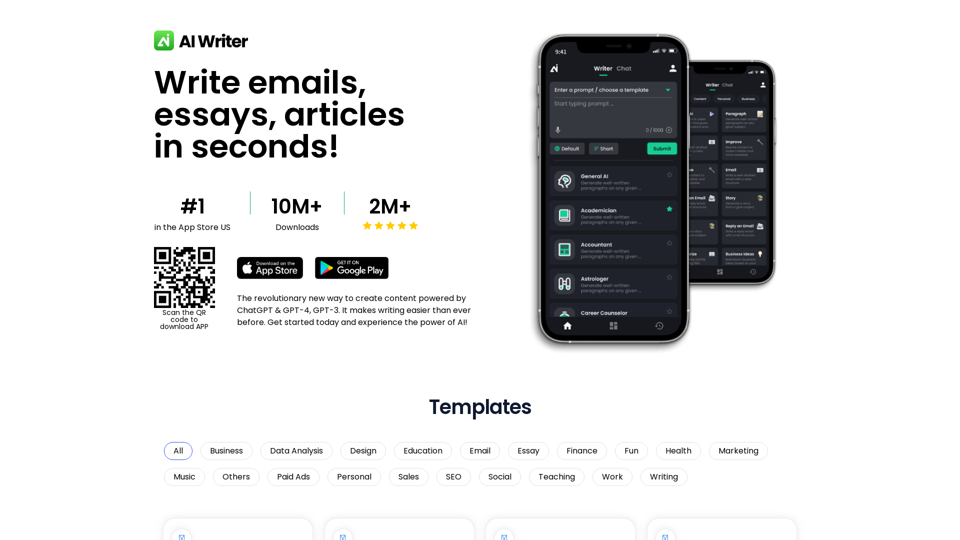
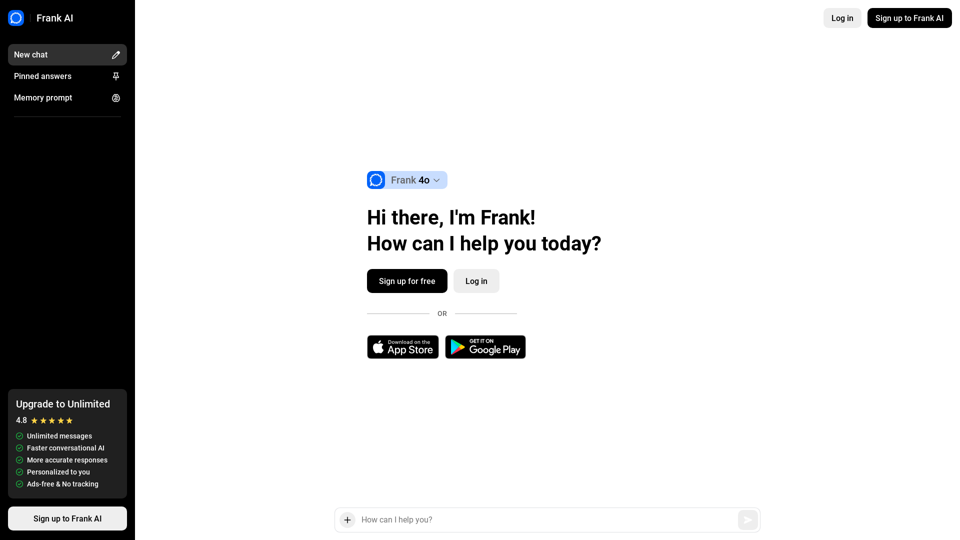
AI Essay Writer, Creative Email, and Script Writing. Frank is an AI essay writer that helps you write essays, emails, and scripts. It is a creative writing tool that uses AI to help you write better. The fastest and most advanced AI writing tool, that uses GPT-4, GPT-4 Turbo, and ChatGPT to help you write better.
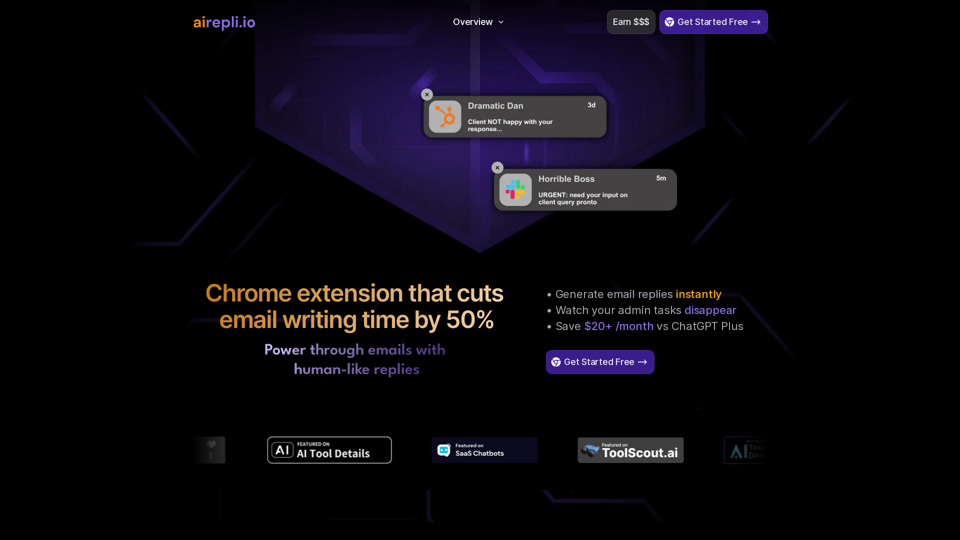
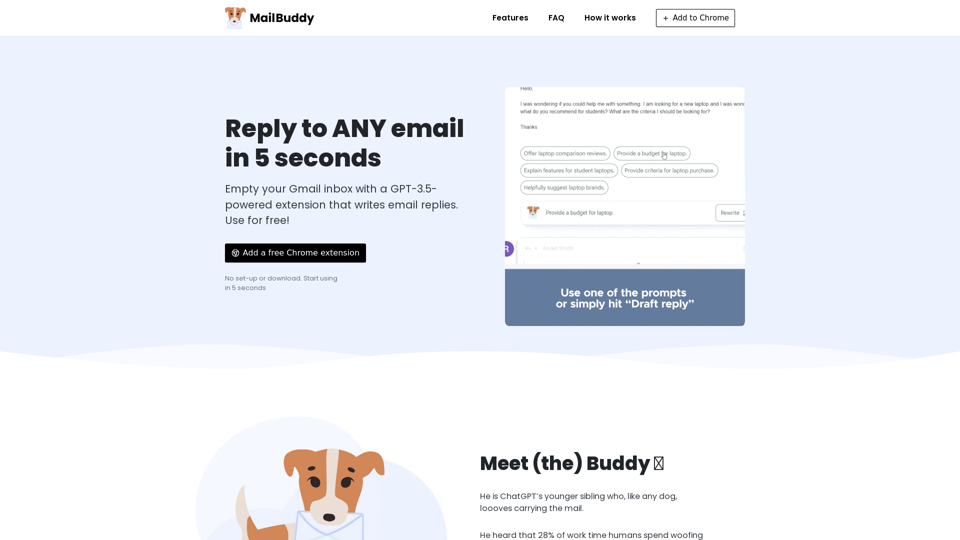
AI Email Generator that cuts email writing time by 50% | Highlight any text & generate instant email replies | AI Chrome Extension Powered by GPT-4o
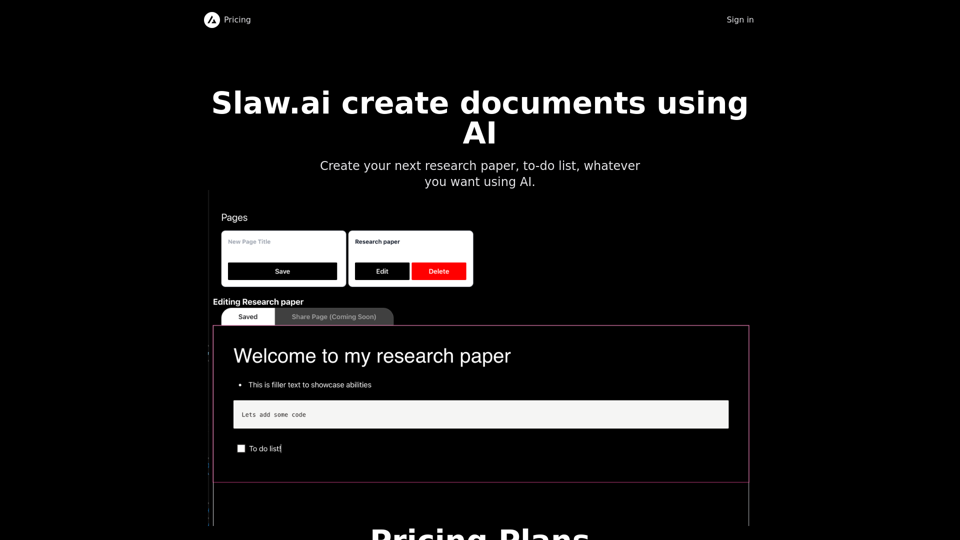
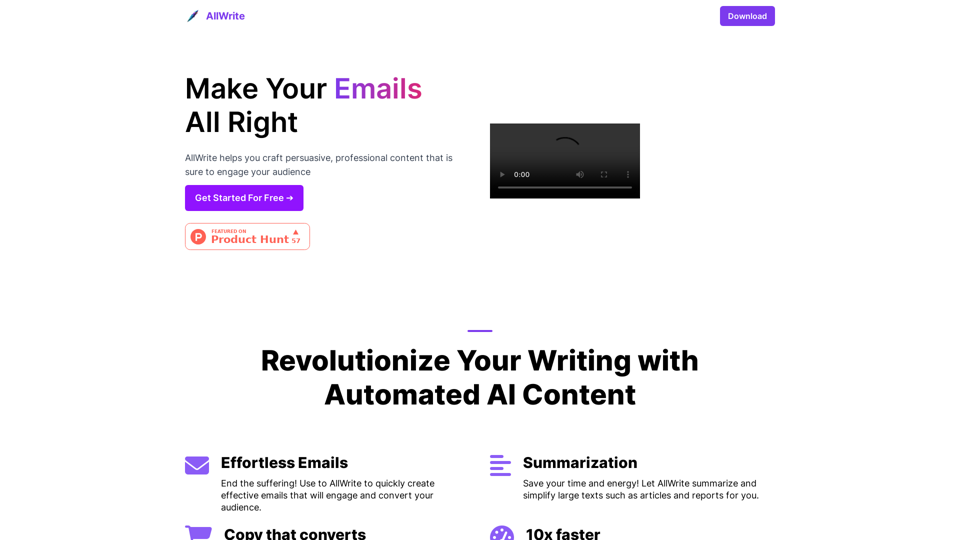
AllWrite is an AI-powered writing assistant app that generates writing ideas, suggestions, and feedback to help you create high-quality content. Our content generation tool and essay maker use the latest AI technology to help you create unique and engaging essays and email copy for your blog or website. AllWrite is perfect for bloggers, writers, and anyone who wants to improve their writing skills. Try AllWrite today and experience the power of AI writing!
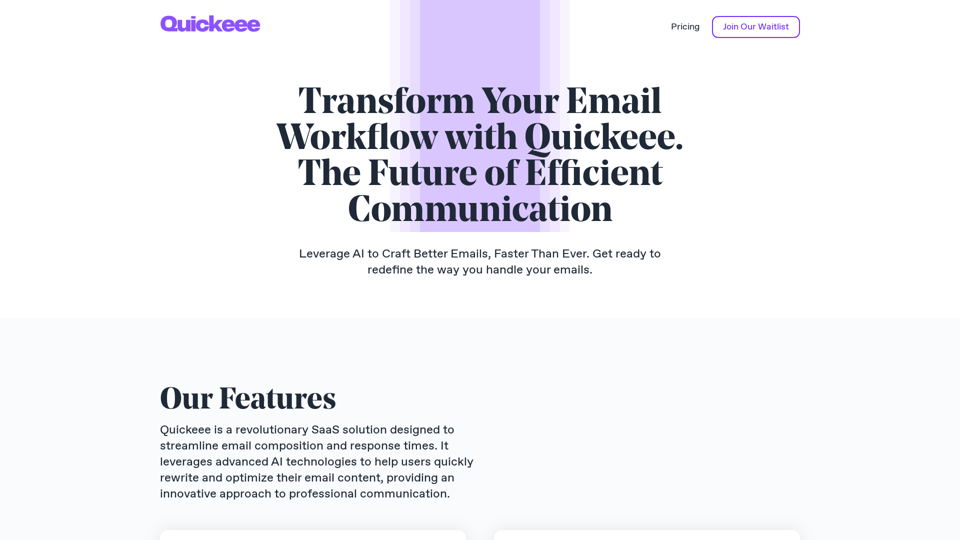
Quickeee is a revolutionary SaaS solution designed to streamline email composition and response times. It leverages advanced AI technologies to help users quickly rewrite and optimize their email content.
GPT AI Power makes it easy to generate high-quality, engaging content.