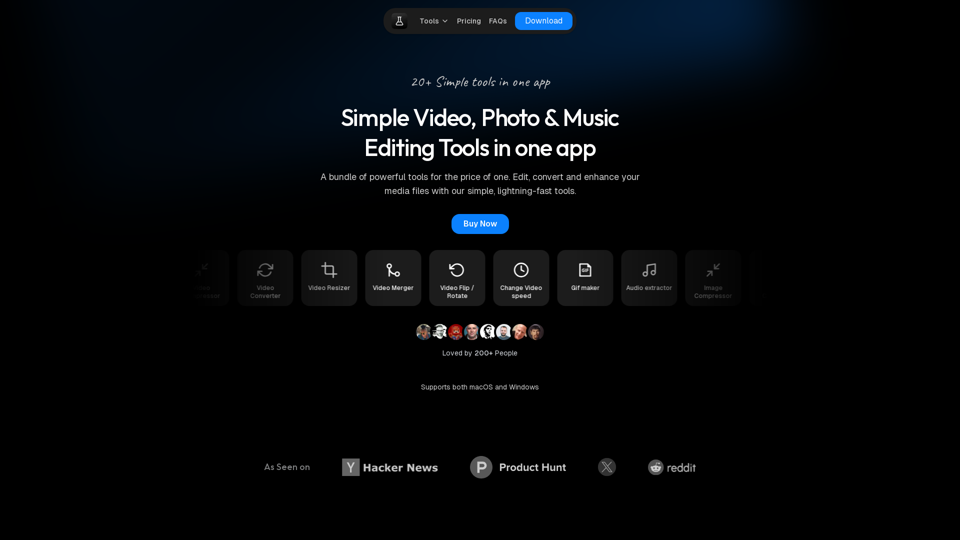
Free Online Video Tools
Free browser tools to split video, convert formats, crop images, and extract audio. No signup, no upload, no watermark. Files never leave your device.
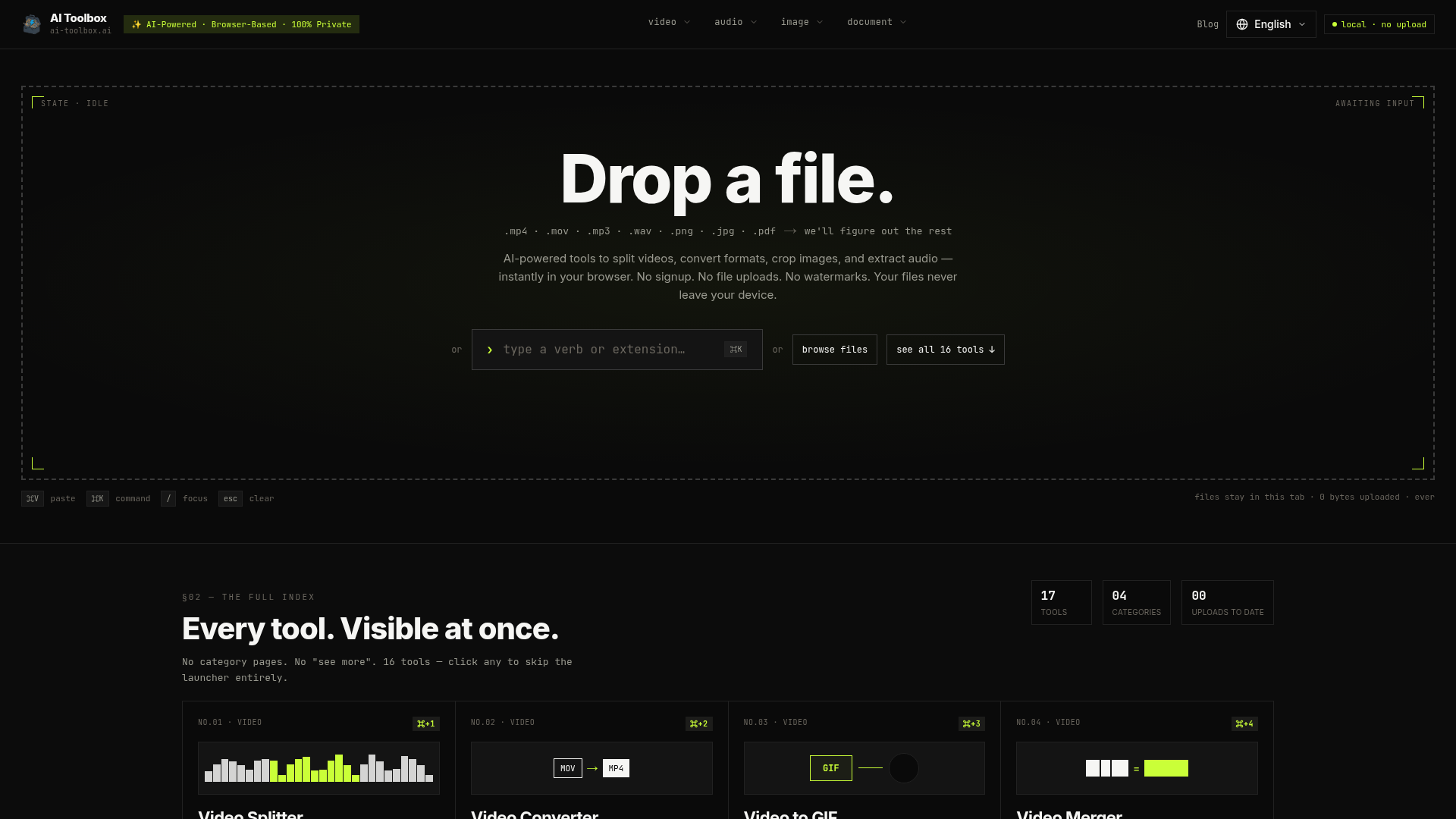
What is AI Toolbox?
AI Toolbox is a comprehensive, browser-based platform that offers a suite of AI-powered tools for on-device media and document processing. It allows users to perform tasks such as splitting videos, converting file formats, cropping images, and extracting audio directly in their web browser. The core principle is complete user privacy: no files are ever uploaded to external servers, no sign-up is required, and all processing is handled locally via WebAssembly, ensuring data never leaves your device.
What is the main feature of AI Toolbox?
The defining feature of AI Toolbox is its commitment to ### 100% local and private processing. Every tool operates entirely within your browser tab using WebAssembly. This means:
- Zero Data Upload
- Your files are never sent to any server. We physically cannot access your data.
- No Accounts or Sign-ups
- Instant access to all tools without creating an account.
- Complete Privacy
- No analytics cookies track your usage. Your workflow remains confidential.
How to use AI Toolbox?
Using AI Toolbox is a straightforward, three-step process entirely contained within your browser:
- Provide Your File: Drag and drop a file (like MP4, MP3, PNG, PDF), paste it from your clipboard (
⌘V), or use the command launcher (⌘K). - Select Your Tool: The platform automatically detects your file type and suggests all compatible tools. The most relevant one is highlighted for quick selection.
- Process & Download: Configure your task (e.g., set trim points, choose an output format). The AI-powered engine processes the file locally in seconds, and you download the result directly to your machine.
How many tools are available on AI Toolbox?
AI Toolbox provides a curated suite of ### 17 specialized tools across 4 main categories, all visible on a single page for immediate access:
- Video Tools (8)
- Splitter, Converter (MOV→MP4, etc.), to GIF, Merger, Compressor, Trimmer, Flipper, Rotator.
- Audio Tools (2)
- Extractor (from video), Splitter.
- Image Tools (2)
- Cropper, Converter (PNG, JPG, WebP, AVIF).
- Document Tools (5)
- PDF Merger, RAR to ZIP Converter, RAR Extractor, ZIP Extractor, File Type Checker.
How can I maximize my use of AI Toolbox's services?
To get the most out of AI Toolbox, leverage its keyboard shortcuts and AI-powered automation for a seamless workflow:
- Use the ### Command Launcher (
⌘K) to quickly jump to any tool by name or number (e.g.,⌘+1for Video Splitter). - Rely on the ### AI-powered file detection that automatically suggests the most useful tool for your uploaded file.
- Take advantage of ### professional-grade processing (frame-accurate video editing, lossless audio extraction, modern codec support) for studio-quality results.
- Process files of ### any size without limitations, as everything runs on your device's hardware.
Will my information or files be used for training data?
Absolutely not. AI Toolbox is architected for privacy. Since all processing occurs locally in your browser via WebAssembly, your files and data never traverse the network to reach our servers. There is no mechanism for us to collect, view, or store your files. Your information cannot be used for training or any other purpose.
When would I need to pay for AI Toolbox?
AI Toolbox is completely free forever. There is no subscription model, paywall, or usage limits. Every tool is available for free for both personal and commercial use. The platform is sustainable because it incurs no server costs for file processing—the computational work is done by your own device.
Free Online Video Tools
Free browser tools to split video, convert formats, crop images, and extract audio. No signup, no upload, no watermark. Files never leave your device.
 C3.js
C3.js Cloudflare
 HTTP/3
 Next.js
 Node.js
 React
React Webpack
Free AI anime and manga generator. Turn text into anime episodes, manga, comics, webtoons and comic shorts in any art style — no drawing or animation skills needed.
Translate image text across 70+ languages with our advanced AI Image Translator to help you better expand your products globally to various countries
Advertised Here
Reach thousands of visitors daily. Get your spot now!
Tools similar to Free Online Video Tools
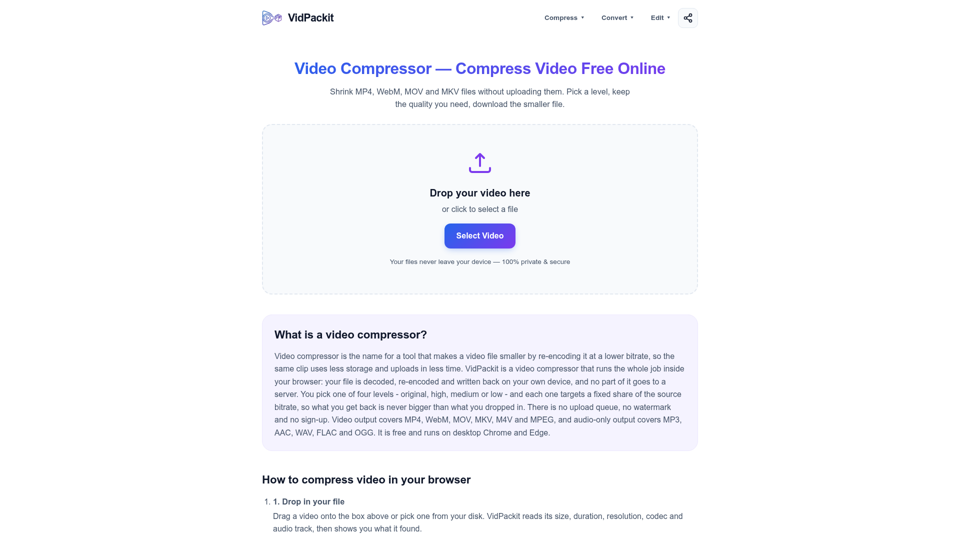
Compress MP4, WebM, MOV and MKV in your browser with no upload, no watermark and no signup. Pick a level and download a smaller video. Start now.
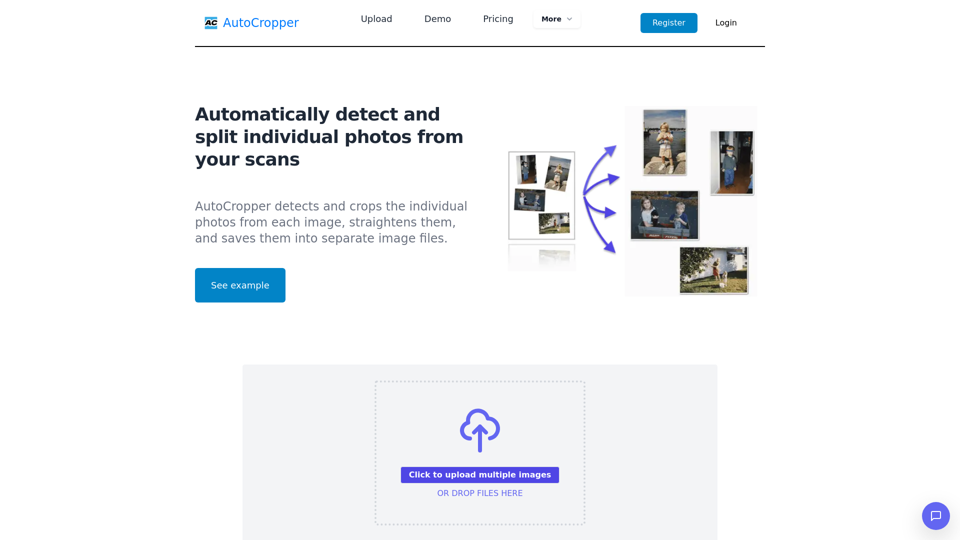
Effortlessly batch crop multiple scanned photos into separate images. AI-powered online tool, no downloads required. Perfect for splitting scans. Free and cross-platform.
![[OFFICIAL] HitPaw screenshot](https://img.magicbox.tools/screenshot_img/2024/7/10/hitpaw-com-thumbnail-1720637375.png)
HitPaw is a powerful video, audio, and image solutions provider. It has a video converter, video enhancer, photo enhancer, watermark remover, audio converter, video compressor, etc.
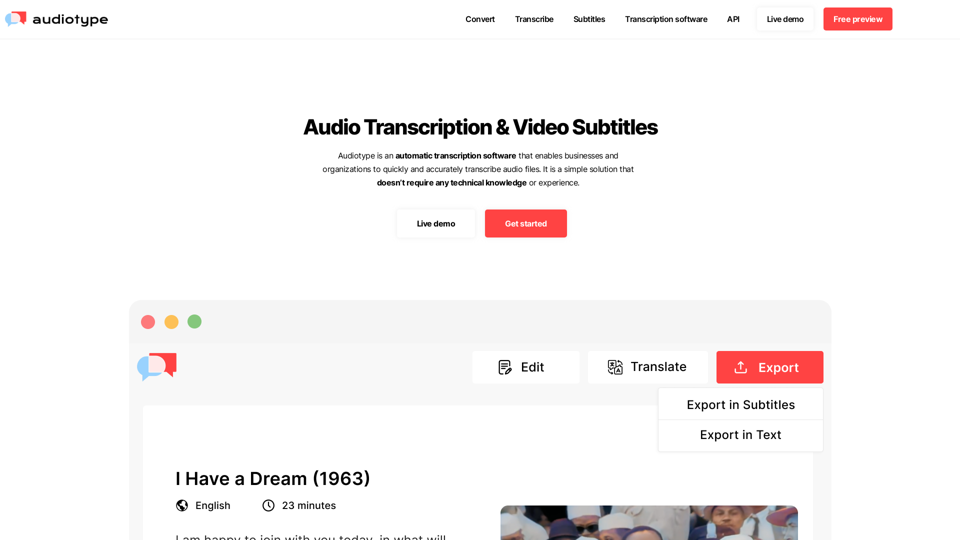
Convert any video or audio files into a editable text transcript. 36+ languages. 100% automatic. 80-95% accuracy. No account required. Free trial.
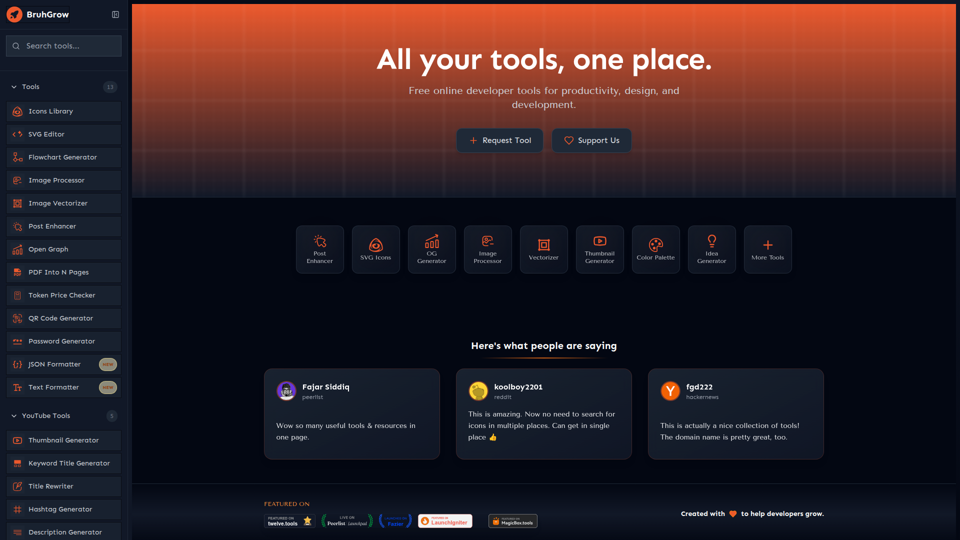
Discover 20+ free online developer tools for productivity, design, and development. SVG icons, SVG Editor, Post Enhanacer, YouTube tools, and more. Boost your workflow instantly!
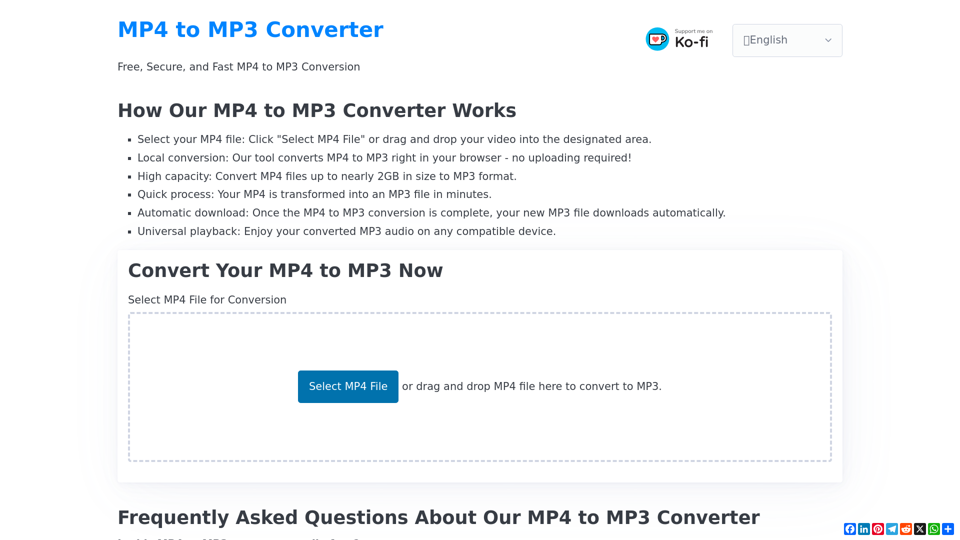
Convert MP4 to MP3 for 100% free, fast, securely in your browser. Supports files up to nearly 2GB. Try our local converter now!
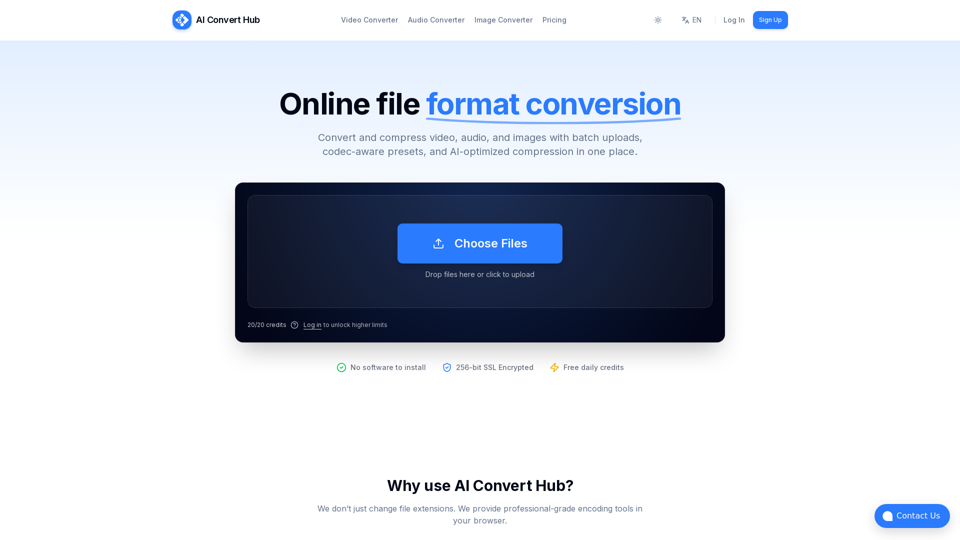
Batch convert and compress MP4/MOV, MP3/WAV, JPG/PNG/WEBP and 200+ formats with codec-aware presets, AI compression, and secure routing.