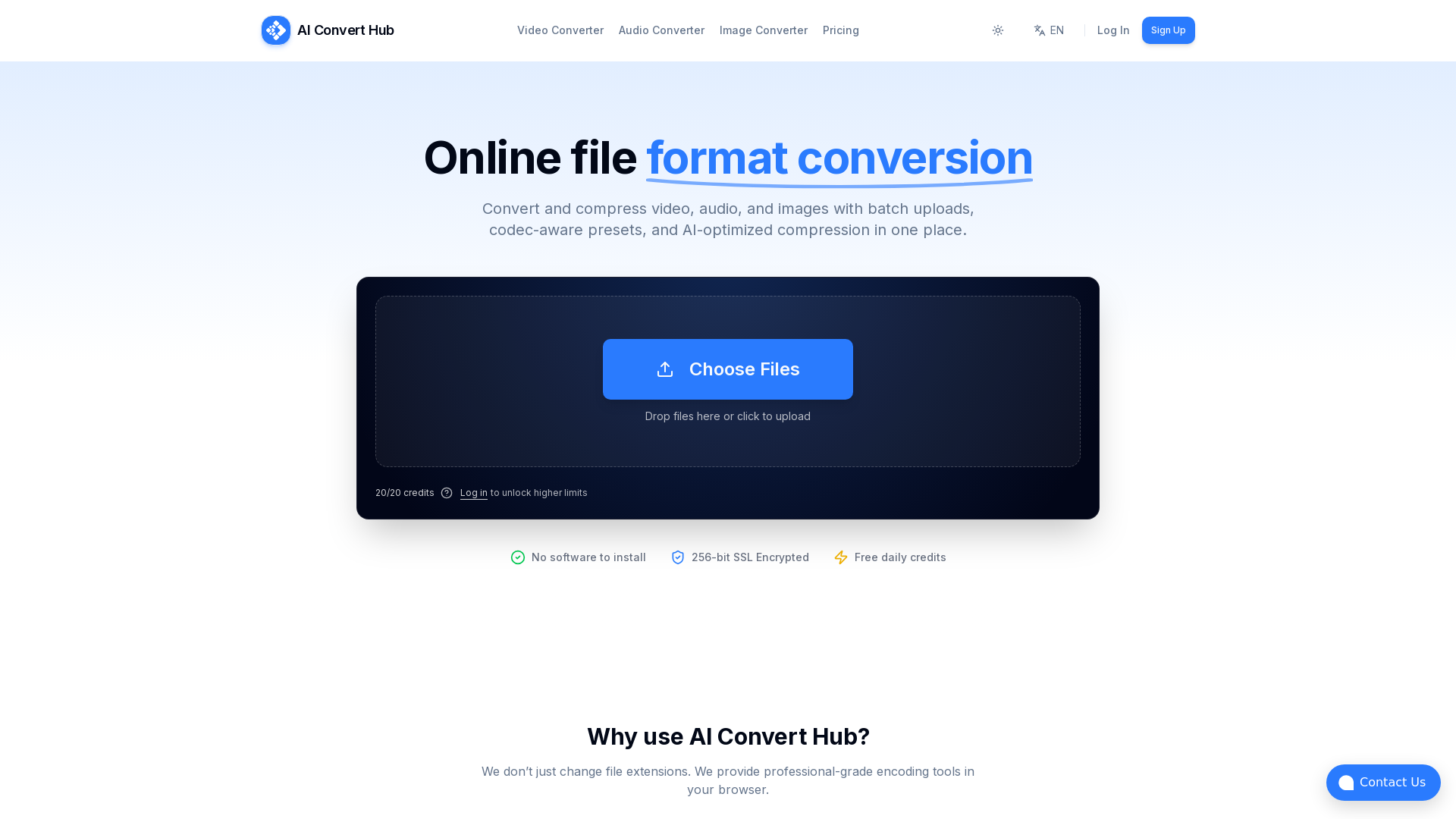
AI Convert Hub
Batch convert and compress MP4/MOV, MP3/WAV, JPG/PNG/WEBP and 200+ formats with codec-aware presets, AI compression, and secure routing.
What is AI Convert Hub?
AI Convert Hub is an all-in-one online file conversion platform that allows users to convert and compress video, audio, and images effortlessly. The platform supports batch uploads and provides codec-aware presets, ensuring optimal quality while utilizing AI-optimized compression techniques for various file formats, including HEIC, WEBM, and RAW.
What are the main features of AI Convert Hub?
- Variety of Formats
- Supports over 200 file formats, making it versatile for many conversion needs.
- Batch Processing
- Users can upload folders or multiple files at once, enhancing efficiency.
- Lightning Fast Conversion
- The distributed conversion pipeline processes files in parallel for quicker results.
- Secure & Private
- Features 256-bit SSL encryption for safe file transfers, ensuring user privacy.
- Advanced Control
- Offers codec-aware controls for CRF, bitrate, frame rate, and audio channels.
- High-Quality Output
- Leveraging FFmpeg-based technology, AI Convert Hub maintains excellent quality while reducing file size.
How to use AI Convert Hub?
To use AI Convert Hub, simply visit the website, choose the type of file you want to convert (video, audio, or image), and upload your files. You can customize settings such as quality options in the conversion menu. No registration is required for basic tasks, allowing you to start converting immediately.
What are the pricing options for AI Convert Hub?
AI Convert Hub offers a generous free tier with daily credits for users requiring occasional conversions. For heavy batch jobs or more frequent usage, users may consider upgrading to the Pro version, which unlocks additional features and higher limits.
Helpful Tips for Maximizing Your Experience with AI Convert Hub
- Leverage Batch Processing
- Save time by converting multiple files in one go.
- Explore Codec Controls
- Customize the output quality and file size by adjusting settings like CRF and bitrate before conversion.
- Stay Secure
- Ensure the privacy of your files by deleting them post-processing, as AI Convert Hub automatically cleans up files.
Frequently Asked Questions
Is it free to use?
Yes, a generous free tier is available. However, for users with heavy batch job needs, upgrading to Pro is recommended for better capabilities.
Do you keep my files?
No, files are automatically cleaned up after processing or when deleted by the user.
How do I change video quality?
Upload your files, click on the settings icon for adjustments, and modify CRF, bitrate, or resolution to enhance video quality.
Ready to convert?
No registration is required for basic conversion tasks. Start converting now at AI Convert Hub!
Supported Formats: Explore all the supported formats available on AI Convert Hub to meet your file conversion needs efficiently.
AI Convert Hub
Batch convert and compress MP4/MOV, MP3/WAV, JPG/PNG/WEBP and 200+ formats with codec-aware presets, AI compression, and secure routing.
 Cloudflare
 HTTP/3
 Next.js
 Node.js
 React
React Webpack
 dc.js
dc.jsFree AI anime and manga generator. Turn text into anime episodes, manga, comics, webtoons and comic shorts in any art style — no drawing or animation skills needed.
Translate image text across 70+ languages with our advanced AI Image Translator to help you better expand your products globally to various countries
Advertised Here
Reach thousands of visitors daily. Get your spot now!
Tools similar to AI Convert Hub
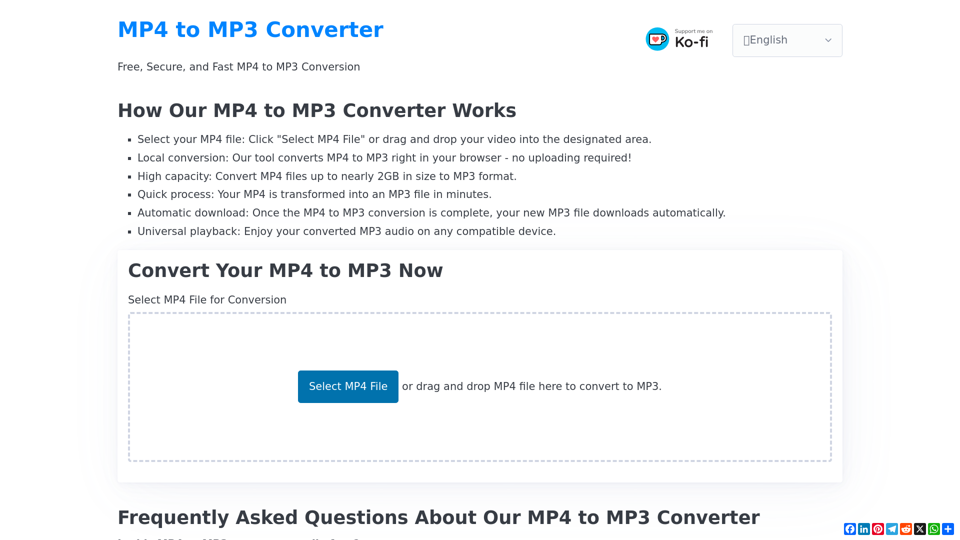
Convert MP4 to MP3 for 100% free, fast, securely in your browser. Supports files up to nearly 2GB. Try our local converter now!
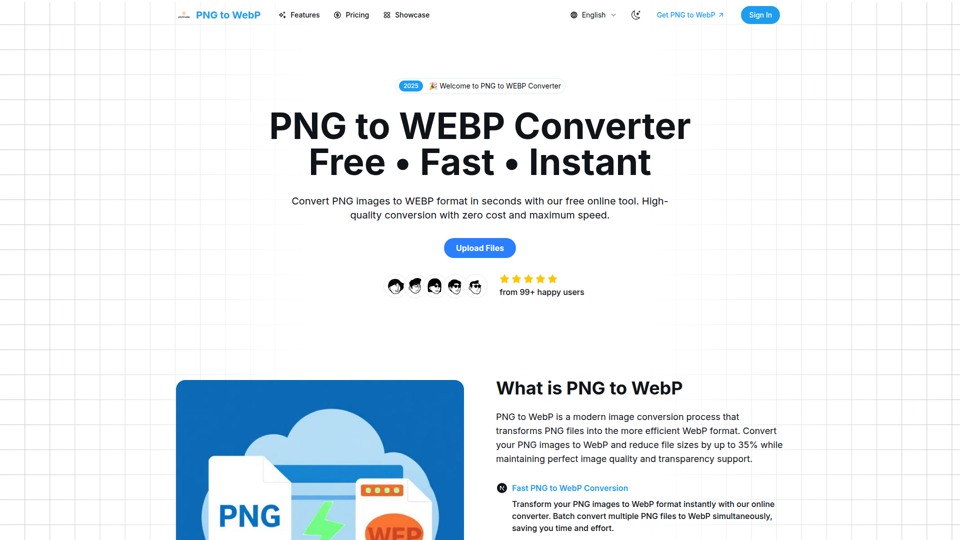
Convert PNG images to WebP format online for free. Reduce file sizes by up to 35% while maintaining perfect image quality and transparency. Fast, secure, and supports batch conversion with universal browser compatibility.
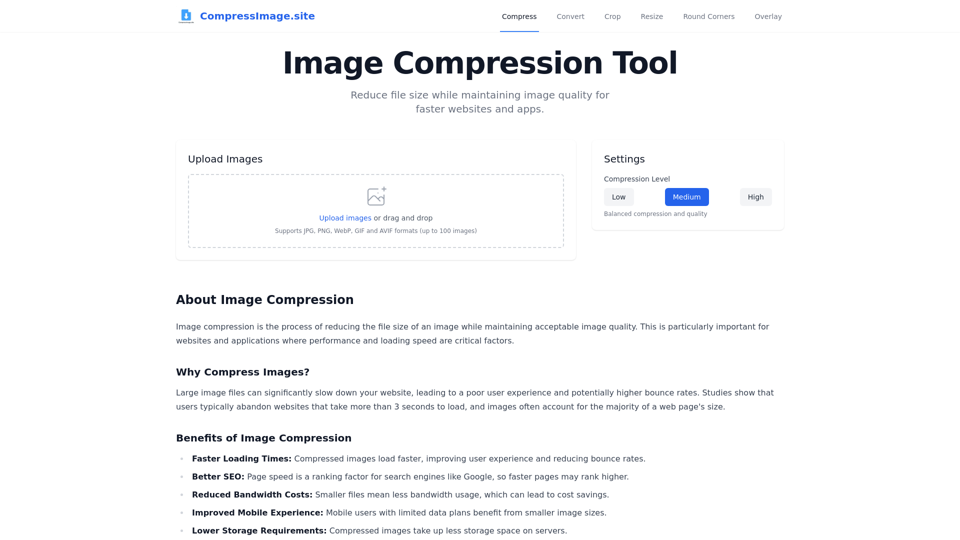
Compress, resize, crop, convert and edit your images online for free. No login required, fast and easy to use.
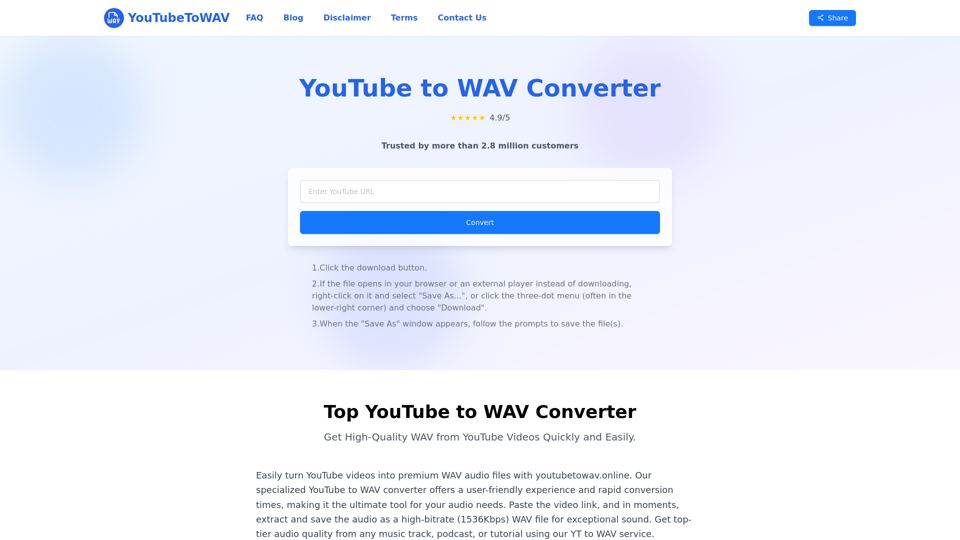
Easily convert YouTube videos to high-quality WAV files online using our free converter. Experience limitless conversions and premium audio output in just seconds, all without needing to register!

Convert WebP to JPG online with our free and fast tool. High-quality image conversion with no registration. Convert multiple WebP files to JPG instantly.
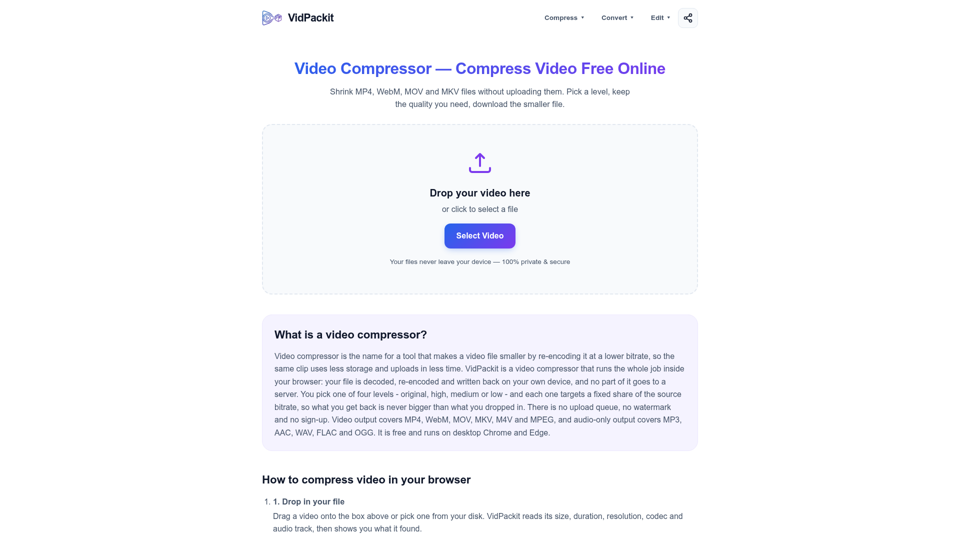
Compress MP4, WebM, MOV and MKV in your browser with no upload, no watermark and no signup. Pick a level and download a smaller video. Start now.
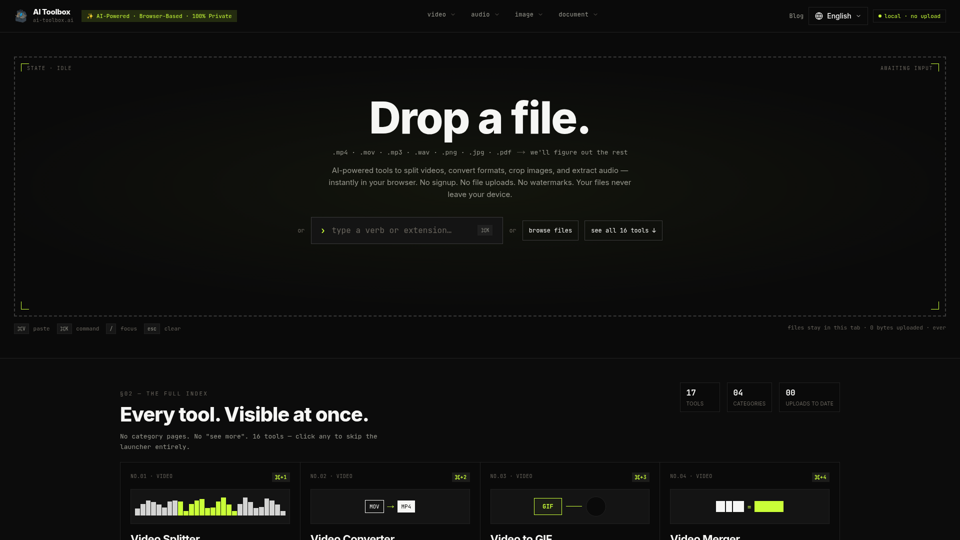
Free browser tools to split video, convert formats, crop images, and extract audio. No signup, no upload, no watermark. Files never leave your device.