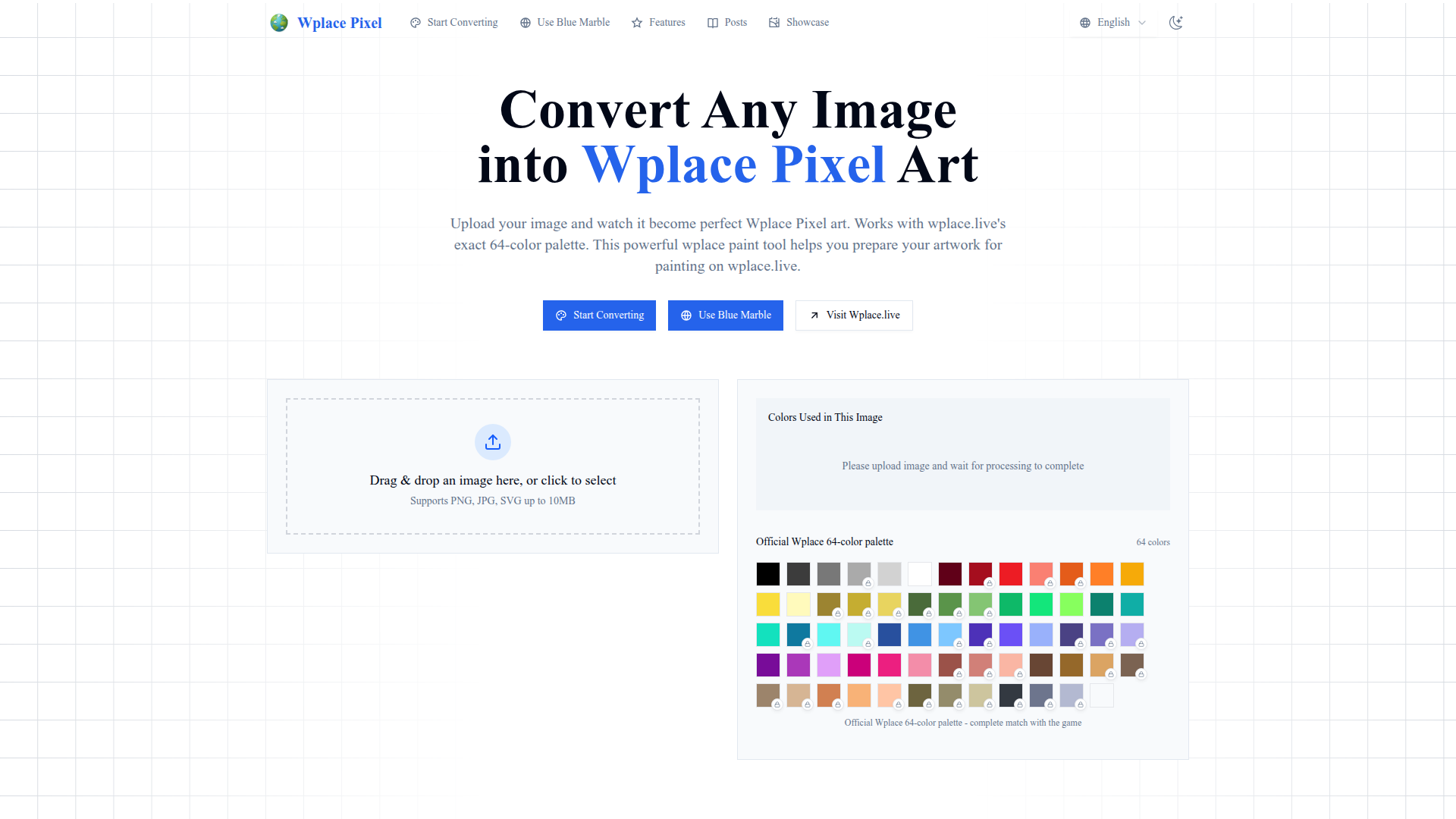
What is Wplace Pixel?
Wplace Pixel is an innovative online platform designed to convert any image into pixel art using a precise 64-color palette that matches the standards of wplace.live. This tool is perfect for artists and gamers looking to prepare their artwork for various applications, providing an easy and effective method to transform images into pixel art masterpieces.
Features of Wplace Pixel
- Image Transformation
- Seamlessly converts various image formats (PNG, JPG, SVG) up to 10MB into stunning pixel art.
- 64-Color Palette
- Utilizes the official Wplace 64-color palette to ensure that your pixel art aligns perfectly with the vibrant standards of wplace.live.
- User-Friendly Interface
- Simple drag-and-drop functionality or click-to-select options make it easy to upload images and start converting.
- User Showcase
- View amazing creations from the community and share your own unique pixel art with other users.
How to Use Wplace Pixel
Using Wplace Pixel is extremely straightforward:
- Upload an Image: Drag and drop your image into the designated area or click to select it from your device.
- Wait for Processing: Once you've uploaded your image, the tool will process it and convert it to pixel art format.
- Download Your Art: After the conversion is complete, you can download your pixel art and use it however you desire.
Price
Wplace Pixel is completely free to use! Users can convert images without any subscriptions or hidden fees. There are no limitations on the number of artworks you can create.
Helpful Tips
- Image Selection
- For the best results, choose high-contrast images that will look good when simplified to the 64-color palette.
- Experiment with Different Styles
- Don't hesitate to upload multiple images and experiment to find the artistic style that suits your needs.
- Save Your Progress
- Remember to regularly save your best creations, especially if you are planning to use them in a wplace.live project.
Frequently Asked Questions
Can I upload any image type?
Yes! Wplace Pixel supports PNG, JPG, and SVG formats.
What is the maximum file size I can upload?
You can upload images up to 10MB in size.
How do I know if my image has been successfully converted?
After the processing is complete, a preview of your converted pixel art will be displayed, allowing you to review and download it.
Is there a limit to how many images I can convert?
No, Wplace Pixel allows unlimited conversions! You can create as much pixel art as you want without any restrictions.
Can I share my creations?
Absolutely! You can share your pixel art on social media or within the Wplace community to showcase your creativity.
Start your pixel art journey today by visiting Wplace Pixel and transform your images into engaging pixel masterpieces!
Wplace Pixel Art Converter
Convert any image into perfect wplace.live pixel art. Uses color palette with grid info and cost estimates. Free pixel art converter & painting preparation tool.
 Cloudflare
 Google AdSense
 HTTP/3
 Next.js
 Node.js
 React
React Twitter
 Webpack
 dc.js
dc.jsFree AI anime and manga generator. Turn text into anime episodes, manga, comics, webtoons and comic shorts in any art style — no drawing or animation skills needed.
Translate image text across 70+ languages with our advanced AI Image Translator to help you better expand your products globally to various countries
Advertised Here
Reach thousands of visitors daily. Get your spot now!
Tools similar to Wplace Pixel Art Converter
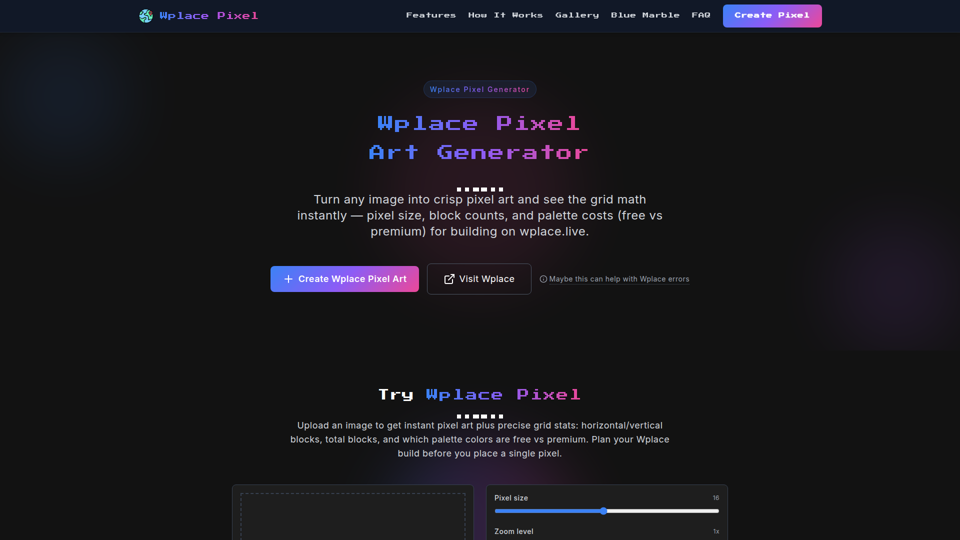
Transform any image into Wplace pixel art with wplace pixel converter. Create perfect Wplace pixel designs for the collaborative world map.
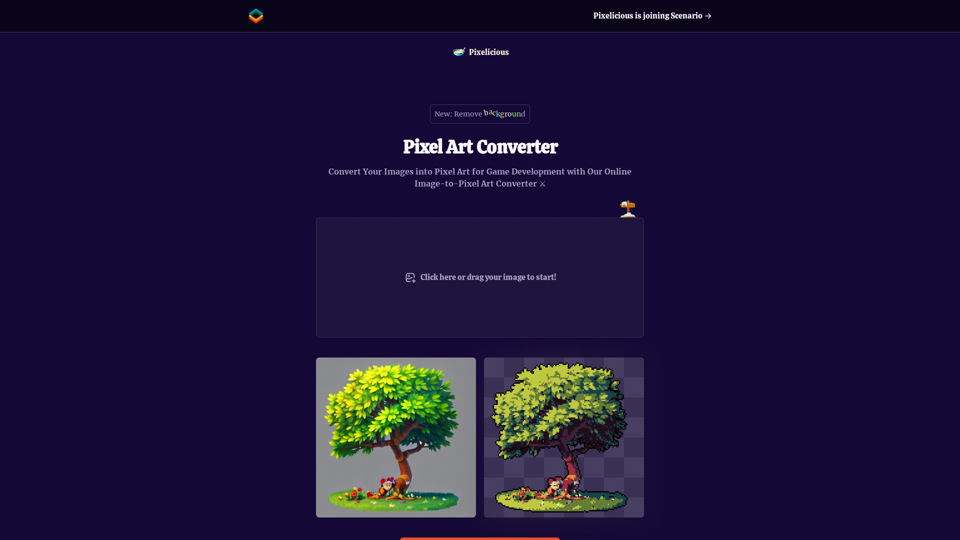
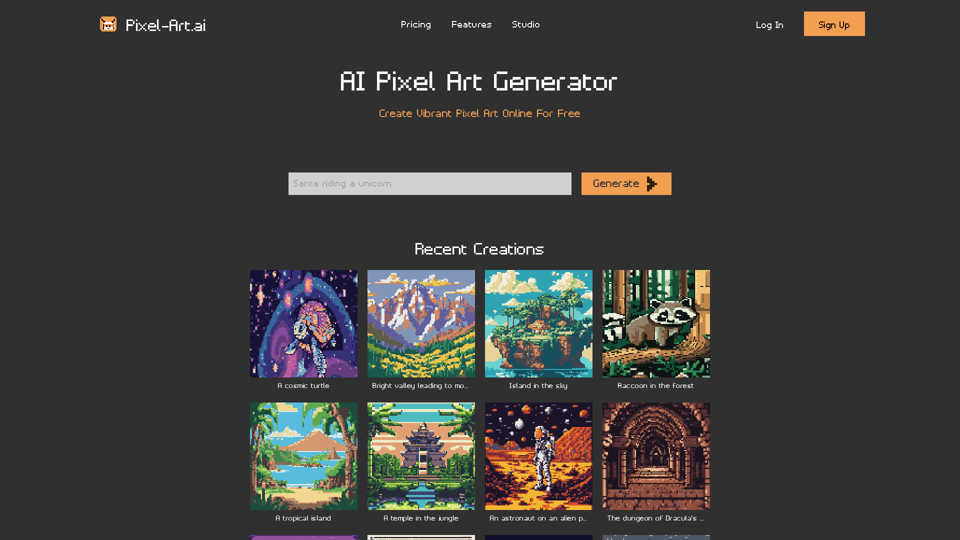
Quickly and easily convert your images into pixel art with our online image to pixel art converter. Simply upload your image and choose your pixelation level to transform your photo into a retro-style pixel art masterpiece.
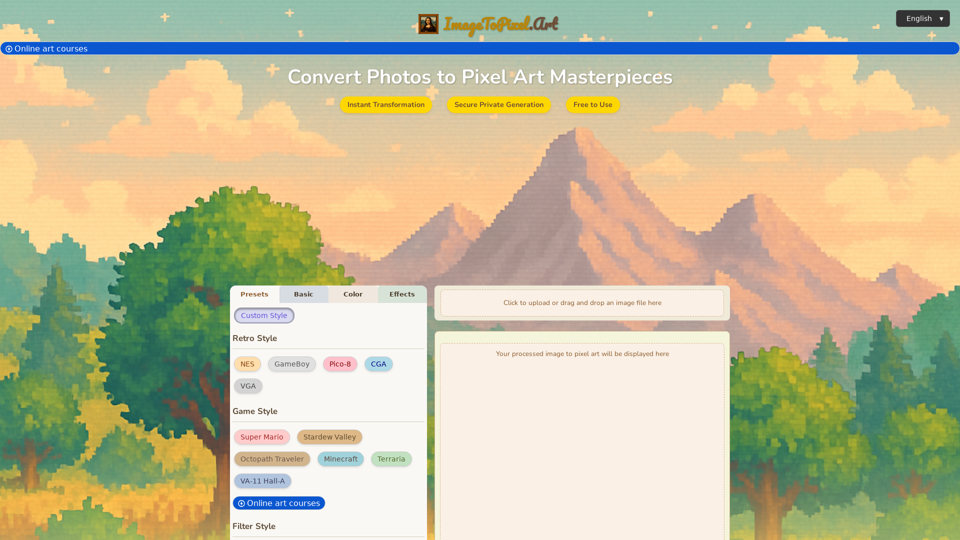
Effortlessly convert image to pixel art with ImageToPixel.Art, your free online picture to pixel art converter. Transform photos, customize styles, and download stunning pixel art masterpieces in seconds. Ideal for all your image to pixel needs.
Convert color photos to black and white images online for free. Professional black and white image converter with advanced editing tools, filters, and instant results.
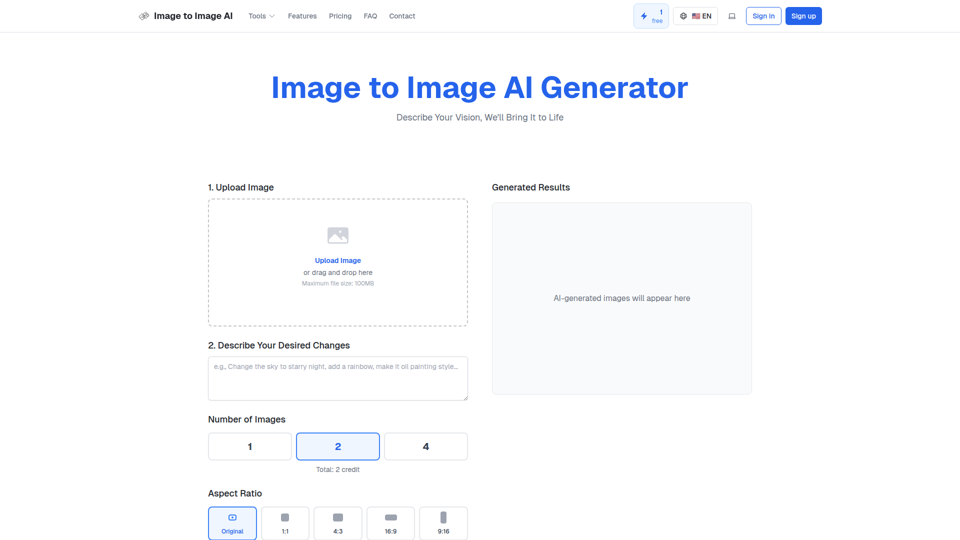
Convert image to image with AI. Transform, edit and generate images using our free image to image AI converter. Best AI image to image generator.
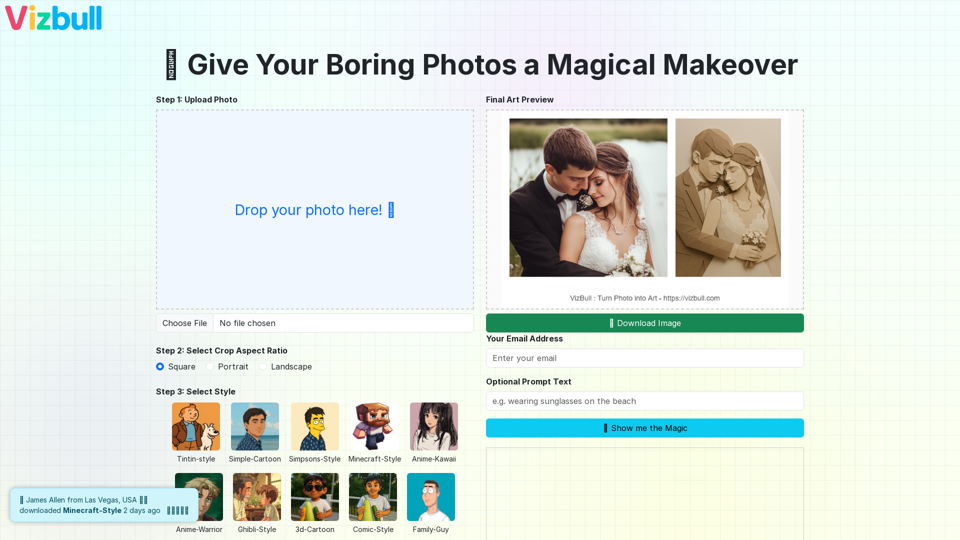
Turn picture into painting, line art, pencil sketch, cartoon, or outline with our image to painting converter
Convert your photo into painting, line art, pencil sketch, cartoon, or even Simpsons-style drawing using our AI-powered image converter. Try AI-based transformations for outline generation, photo to art, and more.
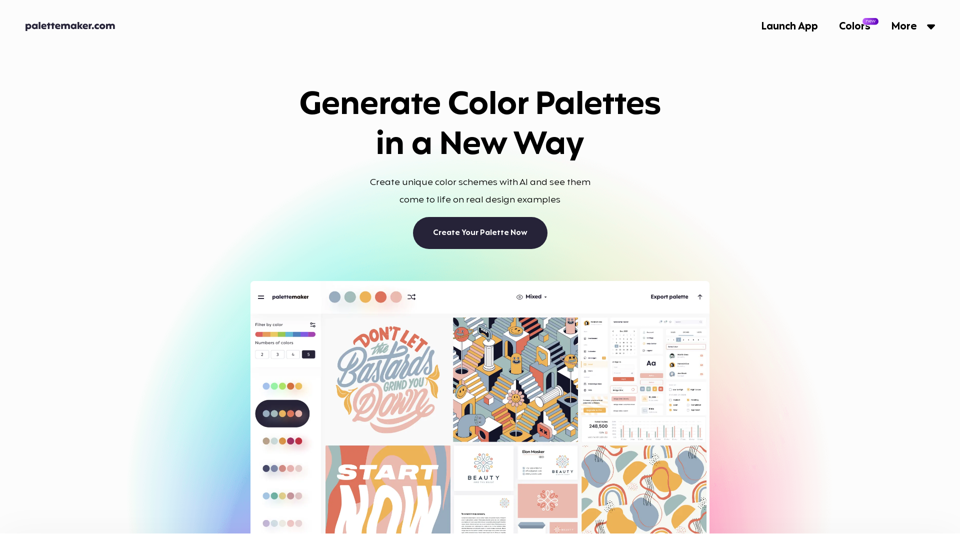
Free color tool for creatives and color lovers. Create color palettes and preview them on UI/UX, Illustrations, Web, Apps, Branding and other designs.