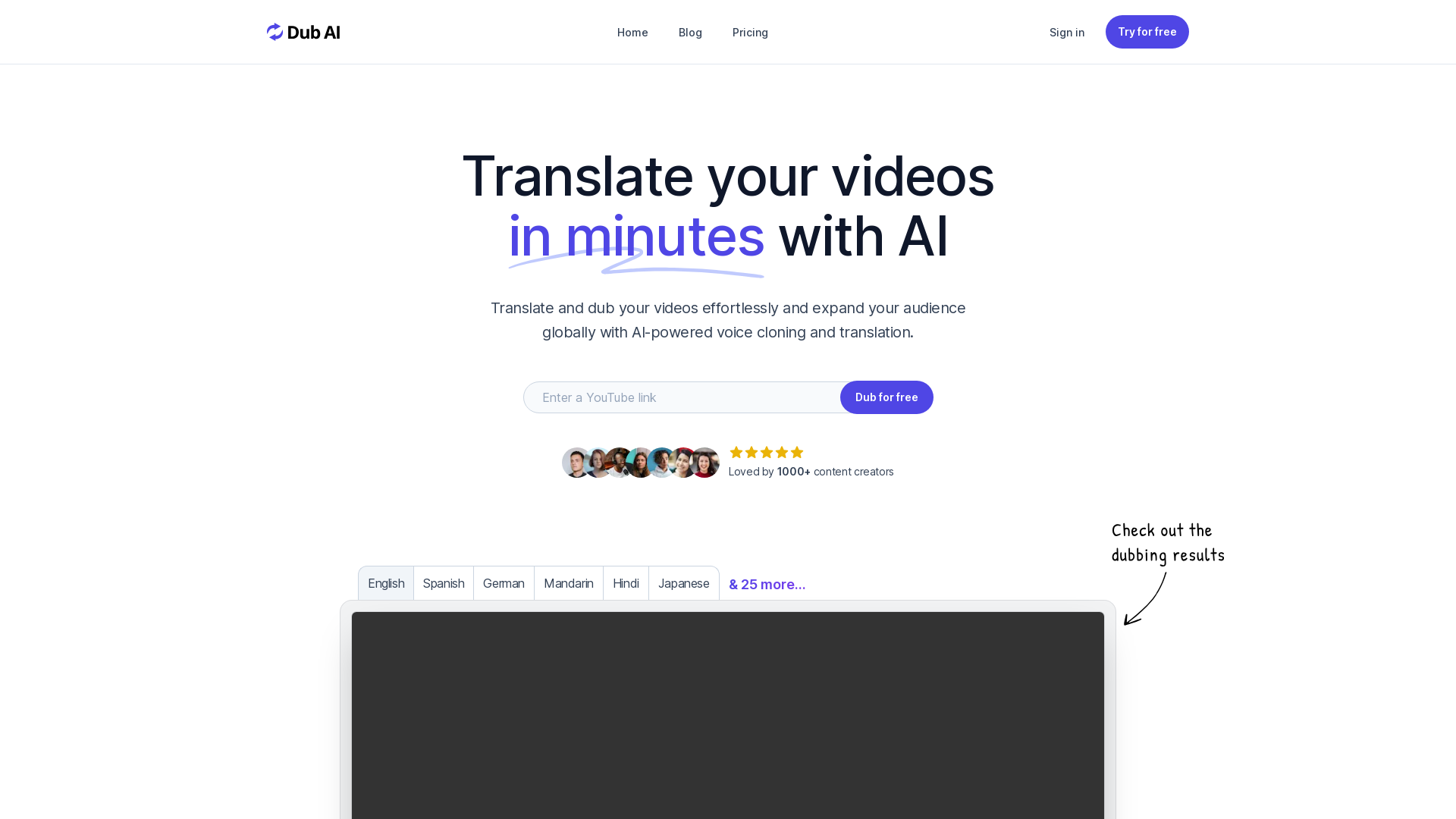
What is Dub AI?
Dub AI is an advanced AI-powered platform designed to localize your videos in minutes. It offers seamless voice cloning and translation, allowing content creators to effortlessly translate their media and expand their audience globally. With Dub AI, you can translate and dub your videos in a multitude of languages, providing high-quality audio that sounds natural and engaging.
What are the main features of Dub AI?
- Translate Content to 30+ Languages
- Reach a diverse audience by dubbing your content in over 30 languages, including English, Spanish, German, Mandarin, Hindi, Japanese, and many more.
- Multi-Speaker Support
- Handle up to 10 speakers at once with automatic speaker detection to ensure clarity and professionalism in your videos.
- Voice Cloning
- Preserve brand identity by using AI to clone voices, making it sound like the original speaker, even in different languages.
- Transcript, Subtitles, and Audio Files
- Access comprehensive transcripts, subtitles, and audio source files for custom editing needs.
- User-Friendly Process
- Simply upload your video, let the AI do the work, and download your dubbed content with just a few clicks.
How to use Dub AI?
Using Dub AI is straightforward and efficient:
- Upload File: Easily upload your audio or video file, or simply enter a YouTube URL to start the dubbing process.
- Instant Dubbing: Allow AI to translate and dub your content into the desired language automatically.
- Download Assets: Once the dubbing is complete, download your transcripts, audio clips, and final dubbed video files for your use.
How much does Dub AI cost?
Dub AI offers a free trial to let users explore its features without any credit card requirements. Subscription plans will vary based on user needs and the extent of services utilized, but the platform prioritizes affordability and value for content creators.
Helpful Tips for Using Dub AI
- Familiarize Yourself with Supported Languages
- Make sure to explore the complete list of languages to determine which ones fit your audience's needs.
- Test Voice Cloning
- Experiment with voice cloning to maintain a consistent brand voice across different markets.
- Utilize Transcript and Subtitle Options
- Use the transcripts for easier editing, and consider adding subtitles for improved accessibility.
- Leverage User Feedback
- Read testimonials from satisfied customers to learn what features worked best for other creators.
Frequently Asked Questions
Is Dub AI free?
Yes, Dub AI offers a free trial, allowing users to start dubbing their videos without a credit card.
What languages does Dub AI support?
Dub AI supports over 30 languages including English, Spanish, German, Mandarin, Hindi, Japanese, and more.
What kind of media can I dub?
You can dub both audio and video files, as well as content from platforms like YouTube.
Can I cancel my subscription?
Yes, subscriptions can be cancelled at any time if you choose to upgrade at any point.
Where is my data stored?
Your data is stored securely on the platform, ensuring privacy and protection.
Is my voice data being used for AI model training?
Dub AI does not use your voice data for training purposes; user privacy is a top priority.
How can I contact support?
Support can be reached through the platform's contact options for any inquiries or assistance.
Start dubbing your videos today with Dub AI and tap into a global audience effortlessly! Try it now for free—no credit card required.
Dub AI
Expand your audience globally with translated and dubbed content.
 Cloudflare
 HTTP/3
 Vercel
Free AI anime and manga generator. Turn text into anime episodes, manga, comics, webtoons and comic shorts in any art style — no drawing or animation skills needed.
Translate image text across 70+ languages with our advanced AI Image Translator to help you better expand your products globally to various countries
Advertised Here
Reach thousands of visitors daily. Get your spot now!
Tools similar to Dub AI
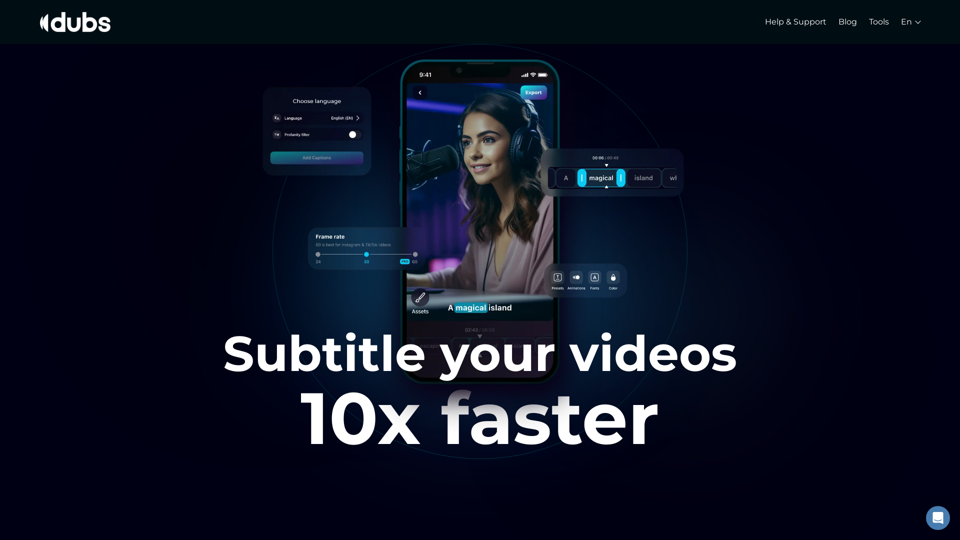
Revolutionize your video content with the ultimate captions app. Enhance engagement, accessibility, and discoverability effortlessly!
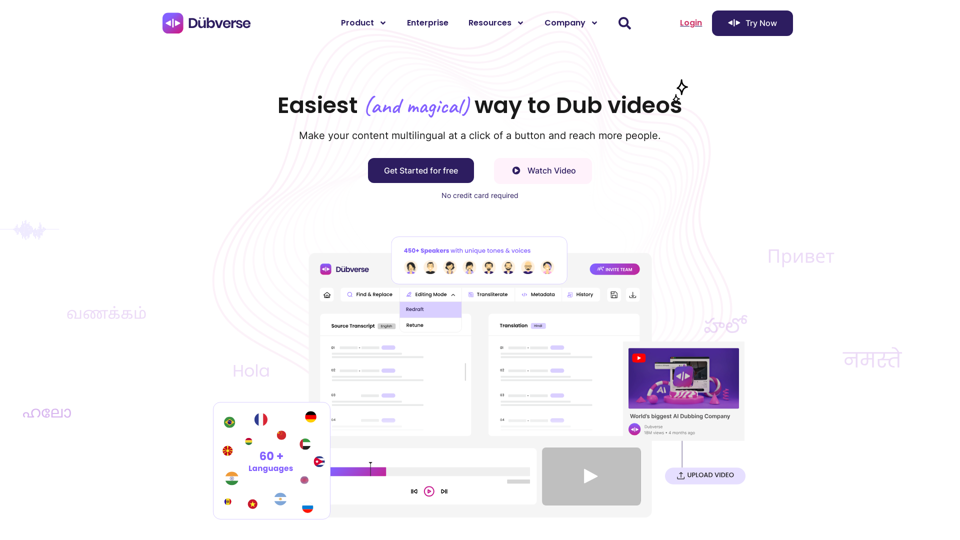
Dubverse is an online video dubbing platform. Dubverse uses artificial intelligence to dub video across 30 languages at a lightning fast speed
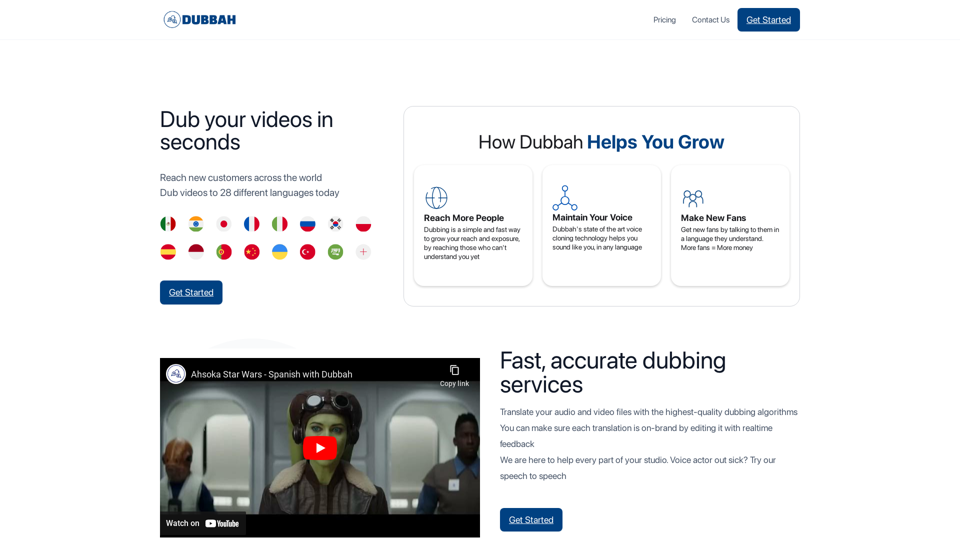
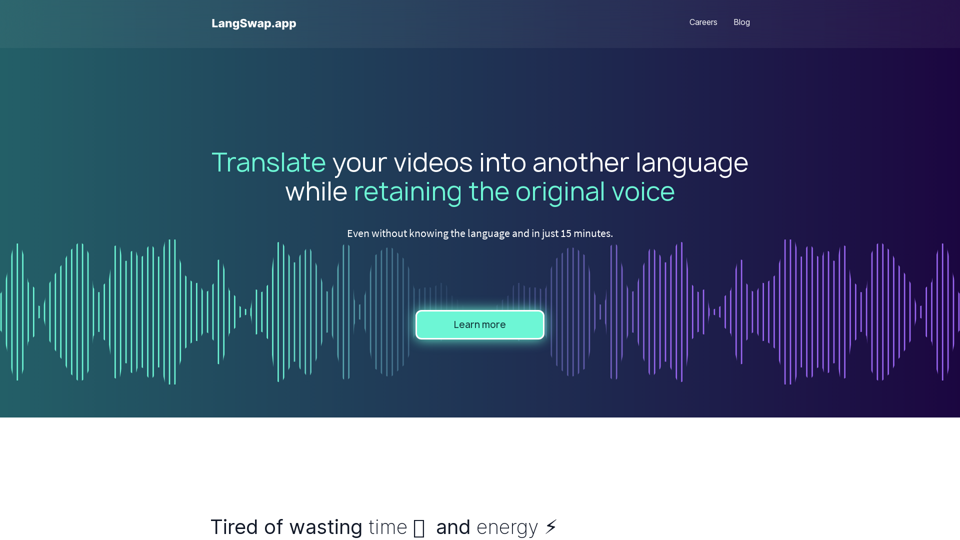
Translate video without re-recording. Our algorithms make the same voice speak in another language.
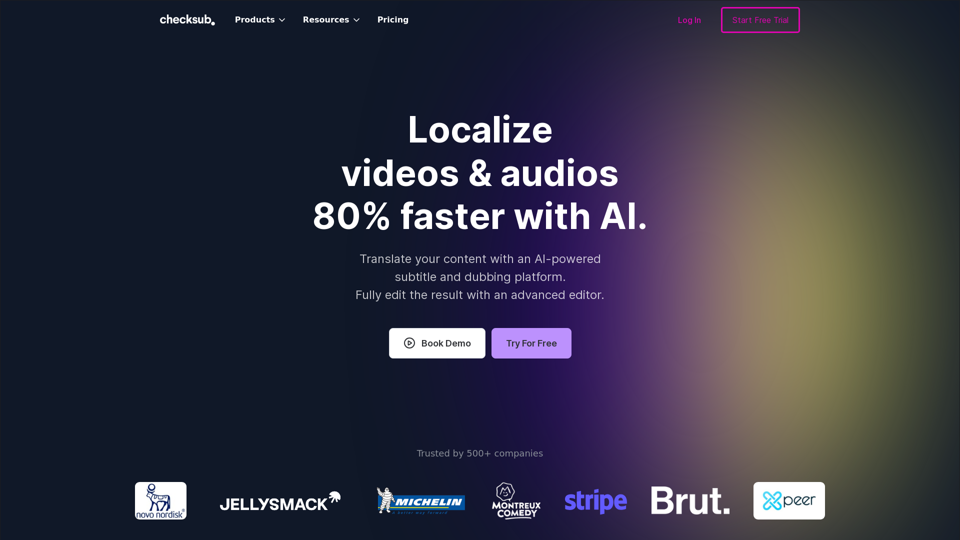
Automatically generate Subtitle, Translate and Dubbing for your videos. Localized your videos with voice-cloning and lip-syncing and reach new audiences in more than 180 languages.
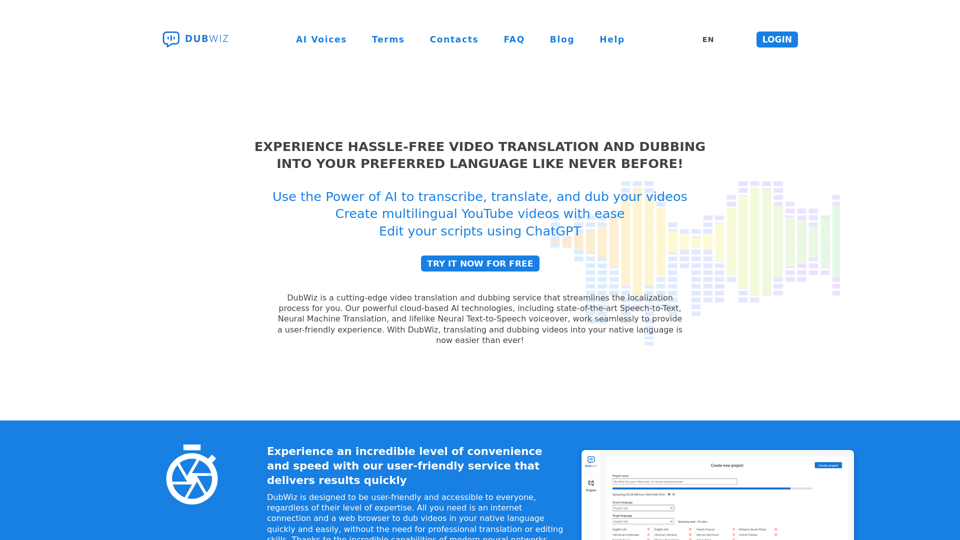
DubWiz: Effortlessly translate videos online with powerful AI. Use AI voices from multiple providers and ChatGTP for translation. Try AI Dubbing now for free!
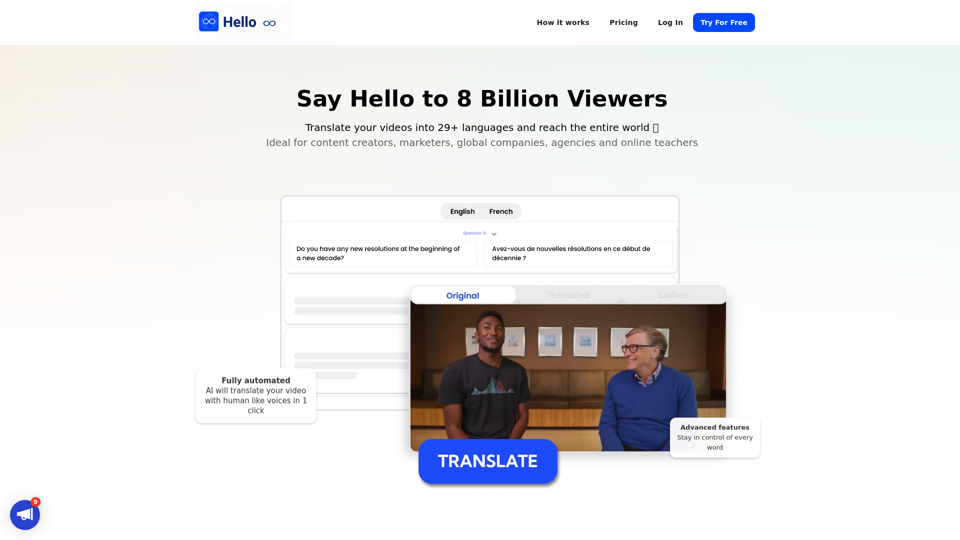
Translate your video into English, Spanish, French, Arabic, and over 29 languages. More than subtitles, the complete dubbing solution. Translate, proofread, edit, share with a global audience.
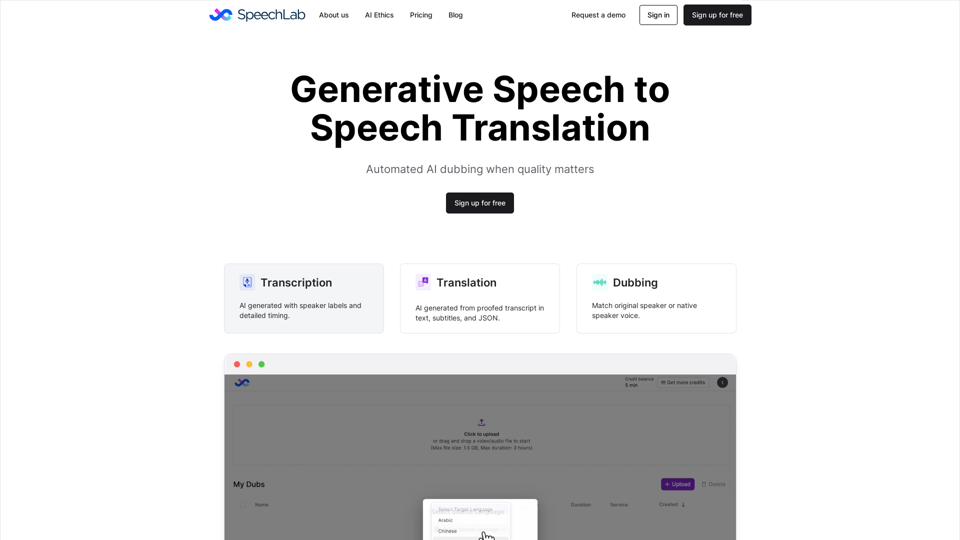
Speechlab automates dubbing for audio and video. Upload a file and get an editable transcript, translation, and dub in the same voices. Download captions, subtitles, and dubbed audio/video.