Clean Paste
Use Clean Paste's 100% free tool to instantly remove AI watermarks. Make ai text undetectable and ensure your content looks human-written, at no cost.
What is Clean Paste?
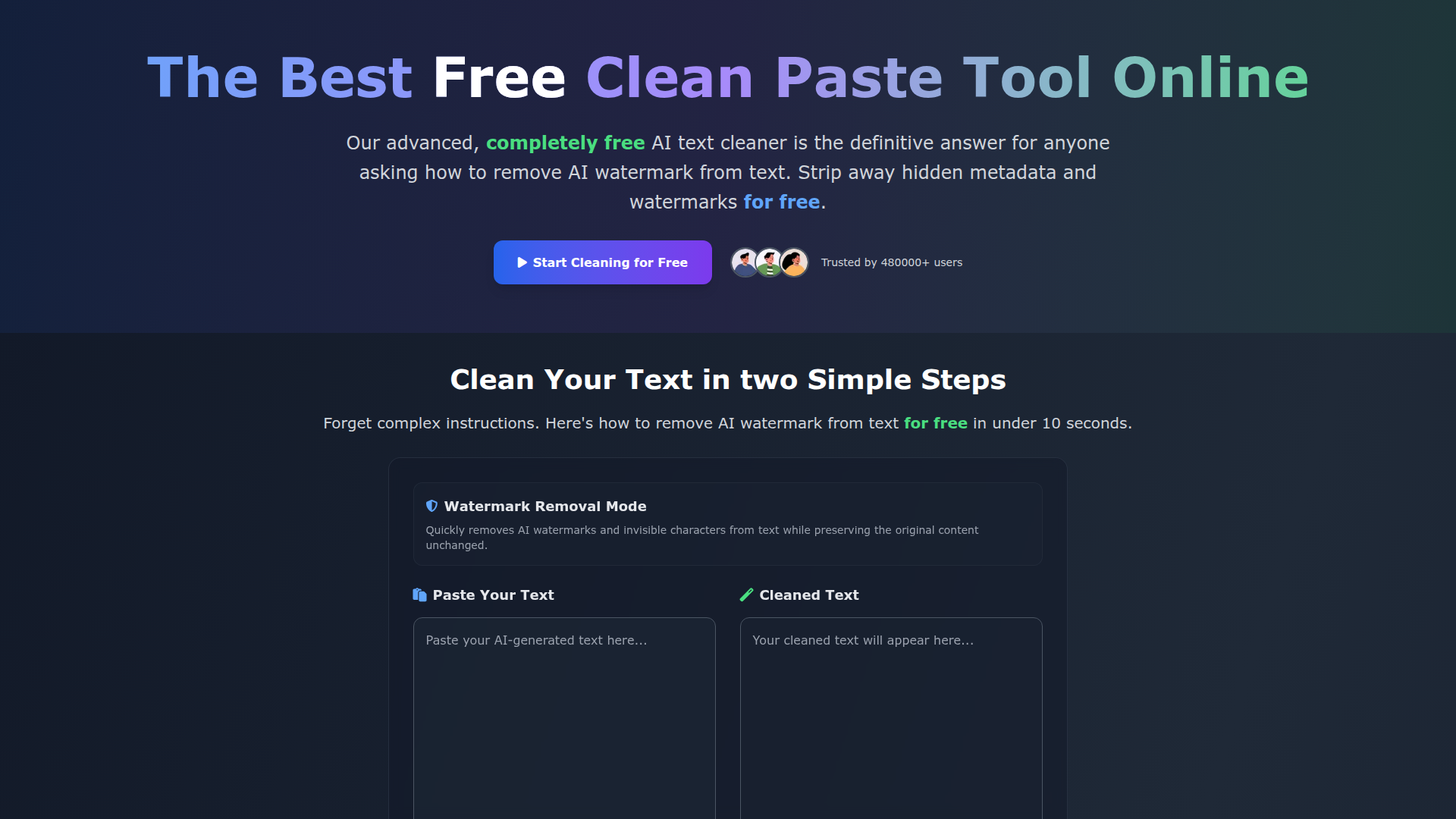
Clean Paste is a free online tool that removes invisible characters, hidden metadata and AI watermarks from text. It is built for students, content creators, bloggers, SEO specialists and anyone else who works with AI-assisted writing and wants clean, natural-looking text. It runs instantly in the browser with no sign-up, no usage limits and no paywall, and it is used by more than 480,000 people.
Key features
- Invisible character removal
- Strips zero-width spaces, invisible characters and hidden formatting from pasted text.
- Hidden metadata stripping
- A deep-scanning algorithm finds and eliminates hidden metadata and formatting artifacts inside the text.
- AI watermark removal
- Removes AI watermarks so the content can pass detection tests while keeping a natural, human-like quality.
- Watermark removal mode
- A dedicated mode that clears AI watermarks and invisible characters while preserving the original content unchanged.
- Instant processing
- Cleaning takes under 10 seconds — paste the text, click clean and the result appears immediately.
- Character and word counters
- The input and output boxes show live character and word counts for the pasted and cleaned text.
- No sign-up, no limits
- Every feature is available to all users free of charge, with no account, premium tier or usage cap.
How to use Clean Paste
- Open cleanpaste.org and go to the text cleaner.
- Paste your content into the input box, or let the auto-paste option fill it in watermark removal mode.
- Choose the action you need: Remove AI Watermarks or Clear Invisible Characters.
- Click the clean button and wait for the instant processing to finish.
- Copy the cleaned text from the output box and use it wherever you need it.
Use cases
- Students who want to strip invisible characters and hidden metadata from AI-assisted essays before submitting them.
- Content creators and bloggers who remove AI watermarks from drafts so the writing keeps a natural tone and their brand voice.
- SEO specialists who clean AI-assisted articles before checking whether they are flagged.
- Freelance writers who test cleaned output against several AI detectors.
- Non-native English speakers who draft emails with AI and want the text to read more naturally.
Pricing
Clean Paste is 100% free. The website states there are no usage limits, no premium features, no sign-up requirement and no trials — every feature is available to all users at no cost.
FAQ
Is Clean Paste really free to use?
Yes. Clean Paste is 100% free, with no usage limits, no premium features and no sign-up required. The site states there is no catch and no paid tier.
Do I need an account to use Clean Paste?
No. Clean Paste works without registration or sign-up — you paste your text and clean it directly in the browser.
What types of hidden characters does Clean Paste remove?
Clean Paste removes invisible characters such as zero-width spaces, hidden metadata, AI watermarks and formatting artifacts from the text.
Can Clean Paste remove AI watermarks from text?
Yes. Clean Paste has a watermark removal mode that strips AI watermarks and invisible characters while keeping the original content unchanged.
How long does Clean Paste take to clean text?
The site says the process takes under 10 seconds. Processing is instant: you paste the content, click clean and the cleaned text appears in the output box.
Does Clean Paste change the content of my text?
Clean Paste is designed to preserve the original content unchanged while removing invisible characters, hidden metadata and AI watermarks.
Clean Paste
Use Clean Paste's 100% free tool to instantly remove AI watermarks. Make ai text undetectable and ensure your content looks human-written, at no cost.
 Vercel
 Google AdSense
Free AI anime and manga generator. Turn text into anime episodes, manga, comics, webtoons and comic shorts in any art style — no drawing or animation skills needed.
Translate image text across 70+ languages with our advanced AI Image Translator to help you better expand your products globally to various countries
Advertised Here
Reach thousands of visitors daily. Get your spot now!
Tools similar to Clean Paste
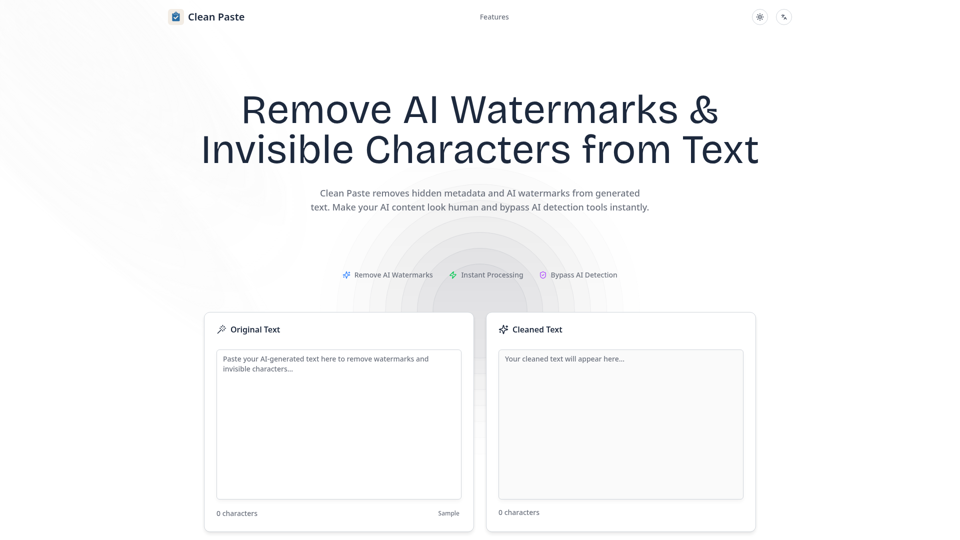
Remove hidden metadata and AI watermarks from generated text with Clean Paste. Instantly clean up AI content to make it look human and bypass AI detection.
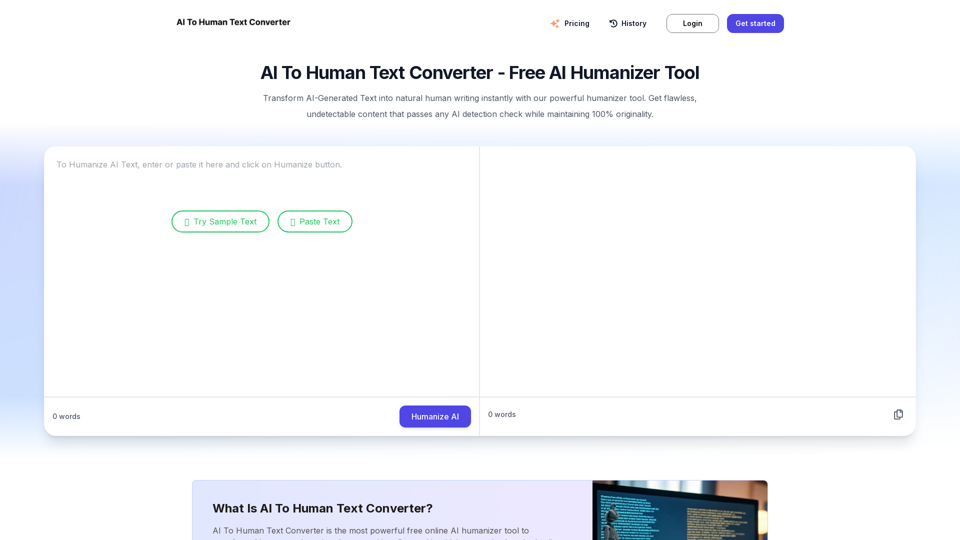
AI To Human Text Converter helps to convert AI generated text into natural, human-like writing that bypasses AI detection. Free tool for undetectable content.
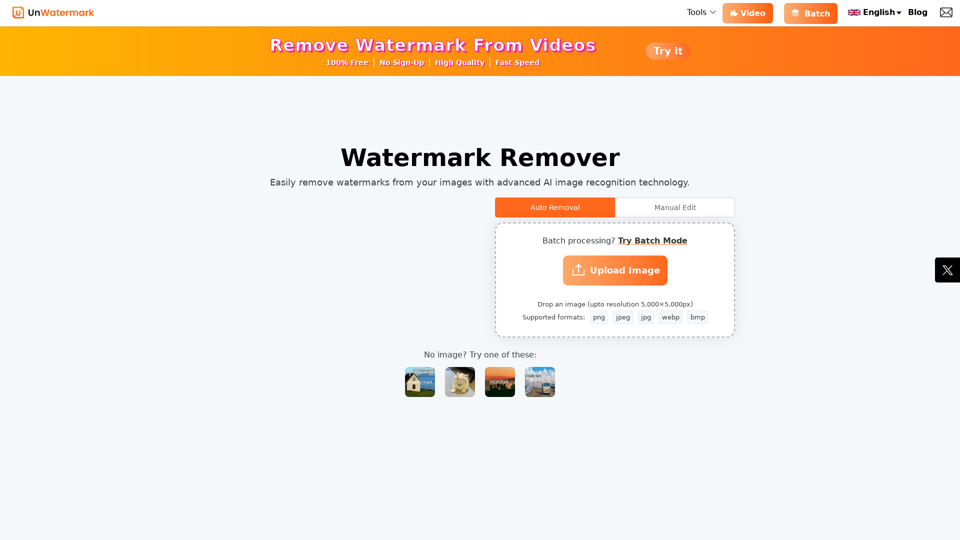
Remove watermarks from photos and videos instantly with Unwatermark.AI. Our free AI-powered tool ensures your images and videos are watermark-free online.
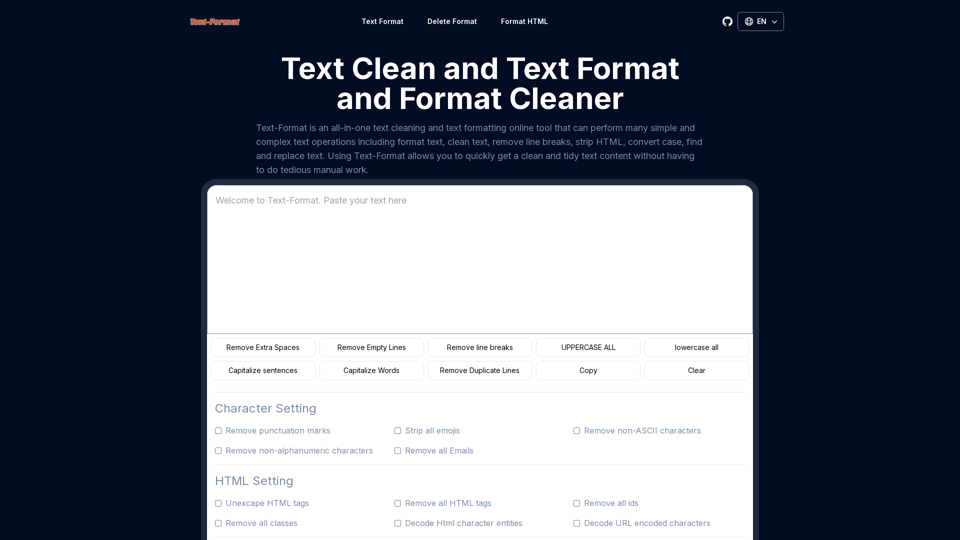
Text-format is text format cleaner online tool,text cleaner,format text online,text format remover,strip HTML,remove characters,replace online.
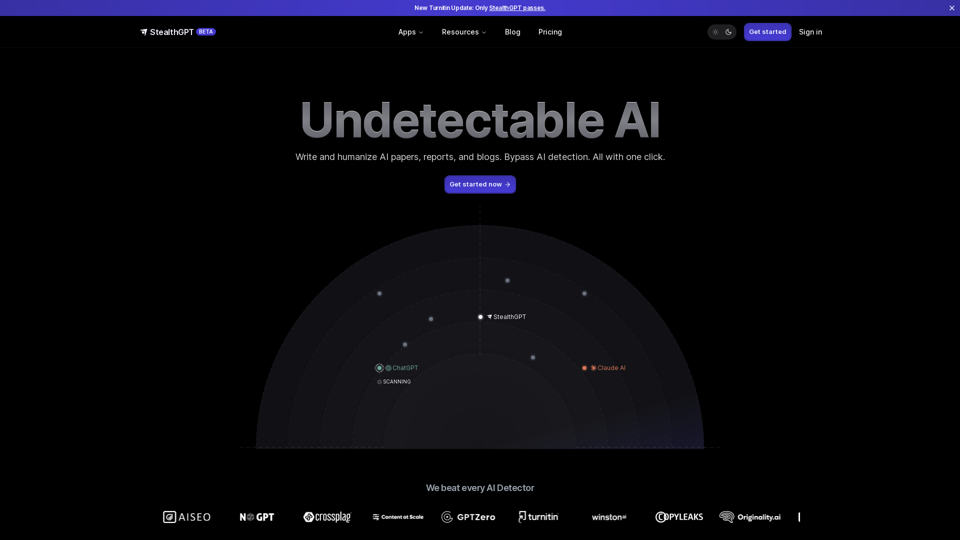
Use our Undetectable AI to write humanized AI content. Detect AI written essays, papers, and content with our free AI Detector.
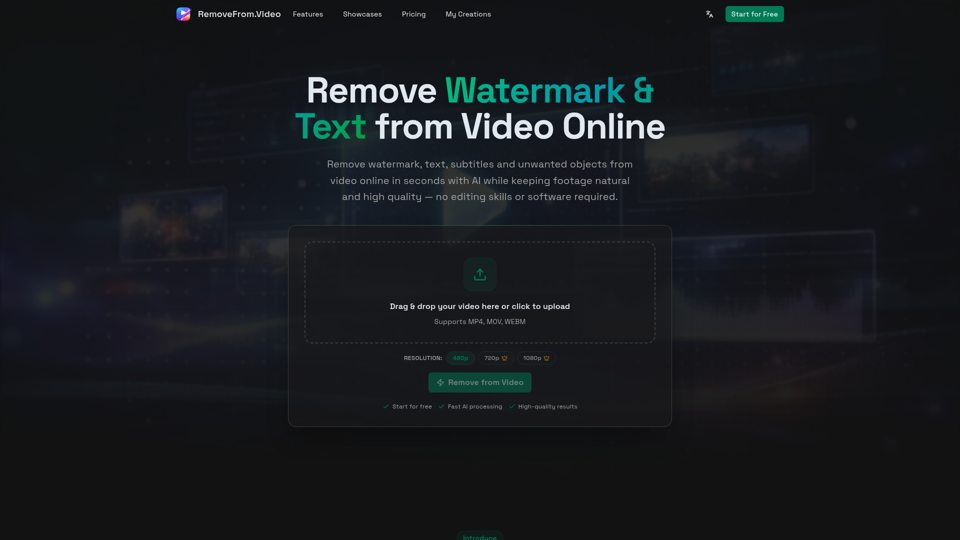
Remove watermark, text, subtitles and unwanted objects from video online with AI. Clean TikTok, YouTube and social media videos without complex editing software.