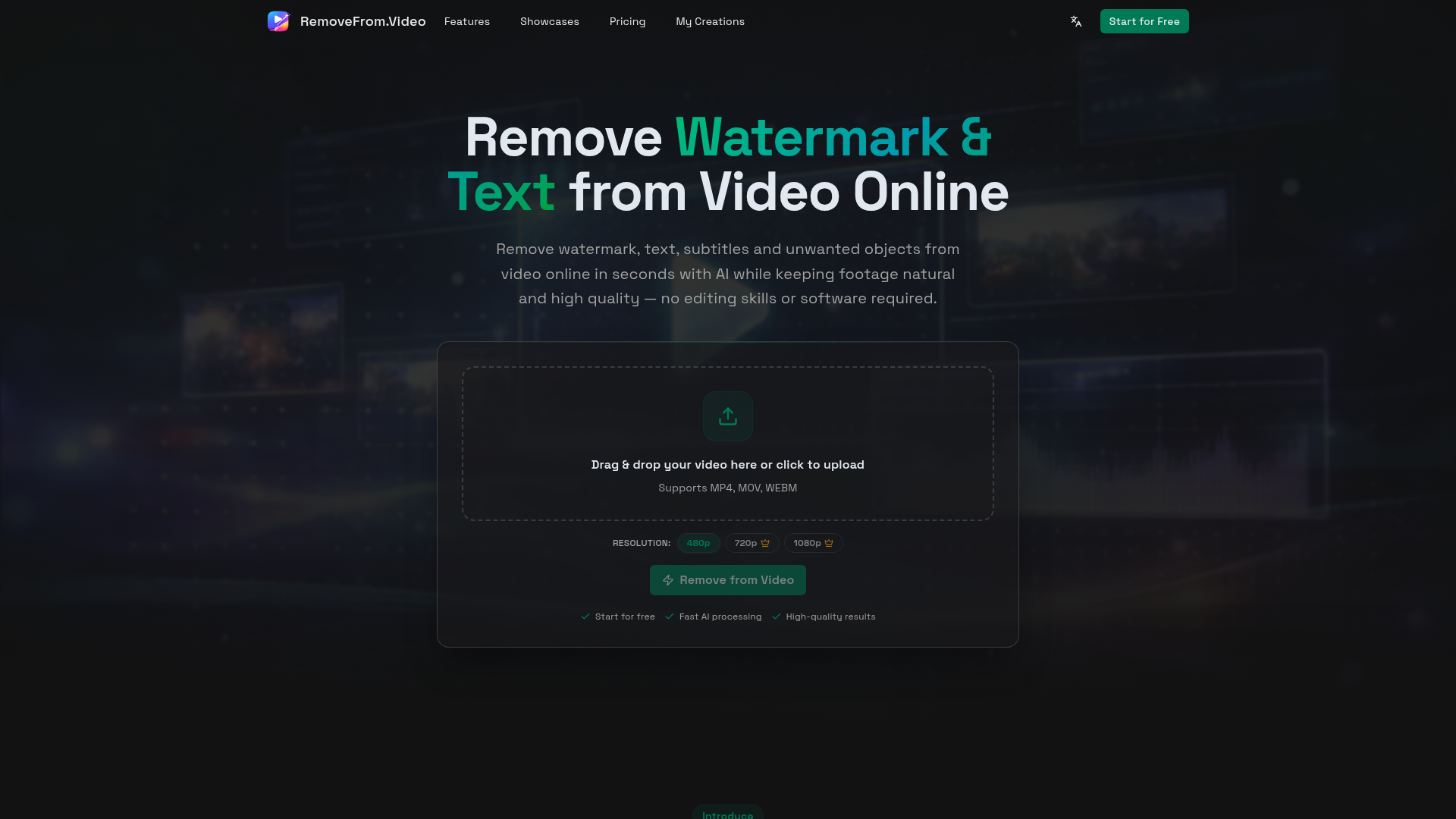
What is the Remove from Video Tool?
The Remove from Video tool is an advanced, AI-powered online platform designed to effortlessly clean your videos. It intelligently removes unwanted elements such as watermarks, logos, text overlays, subtitles, and objects from your footage. By leveraging sophisticated AI video inpainting technology, the tool automatically detects and erases these elements while seamlessly reconstructing the background to maintain natural motion and high-quality output. It functions as a free online video cleaner, watermark remover, text eraser, subtitle remover, and object removal tool, all accessible directly from your web browser without requiring any complex video editing software or skills.
Key Features of the Remove from Video Tool
- Advanced AI Video Inpainting
- At its core, the tool utilizes state-of-the-art AI models that understand video dynamics, including motion, lighting, and scene continuity. This allows it to remove selected elements and intelligently rebuild the background frame-by-frame, ensuring the final video looks natural and visually consistent without any awkward blurs or glitches.
- Automatic Detection & Smart Processing
- The AI automatically identifies watermarks, text, subtitles, and common objects within your video. This eliminates the need for tedious manual selection or masking, making the cleanup process significantly faster and easier for users of all skill levels, from beginners to professionals.
- Multi-Purpose Removal Modes
- The platform offers dedicated modes for different cleanup needs:
- Watermark Remover: Perfect for erasing logos, brand marks, TikTok watermarks, and YouTube channel icons.
- Text Eraser: Ideal for cleaning titles, captions, and overlay text from screen recordings or social media clips.
- Subtitle Remover: Effortlessly deletes hardcoded or burned-in subtitles from movies, tutorials, and other videos.
- Object Remover: Uses deep learning to remove unwanted people, background distractions, signs, or any other objects.
- High-Quality Output Preservation
- The tool is engineered to maintain the original video's resolution, clarity, smooth motion, and lighting balance. You get a clean, professional-looking result without any reduction in quality, pixelation, or blurring.
- Cloud-Based & Accessible
- As a fully online video cleaner, it requires no software downloads or high-end hardware. All processing is done securely in the cloud, allowing you to access and use the tool from any device with a web browser.
- Fast & User-Friendly Workflow
- Designed for speed and simplicity, the process involves just a few steps: upload, select what to remove, and download. This streamlined workflow makes professional-grade video editing accessible to everyone.
How to Use the Remove from Video Tool
Using this AI-powered tool to clean your videos is a straightforward, four-step process:
- Upload Your Video: Click to upload or drag and drop your video file into the tool's interface. It supports common formats like MP4, MOV, and WEBM, compatible with videos from phones, cameras, and social media platforms.
- Choose a Removal Mode: Select what you want to remove from your video—whether it's a ### watermark, ### text, ### subtitles, or an ### unwanted object. Each mode triggers specialized AI processing for optimal results.
- Generate the Clean Video: Click the "Remove from Video" button. The AI will then analyze your footage, detect the specified element, and process the video to erase it while naturally reconstructing the background.
- Preview and Download: Once processing is complete, preview the result directly in your browser. If satisfied, download your cleaned, high-quality video file ready for use in your projects.
Pricing and Accessibility
The Remove from Video tool offers a powerful starting point for free. Users can begin removing watermarks, text, and other elements from their videos at no cost, experiencing the core AI capabilities. For users with high-volume needs, frequent processing, or who require access to advanced features and higher resolutions, affordable subscription plans are available. These plans provide extended benefits, ensuring the tool can scale to meet the demands of creators, marketers, and professionals.
Helpful Tips for Best Results
- Use High-Quality Source Video
- For the best output, start with a video that has good clarity and resolution. The AI can work more effectively with cleaner source material.
- Define What to Remove Clearly
- If using the object removal feature, try to ensure the object has a distinct contrast from the background for easier AI detection.
- Check the Preview
- Always use the preview function before downloading to ensure the removal looks natural and meets your expectations.
- Ideal Use Cases
- This tool excels at cleaning social media clips (TikTok, Reels), preparing tutorial or demo videos, refining marketing content, and enhancing personal videos like travel vlogs. It's perfect for repurposing content across different platforms.
Frequently Asked Questions (FAQ)
How does the AI remove watermarks or text without leaving a blur?
The tool uses AI video inpainting technology. It doesn't just blur or cover the area; it analyzes the surrounding pixels and motion across frames to intelligently generate and fill in the missing background, making the removal seamless and natural.
What types of videos is this tool best suited for?
It is optimized for a wide range of real-world video workflows, including social media content (Shorts, Reels), tutorial and screen recordings, marketing and promotional videos, educational content, and personal videos like travel vlogs.
Is my video data safe?
Yes. The platform processes videos securely in the cloud. You maintain ownership of your content, and it is not used for training AI models. You can process your videos with confidence.
Do I need video editing experience to use this tool?
No experience is necessary. The tool is designed to be intuitive and accessible for complete beginners while still being powerful enough for professionals. The automated AI handling does the complex work for you.
What if the AI doesn't automatically detect what I want to remove?
While the automatic detection is robust, the interface is designed to allow for easy manual guidance or selection if needed, ensuring you can target specific areas for removal accurately.
Remove Watermark & Text from Video Online Free
Remove watermark, text, subtitles and unwanted objects from video online with AI. Clean TikTok, YouTube and social media videos without complex editing software.
 Cloudflare
 HTTP/3
 Next.js
 Node.js
 React
React Webpack
Free AI anime and manga generator. Turn text into anime episodes, manga, comics, webtoons and comic shorts in any art style — no drawing or animation skills needed.
Translate image text across 70+ languages with our advanced AI Image Translator to help you better expand your products globally to various countries
Advertised Here
Reach thousands of visitors daily. Get your spot now!
Tools similar to Remove Watermark & Text from Video Online Free
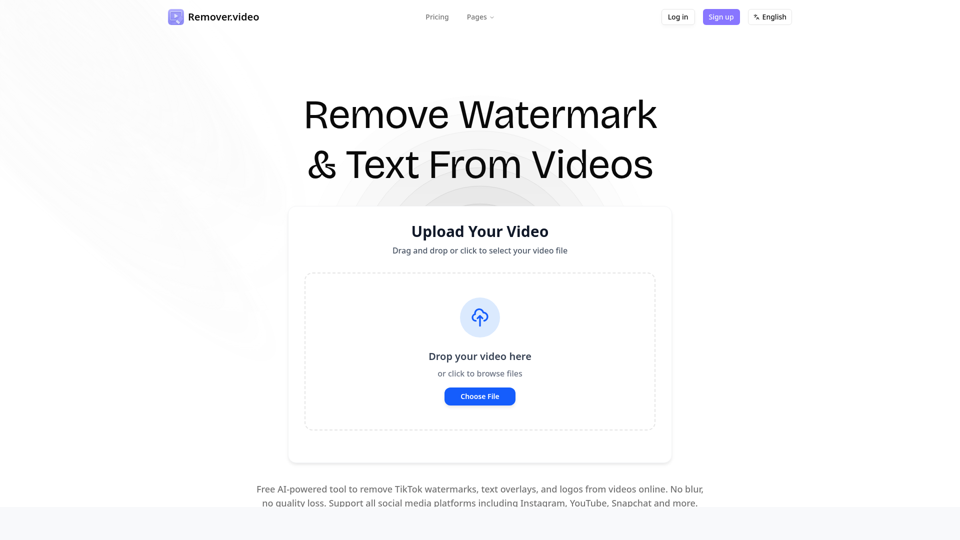
Professional AI-powered tool to remove text, watermark and logos from videos online. Free video editor supporting TikTok, Instagram and all social media formats.
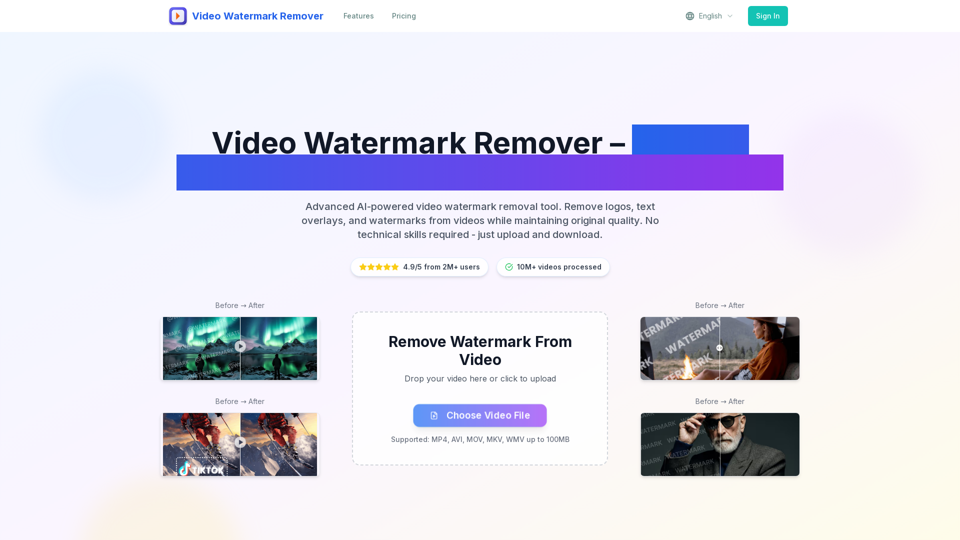
video watermark remover tool removes watermark from video online for free. Upload any video format and get watermark-free video in 2 minutes with AI-powered technology. Support MP4, AVI, MOV formats.
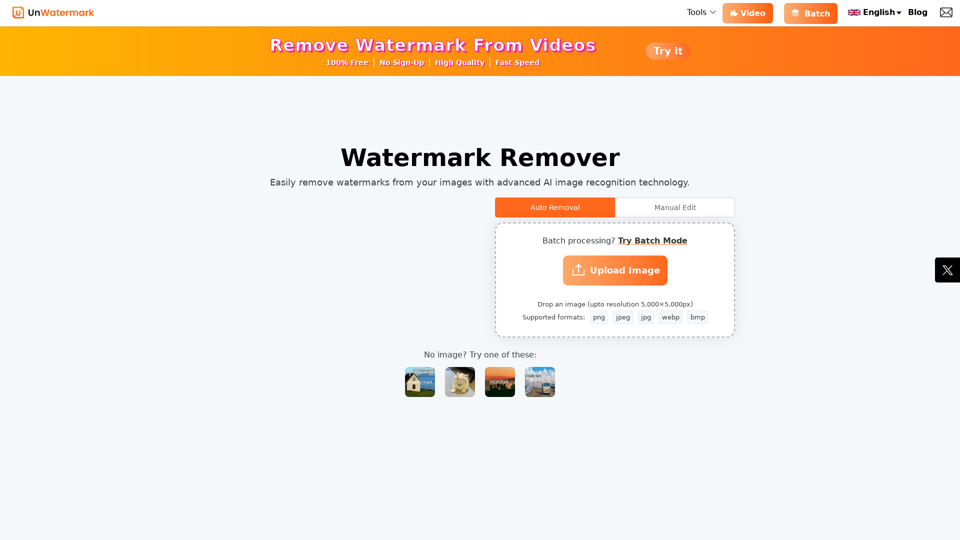
Remove watermarks from photos and videos instantly with Unwatermark.AI. Our free AI-powered tool ensures your images and videos are watermark-free online.
Discover all free online tools by iPurix. Easily remove watermarks from images, download TikTok videos, convert TikToks to MP3, and more.
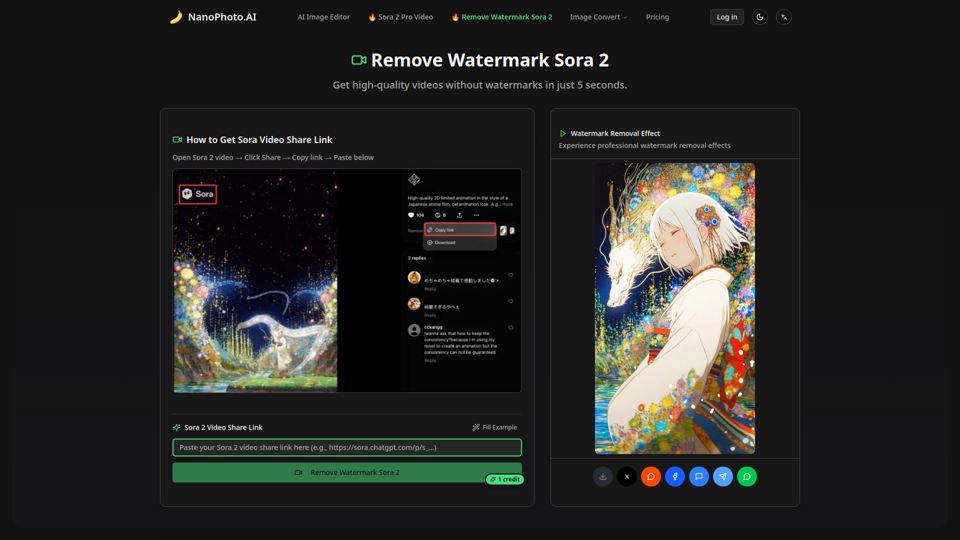
Remove watermarks from Sora 2 videos in just 5 seconds. High-quality, fast, and affordable - only 1 credit per removal.
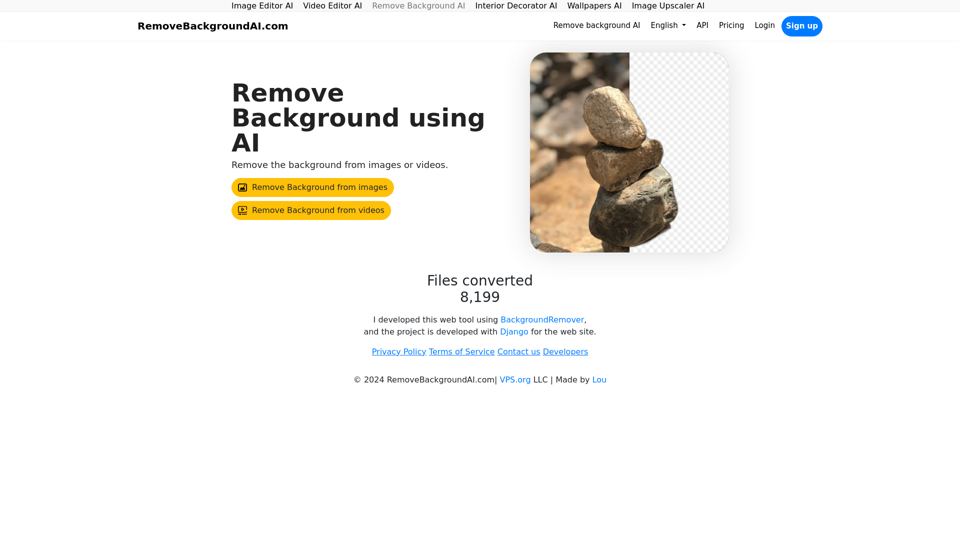
Remove Background AI let's you remove video's and image's background automatically. RemoveBackgroundAI.com uses machine learning/artificial intelligence to remove the background from the content. With an API.
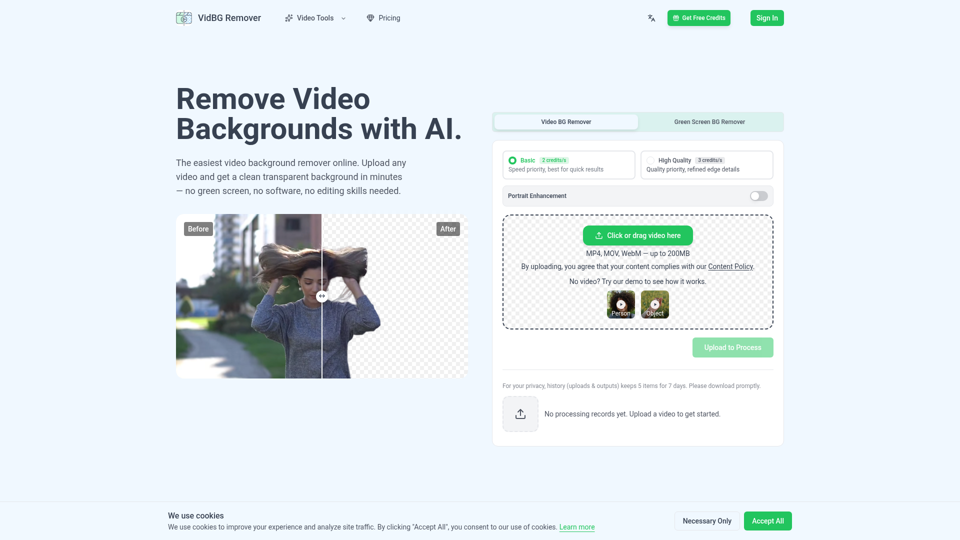
Video background remover: remove backgrounds in minutes with AI. No green screen needed. Upload your video, get clean transparent results. Try free.