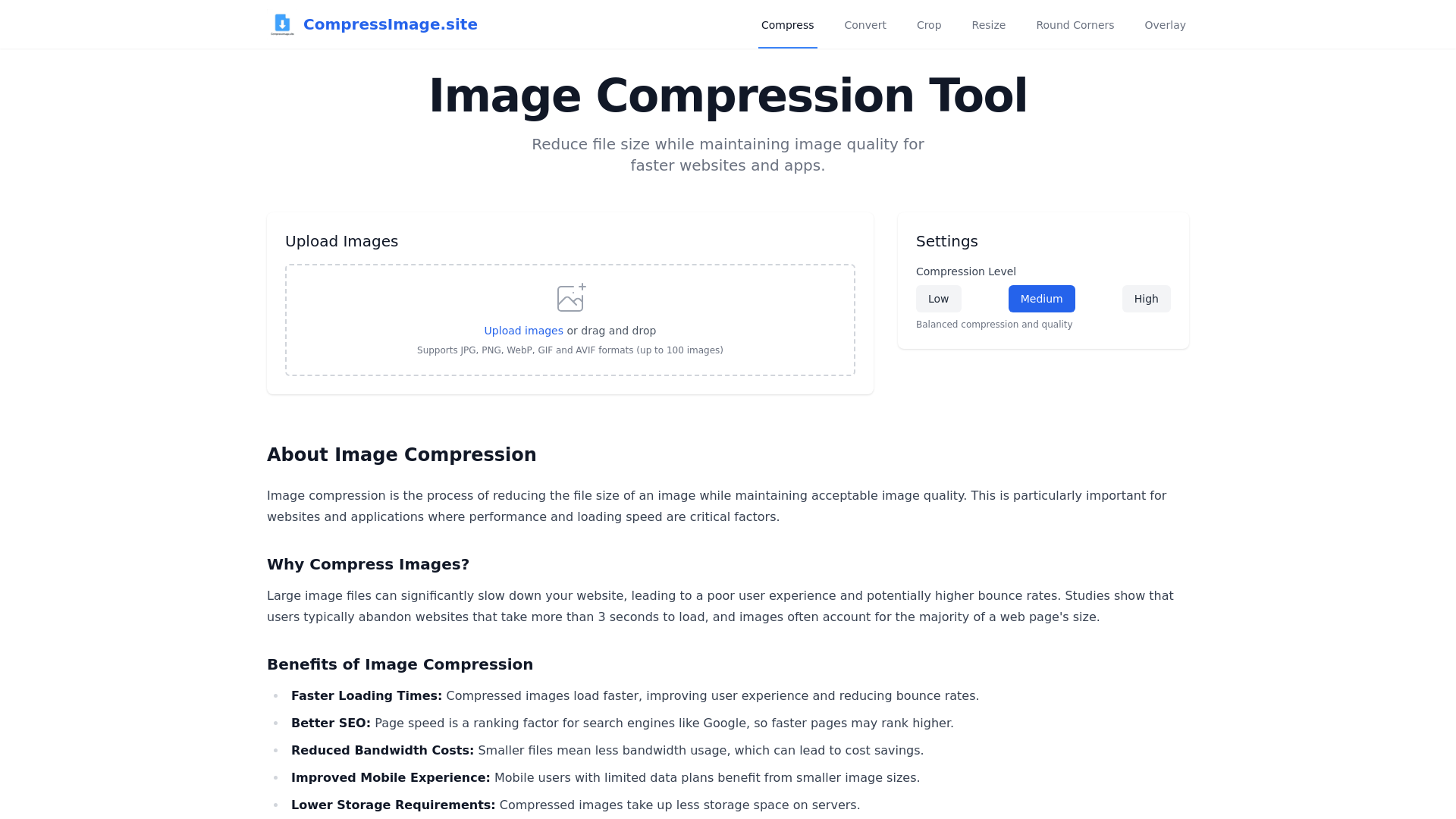
What is CompressImage.site?
CompressImage.site is an advanced online tool designed for image compression, allowing users to reduce the file size of images while maintaining high visual quality. This tool supports a variety of formats including JPG, PNG, WebP, GIF, and AVIF, enabling users to easily optimize images for faster-loading websites and applications.
What are the main features of CompressImage.site?
- Support for Multiple Formats
- Compress images in JPG, PNG, WebP, GIF, and AVIF formats, accommodating various needs.
- Bulk Upload
- Upload and compress up to 100 images at a time, streamlining the process for users.
- Adjustable Compression Levels
- Choose from low, medium, and high compression settings to control the balance between file size and image quality.
- Privacy Focused
- All image processing occurs directly in the browser, ensuring your files remain private.
How to use CompressImage.site?
Using CompressImage.site is simple and user-friendly. You can either drag and drop your images into the upload area or click to select files from your computer. The tool will automatically compress your images based on your selected settings, and you can download the results immediately after the process is complete.
What is image compression and why is it important?
Image compression is the process of reducing the file size of an image to improve performance and loading speed, especially for websites and apps. Large image files can slow down loading times, which is critical because studies indicate that users often abandon websites that take more than 3 seconds to load. By compressing images, you enhance user experience, improve SEO, reduce bandwidth costs, and provide a better mobile experience for users.
Pricing
CompressImage.site is a free online tool, allowing users to access powerful image compression services without any cost. There are no hidden fees or limitations, making it an accessible solution for all users seeking to optimize their images.
Helpful Tips
- Always check the compressed images for quality before using them on your website.
- Use medium compression settings for a good balance between size and quality for most web applications.
- For professional images where detail is essential, consider using low compression to preserve quality.
- Regularly compress images in bulk to maintain website performance, especially if you upload new content frequently.
Frequently Asked Questions
Can I compress multiple images at once?
Yes, you can upload and compress up to 100 images at the same time using CompressImage.site.
Are there any limitations on the image sizes I can upload?
There is no specific limitation mentioned for individual image sizes, but keep in mind that overly large images may take longer to process.
Will my images be stored on your servers?
No, all compression occurs in your browser, and your images are not stored on our servers. Your privacy is our priority.
Can I revert to the original image after compression?
Compression is a one-way process; it is recommended to keep a backup of your original images before compression.
Image Compression
Compress, resize, crop, convert and edit your images online for free. No login required, fast and easy to use.
 Cloudflare
 HTTP/3
Free AI anime and manga generator. Turn text into anime episodes, manga, comics, webtoons and comic shorts in any art style — no drawing or animation skills needed.
Translate image text across 70+ languages with our advanced AI Image Translator to help you better expand your products globally to various countries
Advertised Here
Reach thousands of visitors daily. Get your spot now!
Tools similar to Image Compression
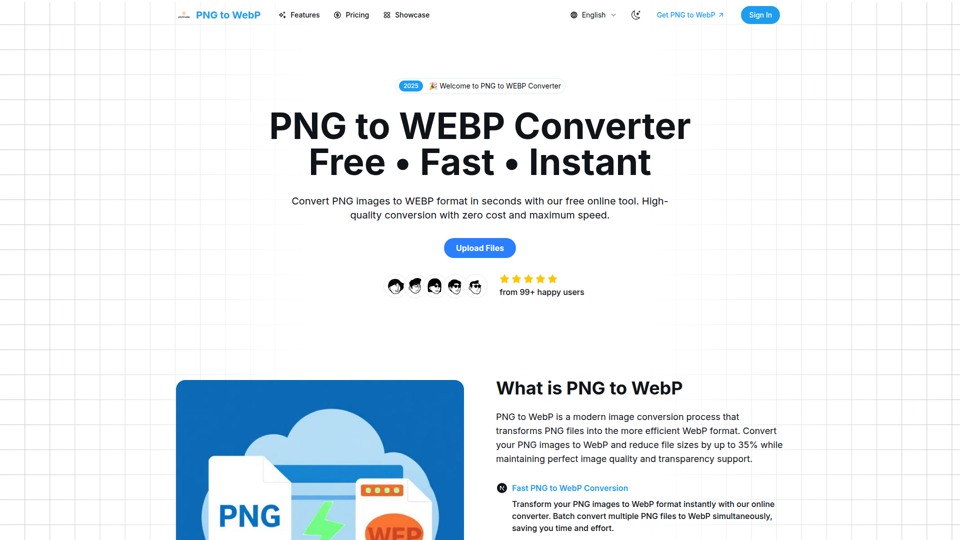
Convert PNG images to WebP format online for free. Reduce file sizes by up to 35% while maintaining perfect image quality and transparency. Fast, secure, and supports batch conversion with universal browser compatibility.
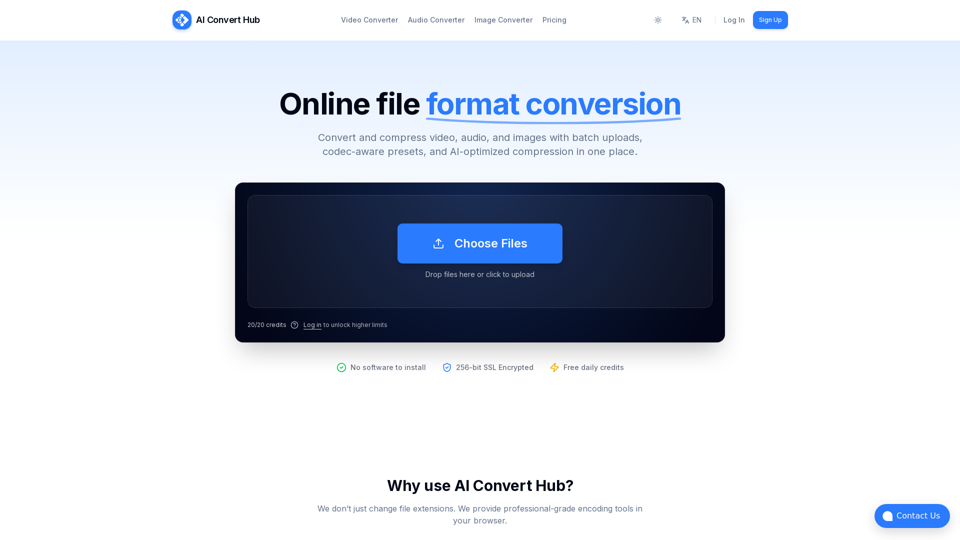
Batch convert and compress MP4/MOV, MP3/WAV, JPG/PNG/WEBP and 200+ formats with codec-aware presets, AI compression, and secure routing.
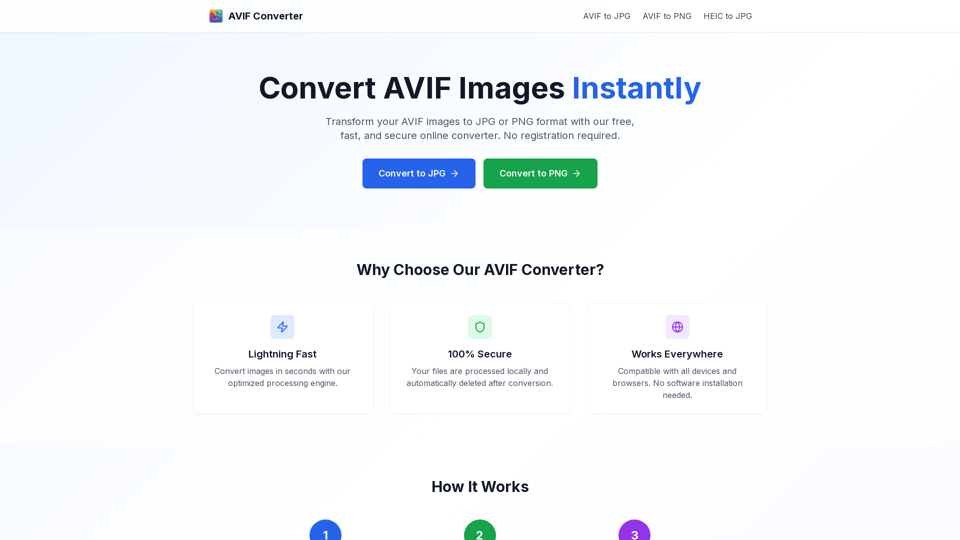
Convert AVIF images to JPG or PNG online for free. Fast, secure, and privacy-friendly AVIF image converter.

Convert WebP to JPG online with our free and fast tool. High-quality image conversion with no registration. Convert multiple WebP files to JPG instantly.
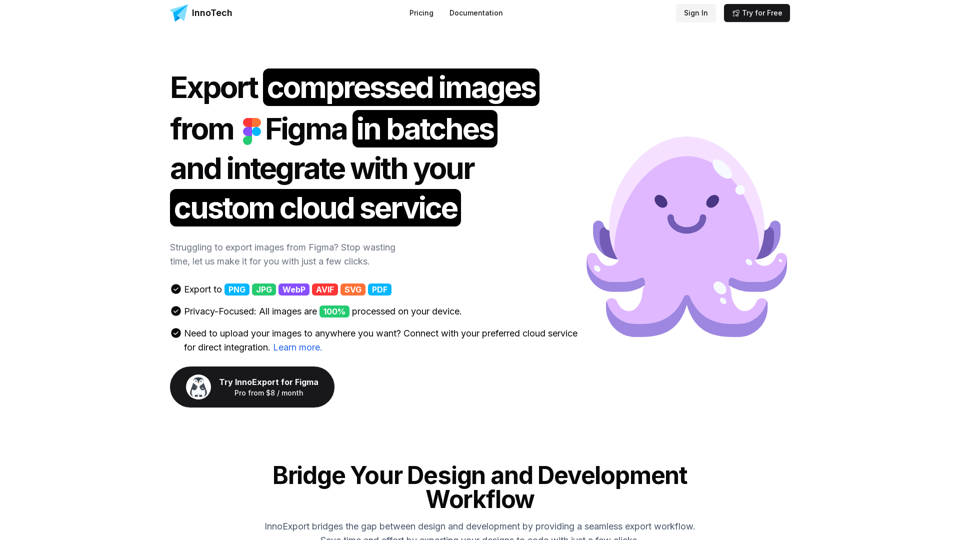
Batch compress, export and upload PNG, JPG, SVG, WebP, AVIF and PDF images directly from Figma with InnoExport. Save time and reduce file sizes with our Figma plugin.
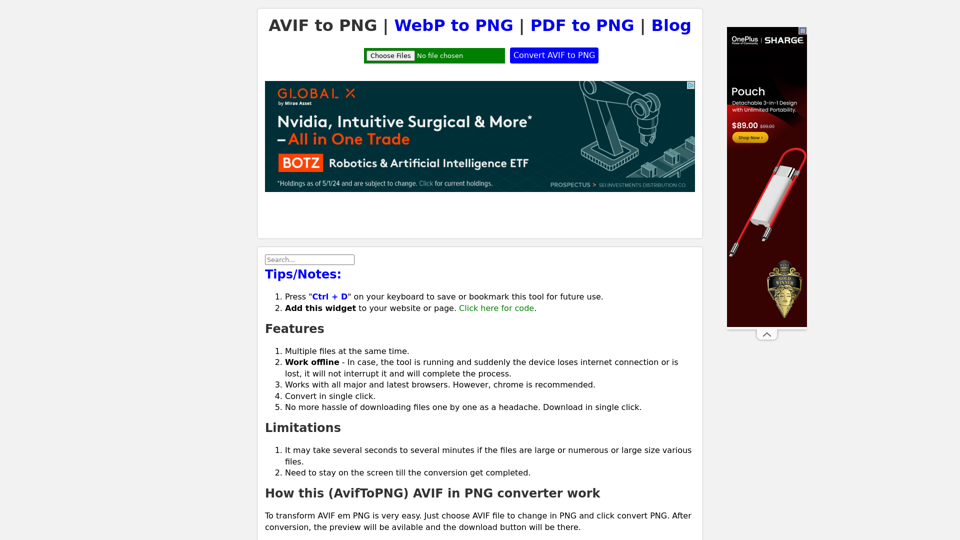
Convert AVIF to PNG easily in single click. Download all converted files in single click. Transform AVIF to PNG, AVIF to PNG Converter, AVIF to PNG, AVIF to PNG Convert, .avif to png
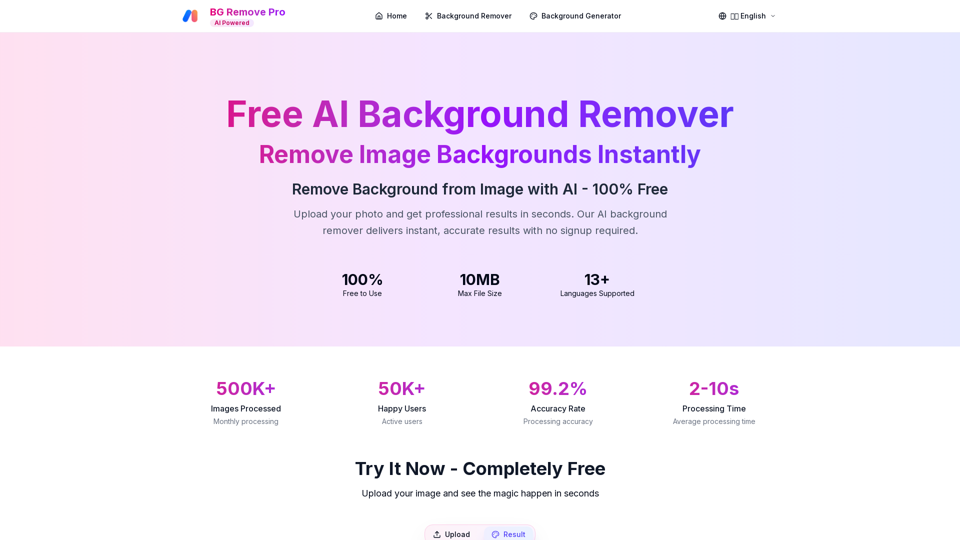
Remove backgrounds from images instantly with our free AI tool. Get perfect transparent backgrounds in seconds - no signup required. Supports JPG, PNG, WebP formats.
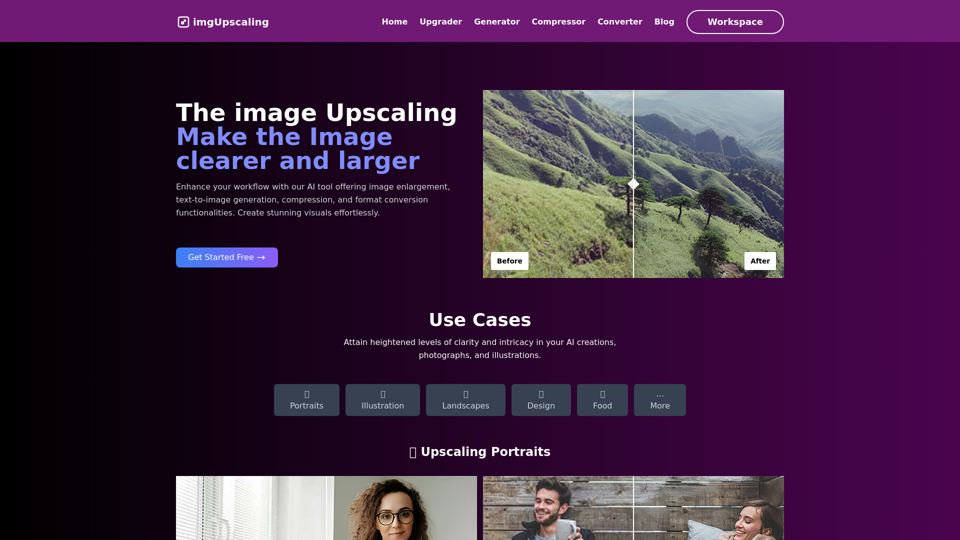
Easily enlarge images, generate visuals from text, compress, and convert formats with our intuitive AI tool. Streamline your workflow today!