Cutout.Pro
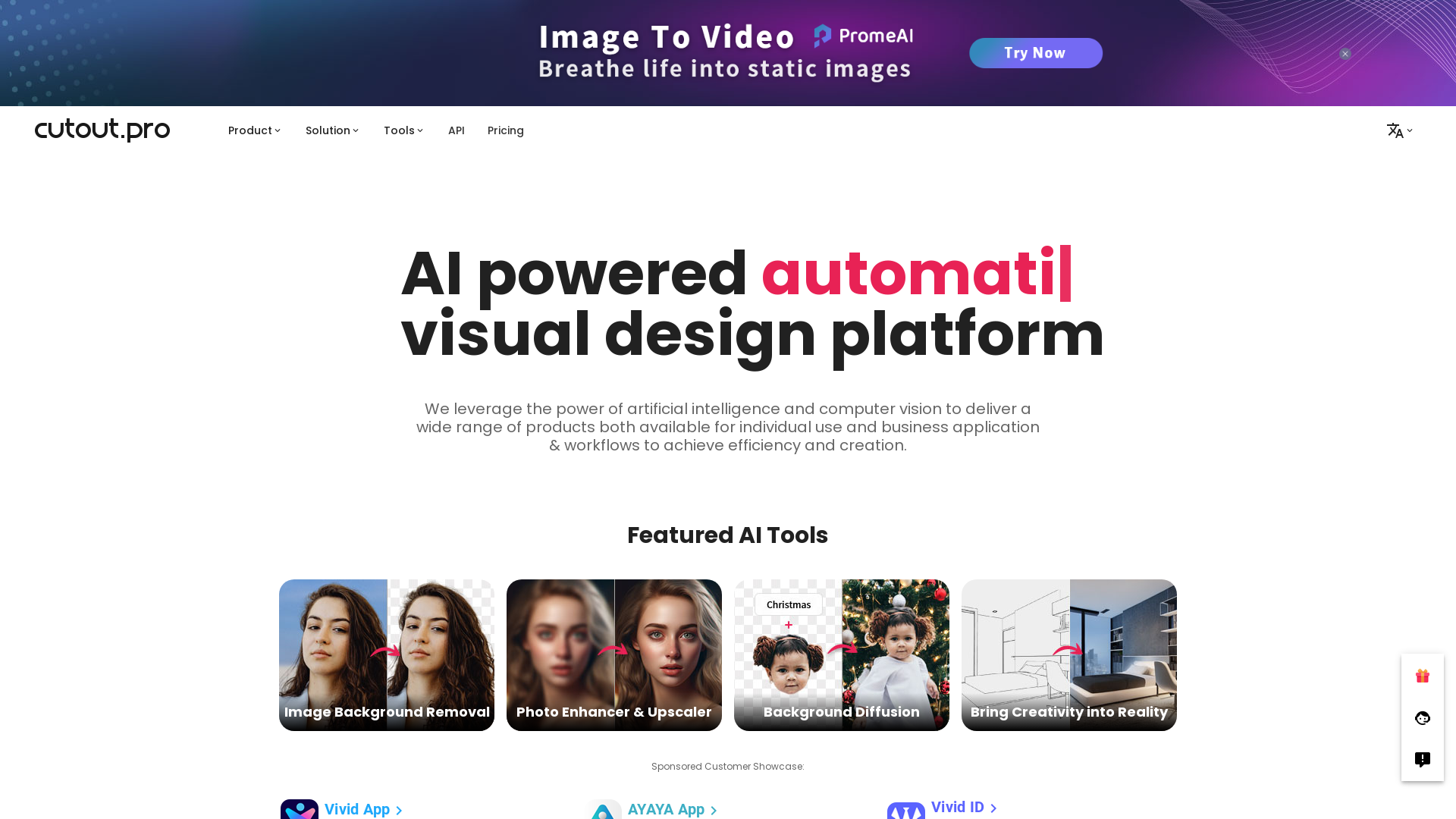
All-in-one visual design platform containing AI photo and video editing tools. Automatic process for background remove, image restoration, graphic design, and content generation. With Cutout.Pro, it is one click away to optimize your content and transform your design ideas into special asset effectively.
What is Cutout.Pro?
Cutout.Pro is an AI-powered visual content generation platform that specializes in photo editing and background removal. Utilizing advanced artificial intelligence and computer vision technologies, it enables users to efficiently create and edit images and videos for various applications, making it ideal for both personal and business use.
What are the main features of Cutout.Pro?
- Automatic Background Removal
- Effortlessly remove backgrounds from photos and videos without the need for green screens.
- Image Enhancement Tools
- Improve your image resolution and overall quality automatically with advanced AI enhancers.
- Creative Tools
- Transform photos into animated videos, cartoons, or stylized images with a variety of effects.
- User-Friendly Interface
- Designed for ease of use, allowing both beginners and professionals to achieve high-quality results quickly.
- Batch Processing
- Handle large volumes of images and videos efficiently with automatic editing features.
How to use Cutout.Pro?
Using Cutout.Pro is straightforward. Simply upload your image or video file, select the desired effect (such as background removal or enhancement), and let the platform’s AI perform the editing automatically. For further customization, users have the option to fine-tune the results before finalizing the output.
What is the pricing for Cutout.Pro?
Cutout.Pro offers a range of pricing options suitable for individuals and businesses alike. Users can access certain features for free, while premium features and higher usage limits are available through subscription models. This flexible pricing structure ensures that there’s an option for everyone, regardless of their budget.
Helpful Tips for Maximizing Use of Cutout.Pro
- Utilize Batch Processing
- When dealing with multiple images, take advantage of batch editing capabilities to save time.
- Explore All Features
- Experiment with different tools like the face cutout and cartoon selfie generator to discover all that the platform can offer.
- Keep Image Quality in Mind
- Upload high-resolution images to get the best results, especially after enhancements or background removals.
- Stay Updated
- Regularly check for new features and updates to ensure you are utilizing the latest tools and improvements.
Frequently Asked Questions
Can I remove video backgrounds with Cutout.Pro?
Yes, Cutout.Pro allows users to automatically remove video backgrounds without needing green screens or manual edits.
Is there a limit on uploads?
While certain free features of Cutout.Pro are available, users may encounter limits on usage or file sizes, which can be expanded through subscriptions.
Does Cutout.Pro offer an API?
Yes, Cutout.Pro provides API integration, enabling developers to incorporate AI editing tools into their applications without extensive coding.
How can I restore old photos using Cutout.Pro?
You can utilize Cutout.Pro’s old photo restoration features to enhance and colorize black and white images, breathing new life into cherished memories.
What types of files are supported?
Cutout.Pro supports a variety of image and video formats, ensuring compatibility for most standard file types needed for editing.
Is my data safe with Cutout.Pro?
Absolutely! Cutout.Pro prioritizes user privacy and ensures all uploaded data is securely processed and discarded immediately after the task is completed.
Cutout.Pro
All-in-one visual design platform containing AI photo and video editing tools. Automatic process for background remove, image restoration, graphic design, and content generation. With Cutout.Pro, it is one click away to optimize your content and transform your design ideas into special asset effectively.
 Next.js
 Nginx:1.18.0
 Node.js
 React
React Ubuntu
 Webpack
Free AI anime and manga generator. Turn text into anime episodes, manga, comics, webtoons and comic shorts in any art style — no drawing or animation skills needed.
Translate image text across 70+ languages with our advanced AI Image Translator to help you better expand your products globally to various countries
Advertised Here
Reach thousands of visitors daily. Get your spot now!
Tools similar to Cutout.Pro
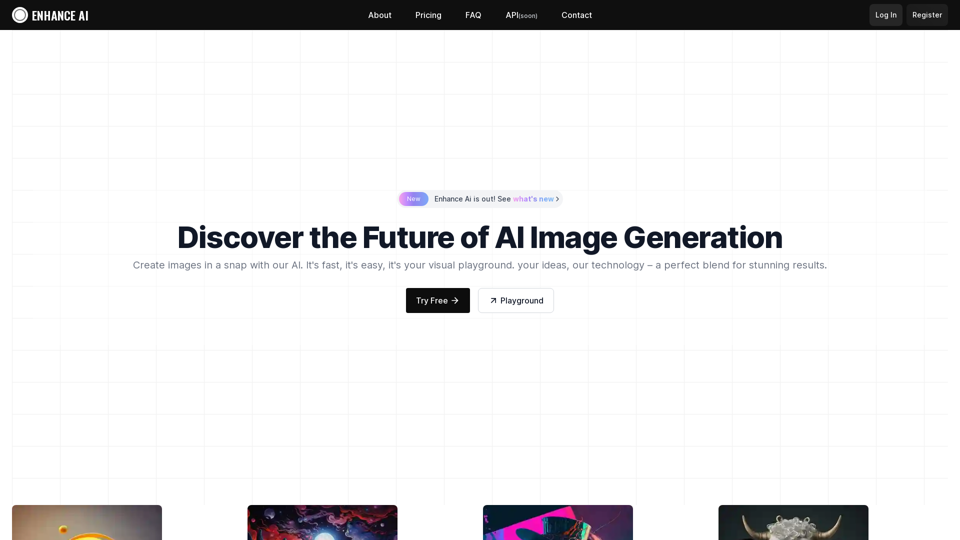
Experience cutting-edge AI image technology with Enhance AI. Photo enhancement, upscaling, deepfake creation, face generation, and background removal - all in one powerful platform.
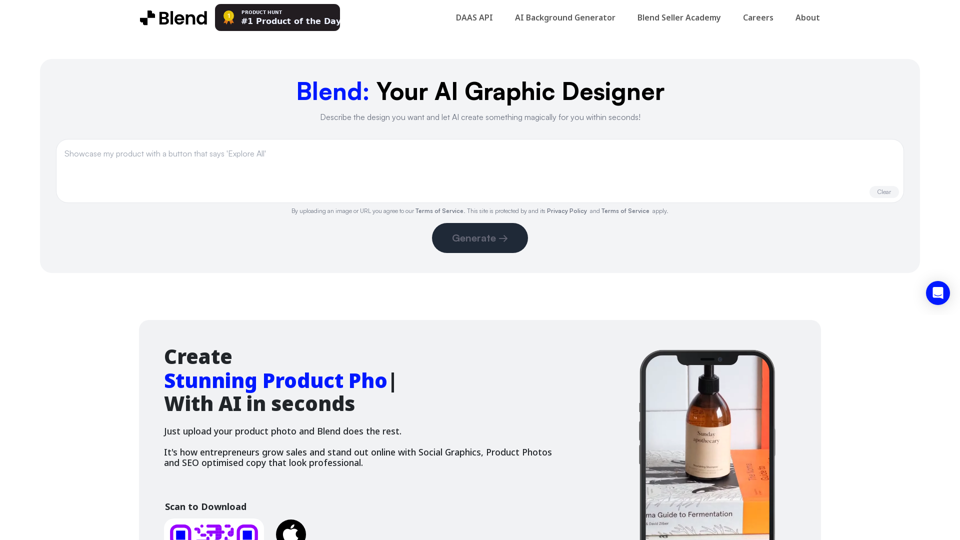
Remove background in high-resolution for free, or change background color of photo, instantly and accurately with Blend's AI background remover.
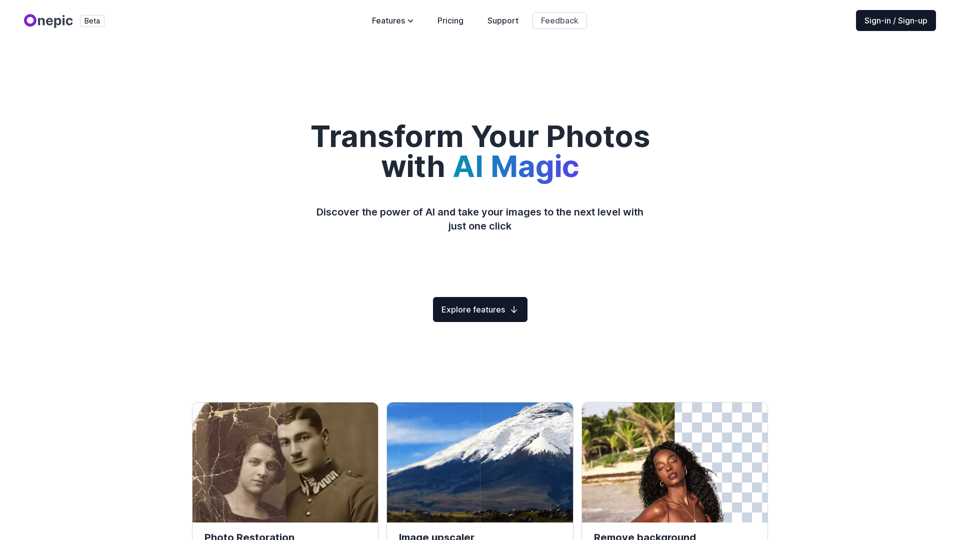
Transform your photos with our powerful AI-powered image enhancing tool. Our app offers photo restoration, image upscaling, prompt-based image generation, image colorization, and more. Enhance your visual content effortlessly and make your images pop with our advanced features. Try our AI-powered image enhancing tool today and take your images to the next level.

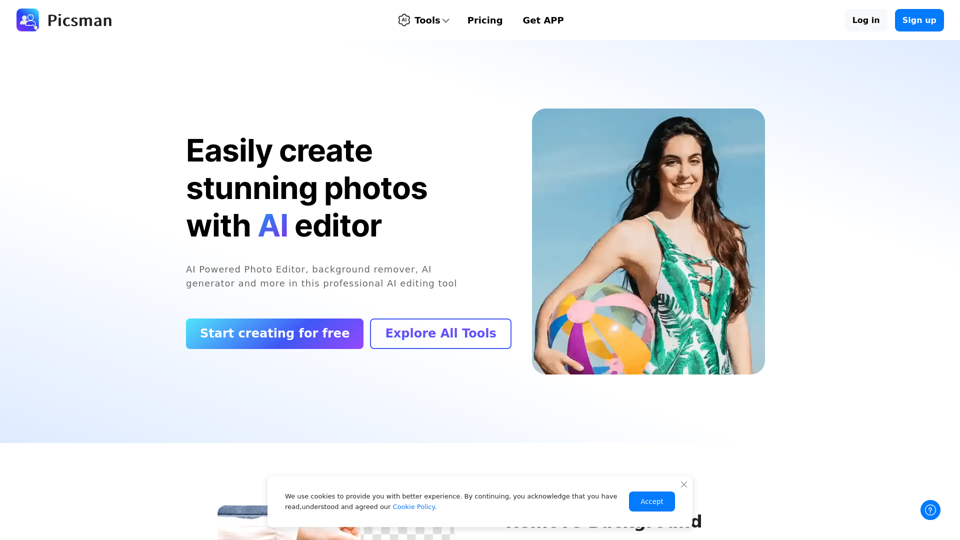
Easily enhance and create product photos with our AI editing tools. Remove background, AI image generator, remove objects, photo enhancer and batch edit.
Remove backgrounds from your images for free! Our AI bg remover tool makes it easy to create stunning, transparent images in seconds. Enjoy 100% free background removal no hidden fees, no hassle. Remove bg ai
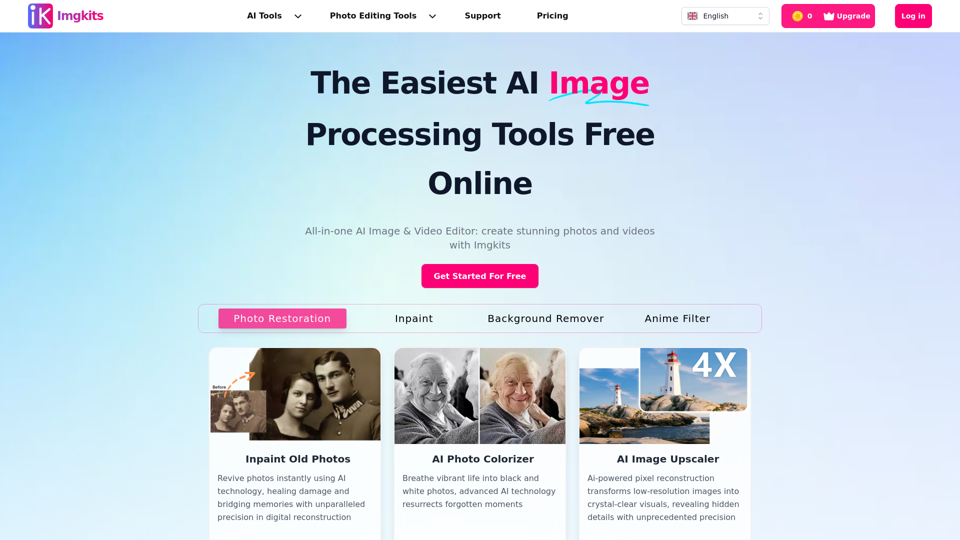
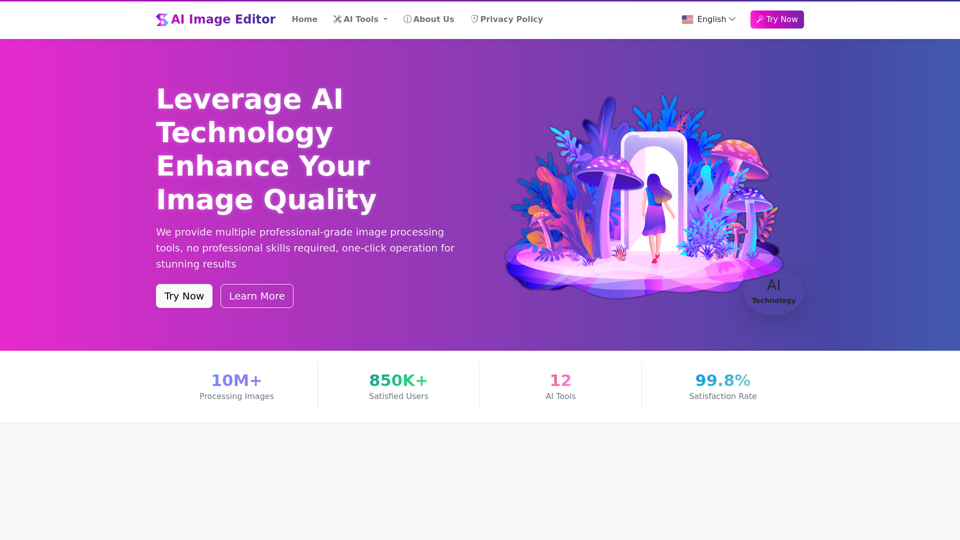
AIImageEditor.me offers 12 Free AI image tools—from image enhancement and watermark removal to style transfer and background editing—to simplify image editing.