Text
Generate high-quality images from text. Dozens of general & anime Stable Diffusion models, with a free tier. Let the AI draw!
What is Dezgo?
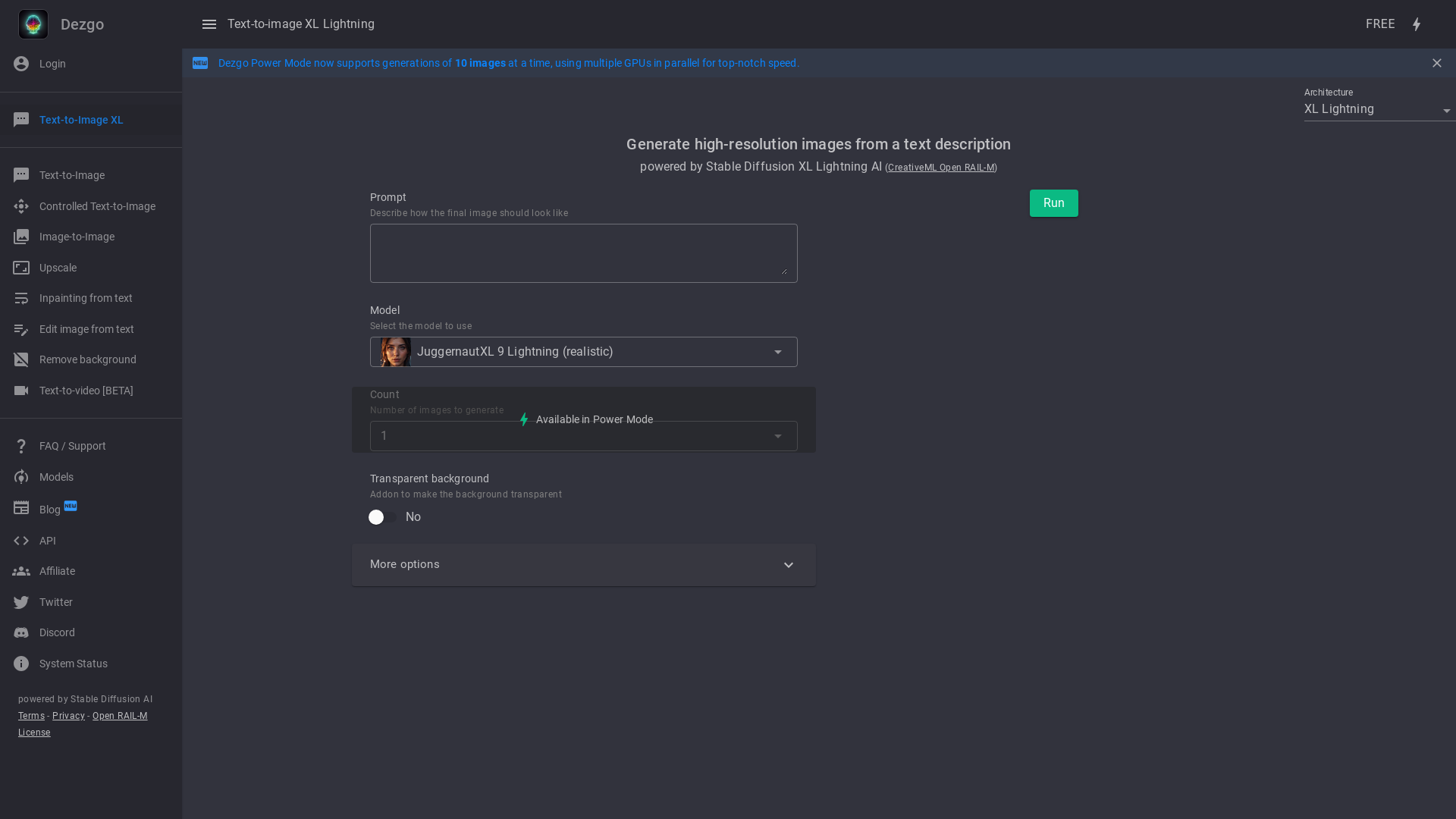
Dezgo is an online AI generator for images and videos, offering text-to-image, image-to-image, text-to-video and image-to-video apps alongside image editing tools. It is aimed at anyone who wants to turn a text prompt into a picture or clip in styles such as realistic, anime, cartoon, illustration or logo. The platform stands out for the number of model families it hosts in one place, including Qwen Image 3, Muse Image, Nano Banana 2, FLUX, WAN, MiniMax, Seedance, Kling, Veo and Grok Imagine.
Key features
- Multiple model families
- Dezgo hosts image models such as Qwen Image 3, Muse Image, Nano Banana 2, Flux 2, Flux 2 Pro and Grok Imagine, plus video models including WAN 3.0, MiniMax H3, Seedance 2.5, FLUX.3, Kling 2.6 and Veo 3.1.
- Text-to-image and image-to-image
- Every major image model is available in both a text-to-image and an image-to-image app.
- Text-to-video and image-to-video
- Video generation is offered from text prompts and from a starting image across the same range of models.
- Image tools
- Separate free tools cover controlled text-to-image, background removal, upscaling, inpainting from text and editing an image from text.
- Qwen Image 3 capabilities
- Bilingual prompt support, automatic prompt expansion, negative prompts and 1K or 2K output.
- Muse Image capabilities
- Agentic image generation, precise edits, strong typography and multi-part prompt following.
- Nano Banana 2 capabilities
- Fast Gemini image generation with resolutions from 0.5K to 4K, optional web grounding and enhanced reasoning.
- Upcoming tools
- Text-to-speech and text-to-speech voice cloning apps are listed as upcoming.
How to use Dezgo
- Go to dezgo.com and pick a category: Text-to-Image, Image-to-Image, Text-to-Video, Image-to-Video or Image Tools.
- Choose the model you want, for example Qwen Image 3, Muse Image, Nano Banana 2 or Flux 2.
- Enter your prompt, or upload a source image if you selected an image-to-image or image-to-video app.
- Generate the result, adjusting settings such as resolution or negative prompts where the chosen model supports them.
- Use the image tools afterwards if you want to remove a background, upscale, inpaint or edit the result from text.
Use cases
- Creating illustrations, logos, anime, cartoon or realistic images from a written description.
- Animating a still image by running it through an image-to-video model such as WAN 3.0 or Kling 2.6.
- Producing short video clips from text with models like Seedance 2.5, Veo 3.1 or MiniMax H3.
- Editing an existing picture, removing its background, upscaling it or filling in parts of it from a text prompt.
- Working with bilingual prompts or prompts that need expansion, using Qwen Image 3.
Pricing
The official website does not list pricing plans or prices. It shows an "AllFree" label and marks a number of apps as FREE, including Text-to-Image Flux 1, Text-to-image XL Lightning, Text-to-image SD1, Text-to-image XL, Image-to-Image SD1, Controlled Text-to-image, Remove background, Upscale, Inpainting from text and Edit image from text.
FAQ
Is Dezgo free to use?
The site carries an "AllFree" label and marks several apps as FREE, including the SD1, XL and XL Lightning text-to-image apps, Image-to-Image SD1, and the background removal, upscale, inpainting and image editing tools. No pricing plans or paid tiers are listed on the website.
What can Dezgo generate?
Dezgo generates images and videos. It offers text-to-image, image-to-image, text-to-video and image-to-video apps, plus image tools for background removal, upscaling, controlled generation, inpainting from text and editing an image from text.
Which AI models are available on Dezgo?
Image models include Qwen Image 3, Muse Image, Nano Banana 2, Nano Banana, Nano Banana Pro, Grok Imagine, Flux 2, Flux 2 Pro, Flux 1, XL Lightning, SD1 and XL. Video models include WAN 3.0, WAN 2.7, WAN 2.6, WAN 2.5, MiniMax H3, MiniMax H3 Max, Seedance 2.5, Seedance 2.0, Seedance 1.0, FLUX.3, Happy Horse, Grok Imagine, Kling 2.6, Kling 2.1 and Veo 3.1.
Does Dezgo support video generation?
Yes. Dezgo lists both text-to-video and image-to-video apps, with models such as WAN 3.0, MiniMax H3, MiniMax H3 Max, Seedance 2.5, FLUX.3, WAN 2.7, Happy Horse, Seedance 2.0, WAN 2.6, WAN 2.5, Grok Imagine, Kling 2.6, Seedance 1.0, Veo 3.1 and Kling 2.1.
What resolutions can Dezgo models output?
Resolution depends on the model. Qwen Image 3 supports 1K or 2K output, while Nano Banana 2 supports resolutions from 0.5K to 4K.
Does Dezgo support prompts in more than one language?
Qwen Image 3 on Dezgo supports bilingual prompts and automatic prompt expansion. The website does not state which specific languages are supported.
Text
Generate high-quality images from text. Dozens of general & anime Stable Diffusion models, with a free tier. Let the AI draw!
 Blazor
 Cloudflare
 Google Analytics
 HTTP/3
 Microsoft ASP.NET
 MudBlazor
 Zendesk
Free AI anime and manga generator. Turn text into anime episodes, manga, comics, webtoons and comic shorts in any art style — no drawing or animation skills needed.
Translate image text across 70+ languages with our advanced AI Image Translator to help you better expand your products globally to various countries
Advertised Here
Reach thousands of visitors daily. Get your spot now!
Tools similar to Text
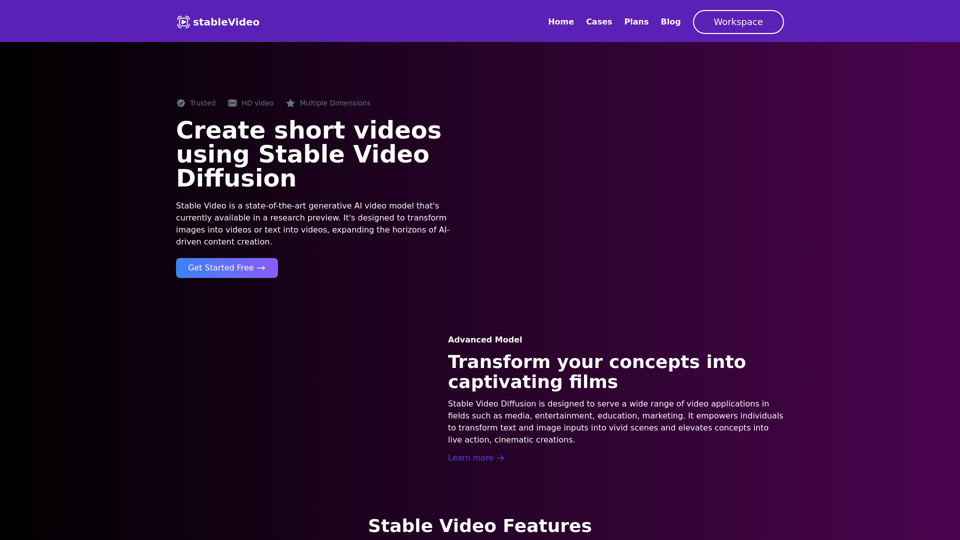
Generate short videos from an initial image or text using Stable Video Diffusion, a latent video diffusion model.
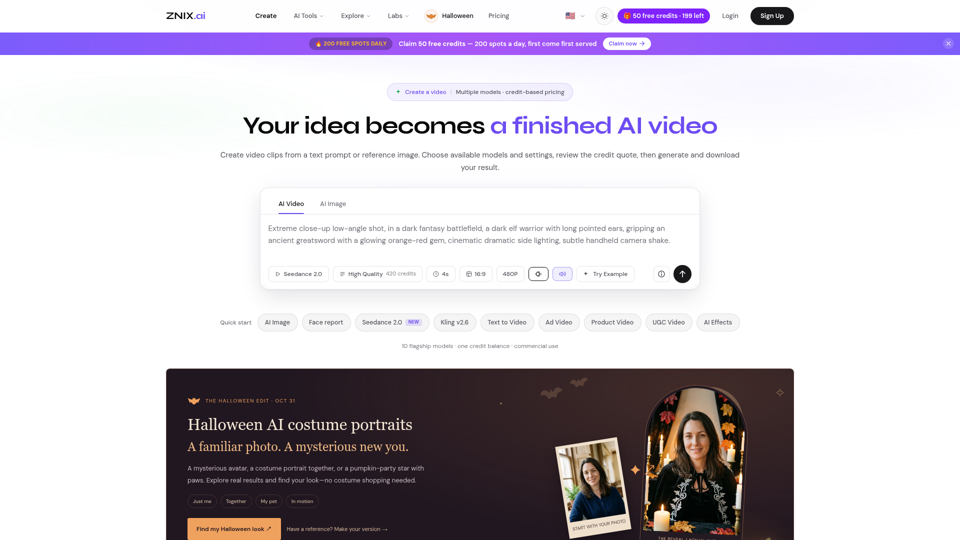
Turn text and reference images into AI videos and images with ZNIX. Compare available models, check credit costs, and download results from one creative workspace.
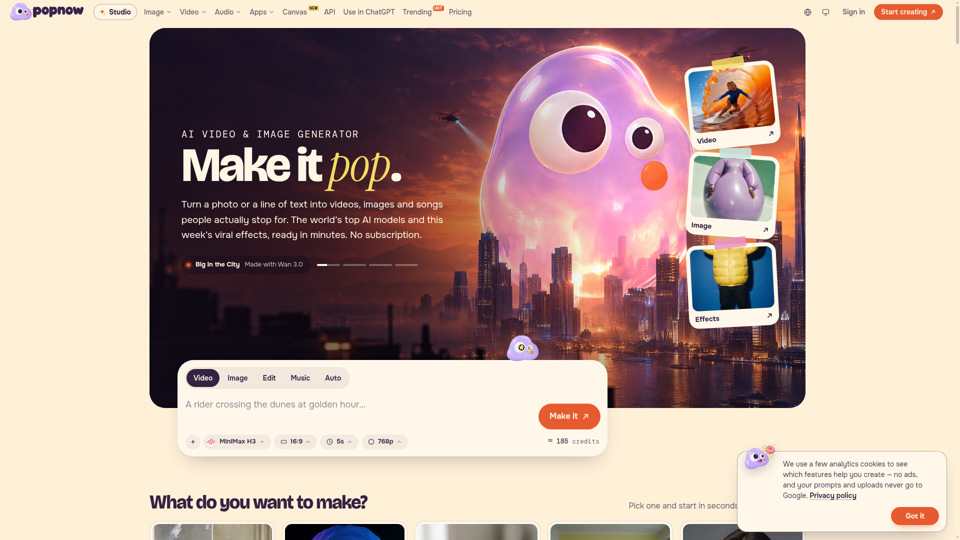
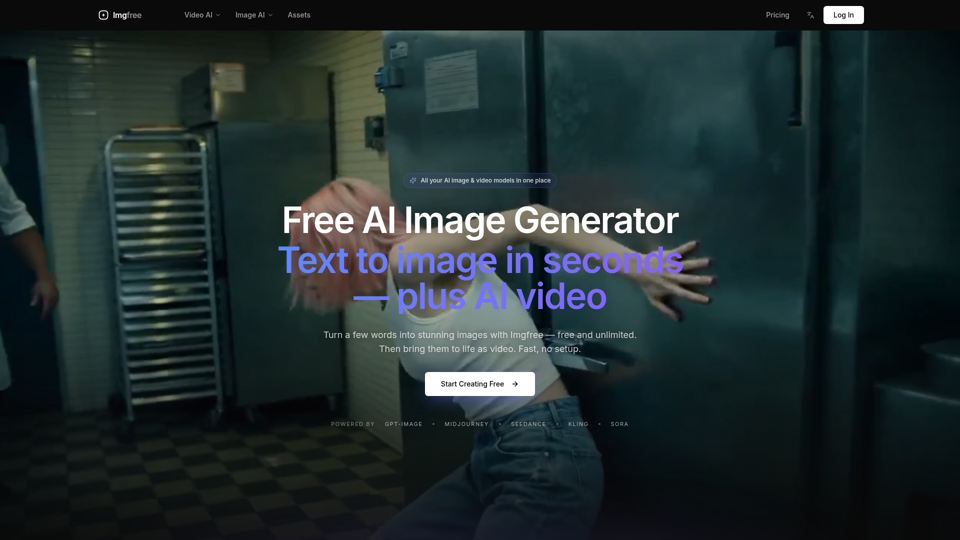
Turn text into images for free — Imgfree 1.0 is free and unlimited, no credits. Also use GPT-Image, Midjourney, Nano Banana and Flux, plus AI video, all in one place.
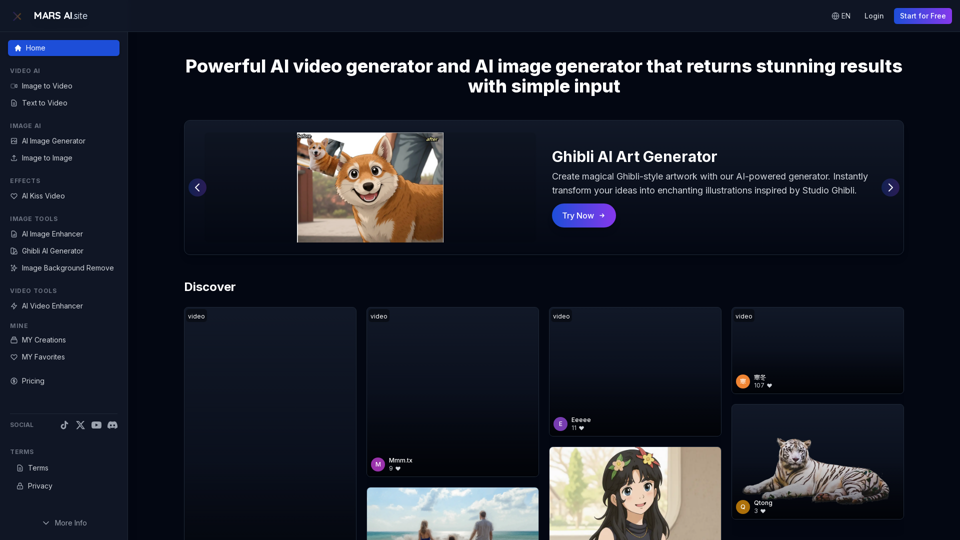
Free AI video generator and image generator tools by MARS AI. Create professional videos and images from text or images. Transform your ideas into stunning visual content. No technical skills required