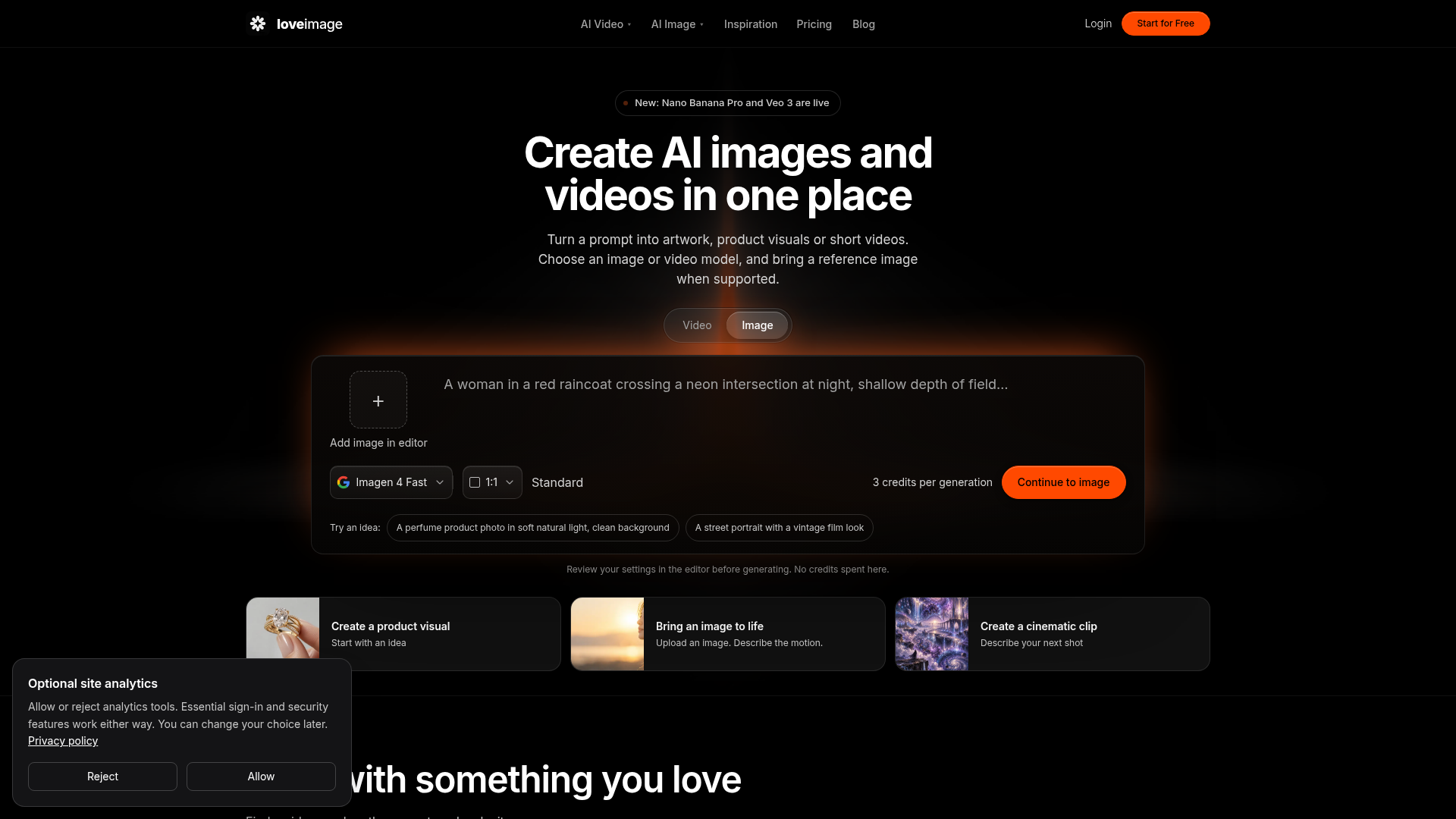
What is LoveImage?
LoveImage is an online AI image and video generator that turns text prompts or reference images into artwork, product visuals and short clips. It is aimed at people who want image and video generation in one place, with a choice of models such as GPT Image 2, Imagen, Seedream, Nano Banana, Veo and Kling. Alongside generation, it offers separate editing tools for background removal, upscaling, object removal, photo editing, posters, logos, pixel art and coloring pages.
Key features
- Text to image and text to video
- Describe a subject, style, lighting and composition, or a scene with action and camera movement, and generate the result.
- Reference image support
- Upload a photo for image-to-image or image-to-video generation with models that support reference inputs.
- Multiple models in one place
- The catalogue includes image models such as GPT Image 2, Nano Banana Pro, Seedream 5 Pro and Imagen 4, and video models such as Veo 3 and Kling 3.0.
- Eight image tools
- Background remover, image upscaler, object remover, AI photo editor, poster maker, logo generator, pixel art and coloring pages.
- Prompt library
- Browse images and video inspiration, open an image to see the prompt behind it, and adapt it.
- Credit cost shown before generating
- Both generators display the credit cost before submission, so settings can be adjusted to fit available credits.
- High-resolution output
- Creator and Studio plans support images up to 4K, and Studio supports video up to 4K and up to 15 seconds.
How to use LoveImage
- Sign up for an account. New accounts receive 10 starter credits, once per account.
- Choose Image or Video, then select a model from the model selector to see its available settings.
- Write a prompt describing the subject, style, lighting and composition for images, or the subject, action, setting and camera movement for video. For image-to-image or image-to-video, upload a reference image with a model that supports it.
- Set the available aspect ratio, output size, duration and other options, and check the credit cost shown.
- Generate, review the result in the editor, and download it.
Use cases
- Product visuals, such as a perfume product photo in soft natural light on a clean background.
- Portraits and street photography looks, including vintage film styles and golden-hour portraits.
- Short cinematic clips and image-to-video animations where an uploaded photo is brought to life with a motion prompt.
- Marketing assets such as posters, logos and social posts.
- Pixel art avatars and coloring pages.
- Editing existing images with background removal, object removal, 2× upscaling or AI photo editing before using them in a listing, social post or client project.
Pricing
- Free
- No cost. Includes 10 credits on signup, once per account, selected image models, text to image, and background and object removal.
- Creator
- $15/month. Includes 1,000 credits per month, text and image inputs for images and videos, background removal, object removal and 2× upscaling, and up to 4K images.
- Studio
- $29/month. Includes 2,200 credits per month, the same creation and editing tools as Creator, up to 4K images, and up to 4K video up to 15 seconds.
FAQ
Is LoveImage free to try?
Yes. You can sign up without a card and receive 10 starter credits, once per account. The free plan includes selected image models and the photo tools for personal, non-commercial use, while video generation requires a paid plan.
What can I create with LoveImage?
LoveImage creates AI images and short video clips, plus posters, logos, pixel art and coloring pages. It also provides separate tools for background removal, upscaling, object removal and photo editing.
Which AI models are available in LoveImage?
The catalogue includes image models such as GPT Image 2, Imagen, Seedream and Nano Banana, and video models such as Veo and Kling. The plan determines which models and settings you can use, so check the model selector for current availability.
How long are the video clips LoveImage generates?
LoveImage generates short video clips rather than complete long-form films. Available duration, resolution and audio options depend on both the model and the plan, and Studio supports video up to 4K and up to 15 seconds.
Can I use LoveImage output commercially?
Under the Terms, paid-plan outputs may be used commercially, while free-plan outputs are for personal, non-commercial use. LoveImage does not claim ownership of your output, but you still need rights to your inputs and must follow the selected model's licence restrictions.
How many credits does a LoveImage generation cost?
There is no single cost for every generation. The selected model, output settings and number of results affect the total, and both generators display the credit cost before you submit.
LoveImage
Create images and videos with LoveImage’s AI image generator and AI video generator. Turn text or reference images into artwork, product visuals and clips.
 Cloudflare
 HTTP/3
 Next.js
 Node.js
 React
React Webpack
Free AI anime and manga generator. Turn text into anime episodes, manga, comics, webtoons and comic shorts in any art style — no drawing or animation skills needed.
Translate image text across 70+ languages with our advanced AI Image Translator to help you better expand your products globally to various countries
Advertised Here
Reach thousands of visitors daily. Get your spot now!
Tools similar to LoveImage
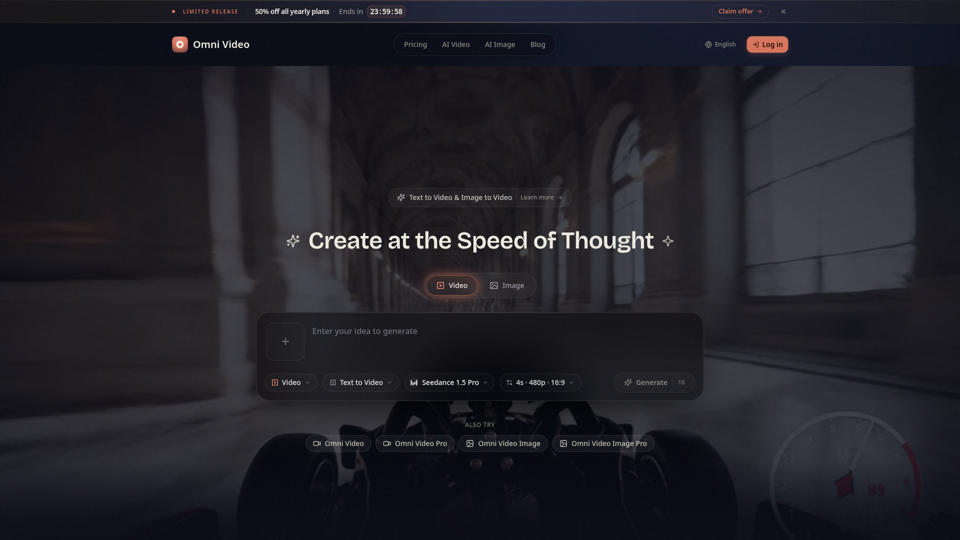
Create cinematic AI videos with Omni Video from text prompts or reference images. Use text-to-video and image-to-video workflows for social clips, ads, education, product stories, and visual ideas.
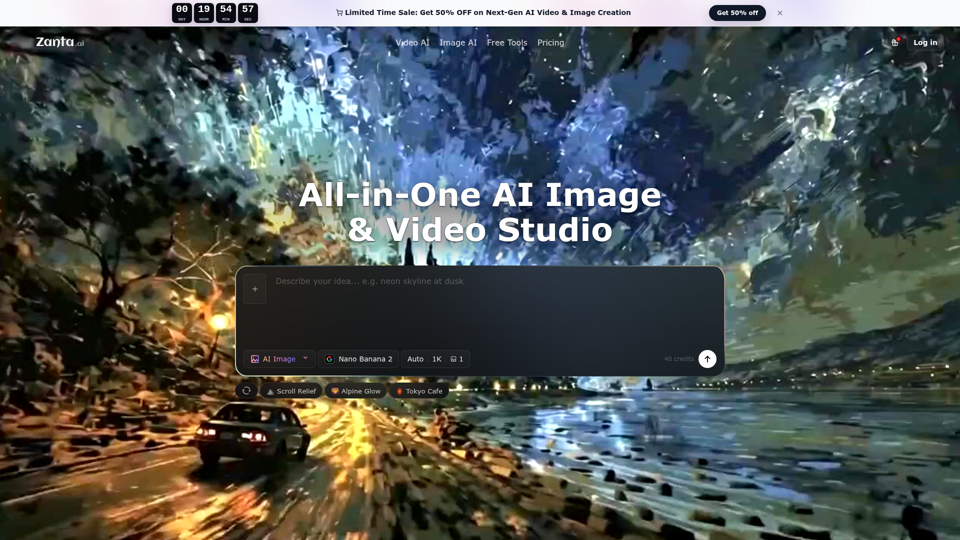
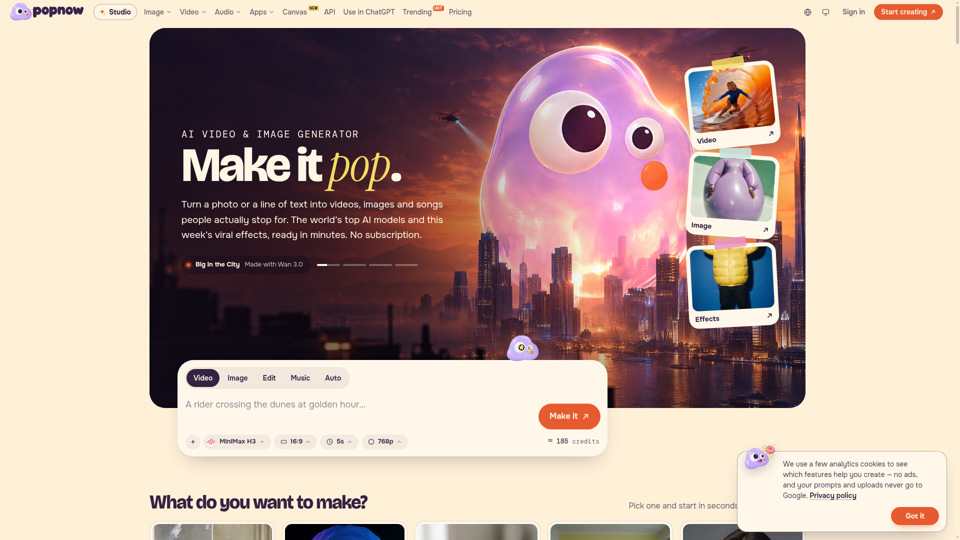
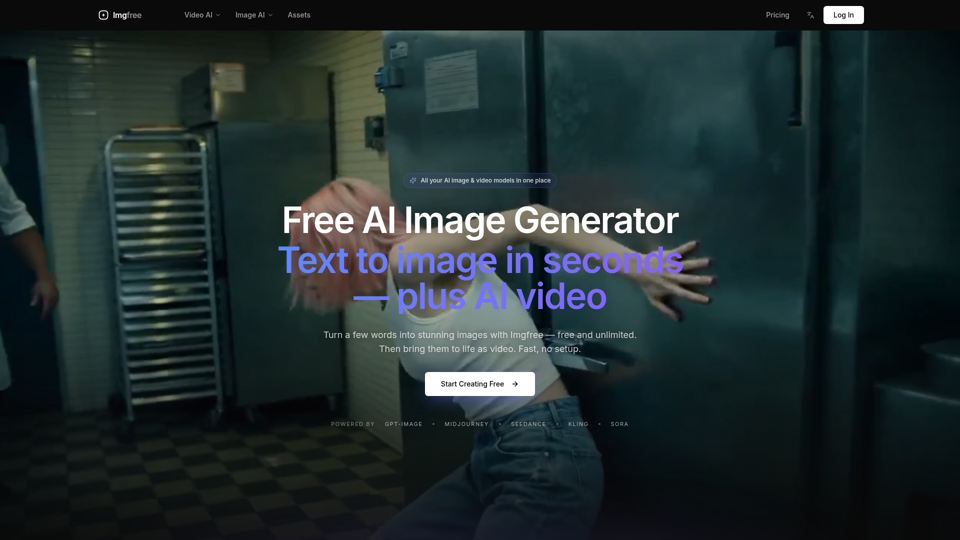
Turn text into images for free — Imgfree 1.0 is free and unlimited, no credits. Also use GPT-Image, Midjourney, Nano Banana and Flux, plus AI video, all in one place.
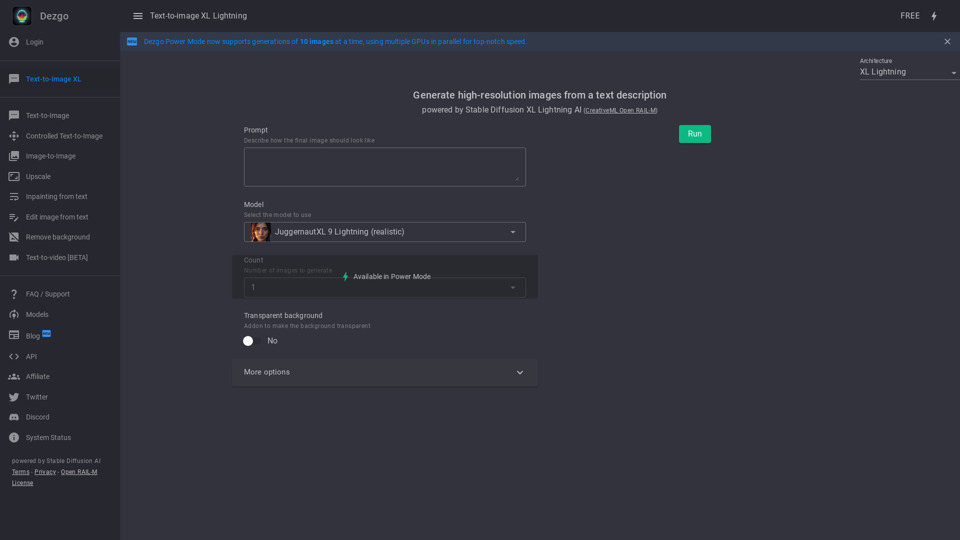
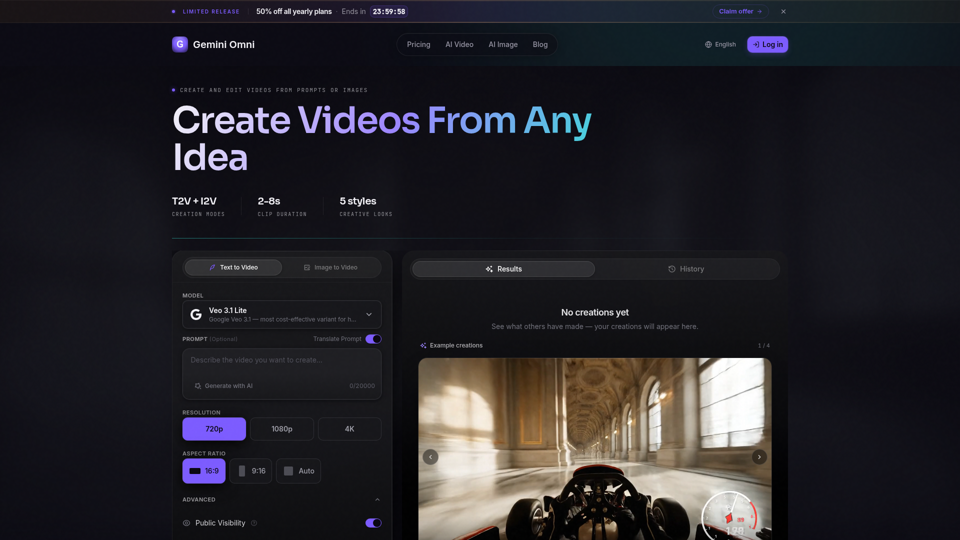
Create AI videos with Gemini Omni from text prompts, images, and reference frames. Generate short clips for social content, ads, product stories, explainers, and visual concepts.
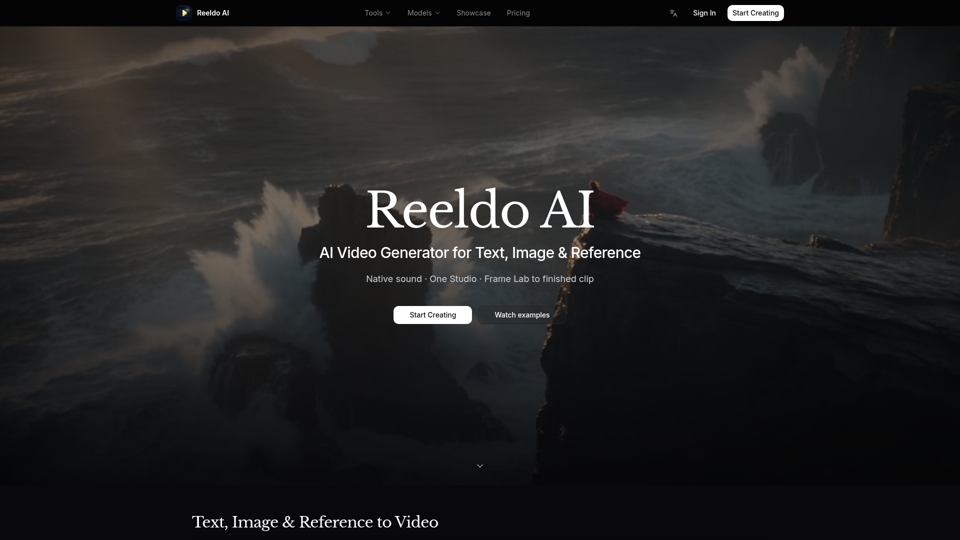
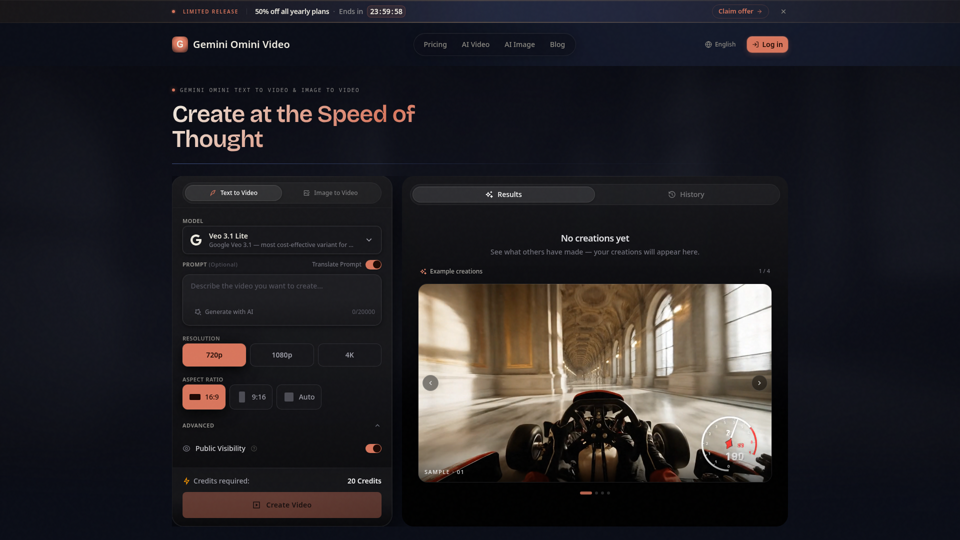
Create Gemini Omini Video clips from text prompts or reference images. Build Gemini Omni-style text-to-video and image-to-video scenes for social clips, ads, education, product stories, and visual ideas.