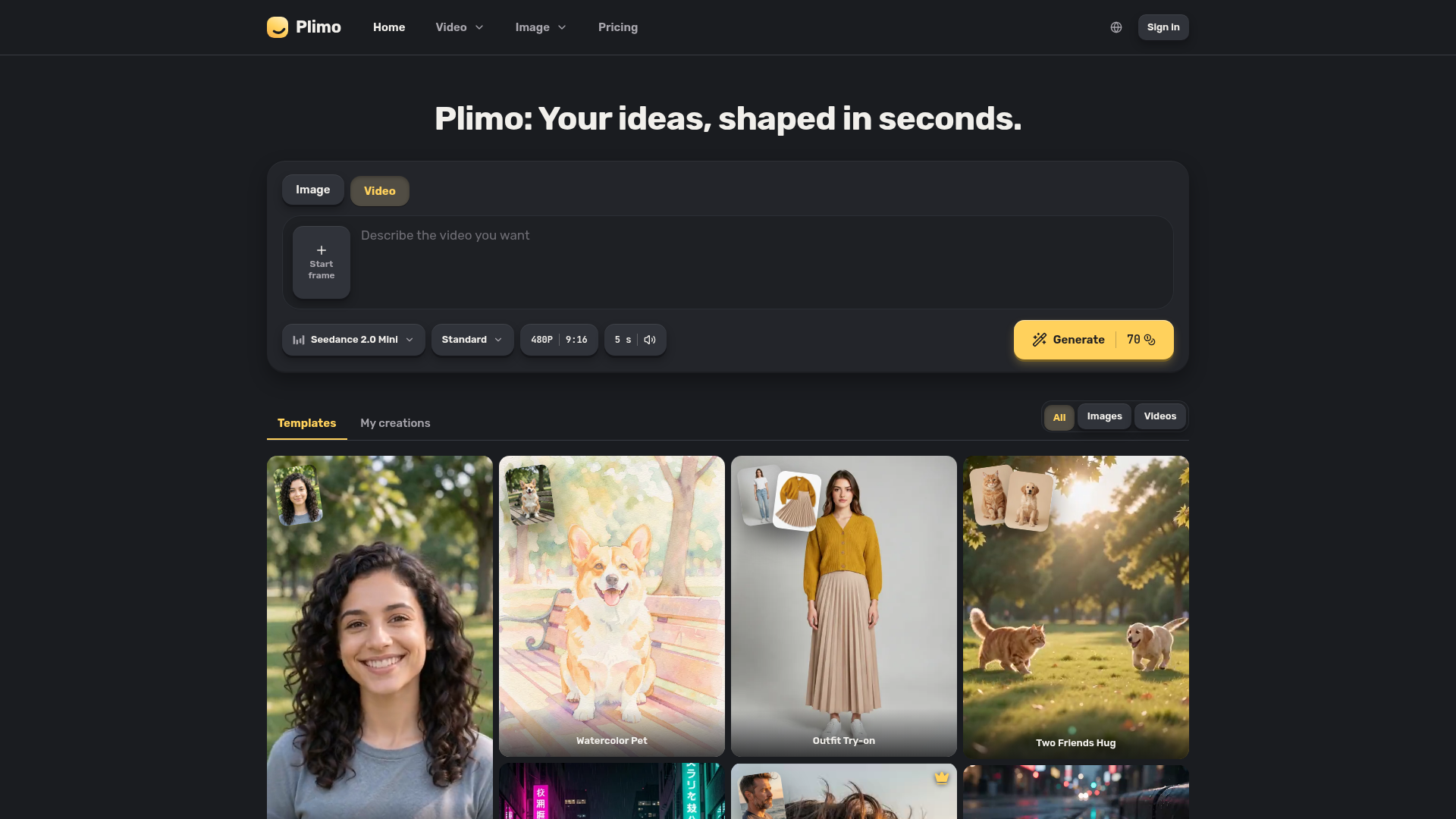
What is Plimo?
Plimo is a web tool that puts several AI image and video models from different companies into one generator, alongside a library of ready-made templates. It is aimed at people who want a quick picture or short clip — something to post, a gift for a friend, or a product shot for a small shop — without learning each model separately. Templates come with their prompt and settings already worked out, so you mainly add photos and press Generate.
Key features
- One generator for images and video
- A switch at the top of the page moves between pictures and clips, so both live in the same place.
- Multiple model families
- Models from Google, OpenAI, ByteDance, Kuaishou and others sit in one model menu, grouped by company.
- Templates with prompts included
- Each template has its prompt and settings prepared, so you supply the photos it asks for and press one button.
- Cost shown before generating
- The Generate button displays how many credits a run will use, and a failed generation returns every credit.
- Reference photos for images and video
- You can add reference photos to guide a result, and Nano Banana 2.1 can combine people and objects from up to six photos into one scene.
- Sound on supported video models
- Seedance 2.0 Mini makes 4- to 15-second clips with sound, and Veo 3.1 Fast makes 8-second clips that always have sound.
- Clean, commercial results for members
- Members get results without a watermark and can use them commercially.
How to use Plimo
- Choose image or video using the switch at the top of the generator.
- Type a prompt, or open a template below the generator. Typing works before you sign in; adding a photo asks you to sign in with Google or an emailed code.
- Pick a model from the model menu and adjust the settings beside it — the Generate button shows the credit cost for that run.
- Press Generate; Plimo asks you to sign in here if you skipped it earlier.
- Find the result in My creations under the generator.
Use cases
- Bringing old photos to life
- Upload a family photo to Image to Video and describe a small movement, such as a smile and a wave.
- Trying a hairstyle, outfit or background before committing
- Add a selfie and a reference photo in the AI Photo Editor and change only the hair, outfit or background.
- Making a photo with a friend who is far away
- Use one photo of each person as references and describe the two of you hugging in a park.
- Designing invites and posters with readable text
- Describe the wording and pick GPT Image 2.5 so the lettering comes out clearly.
- Producing product photos for a small shop
- Photograph an item at home and ask for it on a marble pedestal in soft studio light; selling with the result requires a membership.
Pricing
The Plimo website does not list plan prices; the pricing page is where membership plans are shown. The site does state that every new account receives 100 credits one time, which never expire, and that this is enough for about 50 pictures with Plimo Image 1.0 or one short video.
FAQ
Is Plimo free to use?
New accounts get 100 free credits once, which is enough for about 50 pictures with Plimo Image 1.0 or one short video. After that you need a membership, and plans are listed on the pricing page.
Do I need an account to generate an image or video in Plimo?
Yes. You can type a prompt before signing in, but uploading a photo or generating anything requires signing in with Google or an emailed code. No credit card is asked for.
Will Plimo results have a watermark?
Without a membership, a small watermark sits in the bottom-right corner of results. Members get results without a watermark.
Can I use Plimo creations commercially?
Only with a membership. Without one, results are for personal, non-commercial use.
How long does Plimo keep my creations?
Without a membership, creations are kept for 7 days, so you should save the ones you want to your device. Members keep them longer.
Does Plimo train AI models on my photos?
No. Plimo does not train models on your uploads or results, though the model companies that run each request follow their own terms.
Plimo
Plimo brings the newest AI image and video models and trending templates together in one easy place. Your ideas, shaped in seconds.
 Cloudflare
 HTTP/3
 Next.js
 Node.js
 React
React Webpack
Free AI anime and manga generator. Turn text into anime episodes, manga, comics, webtoons and comic shorts in any art style — no drawing or animation skills needed.
Translate image text across 70+ languages with our advanced AI Image Translator to help you better expand your products globally to various countries
Advertised Here
Reach thousands of visitors daily. Get your spot now!
Tools similar to Plimo
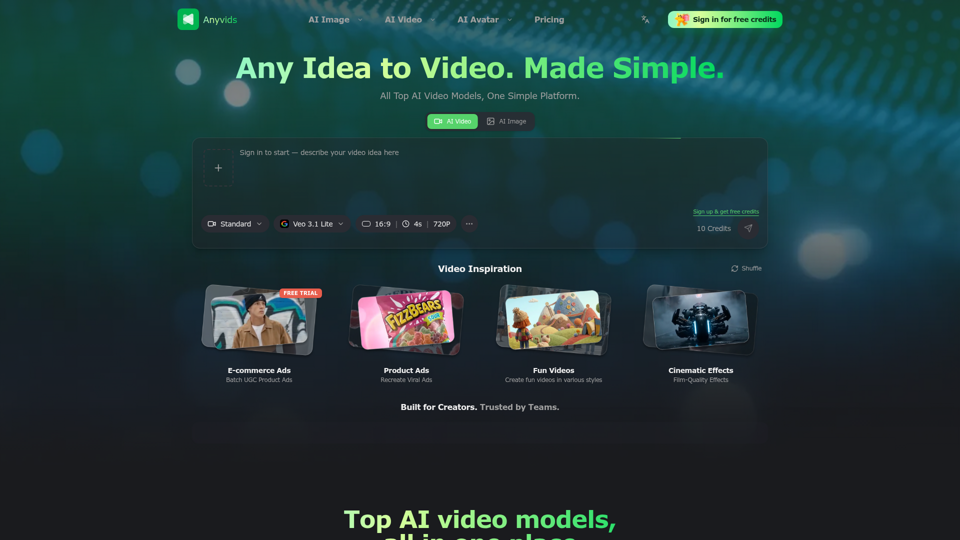
The free all‑in‑one AI image & video generator using top AI models in one place. Pricing you can trust—clear billing, credit usage & refunds. | Anyvids.ai
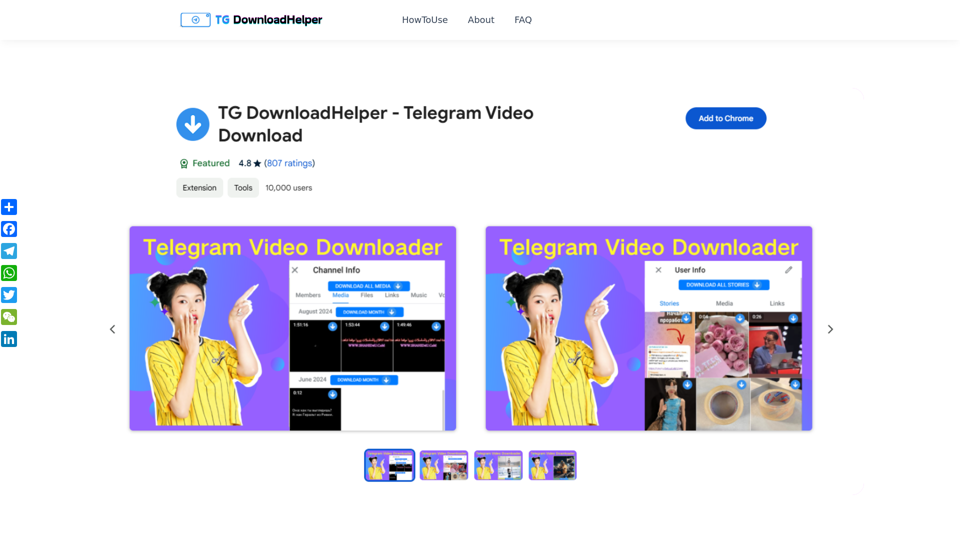
TG DownloadHelper helps you easily download private videos and pictures from Telegram groups and channels, personal story downloads. It is simple to operate and allows you to easily get media content.
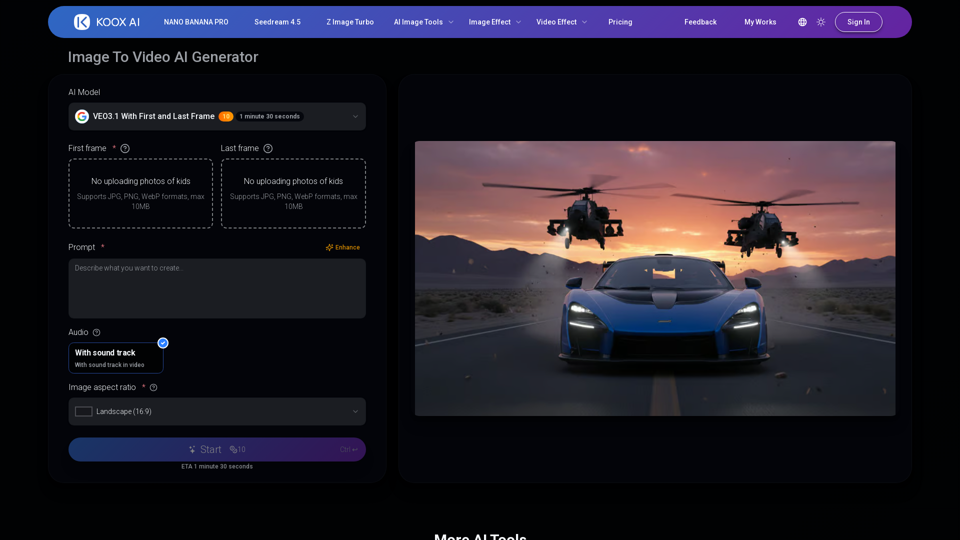
Transform any image to video with our free IMAGE TO VIDEO AI generator. Convert photos to videos with realistic motion and cinematic effects.
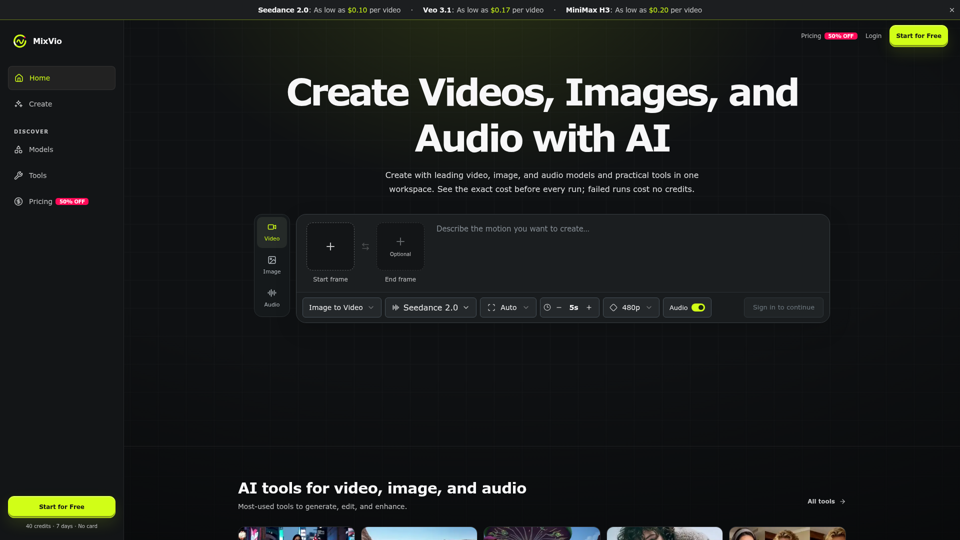
Create AI videos, images, and audio with Seedance, Kling, Veo, GPT Image, and practical creative tools. See exact costs upfront; failed runs cost no credits.
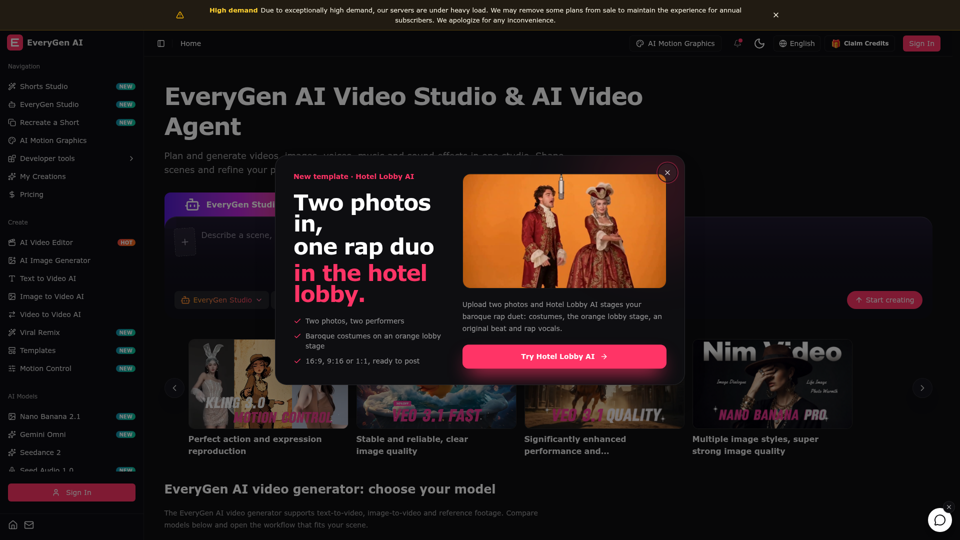
Create videos with the EveryGen AI video generator. Plan and edit in the EveryGen AI video studio, with images, audio, music and MCP.
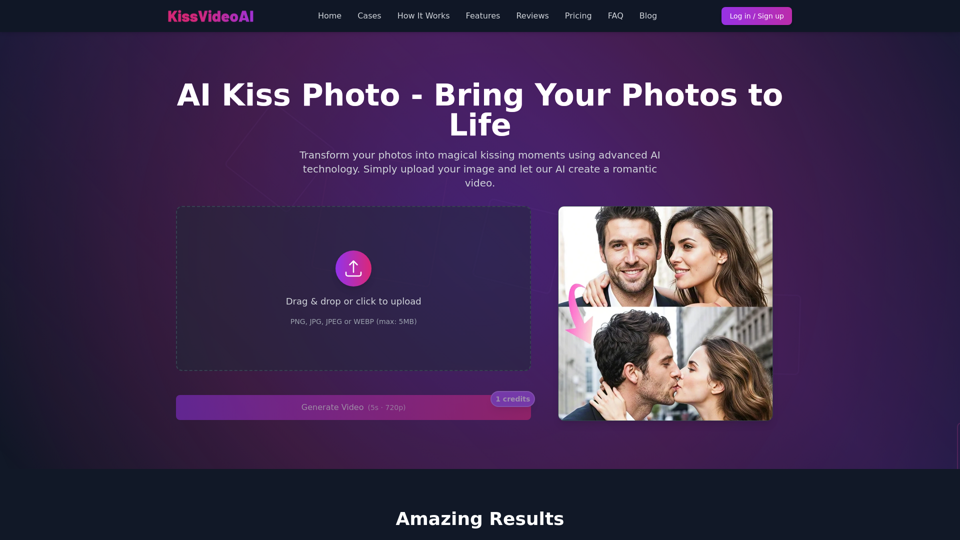
Create beautiful kissing moments from your photos using AI. Transform your photos into romantic videos with our advanced AI technology.