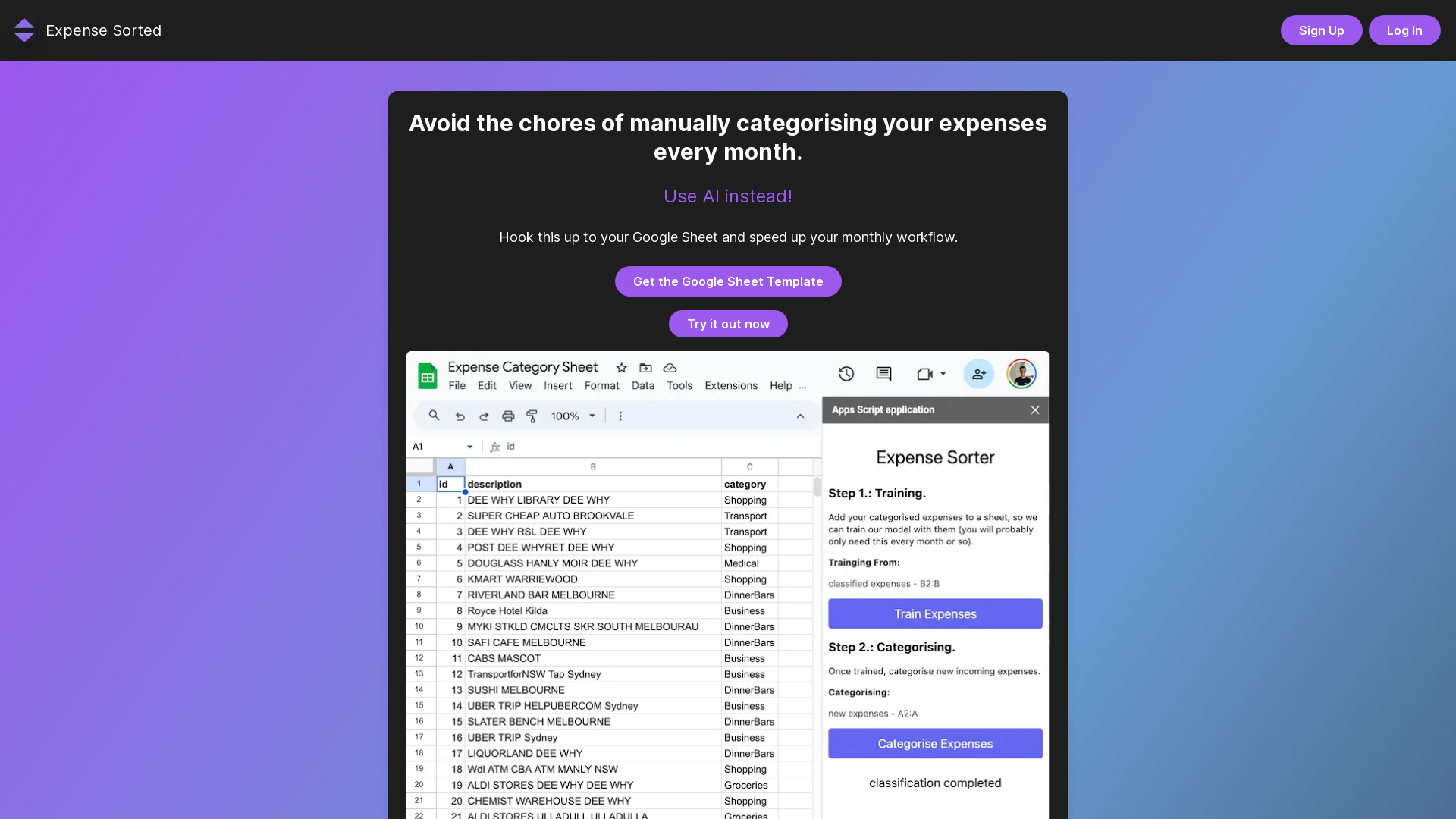
What is Expense Sorted?
Expense Sorted is an innovative AI-driven tool designed to help you efficiently categorize your expenses without the need for tedious manual input every month. By connecting seamlessly to your Google Sheets, this platform streamlines your monthly workflow, making budgeting and expense tracking a breeze.
What are the main features of Expense Sorted?
- Automatic Categorization
- Utilizes advanced AI algorithms to automatically categorize your expenses.
- Secure Google Sheets Integration
- Ensures privacy and data protection while syncing with your Google Sheets.
- Streamlined Interface
- Provides an intuitive and user-friendly experience for all users.
- Accurate Transaction Identification
- Reduces manual oversight by accurately identifying and classifying transactions.
- Customizable Categories
- Tailors expense categories to fit both personal or business needs.
How to use Expense Sorted?
To get started with Expense Sorted, simply sign up for an account and connect it to your Google Sheets. The AI will automatically begin categorizing your expenses based on your previous transactions. You can customize categories as necessary and make manual adjustments if needed. This process transforms your budgeting routine, providing accuracy and efficiency with minimal effort.
Price of Expense Sorted
Expense Sorted offers a variety of pricing plans to fit different user requirements. The details can be found on the website where you can also try out the demo to see how it works before committing to a subscription.
Helpful Tips
- Connect Early
- Setting up your Google Sheets connection early will help the AI learn your transaction patterns faster.
- Review Monthly
- Take time at the end of each month to review the automated categories and make necessary adjustments.
- Customize Categories
- Don't hesitate to alter categories to better reflect your personal or business expenses for a more tailored experience.
Frequently Asked Questions
How secure is the connection to my Google Sheet?
Our integration prioritizes security by utilizing OAuth 2.0. Your data is never stored, ensuring your information remains confidential.
Can I customize the expense categories?
Yes, the tool is flexible and allows you to add new categories or modify existing ones to better suit your expenses.
Is there any manual intervention required?
While the AI achieves high accuracy, we provide an interface for users to make manual adjustments if needed, ensuring complete satisfaction with the categorization.
Try a Demo
Explore Expense Sorted today and transform the way you manage and categorize your expenses. Get started with a demo to see first-hand how this tool can simplify your financial overview!
Expense Sorted
Automatically categorise your monthly expenses using AI. Hook this App up to your Google Sheet and get your monthly budgeting done in no time.
 Cloudflare
 HTTP/3
 Vercel
Free AI anime and manga generator. Turn text into anime episodes, manga, comics, webtoons and comic shorts in any art style — no drawing or animation skills needed.
Translate image text across 70+ languages with our advanced AI Image Translator to help you better expand your products globally to various countries
Advertised Here
Reach thousands of visitors daily. Get your spot now!
Tools similar to Expense Sorted

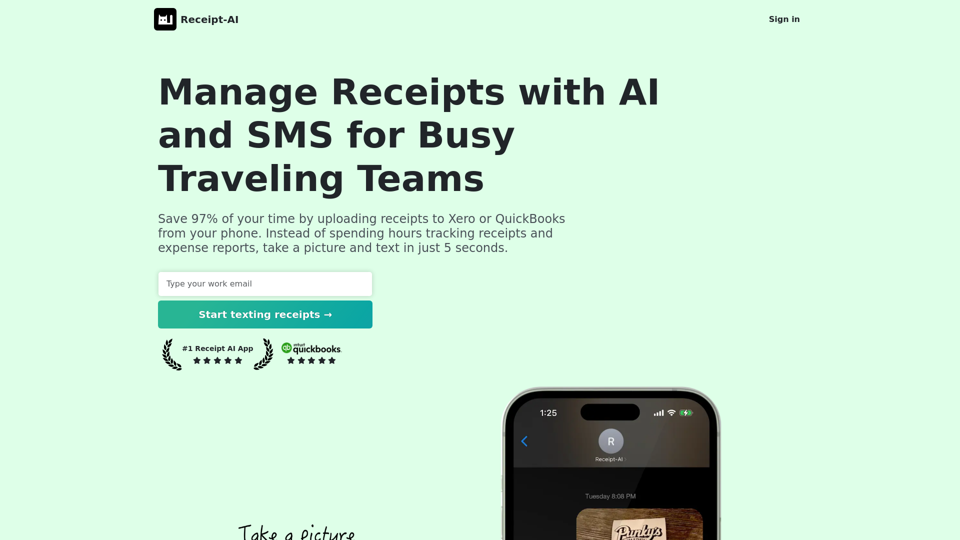
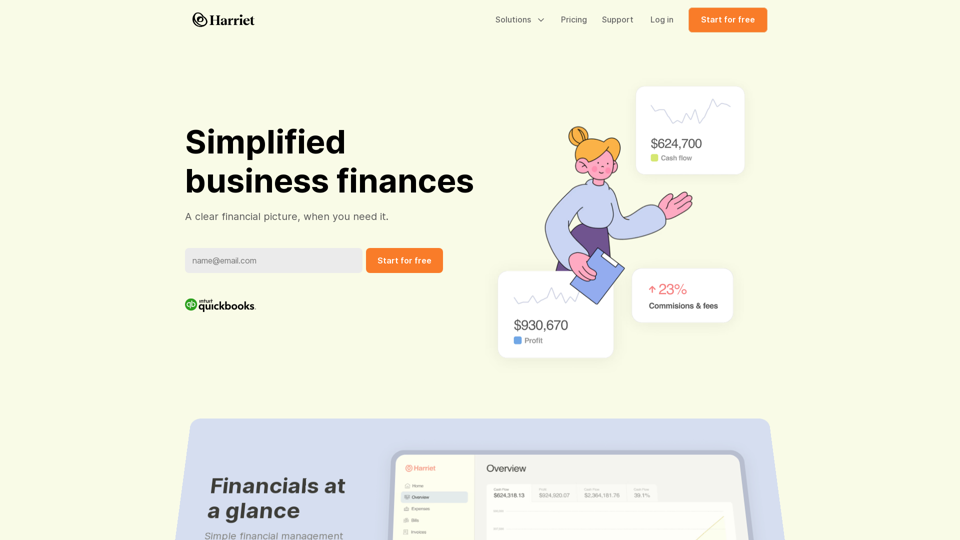
Save 97% of your time by uploading receipts to Xero or QuickBooks from your phone. Instead of spending hours tracking receipts and expense reports, take a picture and text in just 5 seconds.
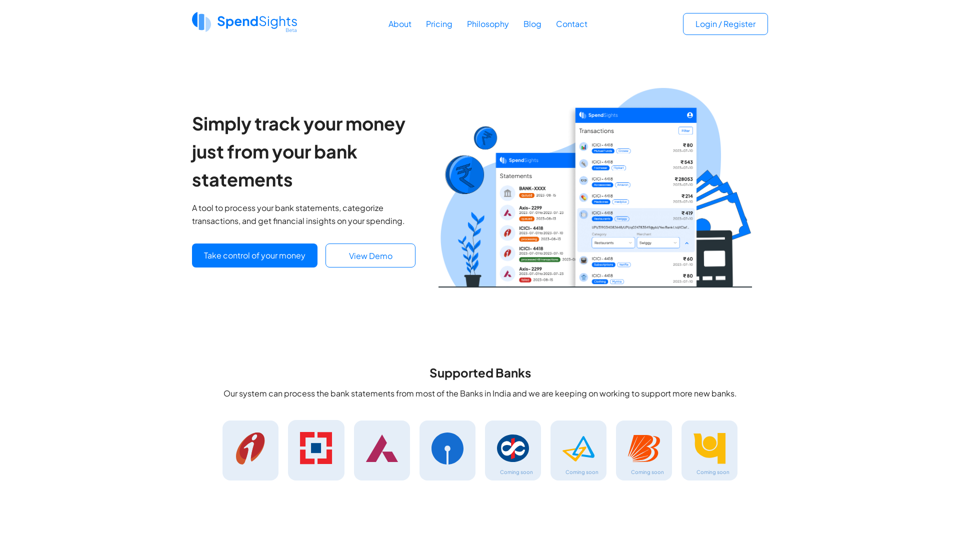

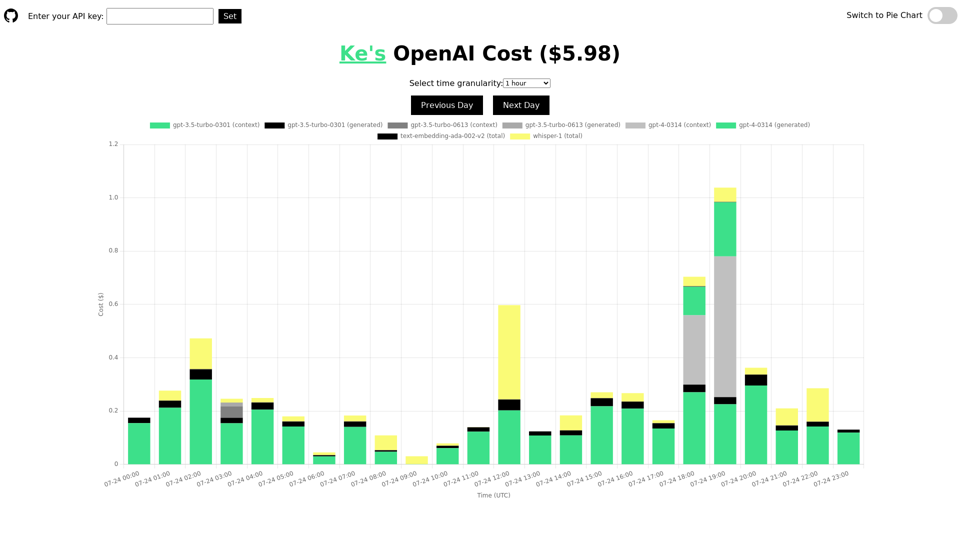
Track and analyze your daily usage and cost of the OpenAI API. Understand the costs for different models, including ChatGPT, GPT-4, Whisper, and text-embedding models. Display the information by time or using a pie chart. This tool is open-source and will not leak your API key.