What is MonAi?
MonAi is an AI-powered expense tracker designed to make managing your finances easier and more intuitive. It allows users to enter their expenses in a conversational manner, similar to sending a voice message, which is then processed by AI to provide a structured overview of their spending. MonAi helps categorize expenses, making it simpler to track financial health over time.
What are the main features of MonAi?
- Natural Language Input
- Enter expenses as if speaking to a friend, making it easy and intuitive to track spending.
- Automatic Categorization
- The AI automatically splits your entry into a description, amount, and category, saving you time and effort.
- No Login Required
- Enjoy seamless tracking without the need for an account; your data is securely stored in your private iCloud.
- Collaborative Feature
- Share your financial insights with family or friends for better budget management and transparency.
How to use MonAi?
Using MonAi is straightforward:
- Simply input your expense in natural language.
- The AI will process your input and suggest a structured breakdown of the expense.
- Confirm the details and save them for tracking.
- Access your expenses anytime without logging in, thanks to secure storage on iCloud.
How secure is my data with MonAi?
MonAi stores your expense data securely in your private iCloud. No additional login is required; if you need to temporarily stop using the app, your data remains protected and accessible when you return.
What are the pricing options for MonAi?
MonAi currently operates on a free model without subscription fees. Users can benefit from all its powerful features without incurring costs, making expense tracking accessible for everyone.
Helpful Tips for Using MonAi
- Be Descriptive
- When entering expenses, include more details to enhance categorization accuracy.
- Regular Tracking
- Make it a habit to input expenses regularly to maintain an accurate financial overview.
- Use Categories Wisely
- Familiarize yourself with the categorization to better understand your spending patterns.
Frequently Asked Questions
Can I use MonAi without an iCloud account?
No, you need a system iCloud account with iCloud Drive enabled to use MonAi and have your data stored securely.
What type of expenses can I track with MonAi?
You can track any type of expense, from daily coffee purchases to monthly bills. MonAi adapts to various spending patterns effortlessly.
Is there a limit to the number of expenses I can input?
There is no set limit on the number of expenses you can track. You can enter as many as you need for comprehensive financial tracking.
What happens if I forget to save my expenses?
MonAi works in real-time. If you exit the app without saving, the last entry may be lost, so be sure to confirm entries right after inputting them.
Will MonAi be available on other platforms?
As of now, MonAi is focused on its current setup with iCloud but may introduce more features or flexibility in future updates.
MonAi
The fastest, easiest and most beautiful way to keep track of your financial expeses.
 Varnish
Free AI anime and manga generator. Turn text into anime episodes, manga, comics, webtoons and comic shorts in any art style — no drawing or animation skills needed.
Translate image text across 70+ languages with our advanced AI Image Translator to help you better expand your products globally to various countries
Advertised Here
Reach thousands of visitors daily. Get your spot now!
Tools similar to MonAi
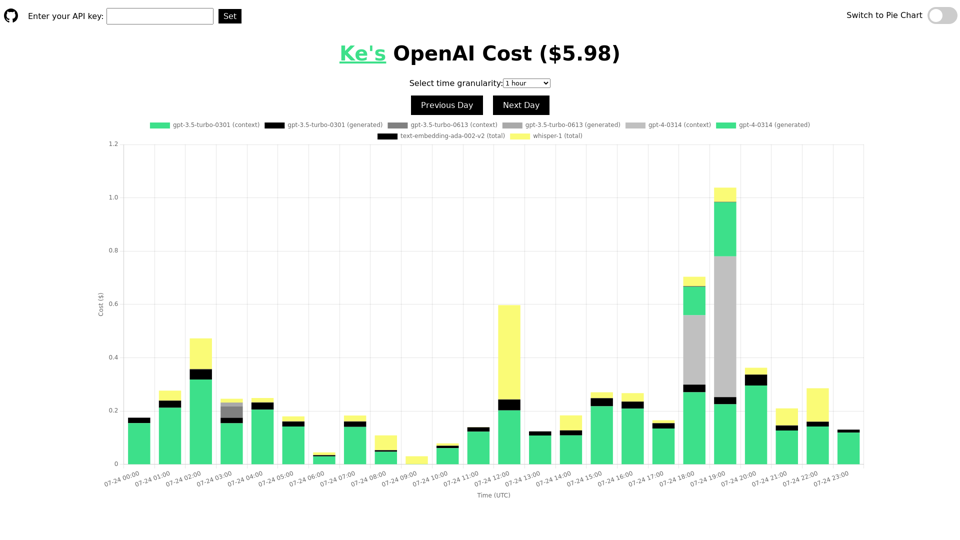
Track and analyze your daily usage and cost of the OpenAI API. Understand the costs for different models, including ChatGPT, GPT-4, Whisper, and text-embedding models. Display the information by time or using a pie chart. This tool is open-source and will not leak your API key.
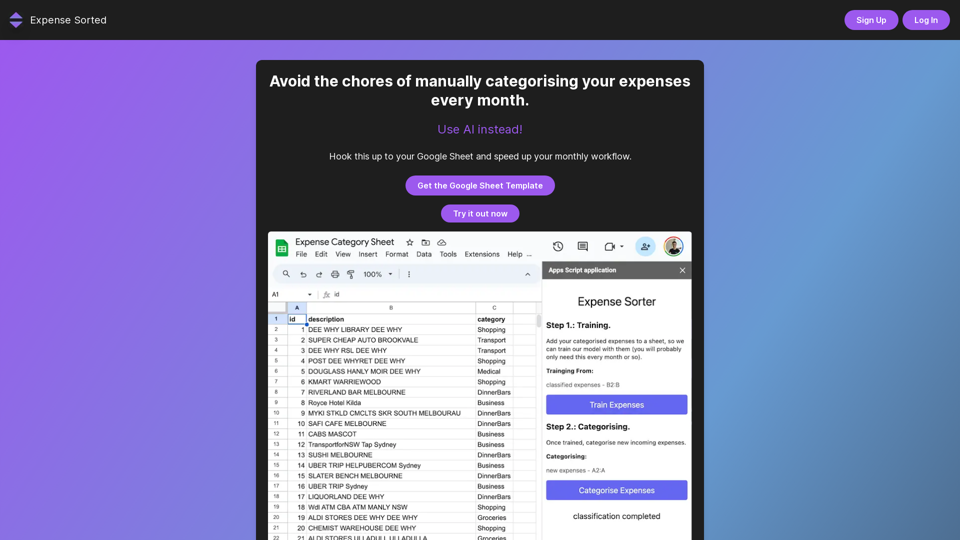
Automatically categorise your monthly expenses using AI. Hook this App up to your Google Sheet and get your monthly budgeting done in no time.
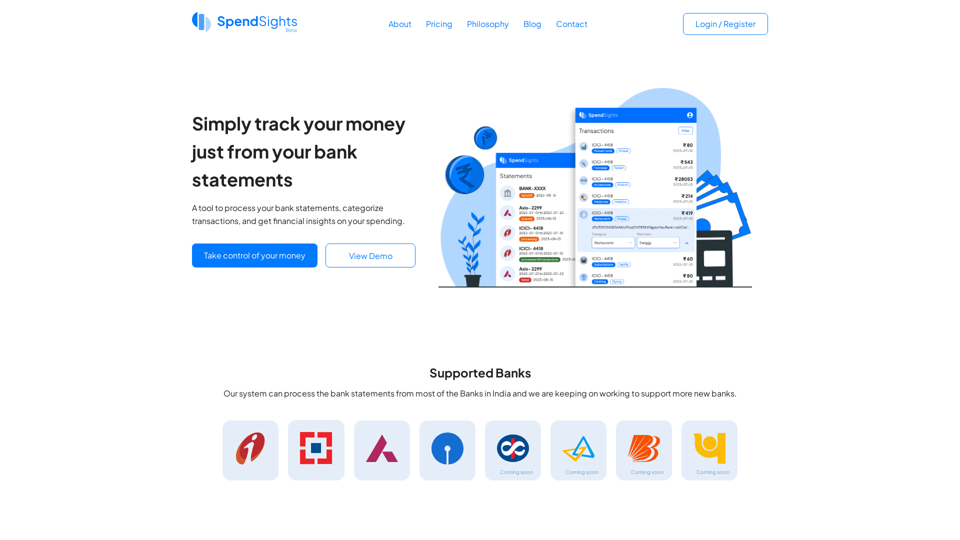


Zumma es la plataforma que te permite administrar tus gastos y facer facturación automática de tus gastos a través de WhatsApp con Inteligencia Artificial.

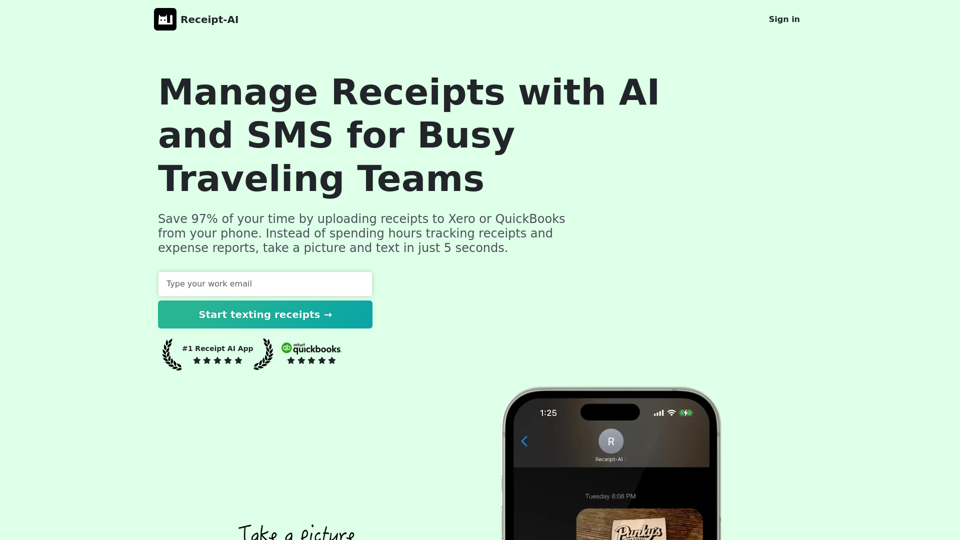
Save 97% of your time by uploading receipts to Xero or QuickBooks from your phone. Instead of spending hours tracking receipts and expense reports, take a picture and text in just 5 seconds.