ExtraBar
ExtraBar is a customizable bar for macOS with deep links, quick actions, and app-specific shortcuts. Take control of your Mac workflow.
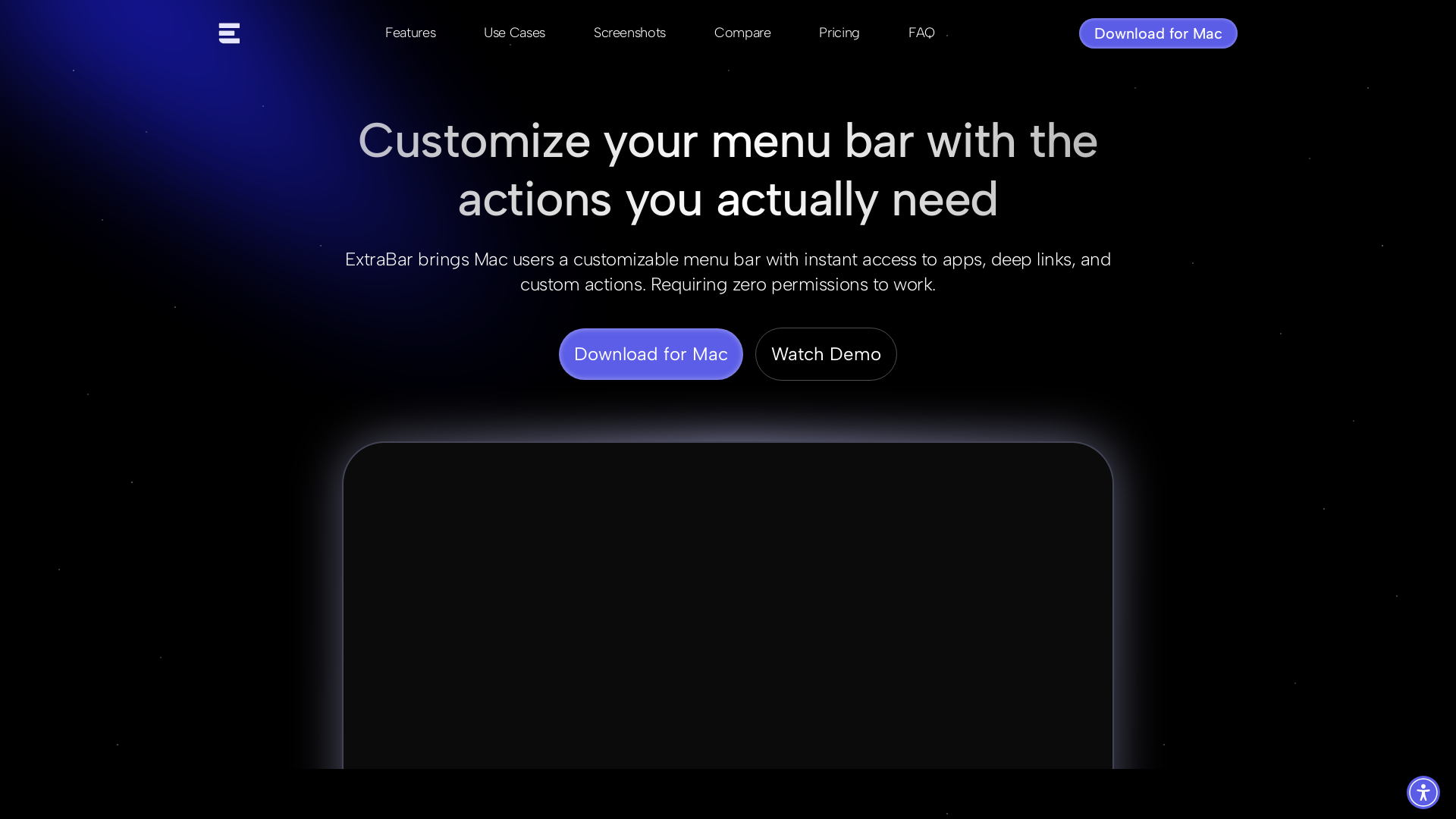
ExtraBar Introduction
What is ExtraBar?
ExtraBar is a customizable menu bar solution for macOS that enhances productivity by allowing users to streamline their work processes effortlessly. This application empowers users with instant access to apps, deep links, and user-defined actions without requiring any system-level permissions. Say goodbye to the limitations of the standard macOS menu bar, and hello to a personalized workspace that adapts to your unique workflow.
Features of ExtraBar
-
Custom Actions: Create personalized actions for any app or file, providing a seamless workflow tailored to your needs.
-
Deep Links: Skip the rush – launch specific settings, app screens, or features directly from the menu bar.
-
Flexible Modes: Switch between inline and floating bar modes to choose your preferred integration style.
-
Keyboard Shortcuts: Assign global hotkeys to navigate swiftly between apps and functions, enhancing efficiency.
How to Use ExtraBar
Getting started with ExtraBar is simple. Download the application, then add any desired apps and set up your custom actions. With a straightforward interface, you can switch modes, create deep links, and assign hotkeys all within a few clicks. Customize your menu bar to fit your everyday tasks, making your macOS experience smoother and more efficient.
Pricing
During the launch month, ExtraBar is offering a special price of €9.99 for lifetime access. After January 31, the price will rise to €24.99. This one-time payment provides full access to all features, future updates, and a 14-day money-back guarantee, ensuring you can try out ExtraBar risk-free.
Helpful Tips
- Leverage custom actions and deep links to reduce the number of clicks needed to reach frequently used apps or documents.
- Experiment with hotkeys until you find a system that feels intuitive and speeds up your workflow.
- Regularly revisit your configuration to optimize it as your workflow evolves.
Frequently Asked Questions
What makes ExtraBar different from other menu bar managers?
ExtraBar focuses on creating customizable actions rather than just organizing icons. While other apps hide and manage menu bar icons, ExtraBar allows you to build a fully customizable bar with your own shortcuts and actions.
How do deep links work in ExtraBar?
Deep links enable you to jump directly to specific content or features within an app, bypassing the normal navigation. Instead of navigating through menus or screens, you can set a deep link to take you directly to where you need with a single click.
Is there a free trial of ExtraBar available?
There is no free trial, but a 14-day money-back guarantee allows you to evaluate the application and request a full refund if it doesn't meet your needs.
What versions of macOS does ExtraBar support?
ExtraBar runs on macOS 12.4 and later, including future updates.
Does ExtraBar collect any user data?
No, ExtraBar operates entirely offline, ensuring user privacy. Your configuration remains on your device without any analytics or telemetry being collected.
Can I sync my ExtraBar setup across multiple Macs?
Yes, ExtraBar allows you to export and import your configuration, enabling you to save your setup to a file and transfer it easily to another Mac.
With ExtraBar, elevating your macOS experience has never been easier!
 Laravel
 AOS:2.3.4
 Alpine.js
 Livewire
 Nginx
Nginx Unpkg
Unpkg UserWay
 YouTube
Free AI Anime & Manga Generator
Free AI anime and manga generator. Turn text into anime episodes, manga, comics, webtoons and comic shorts in any art style — no drawing or animation skills needed.
LiftOff
LiftOff is the product launch platform for makers to launch products, earn upvotes, get discovered, and build momentum with a community that loves what is next.
AI Image Translator
Translate image text across 70+ languages with our advanced AI Image Translator to help you better expand your products globally to various countries
Featured
Advertised Here
Reach thousands of visitors daily. Get your spot now!