Macuse
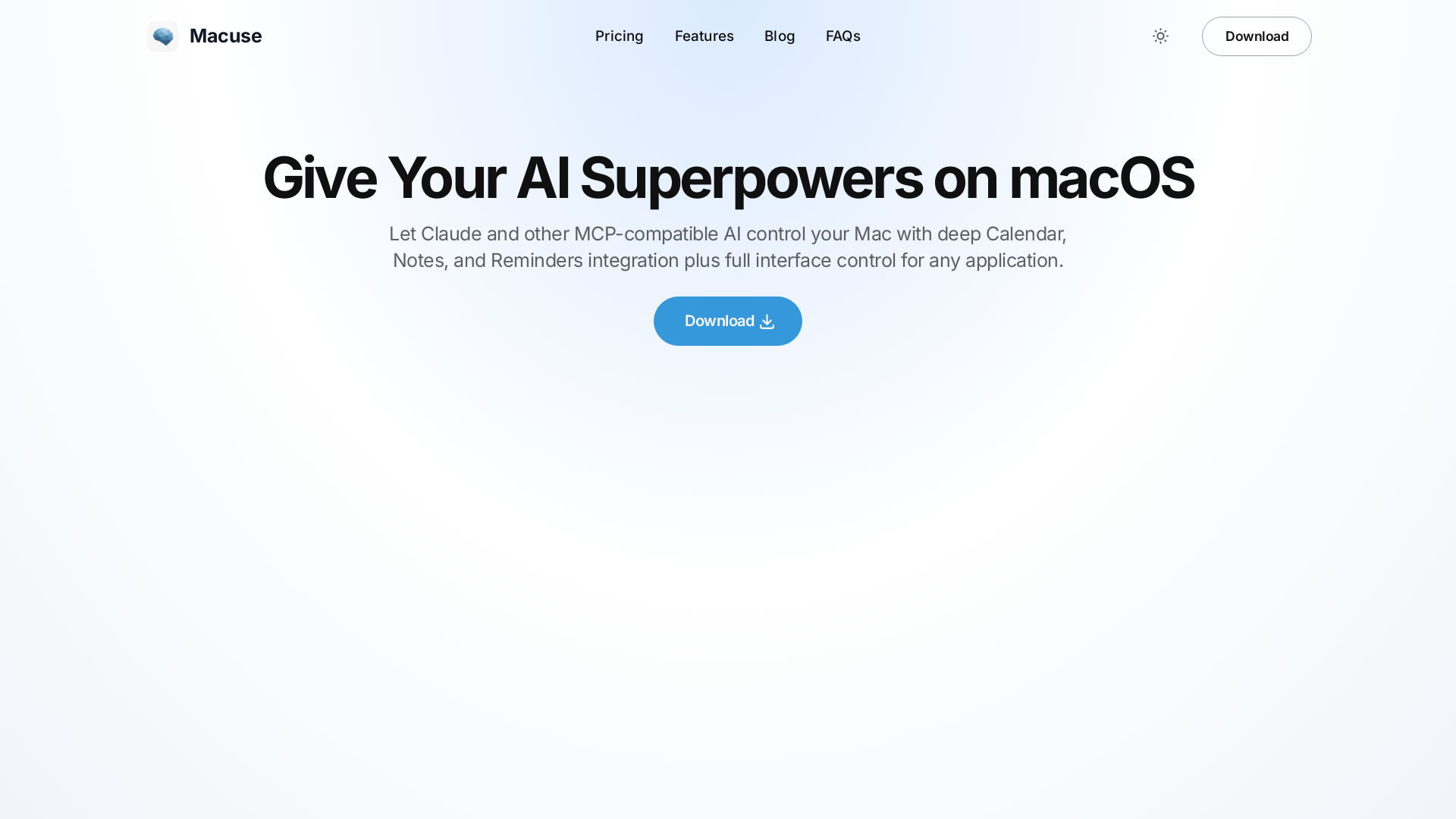
Macuse empowers AI models to universally read screen content and simulate user actions on macOS, with deep native app integration.
What is Macuse?
Macuse is an innovative platform designed to supercharge your AI assistant on macOS, enhancing its capabilities to control your Mac through deep integration with Calendar, Notes, and Reminders. It supports various AI tools, including Claude, Cursor, and Raycast, allowing them to perform tasks on your computer as if they were you.
What are the main features of Macuse?
- AI-Powered Control
- Macuse transforms your AI from a basic responder into an assistant that performs real actions.
- Seamless Integration
- Works effortlessly with popular AI tools that support the Model Context Protocol (MCP).
- Comprehensive Application Management
- Allows your AI to interact with any Mac application, regardless of whether it has an API.
- Deep Integration
- Full access to Calendar, Notes, and Reminders apps for event creation, task management, and organization.
- Powerful UI Automation
- Your AI can control interface elements in any Mac application, including clicking buttons and filling forms.
- Quick Setup
- Installation is simple and rapid, requiring no complex configurations.
- Privacy First
- All actions occur locally on your Mac, ensuring that your data remains private and secure.
How to use Macuse?
Getting started with Macuse is incredibly easy. Simply download and install the application, and it will automatically detect any MCP-compatible AI assistants you have. There's no need for any programming or complex setups—just install and let the automation begin!
What can your AI do with Macuse?
With Macuse, your AI can perform a variety of useful tasks, including:
- Manage Calendar Events
- Set up meetings and reminders with simple voice commands.
- Automate Application Tasks
- Direct your AI to open applications, navigate websites, and perform clicks as instructed.
- Organize Notes and Reminders
- Create notes and reminders in the integrated apps effortlessly.
Price
Macuse provides various pricing options tailored to accommodate different user needs. For a thorough breakdown of subscription plans and features, visit the Macuse pricing page on their website.
Helpful Tips
- Explore All Features
- Take advantage of all the capabilities Macuse offers by systematically trying out different commands.
- Regular Updates
- Keep your Macuse application and AI tools updated to use the latest features and enhancements.
- Use Helper Commands
- Check for predefined helper commands to get the most out of your AI without needing to remember complex instructions.
Frequently Asked Questions
How is Macuse different from other MCP tools?
Macuse serves as a universal MCP server for macOS, providing extensive control over Mac systems through a single installation.
Which AI assistants work with Macuse?
Macuse is compatible with Claude Desktop, Cursor, Raycast, and any other AI assistant that implements the Model Context Protocol.
Is my data safe with Macuse?
Yes! Macuse processes all data locally on your Mac, without storing or transmitting any personal information.
Do I need to edit configuration files?
No! Macuse automatically detects and configures your AI assistants, requiring zero technical setup.
What makes Macuse more powerful than API-only tools?
Macuse combines the advantages of API access with full UI control, allowing for a wider range of actions that traditional APIs cannot perform.
Can Macuse control any Mac application?
Absolutely! Macuse's advanced UI automation capabilities allow control over virtually any app on your Mac, whether it's a native application or a web-based platform.
Ready to Supercharge Your AI?
Download Macuse today and experience the power of having your AI assistant seamlessly manage your Mac applications!
Macuse
Macuse empowers AI models to universally read screen content and simulate user actions on macOS, with deep native app integration.
 Cloudflare
 HTTP/3
 Next.js
 Node.js
 React
React Webpack
Free AI anime and manga generator. Turn text into anime episodes, manga, comics, webtoons and comic shorts in any art style — no drawing or animation skills needed.
Translate image text across 70+ languages with our advanced AI Image Translator to help you better expand your products globally to various countries
Advertised Here
Reach thousands of visitors daily. Get your spot now!
Tools similar to Macuse
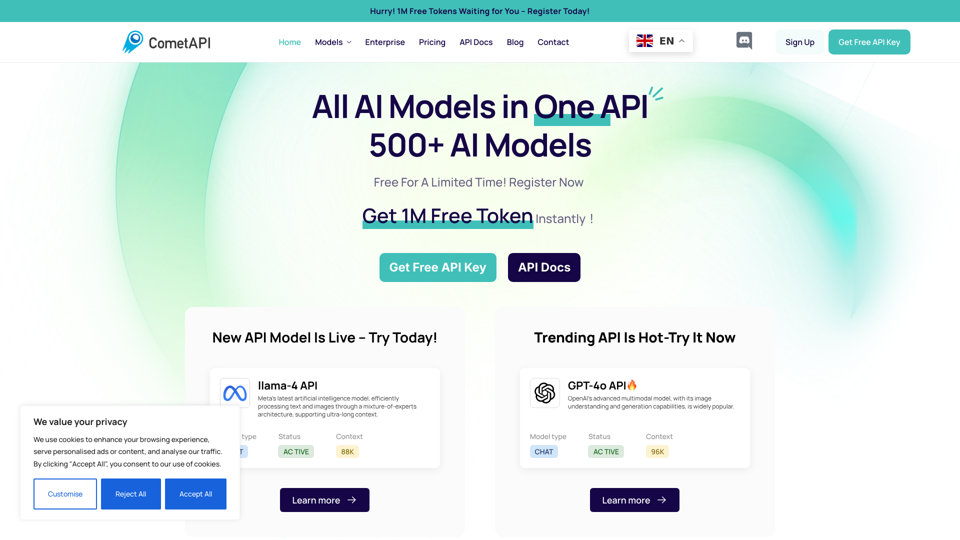
CometAPI simplifies AI integration, offering fast, reliable, and affordable API solutions to power innovative applications.
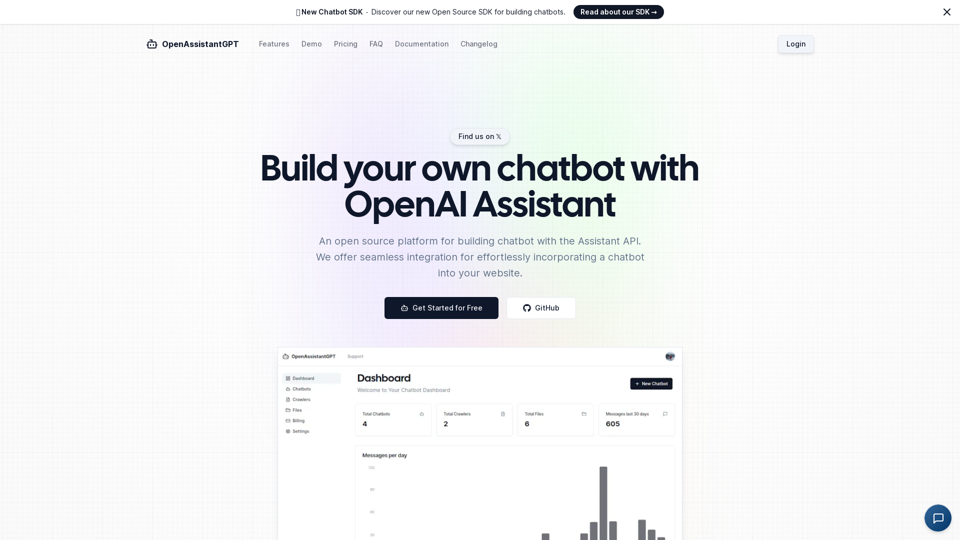
OpenAssistantGPT is the open-source platform for building chatbot using the OpenAI Assistant API. We offer seamless integration for effortlessly incorporating a chatbot into your website.
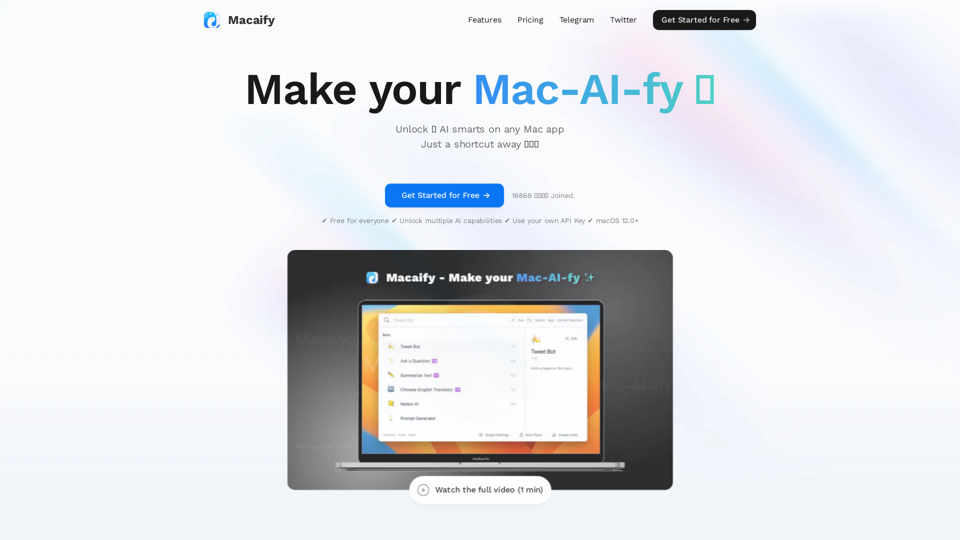
Unleash the power of ChatGPT on your Mac computer, anytime, anywhere with this incredible App. Take your productivity to new heights as you seamlessly engage with ChatGPT and beyond.
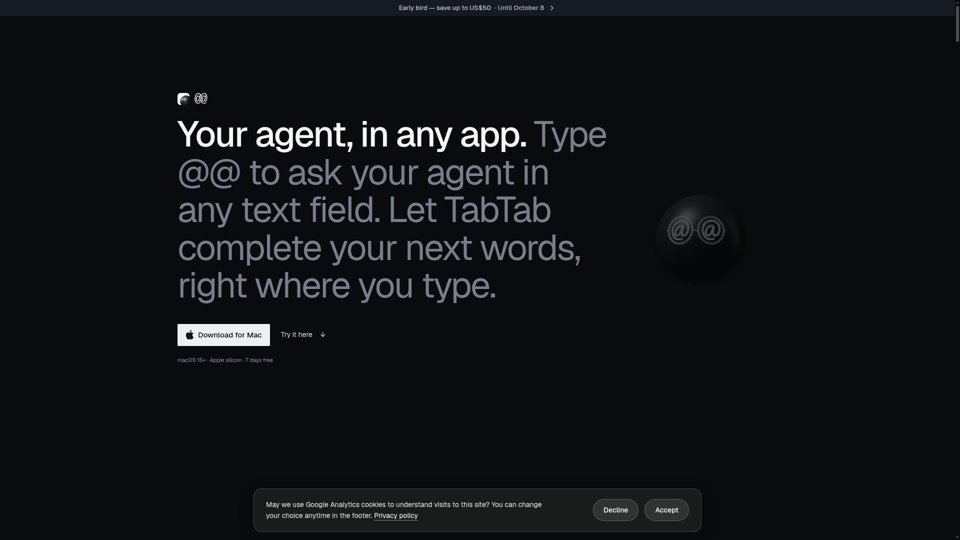
Type @@ in any Mac text field to ask your AI agent — with your screen, clipboard, and Finder selection as context — and get the answer back at your cursor. Supports Claude Code, Codex, and other agents. Plus TabTab autocomplete in every app.
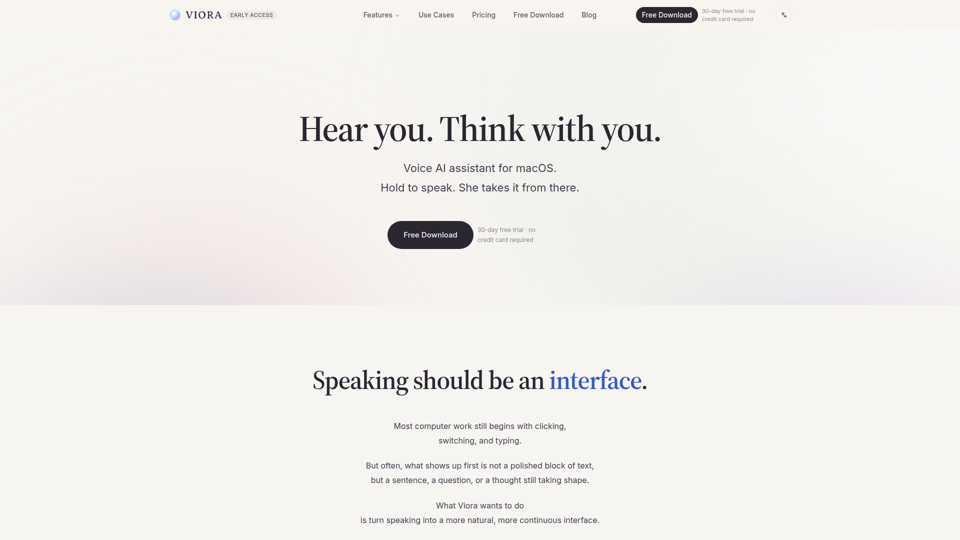
Viora is a macOS voice AI assistant. Hold one shortcut and speak to write in any app, edit selected text, ask about what's on screen, or run agent tasks.
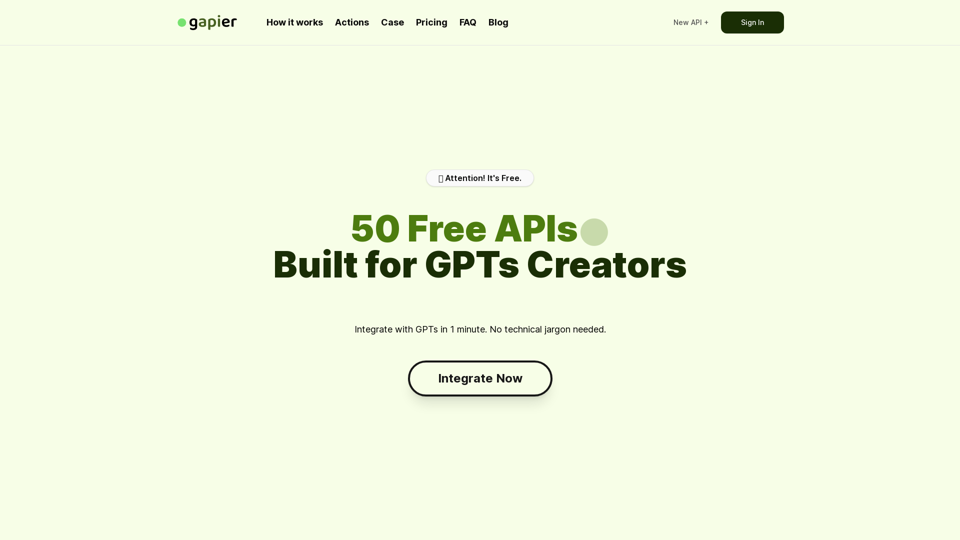
Gapier offers 50 tailor-made, free Actions APIs for GPTs creators. Expand your GPTs capabilities with our diverse and easily integrable APIs, designed specifically for ChatGPT users.|custom gpts|ChatGPT Actions|gapier

A collection of powerful productivity tools all within an extendable launcher.
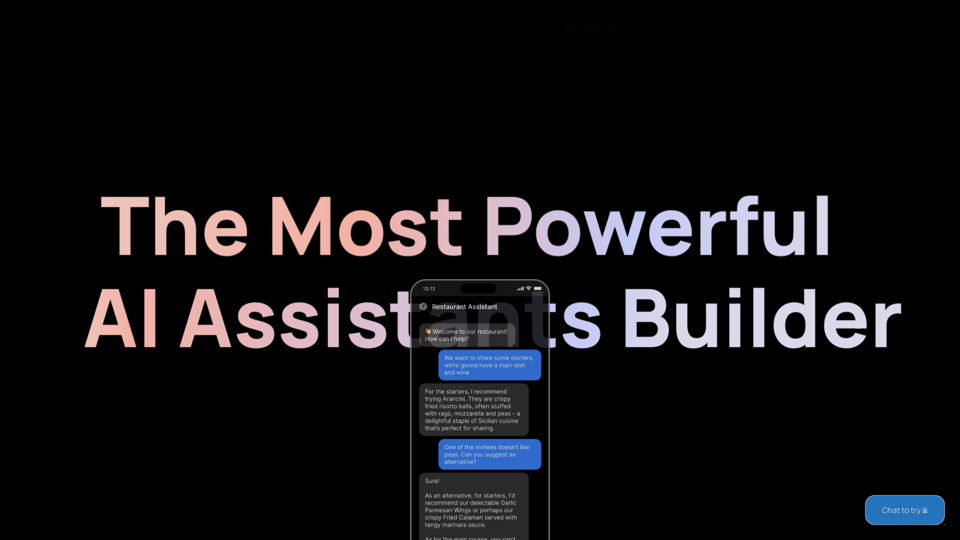
Start building your AI Assistant using models such as OpenAI, Claude & Azure. Easily connect to your tools and database and ship as an API Chatbot or HTML embed widget