Raycast
A collection of powerful productivity tools all within an extendable launcher.
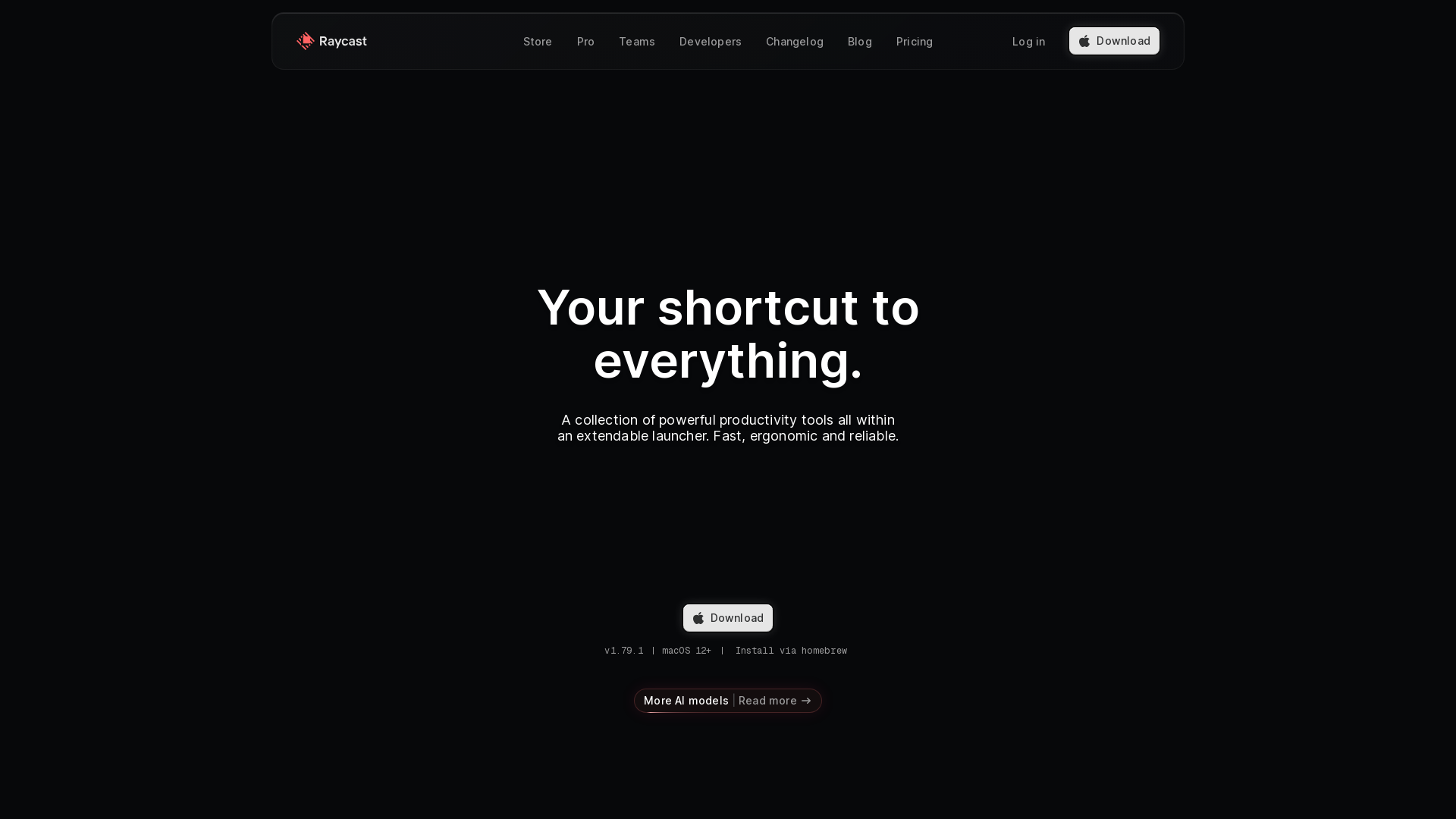
What is Raycast?
Raycast is an innovative productivity tool designed to streamline your workflow on macOS. It serves as an extendable launcher that aggregates a variety of powerful productivity tools, allowing users to access different applications, execute commands, and manage tasks seamlessly. Its ergonomic design caters to users looking for speed, reliability, and efficiency in their daily routines.
What are the main features of Raycast?
- Unified Interface
- Access a collection of powerful productivity tools from a single interface, eliminating the need to switch between multiple apps.
- Clipboard History
- Keep track of everything you copy with an advanced clipboard management feature, enhancing your workflow.
- Window Management
- Optimize your desktop space with built-in window management controls, allowing for easy resizable and rearrangement of windows.
- Snippets
- Create reusable text snippets that can be quickly accessed and inserted, saving time on repetitive typing tasks.
- AI Integration
- Find relevant AI tools to enhance productivity and automate processes, making the most out of your Mac's capabilities.
- Custom Extensions
- Users can create and publish custom extensions to the Raycast Store, offering personalization options for their workflows.
How to use Raycast?
To start leveraging Raycast, download the application from the official website. After installation, you can invoke the Raycast launcher using a designated keyboard shortcut, typically set to Cmd + Space. From there, type relevant commands or keywords to filter through the functionalities available. Explore its wide variety of applications and tools to enhance your workflow efficiently.
What is the pricing for Raycast?
Raycast is available for free to all users with macOS 12 and newer. For users requiring advanced features and integrations, Raycast offers a Pro version, which comes with additional productivity features and capabilities. Specific pricing details and options can be found on the Raycast pricing page.
Helpful Tips
- Utilize the Hotkeys feature to assign shortcuts for frequent tasks, accelerating your workflow.
- Explore the extensive community stories and resources available on Raycast's website to discover new tips and tricks.
- Regularly check for new extensions and updates to keep your productivity toolkit fresh and functional.
- Take advantage of the Clipboard History to reduce the time spent switching between documents and apps.
Frequently Asked Questions
Can I customize keyboard shortcuts in Raycast?
Yes, Raycast allows users to set up and customize keyboard shortcuts for various commands, enhancing the efficiency of your interaction with the tool.
What type of apps can I integrate with Raycast?
Raycast supports a wide range of applications across productivity, design, and development. Some popular integrations include Notion, Google Translate, and JIRA.
Is Raycast suitable for teams?
Absolutely! Raycast Pro version is designed with teams in mind, enabling collaboration and streamlined workflows among team members.
Can developers create extensions for Raycast?
Yes! Raycast offers an extension API for developers to create and publish their own custom extensions, which can be shared with the broader Raycast community.
How can I stay updated with Raycast news and features?
By following Raycast on their Slack community and social media platforms like Twitter, you can stay informed about new releases, features, and usage tips.
Raycast
A collection of powerful productivity tools all within an extendable launcher.
 Next.js
 Node.js
 React
React Vercel
 Webpack
Free AI anime and manga generator. Turn text into anime episodes, manga, comics, webtoons and comic shorts in any art style — no drawing or animation skills needed.
Translate image text across 70+ languages with our advanced AI Image Translator to help you better expand your products globally to various countries
Advertised Here
Reach thousands of visitors daily. Get your spot now!
Tools similar to Raycast
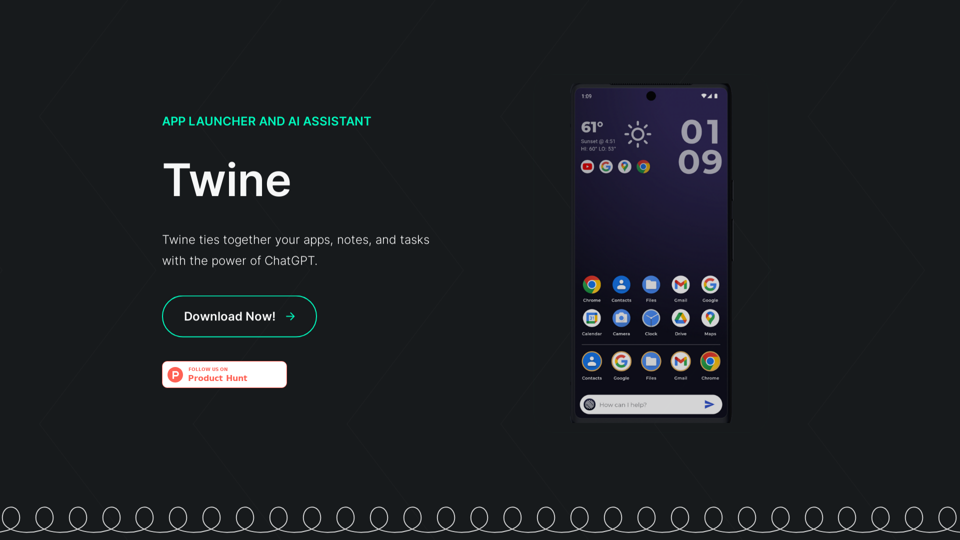
Download Twine, an Android App Launcher and AI Assistant.
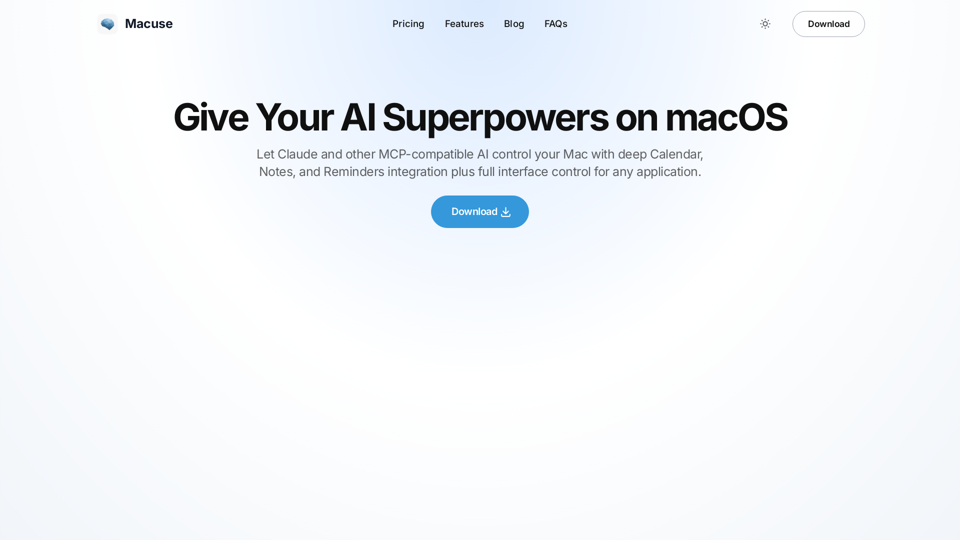
Macuse empowers AI models to universally read screen content and simulate user actions on macOS, with deep native app integration.
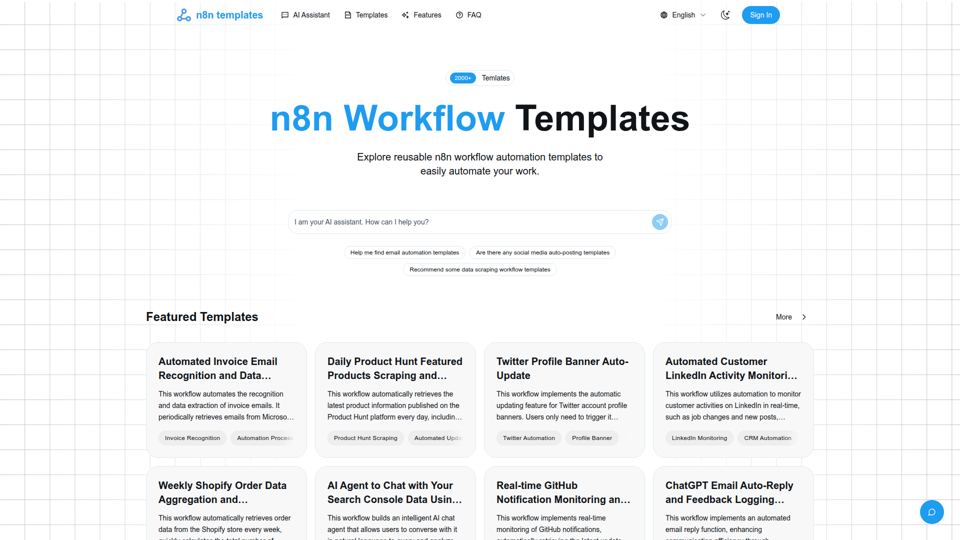
Curated high-quality n8n workflow automation templates to help you quickly implement process automation, boost efficiency, and easily reuse and customize.
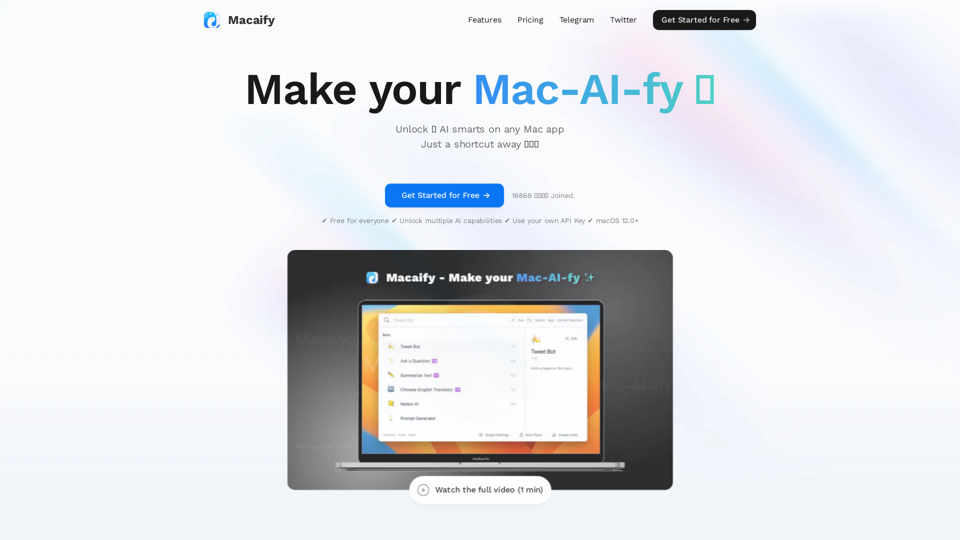
Unleash the power of ChatGPT on your Mac computer, anytime, anywhere with this incredible App. Take your productivity to new heights as you seamlessly engage with ChatGPT and beyond.
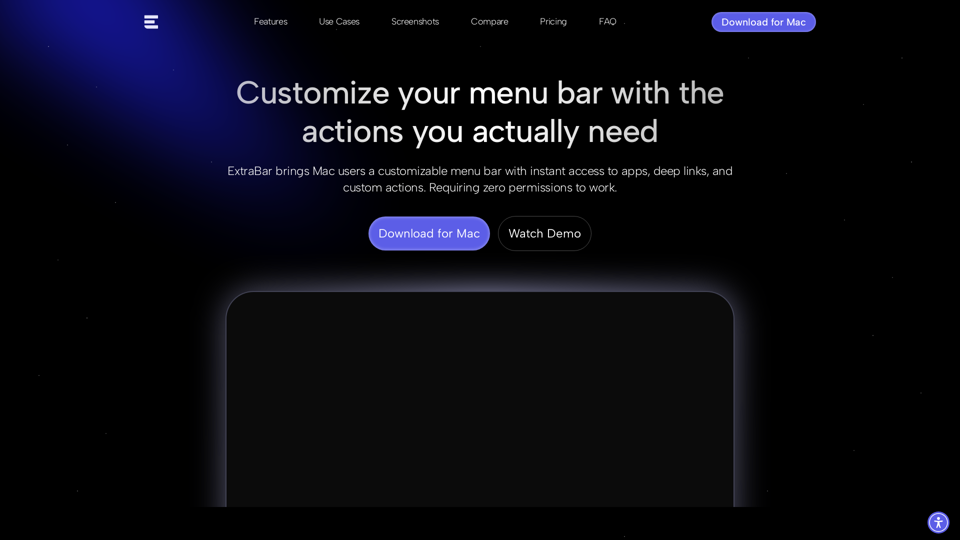
ExtraBar is a customizable bar for macOS with deep links, quick actions, and app-specific shortcuts. Take control of your Mac workflow.
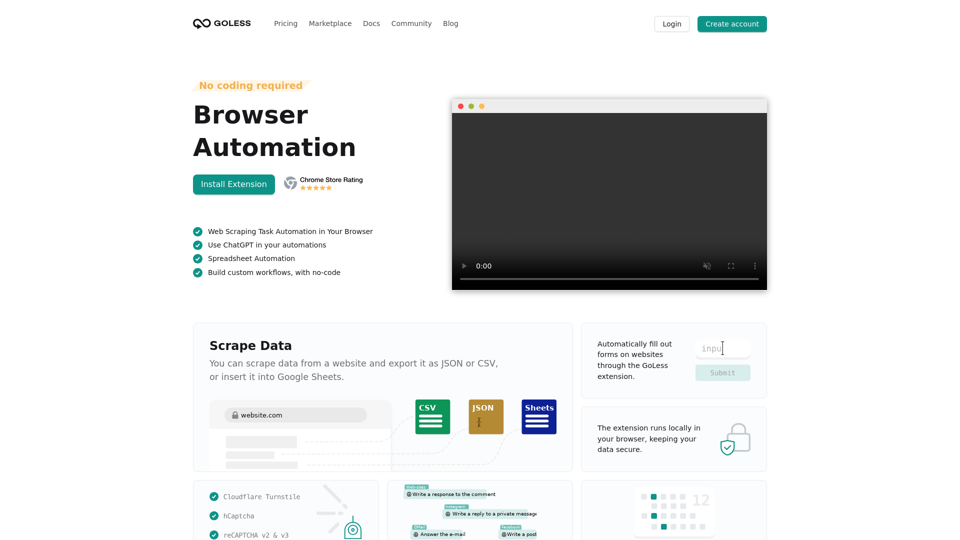
Goless.com - Automate web browser actions with our web automation tools. Simplify your daily tasks with automated workflows and save time. Try it for free!

Spoke is the Command Center for Product & Engineering teams. Launch products faster with more focused communication and powerful workflows that connect Slack, Jira, Notion and the rest of your stack.
Automagical Apps provide a variety of productivity apps for Google Workspace and Chrome Extensions. Our apps are used by more than 3 million users!