Fathom AI Notetaker
Instantly summarizes your meetings so you can focus on the conversation instead of taking notes.
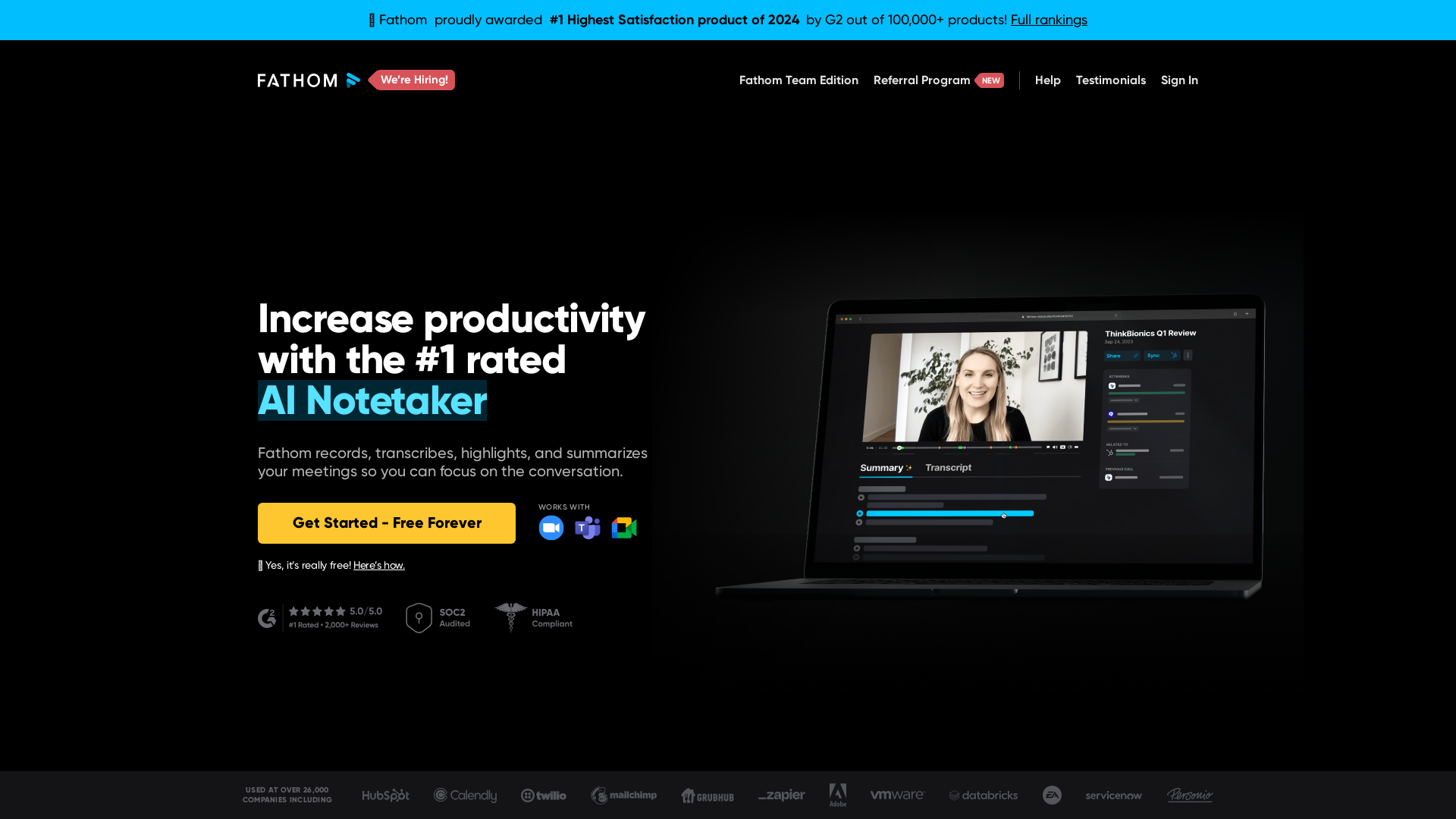
What is Fathom AI Notetaker?
Fathom AI Notetaker is an innovative AI-driven tool designed to automate the process of note-taking during meetings. It records, transcribes, highlights, and summarizes discussions to enhance focus on conversations rather than on capturing notes, ultimately increasing productivity and engagement.
What is the Main Feature of Fathom AI Notetaker?
- Instant Transcriptions
- Fathom delivers meeting summaries in under 30 seconds after a call ends.
- CRM Integration
- Automatically sync summaries and action items to your CRM, eliminating the need for post-meeting data entry.
- Clip Sharing
- Users can share clips from meetings instead of lengthy text notes for better context.
- Multi-Language Support
- Fathom supports 28 languages, making it versatile for global teams.
- Focus on Engagement
- It allows users to be fully present during meetings without the distraction of note-taking.
How to Use Fathom AI Notetaker?
Using Fathom is simple: Just integrate it with your video conferencing platform (like Zoom), and let it record and transcribe your meetings. After the meeting, you can easily access summaries, highlights, and shareable clips. It's free to start, and you can upgrade to a premium subscription for additional features.
Price of Fathom AI Notetaker
Fathom offers a ### free tier that allows users to access essential features. There are also premium subscription options available that unlock more advanced capabilities, providing excellent value for those who require extensive features for larger teams or more intensive usage.
Helpful Tips for Using Fathom AI Notetaker
- Utilize Clip Sharing
- Emphasize important moments of your meetings by sharing clips instead of just text summaries; this adds clarity and context to communication.
- Regularly Review Summaries
- Take time to refer back to your meeting summaries and action items to stay organized and efficient.
- Integrate with Other Tools
- Leverage Fathom's ability to copy summaries into Task Managers and CRM systems for streamlined workflow.
- Experiment with Languages
- If your team is diverse, test Fathom's multi-language capabilities to support effective communication.
Frequently Asked Questions
Can I use Fathom AI Notetaker for free?
Yes, Fathom offers a free tier that provides basic functionality. Users can upgrade to access more advanced features.
How quickly are summaries generated?
Fathom generates summaries in less than 30 seconds after the meeting concludes, allowing users to quickly access critical information.
Is my data secure with Fathom?
Absolutely! Fathom prioritizes user privacy and does not use your data for training or other purposes without consent.
What kind of integrations does Fathom support?
Fathom integrates seamlessly with various video conferencing platforms and can sync with CRMs, Slack, Google Docs, and more for a smooth user experience.
Can Fathom handle international meetings?
Yes! Fathom's support for 28 languages makes it suitable for use in international environments and across diverse teams.
By using Fathom AI Notetaker, users can focus on what truly matters in their meetings while leaving the laborious task of note-taking to an intelligent and reliable assistant.
Fathom AI Notetaker
Instantly summarizes your meetings so you can focus on the conversation instead of taking notes.
 Amplitude
 Cloudflare
 CookieYes
 Google Analytics
 Google Tag Manager
 HTTP/3
 Slick
Slick cdnjs
cdnjs jQuery:3.5.1
 jsDelivr
 p5.js
p5.jsFree AI anime and manga generator. Turn text into anime episodes, manga, comics, webtoons and comic shorts in any art style — no drawing or animation skills needed.
Translate image text across 70+ languages with our advanced AI Image Translator to help you better expand your products globally to various countries
Advertised Here
Reach thousands of visitors daily. Get your spot now!
Tools similar to Fathom AI Notetaker
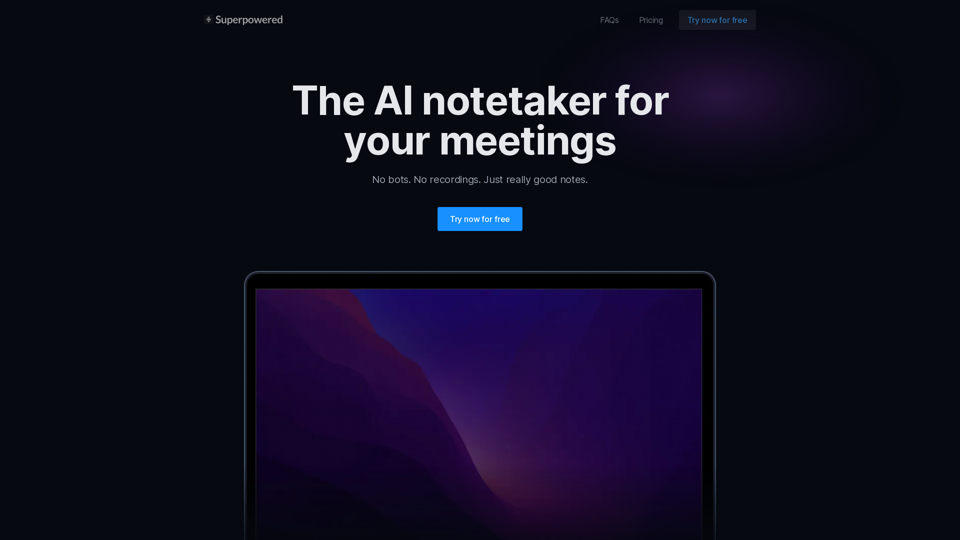
Superpowered is the AI notetaker for your meetings. It transcribes your meetings without using bots and gives you great notes after.
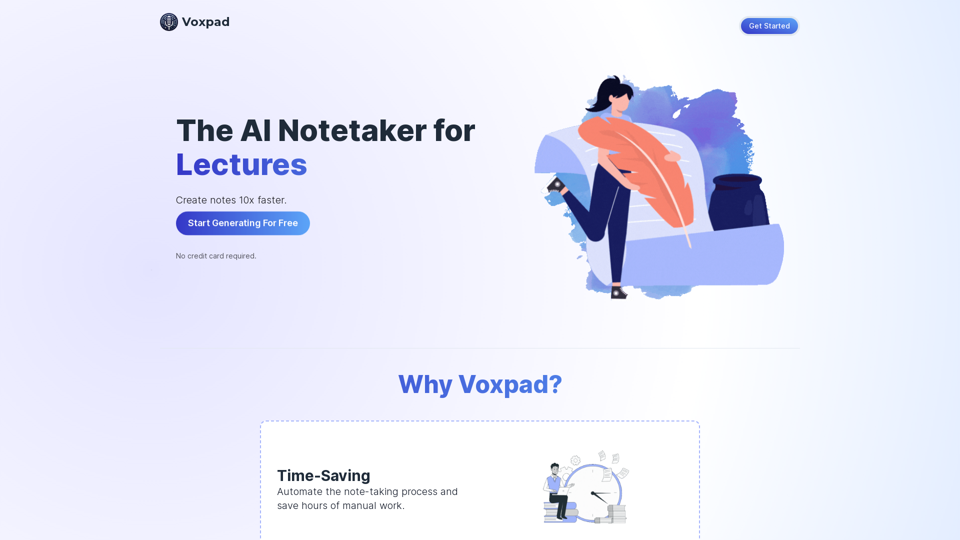
Voxpad: The Best AI Notetaker for Converting Video and Audio into Detailed, Customizable Notes
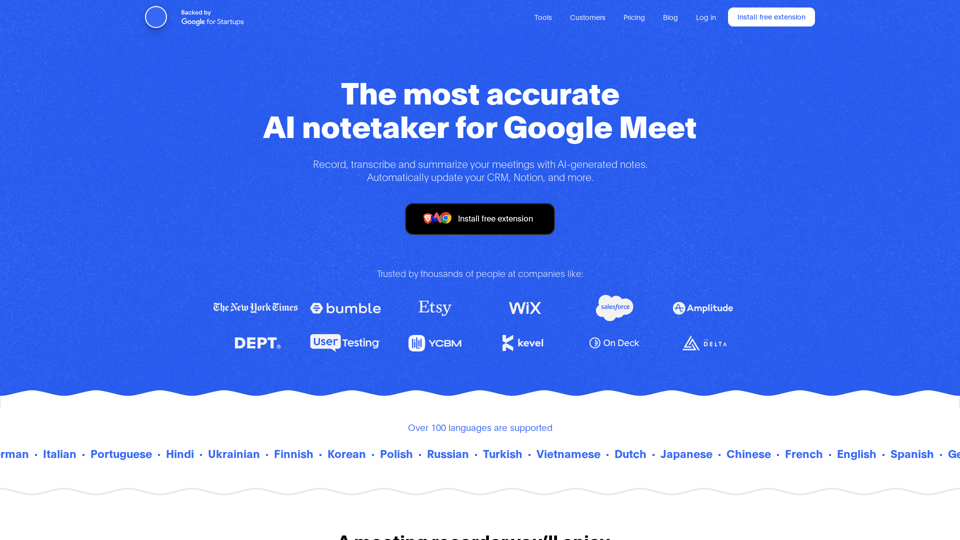
Record, transcribe and summarize your meetings with AI-generated notes. Automatically update your CRM, Notion, and more. Free Chrome extension.
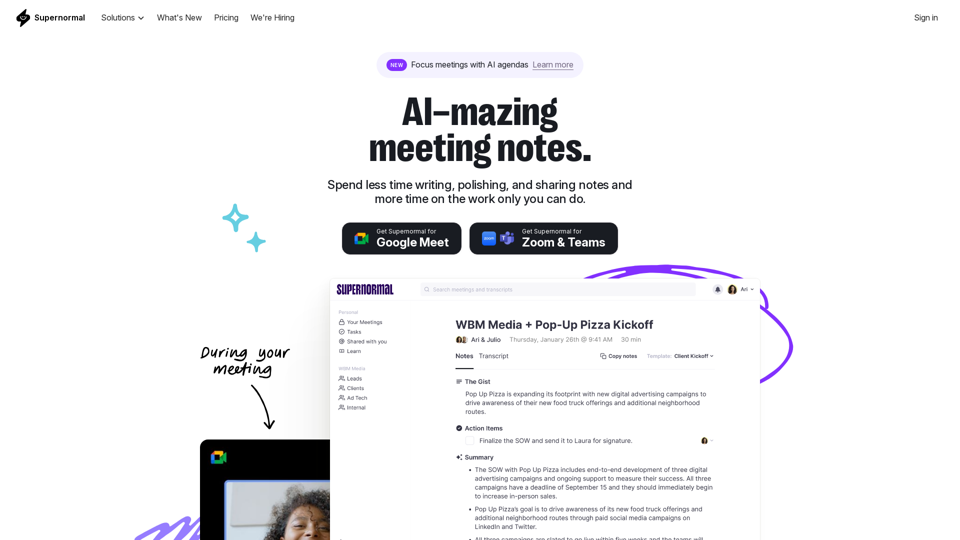
Supernormal is your all-in-one solution for meeting management. Our Supernormal AI notetaker and Supernormal Chrome Extension seamlessly handle meeting transcription on Google Meet, Zoom, and Teams. Transcribe, record, and share meeting notes effortlessly with Google Meet transcription, Zoom transcription, and Teams transcription options. With Supernormal, your Meeting Notes, Meeting Transcription, and Meeting Recording needs are met with ease. Plus, our integration with Google Drive, Notion, Quip, Slack, Hubspot, Salesforce, and more makes collaboration a breeze. Elevate your meetings with Supernormal AI!
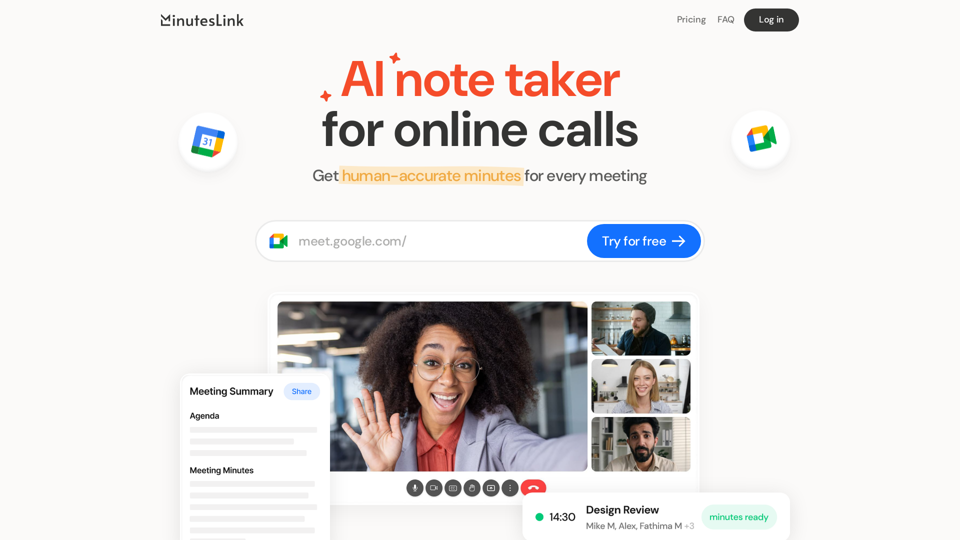
Advanced AI note taking for online calls that records, transcribes, summarizes, and organizes your meetings, delivering human-accurate meeting minutes. Boost efficiency and never miss a detail with our AI-powered solution.
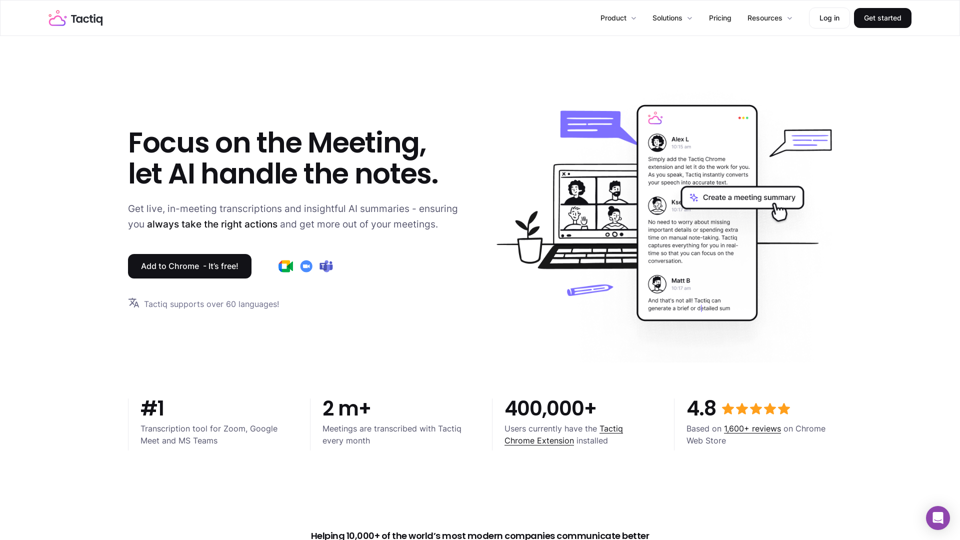
Get more from your meetings with Tactiq.io AI meeting assistant. From live transcription to AI summaries, action items and custom AI prompts just for you.
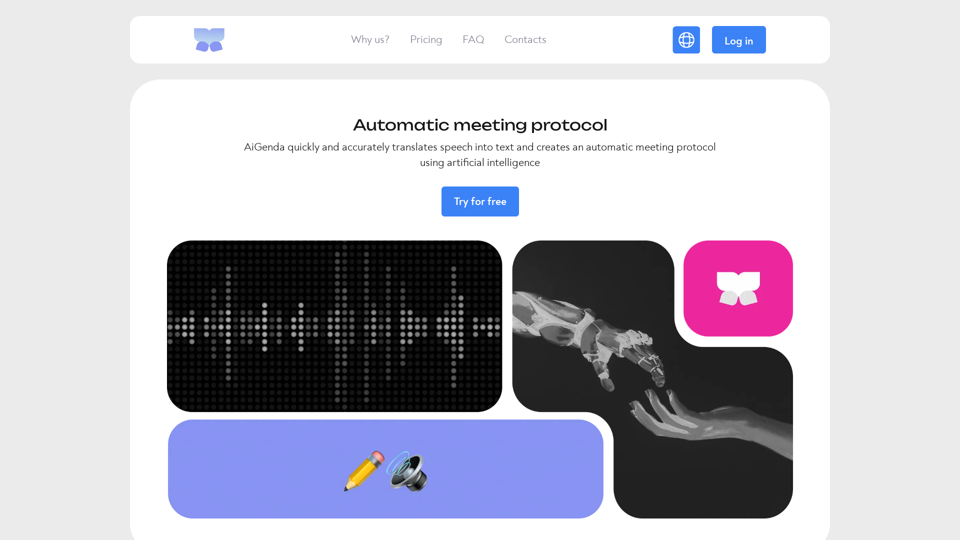
Aigenda is an online meeting assistant platform that allows you to focus on the discussion, not on taking notes. It automatically transcribes the meeting, formulates the results and a brief summary of the conversation, highlights key agreements.
Start the meeting prepared. End the meeting with perfect notes. Share it to every stakeholder. All in a seamless experience with Wudpecker.