Supernormal
Supernormal is your all-in-one solution for meeting management. Our Supernormal AI notetaker and Supernormal Chrome Extension seamlessly handle meeting transcription on Google Meet, Zoom, and Teams. Transcribe, record, and share meeting notes effortlessly with Google Meet transcription, Zoom transcription, and Teams transcription options. With Supernormal, your Meeting Notes, Meeting Transcription, and Meeting Recording needs are met with ease. Plus, our integration with Google Drive, Notion, Quip, Slack, Hubspot, Salesforce, and more makes collaboration a breeze. Elevate your meetings with Supernormal AI!
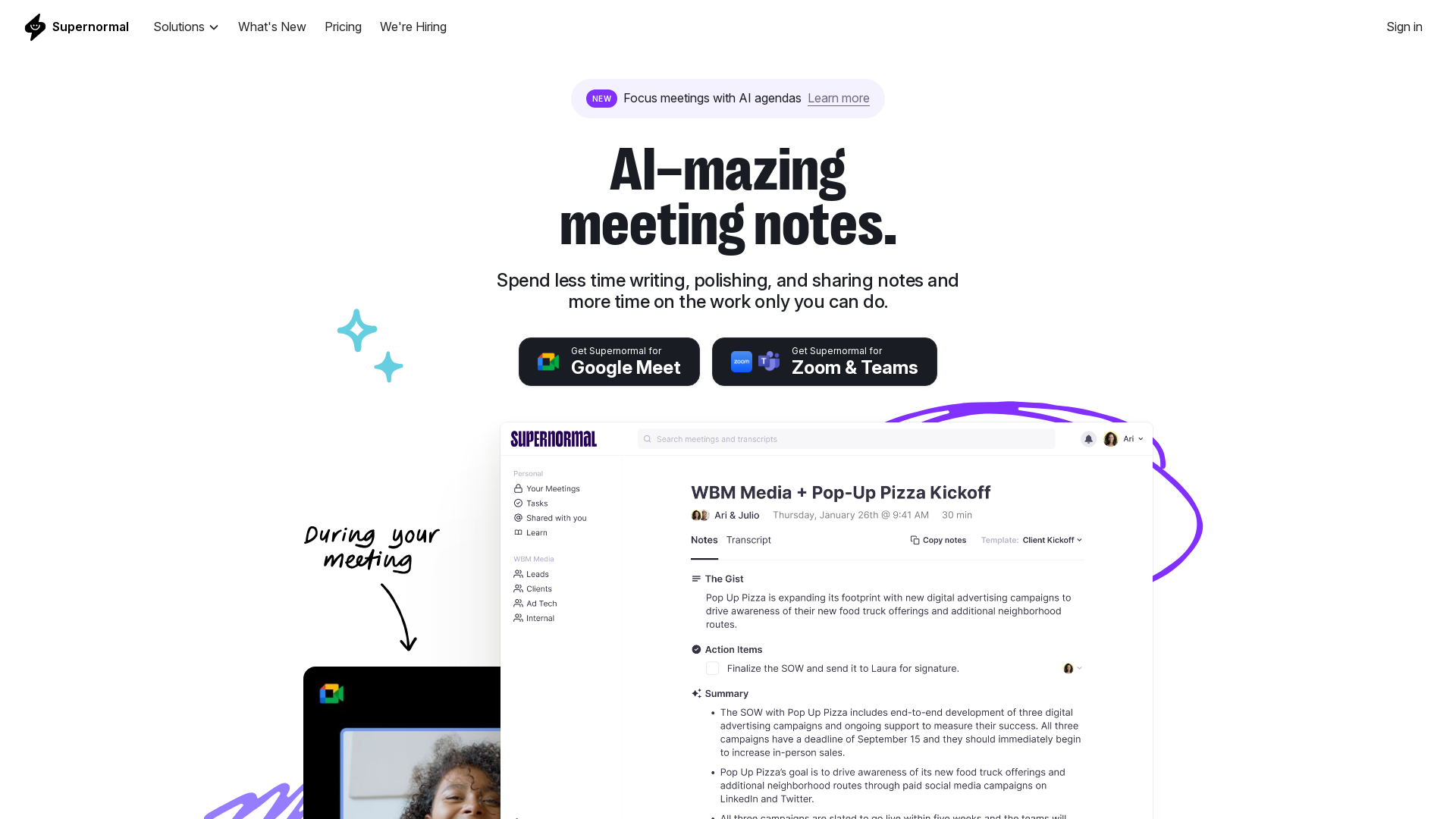
What is Supernormal?
Supernormal is an AI-driven platform designed to automate the process of taking meeting notes. Integrated with tools like Google Meet, Zoom, and Microsoft Teams, Supernormal generates and formats notes in real-time during meetings, allowing users to focus more on the conversation rather than administrative tasks.
What is the main feature of Supernormal?
- AI Agendas
- Create and share detailed agendas prior to meetings to enhance productivity.
- Integration
- Seamlessly connect with existing tools, enhancing workflow while reducing friction.
- Centralized Notes
- Access and search all meeting notes in one centralized location for easy retrieval.
- Actionable Insights
- Keep track of action items and ensure accountability post-meeting.
- Custom Templates
- Personalize your note-taking style with customizable templates.
- Effortless Sharing
- Automatically share meeting notes as soon as a meeting ends, saving time.
How to use Supernormal?
Using Supernormal is straightforward. Users can install the Chrome extension or utilize Supernormal Notetaker on Google Meet, Zoom, or Microsoft Teams. Once integrated, the platform will automatically take notes during meetings, allowing users to stay engaged and present without worrying about documentation.
What are the pricing options for Supernormal?
Supernormal offers a free version that allows users to get started easily. For more advanced features and higher productivity, users may consider subscription options that provide additional functionalities tailored to individual or team needs.
Helpful Tips for Using Supernormal
- Prepare Agendas
- Always set up an AI agenda before meetings to ensure discussions remain focused.
- Utilize Templates
- Create customized note templates based on your meeting types for consistency and efficiency.
- Review Action Items
- After each meeting, review the action items generated by Supernormal to enhance accountability.
- Explore Integrations
- Make sure to integrate Supernormal with other tools you use to streamline your workflow.
- Regular Backups
- Rely on Supernormal’s secure backup features to protect your important notes from loss.
Frequently Asked Questions
Can Supernormal be used with any video conferencing tool?
Supernormal is compatible with Google Meet, Zoom, and Microsoft Teams, making it versatile across popular platforms.
Is my data secure with Supernormal?
Yes, Supernormal employs enterprise-grade security practices, including SOC 2 certification, encryption of data in transit and at rest, and permission rights for content sharing.
How do I access my meeting notes after the meeting?
All meeting notes are stored in a centralized location within Supernormal, allowing for easy access and searching at any time.
What if I need more features than the free version provides?
Users can upgrade to a paid subscription to take advantage of more advanced features and increased usage limits, tailored to their specific needs.
How can I integrate Supernormal into my existing workflows?
Supernormal provides a Chrome extension and Notetaker tool, which can be easily integrated into your current meeting platforms to enhance productivity without disrupting your existing processes.
Supernormal
Supernormal is your all-in-one solution for meeting management. Our Supernormal AI notetaker and Supernormal Chrome Extension seamlessly handle meeting transcription on Google Meet, Zoom, and Teams. Transcribe, record, and share meeting notes effortlessly with Google Meet transcription, Zoom transcription, and Teams transcription options. With Supernormal, your Meeting Notes, Meeting Transcription, and Meeting Recording needs are met with ease. Plus, our integration with Google Drive, Notion, Quip, Slack, Hubspot, Salesforce, and more makes collaboration a breeze. Elevate your meetings with Supernormal AI!
 Cloudflare
Free AI anime and manga generator. Turn text into anime episodes, manga, comics, webtoons and comic shorts in any art style — no drawing or animation skills needed.
Translate image text across 70+ languages with our advanced AI Image Translator to help you better expand your products globally to various countries
Advertised Here
Reach thousands of visitors daily. Get your spot now!
Tools similar to Supernormal
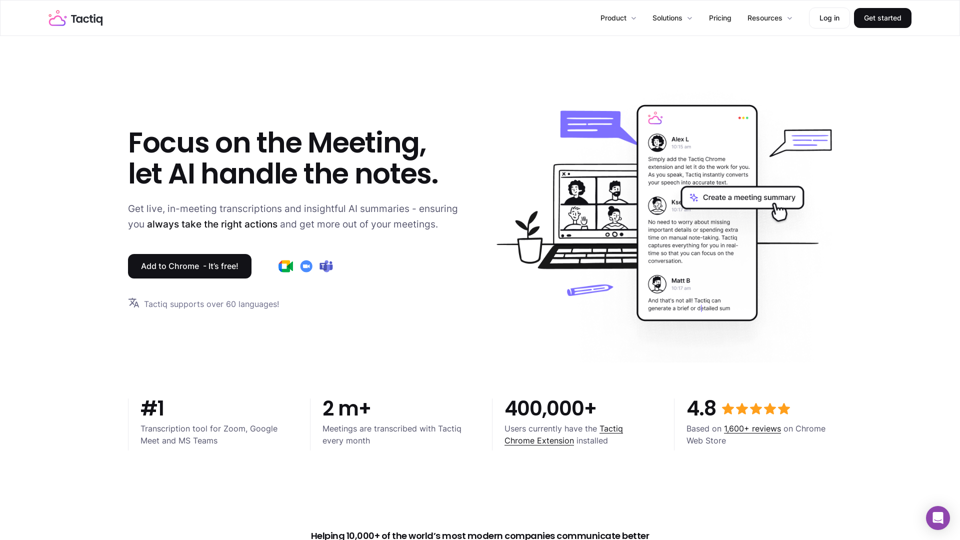
Get more from your meetings with Tactiq.io AI meeting assistant. From live transcription to AI summaries, action items and custom AI prompts just for you.
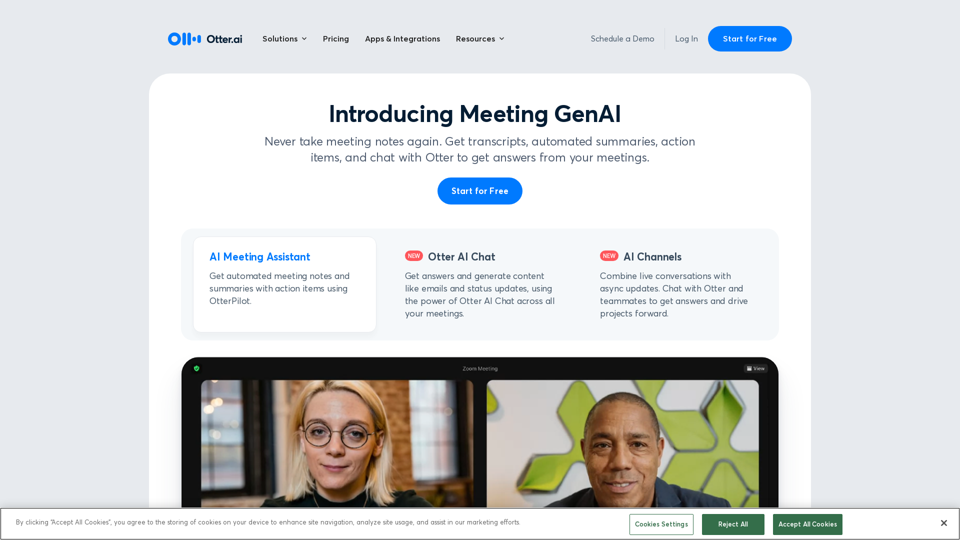
Otter.ai uses an AI Meeting Assistant to transcribe meetings in real time, record audio, capture slides, extract action items, and generate an AI meeting summary.
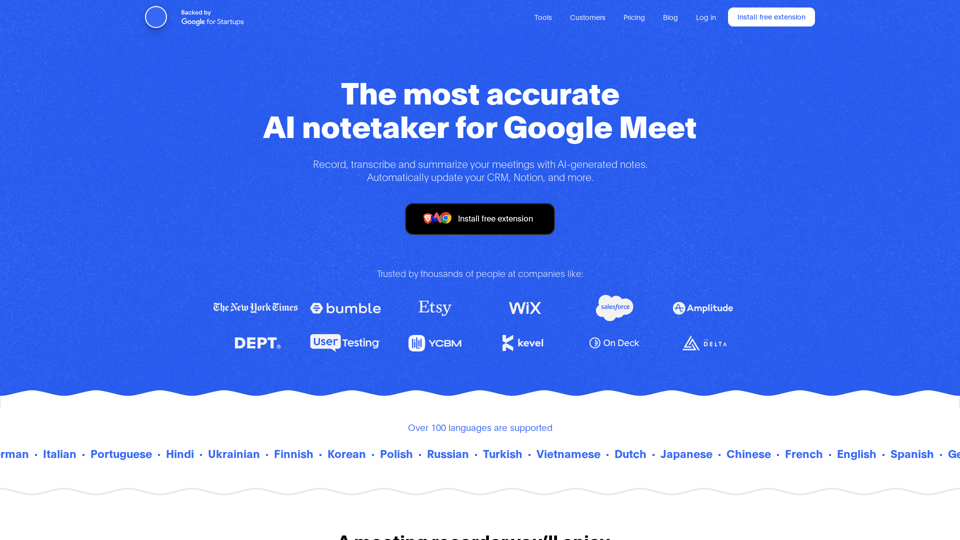
Record, transcribe and summarize your meetings with AI-generated notes. Automatically update your CRM, Notion, and more. Free Chrome extension.
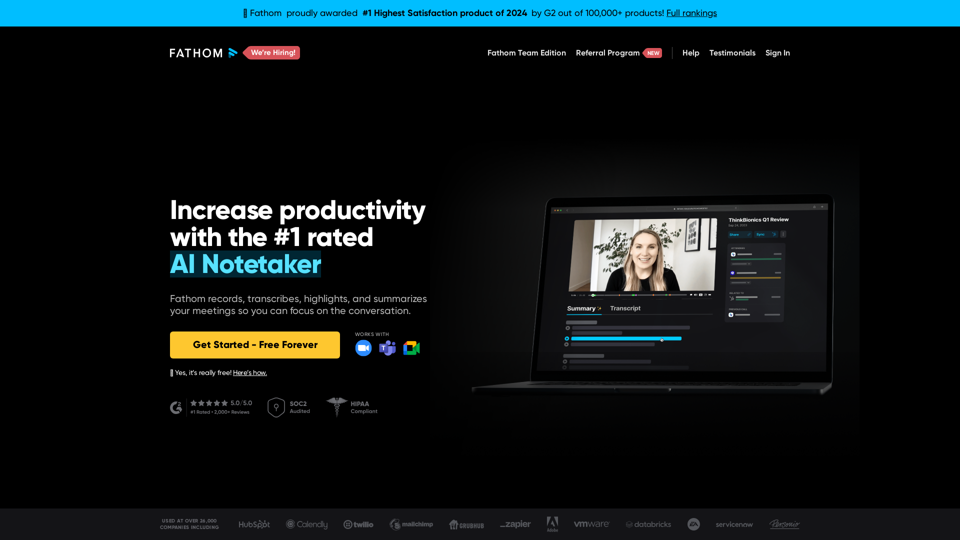
Instantly summarizes your meetings so you can focus on the conversation instead of taking notes.
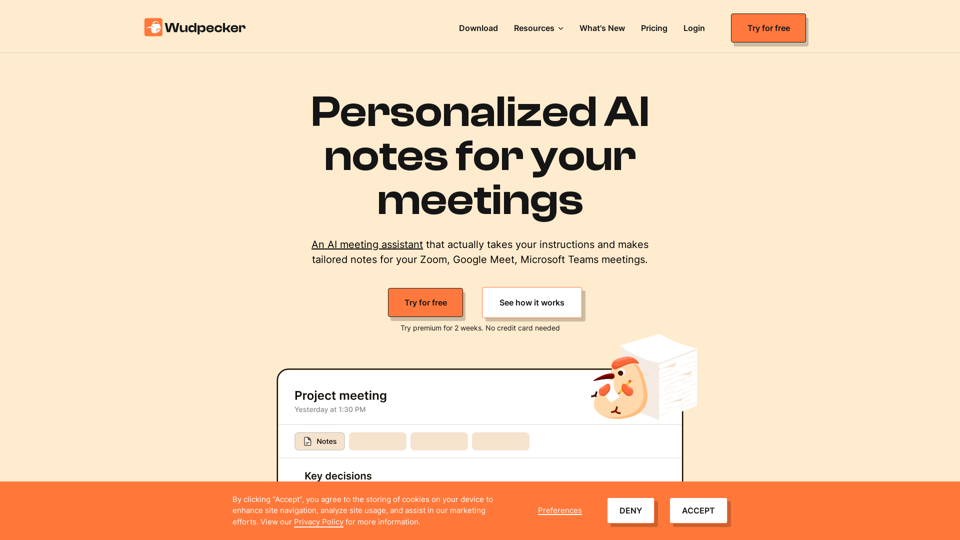
Start the meeting prepared. End the meeting with perfect notes. Share it to every stakeholder. All in a seamless experience with Wudpecker.
Superpowered is the AI notetaker for your meetings. It transcribes your meetings without using bots and gives you great notes after.
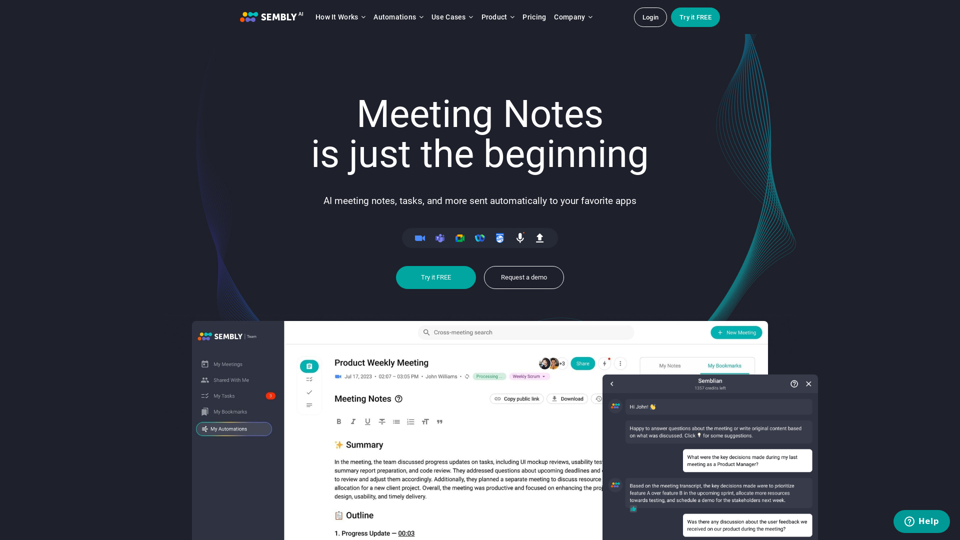
Sembly records, transcribes and generates smart meeting summaries with meeting minutes. Works with Zoom, Google Meet, Microsoft Teams and Cisco Webex. Sembly the smartest AI team assistant!
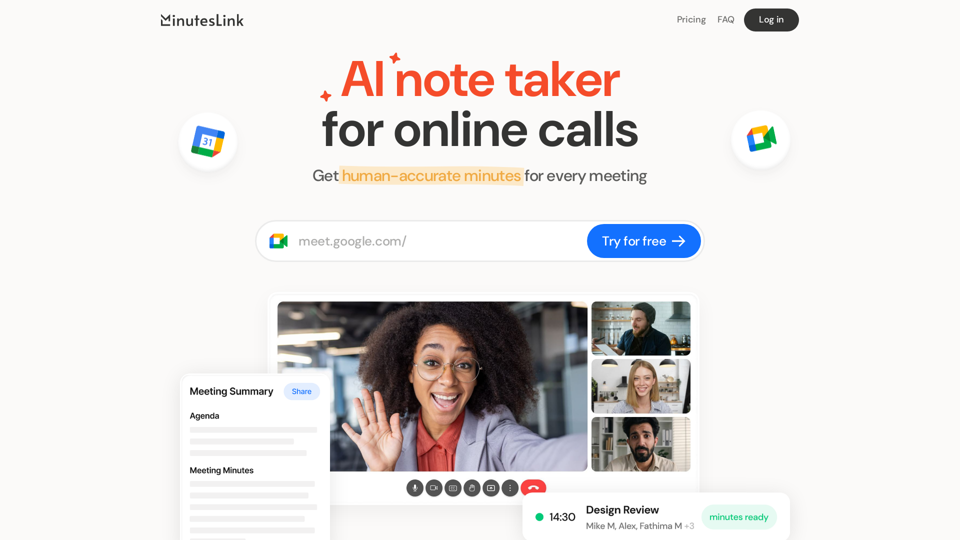
Advanced AI note taking for online calls that records, transcribes, summarizes, and organizes your meetings, delivering human-accurate meeting minutes. Boost efficiency and never miss a detail with our AI-powered solution.