Tactiq.io
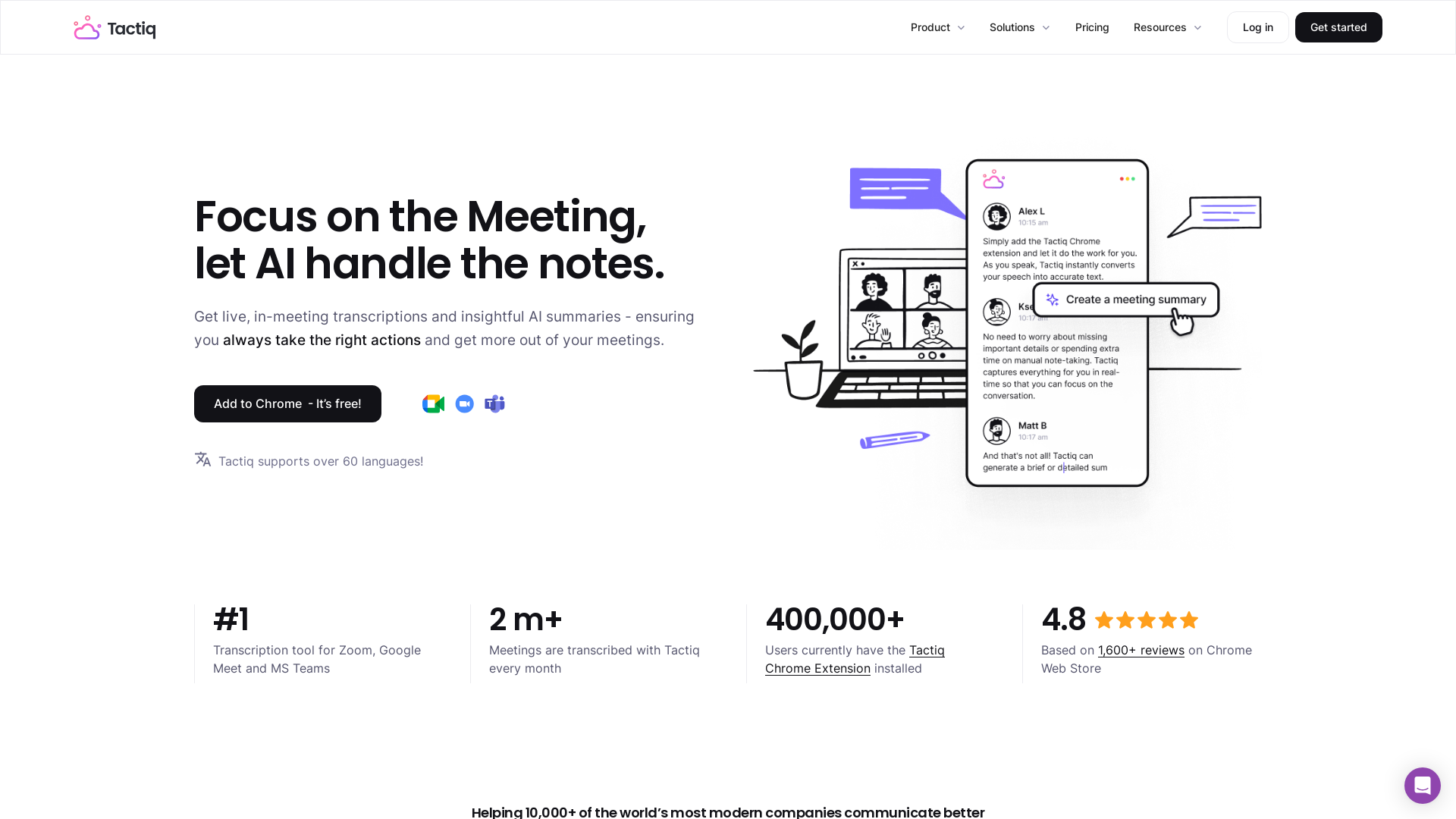
Get more from your meetings with Tactiq.io AI meeting assistant. From live transcription to AI summaries, action items and custom AI prompts just for you.
What is Tactiq.io?
Tactiq.io is an AI-powered transcription tool designed to enhance your digital meeting experience by providing real-time transcripts for platforms like Google Meet, Zoom, and Microsoft Teams. It automates the process of note-taking during meetings, ensuring that you focus on the conversation rather than on manual note-taking.
What are the main features of Tactiq.io?
- In-Meeting Transcription
- Capture live meeting transcriptions automatically without requiring a bot to join your discussions.
- Multi-Platform Support
- Works with Google Meet, Zoom, and Microsoft Teams for seamless transcription across different platforms.
- Custom AI Prompts
- Tailor tasks and follow-ups based on specific prompts to streamline your workflow.
- Integrated Summaries
- Get automatic meeting summaries, action items, and recaps post-meeting to simplify follow-up processes.
- Team Spaces
- Create collaborative environments where team members can share and review meeting notes easily.
- High Language Support
- Tactiq supports over 60 languages, making it versatile for international teams.
How to use Tactiq.io?
To get started with Tactiq, simply install the Tactiq Chrome extension. Once installed, you can initiate meeting transcriptions in real time. The tool transcribes audio to text, leaving you free to engage in discussions actively. After a meeting, use the AI-generated summaries and action items to ensure everyone is on the same page.
Pricing
Tactiq offers a range of pricing plans based on user needs. While the Chrome extension is free, premium features and capabilities may require a subscription. For detailed pricing and options, it’s best to visit the Tactiq website.
Helpful Tips
- Use Custom AI Prompts
- Take advantage of Tactiq's ability to create repeatable custom actions, making post-meeting tasks easier to manage.
- Enable Notifications
- Inform meeting participants that transcription is occurring for transparency.
- Check Privacy Settings
- Review Tactiq’s privacy features to ensure that your data is kept secure and manageable.
- Explore Language Options
- For teams operating in multilingual environments, make full use of the language support to ensure everyone benefits from transcriptions.
Frequently Asked Questions
Does Tactiq use ChatGPT?
No, Tactiq utilizes OpenAI's enterprise API, which is distinct from ChatGPT, to provide its transcription services.
Is audio recorded during meetings?
No, Tactiq does not record or store audio. Transcription occurs in real-time and is saved as text.
Will everyone see the transcription?
No, the transcription is viewable only to the person using Tactiq, although you can notify attendees that transcription is being utilized.
Does OpenAI use user data?
No, OpenAI does not use the data submitted via API for training its models or to improve its offerings.
Can I install Tactiq for my entire team?
Yes, contact your Gsuite admin to install Tactiq for all users within your organization. Further information is available on the Tactiq website.
Tactiq.io
Get more from your meetings with Tactiq.io AI meeting assistant. From live transcription to AI summaries, action items and custom AI prompts just for you.
 Cloudflare
 Google Font API
 Google Hosted Libraries
 Google Tag Manager
 jQuery:3.5.1
Free AI anime and manga generator. Turn text into anime episodes, manga, comics, webtoons and comic shorts in any art style — no drawing or animation skills needed.
Translate image text across 70+ languages with our advanced AI Image Translator to help you better expand your products globally to various countries
Advertised Here
Reach thousands of visitors daily. Get your spot now!
Tools similar to Tactiq.io
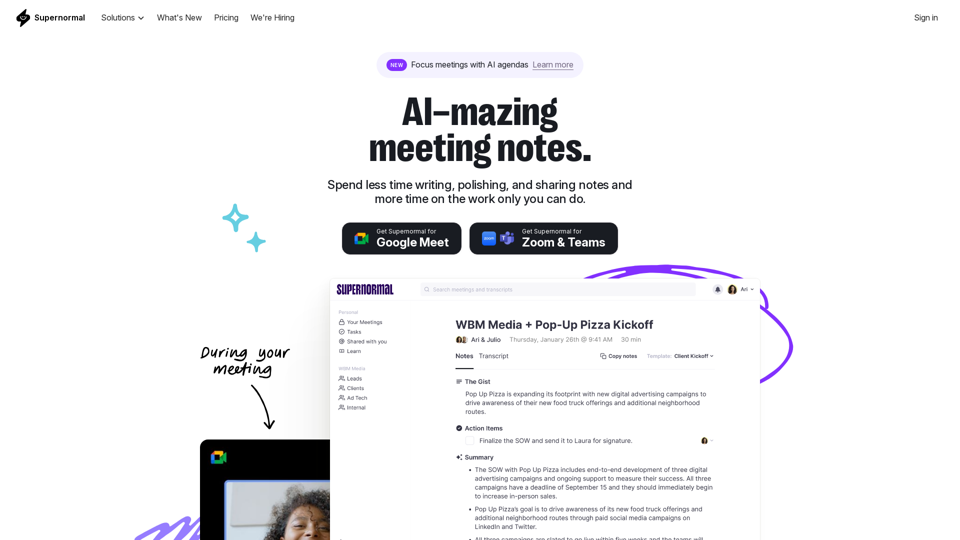
Supernormal is your all-in-one solution for meeting management. Our Supernormal AI notetaker and Supernormal Chrome Extension seamlessly handle meeting transcription on Google Meet, Zoom, and Teams. Transcribe, record, and share meeting notes effortlessly with Google Meet transcription, Zoom transcription, and Teams transcription options. With Supernormal, your Meeting Notes, Meeting Transcription, and Meeting Recording needs are met with ease. Plus, our integration with Google Drive, Notion, Quip, Slack, Hubspot, Salesforce, and more makes collaboration a breeze. Elevate your meetings with Supernormal AI!
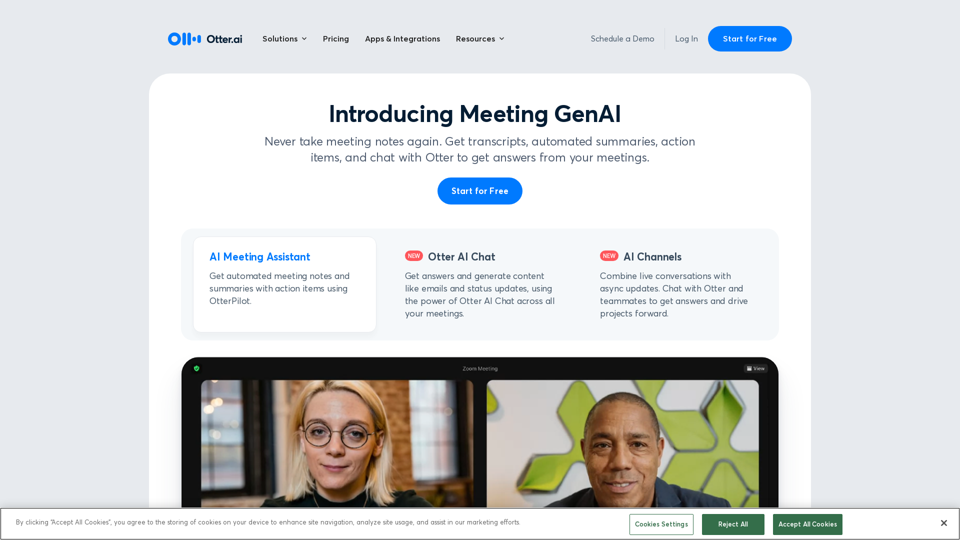
Otter.ai uses an AI Meeting Assistant to transcribe meetings in real time, record audio, capture slides, extract action items, and generate an AI meeting summary.
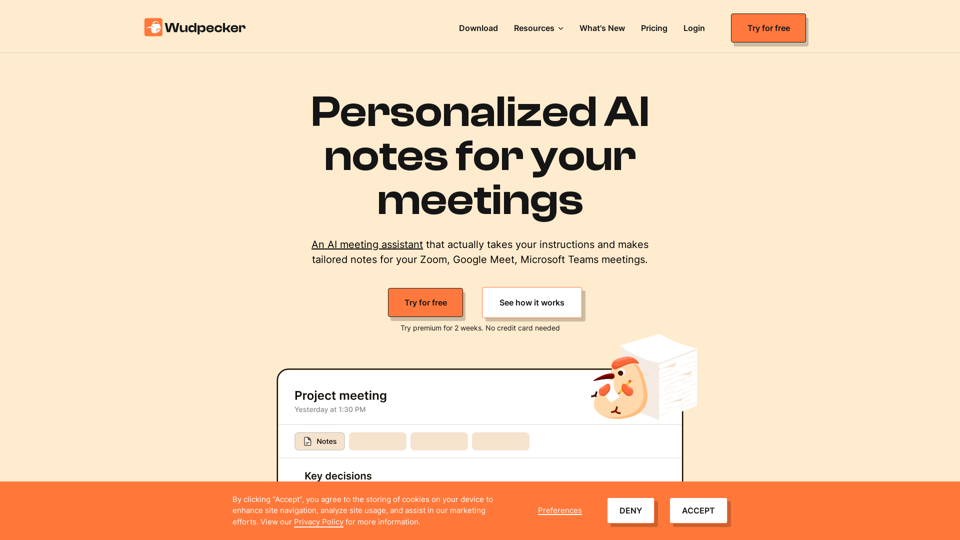
Start the meeting prepared. End the meeting with perfect notes. Share it to every stakeholder. All in a seamless experience with Wudpecker.
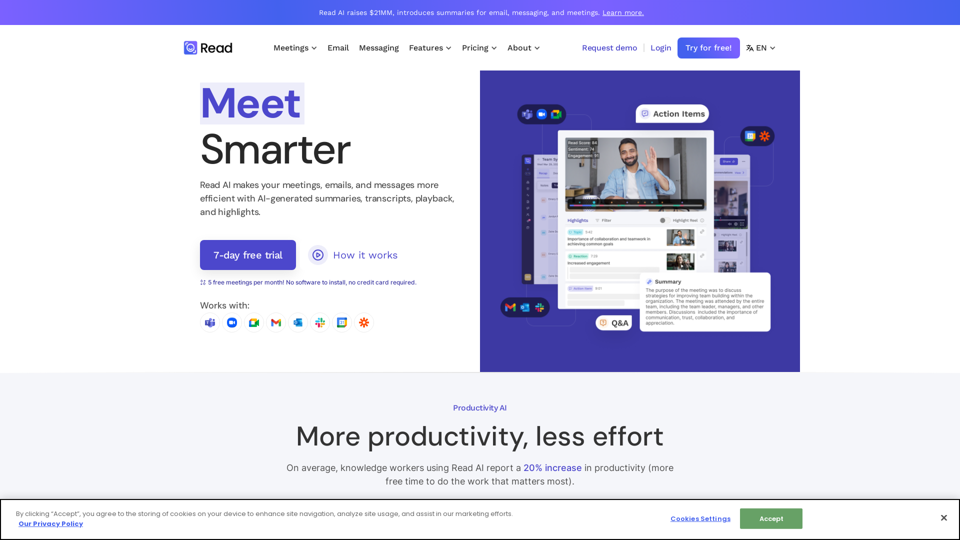
In a hybrid world, Read improves meeting wellness through better scheduling, real-time analytics, summaries, transcription, playback, and automated recommendations. On average, Read identifies 20 meeting hours a month that could be eliminated.
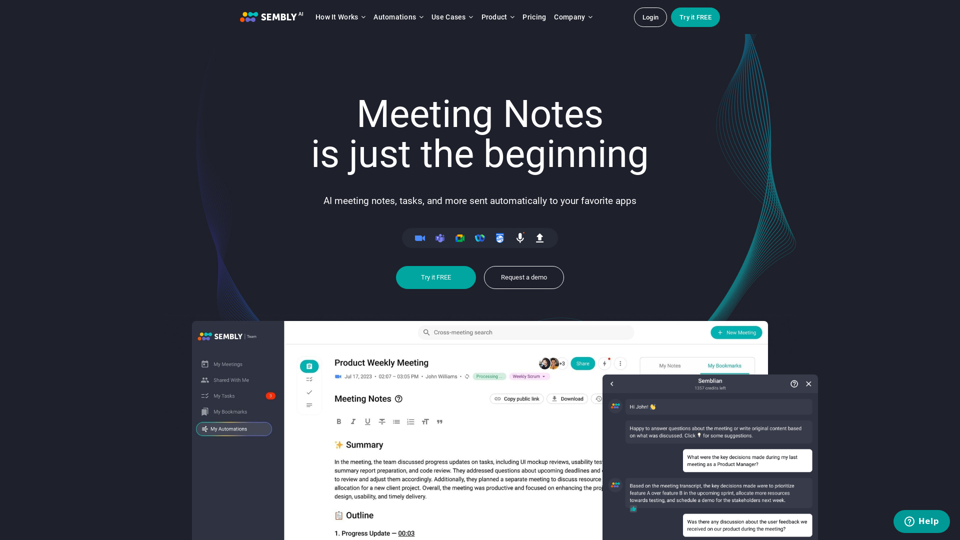
Sembly records, transcribes and generates smart meeting summaries with meeting minutes. Works with Zoom, Google Meet, Microsoft Teams and Cisco Webex. Sembly the smartest AI team assistant!
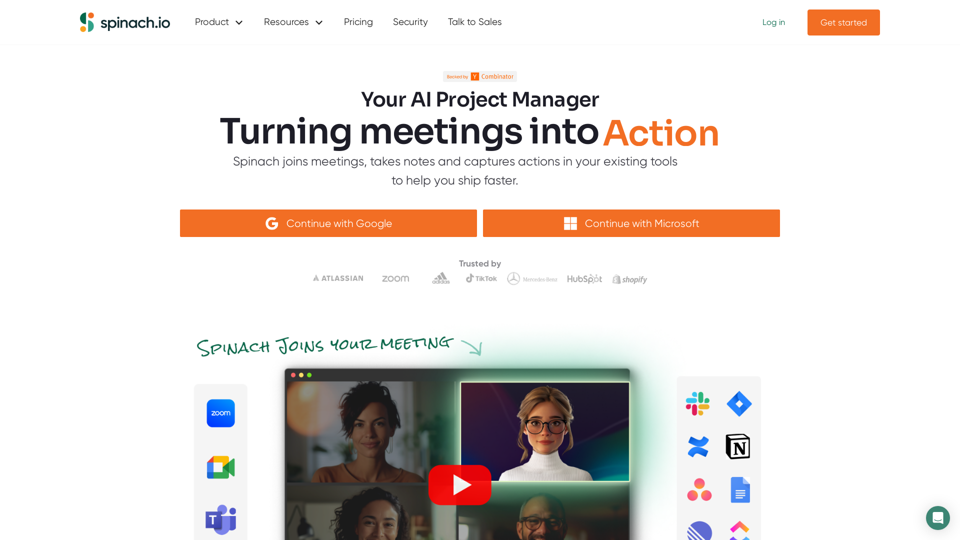
Spinach gives project teams instant meeting notes with key decisions, action items and ticket suggestions based on what you discuss. With dozens of integrations, Spinach keeps track of your projects wherever you work!
Aigenda is an online meeting assistant platform that allows you to focus on the discussion, not on taking notes. It automatically transcribes the meeting, formulates the results and a brief summary of the conversation, highlights key agreements.