Wondershare Filmora
Wondershare Filmora is a simple video editor that empowers you to edit video and audio on Windows and Mac. Download Filmora to create stunning videos with titles, transitions and creative visual effects.
What is Wondershare Filmora?
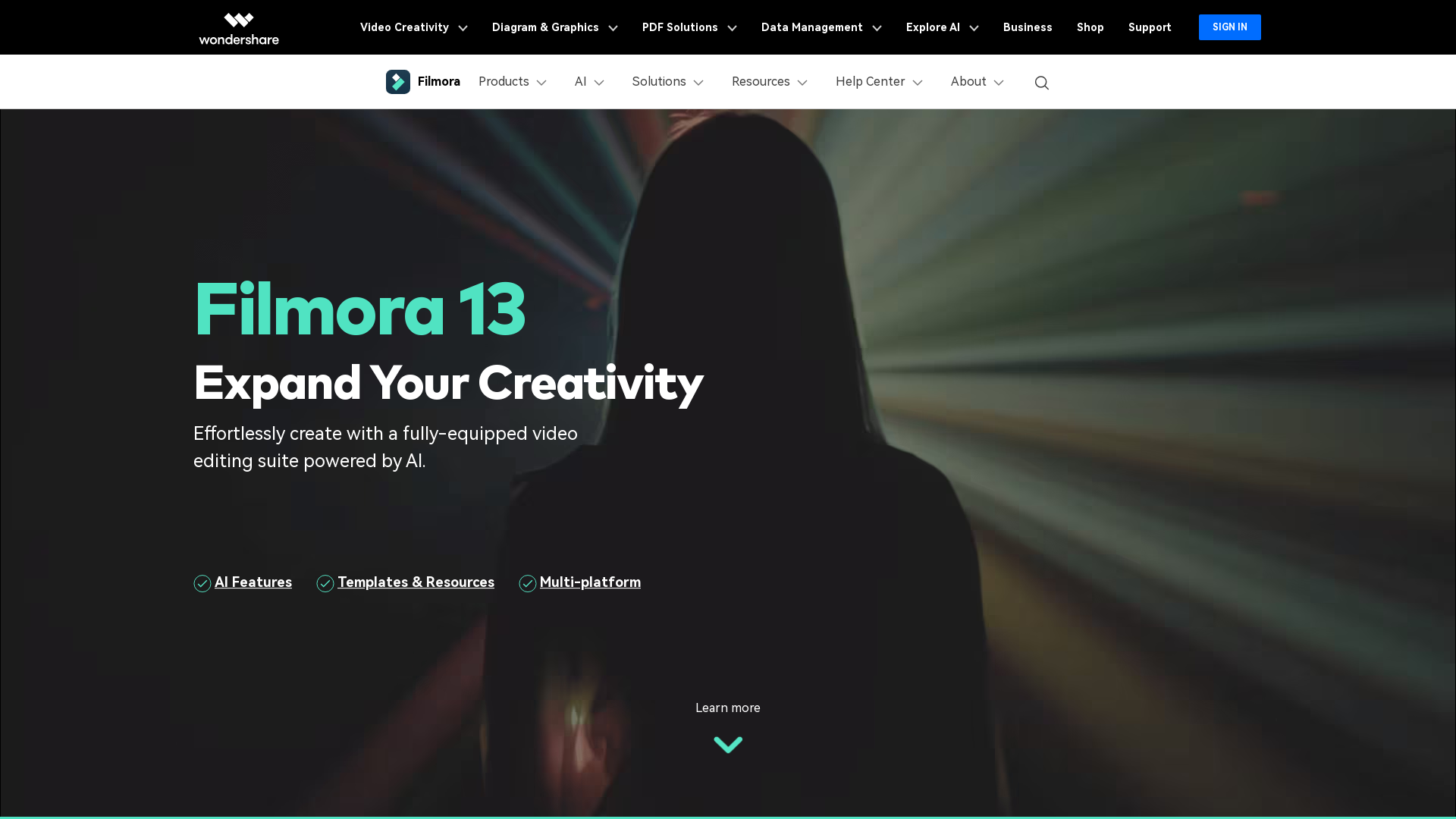
Wondershare Filmora is an easy-to-use video editing software that empowers users to create stunning videos with its AI-driven tools and an intuitive interface. Whether you are a beginner or a seasoned video editor, Filmora provides the resources you need to elevate your videos quickly and effectively.
What are the main features of Wondershare Filmora?
- AI-Powered Video Editing
- Filmora includes advanced AI features such as AI Text-Based Editing, AI Music Generator, and AI Thumbnail Creator, allowing for smarter and faster video editing.
- Multi-Platform Support
- Access Filmora on various devices, including Windows, macOS, iOS, and Android, making it convenient for editing on-the-go.
- Rich Template Library
- Take advantage of ready-to-go templates tailored for social media, marketing, and personal projects.
- Creative Assets
- Filmora offers a plethora of built-in effects, music tracks, and support for various video formats.
- Collaborative Features
- Utilize tools for team collaboration that streamline sharing and communication during the editing process.
How to use Wondershare Filmora?
Using Wondershare Filmora is as simple as downloading the software and getting started. Users can:
- Install the Software: Download and install Filmora on your desktop or mobile device.
- Create or Import Projects: Start a new project or import existing videos.
- Edit: Use the timeline to cut, trim, and arrange your video clips, add effects, and use AI features for enhancements.
- Export: Once satisfied with the editing, export the video in your desired format or share it directly on social media platforms.
What is the price of Wondershare Filmora?
Wondershare Filmora offers various pricing plans to accommodate different users:
- Free Trial
- Start with a watermark-free trial for basic features.
- Monthly Subscription
- Ideal for casual users who edit occasionally.
- Annual Subscription
- Cost-effective plan for regular users, offering all premium features.
- Lifetime License
- One-time payment for lifetime access, perfect for dedicated users.
Helpful Tips for Using Wondershare Filmora
- Explore AI Features
- Take advantage of AI tools to enhance editing efficiency.
- Utilize Templates
- Use customizable templates to streamline the editing process.
- Engage with the Community
- Join Filmora’s Creator Hub for tutorials, tips, and inspiration from other users.
- Preview Before Exporting
- Always preview your project to ensure it meets your expectations prior to final export.
Frequently Asked Questions
Can I use Wondershare Filmora on multiple devices?
Yes, Wondershare Filmora allows cross-platform editing. You can access your projects on desktop and mobile devices.
Does Filmora support 4K video editing?
Absolutely! Filmora supports 4K video editing, enabling users to create high-definition content effortlessly.
How can I remove a watermark from the videos?
To remove the watermark, you need to upgrade to a paid subscription plan.
Is customer support available?
Yes, Wondershare Filmora offers extensive customer support through tutorials, guides, and a dedicated help center to assist users with any queries.
Can I try Filmora before buying?
Yes, Filmora offers a free trial version so you can explore its features before committing to a purchase.
Wondershare Filmora
Wondershare Filmora is a simple video editor that empowers you to edit video and audio on Windows and Mac. Download Filmora to create stunning videos with titles, transitions and creative visual effects.
 Bootstrap:9
 Google Tag Manager
 HTTP/3
 Lodash
 Nginx
NginxFree AI anime and manga generator. Turn text into anime episodes, manga, comics, webtoons and comic shorts in any art style — no drawing or animation skills needed.
Translate image text across 70+ languages with our advanced AI Image Translator to help you better expand your products globally to various countries
Advertised Here
Reach thousands of visitors daily. Get your spot now!
Tools similar to Wondershare Filmora
Wondershare Official Website: Creativity, Productivity, Utility Solutions
Edit and subtitle videos using AI for free. Our online video processing SaaS tool makes video editing easy and efficient. Join over 10,000 happy users.
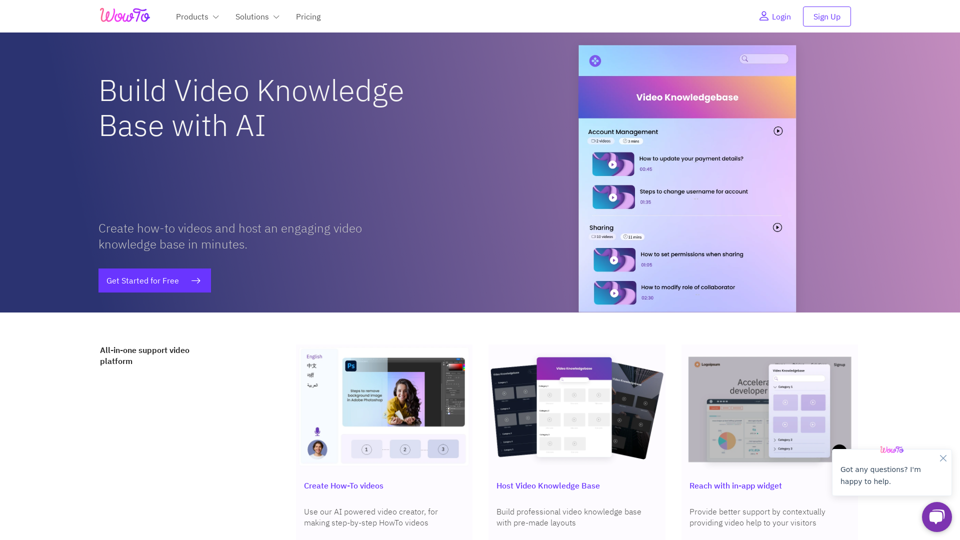
Build and host a video knowledge base for your website. Use the WowTo video editor to create Support Videos, Training videos, and Educational videos.
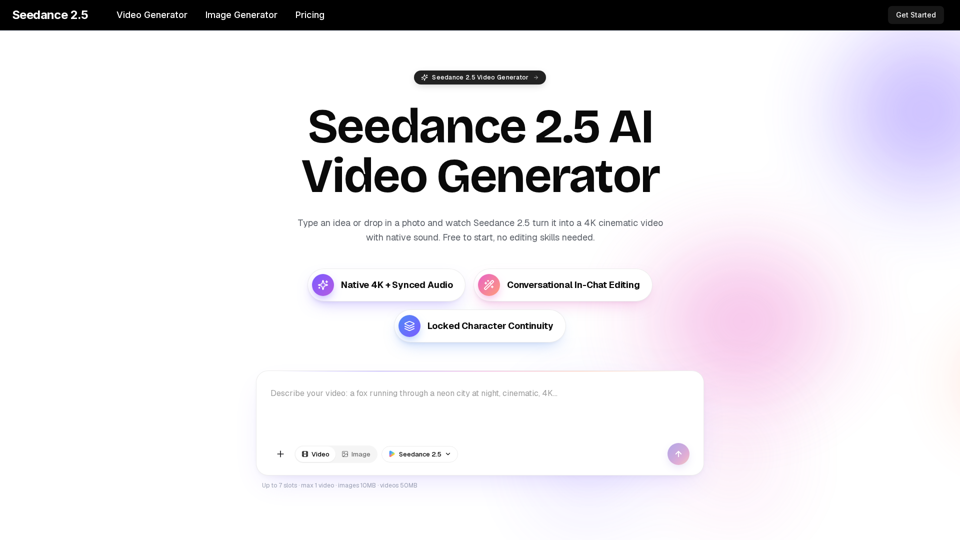
Turn any idea, photo, or clip into a stunning 4K video with Seedance 2.5. The AI video generator with native audio and 30fps motion. Free to try, no skills needed.

All-in-One AI Video Maker: Transform Text, Images & Videos with Professional AI Tools - Free Video Generation, Face Swap & Advanced Editing