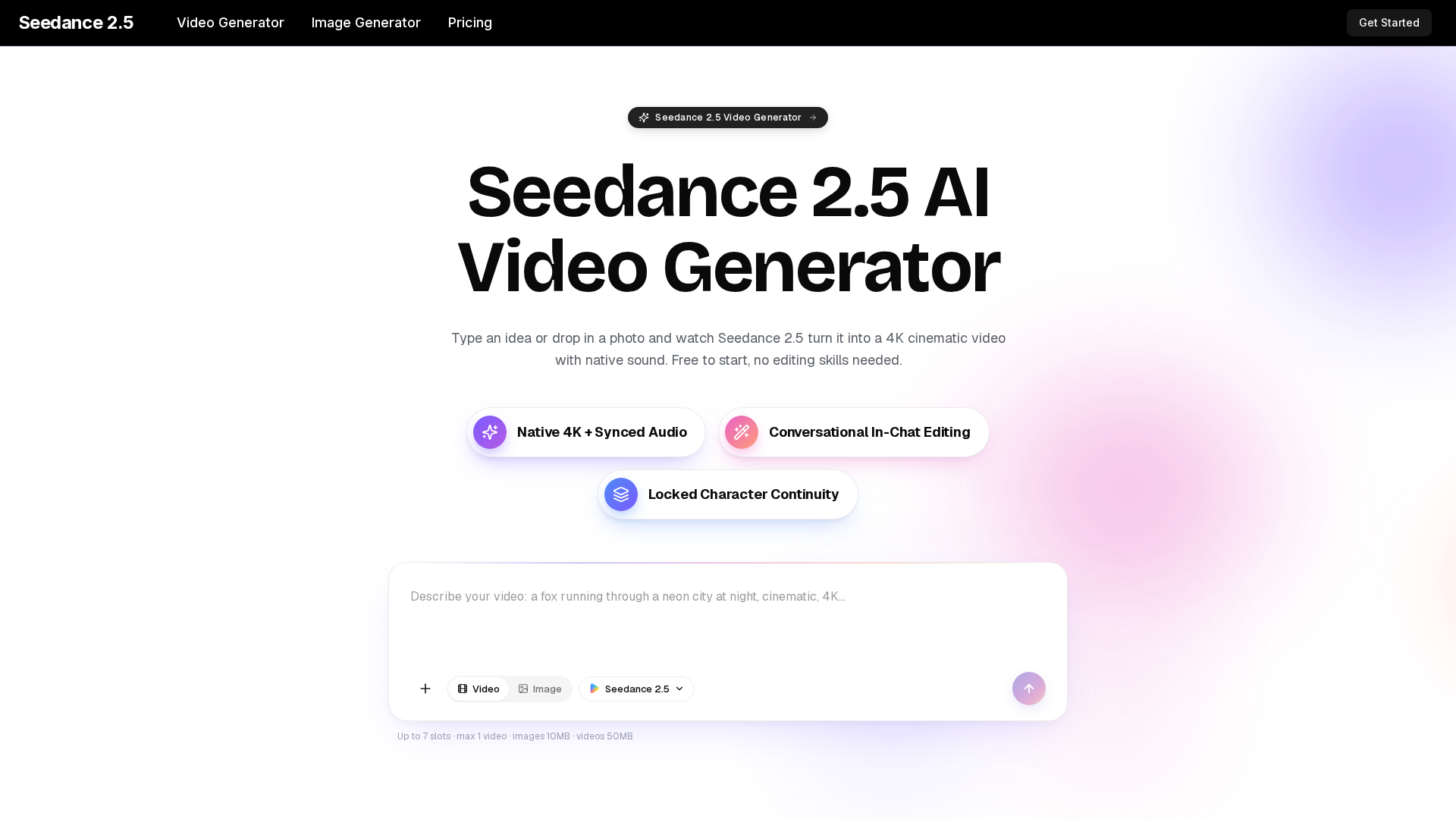
What is Seedance 2.5?
Seedance 2.5 is an all-in-one AI video generator that transforms text, images, clips, and audio into 4K cinematic videos with synchronized, native sound. It consolidates the entire video production pipeline into a single, intuitive platform. Instead of requiring separate tools for editing, sound design, and visual effects, you provide a simple creative brief—a text description, a reference image, or even an audio cue—and Seedance 2.5 handles the rest. It generates fluid motion, professional-grade lighting, deliberate camera work, and a matching soundtrack in one seamless process. This makes it accessible to anyone, from complete beginners to seasoned creators, enabling the production of professional-looking videos without any technical skills or expensive equipment.
Key Features of Seedance 2.5
Multimodal Input & All-in-One Engine
Feed the AI a combination of up to 12 inputs—text, images, video clips, and audio—in a single generation. It intelligently blends all references into one coherent creative brief. This allows for text-to-video, image-to-video, and video-to-video generation without switching tools, covering everything from animating a product photo to creating a narrative scene from a script.
Native 4K Resolution & Cinematic Quality
Render videos in true 4K resolution, ensuring every frame remains crisp on any screen, from mobile phones to large displays. The model preserves fine details like hair texture, fabric patterns, and reflections, preventing the smearing common in AI-generated content. This results in output that looks like a real production, not an AI test clip.
Stable, Smooth Motion at 30fps
Generate videos with fluid and stable motion at 30 frames per second. The technology minimizes common AI video artifacts like flickering, warping, or jarring jumps between frames. Fast camera moves and quick subject action are rendered cleanly, making the footage feel naturally filmed.
Native Audio Synchronization
Sound is generated in tandem with the video. This includes lip-synced dialogue, contextual sound effects, and ambient noise that perfectly match the on-screen action. There's no need for a separate audio editor or to license stock music; the video arrives complete with a professional, synchronized soundtrack.
Conversational In-Chat Editing
Refine your videos through simple conversation. If a shot isn't perfect, describe the change you want in plain language—like "make the lighting warmer," "slow the camera move," or "change the character's outfit." Seedance 2.5 understands and re-renders the clip accordingly, eliminating the need to learn complex editing software interfaces.
Multi-Shot Story Continuity
Describe a small narrative involving multiple shots (e.g., an establishing wide shot, a close-up, and a reaction shot), and Seedance 2.5 will generate them as a coherent sequence. It maintains consistency in characters, lighting, and style across all cuts, enabling the creation of short stories or ad sequences without manual matching.
Zero Learning Curve & Free Tier
Designed for absolute beginners, the platform has no timelines, layers, or technical jargon. You can create your first video by simply writing a sentence. It's completely free to start, with no credit card required, allowing you to explore its full capabilities and generate several clips before opting for a paid plan.
How to Use Seedance 2.5
The process from idea to finished video takes just three simple steps and completes in seconds.
Step 1: Type or Upload
Write a short, descriptive prompt for the video you envision, or upload a reference photo, clip, or audio file you want to animate or incorporate. Use plain English; no special prompt language is required. You can add stylistic notes like "cinematic," "handheld camera," or "golden hour lighting."
Step 2: Generate
Click the generate button. Seedance 2.5 processes your multimodal input, building a 4K video with native audio. It automatically handles camera angles, motion physics, lighting, and sound design. The generation is fast, typically completing in seconds.
Step 3: Refine, Download, and Share Review your generated clip. If you want tweaks, use the conversational chat to describe edits (e.g., "make it more energetic," "focus on the character's face") and regenerate. Once satisfied, download the final video in full 4K quality and share it directly to platforms like TikTok, YouTube, Instagram Reels, or your website.
Who is Seedance 2.5 For?
Seedance 2.5 serves a wide range of users who need high-quality video content quickly and affordably.
- Content Creators
- Produce scroll-stopping clips for TikTok, Reels, and YouTube Shorts daily without any filming or editing overhead.
- Marketers & Ad Agencies
- Rapidly prototype and produce multiple ad variations, social campaign videos, and promotional content for A/B testing.
- Small Businesses & E-commerce
- Create cinematic product demo videos and hero shots for listings from a single product photo, elevating brand perception.
- Educators & Trainers
- Develop engaging educational content, explainer videos, and animated lesson intros that boost student engagement.
- Hobbyists & Experimenters
- Bring any imaginative idea to life, from fantasy scenes to personalized gifts, just for fun and creativity.
Pricing for Seedance 2.5
Start for free and upgrade as your needs grow. All paid plans include a commercial license, 4K output, native audio, and no watermarks.
- Free Tier
- Start creating immediately with no cost. Perfect for testing and initial exploration.
- Lite Plan ($14.9/month billed yearly)
- 600 credits/month. Ideal for light users and hobbyists.
- Pro Plan ($24.9/month billed yearly)
Most Popular. 1,500 credits/month. Best for regular creators and small businesses.
- Ultra Plan ($49.9/month billed yearly)
- 4,400 credits/month. Designed for heavy users, agencies, and high-volume projects.
Helpful Tips for Using Seedance 2.5
- Be Descriptive
- The more visual detail in your prompt, the better. Describe the subject, action, setting, mood, camera movement (e.g., "slow dolly in"), and lighting (e.g., "dramatic sidelight").
- Leverage References
- Use the image upload feature to lock in a specific style, character, or color palette. The AI blends this seamlessly with your text instructions.
- Iterate with Chat
- Don't settle for the first result. Use the conversational edit feature to fine-tune details. It's the fastest way to achieve your exact vision.
- Plan for Multi-Shot Stories
- When creating a sequence, describe the shots in order within a single prompt (e.g., "Wide shot of a cafe, then close-up on a steaming coffee cup, final shot of someone smiling").
- Explore the Prompt Library
- Browse the community prompt library for inspiration and to learn effective prompting techniques.
Frequently Asked Questions
Is Seedance 2.5 really free to use?
Yes, you can start generating videos immediately without a credit card. The free tier is fully functional for exploration. Paid plans unlock more credits and higher-volume features.
What video lengths can it generate?
Clips typically range from 4 to 15 seconds, which is ideal for social media and short-form content. You can string multiple generated clips together for longer pieces.
Can I use the videos I create for commercial purposes?
Yes, videos generated on any paid plan come with a commercial license, meaning you can use them in ads, on your website, in client work, and for monetization.
Do I need to install any software?
No. Seedance 2.5 is a cloud-based platform that runs entirely in your web browser. There's nothing to download, and you can access your projects from any device.
How does it handle different aspect ratios?
The platform supports outputs for all major platforms, including vertical (9:16) for TikTok/Reels, square (1:1) for feeds, and widescreen (16:9) for YouTube.
What's the difference between Seedance 2.5 and version 2.0?
Seedance 2.5 builds on 2.0's core features but delivers significantly sharper 4K resolution and smoother, more stable 30fps motion for a more polished, professional result.
Can I use my own images and audio files?
Absolutely. You can upload your own photos, short video clips, and audio files as part of your multimodal input (up to 12 files total) to guide the generation.
How fast is the video generation?
Most clips are generated in a matter of seconds, allowing for rapid iteration and experimentation.
Seedance 2.5 AI Video Generator
Turn any idea, photo, or clip into a stunning 4K video with Seedance 2.5. The AI video generator with native audio and 30fps motion. Free to try, no skills needed.
 Next.js
 Node.js
 React
React Vercel
 Webpack
Free AI anime and manga generator. Turn text into anime episodes, manga, comics, webtoons and comic shorts in any art style — no drawing or animation skills needed.
Translate image text across 70+ languages with our advanced AI Image Translator to help you better expand your products globally to various countries
Advertised Here
Reach thousands of visitors daily. Get your spot now!
Tools similar to Seedance 2.5 AI Video Generator
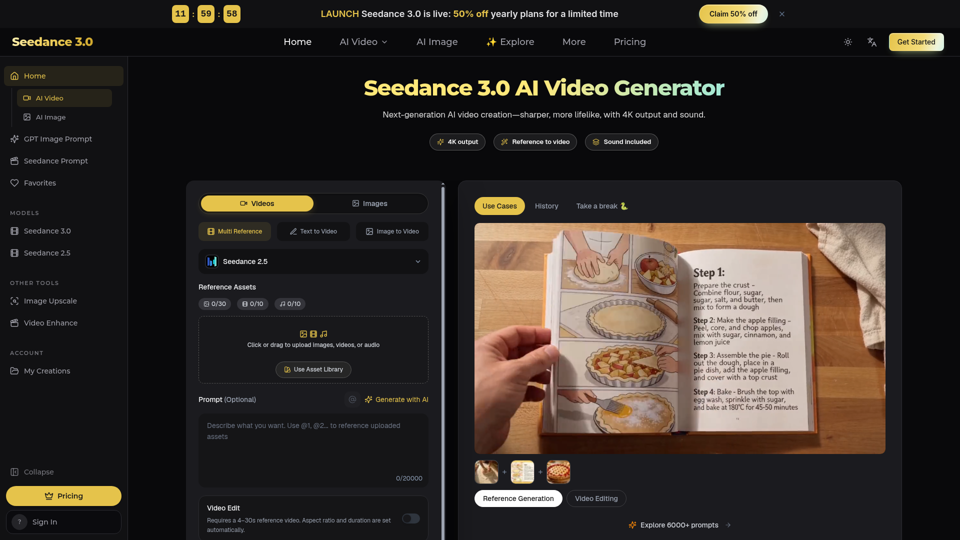
Seedance 3.0 is a free AI video generator. Type an idea or add references, get a 4K video with sound, then change only the part you want.
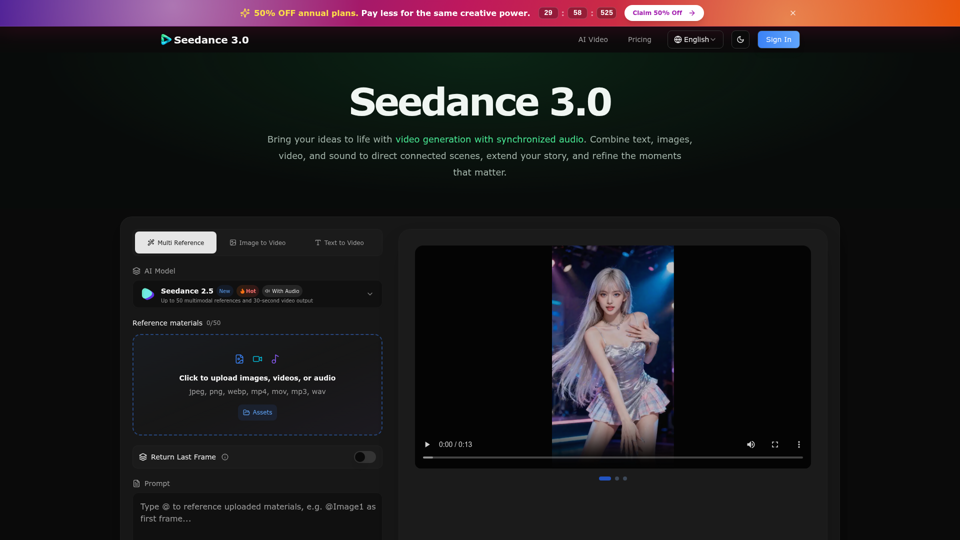
Create cinematic stories with Seedance 3.0. Turn text, images, video, and audio references into videos with synchronized sound and precise creative control.
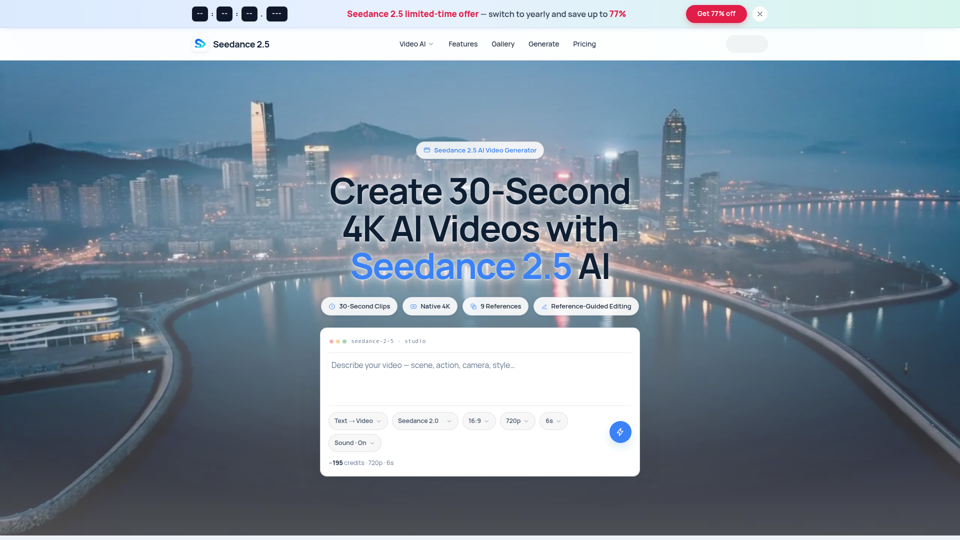
Seedance 2.5 AI turns any text prompt or photo into cinematic, watermark-free 4K video — text-to-video, image-to-video and reference-guided generation.
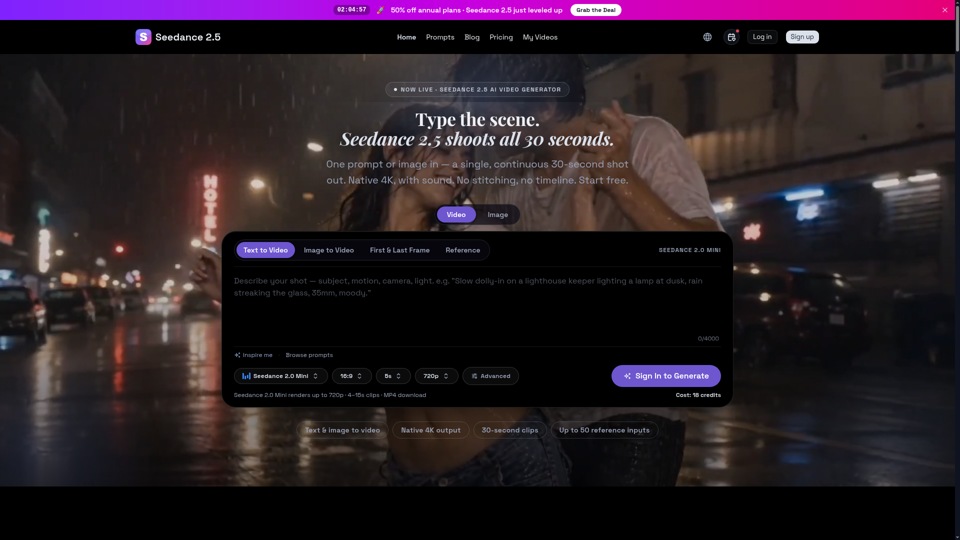
Seedance 2.5 is ByteDance’s next-gen AI video generator — turn one prompt into a single 30-second clip at native 4K, with up to 50 reference inputs. Start free.
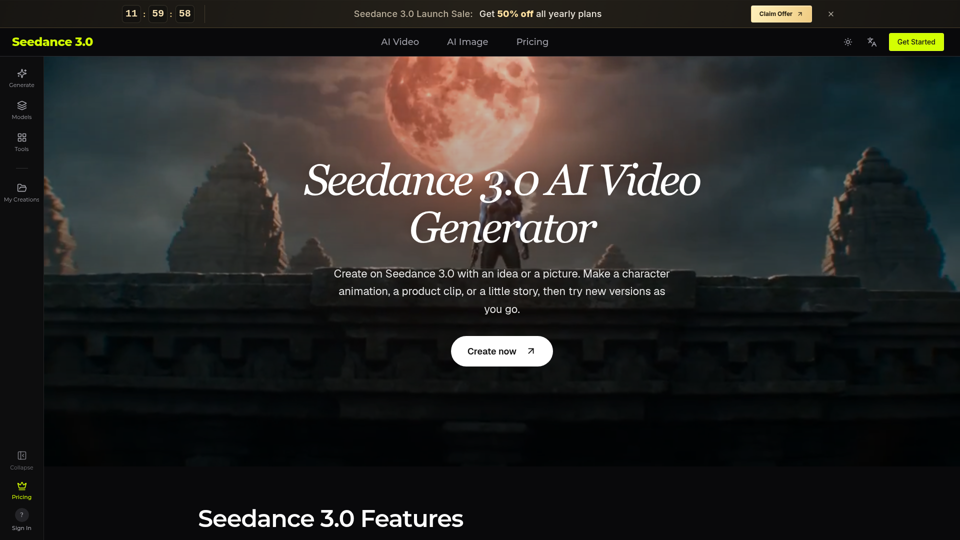
Try Seedance 3.0 free online. Turn text, images, video clips, and audio into videos with sound. Keep faces the same and edit any part without starting over.
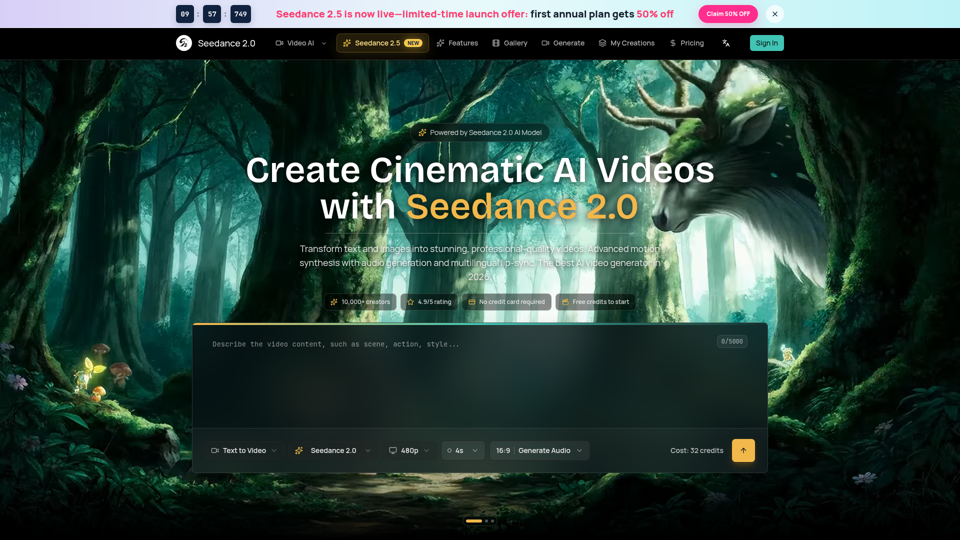
Seedance 2.0 AI video generator. Turn text and images into cinematic videos with motion synthesis, audio generation and lip-sync. Text-to-video & image-to-vi...
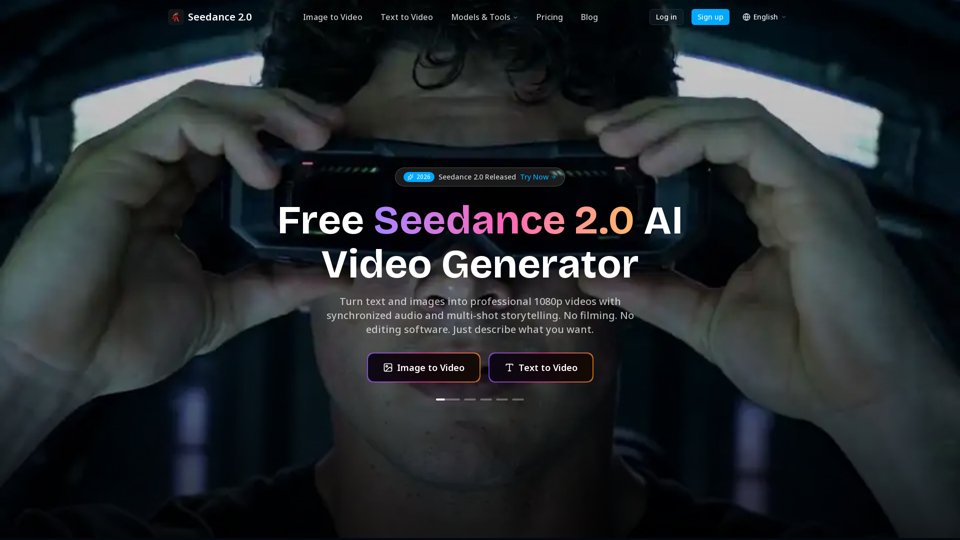
Create cinematic AI videos with Seedance 2.0. Text-to-video, image-to-video, native audio. The Seedance 2.0 AI video generator. Free to start.
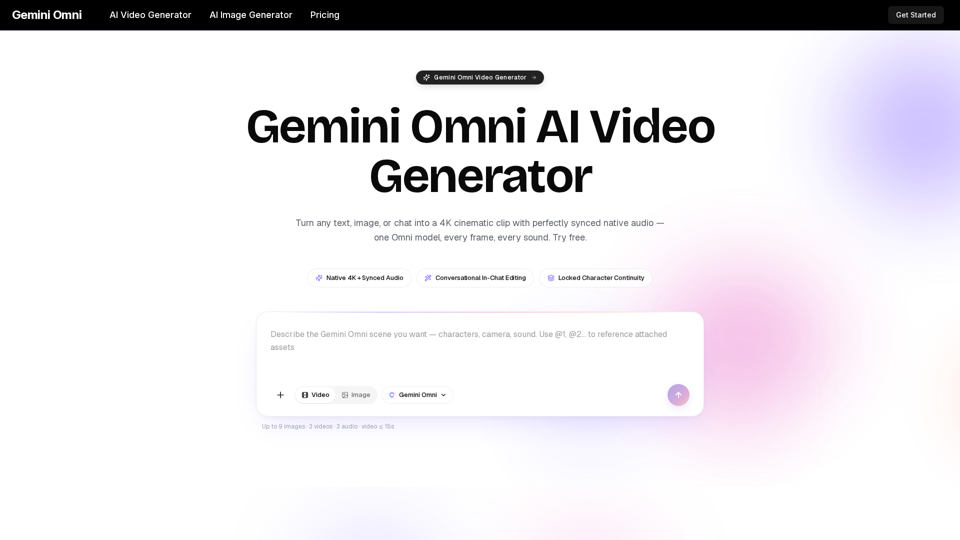
Gemini Omni is a multimodal AI video generator that creates 4K cinematic clips with synchronized native audio from text or chat. Try free!