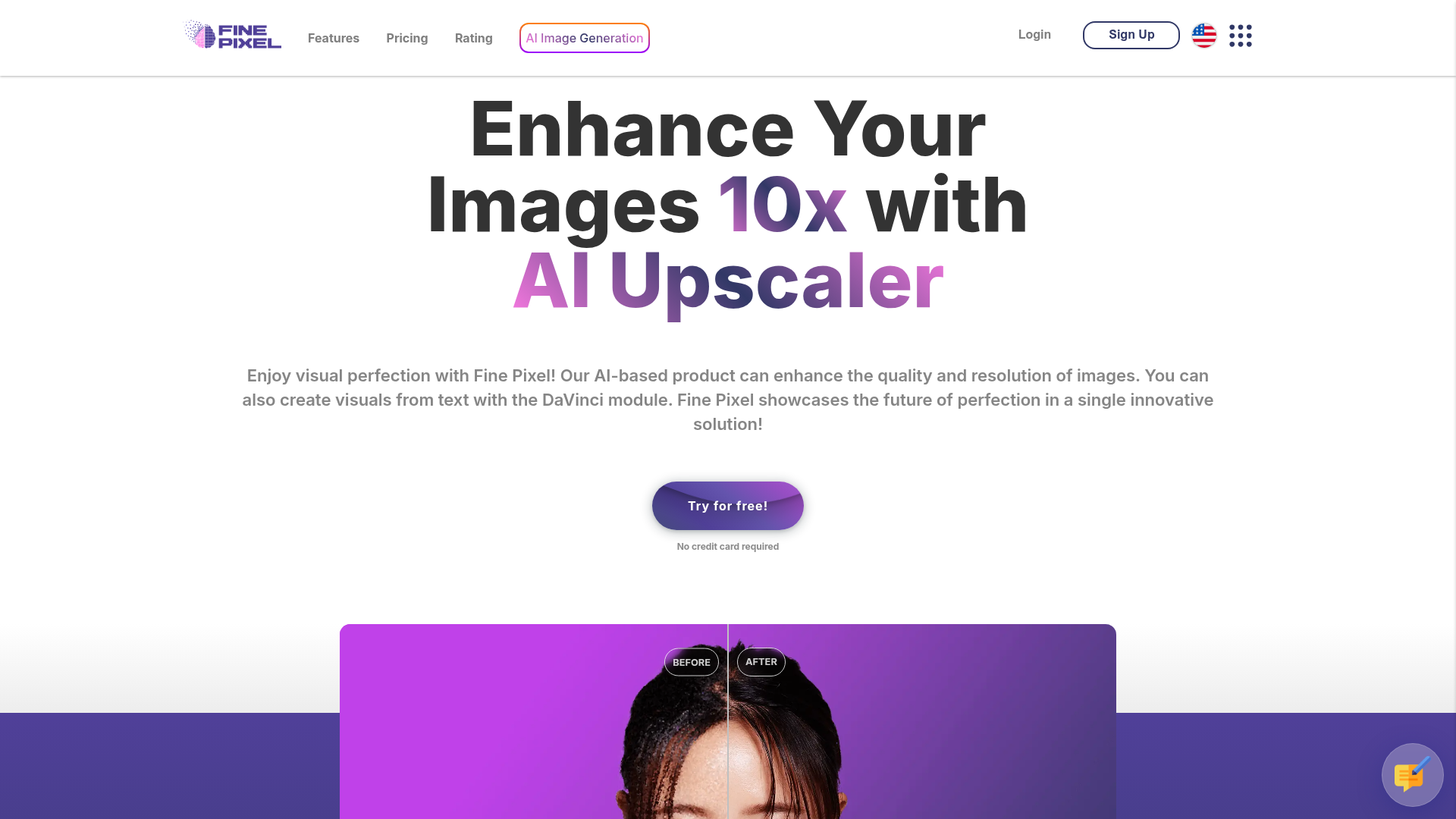
What is FinePixel AI?
FinePixel AI is an advanced online platform specializing in AI-powered image enhancement and generation. Its core technology transforms low-resolution or low-quality images into high-fidelity visuals by upscaling them up to 10x their original resolution. Beyond just upscaling, FinePixel features the DaVinci module, a sophisticated text-to-image AI generator that creates visuals from textual descriptions, offering a comprehensive solution for photographers, designers, marketers, and content creators.
What are the key features of FinePixel AI?
FinePixel AI distinguishes itself with a powerful and user-friendly feature set:
1. AI Image Upscaling:
- 10x Resolution Enhancement
- Significantly increases image resolution and clarity, making it ideal for enlarging old photos, digital art, real estate listings, or product images.
- Professional-Grade Output
- Achieves quality suitable for both web and print, with the ability to attain 300+ DPI for crisp, detailed prints.
- Rapid Processing
- Enhances low-quality images in seconds, saving valuable time for creative work.
2. Advanced AI Image Generation (DaVinci Module):
- Text-to-Image (FinePixel Diffusion XL)
- Instantly transforms text prompts into stunning, high-quality visuals for business, marketing, or personal projects, requiring no design skills.
- Image-to-Image & Inpainting (Canvas Inpainting XL)
- Allows users to intelligently edit photos by adding, removing, or altering elements within an image using simple text instructions, offering Photoshop-like capabilities powered by AI.
3. Specialized Enhancement Technologies:
- Facial Enhancement
- Utilizes dedicated AI technology to improve details and clarity in portraits and facial features.
- Anime/Illustration Module
- Provides specialized upscaling and enhancement tailored for anime, cartoons, and digital illustrations.
- Flexible Output Formats
- Supports various selectable output formats to suit different needs.
4. User-Focused Experience:
- Pay-As-You-Use Credits
- Operates on a credit-based system, allowing users to pay only for the processing power they consume.
- Scalable Plans
- Offers plans ranging from a free tier to enterprise solutions, catering to basic users, professionals, and large companies.
How to use FinePixel AI?
Using FinePixel AI is designed to be straightforward and accessible:
- Sign Up for an Account: Visit the FinePixel website and register for a free account. No credit card is required to start.
- Choose Your Tool: Navigate to either the ### AI Upscaler or the ### DaVinci module based on whether you want to enhance an existing image or generate a new one from text.
- Upload or Describe:
- For ### Upscaling: Upload your image (JPG, PNG, WEBP) and select your desired enhancement settings, such as scale factor (up to 8x or 10x depending on your plan).
- For ### DaVinci Generation: In the text-to-image tool, type a detailed description of the visual you want to create. For inpainting, upload an image and highlight the area you wish to edit, then provide a text prompt describing the change.
- Process and Download: The AI will process your request. Once complete, you can preview and download the enhanced or generated high-resolution image.
What are the pricing plans for FinePixel AI?
FinePixel AI offers flexible pricing tiers to match different user needs and budgets:
- Free Plan ($0)
- Perfect for trying the service. Includes 10 initial credits + 2 credits daily, 3x resolution boost, support for files up to 4MB, and basic output features. Generated images include a watermark.
- Basic Plan ($6.99/month)
- Designed for detailed personal use. Provides 200 credits monthly, an 8x resolution boost, support for photos up to 10MB, and technical support.
- Professional Plan ($16.99/month)
- For advanced personal or professional use. Includes 400 credits monthly, an 8x resolution boost, support for files up to 20MB, and priority technical support.
- Enterprise Plan (Custom Pricing)
- Tailored for companies and high-volume users. Includes unlimited credits, custom resolution boosts, dedicated support, and volume-based pricing. Users need to contact FinePixel for a custom quote.
Note: A yearly subscription offers a 50% discount compared to monthly billing.
How can I get the most out of FinePixel AI?
Maximize your results with these helpful tips:
- Start with Free Credits
- Use the free daily credits in the Free plan to familiarize yourself with the upscaling and DaVinci tools before committing to a subscription.
- Use Detailed Prompts for DaVinci
- When generating images from text, be as descriptive as possible. Mention style (e.g., "photorealistic," "oil painting"), subject details, lighting, and composition for the best results.
- Check Supported Formats and Sizes
- Before uploading, ensure your image file type (JPG, PNG, WEBP) and size are within the limits of your chosen plan to avoid errors.
- Use for Specific Workflows
- Integrate FinePixel into your workflow for specific tasks like preparing real estate photos for listings, upscaling product images for e-commerce, creating marketing visuals, or restoring old family photographs.
- Experiment with Inpainting
- Use the Canvas Inpainting tool for creative edits like removing unwanted objects from a photo, changing backgrounds, or adding new elements seamlessly.
Frequently Asked Questions (FAQ)
Is there a free trial?
Yes, FinePixel AI offers a completely free plan that includes 10 initial credits plus 2 free credits every day. This allows you to test the core upscaling and image generation features at no cost.
What image formats does FinePixel support?
The platform supports common image formats including JPG, PNG, and WEBP for both upload and download.
Will my uploaded images be used to train AI models?
FinePixel's privacy policy states they value user data privacy. For specific details on data usage and storage, it is recommended to review their official privacy policy or contact their support team directly.
How many images can I generate/upscale per credit?
The number of operations per credit depends on the complexity of the task, the output resolution, and the specific module used (Upscaler vs. DaVinci). The credit system is designed to reflect computational cost.
What is the maximum output resolution?
For the DaVinci image generation module, output is supported up to 2000x2000 pixels. For the AI upscaler, the maximum scale factor is 8x or 10x depending on your subscription plan, ultimately limited by the original upload size.
Who is FinePixel AI best suited for?
It is an excellent tool for a wide range of users, including photographers looking to enhance image quality, digital artists, e-commerce store owners needing better product photos, marketers creating visual content, real estate agents, and anyone wishing to restore or improve old photographs.
Fine Pixel
Increase the resolution and quality of your photos up to 10 times! If you wish, write down your dreams and create them visually! Try Fine Pixel now!
 Amazon CloudFront
 Amazon Web Services
 Google Analytics
 Google Sign-in
 Google Tag Manager
 Nginx:1.27.3
 Unpkg
Unpkg jQuery CDN
Free AI anime and manga generator. Turn text into anime episodes, manga, comics, webtoons and comic shorts in any art style — no drawing or animation skills needed.
Translate image text across 70+ languages with our advanced AI Image Translator to help you better expand your products globally to various countries
Advertised Here
Reach thousands of visitors daily. Get your spot now!
Tools similar to Fine Pixel
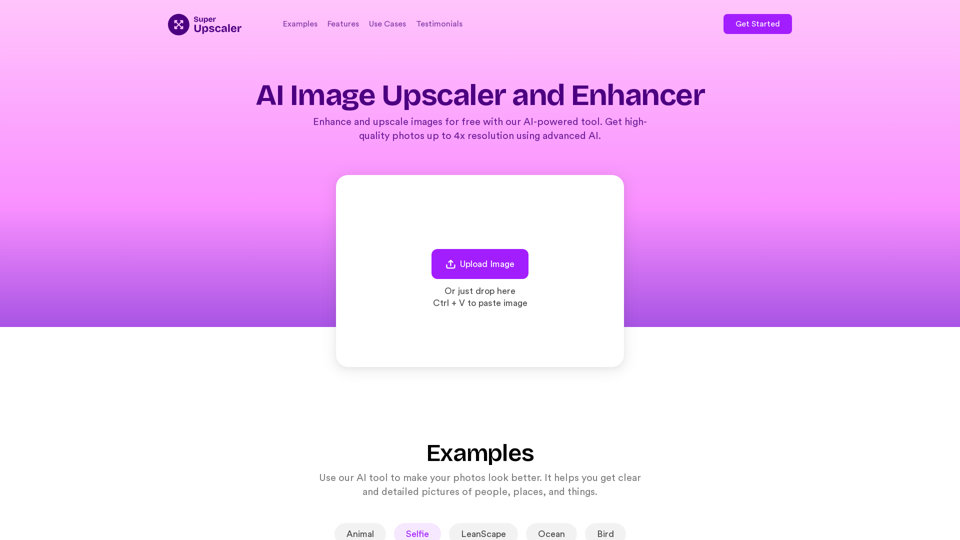
Enhance and upscale images for free with our AI-powered tool. Get high-quality photos up to 4x resolution using advanced AI technology. Try our online image enhancer now!
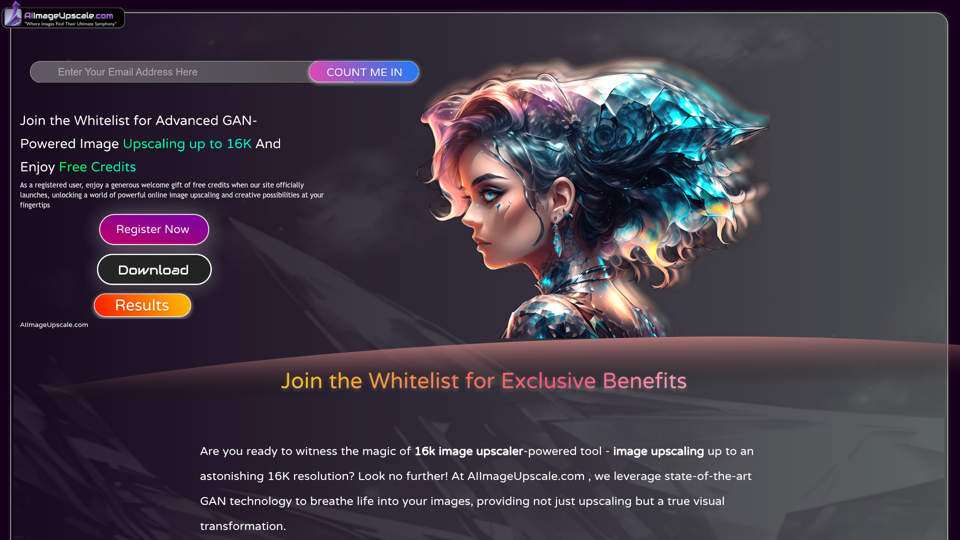
Upscale photos for free with our AI image upscaler, enhancing images by up to 16k and 4k. Increase resolution and enhance image quality effortlessly in seconds.
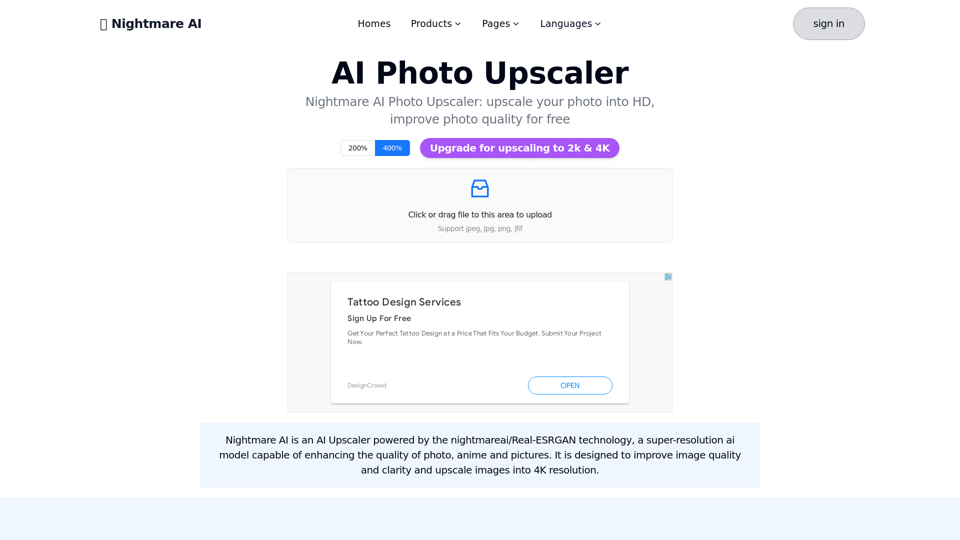
Nightmare AI is nightmareai/real-esrgan based AI Upscaler.Support upscale and enhance photos to HD, significant improve photo quality into high resolution
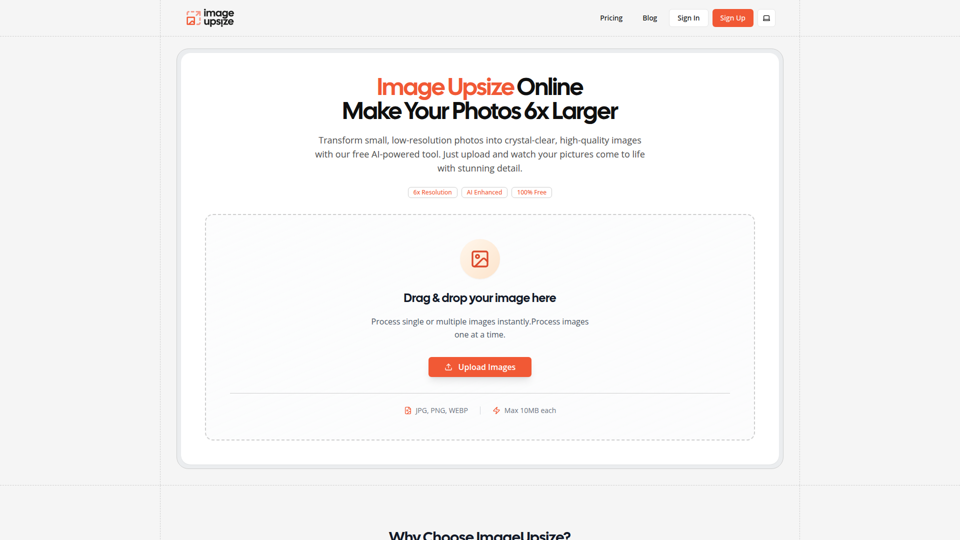
Free online image upsize tool. Enlarge photos up to 6x resolution using advanced AI technology. No watermarks, no registration required.
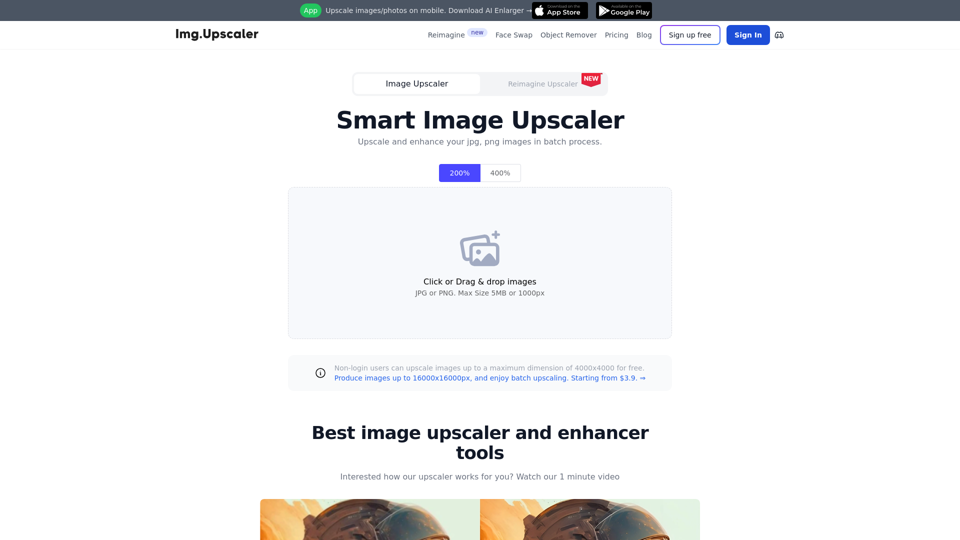
Try our free online image upscaler tool, capable of upscaling images by 400% and up to 16000x16000 resolution. Enlarge your images without compromising quality. Supports JPG, PNG, and JPEG formats.
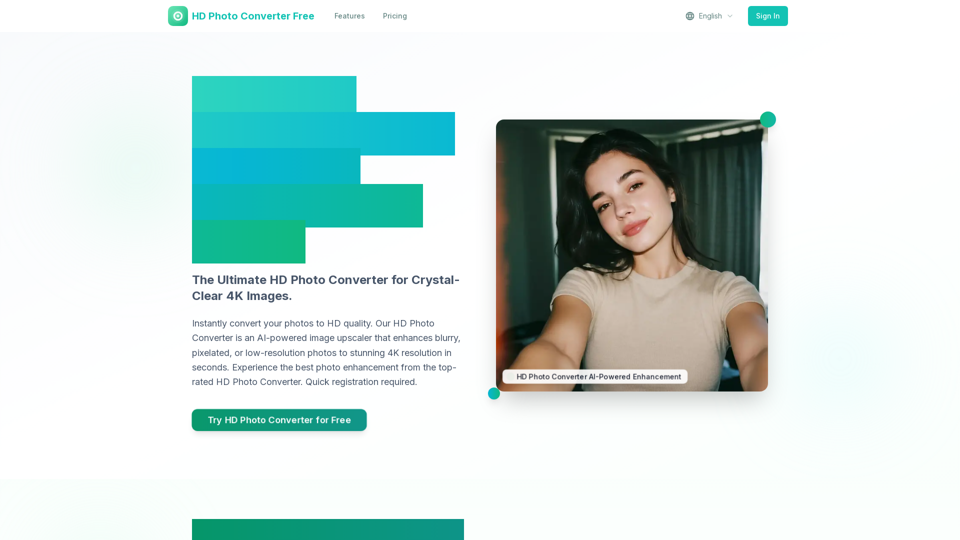
Instantly convert your photos to HD quality. Our HD Photo Converter is an AI-powered image upscaler that enhances blurry, pixelated, or low-resolution photos to stunning 4K resolution in seconds. Experience the best photo enhancement from the top-rated HD Photo Converter. Quick registration required.
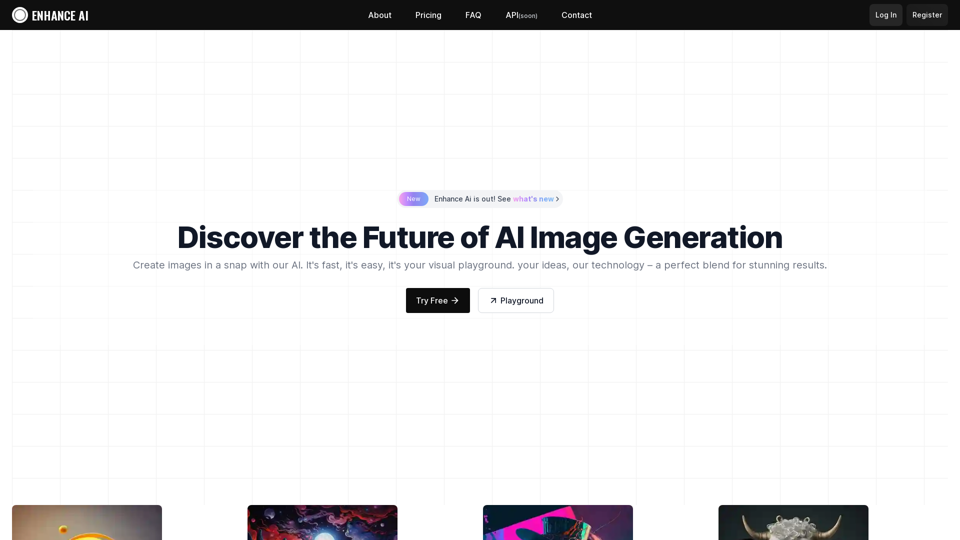
Experience cutting-edge AI image technology with Enhance AI. Photo enhancement, upscaling, deepfake creation, face generation, and background removal - all in one powerful platform.
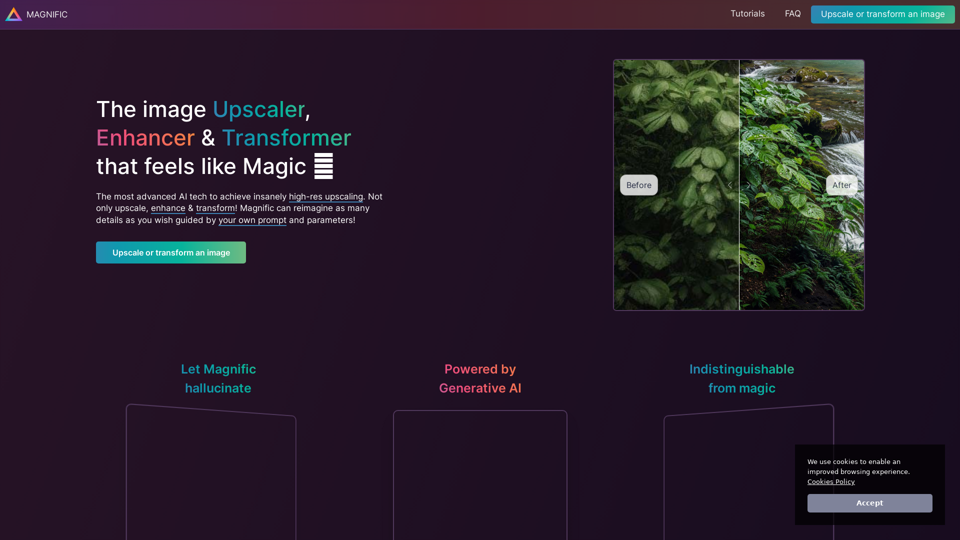
The most advanced AI upscaler & enhancer. Magnific can reimagine as many details in your image or photo as you wish, guided by your prompt and parameters!