AI Image Tools
Stop switching between tools. Browse Fotor's full suite of AI image tools for creating professional visuals in one place. Free to use. No learning curve.
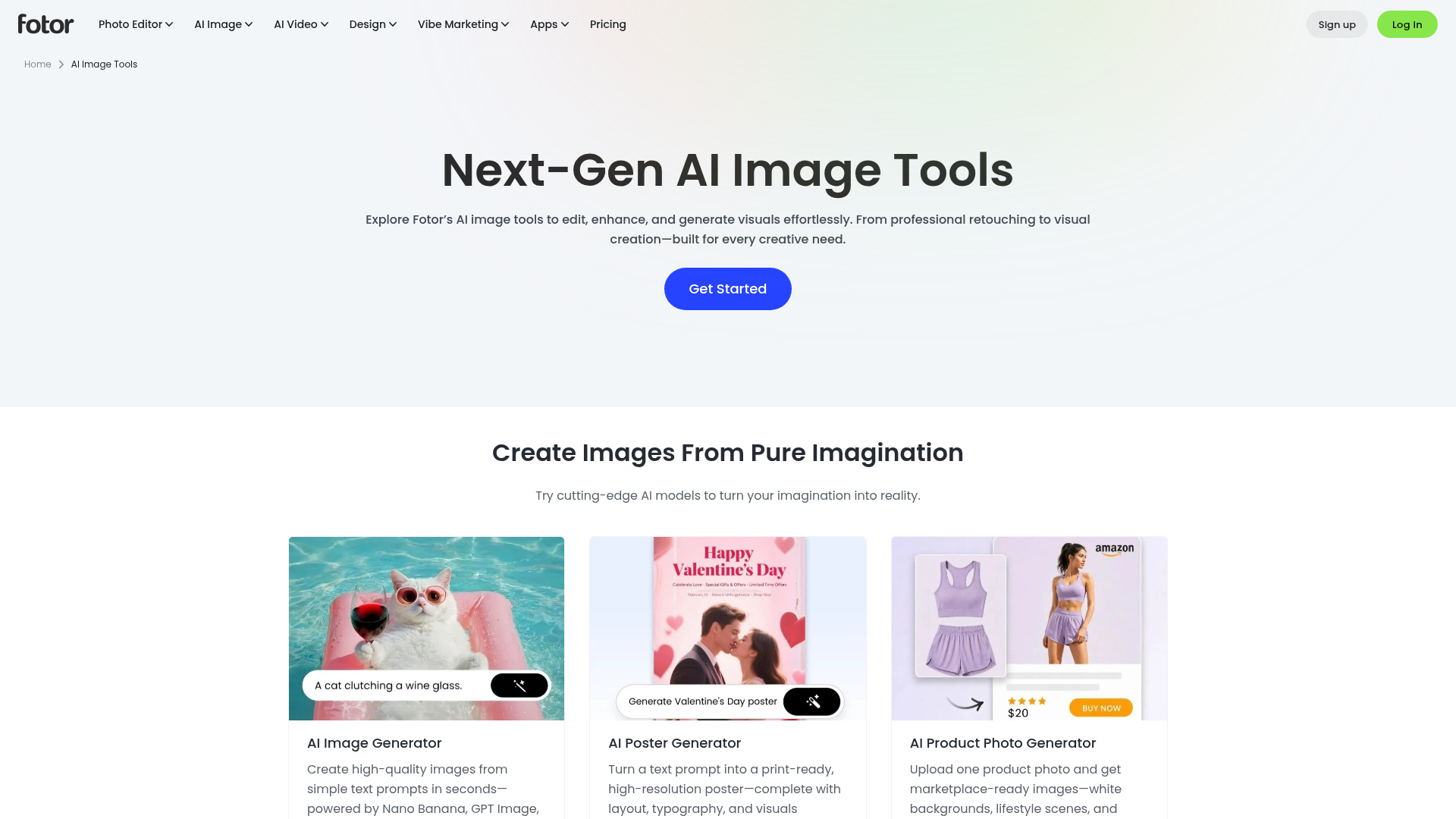
What is Fotor AI Image Tools?
Fotor AI Image Tools is a collection of online tools for editing, enhancing and generating images, brought together in one place so you do not have to switch between separate apps. It covers background removal, photo restoration, upscaling, retouching, AI image generation and product photo creation, and it is aimed at everyone from casual users to e-commerce sellers, marketers and designers. What sets it apart is the range of image and video models available in the same suite, including Nano Banana, GPT Image, Seedream, Flux AI and Gemini AI.
Key features
- AI Image Generator
- Creates high-quality images from simple text prompts in seconds, powered by models such as Nano Banana, GPT Image and Seedream.
- AI Photo Editor
- Instant image editing with AI, alongside retouching tools for portraits and photos.
- Enhance and upscale tools
- An AI image enhancer, HD photo converter, image upscaler up to 4x and an unblur tool for improving resolution and quality.
- Remove and replace tools
- Background remover, background changer, object remover, person remover, watermark remover and image text editor.
- Style and effect filters
- Photo to anime, photo to cartoon, photo to sketch, photo to painting, Ghibli art filter and funny face filters.
- Product and marketing visuals
- AI product photo generator, AI photoshoot, ghost mannequin, flatlay to model, AI listing images, AI poster generator and UGC video ads.
- Design and video tools
- Templates, collage maker, logo maker, flyer maker, plus an AI video generator, image to video and video enhancer.
How to use Fotor AI Image Tools
- Go to the Fotor AI image tools page and browse the categories, such as Enhance & Adjust, Remove & Replace, Effects & Style, or Tools.
- Open the tool you need, for example the AI Image Generator, Background Remover or AI Product Photo Generator.
- Upload your own photo, or type a text prompt if you are generating an image from scratch.
- Choose a model or effect where the tool offers one, such as Nano Banana, Flux AI or a photo-to-anime style.
- Download the finished image, or continue editing it with other tools in the suite.
Use cases
- Online sellers who need marketplace-ready product images, white backgrounds, lifestyle scenes and listing photos from a single product shot.
- Marketers and social media managers creating posters, social media posts, UGC ads and product videos.
- Photographers and everyday users restoring old photos, colorizing black-and-white images or upscaling low-resolution pictures.
- Designers and small businesses making logos, flyers, business cards, brochures and other branded visuals from templates.
- Content creators turning portraits into anime, cartoon, sketch or painting styles, or generating avatars, headshots and character art.
Pricing
The Fotor AI image tools page describes the tools as free to use, but it does not list plan tiers or prices. Pricing information sits on Fotor's separate pricing page, so check the official website for current plans and costs.
FAQ
Is Fotor AI Image Tools free to use?
The site describes the AI image tools as free to use with no learning curve. The tools page itself does not list plan tiers or prices, so check Fotor's pricing page for the details of paid options.
Which AI models does Fotor AI Image Tools use for image generation?
Fotor lists several image models, including Flux AI, GPT Image 2, Gemini AI, Nano Banana, Nano Banana Pro and Seedream. Each is described with different strengths, such as prompt accuracy, multilingual text rendering or facial consistency.
Can Fotor AI Image Tools remove backgrounds and unwanted objects from photos?
Yes. The suite includes a background remover, a background changer, a PNG maker, an object remover, a person remover, a watermark remover and a photo text remover.
Does Fotor AI Image Tools include video tools as well as image tools?
Yes. Alongside the image tools, Fotor offers an AI video generator, image to video, video to video, a video enhancer, a video background remover and a 4K video converter, with video models such as Google Veo 3, Kling AI and Hailuo AI.
Can Fotor AI Image Tools create product photos for online stores?
Yes. Fotor includes an AI product photo generator that turns one product photo into white-background, lifestyle and listing images, plus tools for ghost mannequin effects, AI fashion models, flatlay to model conversion and AI photoshoots.
Do I need to install anything to use Fotor AI Image Tools?
No. The tools are described as online tools that run in the browser, such as the online AI image generator, image upscaler and background remover.
AI Image Tools
Stop switching between tools. Browse Fotor's full suite of AI image tools for creating professional visuals in one place. Free to use. No learning curve.
 Cloudflare
 HTTP/3
Free AI anime and manga generator. Turn text into anime episodes, manga, comics, webtoons and comic shorts in any art style — no drawing or animation skills needed.
Translate image text across 70+ languages with our advanced AI Image Translator to help you better expand your products globally to various countries
Advertised Here
Reach thousands of visitors daily. Get your spot now!
Tools similar to AI Image Tools
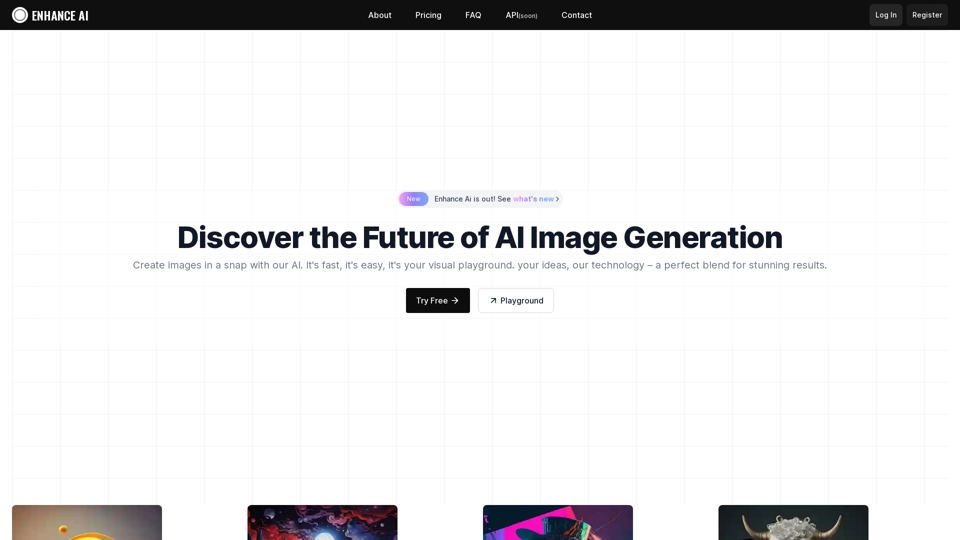
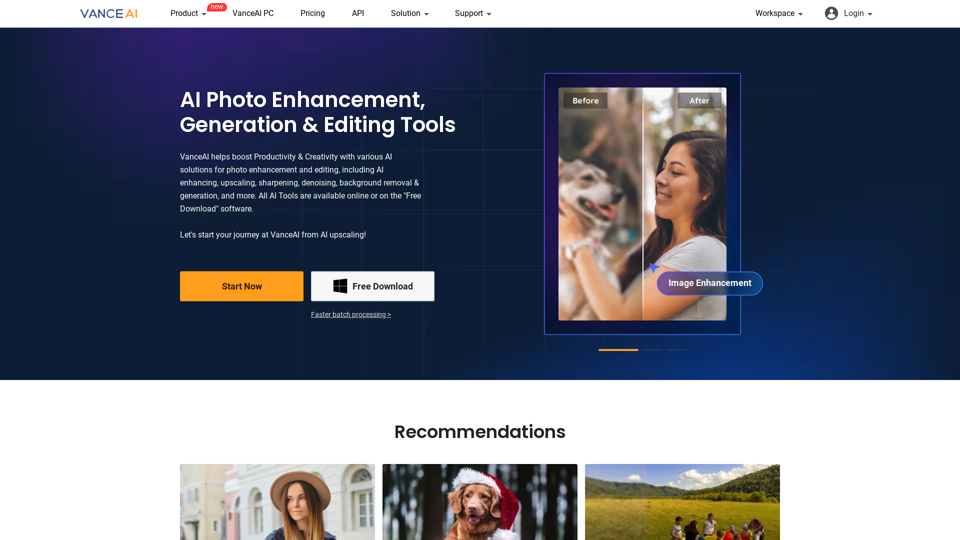
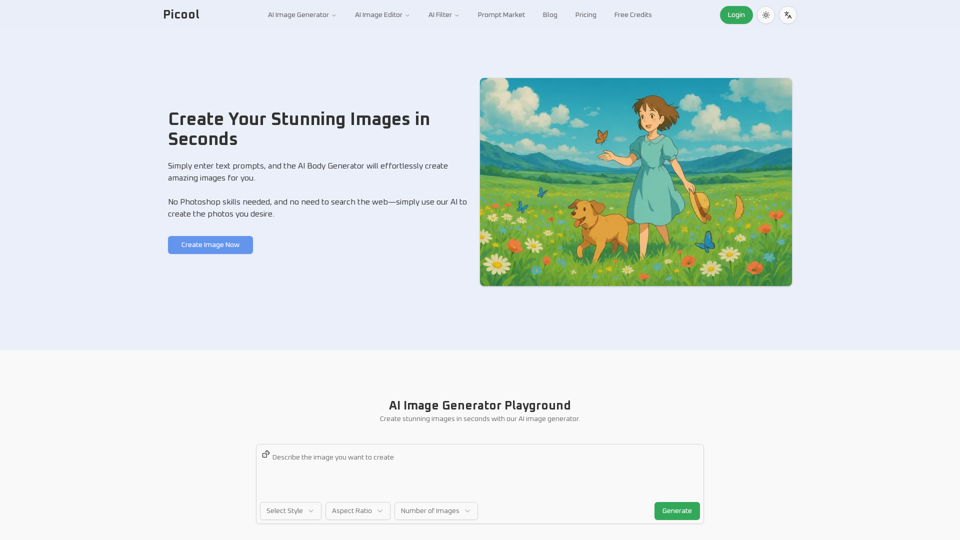
Experience cutting-edge AI image technology with Enhance AI. Photo enhancement, upscaling, deepfake creation, face generation, and background removal - all in one powerful platform.
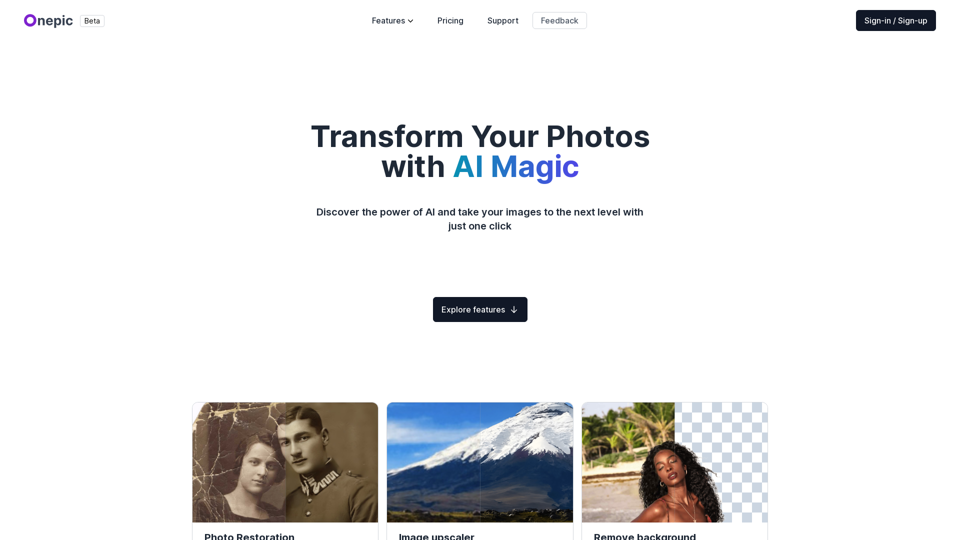
Transform your photos with our powerful AI-powered image enhancing tool. Our app offers photo restoration, image upscaling, prompt-based image generation, image colorization, and more. Enhance your visual content effortlessly and make your images pop with our advanced features. Try our AI-powered image enhancing tool today and take your images to the next level.
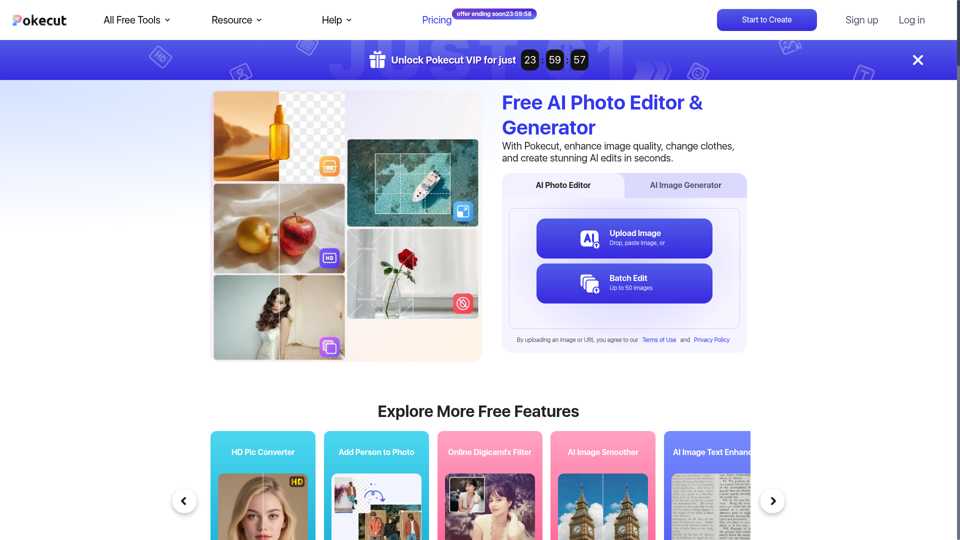
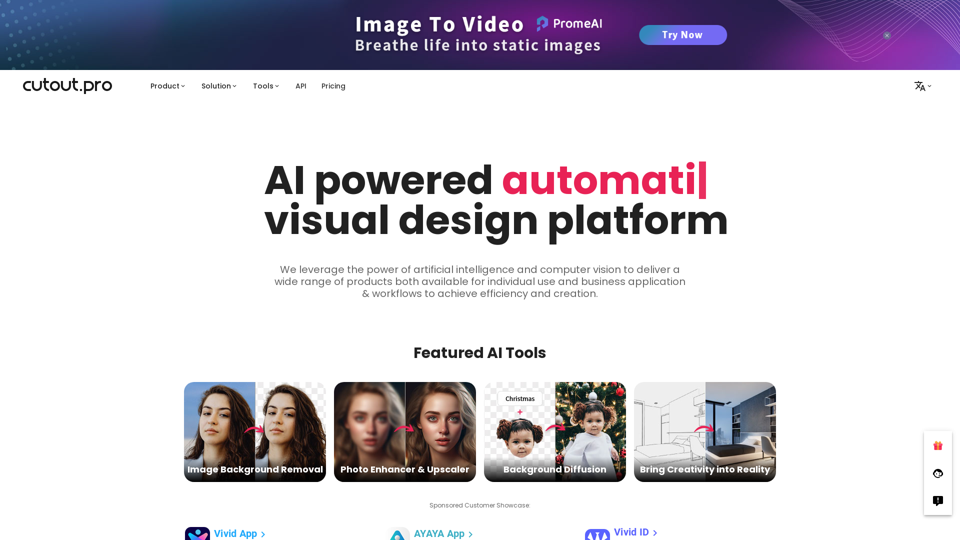
All-in-one visual design platform containing AI photo and video editing tools. Automatic process for background remove, image restoration, graphic design, and content generation. With Cutout.Pro, it is one click away to optimize your content and transform your design ideas into special asset effectively.
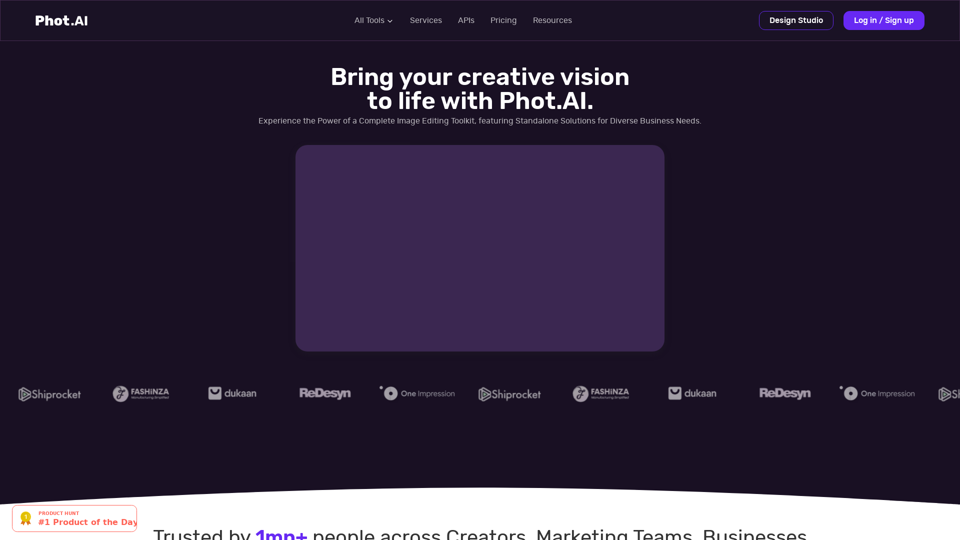
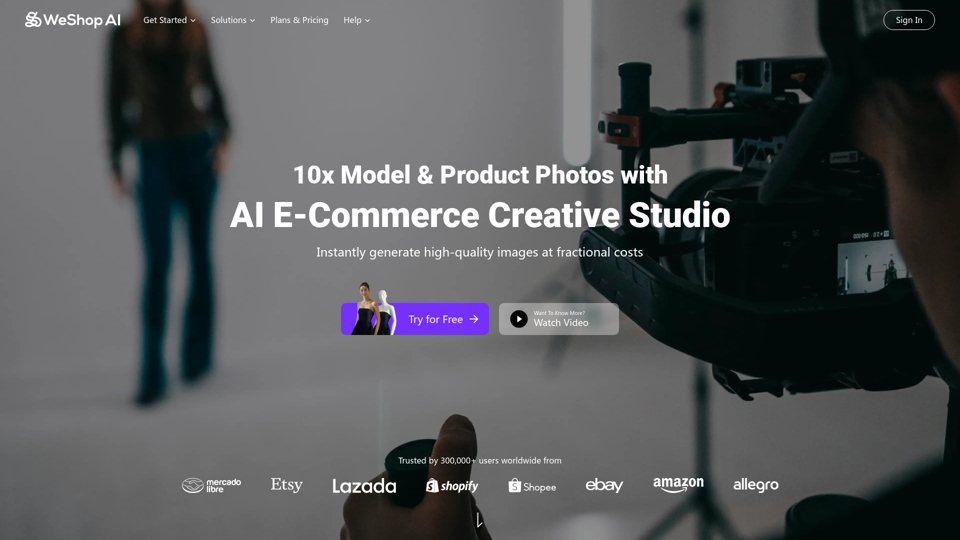
WeShop AI is your ultimate solution for AI-powered e-commerce image. AI models and photo shooting without constraints. Transform one image to multiple assets 10x faster at fractional costs.