Pokecut
Pokecut is an AI-powered photo editor to transform ordinary images into stunning masterpieces effortlessly. Remove background, enhance photo and generate image online without sign-up.
What is Pokecut?
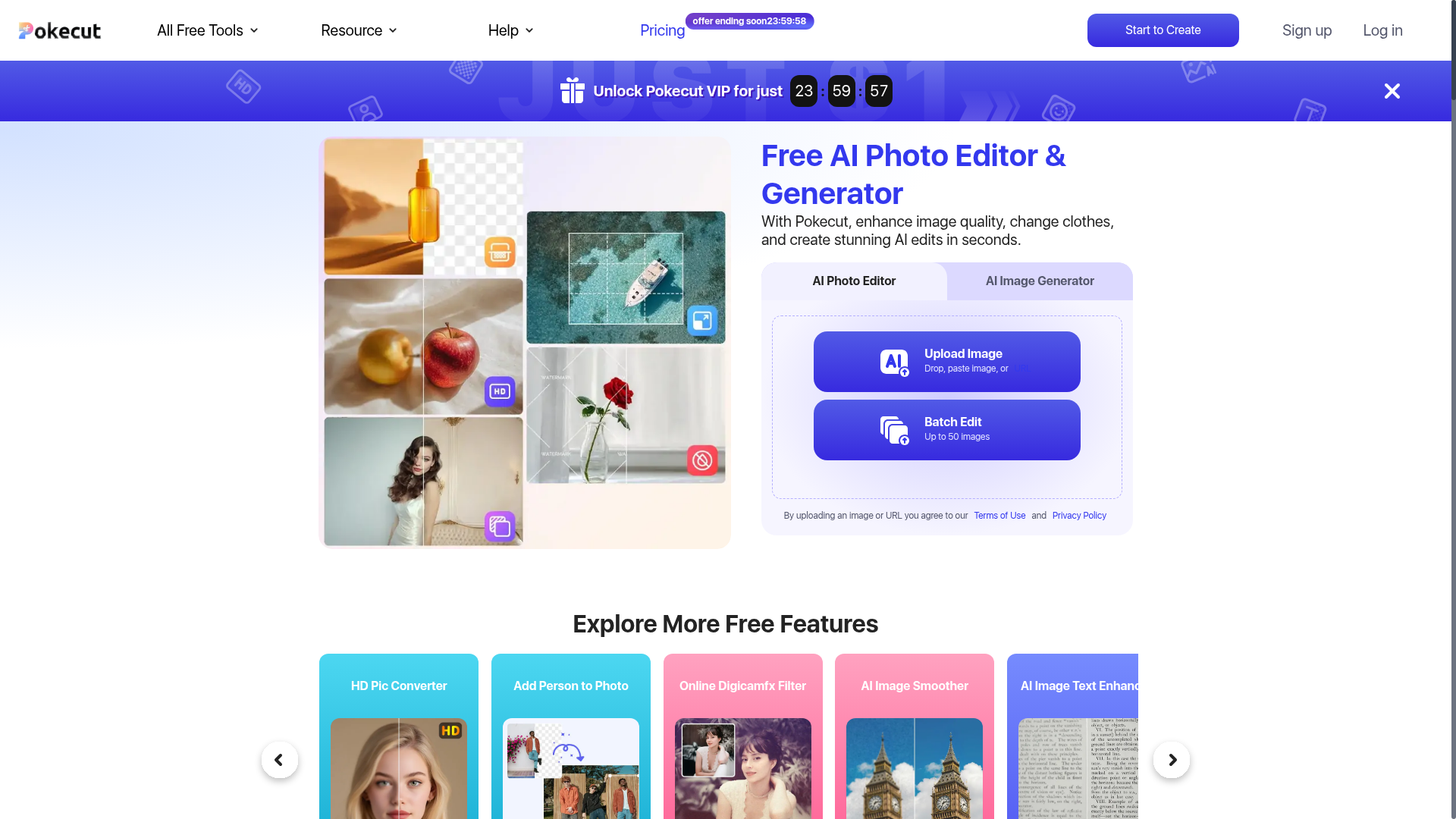
Pokecut is a free, all-in-one AI-powered photo editing and generation platform designed to cater to a wide array of visual creation needs. It serves as an efficient tool for enhancing image quality, generating stunning AI photos from text prompts, and performing advanced edits like background removal, object erasure, and portrait retouching. It is particularly valuable for individuals looking to create professional-looking portraits, product images for e-commerce, polished travel photos, and creative social media content without needing extensive design skills. The platform combines AI image generation with a suite of editing tools, making it a comprehensive solution for both personal and commercial use.
What are the Main Features of Pokecut?
Pokecut stands out with its extensive range of AI-driven features, all accessible through a user-friendly interface. Key functionalities include:
- AI Photo Editor
- Enhance portraits with natural skin smoothing, blemish removal, and lighting adjustments. Refine facial features and body proportions subtly. Tools for removing unwanted objects, people, or watermarks from images are also included.
- AI Image Generator
- Create images from text descriptions (text-to-image) or transform existing photos into new styles (image-to-image). Specialized generators are available for AI portraits, background replacement, and creative visual concepts.
- Batch Editing
- A high-efficiency tool for e-commerce and productivity, allowing users to process up to 50 images simultaneously for tasks like background removal, resizing, quality enhancement, and background replacement.
- Specialized Tools
- Over 50+ free AI tools for specific tasks, such as creating ID photos with compliant backgrounds, applying filters (e.g., Digicamfx, Gigachad), converting landscape to portrait, adding motion blur, enhancing text in images, and making photo collages.
- Accessibility
- The platform is free to use with daily credits and can be accessed without signing up. A mobile app is available for editing on the go.
How to Use Pokecut?
Using Pokecut is designed to be straightforward and fast. Here’s a step-by-step guide:
- Access the Platform: Visit the Pokecut website or download the mobile app from the App Store or Google Play.
- Choose Your Tool: Navigate to the specific tool you need, such as the AI Photo Editor, AI Image Generator, Batch Editor, or any of the specialized free tools listed.
- Upload or Input: For editing, upload an image by dragging and dropping, pasting, or providing a URL. For generation, select a model (like Nano Banana) and enter your text prompt.
- Apply Edits or Generate: Use the one-tap buttons or simple sliders to apply enhancements, remove elements, or generate new images. The AI processes your request in seconds.
- Download or Share: Once satisfied with the result, download the high-quality image directly. For batch edits, you can download all processed images at once.
- Free vs. Pro: Start with the 5 free daily credits. For unlimited access, higher resolution, and full features, consider subscribing to the Pro plan through the Pricing page.
Price and Subscription Plans
Pokecut operates on a freemium model:
- Free Plan
- Users receive 5 free credits daily to use basic features like photo enhancement and background removal. This plan allows users to test the platform without any cost.
- Pro Plan (Subscription)
- To unlock unlimited edits, access to all AI generators, batch processing capabilities, and higher-resolution downloads, users can subscribe to the Pro plan. A limited-time offer for Pokecut VIP is currently advertised at $1 USD, providing a significant discount for full feature access.
- Commercial Use
- Images generated or edited using Pokecut can be used for commercial purposes, as per the platform's Terms of Use.
Helpful Tips for Maximizing Pokecut
To get the most out of Pokecut, consider these tips:
- Explore Free Tools First
- Utilize the 5 daily free credits to experiment with different tools like the AI Portrait Retouch or Object Remover to understand the platform's capabilities.
- Use Clear Prompts for Generation
- When using the AI Image Generator, write detailed and descriptive text prompts to get results that closely match your imagination.
- Leverage Batch Editing for Business
- If you are an e-commerce seller, the Batch Editor is a time-saving powerhouse. Use it to maintain a consistent, professional look across all your product listings.
- Utilize the Mobile App
- For quick edits on travel photos or social media content while on the move, the Pokecut mobile app offers the same powerful tools in a portable format.
- Check Official Requirements for ID Photos
- When creating passport or visa photos, ensure you select the correct country and size format from the AI ID Photo Maker to meet official compliance standards.
- Start Without an Account
- You can begin using the platform immediately without signing up, making it easy to try out.
Frequently Asked Questions
What is Pokecut and what can I use it for?
Pokecut is an all-in-one AI photo editing and generation platform. You can use it for a wide variety of tasks, including enhancing portraits, generating AI art from text, removing backgrounds or unwanted objects from images, batch-editing product photos for e-commerce, creating ID photos, and making creative collages for social media.
Is Pokecut free?
Yes, Pokecut offers a free tier that provides 5 daily credits for trying basic features. For extended use and access to all advanced tools, users can subscribe to the affordable Pro plan.
Can I use Pokecut without signing up?
Absolutely. You can use Pokecut directly on the web without creating an account or logging in, making it very accessible for quick edits.
Can I use Pokecut's AI photo editor for commercial use?
Yes, images generated or edited using Pokecut can be used for commercial purposes. However, commercial rights for any third-party design resources not provided by Pokecut within an image are not covered by Pokecut's terms.
How can I contact Pokecut's support?
For support inquiries, such as refund requests, you can contact the team by submitting a ticket through the help section on the Pokecut website.
What makes Pokecut better than other AI photo editing tools?
Pokecut combines a broad suite of features—AI generation, precise editing, batch processing, and specialized tools—into a single, fast, and ad-free platform. It is optimized for ease of use without a steep learning curve, catering to both casual users and professional needs like e-commerce.
Can Pokecut edit images in batches?
Yes, Pokecut's Batch Editing tool is a core feature that allows processing of up to 50 images at once for tasks like background removal, resizing, and quality enhancement, making it ideal for merchants.
Is Pokecut suitable for beginners?
Definitely. Pokecut is designed with an intuitive interface that delivers professional results with one-tap actions. It requires no prior design experience, making complex edits simple and accessible for everyone.
Pokecut
Pokecut is an AI-powered photo editor to transform ordinary images into stunning masterpieces effortlessly. Remove background, enhance photo and generate image online without sign-up.
 Cloudflare
 Node.js
 Nuxt.js
 Vue.js
Free AI anime and manga generator. Turn text into anime episodes, manga, comics, webtoons and comic shorts in any art style — no drawing or animation skills needed.
Translate image text across 70+ languages with our advanced AI Image Translator to help you better expand your products globally to various countries
Advertised Here
Reach thousands of visitors daily. Get your spot now!
Tools similar to Pokecut
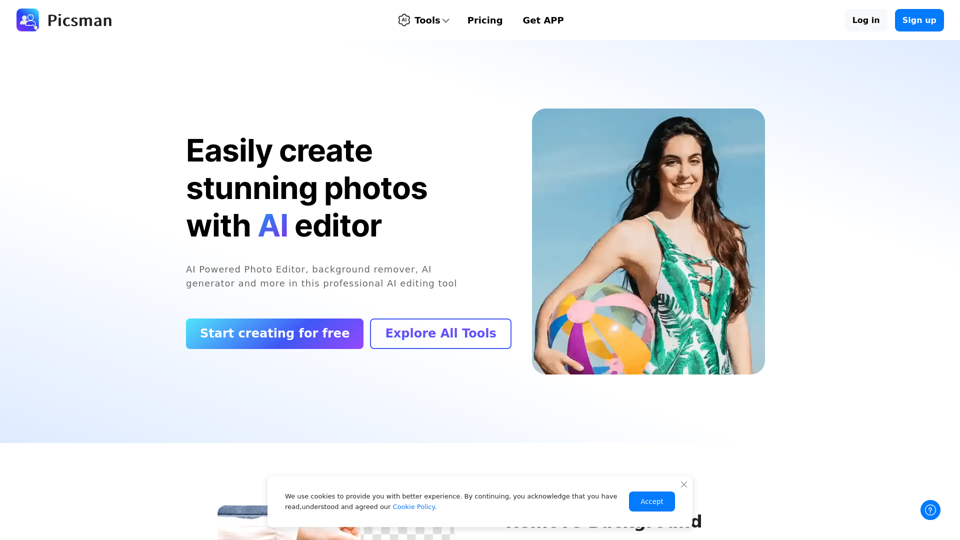
Easily enhance and create product photos with our AI editing tools. Remove background, AI image generator, remove objects, photo enhancer and batch edit.
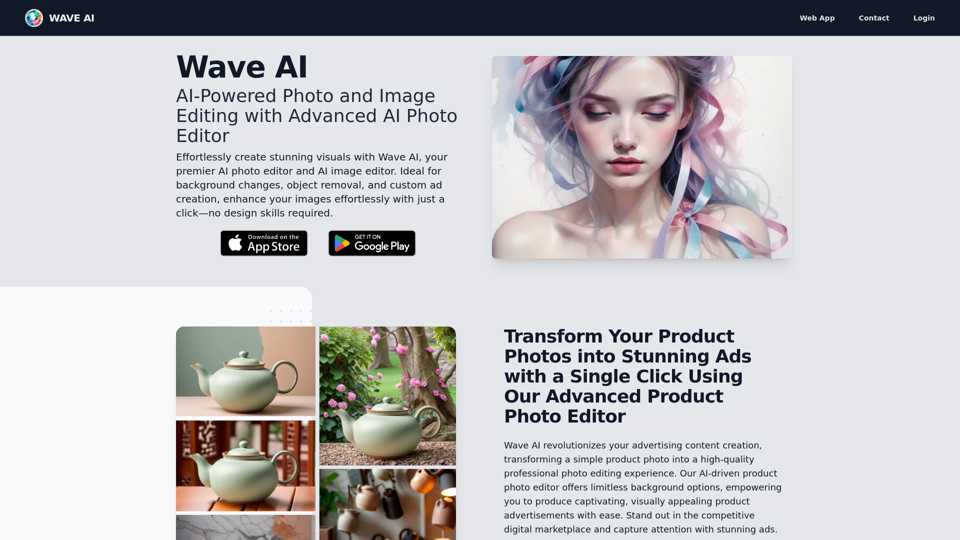
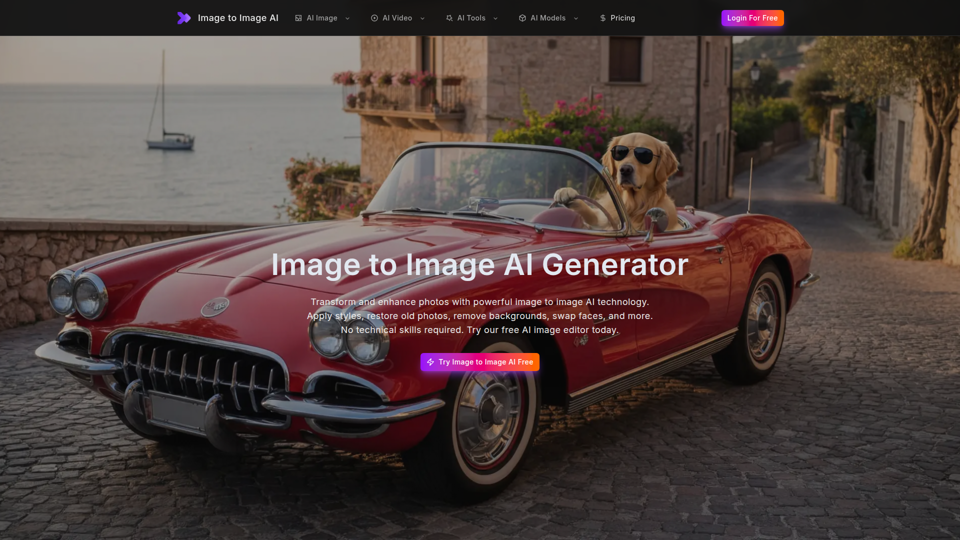
Free image to image AI generator and AI image editor online. Face swap, restore old photo, remove background, upscale, and transform photos with AI in seconds.
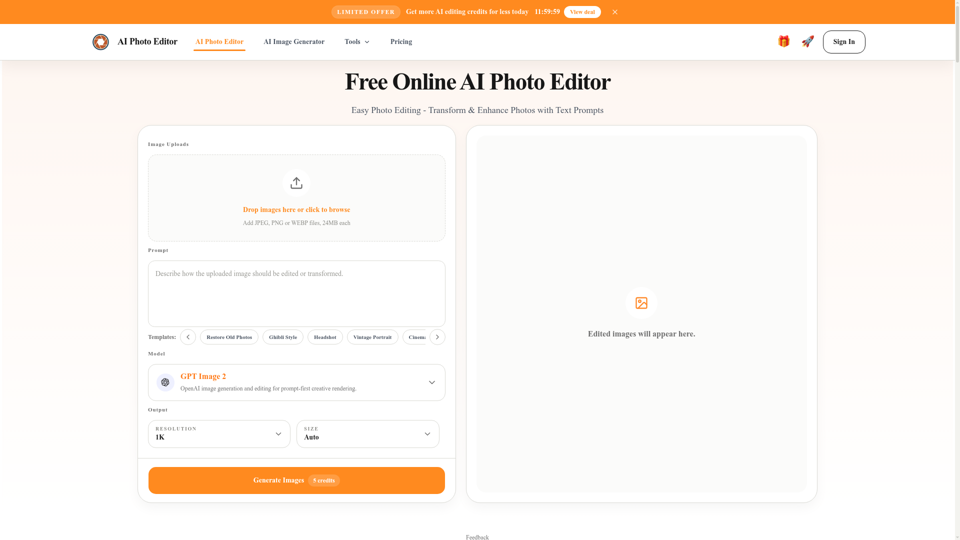
Free AI photo editor online for fast, simple photo edits. Remove, replace, enhance, and restyle images in seconds with an easy AI editor.
Experience cutting-edge AI image technology with Enhance AI. Photo enhancement, upscaling, deepfake creation, face generation, and background removal - all in one powerful platform.
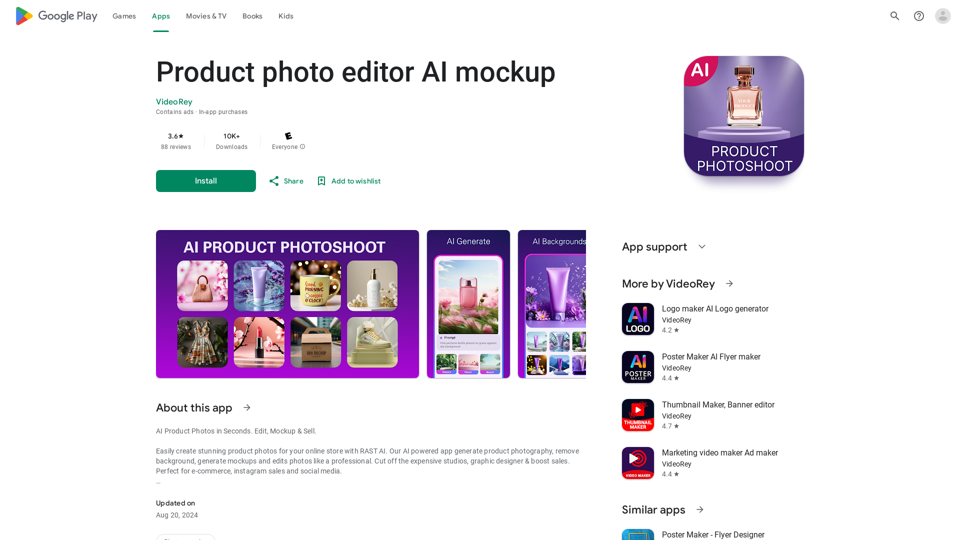
AI Product Photoshoot, ecommerce photo editor, background remover, mockup maker
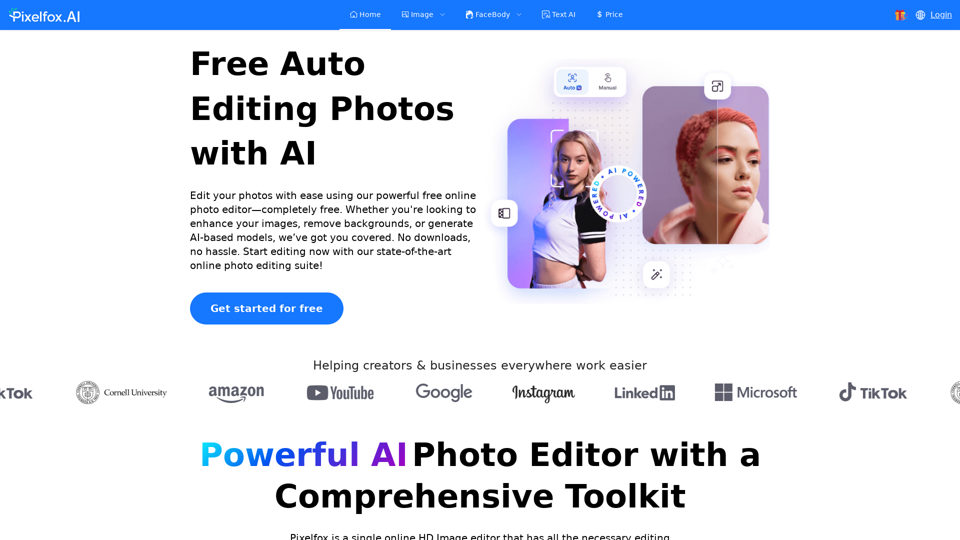
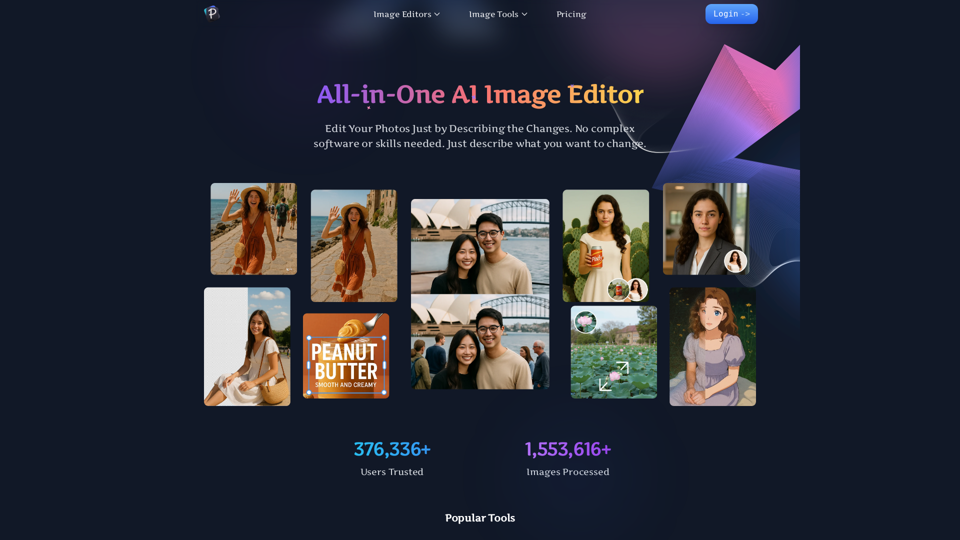
Pixelfox AI is one of the best free AI image editor tool, which is designed to auto edit images and photos. Start editing photos Now.