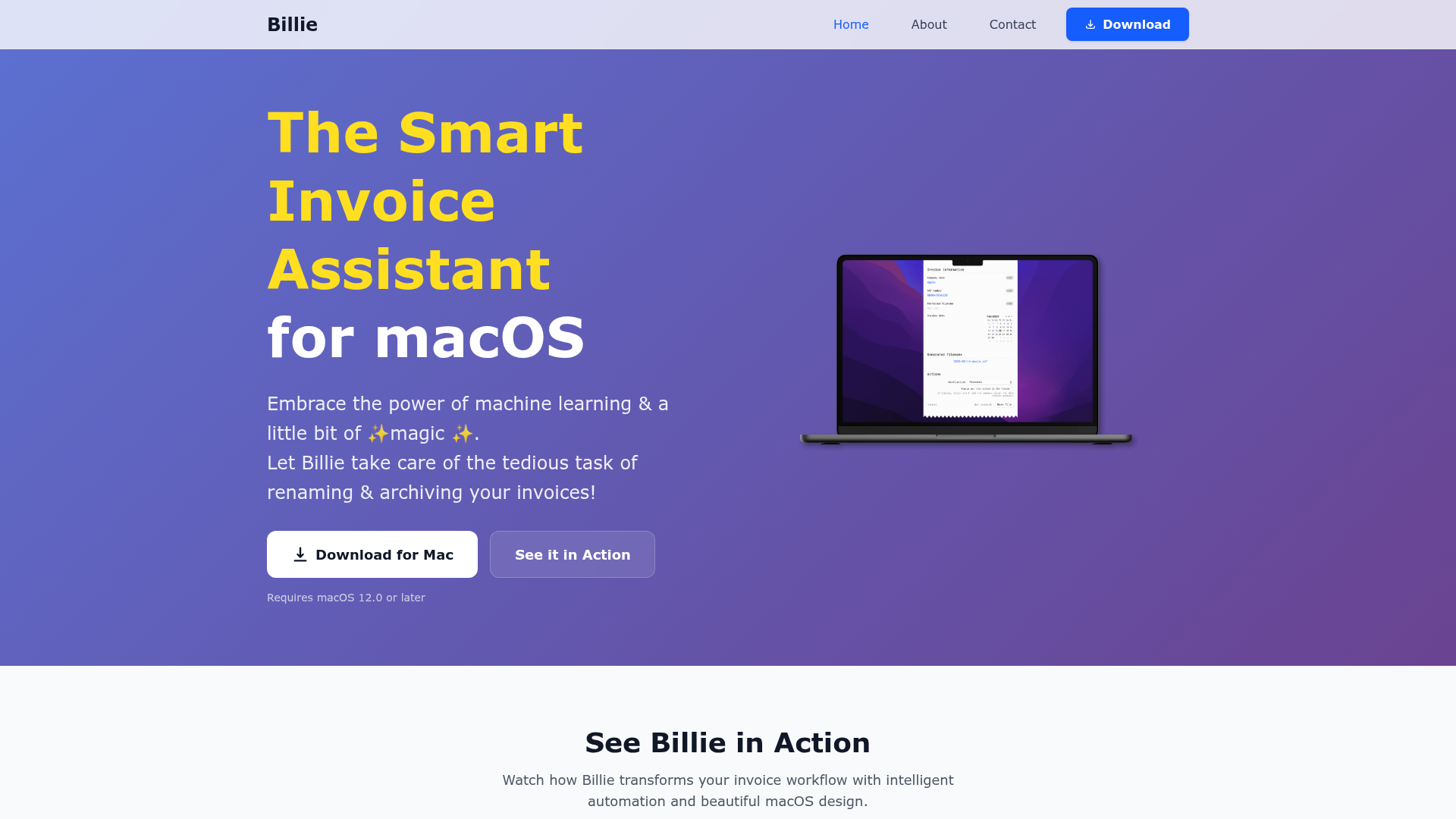
What is Billie for macOS?
Billie for macOS is an intelligent invoice management application that uses machine learning and automation to streamline the tedious task of renaming and archiving invoices. Designed specifically for macOS, it transforms your invoice workflow with smart data extraction and seamless system integration, bringing a touch of "magic" to document organization.
What are the key features of Billie for macOS?
- AI-Powered Automation
- Process invoices in seconds with lightning-fast, AI-driven data extraction and renaming.
- Dynamic Ticket
- A persistent, summonable interface that is always available but never intrusive, accessible via drag-and-drop, the "Open With" menu, or system-wide services.
- Customizable Destination Groups
- Create automated workflows where you define a series of actions (like moving files or emailing invoices) to execute for every processed invoice.
- Flexible File Naming
- Enjoy full control over invoice filenames using a simple drag-and-drop token system to create custom naming patterns.
- Automatic Organization
- Automatically sort and organize invoices into folders based on months, fiscal quarters, or years for a perfect structure.
- Supplier Tracking
- Keep a visual log of all companies you've processed invoices for, making it easy to see who you work with.
- Native macOS Design
- A beautiful, visually optimized application with full Dark Mode support that feels completely integrated into the macOS ecosystem.
- Privacy-Focused
- As a native Mac app, your data remains securely on your device. Your invoices and information are not sent to external servers for processing.
How to use Billie for macOS?
Using Billie is designed to be intuitive:
- Download and Install
- Get Billie from the Mac App Store and install it on your Mac (requires macOS 12.0 or later).
- Initiate Processing
- Send an invoice PDF to Billie by dragging it onto the Dynamic Ticket, using the "Open With Billie" context menu, or via macOS Services.
- Configure Your Workflow
- Set up Destination Groups to define where files go and what actions (like emailing) occur. Customize your filename patterns using tokens.
- Let Billie Work
- The app will automatically extract key data (like supplier, date, amount), rename the file according to your rules, and execute your defined workflow.
- Review and Manage
- Use the interface to view your tracked suppliers and beautifully organized invoice archive.
How much does Billie for macOS cost?
Billie is available for a one-time purchase on the Mac App Store. This purchase grants you a full license for the application on your Mac, including all current features and future updates. The exact price can be found on its App Store product page.
Helpful tips for using Billie for macOS
- Start Simple
- Begin with a basic filename pattern and a single destination folder. As you get comfortable, explore more complex Destination Groups.
- Leverage the Token System
- The drag-and-drop tokens (e.g.,
{Vendor},{Invoice Date},{Total}) are the key to powerful customization. Experiment to create the perfect naming convention for your needs. - Use Automatic Organization
- Enable the month/quarter/year folder creation to prevent your main archive folder from becoming cluttered.
- Explore Dark Mode
- The app is visually stunning in Dark Mode, making late-night tax work easier on the eyes.
Frequently Asked Questions about Billie for macOS
Can Billie read invoices from any supplier?
Billie uses machine learning trained on a vast dataset of invoices. It excels at extracting data from a wide variety of common invoice formats. Accuracy is high and continues to improve.
Is my invoice data sent to the cloud or used for training?
No. Billie is a privacy-first, native macOS application. All processing happens locally on your Mac. Your invoice data never leaves your computer and is never used for training AI models.
What macOS version do I need?
Billie requires macOS 12.0 (Monterey) or a later version to run.
How do I get support or provide feedback?
You can contact the development team through the support link typically provided on the App Store listing or the official getbillie.app website.
What if the AI misreads data on my invoice?
You can manually correct any field during the processing stage. The application may also learn from patterns in your corrections over time.
Does Billie work with scanned PDF invoices (image-based)?
The core functionality is optimized for text-based PDFs. For best results with scanned documents, using macOS's built-in text recognition features first is recommended.
Billie
Streamline your invoice management with Billie, the intelligent macOS app designed for modern professionals and businesses.
 Cloudflare
 HTTP/3
Free AI anime and manga generator. Turn text into anime episodes, manga, comics, webtoons and comic shorts in any art style — no drawing or animation skills needed.
Translate image text across 70+ languages with our advanced AI Image Translator to help you better expand your products globally to various countries
Advertised Here
Reach thousands of visitors daily. Get your spot now!
Tools similar to Billie
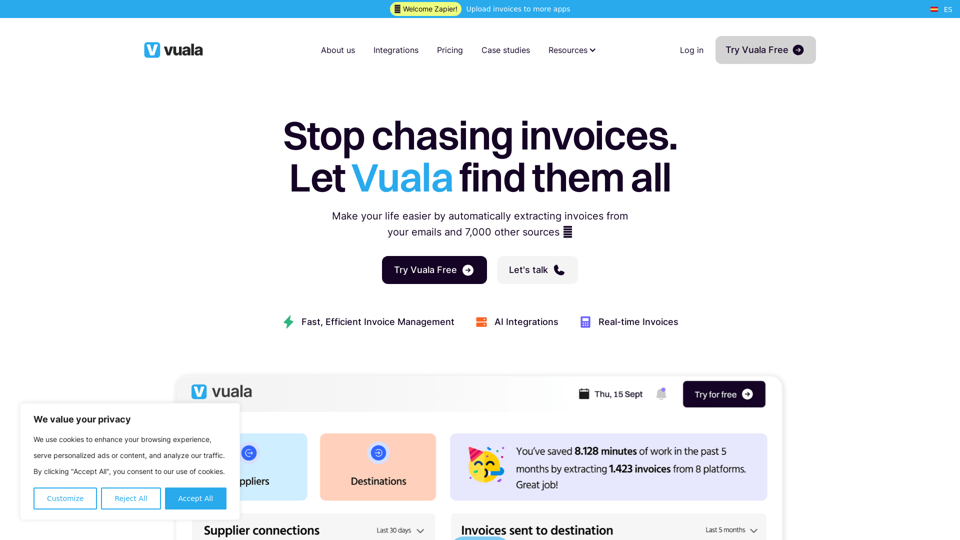
Explore Vuala, your all-in-one invoice management software. Easily find, extract, & automate on an intuitive platform. Perfect for all businesses! Start now!
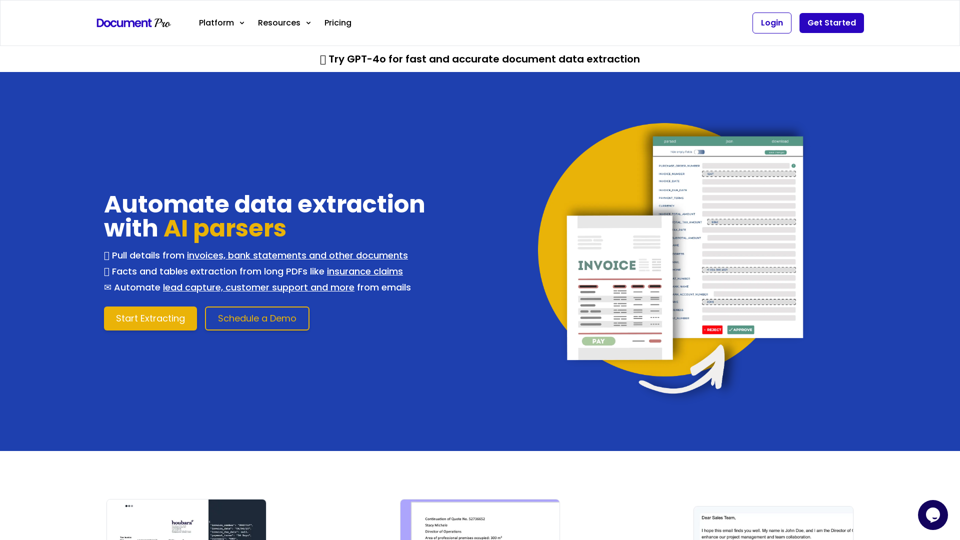
Use AI document parsers to extract data from Invoices, PDFs and Emails to Excel and JSON
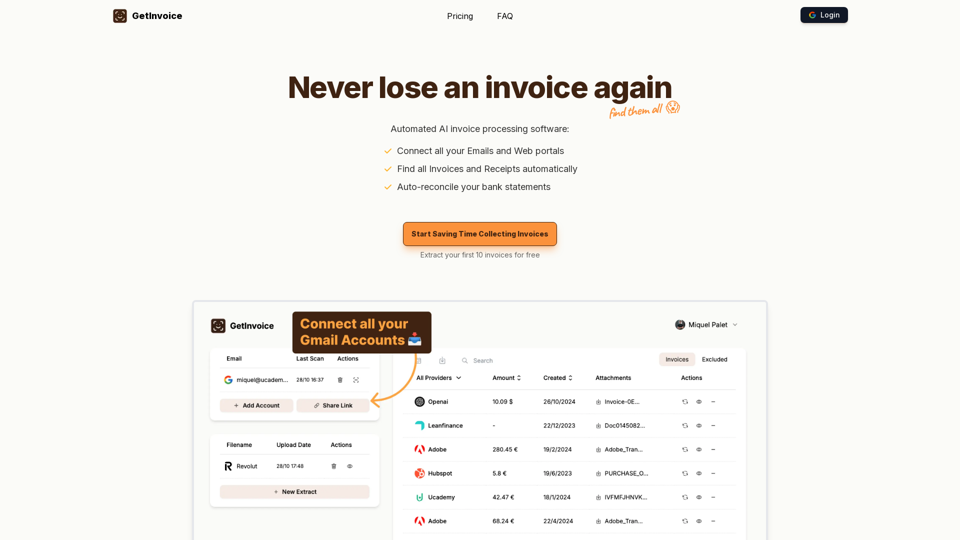
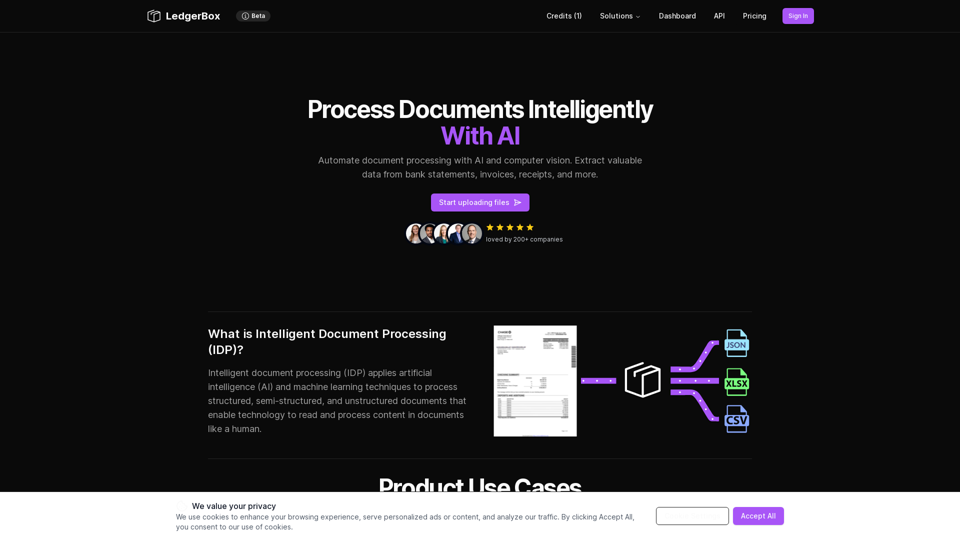
Automate document processing with AI and computer vision. Extract valuable data from bank statements, invoices, receipts, and more.
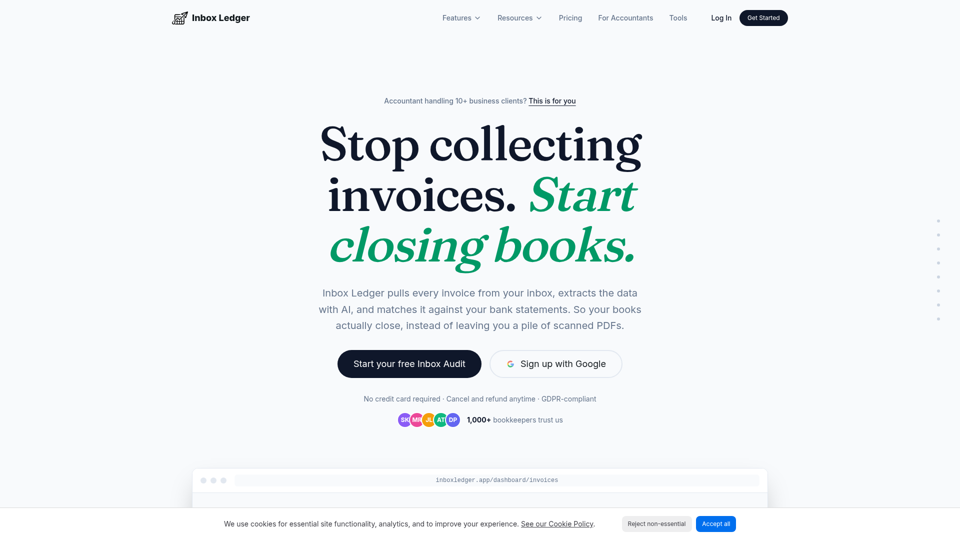
Capture invoices from Gmail, Outlook & IMAP, extract with AI, and reconcile against your bank. Export to QuickBooks & Xero. Free Inbox Audit, no card.
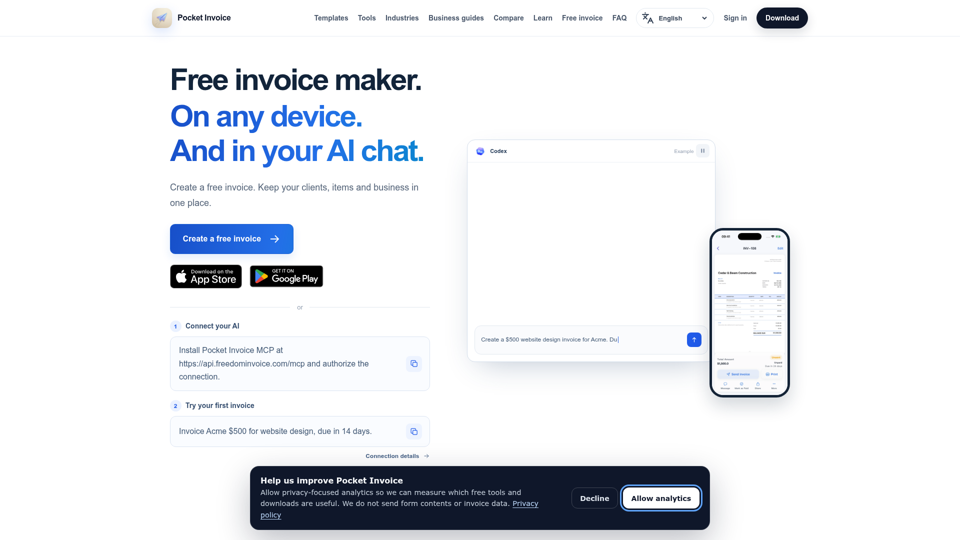
Create a free invoice online with no sign-up and download a PDF. Use the Pocket Invoice app on iOS, Android and Web to manage invoices, clients and inventory.