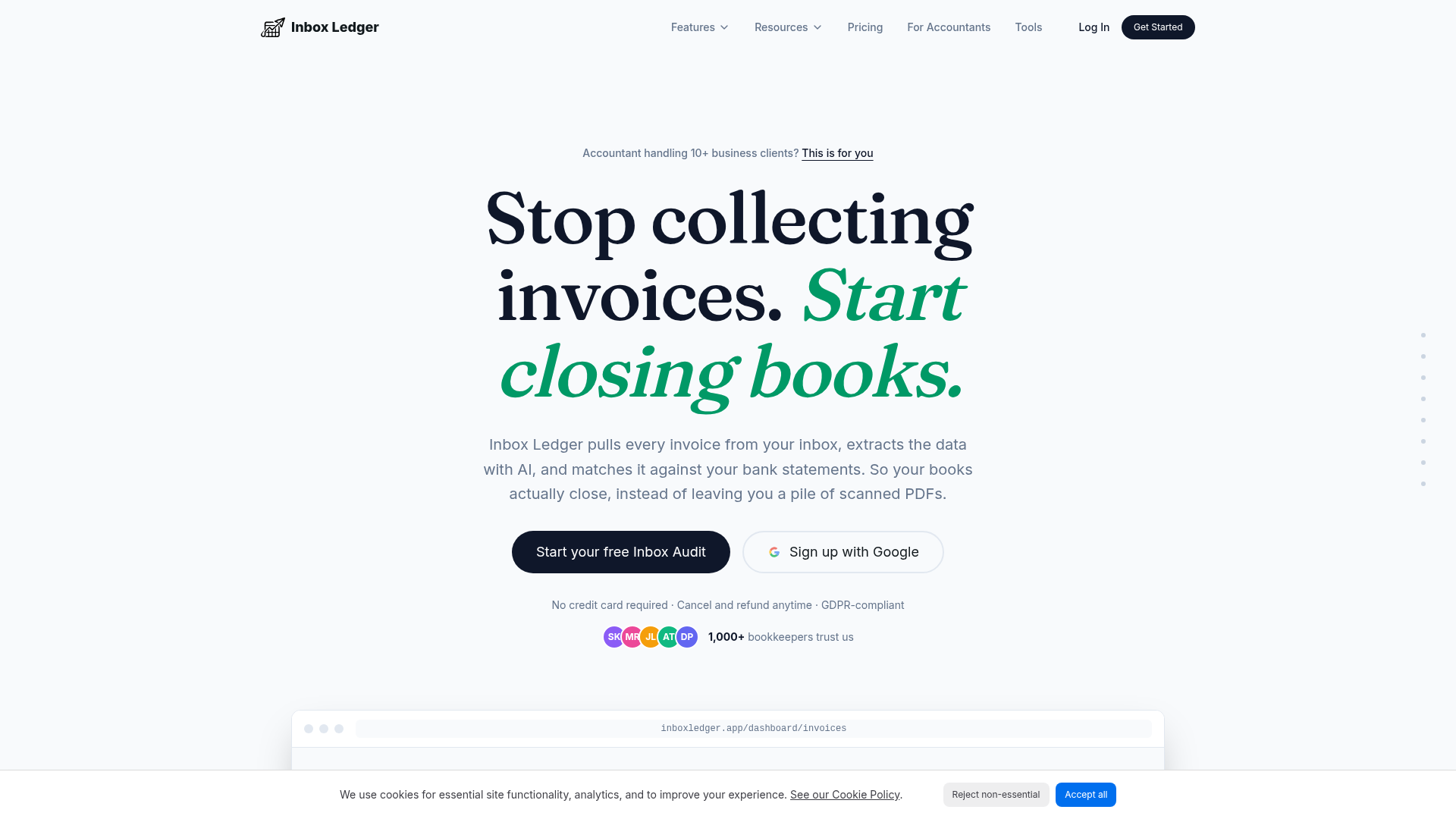
What is Inbox Ledger?
Inbox Ledger is an AI-powered automation platform designed specifically for accountants and bookkeepers who manage multiple business clients. It eliminates the manual, time-consuming task of collecting, reading, and entering invoice data by automatically pulling invoices from your email inbox (and your team's), extracting key details like vendor, date, amount, and line items using advanced AI, and reconciling them directly against bank statements. The core promise is to transform chaotic document collection into closed books, replacing piles of PDFs with accurate, actionable financial data.
Main Features of Inbox Ledger
Automatic Invoice Capture: The platform connects to your email (Gmail, Outlook, IMAP) with read-only access and continuously scans for invoices in real-time. It captures documents from PDF attachments, inline email bodies (like receipts from Stripe or Shopify), and even images.
AI-Powered Data Extraction: Within seconds, the AI reads and extracts critical data from every invoice, including vendor name, date, total amount, currency, and line-item details. This replaces hours of manual data entry.
Seamless Reconciliation: This is a standout feature. Inbox Ledger doesn't just collect data; it matches extracted invoice data against uploaded bank statements (in formats like PDF, CSV, OFX) for automatic reconciliation, providing a clear view of what's been paid and what's outstanding.
Multi-Channel Capture: Beyond email, users can forward photos of receipts to dedicated Telegram or WhatsApp bots. The AI performs OCR on these images and syncs the data to the dashboard instantly, with no app installation required.
Smart Routing & Automation: Users can set up custom rules to auto-approve small invoices, flag large ones, categorize expenses (e.g., tag SaaS subscriptions), and route extracted data directly to accounting software like QuickBooks and Xero.
Historical Recovery & Analytics: The tool can scan backwards through email history to recover past invoices from any date range. It also provides spending analytics by extracting cost data, helping identify trends and potential savings.
Duplicate Safeguard: The system proactively flags duplicate invoices to prevent double payments, with alerts for silent price increases also in development.
How to Use Inbox Ledger
Getting Started: Sign up for a free account (no credit card required), which allows processing up to 10 invoices per month. Connect your business email inbox (Gmail, Outlook, or IMAP) in a read-only, secure manner.
Automation Setup: Once connected, Inbox Ledger immediately begins scanning. You can configure AI automation rules, such as setting spending thresholds or defining categories. Connect additional team members' inboxes to capture all client invoices centrally.
Reconciliation & Export: Upload bank statements. The AI will match transactions against the captured invoices. Approved and extracted data can be seamlessly exported to your accounting software (QuickBooks, Xero) or cloud storage (Google Drive).
Ongoing Use: The platform runs on autopilot, capturing every new invoice and receipt as they arrive in the connected inboxes. The dashboard provides a real-time overview of all invoices, their status (Synced, Processing, Review), and reconciliation progress.
Price of Inbox Ledger
Inbox Ledger operates on a subscription model with a generous free tier and scalable paid plans.
- Free Trial
- A fully functional free account allows processing up to 10 invoices per month at no cost.
- Starter Plan
- Priced at $13/month (billed annually), this plan includes processing for 50 invoices per month and 2 connected inboxes.
- Higher Tiers
- Plans scale with the volume of invoices and the number of connected inboxes to accommodate growing accounting practices.
- Credit Packs
- Users can purchase additional invoice credits that never expire, useful for managing peak periods like tax season or quarter-end.
- Money-Back Guarantee
- The company offers a full refund within 3 days of any payment, with a policy to cancel and refund anytime—no questions asked.
Helpful Tips for Using Inbox Ledger
- Maximize the Inbox Audit
- Start with the free Inbox Audit to see how many historical invoices the AI can recover from your email, demonstrating immediate value.
- Leverage Mobile Capture
- Use the Telegram or WhatsApp bot for on-the-go receipt capture from business lunches, client meetings, or any offline purchase. It's faster than manual entry.
- Set Rules Early
- Spend time initially configuring smart processing rules (e.g., auto-approve under $50, flag invoices over $5,000). This upfront investment pays off by automating most of the workflow.
- Connect All Relevant Inboxes
- For team efficiency, connect the inboxes of all team members handling client invoices or accounts payable to create a single source of truth.
- Use for Historical Cleanup
- At the start of a new client engagement, use the tool to scan and capture all outstanding invoices from the past quarter or year, instantly bringing their books up to date.
Frequently Asked Questions about Inbox Ledger
How does the AI invoice extraction work?
After you securely connect your email, Inbox Ledger's AI scans all incoming and historical emails for invoices. It reads data from attachments, embedded images, and email bodies, extracting details like vendor, date, and amount in seconds, then prepares this data for export or reconciliation.
Is there a free trial?
Yes. The free account allows you to process up to 10 invoices per month with full access to features, requiring no credit card to start.
Which plan is right for me?
For individual accountants or small practices, the Starter plan ($13/month) is a great entry point. As your client base and invoice volume grow, you can seamlessly upgrade to a higher-tier plan that offers more monthly invoices and connected inboxes.
What happens if I reach my monthly invoice limit?
Processing of new invoices will pause. You can either upgrade your subscription plan or purchase a one-time credit pack from your dashboard to continue immediately. Purchased credits do not expire.
Is my financial data secure?
Absolutely. Security is a priority. The email connection is read-only, meaning the tool cannot send, delete, or alter any emails. Only the extracted invoice data is stored, and all data is encrypted both in transit and at rest. Original emails remain in your inbox.
Which accounting software does it integrate with?
Inbox Ledger offers direct integrations with major platforms including QuickBooks, Xero, and Microsoft Business Central. You can also export data to Google Drive, Google Sheets, OneDrive, or connect to custom systems via API.
Is the service GDPR compliant?
Yes, Inbox Ledger is fully GDPR compliant. A Data Processing Agreement (DPA) is available upon request by contacting their support team.
AI Invoice Automation & Bank Reconciliation
Capture invoices from Gmail, Outlook & IMAP, extract with AI, and reconcile against your bank. Export to QuickBooks & Xero. Free Inbox Audit, no card.
 React
React Vercel
Free AI anime and manga generator. Turn text into anime episodes, manga, comics, webtoons and comic shorts in any art style — no drawing or animation skills needed.
Translate image text across 70+ languages with our advanced AI Image Translator to help you better expand your products globally to various countries
Advertised Here
Reach thousands of visitors daily. Get your spot now!
Tools similar to AI Invoice Automation & Bank Reconciliation
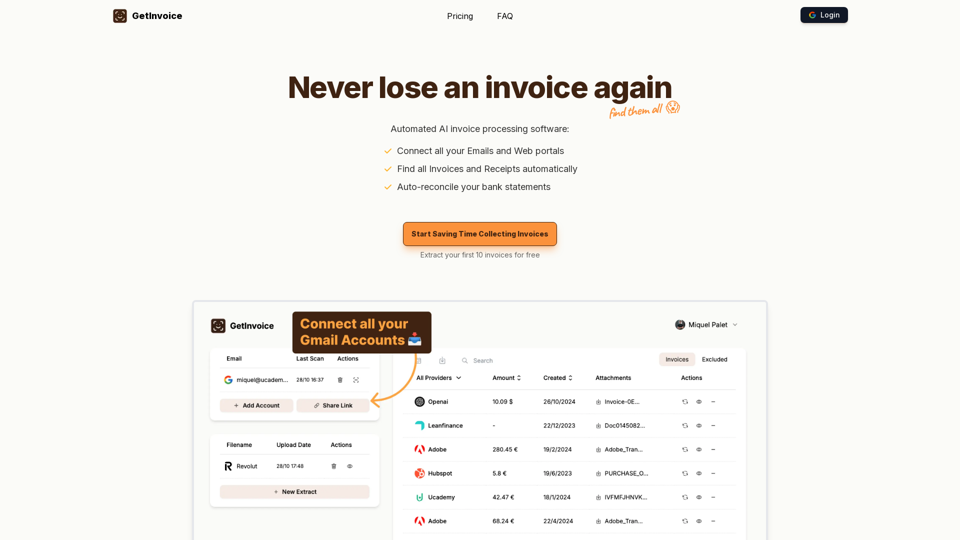
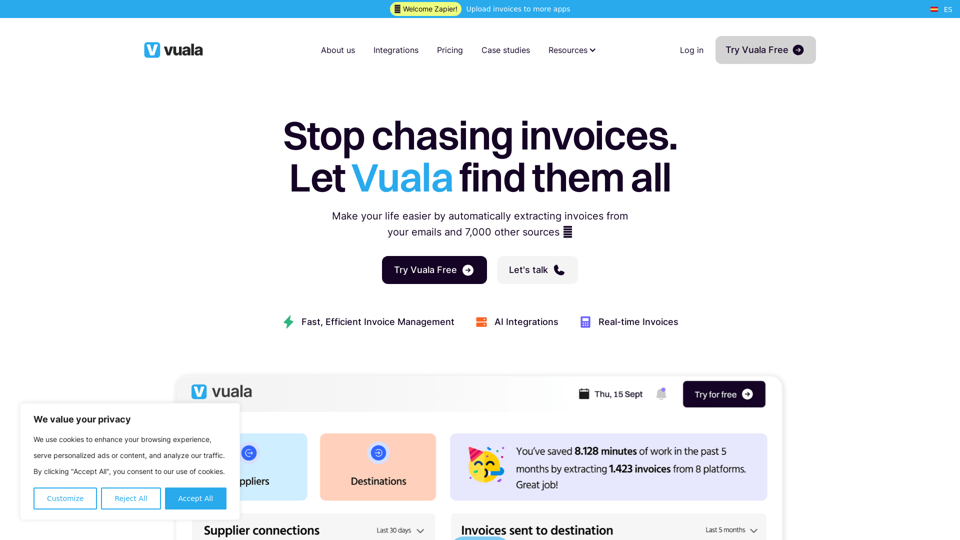
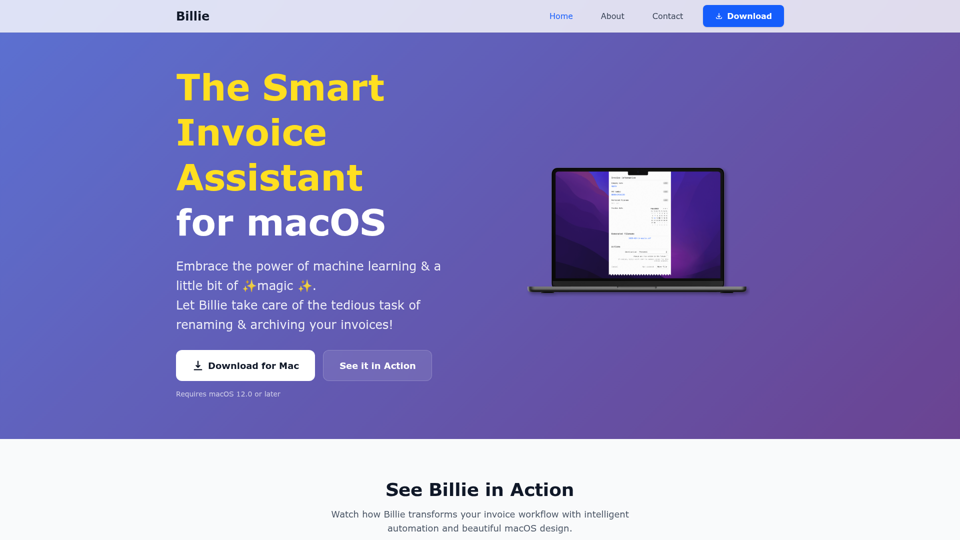
Explore Vuala, your all-in-one invoice management software. Easily find, extract, & automate on an intuitive platform. Perfect for all businesses! Start now!
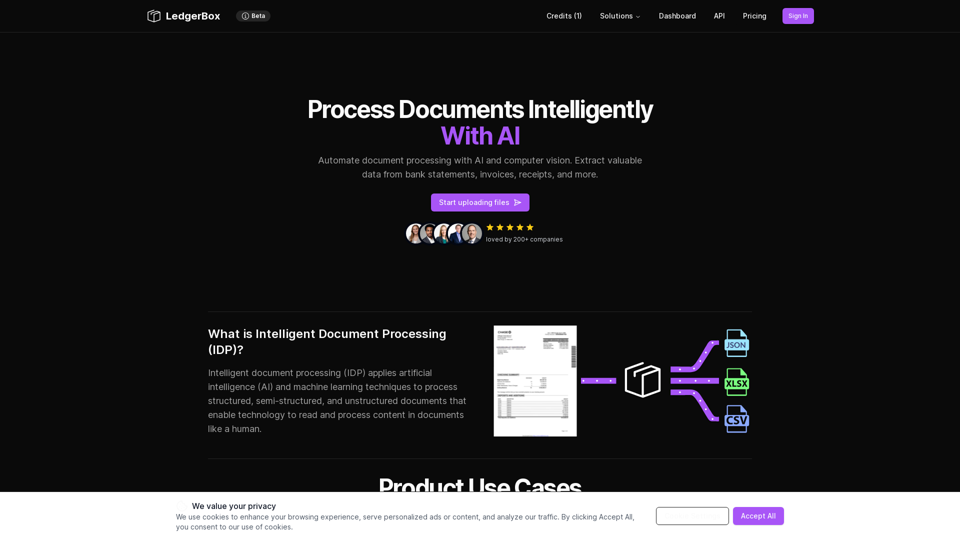
Automate document processing with AI and computer vision. Extract valuable data from bank statements, invoices, receipts, and more.
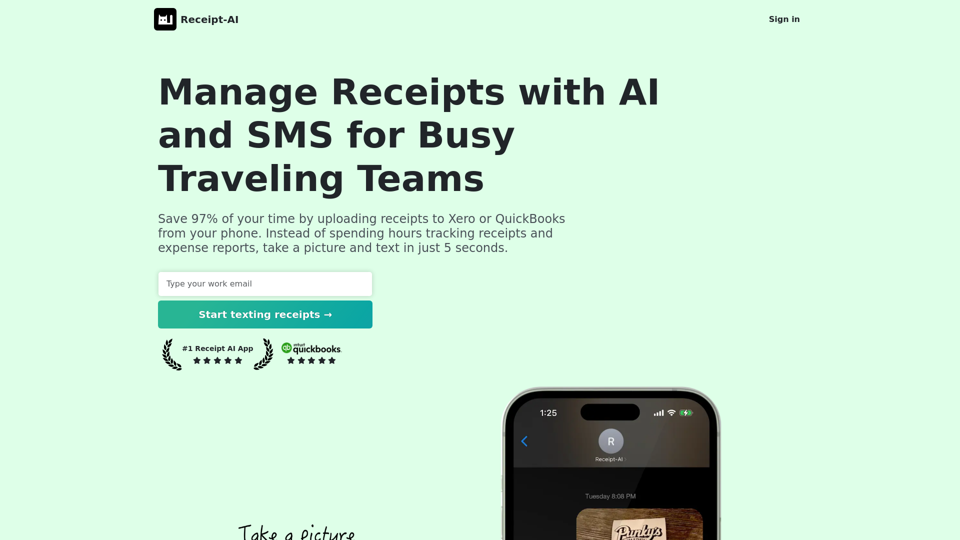
Save 97% of your time by uploading receipts to Xero or QuickBooks from your phone. Instead of spending hours tracking receipts and expense reports, take a picture and text in just 5 seconds.
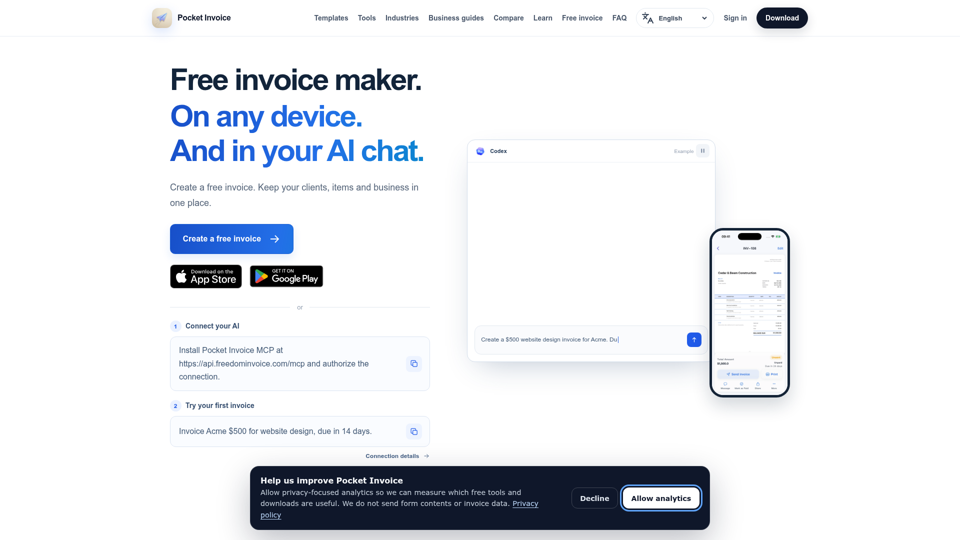
Create a free invoice online with no sign-up and download a PDF. Use the Pocket Invoice app on iOS, Android and Web to manage invoices, clients and inventory.
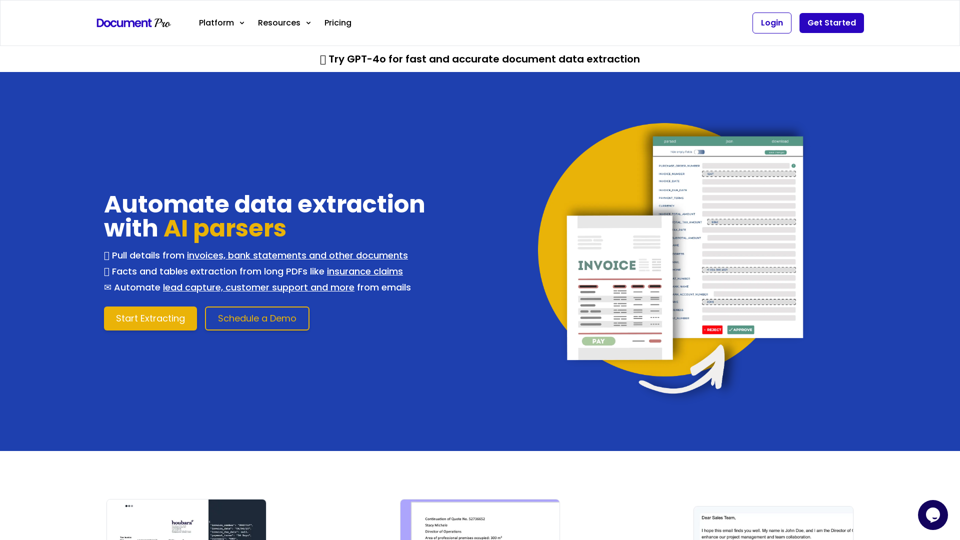
Use AI document parsers to extract data from Invoices, PDFs and Emails to Excel and JSON