Create Step
Turn any process, video, meeting, or recording into a step-by-step guide with Glitter AI. Documentation done for you in seconds.
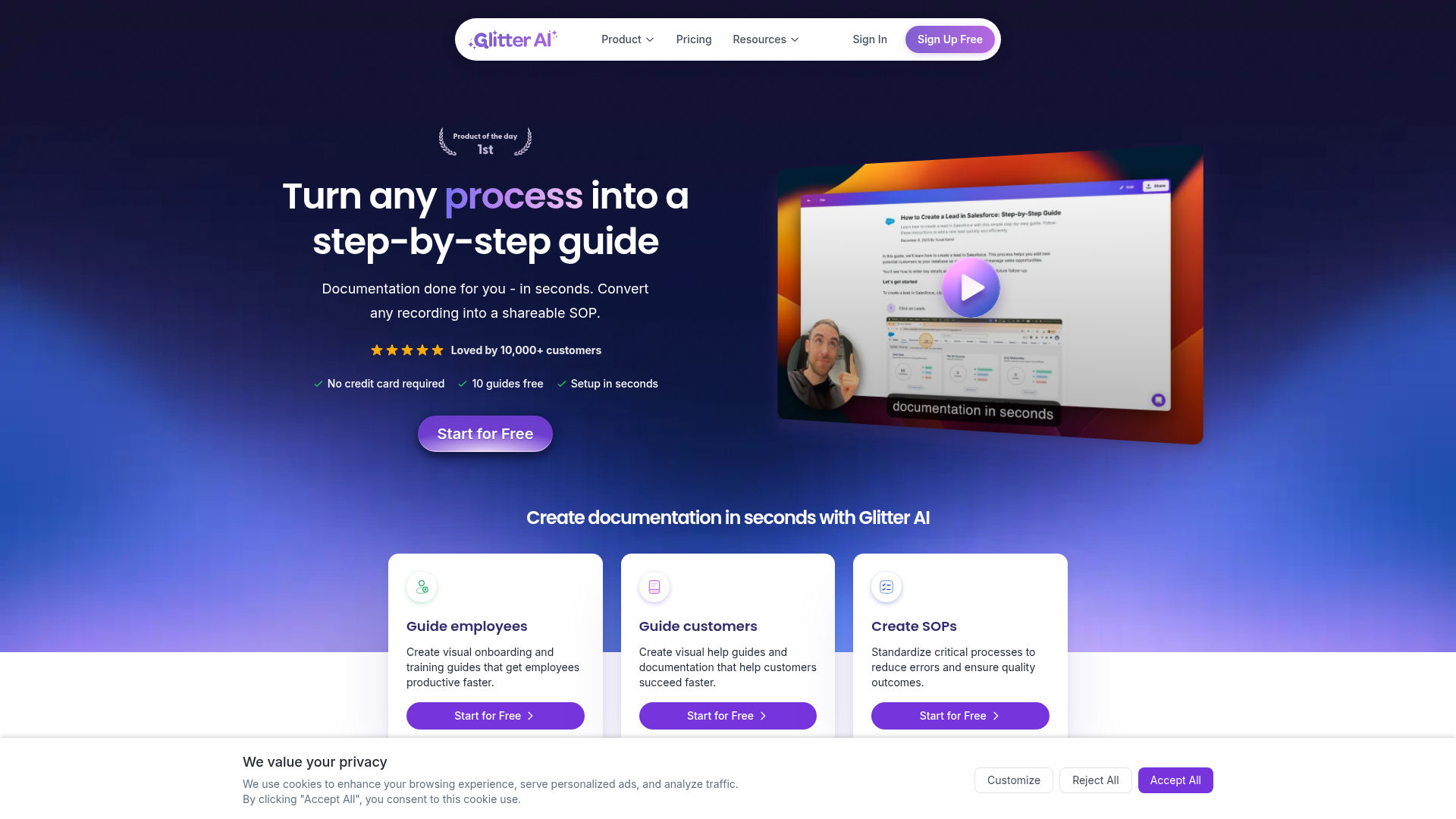
What is Glitter AI?
Glitter AI is an innovative AI-powered platform designed to transform any manual process into a detailed, shareable step-by-step guide or Standard Operating Procedure (SOP) in seconds. By leveraging advanced artificial intelligence, it automates the documentation process, turning recordings, videos, and live demonstrations into structured, visual guides for training, support, and process standardization.
What are the Main Features of Glitter AI?
- Automated Guide Creation from Recordings
- Record a new process using the desktop app or browser extension, or upload any existing video (like meeting recordings or screen captures). Glitter AI automatically transcribes speech, captures key moments and screenshots, and generates a structured written guide.
- Multi-Platform Capture
- Create guides from both desktop (via a dedicated app) and web browser activity, ensuring comprehensive coverage of any digital process.
- Support for Existing Videos
- A new feature allows users to upload pre-recorded videos. The AI analyzes the content, identifies crucial steps, and creates a corresponding step-by-step guide.
- Multi-Language Support
- Create guides in 99 different languages. You can record in one language and translate the final guide with a single click, making it ideal for global teams and customer bases.
- Flexible Sharing and Export
- Easily share guides via public or private links, embed them into hundreds of supported platforms (like CMS, help desks, and wikis), or export them to various formats for offline use.
- Trusted by Industry Leaders
- Used and trusted by over 10,000 customers, including major companies like Google, Walmart, Mastercard, FedEx, and Salesforce.
How to Use Glitter AI?
Using Glitter AI is a simple three-step process designed for maximum efficiency:
- Record or Upload: Start by recording a new process directly using Glitter's tools or upload an existing video file.
- AI Writes Your Guide: The platform's AI automatically transcribes your audio, captures screenshots at key moments, and drafts a complete step-by-step guide. You have full editing control to refine the content.
- Share and Implement: Once finalized, share your guide instantly with a link, embed it into your company's knowledge base or help portal, or export it for broader distribution.
What is the Price of Glitter AI?
Glitter AI operates on a freemium model. Users can start for free with access to create 10 guides at no cost and without requiring a credit card. This free tier allows users to experience the core functionality. For teams and individuals requiring more extensive use, scalable subscription plans are available. These paid plans offer increased limits, advanced features, and are designed for businesses that rely heavily on standardized documentation for training and operations.
Helpful Tips for Using Glitter AI
- Start with a Clear Process
- Before recording, outline the key steps of the process you want to document. Speaking clearly and concisely during the recording will help the AI generate a more accurate guide.
- Leverage Existing Content
- Use the "upload video" feature to breathe new life into old training recordings, meeting archives, or screen captures, converting them into actionable SOPs.
- Utilize Integrations
- Maximize efficiency by embedding guides directly into the platforms your team already uses, such as Guru, Salesforce, or your internal wiki, keeping documentation centralized and accessible.
- Edit for Clarity
- While the AI draft is powerful, always review and edit the generated guide. Add specific details, company terminology, or helpful notes to tailor it perfectly for your audience.
- Explore the Free Tier
- Take full advantage of the 10 free guides to thoroughly test the platform for your specific use cases—like employee onboarding, customer support tutorials, or software training—before committing to a subscription.
Frequently Asked Questions About Glitter AI
Is there really a free plan?
Yes. Glitter AI offers a free plan that allows you to create up to 10 guides without a credit card, perfect for trying out the platform's core features.
What kind of videos can I upload to create a guide?
You can upload various video formats, including meeting recordings (e.g., from Zoom, Teams), screen captures, live demonstration footage, and any other MP4 or MOV files that showcase a process.
Can I edit the guides that the AI creates?
Absolutely. You have complete editorial control. You can edit the text, add or remove steps, modify screenshots, and format the guide to match your brand or internal standards.
How does the language translation work?
You can record your guide in your native language. Once the guide is created, a built-in translation feature allows you to convert the entire text into one of 99 supported languages with a single click.
My company uses specific software for documentation (like Guru or Confluence). Can Glitter AI work with it?
Yes. Glitter AI supports extensive integrations and embedding options. You can easily export the content or embed the live guide directly into hundreds of popular platforms, including knowledge bases, help desks, and project management tools.
Who is Glitter AI best suited for?
It is ideal for teams across all industries that need to create training materials, customer support documentation, onboarding guides, or standardized operating procedures (SOPs) quickly and consistently. It's used by educators, IT departments, customer success teams, and operations managers.
What if I need more than the 10 free guides?
If the free plan's limits do not meet your needs, Glitter AI offers affordable subscription plans that provide a higher volume of guides, additional features, and priority support for teams and power users.
Create Step
Turn any process, video, meeting, or recording into a step-by-step guide with Glitter AI. Documentation done for you in seconds.
 Vercel
Free AI anime and manga generator. Turn text into anime episodes, manga, comics, webtoons and comic shorts in any art style — no drawing or animation skills needed.
Translate image text across 70+ languages with our advanced AI Image Translator to help you better expand your products globally to various countries
Advertised Here
Reach thousands of visitors daily. Get your spot now!
Tools similar to Create Step
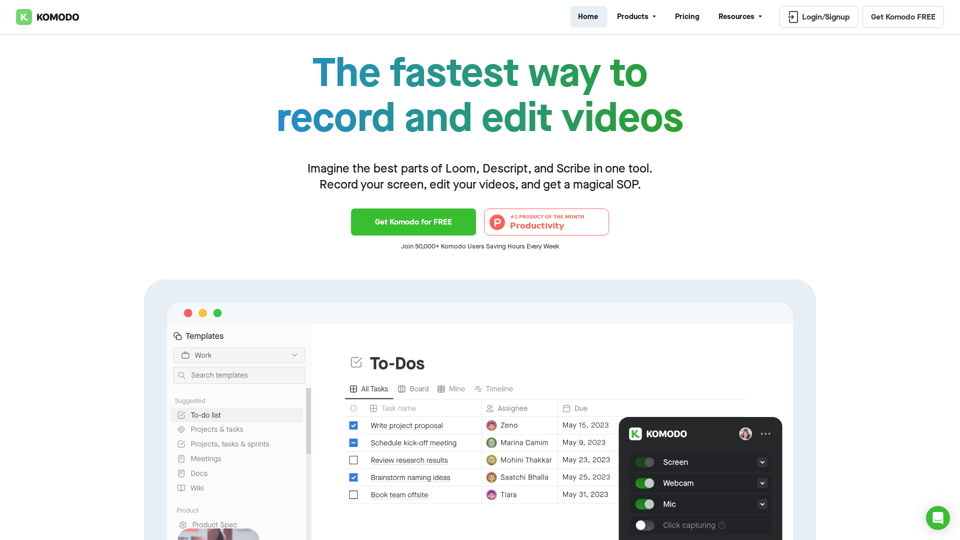
Komodo is a screencasting solution that helps you collaborate faster and share your ideas with people without the need to type lots of text, and scheduling online meetings.
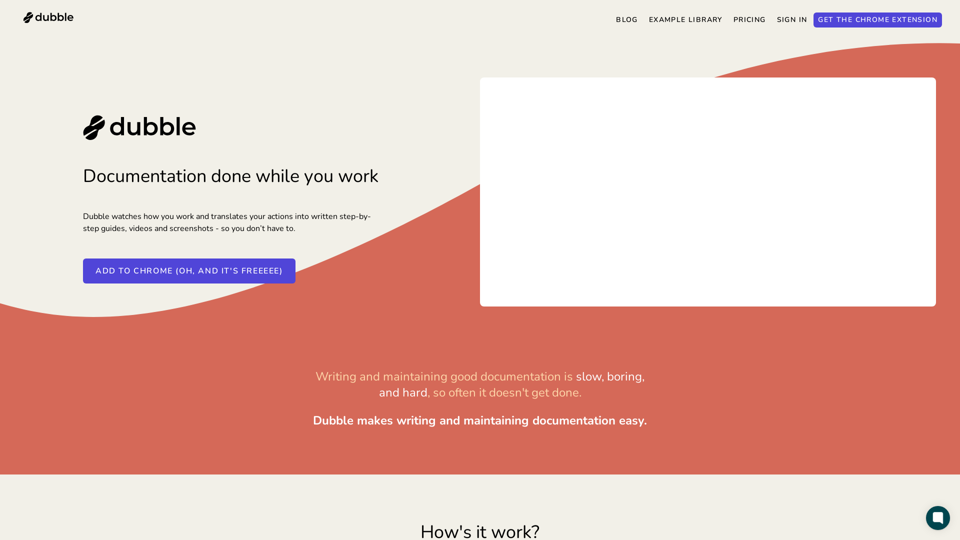
Dubble is a documentation tool that watches how you work and translates your actions into written step-by-step guides, videos and screenshots - so you don’t have to.
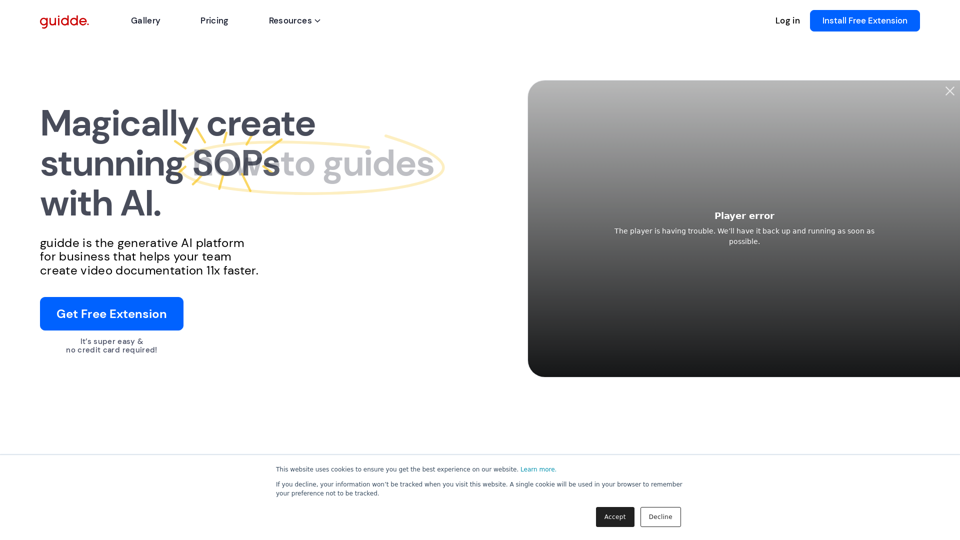
Guidde lets you capture instant step-by-step videos and documents for anyone to create.
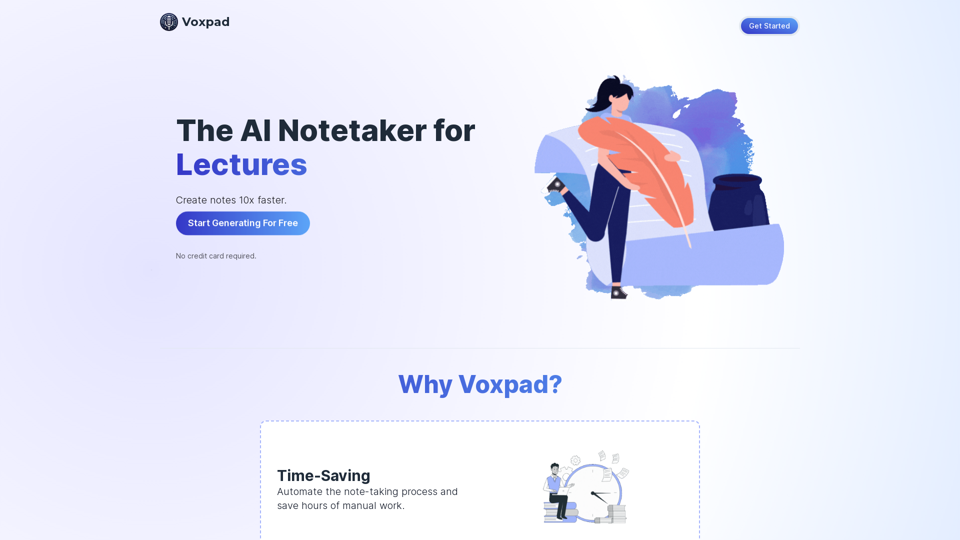
Voxpad: The Best AI Notetaker for Converting Video and Audio into Detailed, Customizable Notes
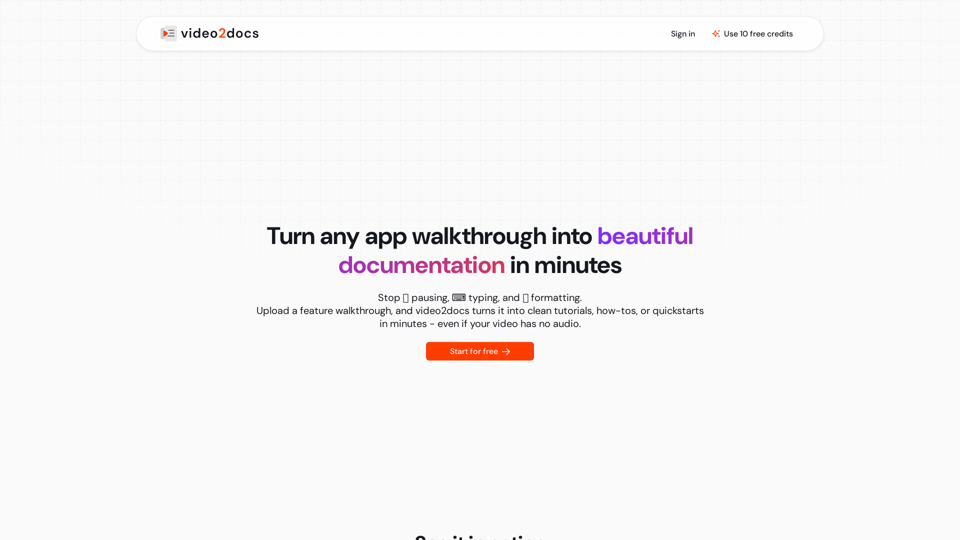
Transform app walkthrough videos into beautiful, structured documentation using AI. Works without audio narration. No extensions or installs needed.

AI Powered Voice Memos, transcription and summarization. Summarize voice memos, meetings, videos, and more.
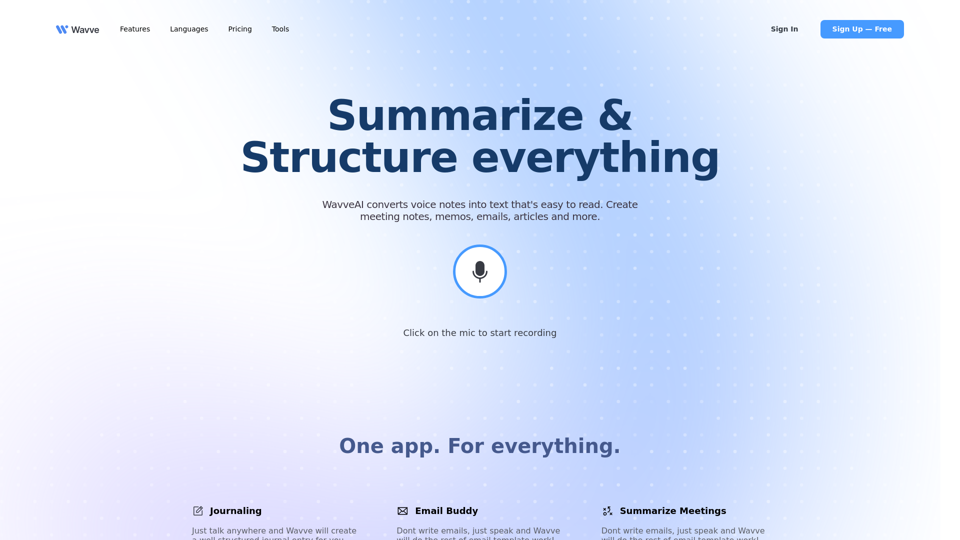
Discover Wavve AI, the ultimate solution for audio recording, transcription, summarization, and content generation. Upload audio or use YouTube links. Start for free today!